


 Použit


Studio Portraits
Save $201 $ 24 .65 $ 29 .00

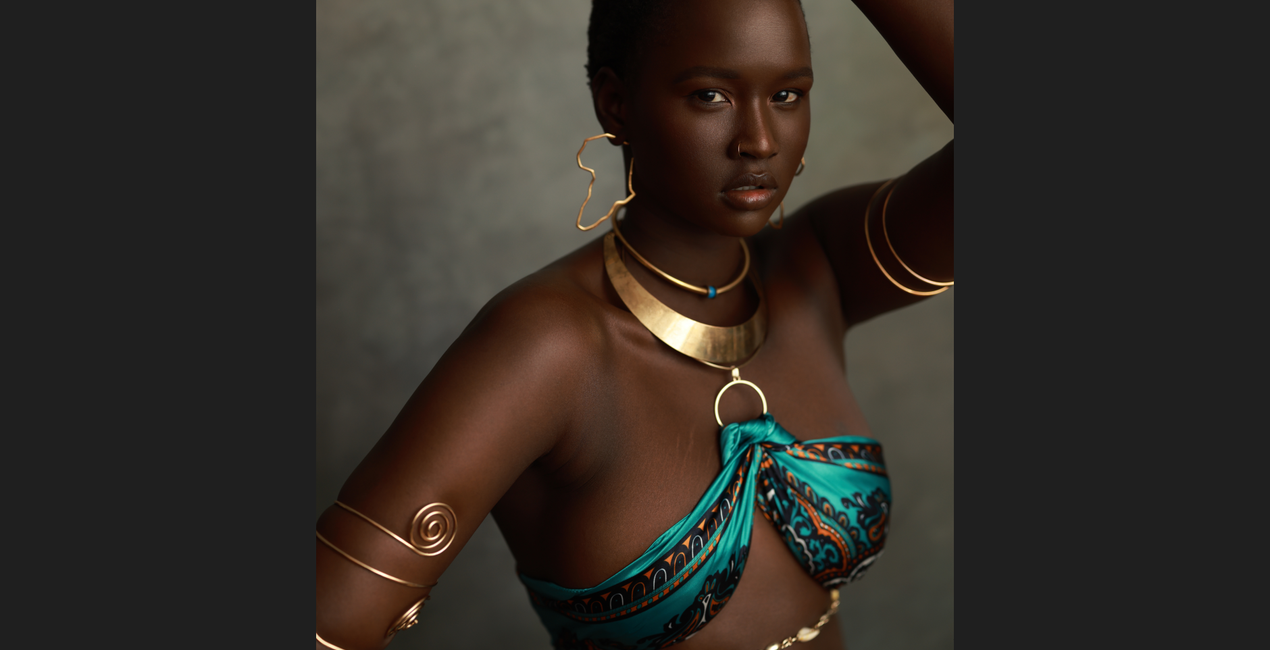
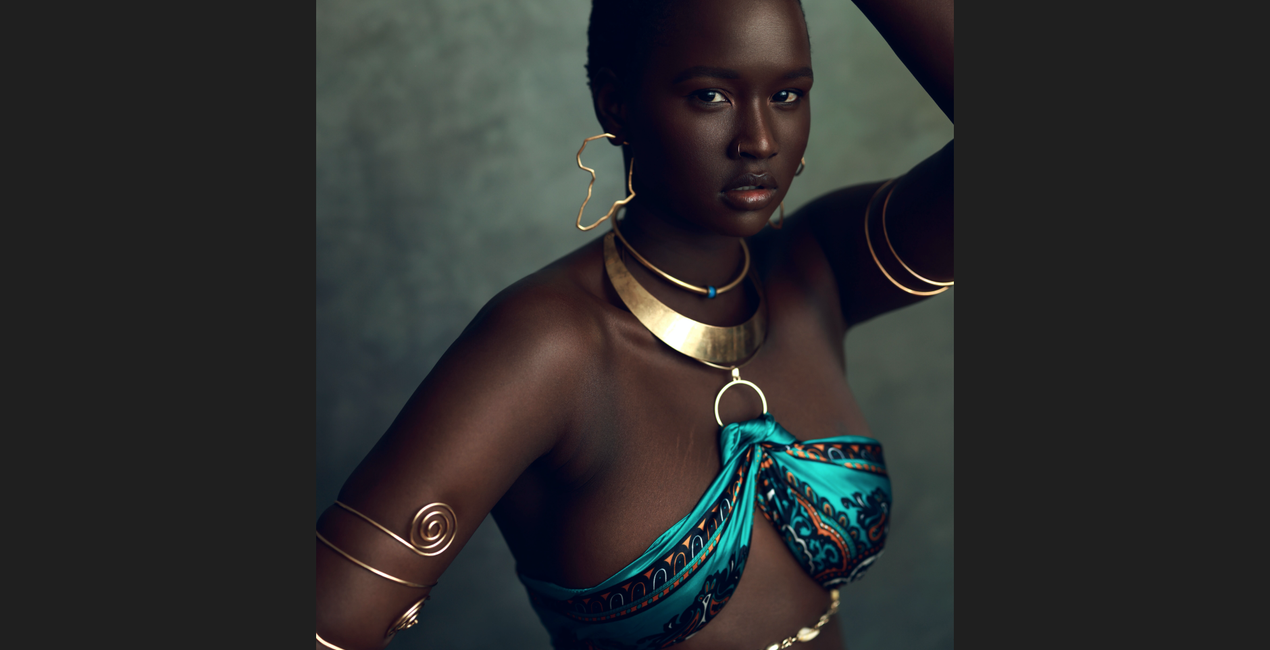
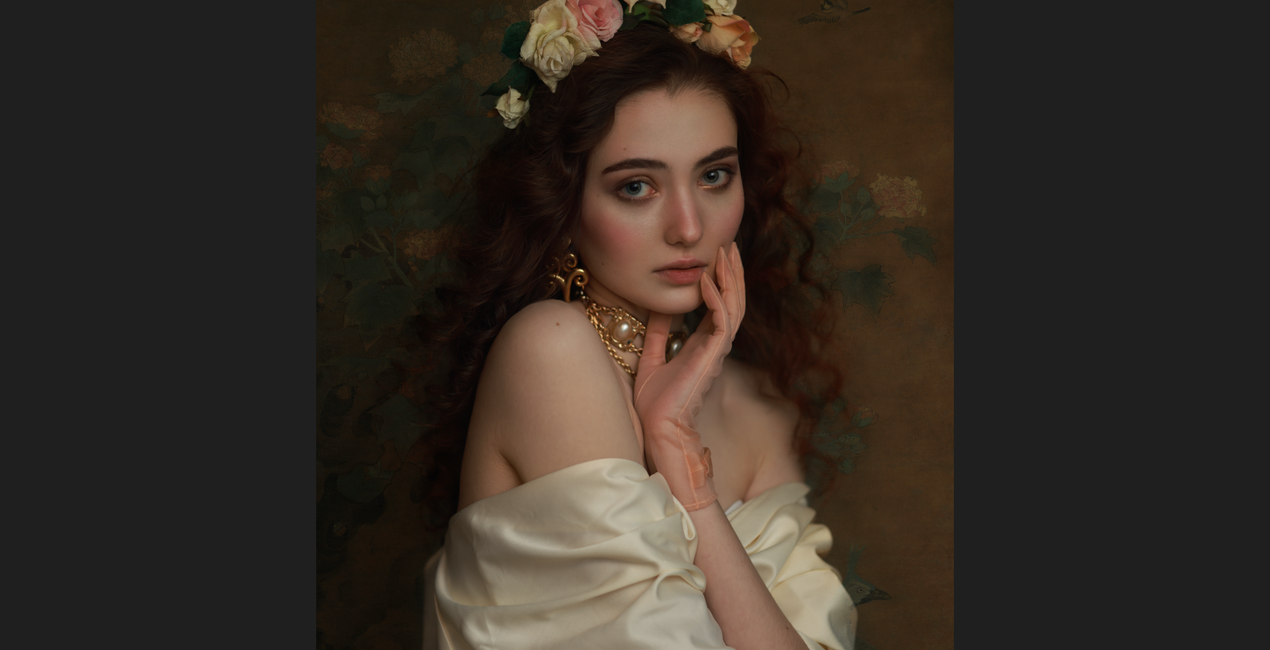
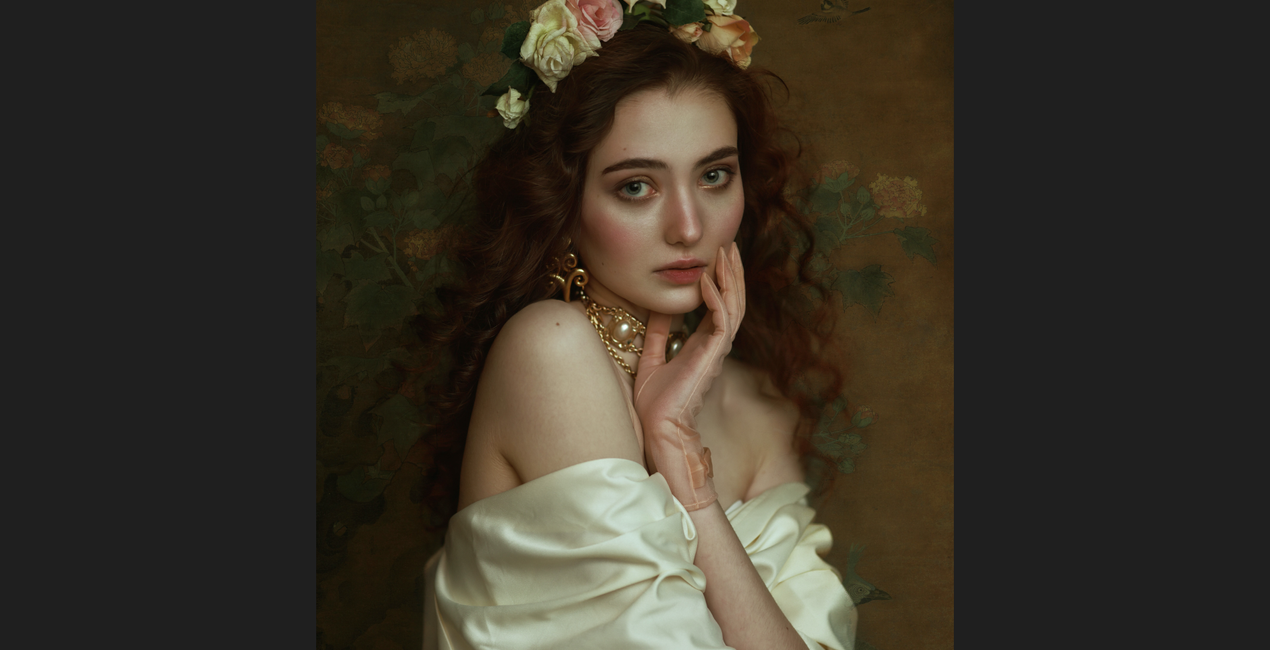
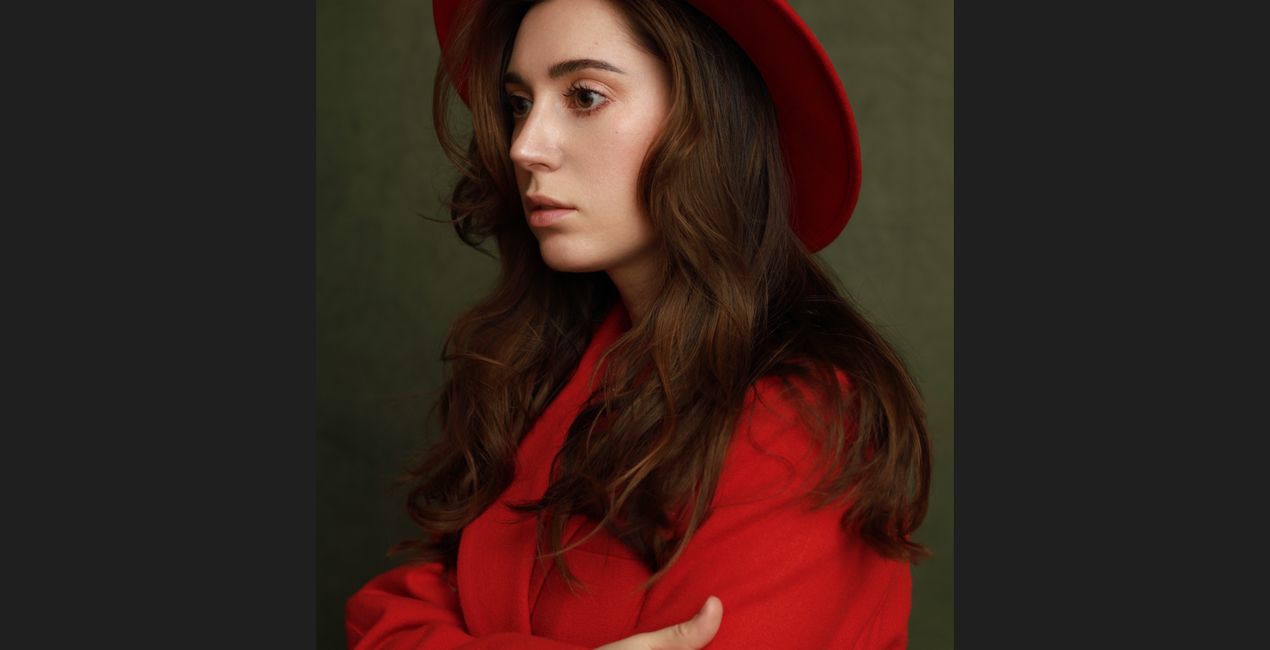
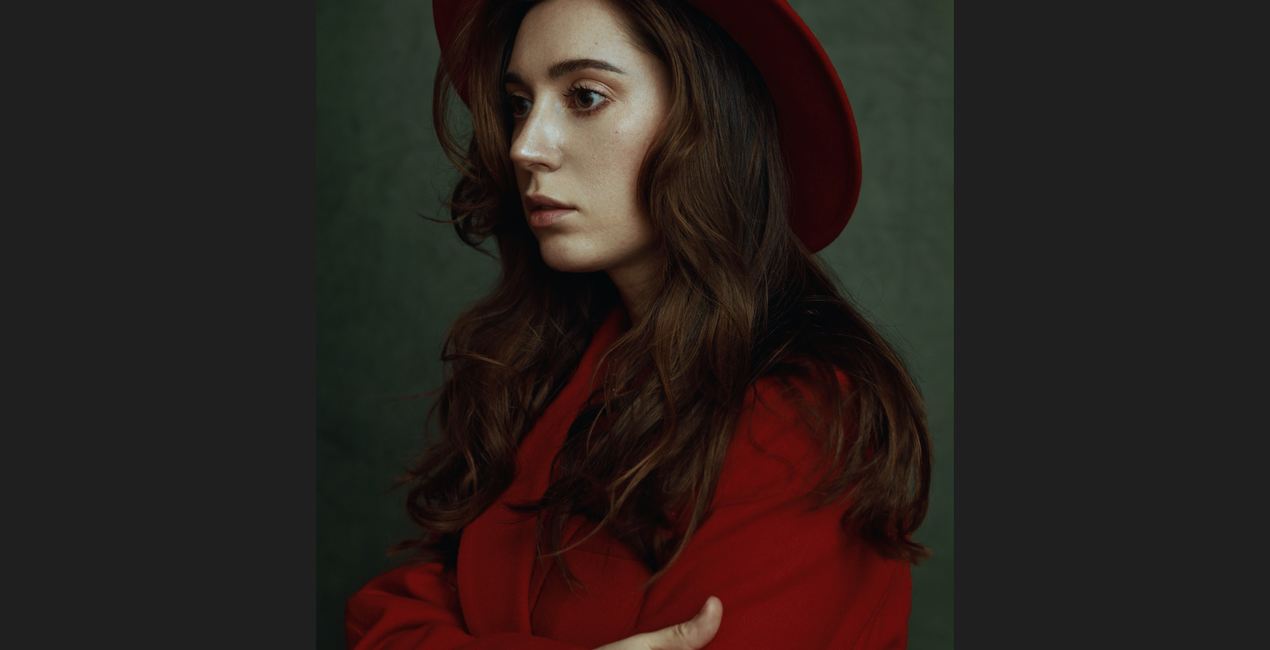
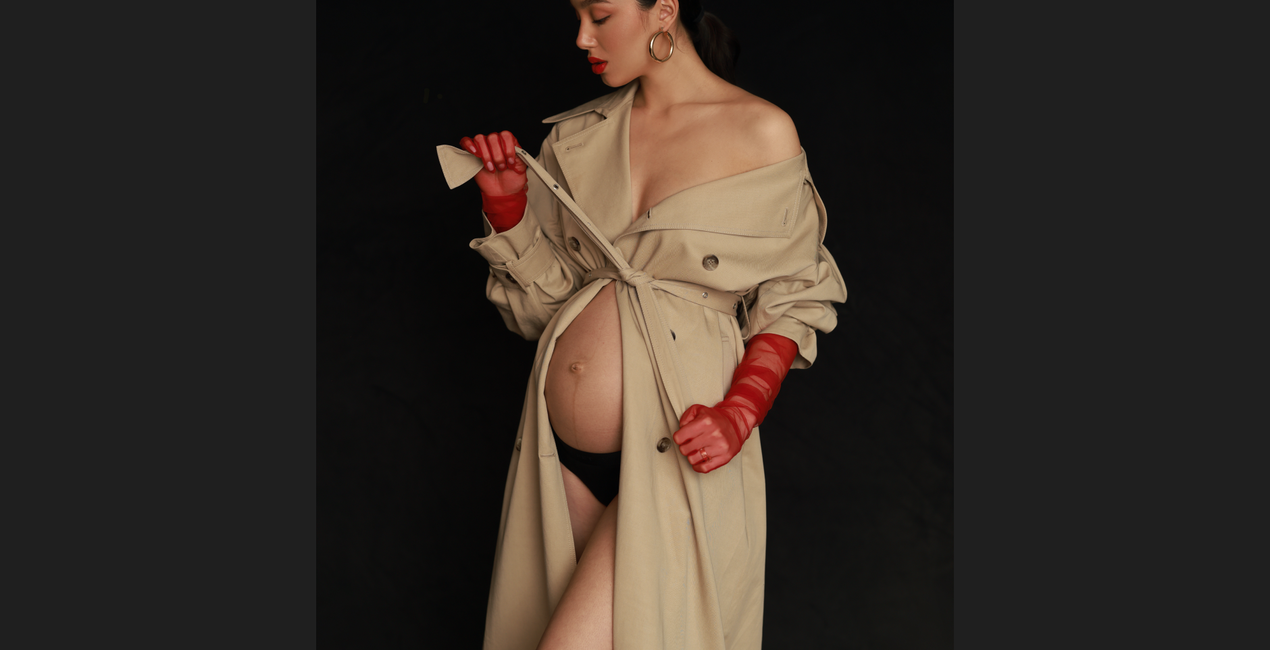
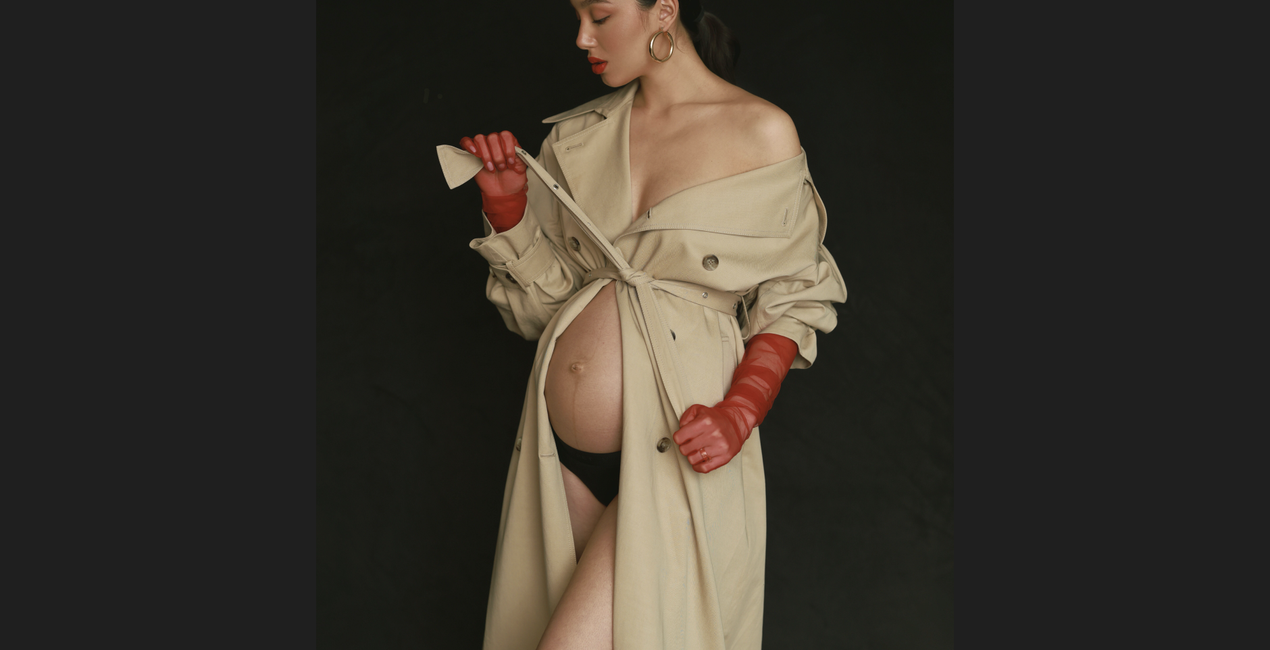
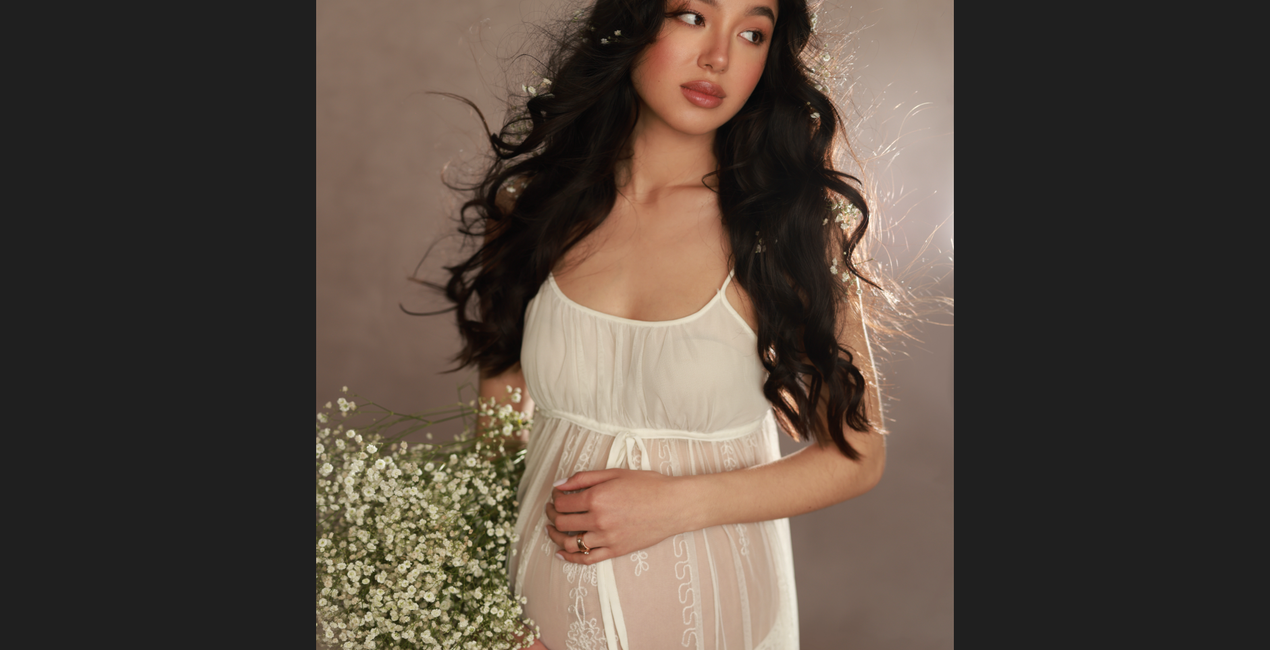
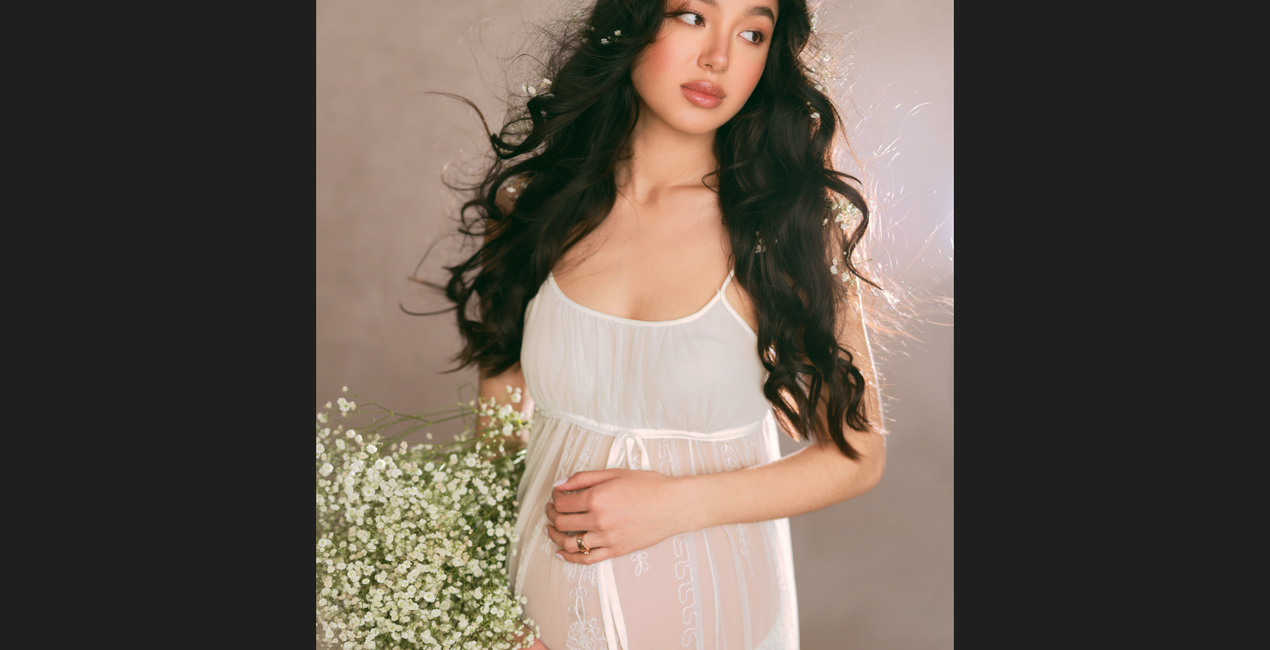
This collection contains 25 dramatic and subdued Templates designed for studio and indoor portraits by professional portrait photographer and retoucher Irene Rudnyk. Use these Templates to give your portraits a range of looks, from strong and vibrant to muted and simple, in just a few clicks.
Co je součástí dodávky
25 Templates and Presets. Compatible with JPEG and RAW images.

Pomocí souborů RAW si snadno vyzkoušíte tipy pro retušování a naučíte se, jak pořídit fotografie jako tyto.
 >
>
 >
>
 >
>
 >
>
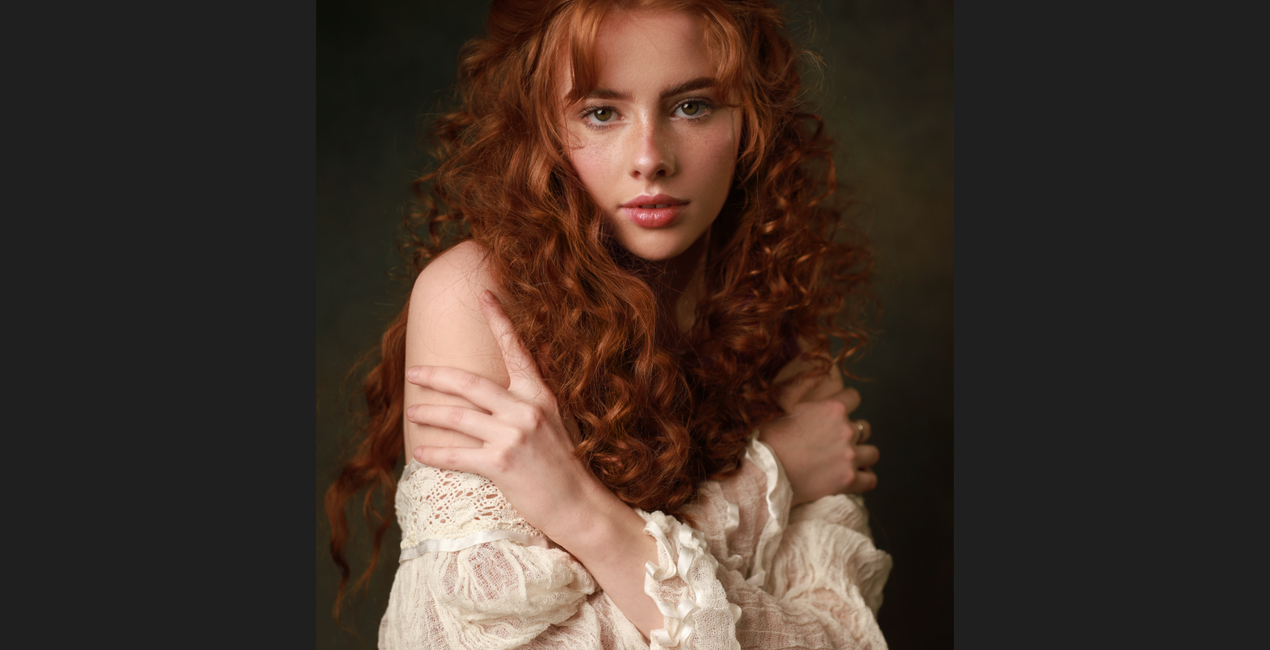
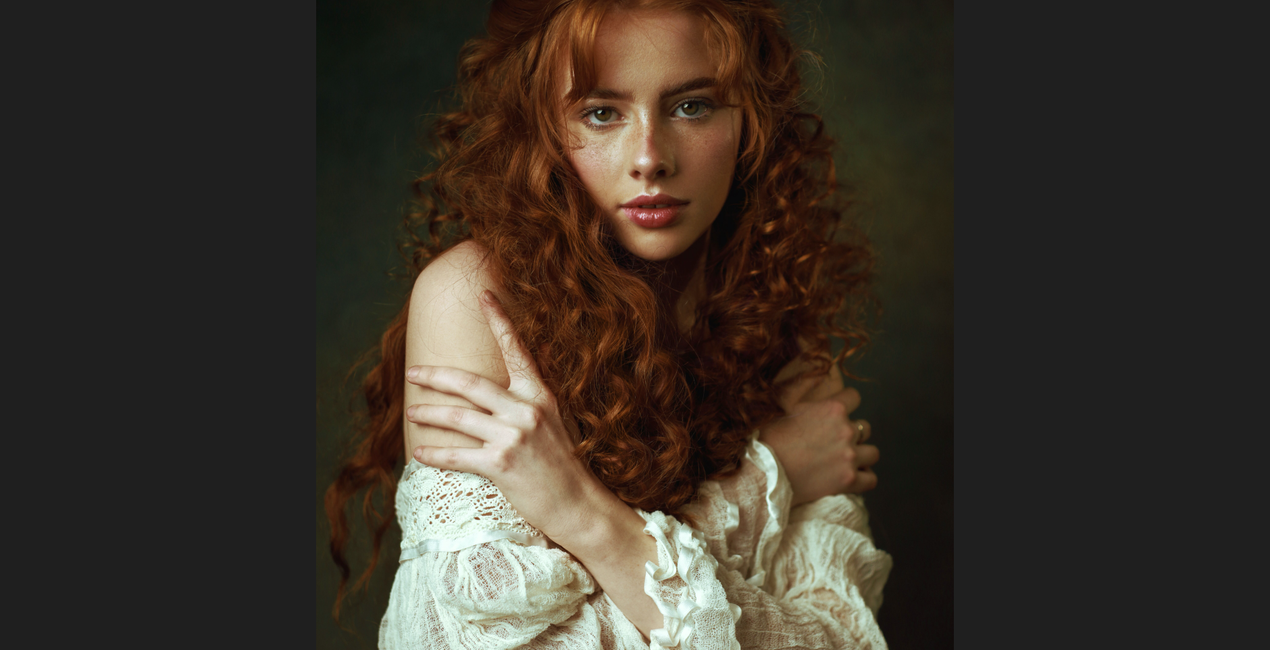 >
>
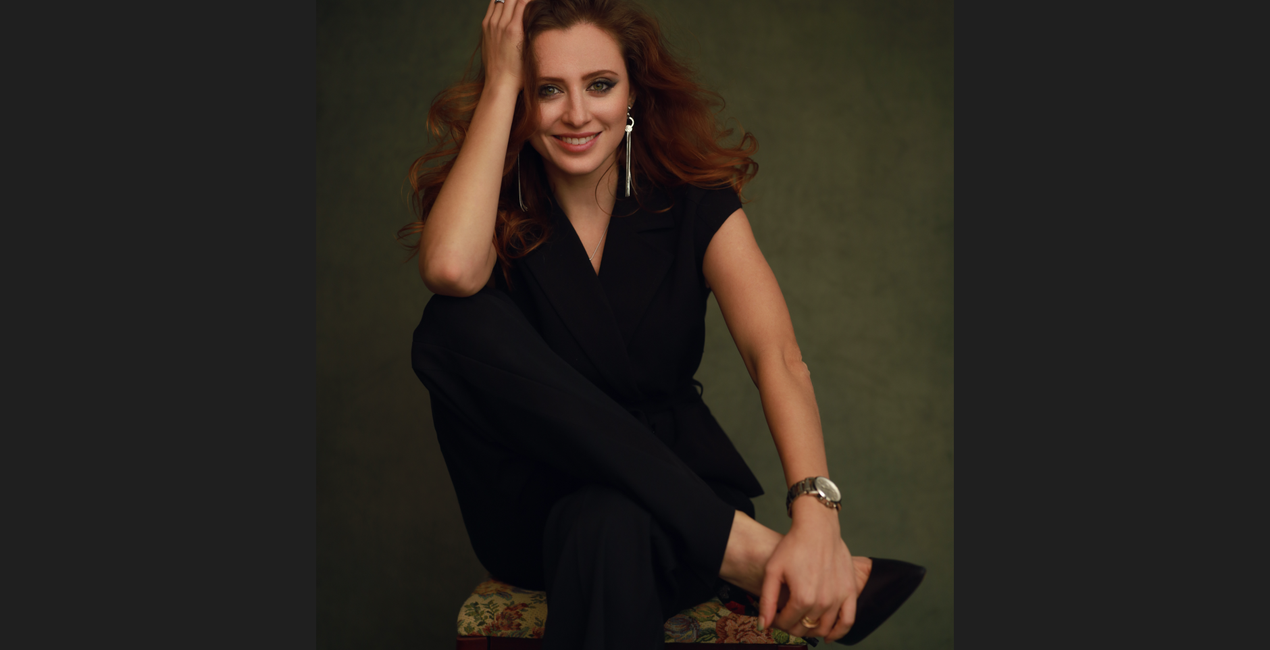
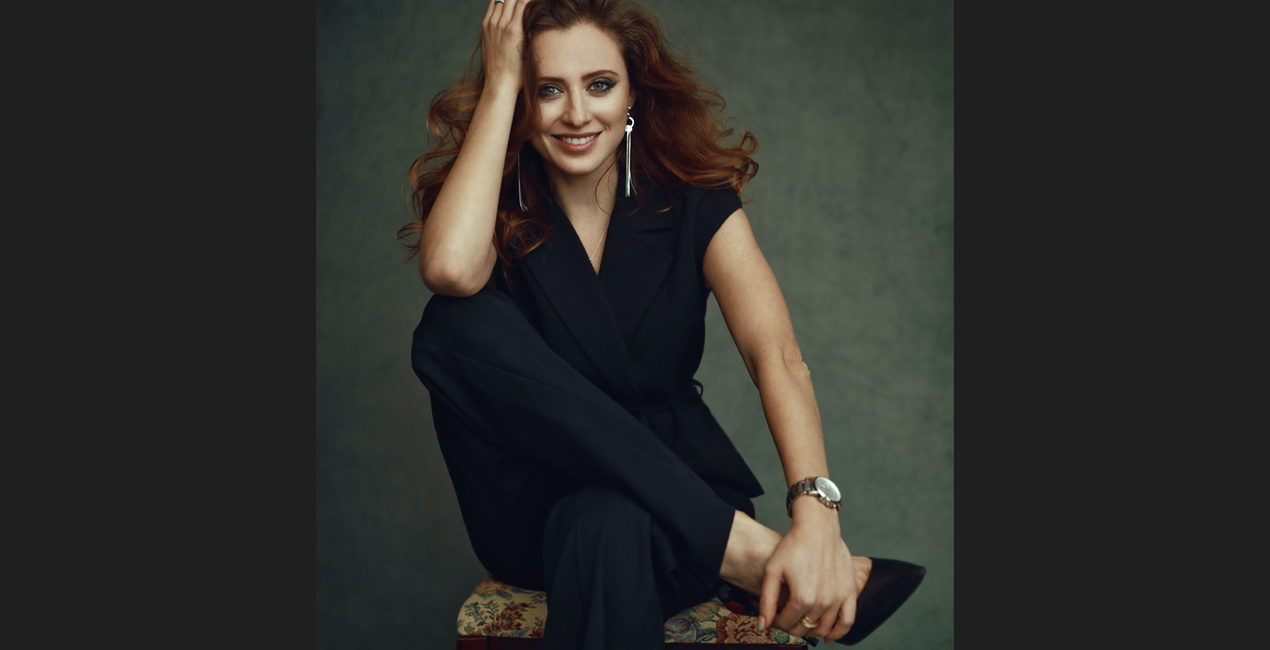 >
>
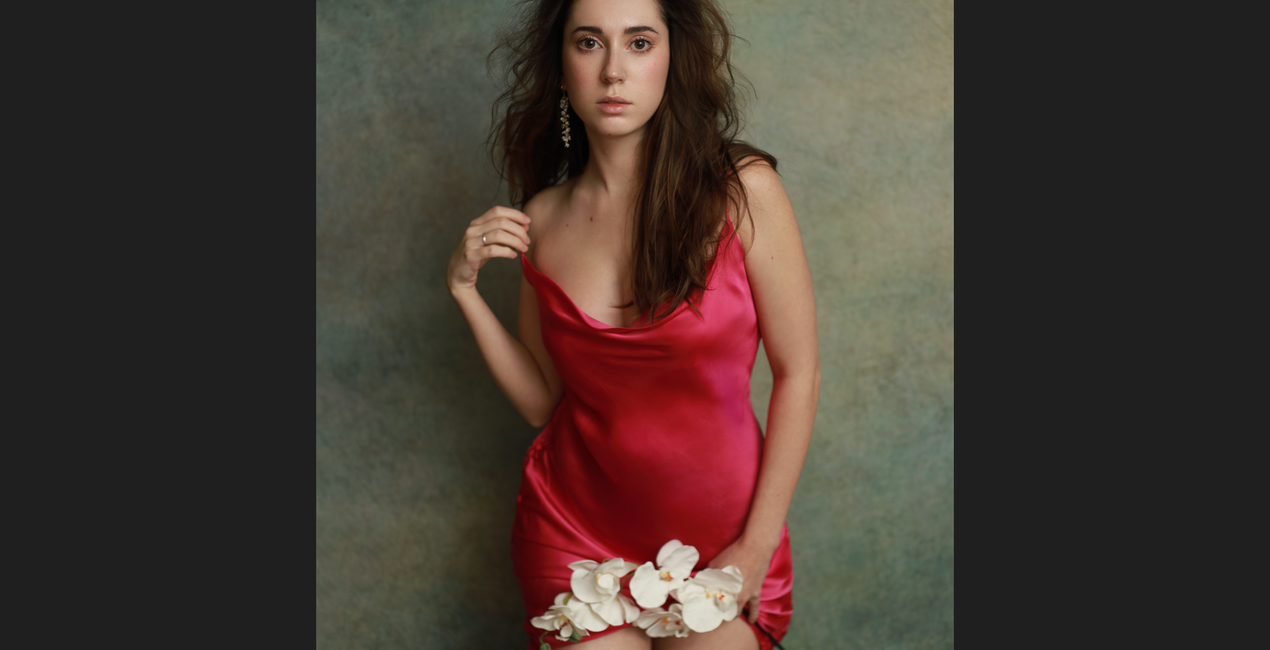
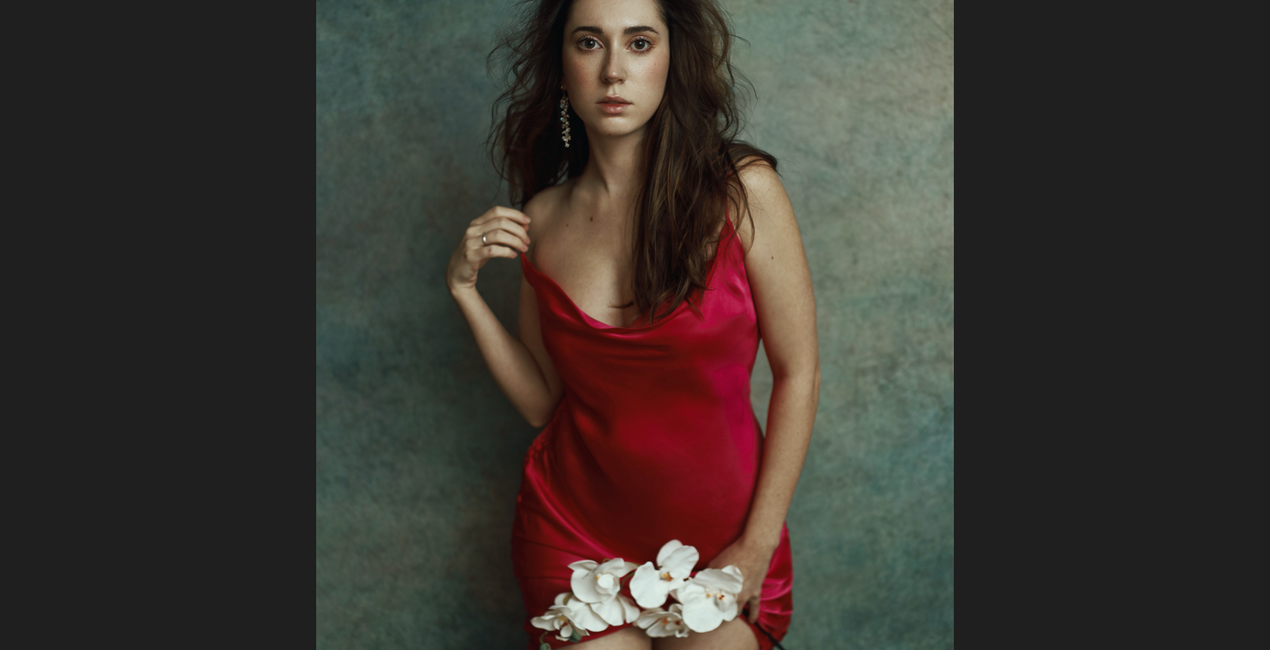 >
>
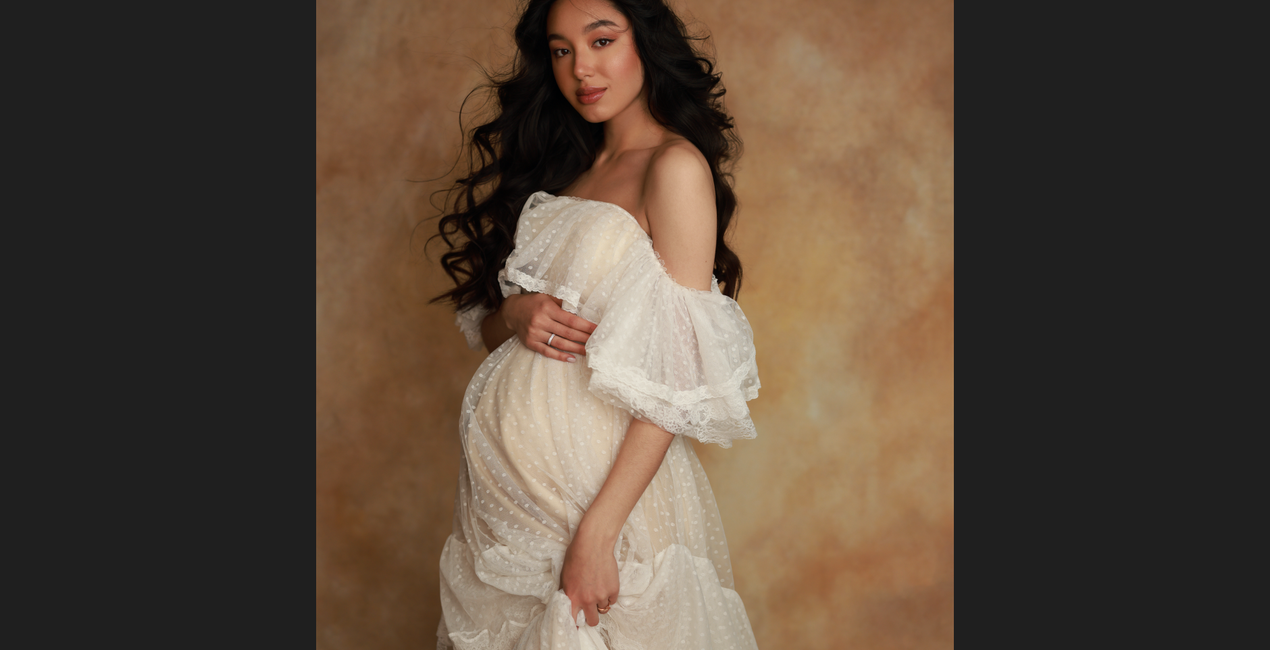
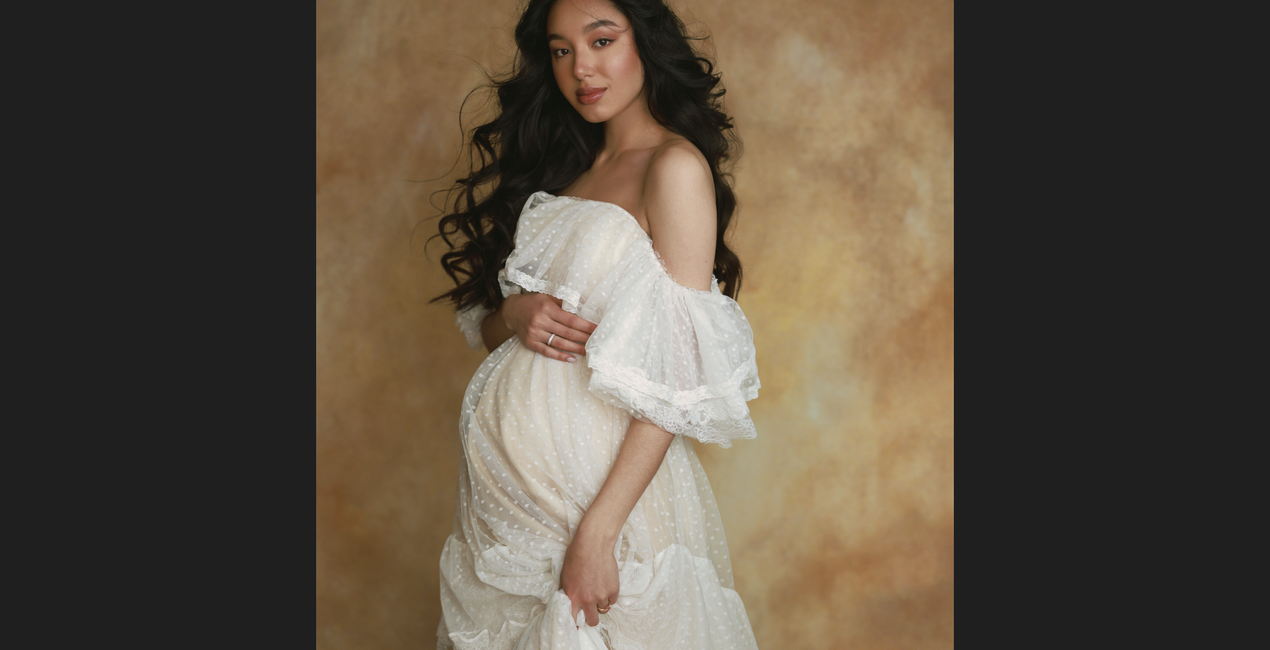 >
>
 >
>
In creating these dramatic and subdued Templates designed for both studio and indoor portraits, I was inspired by the self-portrait studio work I created during quarantine.
While experimenting with different textures and color combinations, I came up with some of my favorite Templates that I personally use in my work.
In this collection, you will find looks ranging from strong and vibrant to muted and simple.
The Template icons are labeled with colors that will help you easily identify them. I did my best to make these Templates as versatile as possible, but you might need to play around with the white balance to get the best outcome.
These Templates were designed and will work best in the JPG file format. You can find a detailed tutorial on how to use them on my YouTube channel.
Professional Portrait Photographer, YouTube Creator
<p>Irene Rudnyk is a portrait photographer, educator, content creator, and Canon Canada Ambassador residing in Calgary, Canada.</p><p>Irene first picked up a camera around 11 years ago and started regularly photographing her main subject — her sister Orysia. Since then, she has been captivated and inspired by feminine beauty. Irene tries to capture the woman in front of the camera in a creative, romantic manner. She doesn’t strive for realism, but rather a visually pleasing and feminine version of the finished product. While the subject is always the focus of her images, Irene puts a lot of thought into the environment and details of a photo. She likes to have full creative control over the photoshoot, so she often acts as a stylist or creative director and sometimes assumes the role of makeup and hair artist.</p><p>Irene started her own YouTube channel as a place to share creative projects and help other photographers with tutorials, behind-the-scenes views, and DIY videos. She has never considered herself an overly technical photographer, and she loves to show how she achieves her images with simple techniques, simple setups, and natural light. Irene shares her art with subscribers in the hopes of inspiring others and spreading some beauty into the world.</p>
Máte-li jakékoli dotazy týkající se produktu, můžete se obrátit na tým podpory, který je k dispozici 24 hodin denně, 7 dní v týdnu. Stačí kliknout na tento odkaz.
Pro zakoupení Studio Portraits postupujte podle těchto kroků:
1. Otevřete tržiště Skylum Marketplace.
2. Přejděte na příslušnou záložku, kde je uveden Studio Portraits. Klikněte na něj a přidejte jej do košíku.
3. Přejděte do košíku. Zde dokončete proces nákupu produktu Studio Portraits.
4. Po zakoupení obdržíte e-mail s odkazem ke stažení produktu Studio Portraits. Nový produkt také najdete ve svém účtu Skylum na kartě Moje doplňky.
Podrobné pokyny k instalaci Studio Portraits vám budou zaslány v e-mailu s odkazem ke stažení.
Kromě toho můžete zakoupenou položku nainstalovat přímo v Luminar Neo: přejděte do nabídky Extra > Marketplace, vyberte kategorii Produkt, vyhledejte zakoupenou položku a klikněte na Instalovat.
Je to docela snadné! Přejděte na kartu Přednastavení a vyberte možnost Zakoupené. Vaše nainstalované přednastavení se zde zobrazí.
Nebojte se. Všechny zakoupené položky, včetně Studio Portraits, jsou uloženy na kartě „Moje doplňky“ ve vašem účtu Skylum, odkud je můžete snadno znovu stáhnout a používat.
Obecně platí, že většina položek je kompatibilní s Luminar Neo. Abyste se však ujistili, že Studio Portraits je kompatibilní s vaším softwarem, před stažením nebo zakoupením si zkontrolujte jeho specifikace. V pravé části stránky Studio Portraits najdete sekci „Kompatibilita“, kde jsou uvedeny všechny kompatibilní produkty.
Ještě neodcházejte. Máme pro vás exkluzivní slevový kód. Využijte ho do 15 minut a získejte při placení slevu 10 %. Zkopírujte níže uvedený kód a dokončete nákup.
15 m : 00 s





