


 Toegepast


Dutch Stormclouds
Save $201 $ 19 .43 $ 29 .00

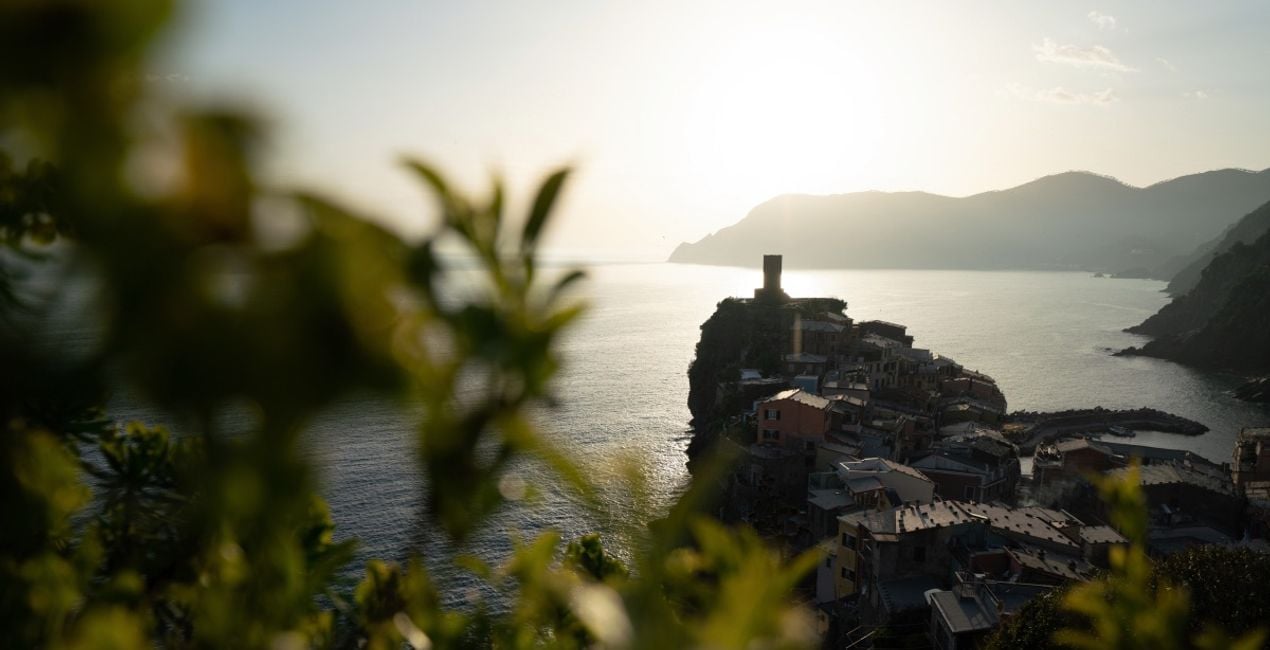
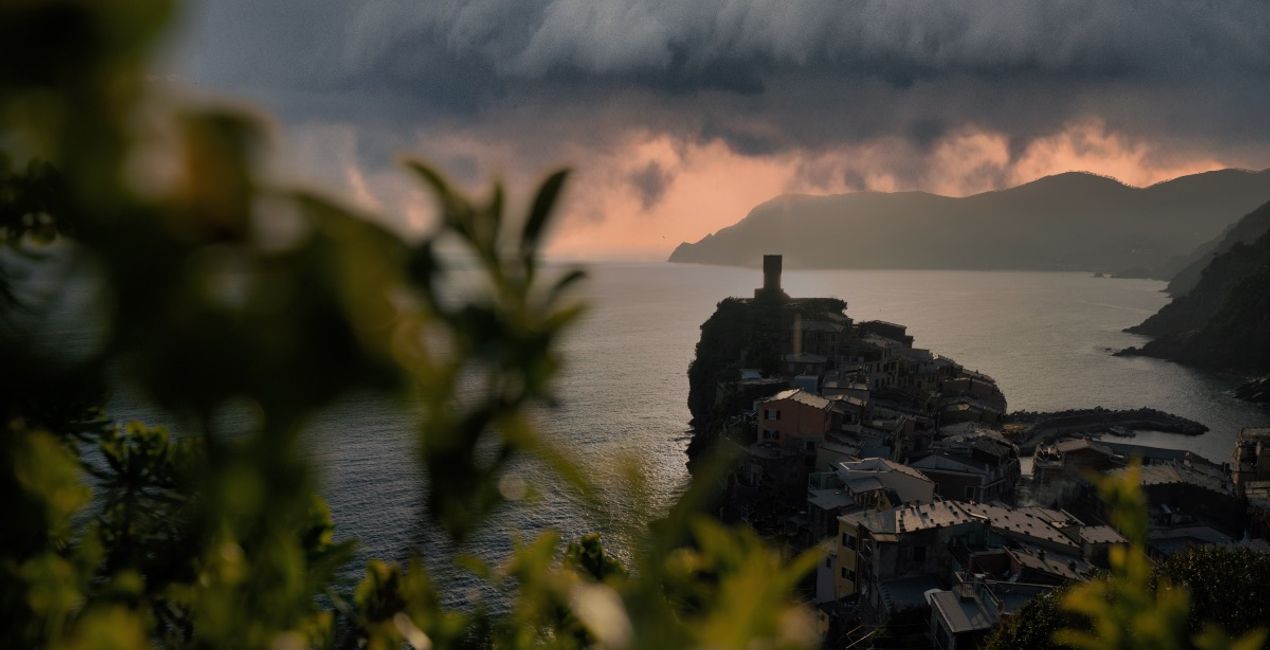
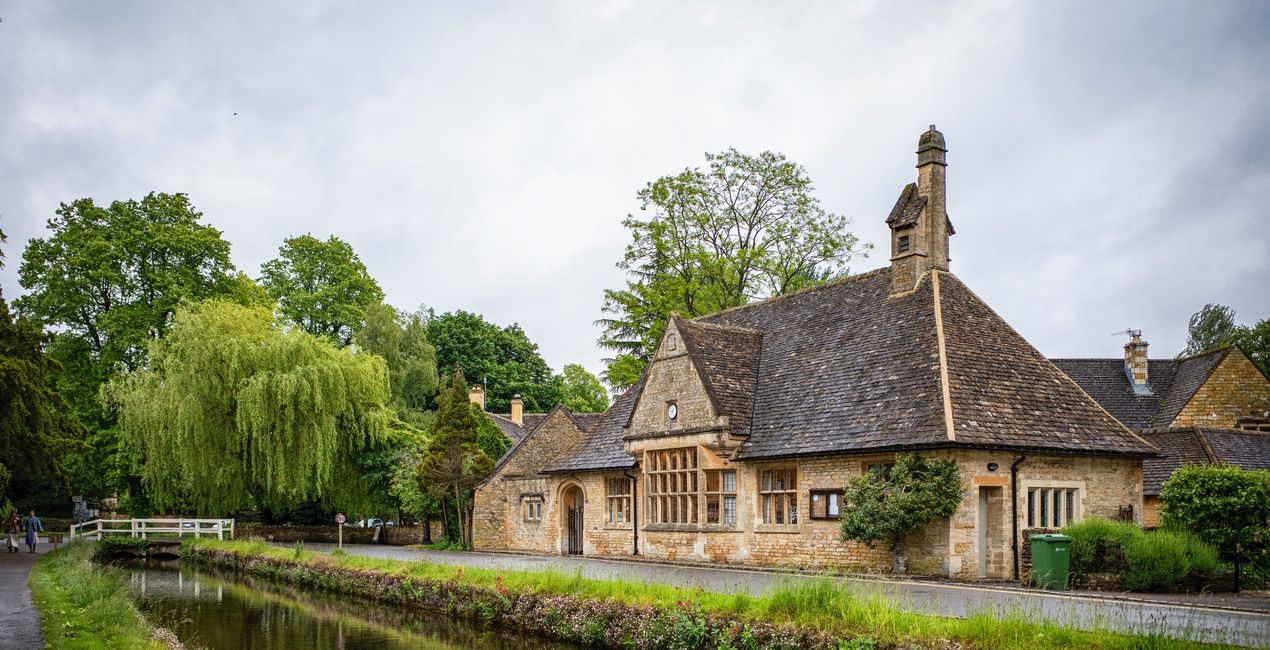
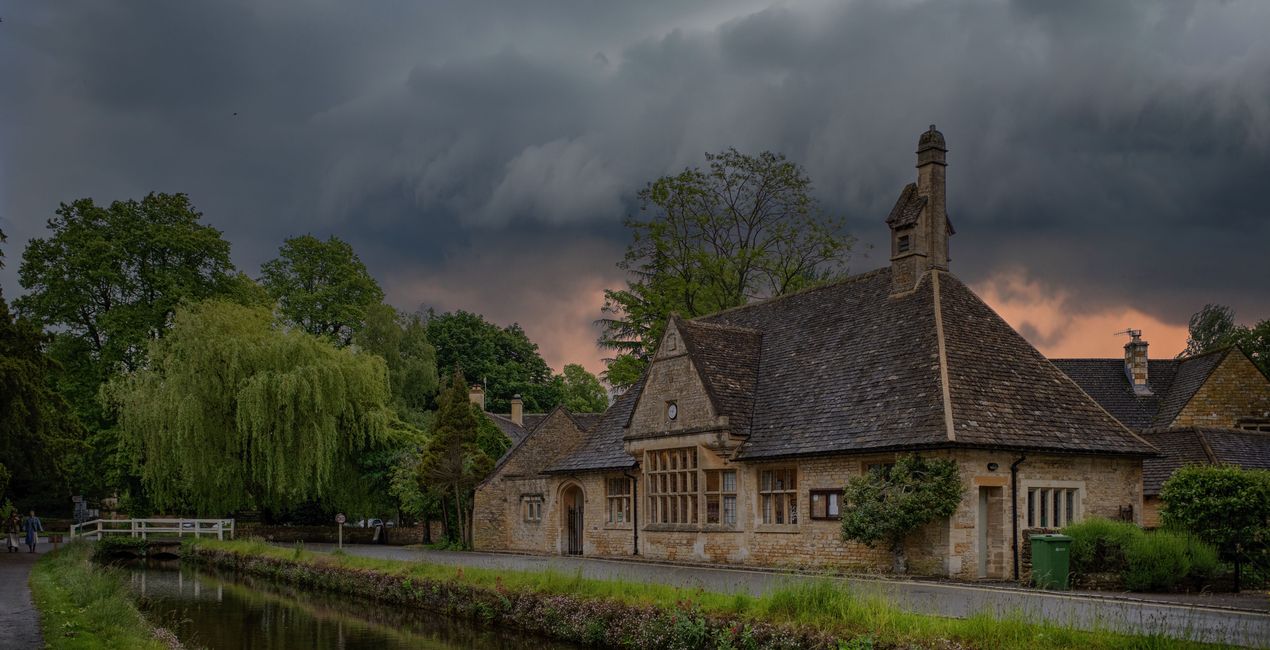
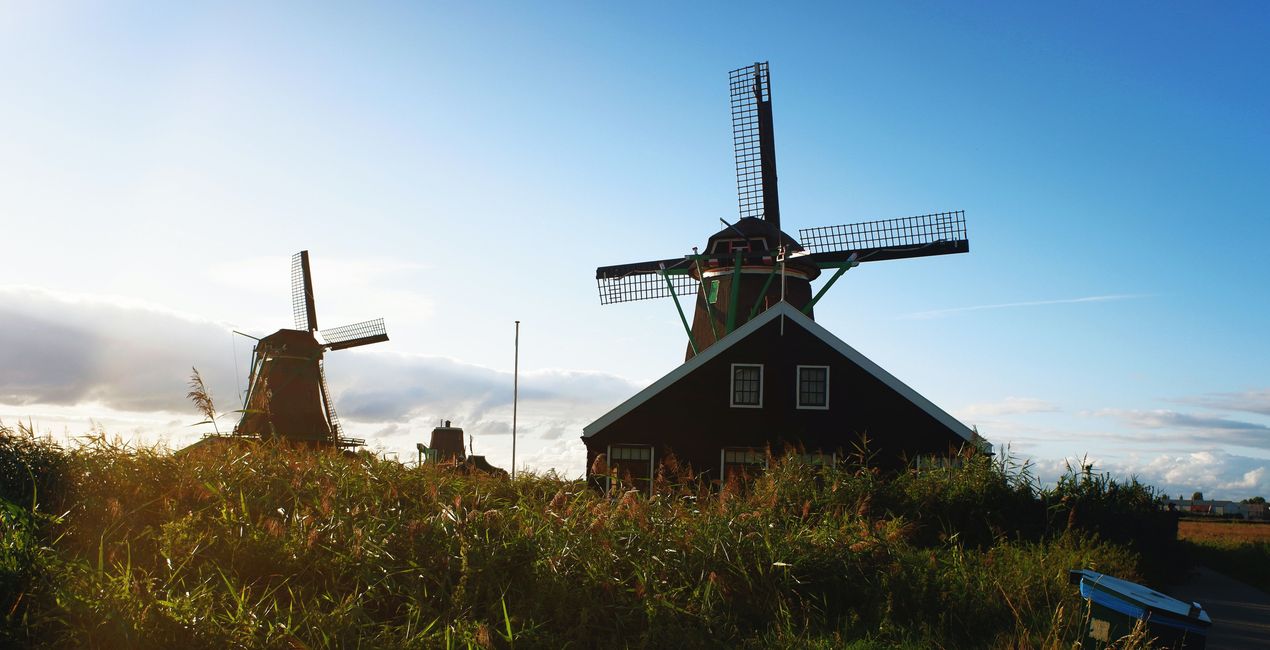
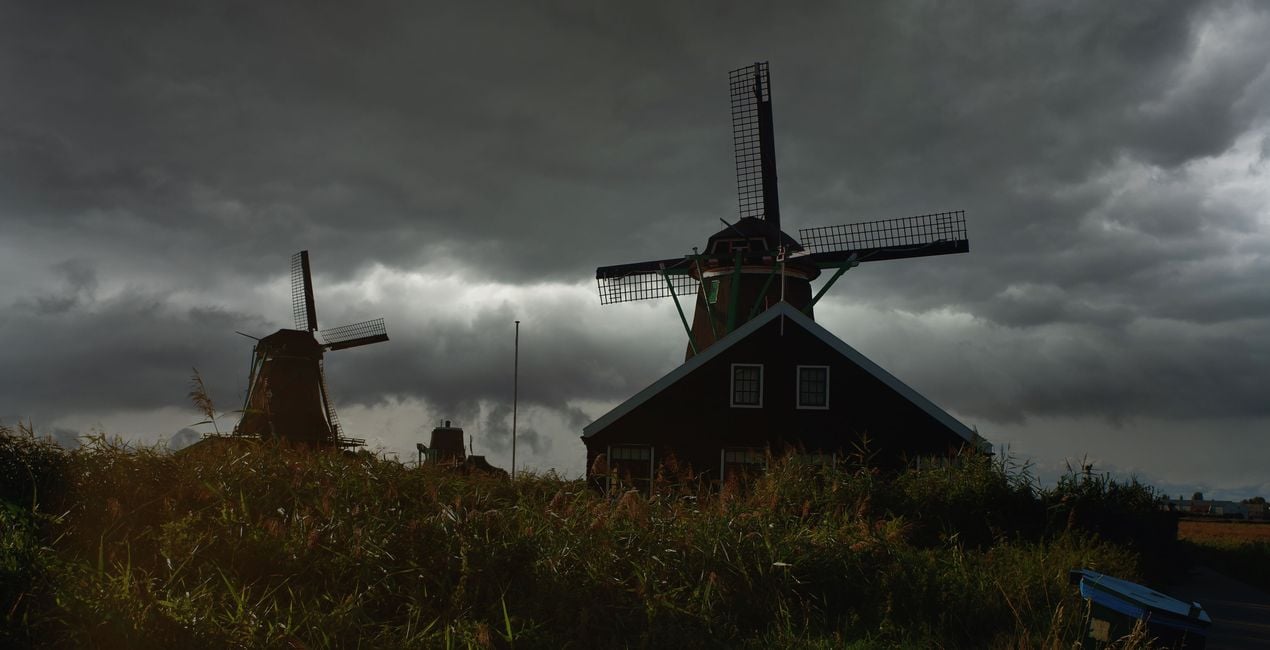
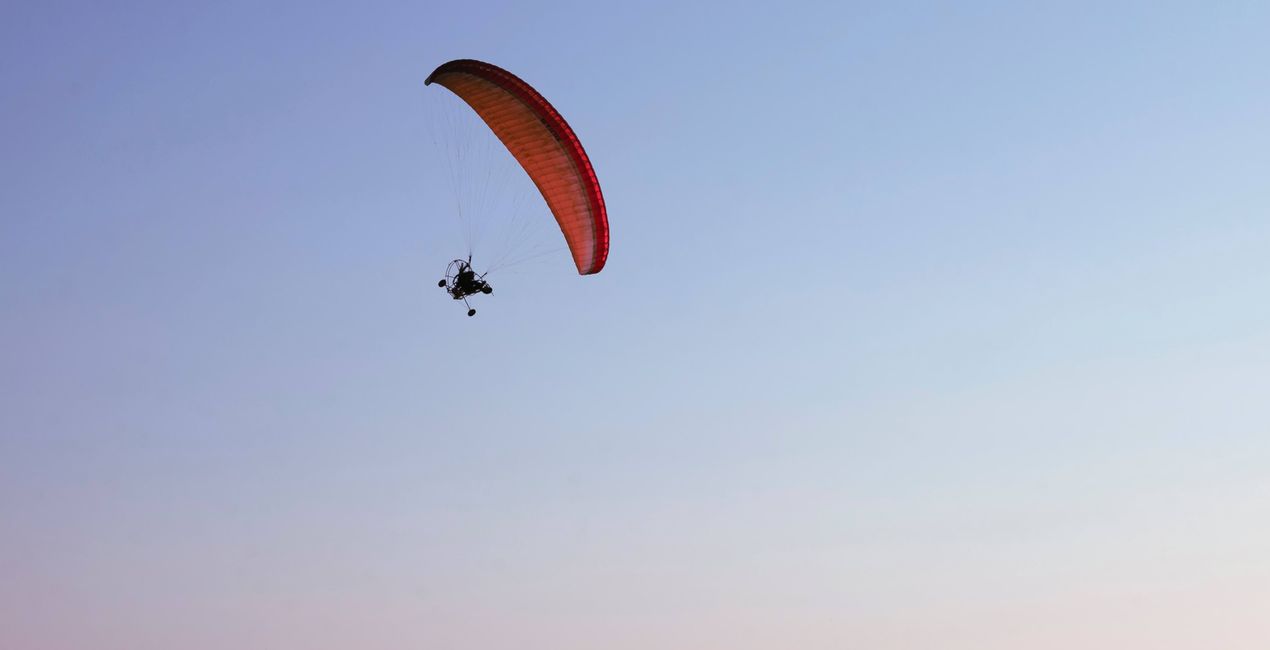
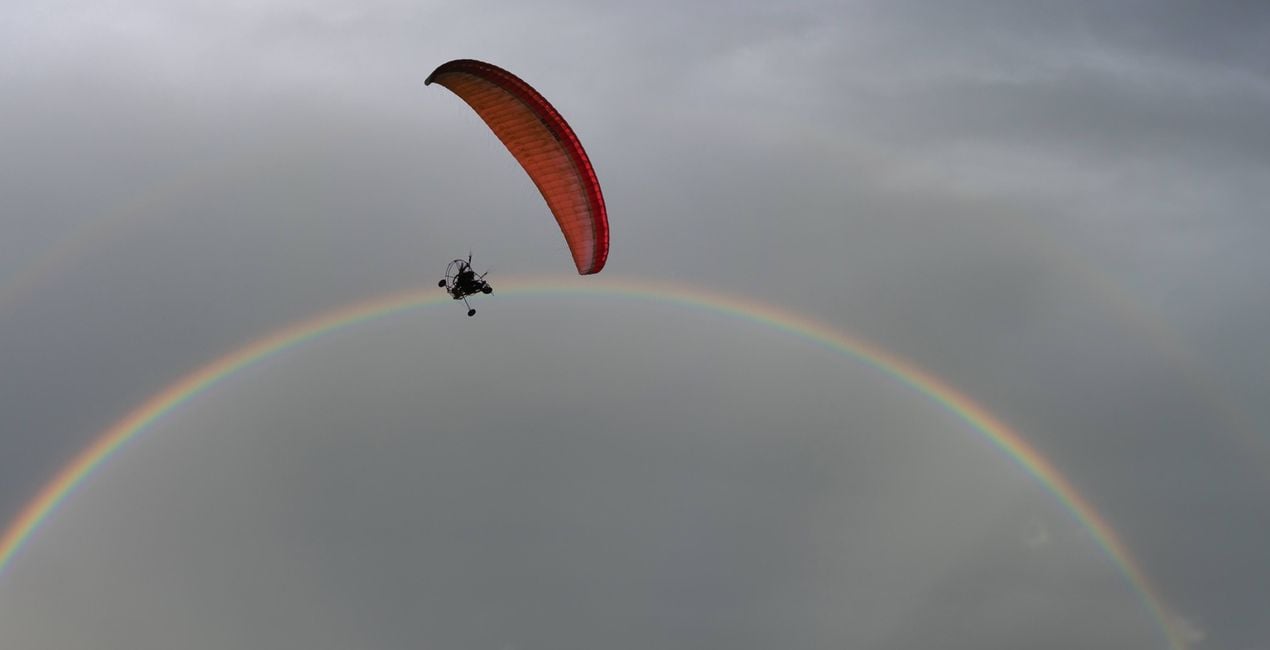
‘Hollandse Lutchen’, literally ‘Dutch Skies’, is a well-known term in the Netherlands for the dramatic skies of this country. Following the series of previous packs, this collection features 30 high-resolution storm cloud Skies that could’ve easily inspired the old Dutch artists of the past, and will now inspire you to create dynamic, dramatic, and incredible photos. Each one of these Skies was captured by Albert Dros from his rooftop terrace in Amersfoort, and he’s happy to share them with you and let you use them in your own creations!
Wat is inbegrepen
30 Skies in JPEG format


Met behulp van de meegeleverde RAW-bestanden oefent u gemakkelijk retoucheertips en leert u hoe u dergelijke foto's kunt maken.

 >
>
 >
>
 >
>
 >
>

 >
>
 >
>


Fotograaf, schrijver en educator
Albert Dros is een Nederlandse landschapsfotograaf die een buitengewone passie heeft voor het plannen en maken van unieke foto's. Vulkanen, zonsverduisteringen en unieke aspecten van de natuur trekken zijn aandacht. Hij gaat niet gewoon voor een eenvoudige foto. Zijn motto is "go big or go home", hij probeert altijd een uniek element toe te voegen aan zijn foto's.
Zijn werk is wereldwijd erkend en hij is wereldwijd gepubliceerd via de grootste mediakanalen. Albert reist veel als foto educator, maar ook voor persoonlijke projecten. Maar zelfs in Nederland kan hij niet stoppen met fotograferen. Zijn inspiratie houdt nooit op.
Veelgestelde vragen
Heb je nog extra vragen of wil je gewoon wat advies?
neem contact op met ons supportteamHeb je vragen over het product? Neem dan gerust contact op met ons supportteam – 24/7 bereikbaar. Volg gewoon deze link.
Volg deze stappen om Dutch Stormclouds te kopen:
1. Open Skylum’s Marketplace.
2. Ga naar het tabblad waar Dutch Stormclouds staat. Klik erop en voeg het toe aan je winkelmandje.
3. Ga naar je winkelmandje. Rond hier het aankoopproces van Dutch Stormclouds af.
4. Na je aankoop ontvang je een bevestigingsmail met de downloadlink voor Dutch Stormclouds. Je vindt het product ook terug in je Skylum-account onder het tabblad ‘Mijn add-ons’.
Uitgebreide instructies voor het installeren van Dutch Stormclouds ontvang je in de bevestigingsmail, samen met de downloadlink.
Daarnaast kun je het gekochte item direct installeren in Luminar Neo: ga naar Extra’s > Marketplace, selecteer de productcategorie, zoek het gekochte item en klik op Installeren.
Supermakkelijk! Ga in de menubalk bovenaan naar het tabblad Bewerken. Open het paneel Hulpmiddelen en kies Luchtᴬᴵ > Lucht selecteren > Gekocht. Daar vind je de geïnstalleerde Dutch Stormclouds.
Geen zorgen. Alle gekochte items, waaronder Dutch Stormclouds, staan in het tabblad ‘Mijn add-ons’ van je Skylum-account. Van daaruit kun je ze makkelijk opnieuw downloaden en gebruiken.
In de meeste gevallen zijn items compatibel met Luminar Neo. Maar om zeker te weten of Dutch Stormclouds werkt met jouw software, check je best even de specificaties vóór je iets downloadt of koopt. Kijk op de pagina van Dutch Stormclouds aan de rechterkant bij het kopje ‘Compatibiliteit’ – daar staan alle compatibele producten vermeld.
Ga nog niet weg. Hier is een exclusieve kortingscode voor jou. Gebruik deze binnen 15 minuten om bij het afrekenen 10% extra korting te krijgen. Kopieer de onderstaande code en rond je aankoop af.
15 m : 00 s





