

 適用する
適用する 




当社について
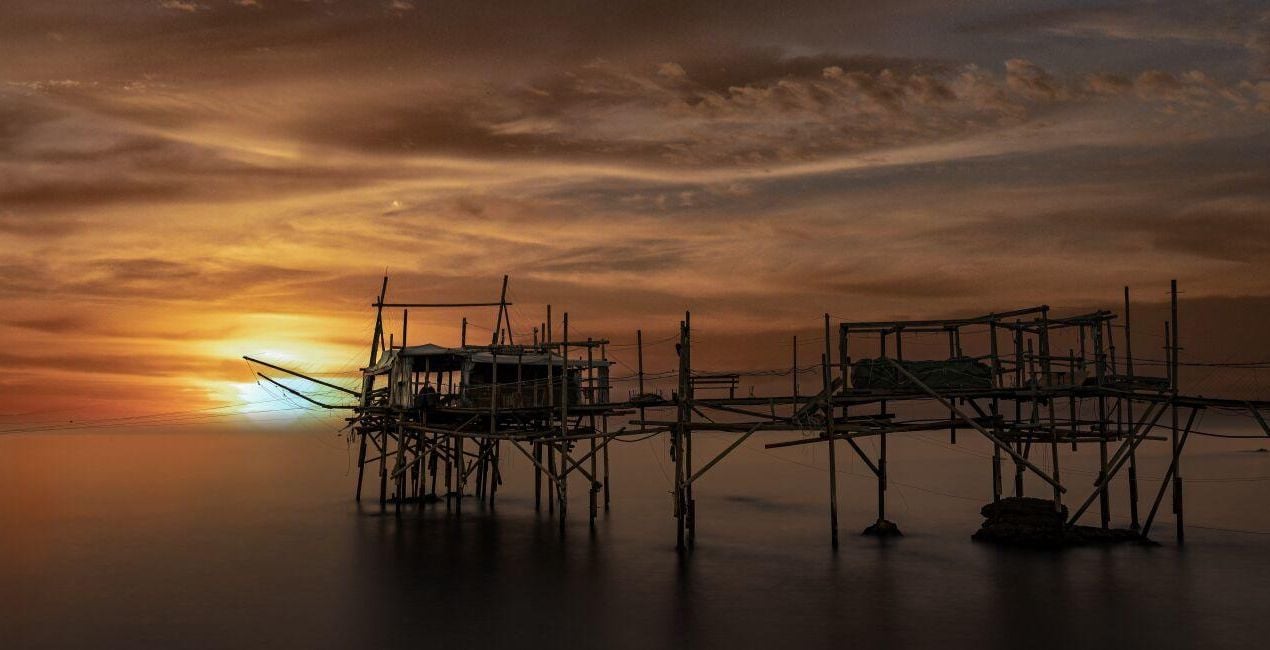
This stunning collection of photographs captures the natural beauty of Italian skies. Make your photos mesmerizingly beautiful with 10 JPEG Skies by Mariano Morichini. From dark starry Milky Way nightscapes to majestic sunsets to wonderful Skies adorned with rainbows, you’ll definitely find a Sky that will turn your photo from ordinary to extraordinary. Try the magic now!
含まれているもの
10 Skies in JPEG format
互換性


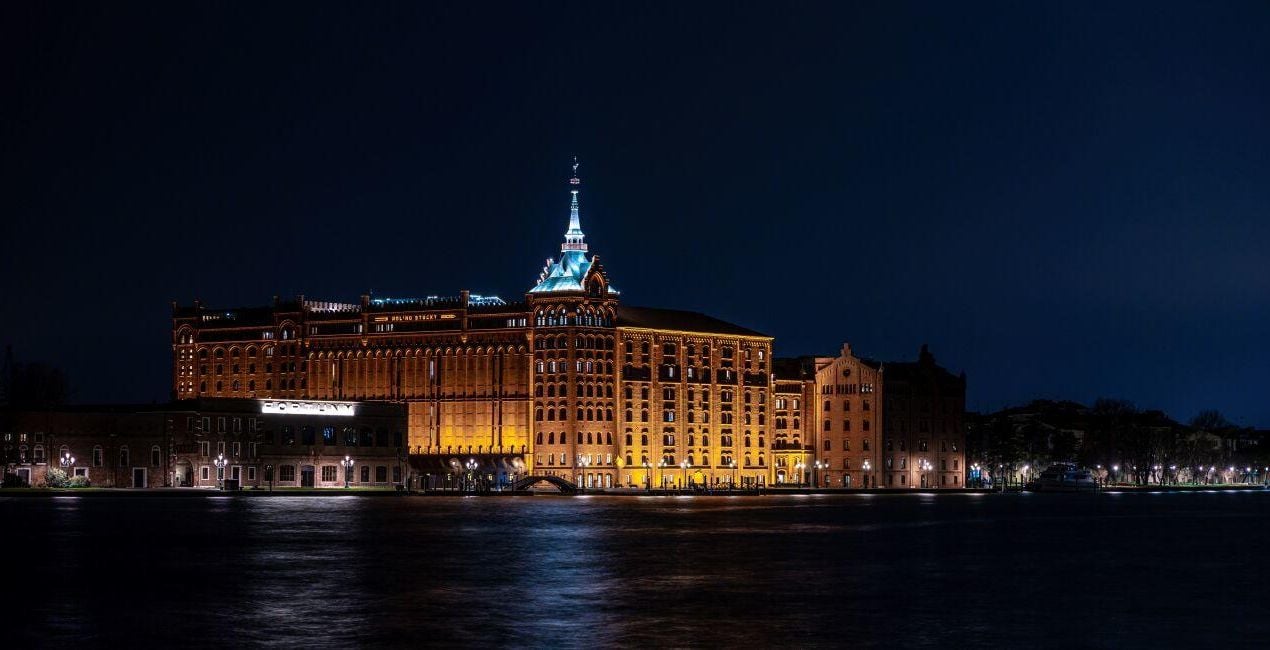
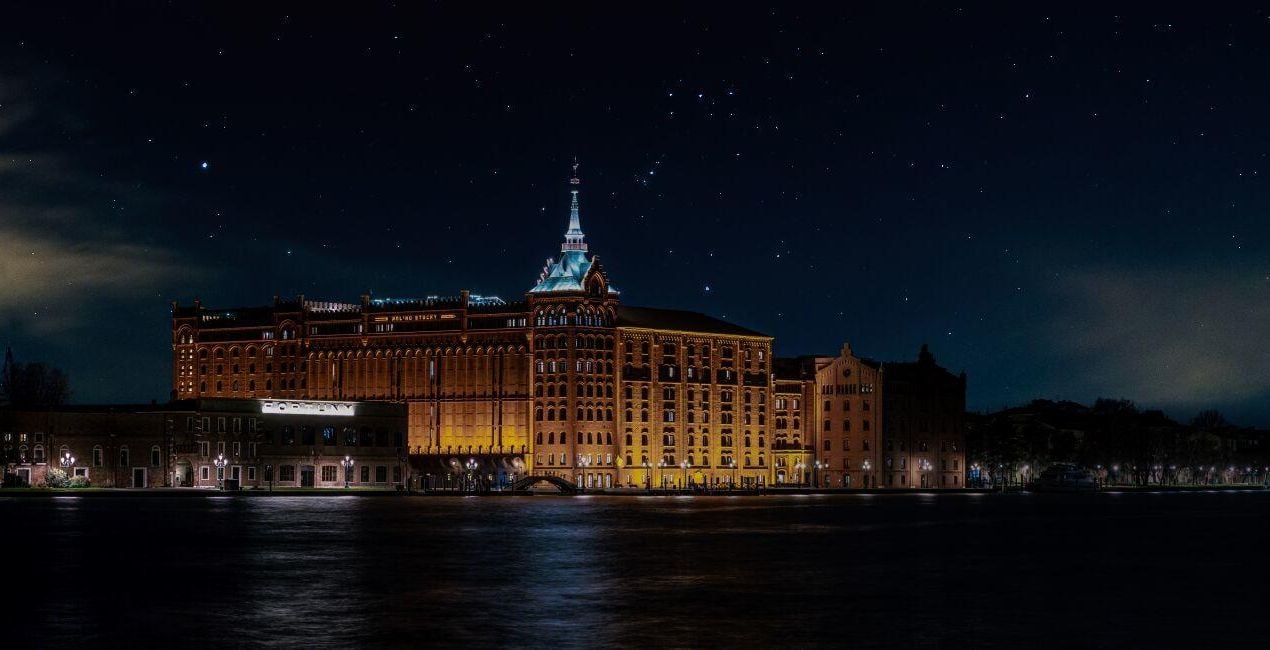
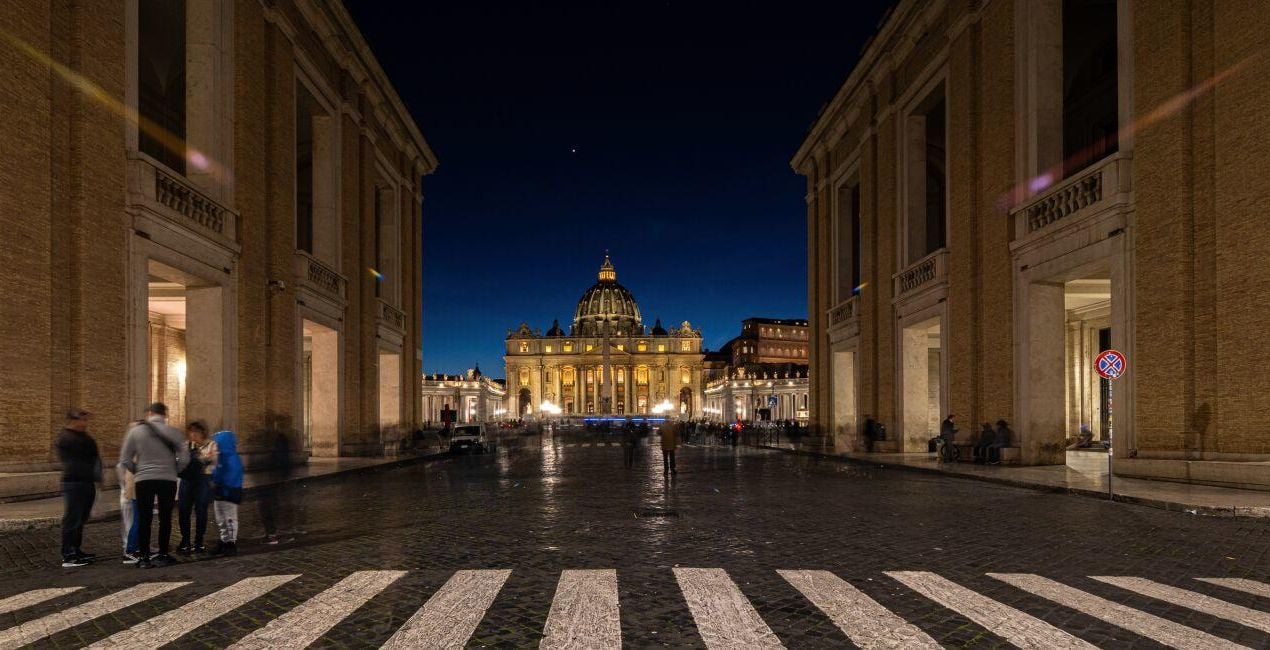
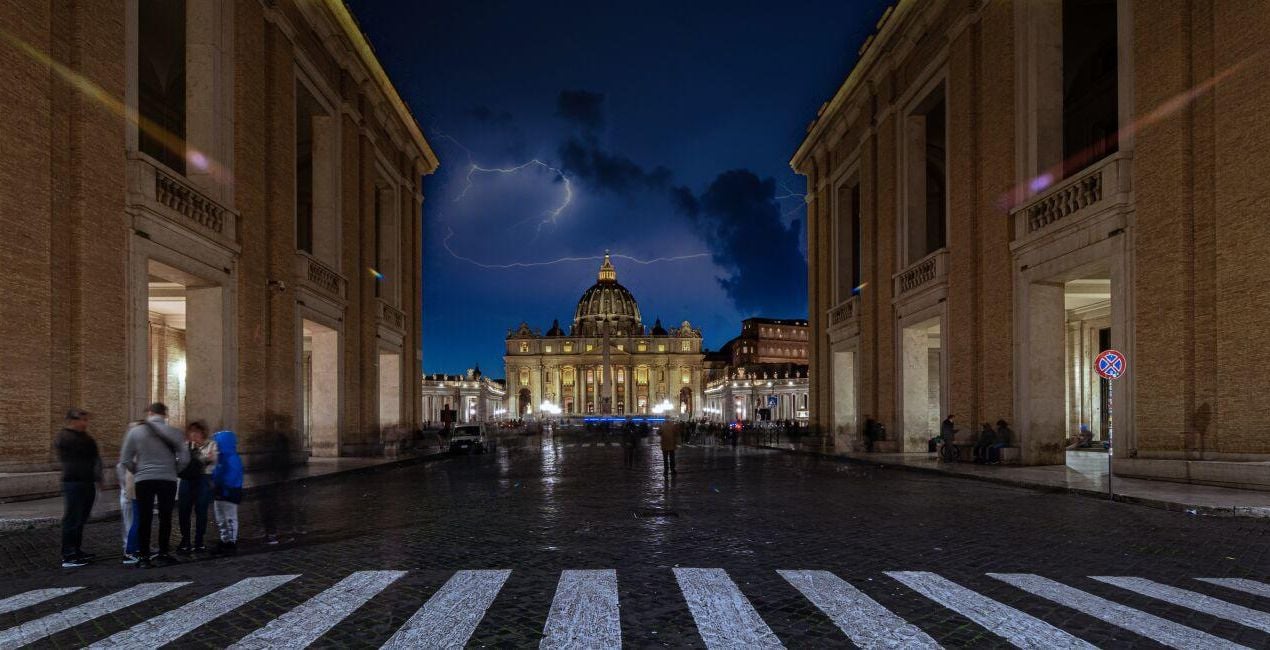
このような写真をゲット
提供されたRAWファイルを使ってレタッチのコツを簡単に練習、こんな写真に仕上げる方法を学ぶことができます。

 >
>
 >
>

 >
>
 >
>

 >
>

 >
>
パックに含まれる空


関連商品


クリエーター
Mariano Morichini
Photographer
Mariano Morichini is a photographer, videographer, and content creator based in Italy. He started working as a photographer in 1984 and as a videographer in 1998. Throughout his career, Mariano has been interested in multiple photography genres, exploring various forms of expression. He has cooperated with many Italian magazines and produced advertising campaigns for major brands. Today, Mariano is the creator behind the YouTube channel VideoZappo as well as the organizer of the community and online photography school related to the channel.
サポートへの問い合わせ方法は?
製品についてご質問がございましたら、24時間対応のサポートチームまでお問い合わせください。こちらのリンクをご利用ください。
After Duskを購入する方法は?
After Duskを購入するには、次の手順に従ってください:
1. Skylumのマーケットプレイスを開きます。
2. After Duskがリストされているタブに移動し、クリックしてカートに追加します。
3. カートに進み、After Duskの購入手続きを完了してください。
4. ご購入後、After Duskのダウンロードリンクが記載された購入完了メールが届きます。また、Skylumアカウントの「マイアドオン」タブからも新しいアイテムをご確認いただけます。
After Duskをインストールする方法は?
After Duskのインストール手順の詳細は、ダウンロードリンクと一緒にお送りする「購入完了メール」に記載されています。
また、Luminar Neoから購入されたアイテムを直接インストールすることもできます。エクストラ > マーケットプレイスに進み、商品カテゴリを選択して、購入済みアイテムを見つけてインストールをクリックしてください。
After Duskのインストール後、どこで見つけられますか?
とても簡単です!トップバーメニューで編集 タブに切り替えます。ツールパネルでスカイᴬᴵ > 空のセクション > 購入済み を選択します。インストールされたAfter Duskが表示されます。
After Dusk を失くしてしまった場合は?
ご安心ください。After Duskを含むすべての購入済みアイテムは、Skylumアカウントの「マイアドオン」タブ に保存されるため、簡単に再ダウンロードしてご利用いただけます。
After Duskが自分のソフトに対応しているかどうかを確認するには?
ほとんどのアイテムはLuminar Neoに対応しています。ただし、確実にAfter Duskがお使いのソフトと互換性があるかを確認するには、ダウンロードや購入前に製品仕様をご確認ください。After Duskページ右側の「互換性」セクションに対応しているすべての製品が表示されています。



