


 Applicato


Varied Lighting
Save $201 $ 19 .00

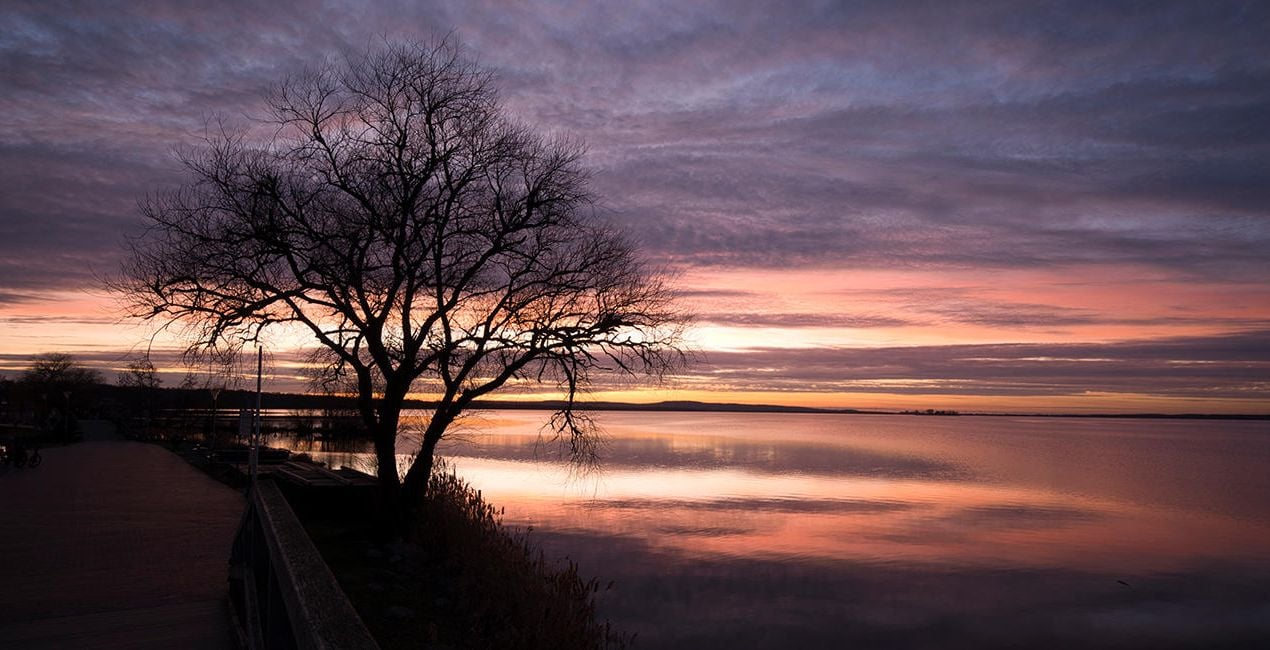
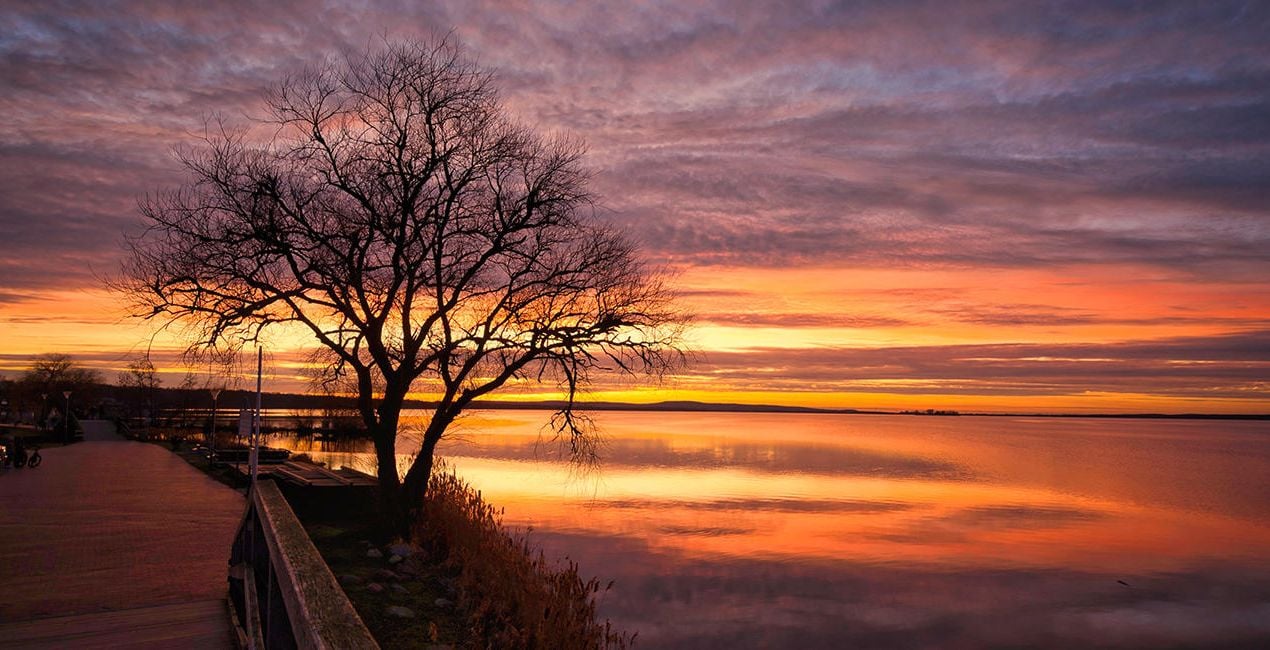
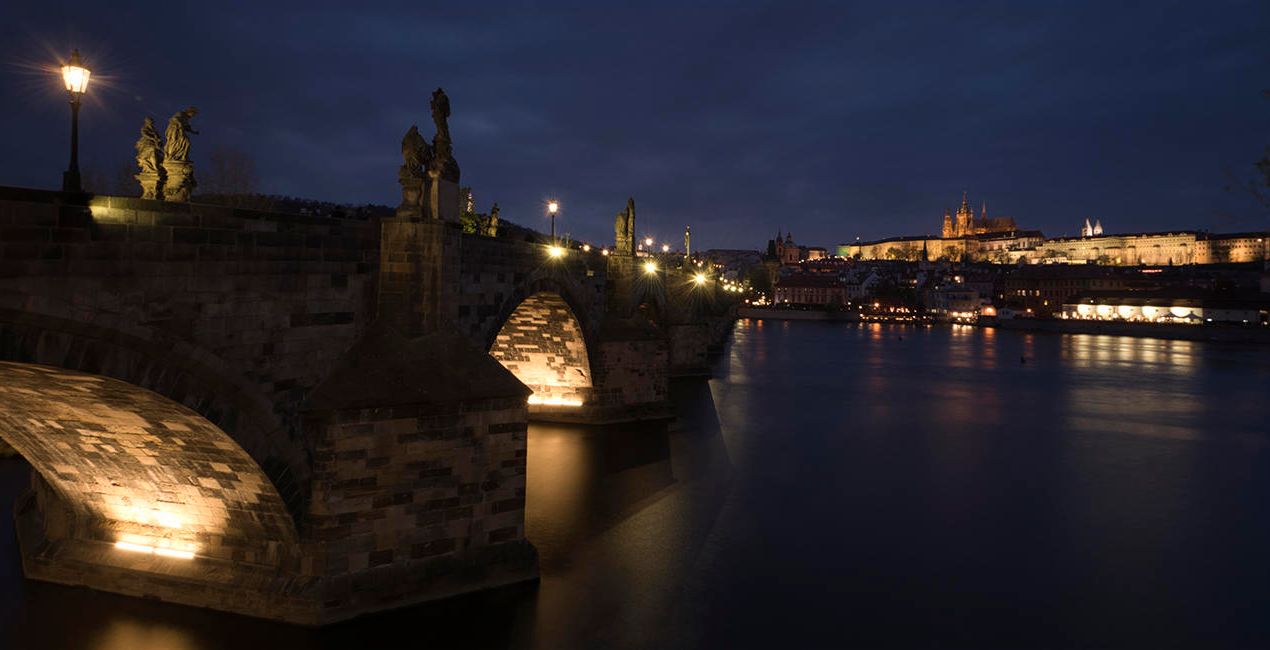
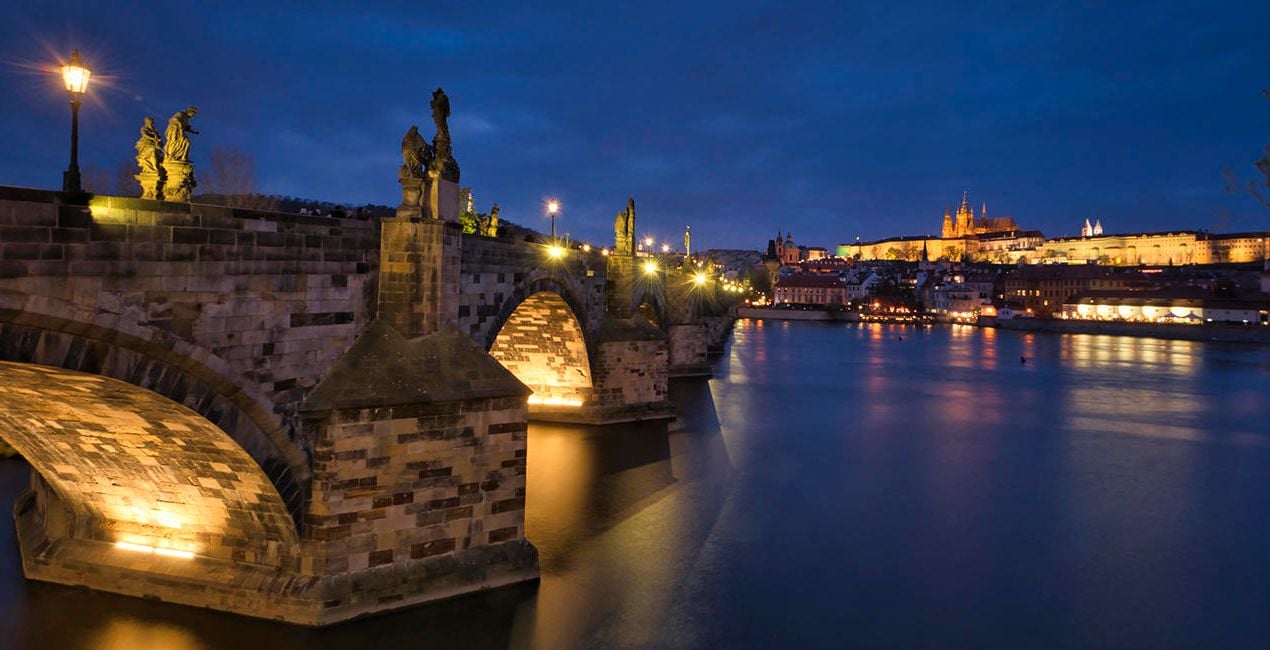
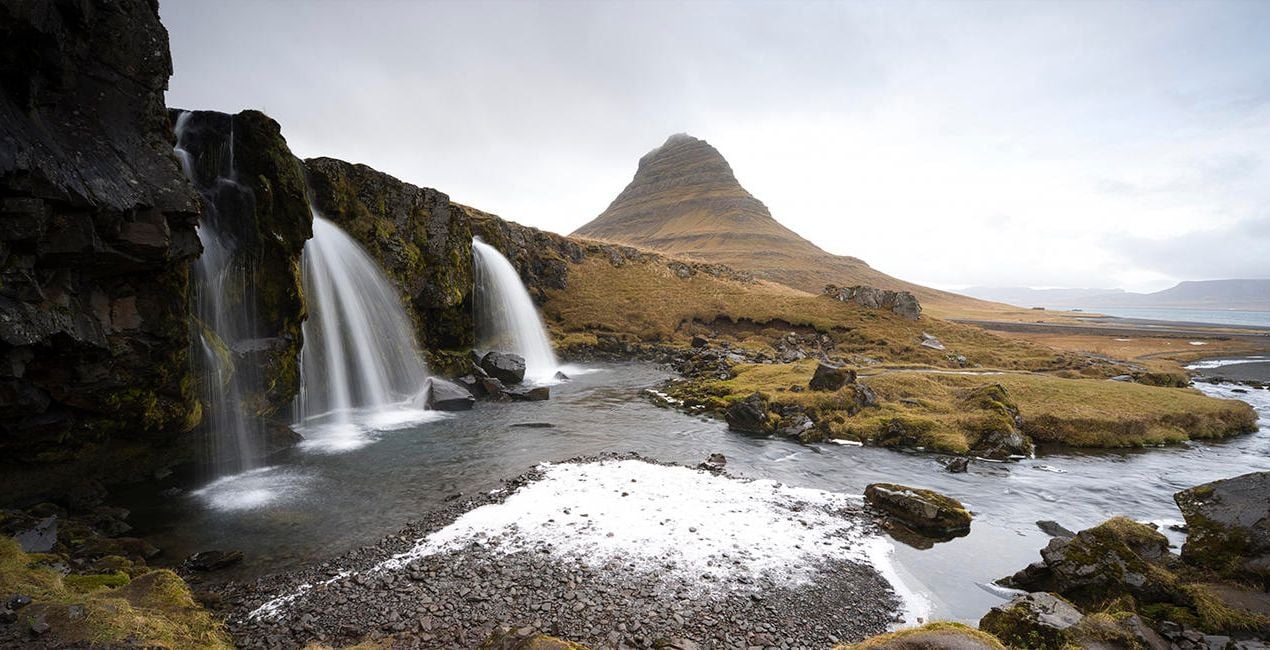
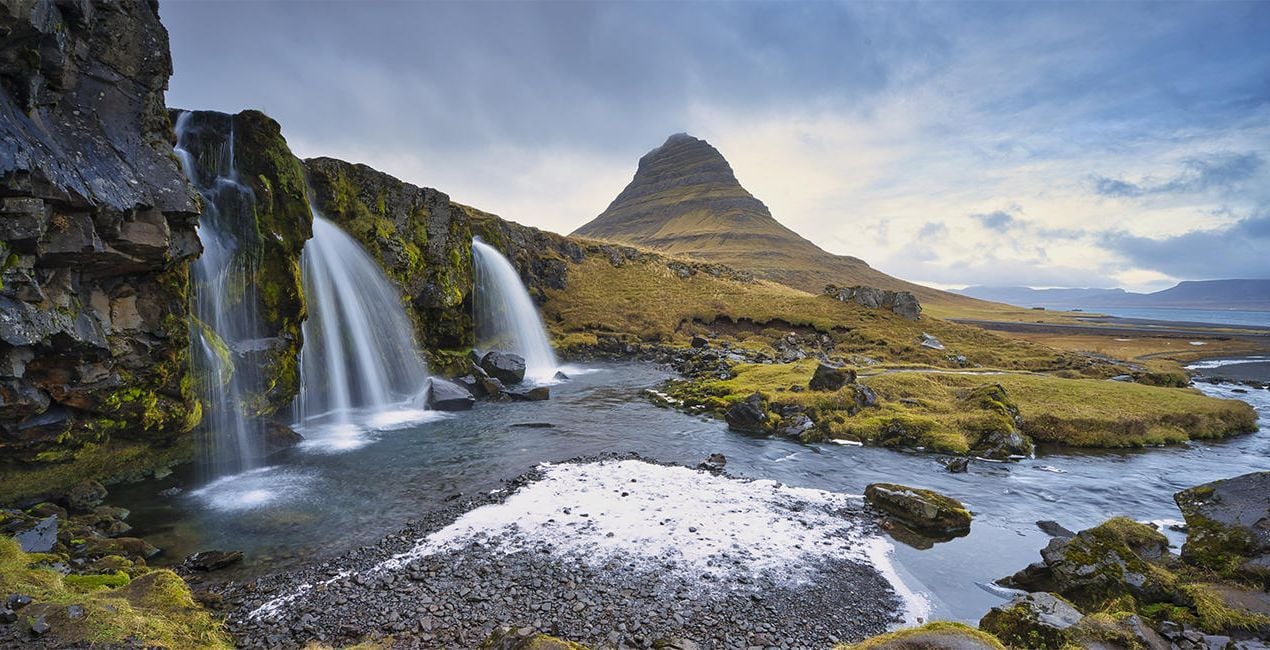
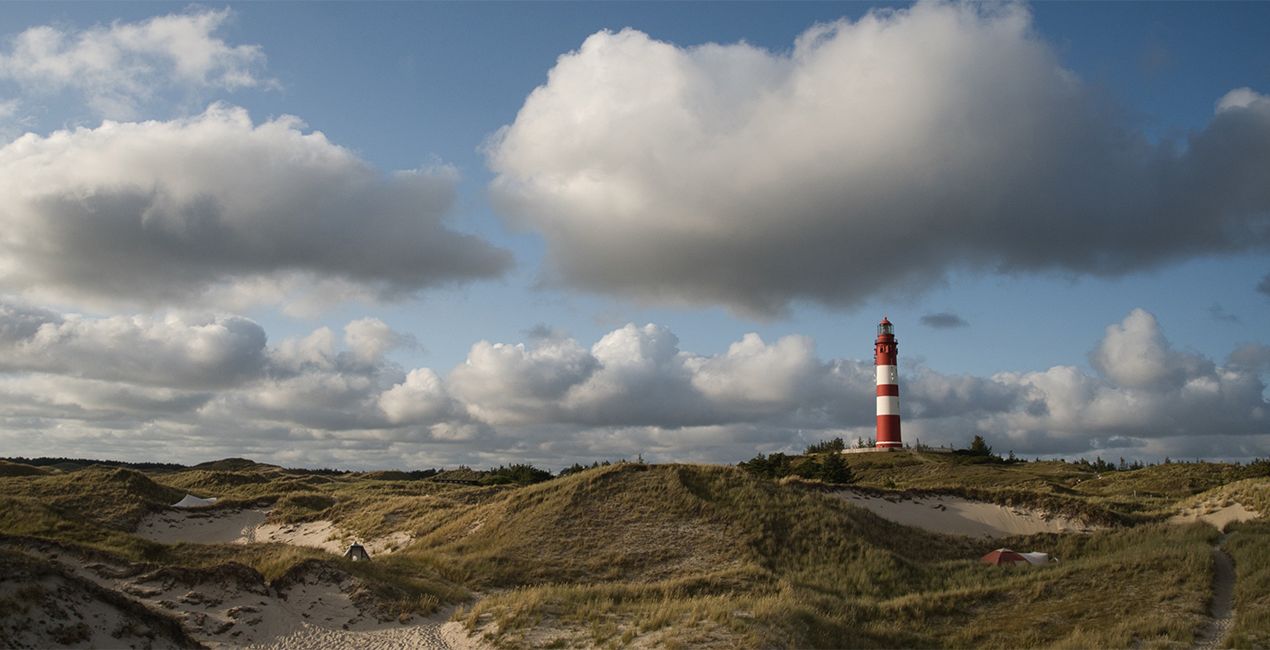
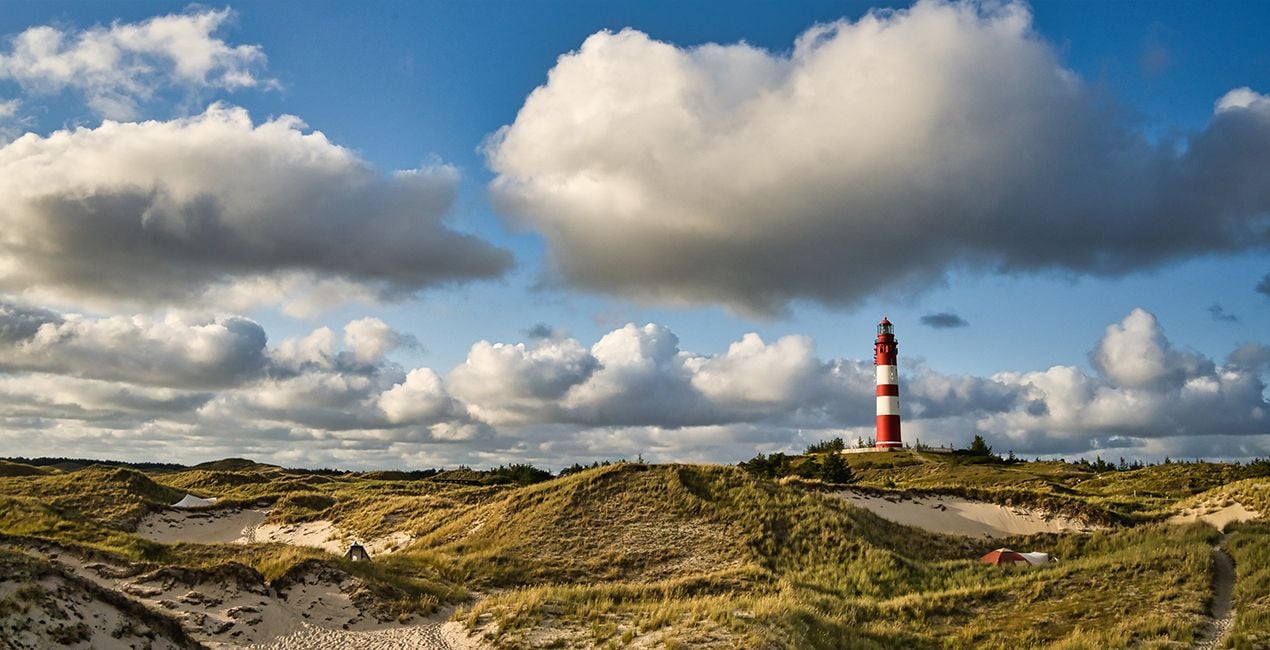
This Presets Pack is the ultimate solution for anyone who wants fast and satisfying photo results, tuned for different times of day and different weather conditions.

Utilizzando i file RAW forniti, potrai mettere facilmente in pratica i consigli di ritocco e imparare a ottenere foto come queste.
 >
>

 >
>
 >
>
 >
>
 >
>
 >
>
These 10 Presets, which include AI-powered tools, let you quickly and easily make basic adjustments to enhance any landscape or cityscape image — no matter what time of day it was captured. The Presets will help you get stunning results in almost any lighting condition and are suitable for both JPEG and raw images. With this Presets pack, your photo editing will be easier than ever!
Presets included:
Morning / Afternoon: Enhances structures, slightly lifts haze, and provides more beautiful color
Noon: Provides beautiful light/dark contrasts, slightly lifts haze in the image, and creates a pleasant, warmer atmosphere
Backlight: Darkens the bright parts of the image and lightens the dark parts so that more details are visible
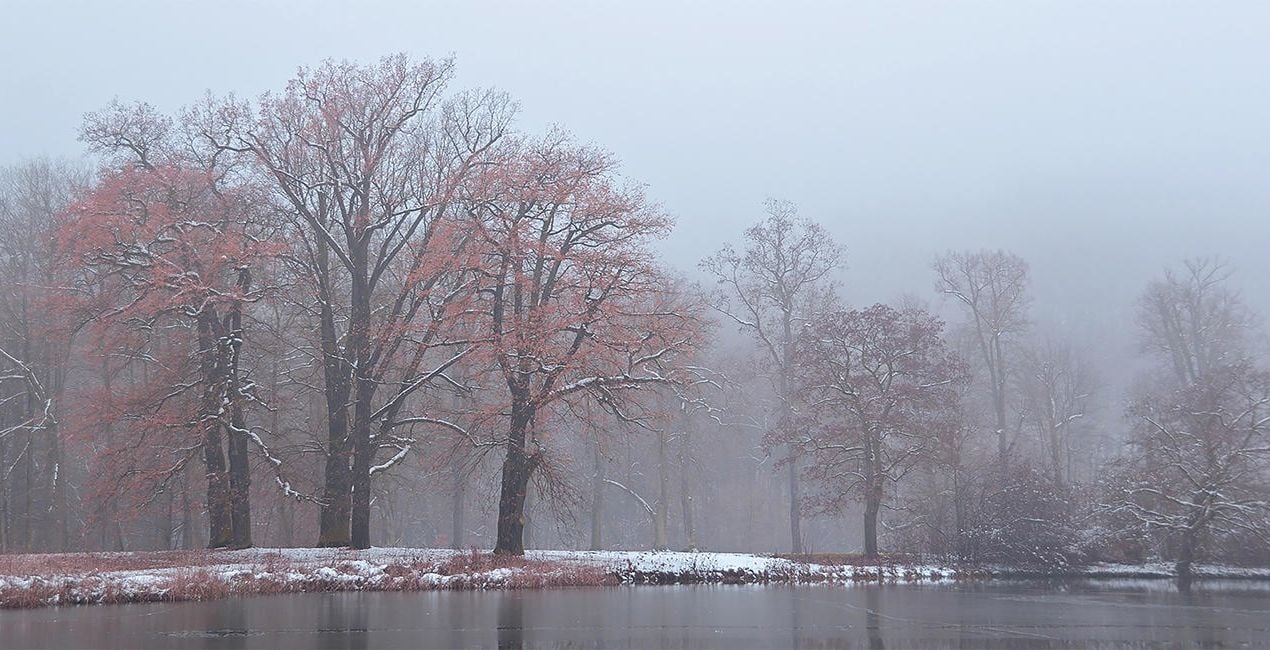
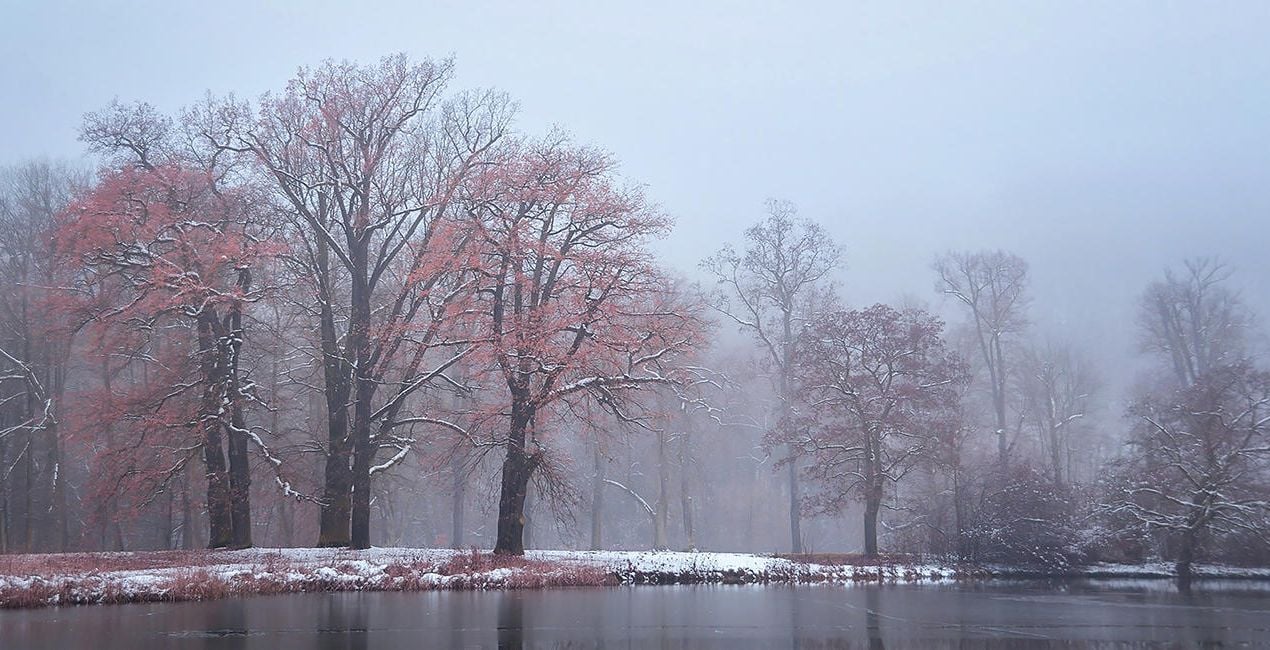
Foggy Day: Slightly raises contrast in the image without sacrificing the foggy atmosphere
Dull Weather: Increases contrast, colorfulness, and sharpness if the sun wasn’t shining when the picture was taken
Golden Hour: Enhances the warm orange-yellow mood that prevails before sunset
Backlight Golden Hour: Enhances warm tones in both the light and dark parts of the image
Blue Hour: Provides a more intense blue and at the same time enhances warm city lights
Milky Way: Provides more sharpness in the details and conjures up a beautiful Milky Way in the image with Sky AI
Nighttime: Provides more details in the dark parts of the image and enhances warm city lights
Photographer. Skylum Ambassador
René Ledrado is a certified commercial photographer who has worked in advertising since 1993.
His passion is photographing landscapes, especially during the blue hour.
René teaches photography at the Akademie Deutsche POP and the Adult Education Center in Hanover. Every week, he shares a new tutorial (mostly about Luminar) on YouTube.
His popular Luminar book has already helped many photographers get the best editing results.
Se hai domande sui prodotti, puoi contattare il team dell'assistenza tutti i giorni, 24 ore al giorno. Utilizza questo link.
Per acquistare Varied Lighting, segui questi passaggi:
1. Apri il Marketplace di Skylum.
2. Vai sulla scheda dove è elencato Varied Lighting. Clicca sul nome del prodotto per aggiungerlo al carrello.
3. Vai al carrello, dove potrai completare l'acquisto di Varied Lighting.
4. Dopo l'acquisto, riceverai un'e-mail con il link per scaricare Varied Lighting. Potrai trovare il nuovo acquisto anche nel tuo account Skylum, nella scheda I miei add-on.
Nell'e-mail con il link per il download riceverai anche istruzioni dettagliate su come installare Varied Lighting.
Inoltre, puoi installare l'articolo acquistato direttamente in Luminar Neo: vai su Extra > Marketplace, seleziona la categoria di prodotto, trova l'articolo acquistato e clicca su Installa.
È facilissimo! Vai nella scheda Preset, quindi seleziona Acquistati. Qui troverai i preset che hai acquistato.
Non preoccuparti. Tutti gli articoli acquistati, incluso Varied Lighting, vengono conservati nella scheda "I miei add-on" del tuo account Skylum, così potrai riscaricarli e utilizzarli in tutta facilità.
In generale, la maggior parte degli articoli è compatibile con Luminar Neo. Ma per assicurarti che Varied Lighting sia compatibile con i tuoi software, verificane le specifiche prima di scaricarlo o acquistarlo. Cerca la sezione "Compatibilità" sulla destra della pagina di Varied Lighting, dove sono elencati tutti i prodotti compatibili.
Non andartene ancora. Ecco un codice sconto esclusivo per te. Usalo entro i prossimi 15 minuti per ottenere un ulteriore sconto del 10% al momento del pagamento. Copia il codice qui sotto e completa l'acquisto.
15 m : 00 s





