


 Applicato


Serenity Landscapes
Save $201 $ 19 .00

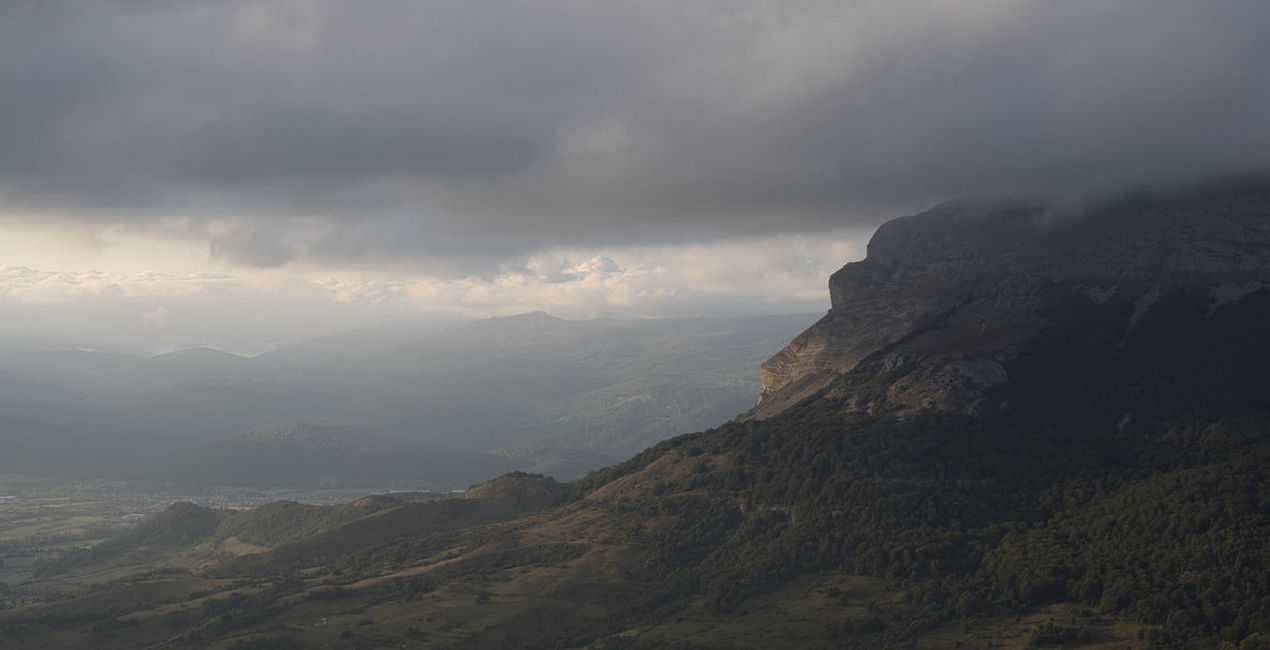
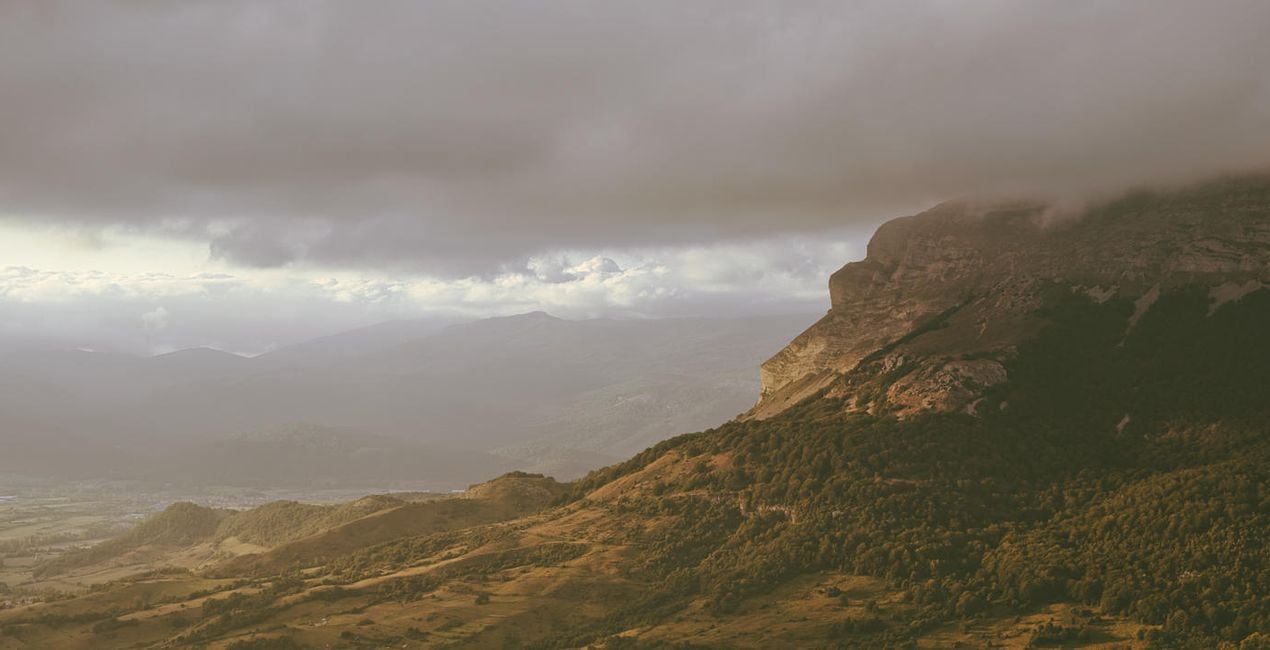
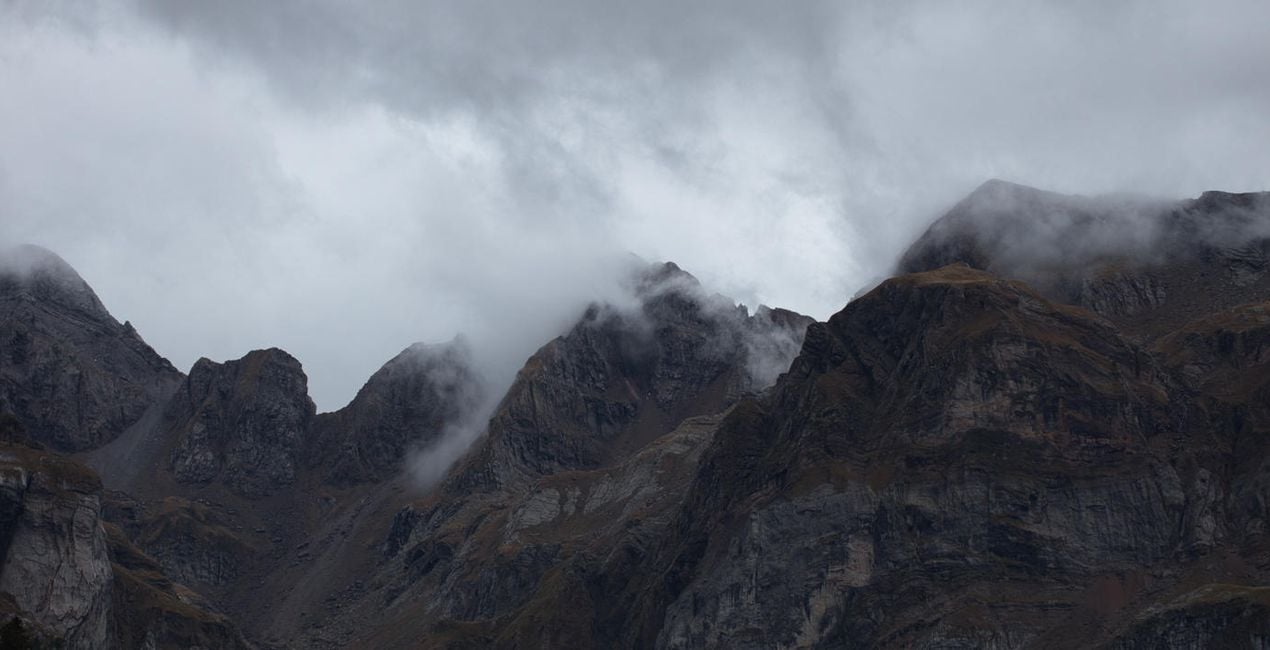
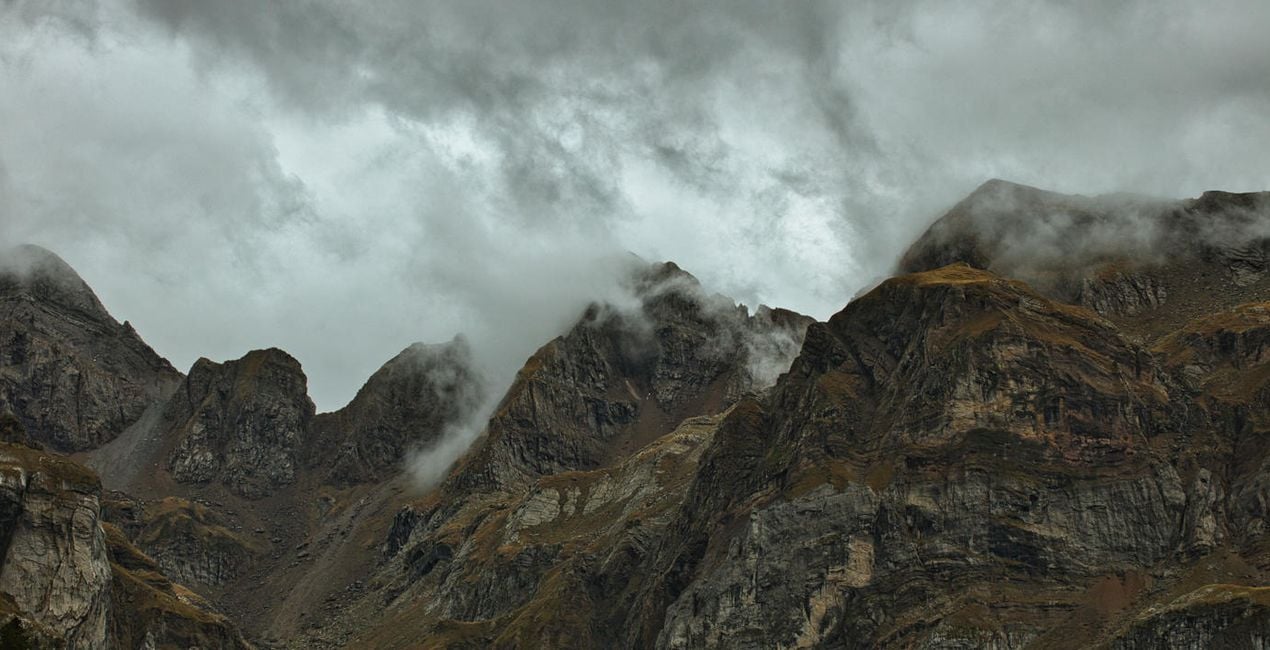
This exquisite Presets collection helps you master nature photography. With these 10 Presets, you can enhance your shots of mountains, beaches, and forests, whether you’re using a conventional camera or a drone. A variety of styles are available to achieve perfection in all your photographs of serene nature.

Utilizzando i file RAW forniti, potrai mettere facilmente in pratica i consigli di ritocco e imparare a ottenere foto come queste.
 >
>
 >
>
 >
>
 >
>
 >
>
 >
>
You will find 10 Presets in this Pack:
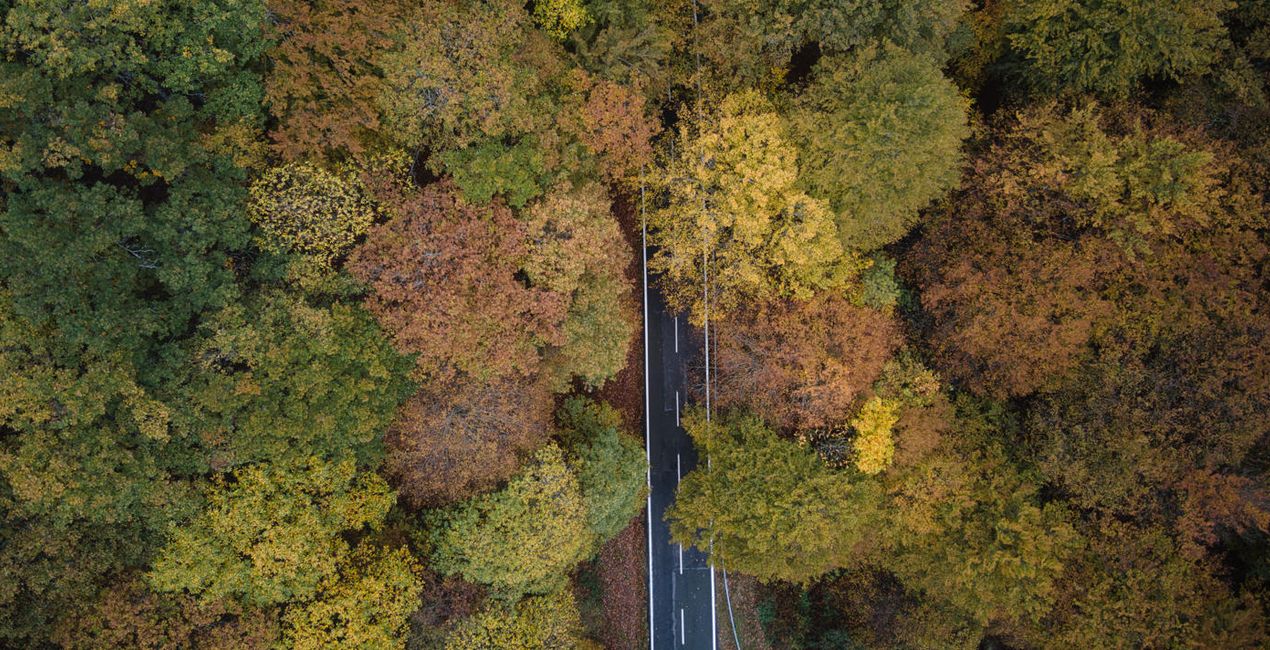
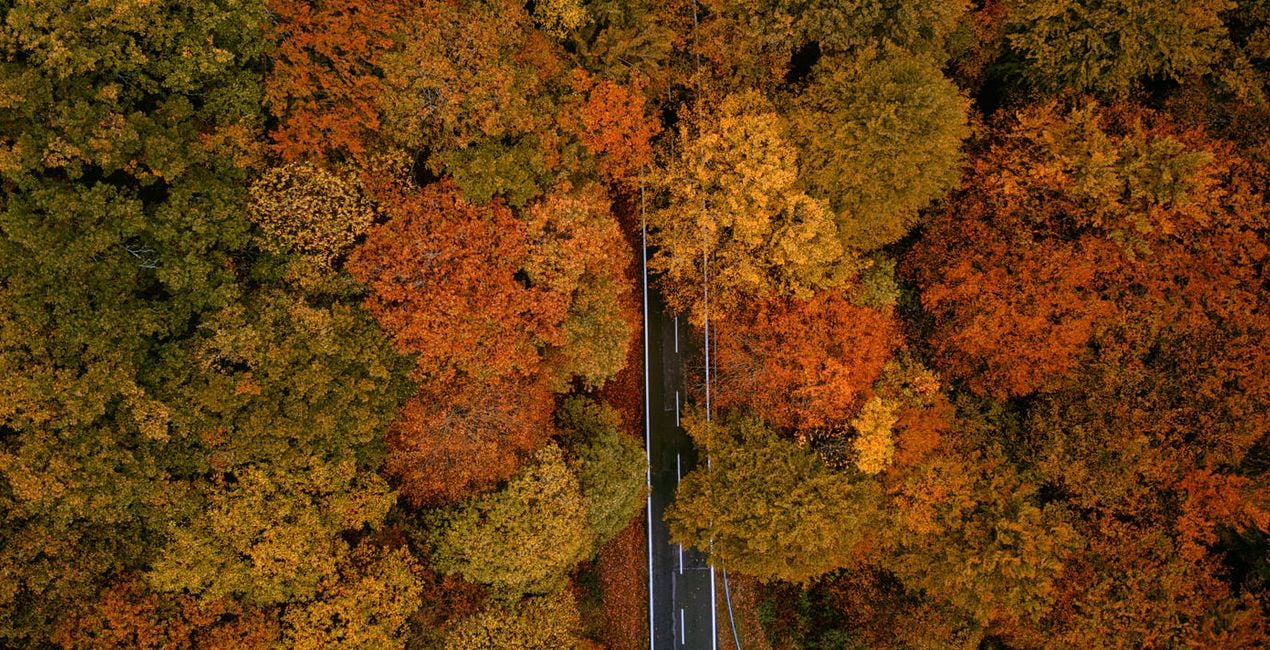
Calmness: A Preset for aerial scenes where autumn forests create texture.
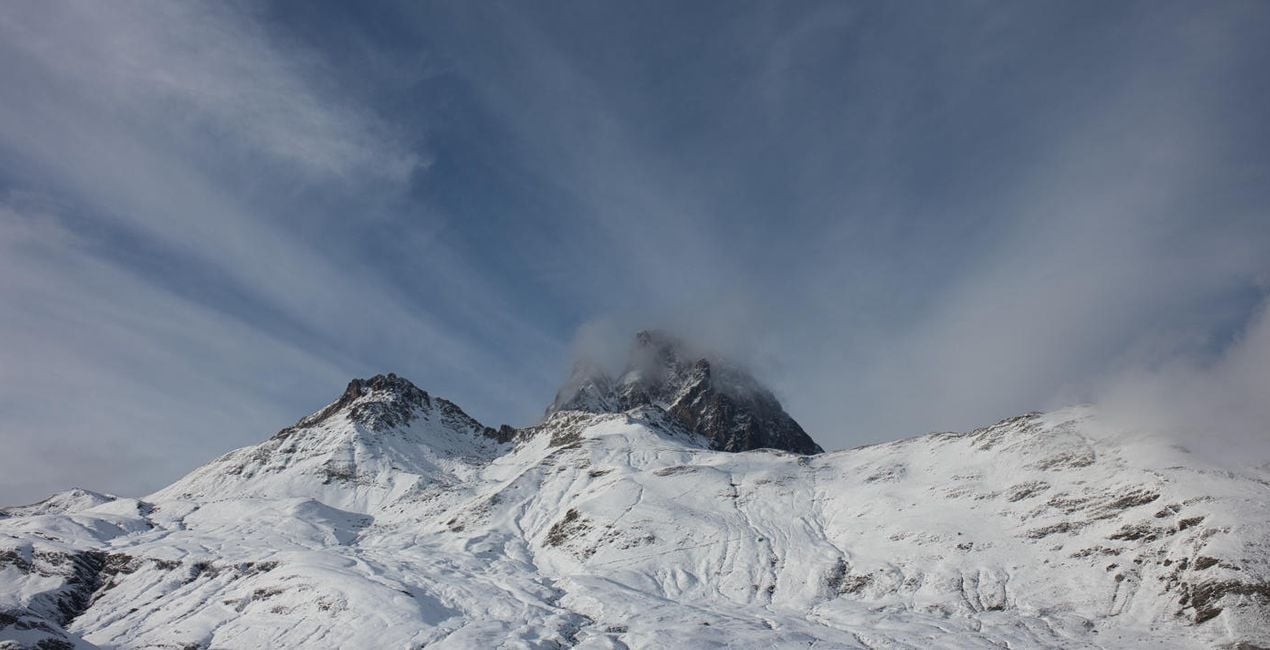
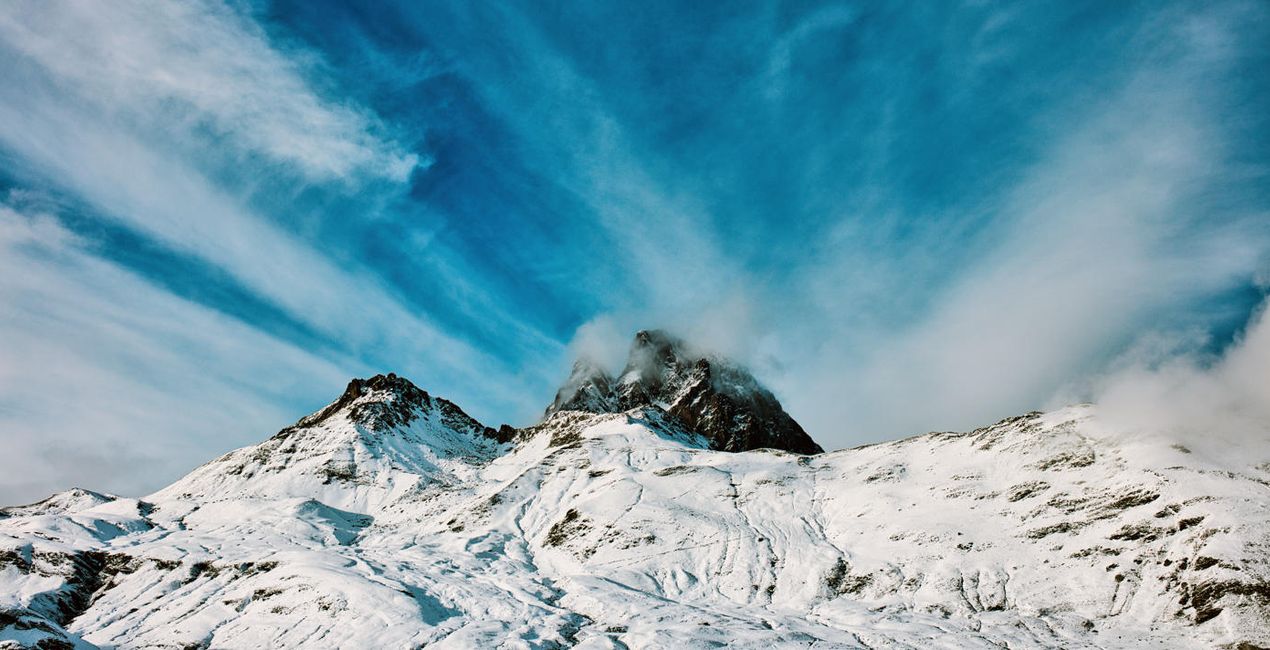
Dormancy: A meticulous and robust Preset that’s ideal for scenes of rocky mountain landscapes enveloped in stormy clouds.
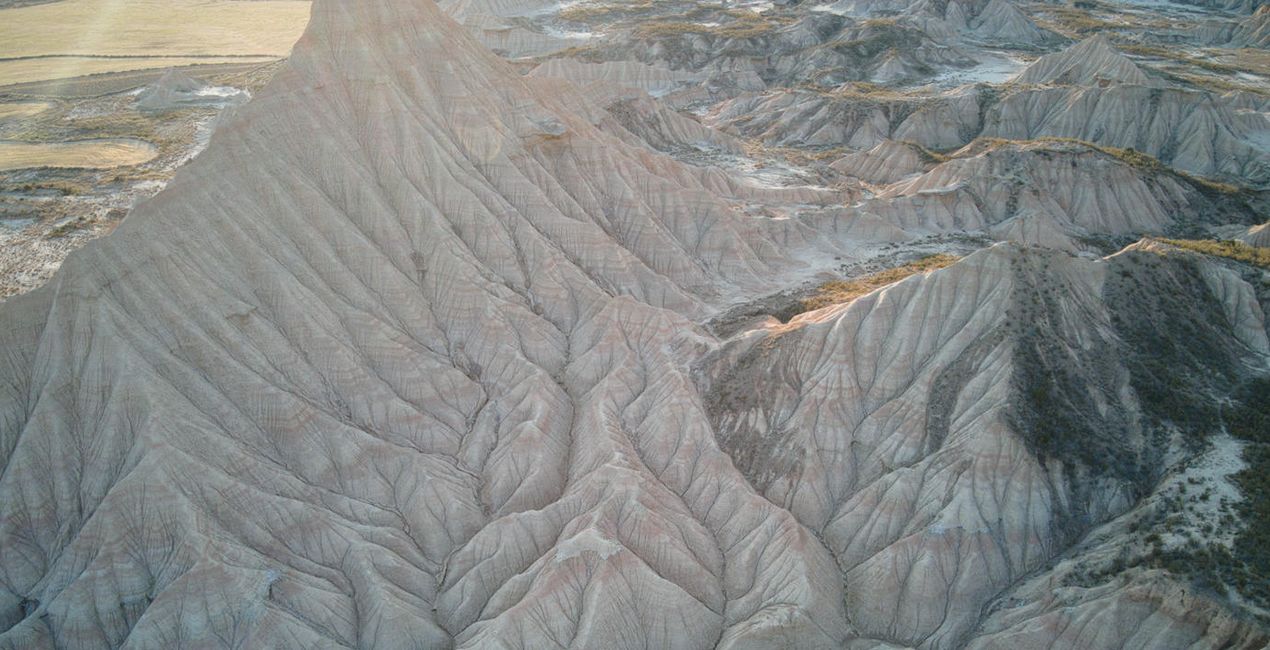
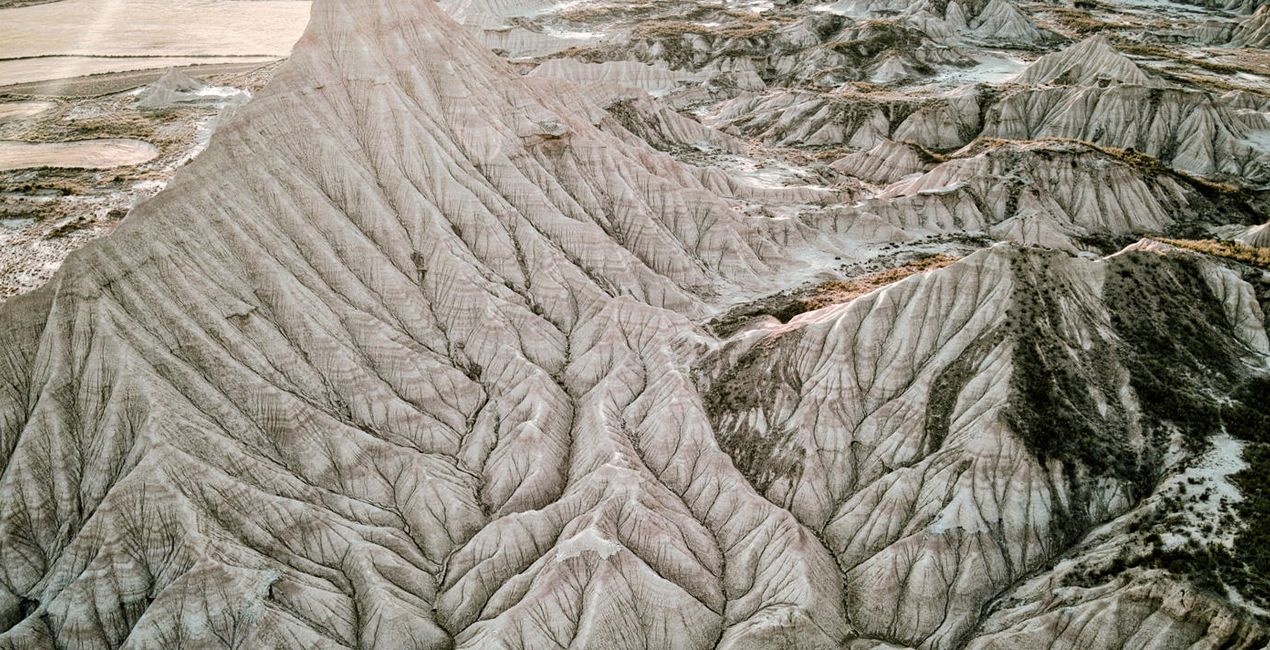
Equanimity: A Preset designed for aerial photographs of deserts, enhancing detail and neutralizing the dominant color of sand.
Leisure: A neutral Preset for landscape photographs where green trees are the focus, especially if the sky is cloudy.
Peacefulness: A Preset for aerial scenes where deserts create texture.
Placidity: A Preset specifically for photographs of landscapes with snow and an intense blue sky. Ideal for shots from winter excursions in snowy mountains, as it ensures you won’t have to worry about your photos being overexposed.
Quietness: An ideal Preset for all types of green forests, enhancing the colors and atmosphere of the scene.
Repose: A special Preset for aerial photographs of peaceful beaches at sunset.
Stillness: A Preset focused on autumn landscape photographs where the foliage of beech trees is the protagonist.
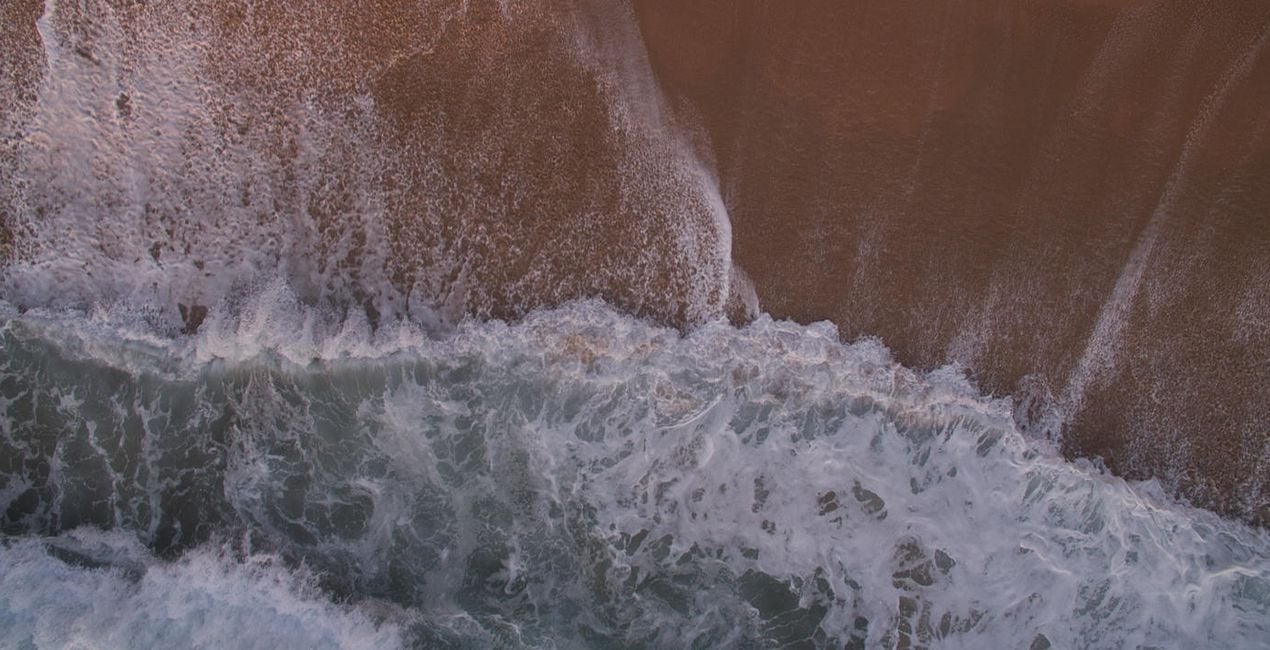
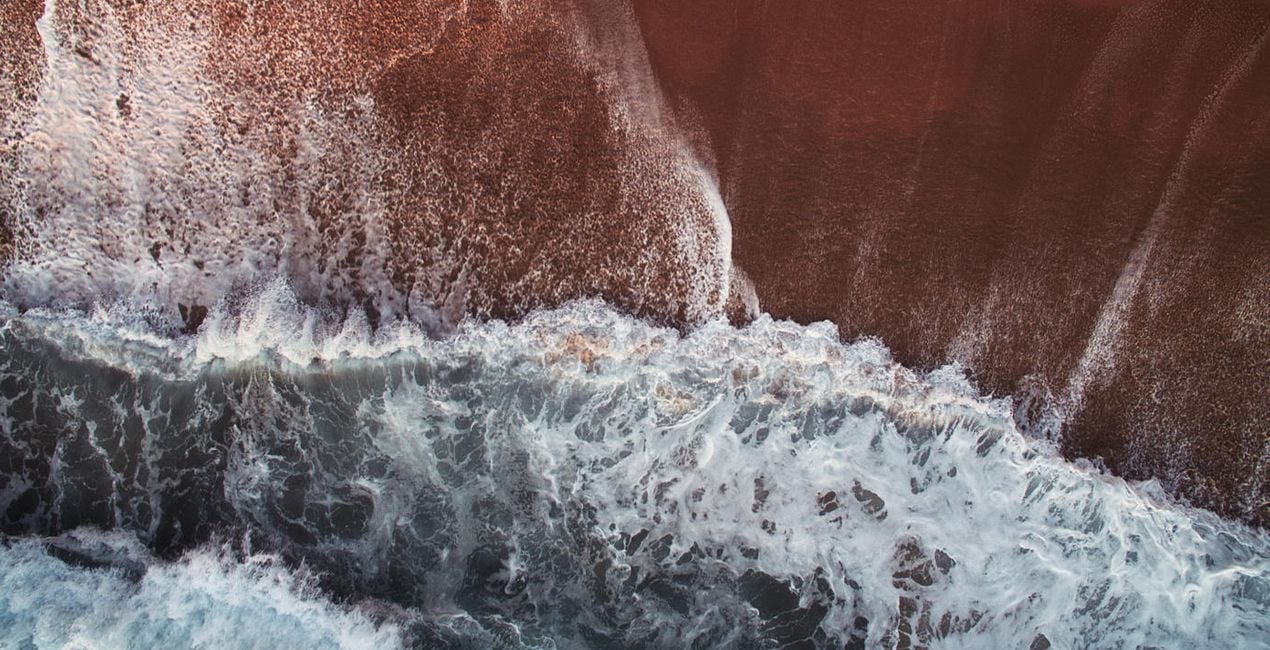
Tranquility: A special Preset for aerial photographs where the texture of waves is the main focus.
Photographer. Skylum Ambassador.
Based in Lleida, Catalonia, Javier Pardina is a photographer and multimedia artist whose commercial work sees him shooting for advertising agencies, stock platforms, corporate brands, and creative agencies. Javier focused his university studies on photography, video, and graphic/3D design. Since 2004, he hasn’t stopped improving and learning all these subjects. In 2005, he created Pardina.co, using his surname as the name of his brand. Javier’s creative work was initially related to music. You can find Javier’s work on albums by some of the most talented musicians in Europe, including Thomas Lemmer and Cristopher Goze.
Years later, Javier decided to specialize in abstract photography, which he used to develop wallpapers for apps and operating systems including Firefox OS and iOS. In 2013, Javier signed with Mozilla to work on the Firefox OS project. In 2015, Javier started working with Stocksy along with offset and Shutterstock Custom, and currently Javier is working on the KAIOS project. To date, Javier has contributed 10,000+ pictures across different stock agencies, and he is heavily focused in the advertising and commercial world, using and merging video, photography, and 3D art forms. He’s worked on multiple ad campaigns both within Spain and internationally. Improving every day and working with passion, Pardina.co is a synonym for work, dedication, and trust.
Se hai domande sui prodotti, puoi contattare il team dell'assistenza tutti i giorni, 24 ore al giorno. Utilizza questo link.
Per acquistare Serenity Landscapes, segui questi passaggi:
1. Apri il Marketplace di Skylum.
2. Vai sulla scheda dove è elencato Serenity Landscapes. Clicca sul nome del prodotto per aggiungerlo al carrello.
3. Vai al carrello, dove potrai completare l'acquisto di Serenity Landscapes.
4. Dopo l'acquisto, riceverai un'e-mail con il link per scaricare Serenity Landscapes. Potrai trovare il nuovo acquisto anche nel tuo account Skylum, nella scheda I miei add-on.
Nell'e-mail con il link per il download riceverai anche istruzioni dettagliate su come installare Serenity Landscapes.
Inoltre, puoi installare l'articolo acquistato direttamente in Luminar Neo: vai su Extra > Marketplace, seleziona la categoria di prodotto, trova l'articolo acquistato e clicca su Installa.
È facilissimo! Vai nella scheda Preset, quindi seleziona Acquistati. Qui troverai i preset che hai acquistato.
Non preoccuparti. Tutti gli articoli acquistati, incluso Serenity Landscapes, vengono conservati nella scheda "I miei add-on" del tuo account Skylum, così potrai riscaricarli e utilizzarli in tutta facilità.
In generale, la maggior parte degli articoli è compatibile con Luminar Neo. Ma per assicurarti che Serenity Landscapes sia compatibile con i tuoi software, verificane le specifiche prima di scaricarlo o acquistarlo. Cerca la sezione "Compatibilità" sulla destra della pagina di Serenity Landscapes, dove sono elencati tutti i prodotti compatibili.
Non andartene ancora. Ecco un codice sconto esclusivo per te. Usalo entro i prossimi 15 minuti per ottenere un ulteriore sconto del 10% al momento del pagamento. Copia il codice qui sotto e completa l'acquisto.
15 m : 00 s





