


 Applicato


Neon Tokyo
Save $201 $ 15 .00

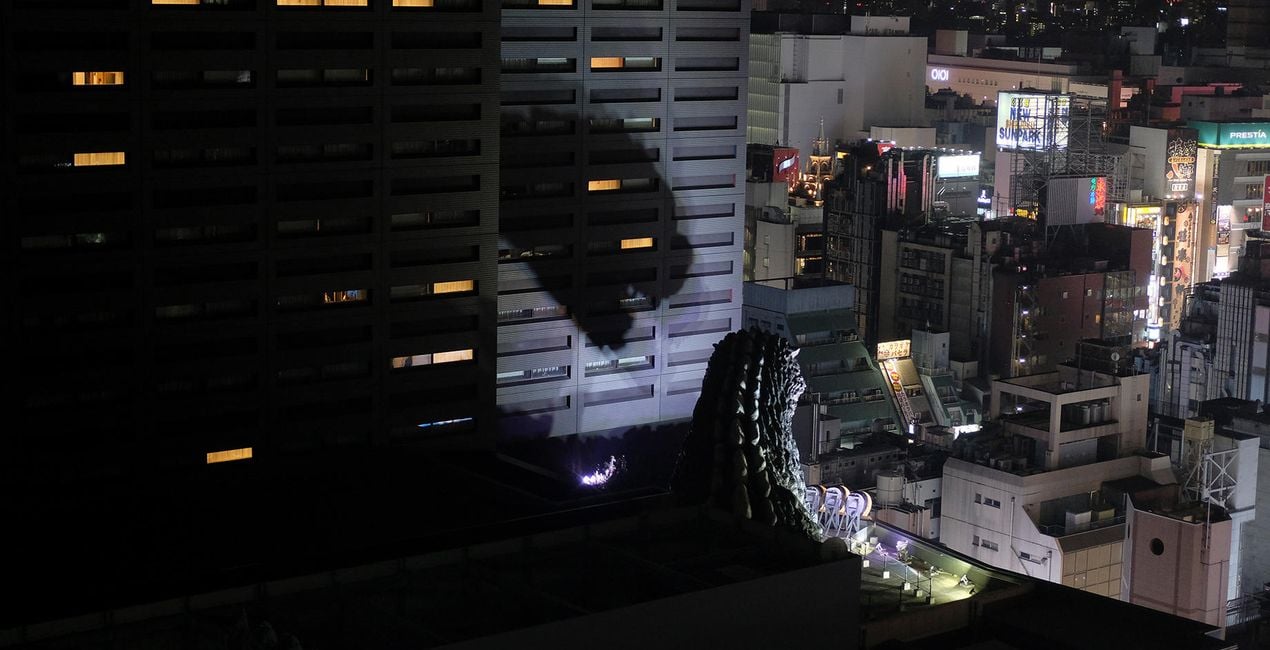
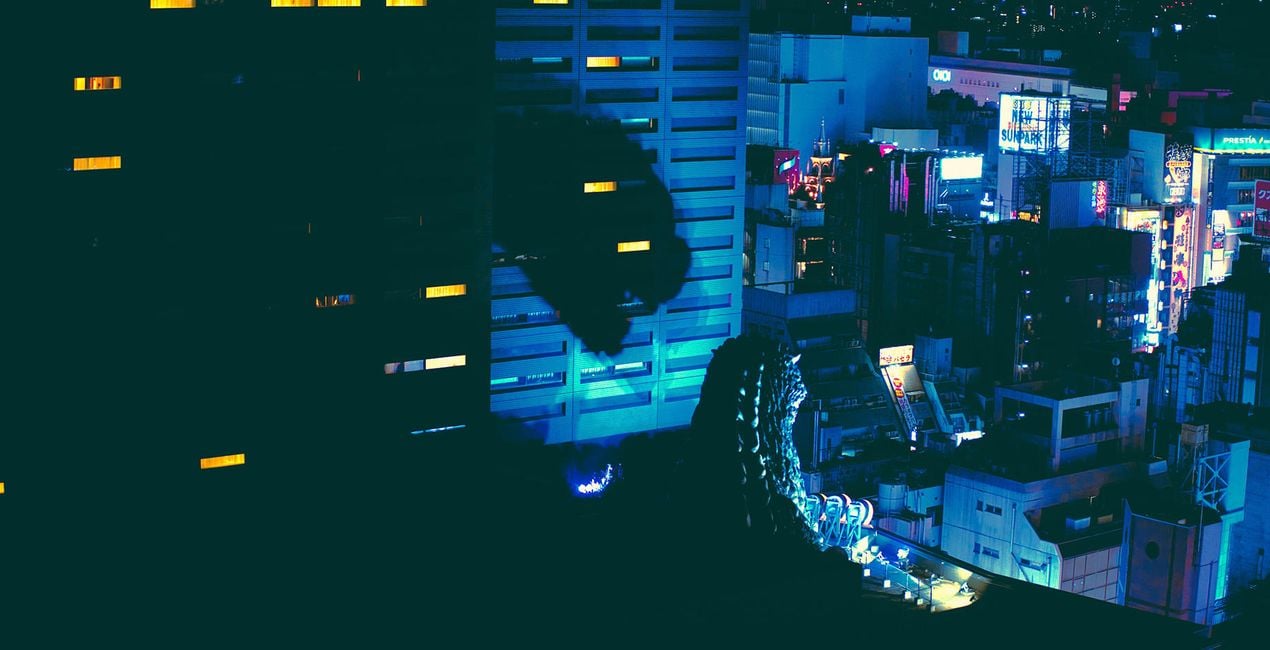
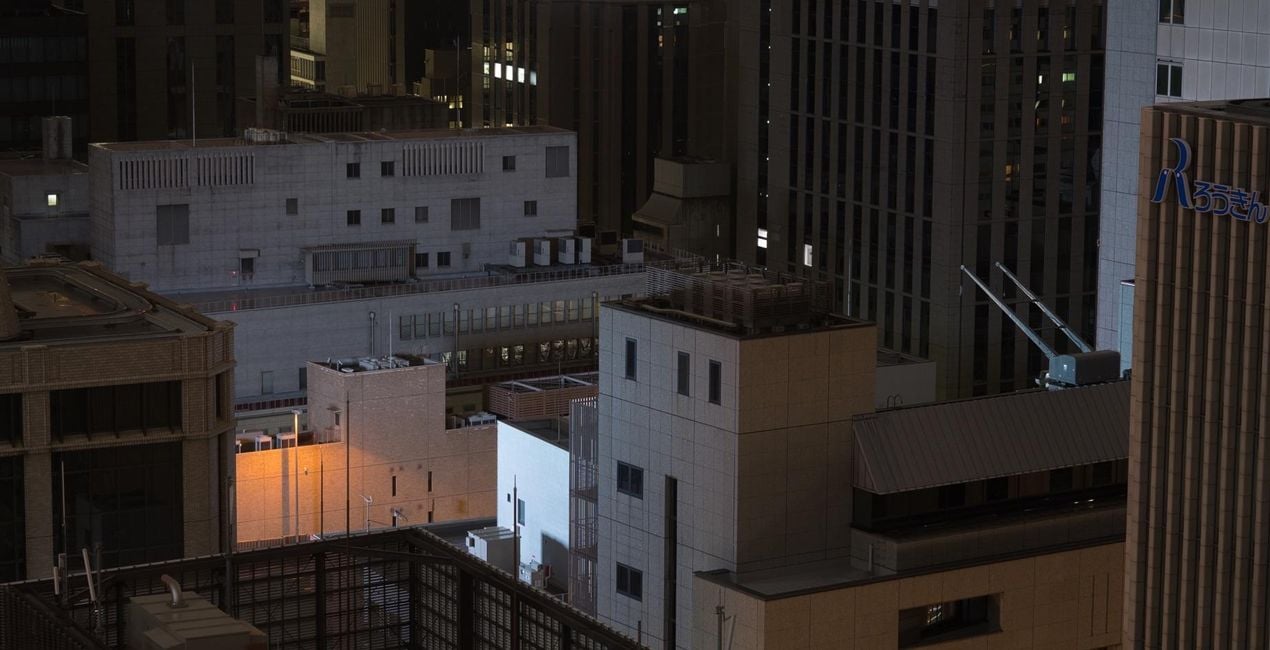
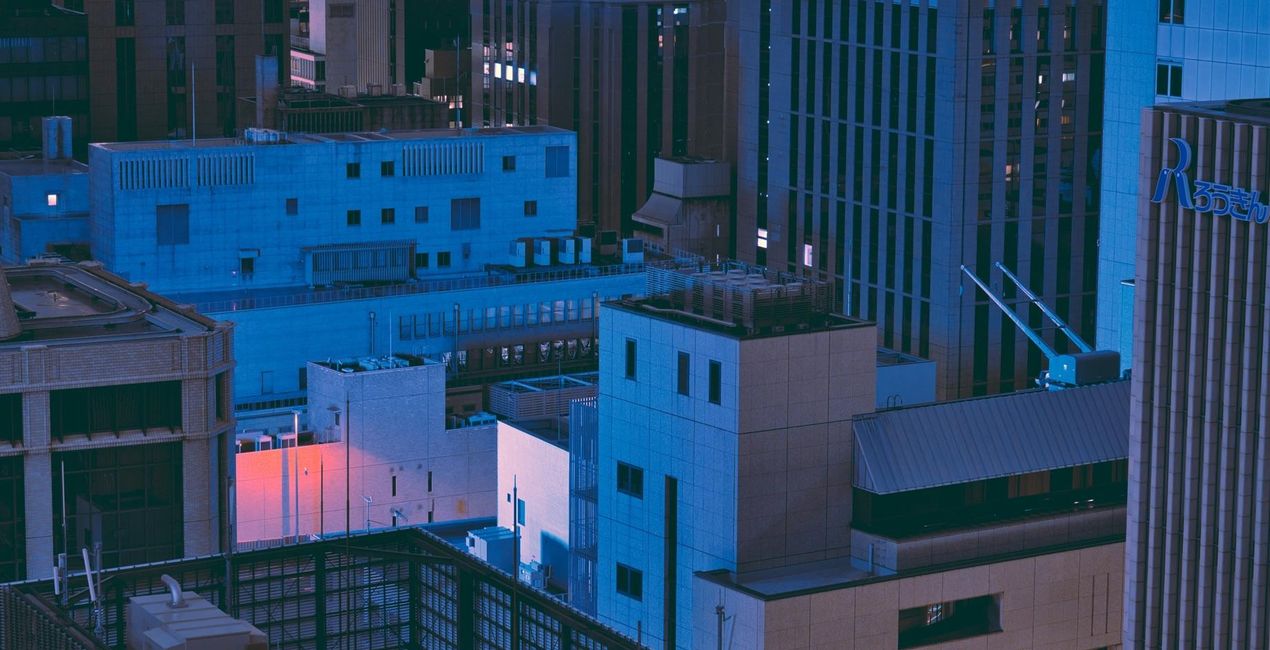
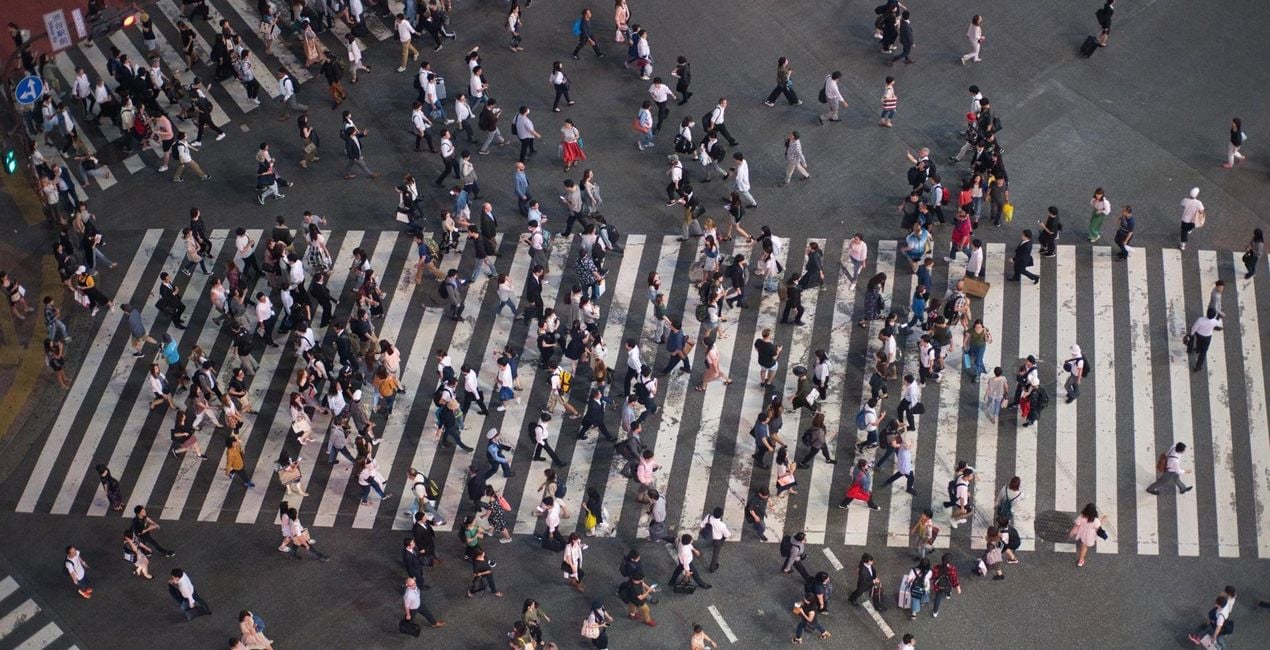
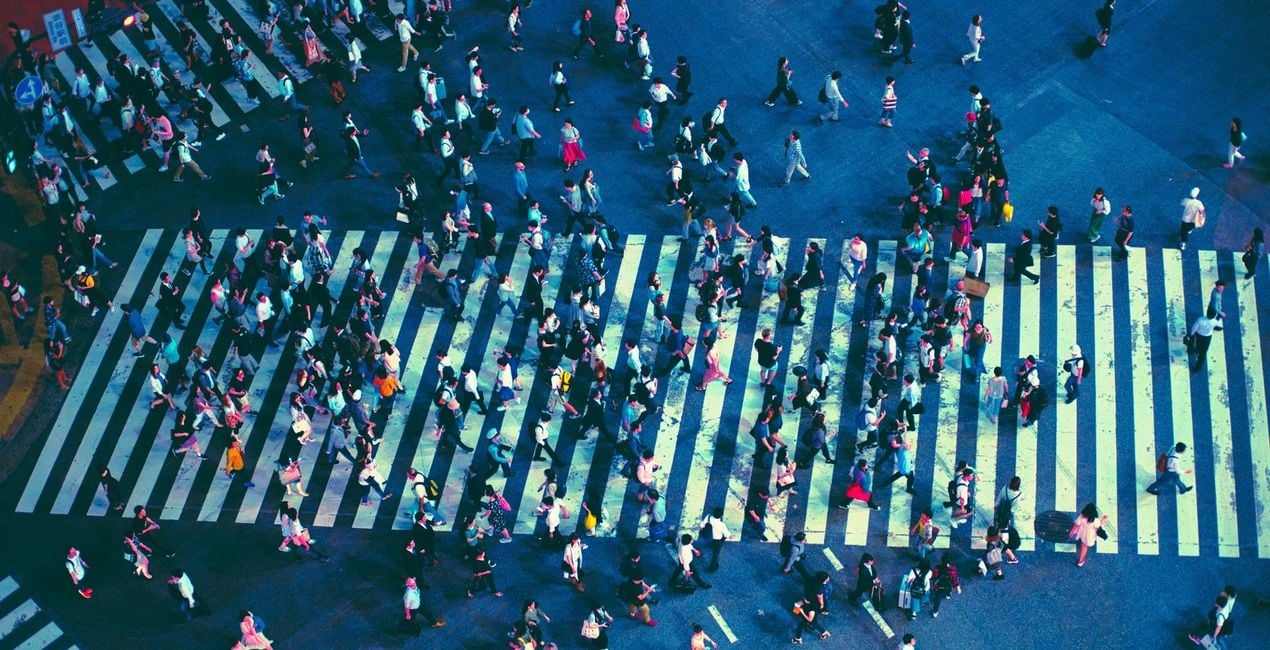
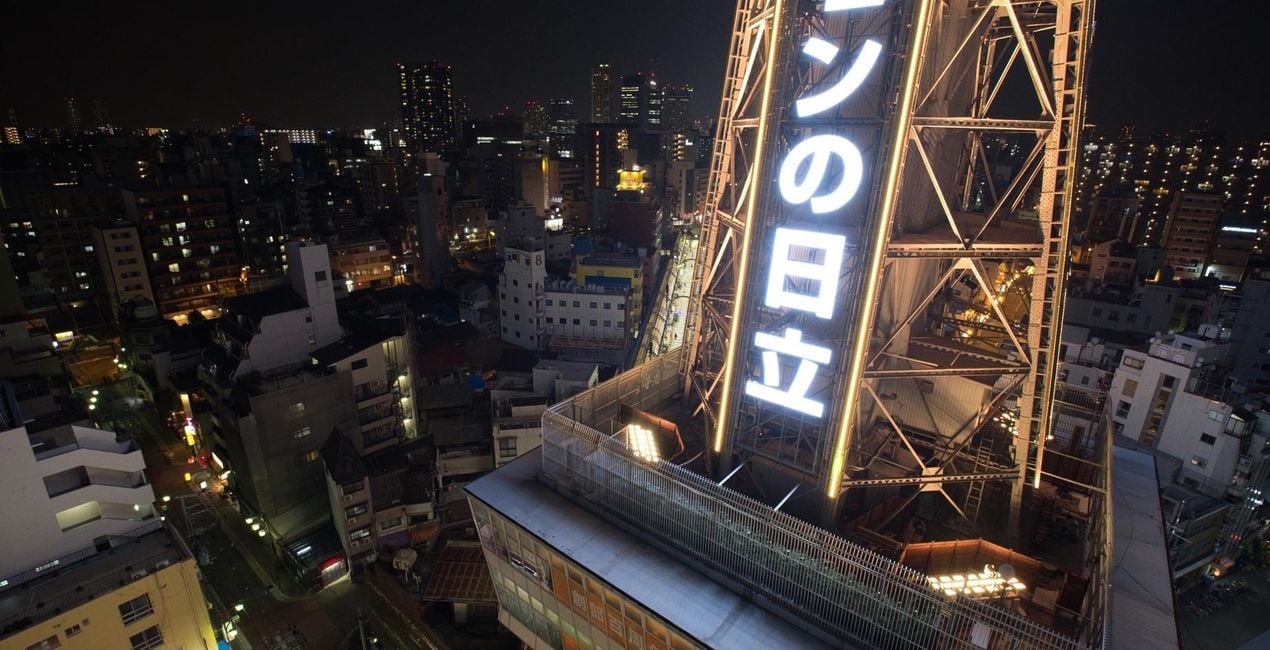
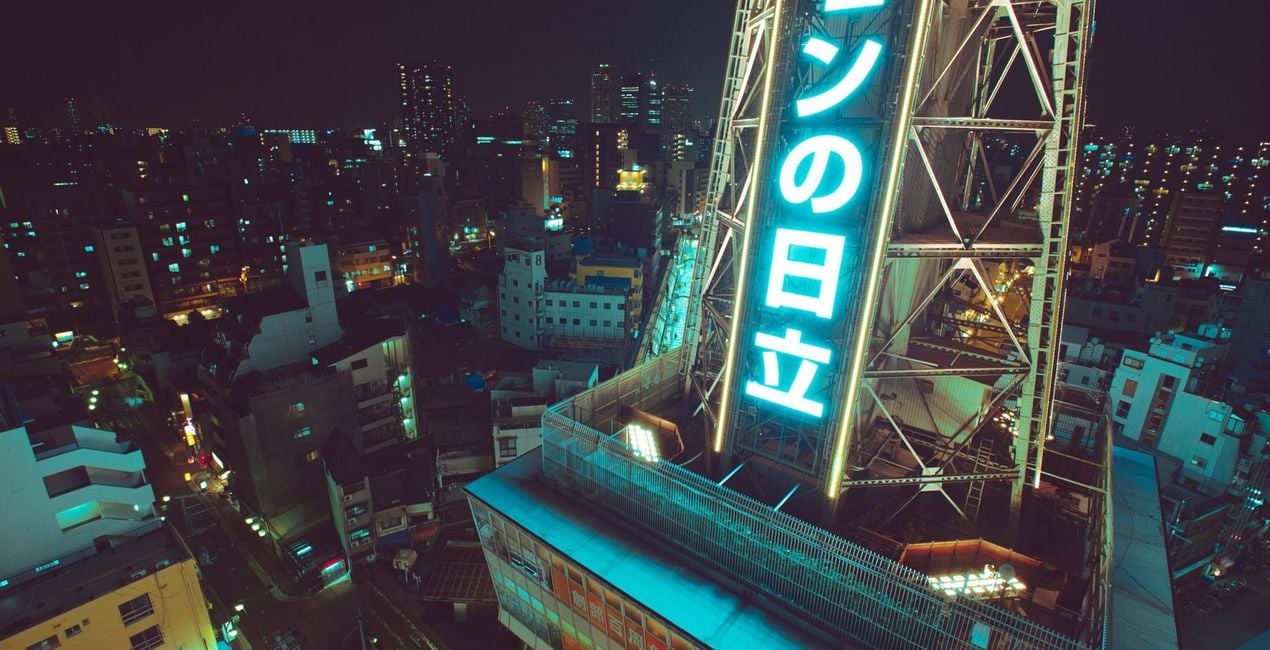
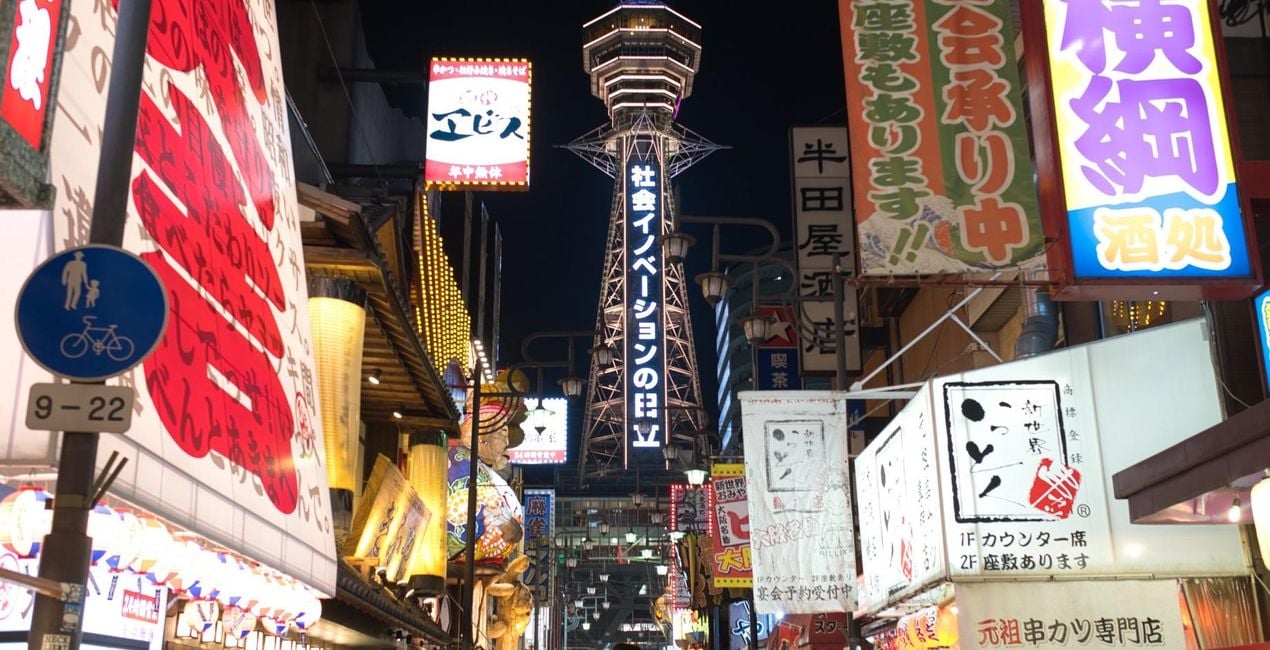
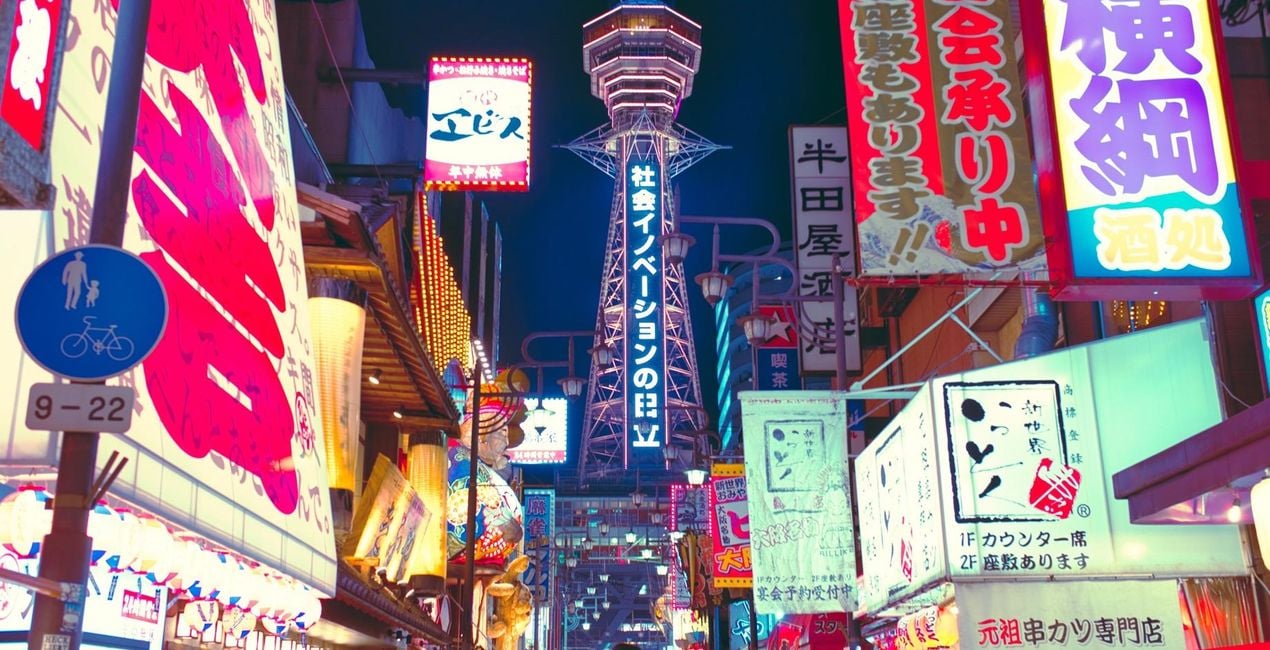
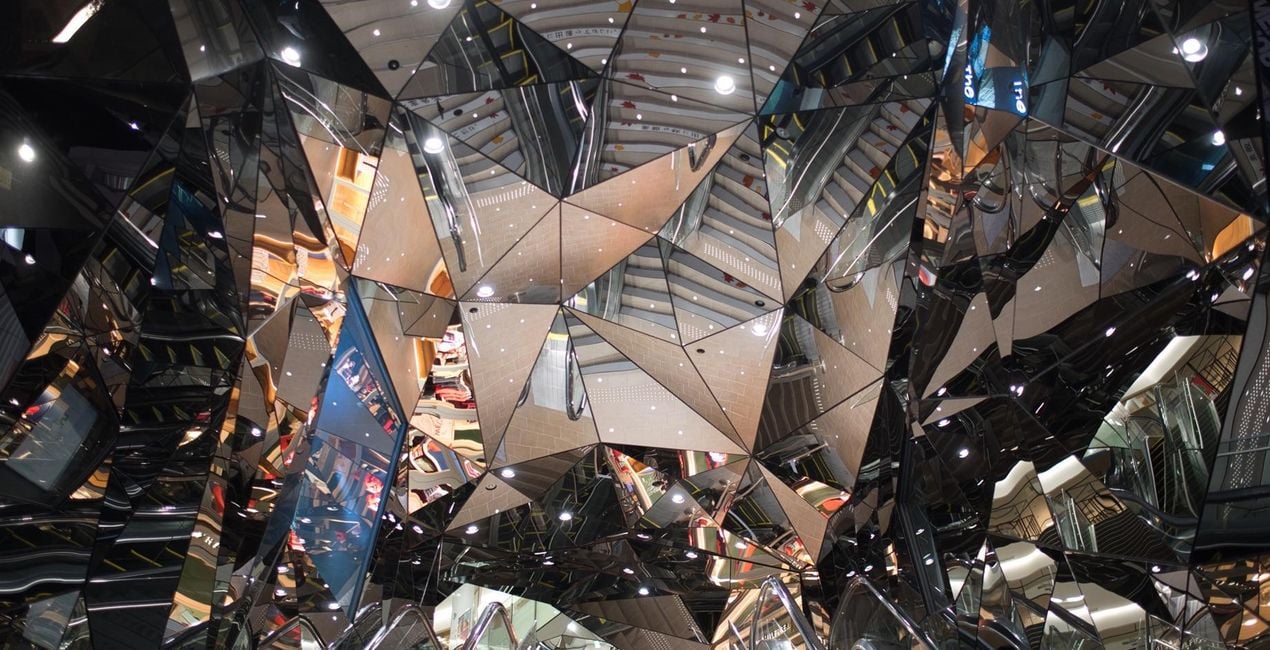
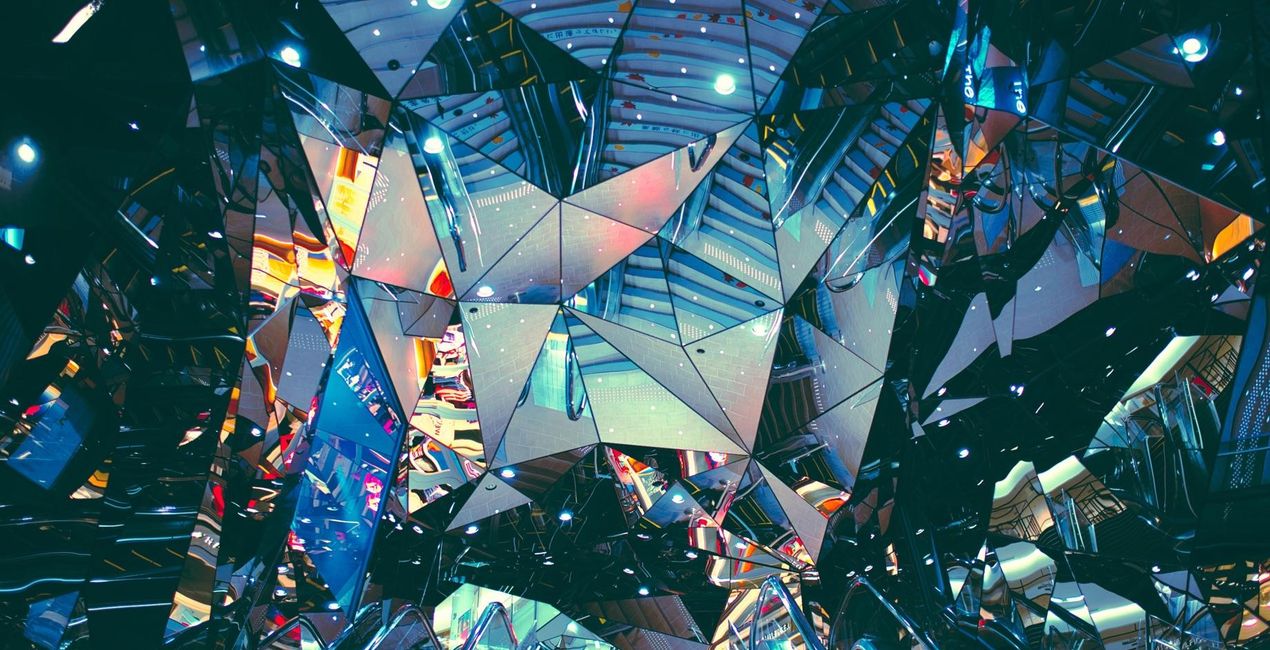
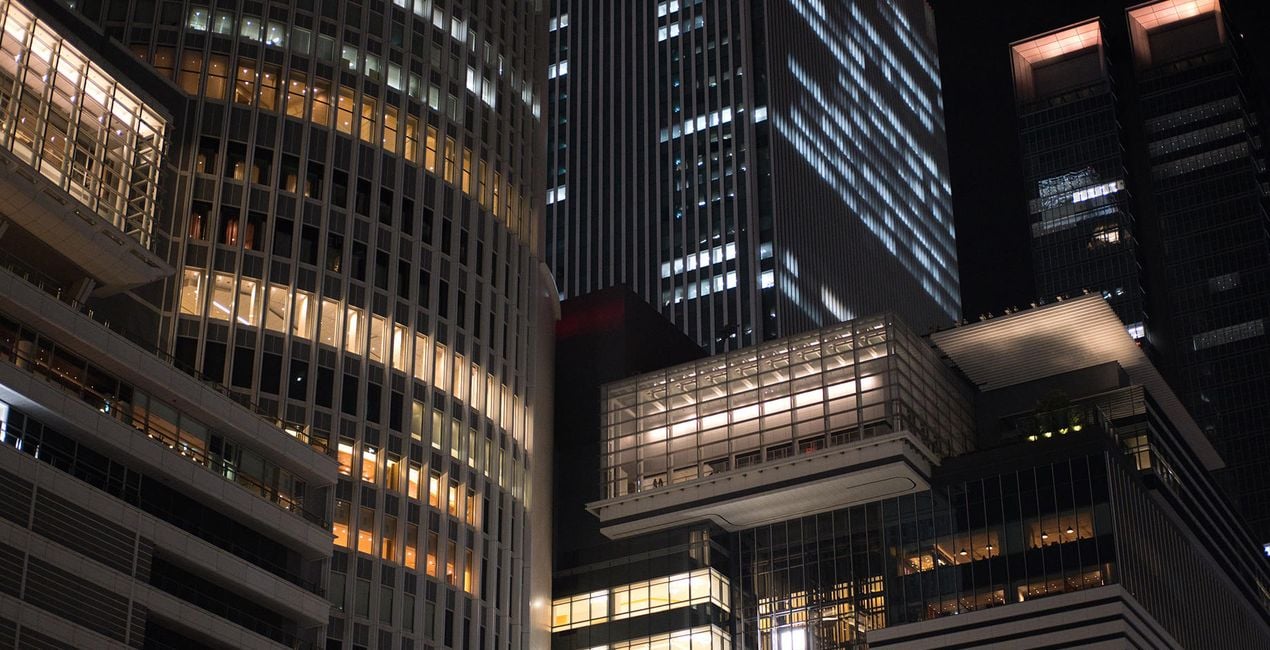
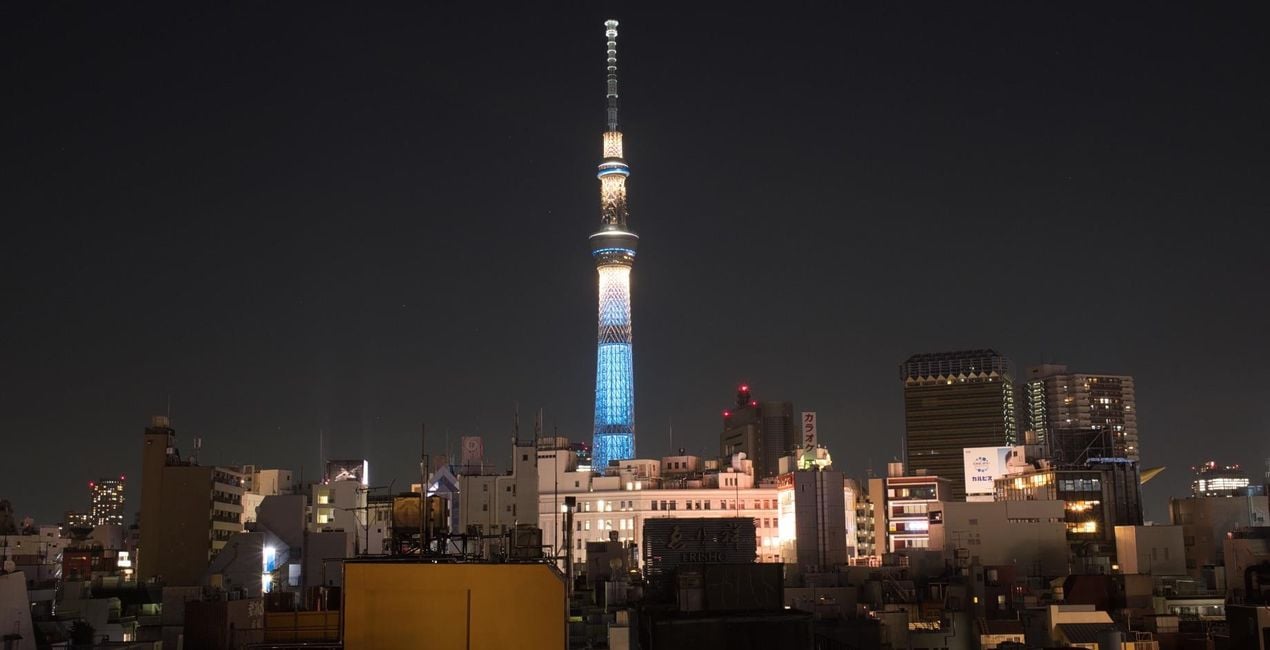
Take a night on the town, any town, and it won’t come close to that of a night out in Tokyo. No place will. Yet somehow, Evgeny Tchebotarev has managed to capture its look and feel. In his Neon Tokyo Signature looks, Evgeny has encapsulated Tokyo’s idiosyncratic energy, so that you can replicate it in your own images.
Utilizzando i file RAW forniti, potrai mettere facilmente in pratica i consigli di ritocco e imparare a ottenere foto come queste.

 >
>
 >
>
 >
>
 >
>
 >
>
 >
>
 >
>
 >
>
 >
>
There’s truly no place like Tokyo. Tokyo with its endearing kitschy joints, its lively clubbing underworld, and its seemingly endless clutter of neon signs, blinding, ever humming. It’s a place that’s captured the heart (and shutter happy finger) of 500px founder Evgeny Tchebotarev, and many street photographers before him.The VP of Growth for Skylum Asia and now Tokyo-based photographer has always been drawn to the hustle and bustle of the urban streets. He’s in his element, whether he’s roaming the vendor-riddled streets of Yangon on the hunt for that perfect shot or hosting a photo walk in the skyscraper-paved avenues of Hong Kong.Yet it’s Tokyo’s bedecked streets and alleyways that’s truly stirred the street photographer in him, and he’s spent many twilights and late nights combing them for their mesmerizing baths of light.“It’s an endless city, and its people — despite the size, hustle and speed of life — somehow learned to stay polite, be attentive, and caring. It carries me around the streets in all different districts, made famous by countless urban legends, movies and music. But the daylight is not what I'm after. My hunt begins in the blue hour, when sun has set and neon lights are shining brighter. I'm trying to quench my thirst for the bright, colorful neons that light the alleyways, and turn dusky blue sky into sparkling shades of rainbow.”Inspired by Tokyo’s neon-lit nights, Evgeny has designed his first set of Signature Looks for Luminar. Spruce up your images with the city’s effervescing energy. This is the Neon Tokyo collection.
Worldwide Photographer and VP of Growth in Asia, Skylum
<p>Ev Tchebotarev’s journey behind the lens started back in 1999 with just an Olympus 3040z. It’s been a magical journey and a whirlwind love affair ever since. </p><p>
Ev spent the next 12 years nurturing his love of photography by growing his staggering collection of stunning images, organizing photo walks, and, of course, building and cultivating 500px, his life’s work. It only takes a quick peek at Ev’s photo galleries on 500px and Instagram to see it. </p><p>With an eye trained for beauty, Ev has helped judge some of the world’s most prestigious photography contests: Red Bull Illume, Photo Life, and the Sony World Photography Awards.
Today, Ev remains a committed photographer. </p><p>Since joining Skylum to lead the effort in Japan, South Korea, and emerging markets, he has continued to create original Templates to help creatives all around the world. </p>
Se hai domande sui prodotti, puoi contattare il team dell'assistenza tutti i giorni, 24 ore al giorno. Utilizza questo link.
Per acquistare Neon Tokyo, segui questi passaggi:
1. Apri il Marketplace di Skylum.
2. Vai sulla scheda dove è elencato Neon Tokyo. Clicca sul nome del prodotto per aggiungerlo al carrello.
3. Vai al carrello, dove potrai completare l'acquisto di Neon Tokyo.
4. Dopo l'acquisto, riceverai un'e-mail con il link per scaricare Neon Tokyo. Potrai trovare il nuovo acquisto anche nel tuo account Skylum, nella scheda I miei add-on.
Nell'e-mail con il link per il download riceverai anche istruzioni dettagliate su come installare Neon Tokyo.
Inoltre, puoi installare l'articolo acquistato direttamente in Luminar Neo: vai su Extra > Marketplace, seleziona la categoria di prodotto, trova l'articolo acquistato e clicca su Installa.
È facilissimo! Vai nella scheda Preset, quindi seleziona Acquistati. Qui troverai i preset che hai acquistato.
Non preoccuparti. Tutti gli articoli acquistati, incluso Neon Tokyo, vengono conservati nella scheda "I miei add-on" del tuo account Skylum, così potrai riscaricarli e utilizzarli in tutta facilità.
In generale, la maggior parte degli articoli è compatibile con Luminar Neo. Ma per assicurarti che Neon Tokyo sia compatibile con i tuoi software, verificane le specifiche prima di scaricarlo o acquistarlo. Cerca la sezione "Compatibilità" sulla destra della pagina di Neon Tokyo, dove sono elencati tutti i prodotti compatibili.
Non andartene ancora. Ecco un codice sconto esclusivo per te. Usalo entro i prossimi 15 minuti per ottenere un ulteriore sconto del 10% al momento del pagamento. Copia il codice qui sotto e completa l'acquisto.
15 m : 00 s





