


 Applicato


Lovely Light
Save $201 $ 29 .00

Looking for a way to make your photos even more captivating? Introducing 20 incredible Presets designed by Jim Nix for those moments at the edges of the day when light and color come to life. Each one is perfect for landscapes, cityscapes, and travel imagery.

Utilizzando i file RAW forniti, potrai mettere facilmente in pratica i consigli di ritocco e imparare a ottenere foto come queste.
 >
>

 >
>

 >
>
 >
>
 >
>

 >
>
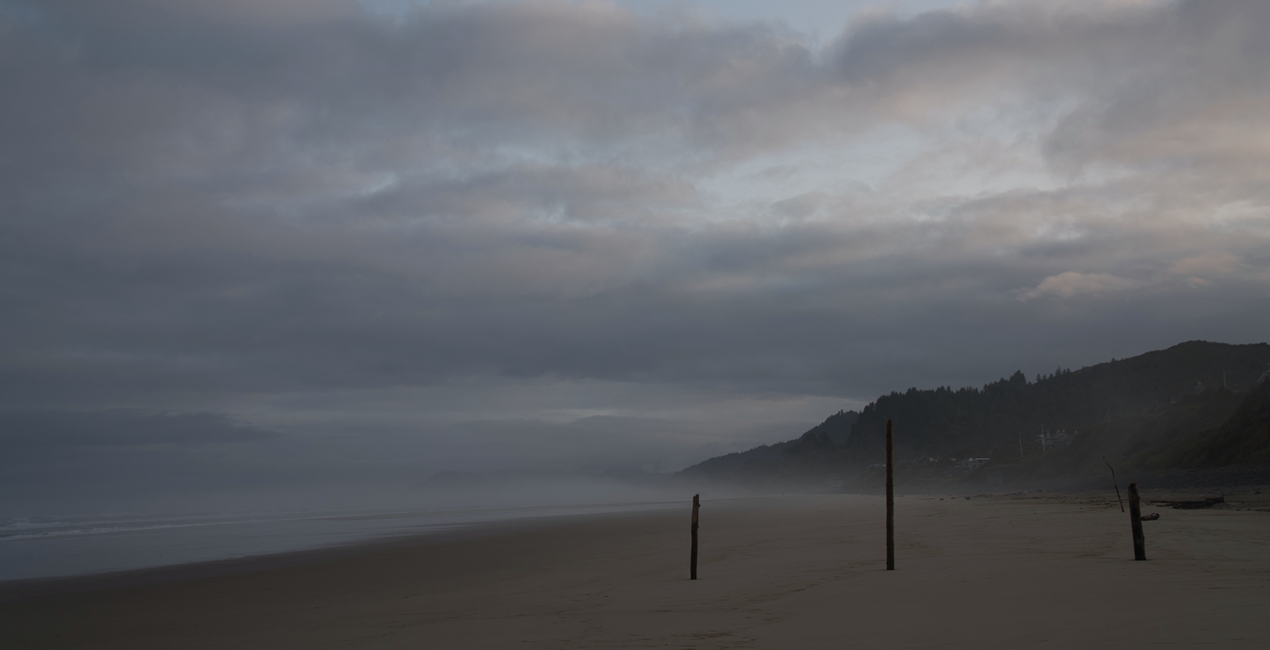
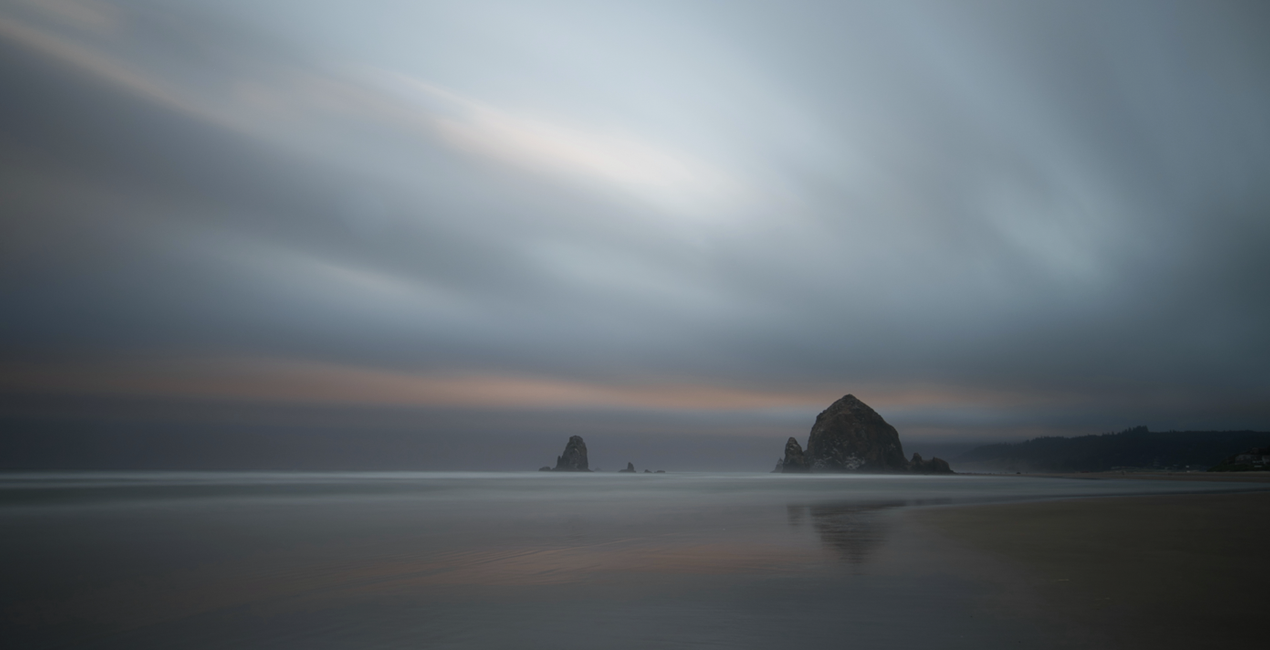
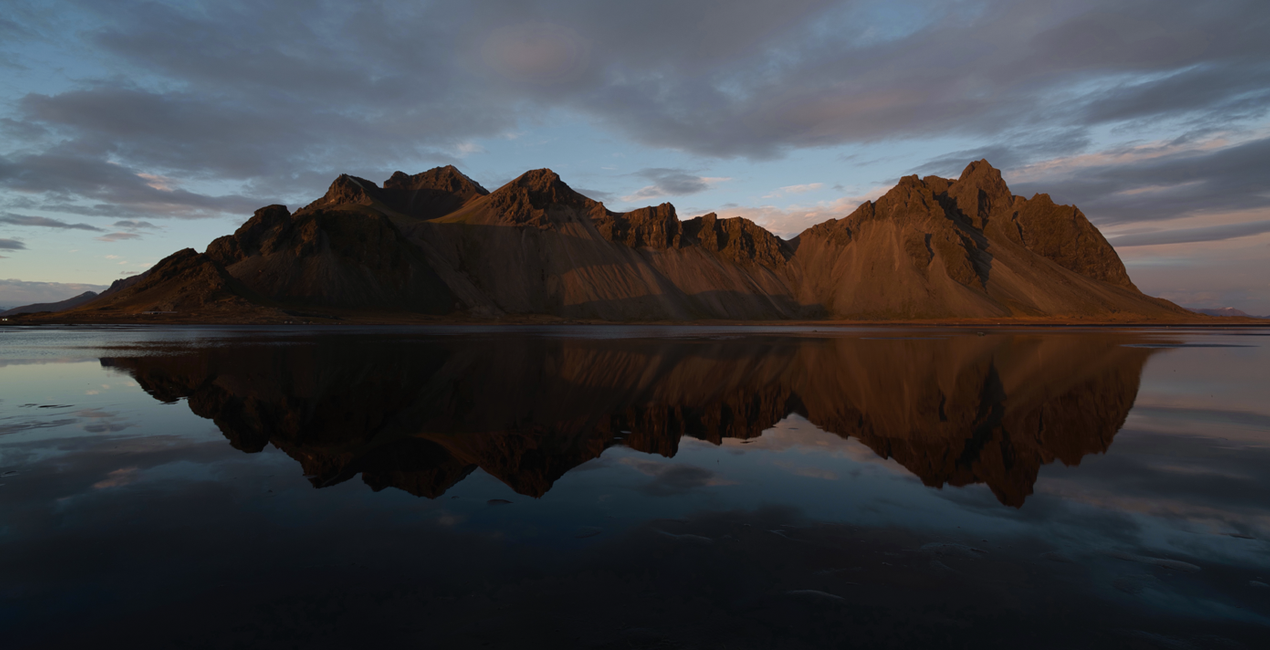
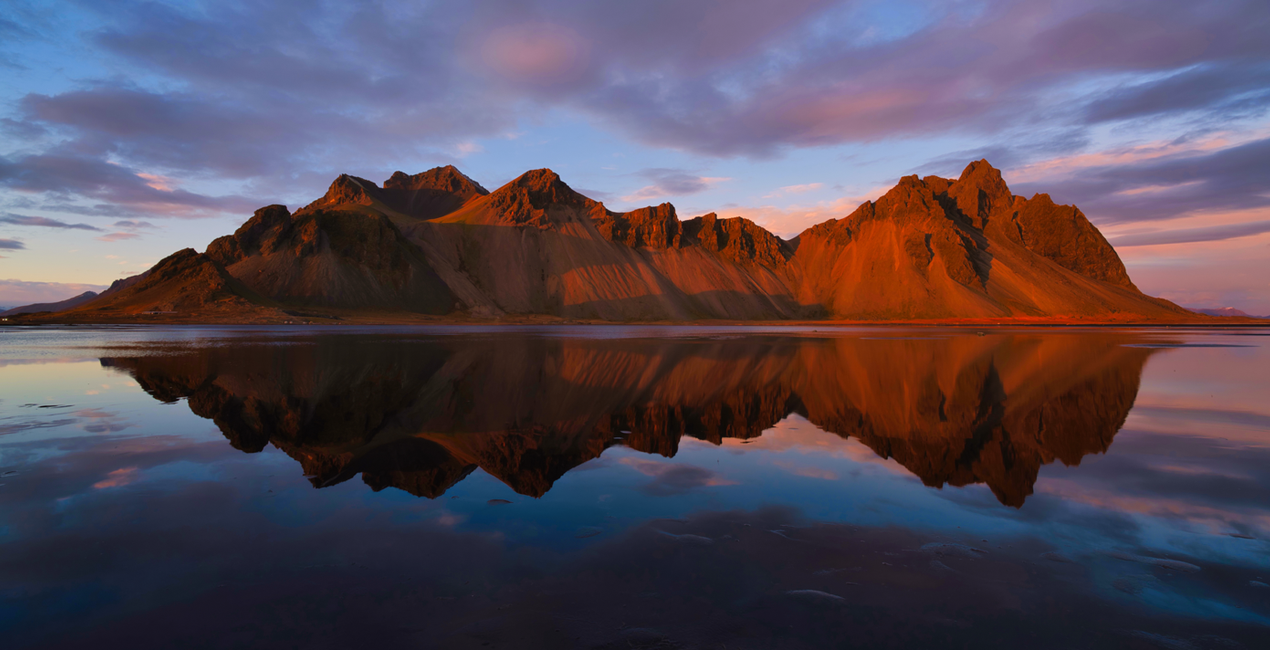
Everyone loves to photograph at the edges of the day, during sunrises, sunsets, blue and golden hours. During those times the light is soft and the colors are just gorgeous. But if your photo’s color doesn't quite look the way you remember it, use these Presets to give your image a little extra emphasis.
These Presets are designed specifically for that time of day, and are crafted to enhance color and light to complement your scene. The Presets were inspired by Jim’s love of bold color and soft light and how he likes to combine them to enhance the overall mood of an image.
The Presets are named for the type of image that they are designed for: Sunset, Golden Hour, or Blue Hour.
Sunset: Give a nice lift to your image’s colors and tones with an emphasis on warm tones and rich colors.
Blue Hour: Lift the exposure of a darker, blue hour image and pop the colors and tones as well while adding some warmth
Golden Hour: Accentuate the warm, golden tones in an image and bring it to life.
Photographer. Skylum Ambassador.
Jim Nix is a travel photographer and YouTuber based in Austin, Texas. His photographic interests include broad cityscapes and intimate street photographs. Jim has a colorful and expressive style and a strong preference for shooting at the edges of the day, where soft light and shadow help create the dramatic and moody sentiments his photographs embody. He loves to convey his artistic vision through editing tutorials, which he publishes several times a week on YouTube, and he encourages his viewers to experiment with their editing techniques in order to find their own creative voice.
Se hai domande sui prodotti, puoi contattare il team dell'assistenza tutti i giorni, 24 ore al giorno. Utilizza questo link.
Per acquistare Lovely Light, segui questi passaggi:
1. Apri il Marketplace di Skylum.
2. Vai sulla scheda dove è elencato Lovely Light. Clicca sul nome del prodotto per aggiungerlo al carrello.
3. Vai al carrello, dove potrai completare l'acquisto di Lovely Light.
4. Dopo l'acquisto, riceverai un'e-mail con il link per scaricare Lovely Light. Potrai trovare il nuovo acquisto anche nel tuo account Skylum, nella scheda I miei add-on.
Nell'e-mail con il link per il download riceverai anche istruzioni dettagliate su come installare Lovely Light.
Inoltre, puoi installare l'articolo acquistato direttamente in Luminar Neo: vai su Extra > Marketplace, seleziona la categoria di prodotto, trova l'articolo acquistato e clicca su Installa.
È facilissimo! Vai nella scheda Preset, quindi seleziona Acquistati. Qui troverai i preset che hai acquistato.
Non preoccuparti. Tutti gli articoli acquistati, incluso Lovely Light, vengono conservati nella scheda "I miei add-on" del tuo account Skylum, così potrai riscaricarli e utilizzarli in tutta facilità.
In generale, la maggior parte degli articoli è compatibile con Luminar Neo. Ma per assicurarti che Lovely Light sia compatibile con i tuoi software, verificane le specifiche prima di scaricarlo o acquistarlo. Cerca la sezione "Compatibilità" sulla destra della pagina di Lovely Light, dove sono elencati tutti i prodotti compatibili.
Non andartene ancora. Ecco un codice sconto esclusivo per te. Usalo entro i prossimi 15 minuti per ottenere un ulteriore sconto del 10% al momento del pagamento. Copia il codice qui sotto e completa l'acquisto.
15 m : 00 s





