


 Applicato


Landscapes Between Earth & Sky
Save $201 $ 19 .00

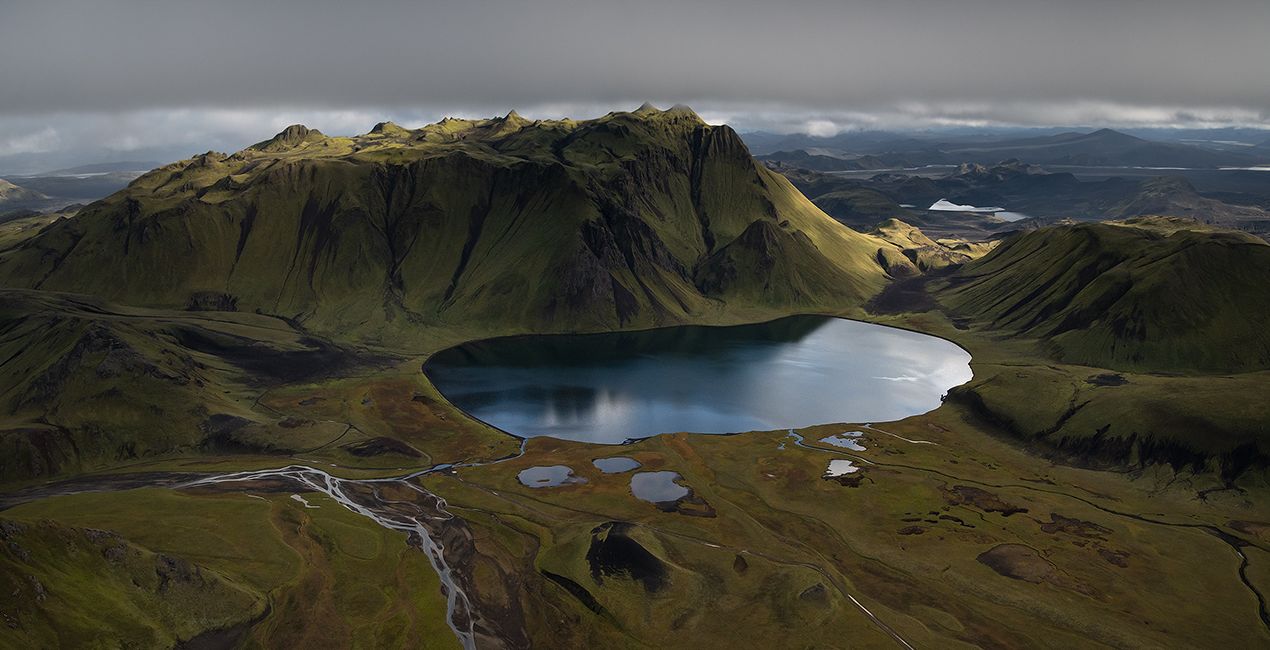
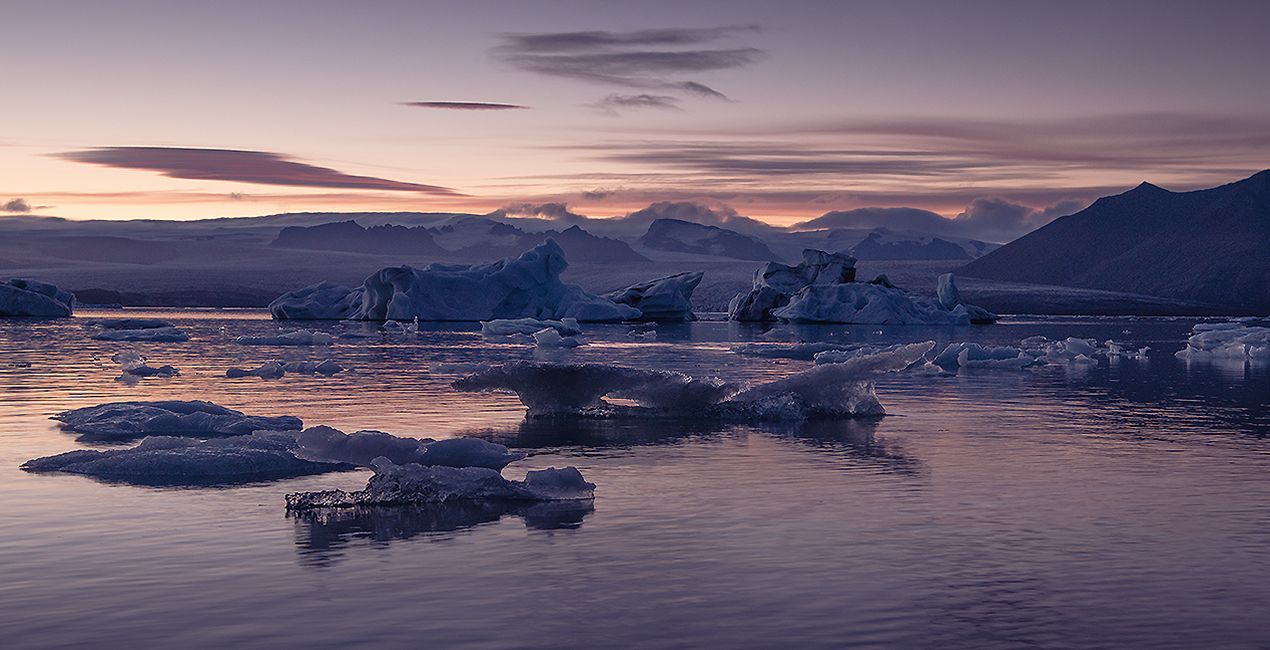
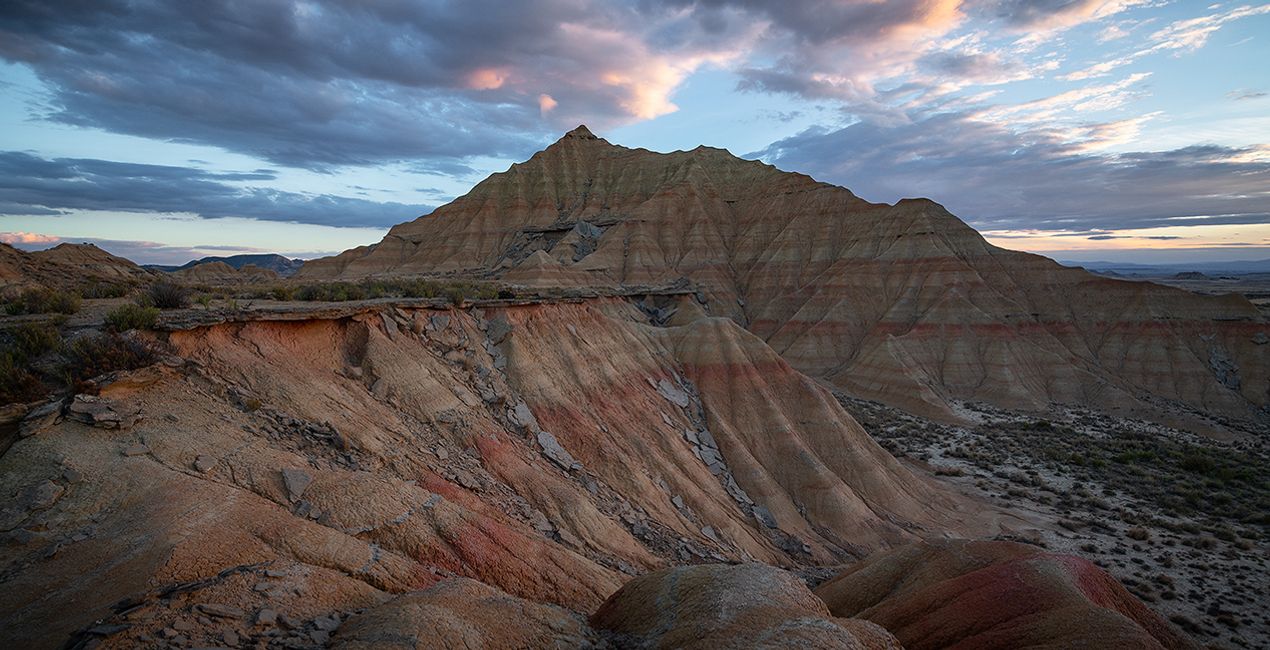
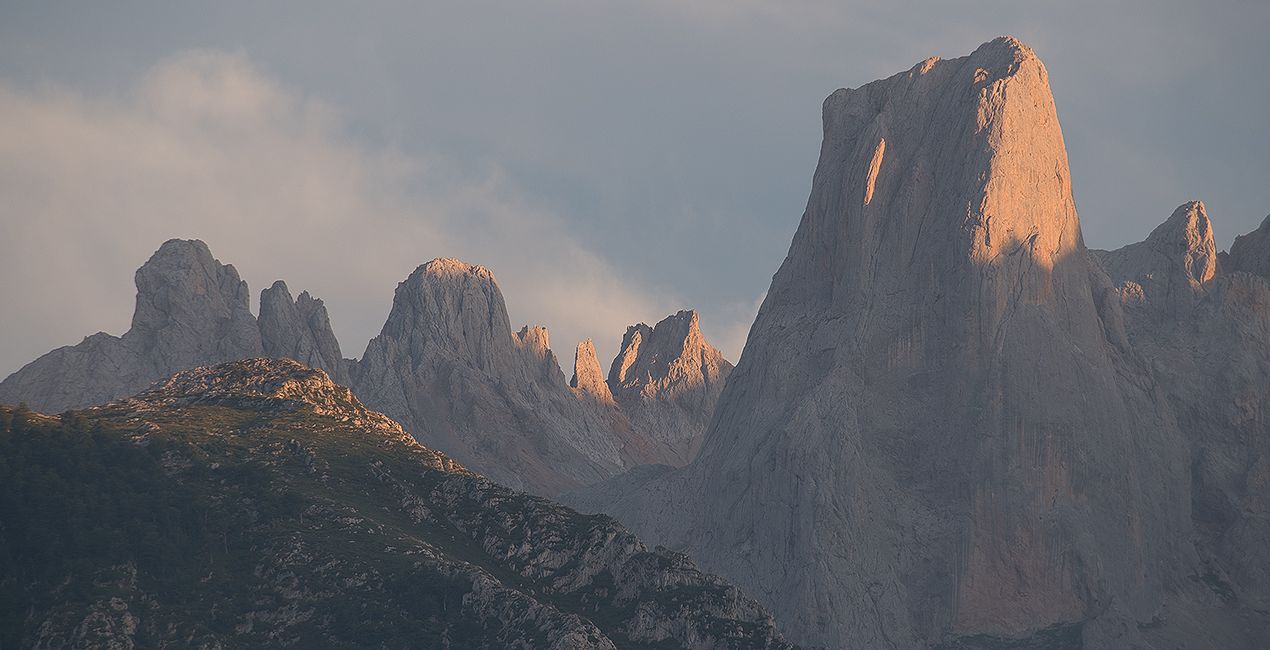
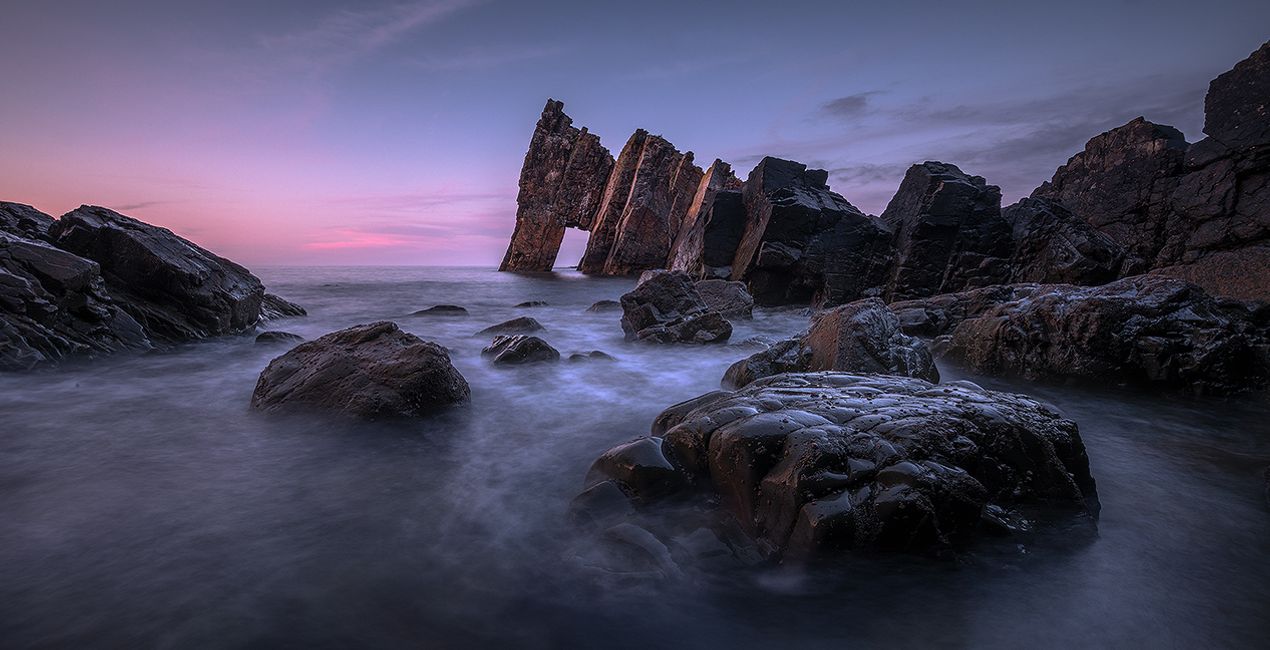
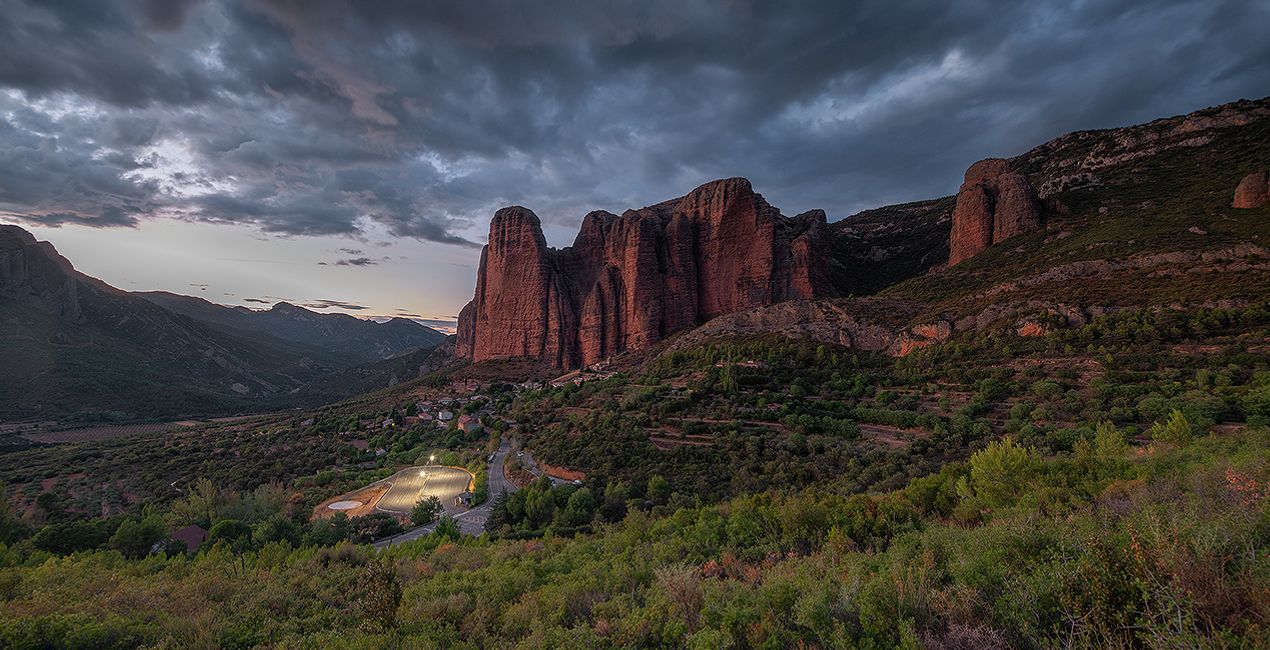
Immerse yourself into Armand's unique creative editing style. These 12 Presets for aerial photos, as well as regular landscape images, offer you new ways to easily get impressive results, and give you a wide range of choices, from dramatic to more subtle edits.

Utilizzando i file RAW forniti, potrai mettere facilmente in pratica i consigli di ritocco e imparare a ottenere foto come queste.
.jpg?w=1270&h=650&resize=cover) >
>
.jpg?w=1270&h=650&resize=cover) >
>
.jpg?w=1270&h=650&resize=cover) >
>
.jpg?w=1270&h=650&resize=cover) >
>
.jpg?w=1270&h=650&resize=cover) >
>
.jpg?w=1270&h=650&resize=cover) >
>
“With this pack, I wanted to bring you further in my editing style and continue to cover the different types of light and composition scenarios we meet when shooting landscapes with a drone, from a plane, or from the ground.
In order to offer something different from my previous packs and still propose Presets that match my editing style, I decided to limit the use of these Presets to images that have the sky in the frame. It allowed me to add some gradient effects which I’m using in almost all my images framing the sky. Sunset, sunrise, daylight, overcast skies, strong or soft edits… The idea is to give you a larger panel of tools in complement of my previous packs to edit your pictures easily and cover a wider range of situations.
These Presets can be used as stand alone edits, but also as a starting point for more complex edits you’d like to experiment with. Just remember to try which Preset works the best, and to play with the Preset slider to find the right amount. I recommend to test the Preset with an amount of 50% and go up from there depending on the picture. You can also look for tools in the edit tab if you want to fine tune the result by yourself.» — Armand Sarlangue.
You’ll find 12 Presets in this pack:
Reminder: These Presets are made for images framing the sky in the composition. They won’t always work with top down images or images that are not framing the sky at all, due to the gradient effects used in their making.
Enhancer: This Preset will enhance your images and give it a nice boost, while slightly warming up the scene.
Colorful Sunset: This Preset will transform your sunset and sunrise images to make it spectacular. It will warm up the warm tones and cool down the cold tones, while boosting the colors and adding a twist to the textures and contrast.
Dark Mountains: This Preset applies Armand’s signature dark edits style for images where the sky is framed. It works well with daylight images, but can also work on sunset and sunrise images that are not too dark originally. It is a strong Preset, so don’t hesitate to move the amount slider to see what works best.
Texture & Light: This Preset will soften the textures while creating a nice mood in the image. It will also add side light using the Sunray effect.
Important: Remember to move the Sunray effect on the side of your image where you want it (ideally where the sun really is), or just remove it if you prefer.
Green Paradise: This Preset is more suitable for daylight conditions, and works ideally when there is some green vegetation in the image.
Soft Light: Ideal for low light situations and blue hours, but it has proven to adapt well to many other types of images.
Ambiance Maker: This Preset's purpose is to add a beautiful ambiance to your images.
Twilight: This Preset will soften your image while adding warm tones. It works well for soft edits of twilight images, but can be used in many images.
Flattening Filter: This Preset adjusts dynamic range issues on sunset and sunrise images by opening the shadows and recovering the highlights. It will also adjust textures, saturation, contrast, and other aspects to bring a soft dreamy look to the picture.
Blurry Day: This Preset will create a dramatic look for your daylight images.
Matte and Sharp: This Preset will add a soft matte look and boost the details.
Surprise Box: Surprise Box is a bonus Preset Armand has added to this pack. Think about it as a joker to try on your landscape shots with overcast sky. It’s not always working well, but when it does it brings a spectacular look!
Photographer. Skylum Ambassador.
Armand Sarlangue has been a professional photographer for 14 years. The son of a photographer, visual art has been Armand’s true passion since childhood, and it’s through nature photography that he really expresses his creativity.
Being alone in the most remote places and translating the feelings of those moments through his images is what motivates Armand. He uses advanced post-production techniques to create ambiances that match his vision of our world.
Armand’s landscape images have been internationally awarded and exhibited in the USA, Spain, Italy, and France. His work has also been published by National Geographic, GEO Magazine, Australian Photography magazine, BBC News, and many other publications.
Se hai domande sui prodotti, puoi contattare il team dell'assistenza tutti i giorni, 24 ore al giorno. Utilizza questo link.
Per acquistare Landscapes Between Earth & Sky, segui questi passaggi:
1. Apri il Marketplace di Skylum.
2. Vai sulla scheda dove è elencato Landscapes Between Earth & Sky. Clicca sul nome del prodotto per aggiungerlo al carrello.
3. Vai al carrello, dove potrai completare l'acquisto di Landscapes Between Earth & Sky.
4. Dopo l'acquisto, riceverai un'e-mail con il link per scaricare Landscapes Between Earth & Sky. Potrai trovare il nuovo acquisto anche nel tuo account Skylum, nella scheda I miei add-on.
Nell'e-mail con il link per il download riceverai anche istruzioni dettagliate su come installare Landscapes Between Earth & Sky.
Inoltre, puoi installare l'articolo acquistato direttamente in Luminar Neo: vai su Extra > Marketplace, seleziona la categoria di prodotto, trova l'articolo acquistato e clicca su Installa.
È facilissimo! Vai nella scheda Preset, quindi seleziona Acquistati. Qui troverai i preset che hai acquistato.
Non preoccuparti. Tutti gli articoli acquistati, incluso Landscapes Between Earth & Sky, vengono conservati nella scheda "I miei add-on" del tuo account Skylum, così potrai riscaricarli e utilizzarli in tutta facilità.
In generale, la maggior parte degli articoli è compatibile con Luminar Neo. Ma per assicurarti che Landscapes Between Earth & Sky sia compatibile con i tuoi software, verificane le specifiche prima di scaricarlo o acquistarlo. Cerca la sezione "Compatibilità" sulla destra della pagina di Landscapes Between Earth & Sky, dove sono elencati tutti i prodotti compatibili.
Non andartene ancora. Ecco un codice sconto esclusivo per te. Usalo entro i prossimi 15 minuti per ottenere un ulteriore sconto del 10% al momento del pagamento. Copia il codice qui sotto e completa l'acquisto.
15 m : 00 s





