


 Applicato


Infrared Artistry
Save $201 $ 19 .00

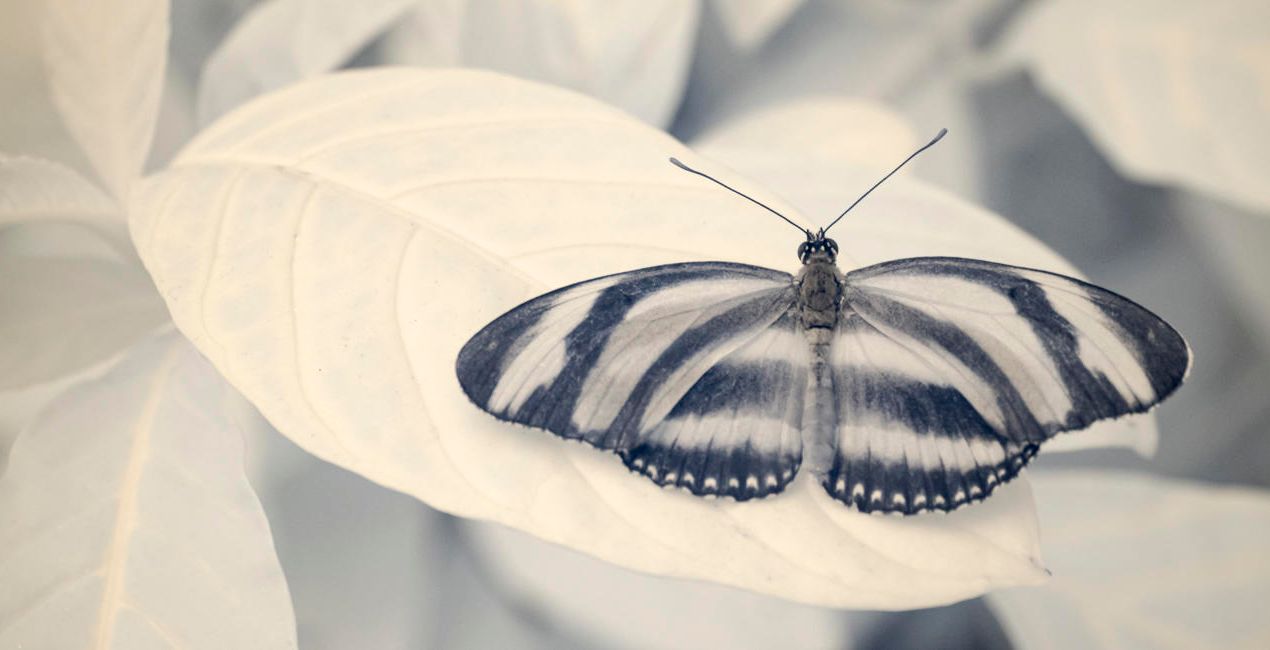
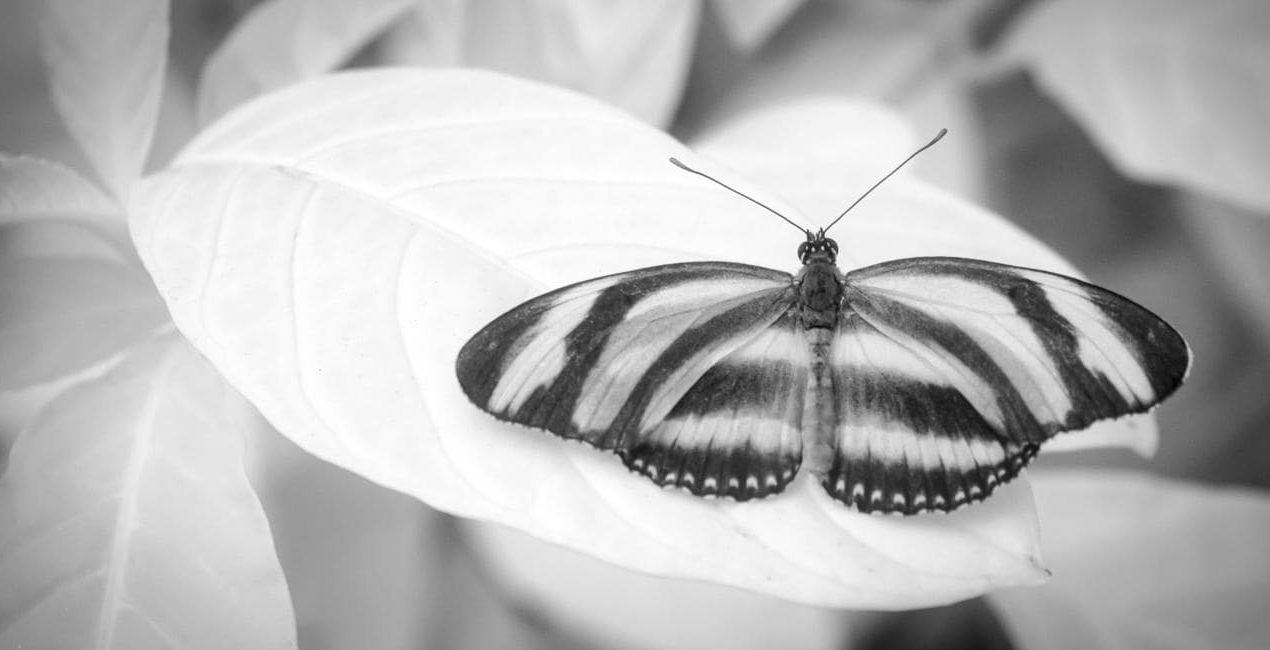
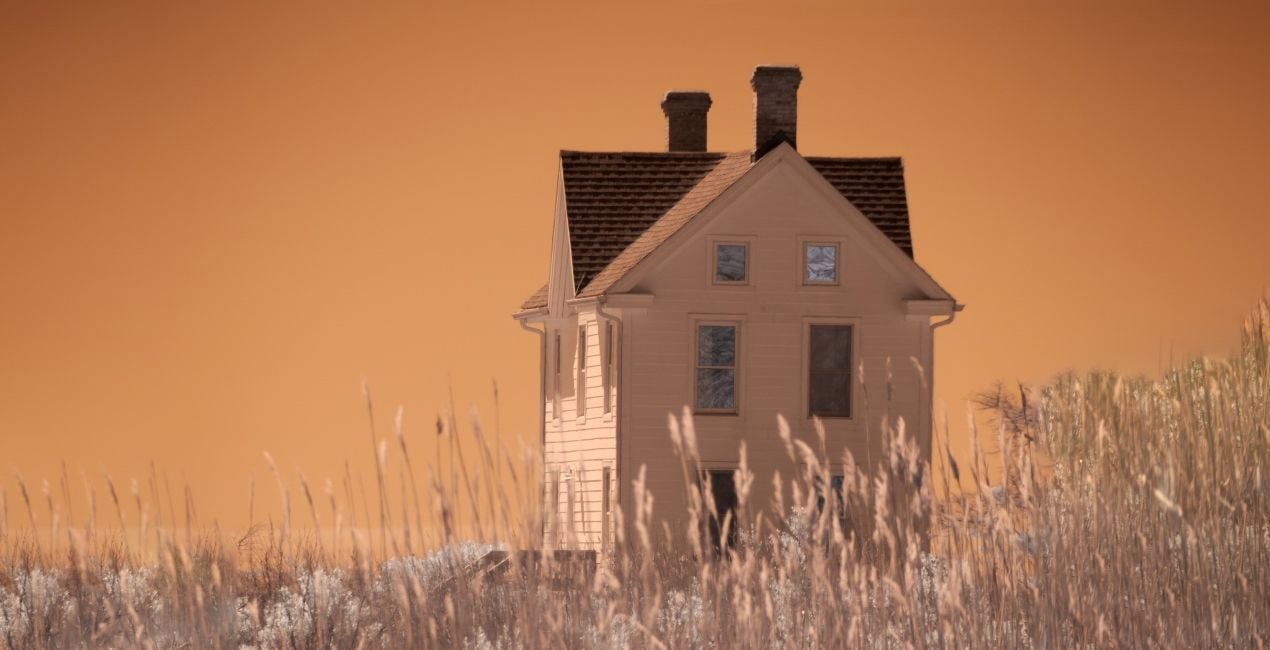
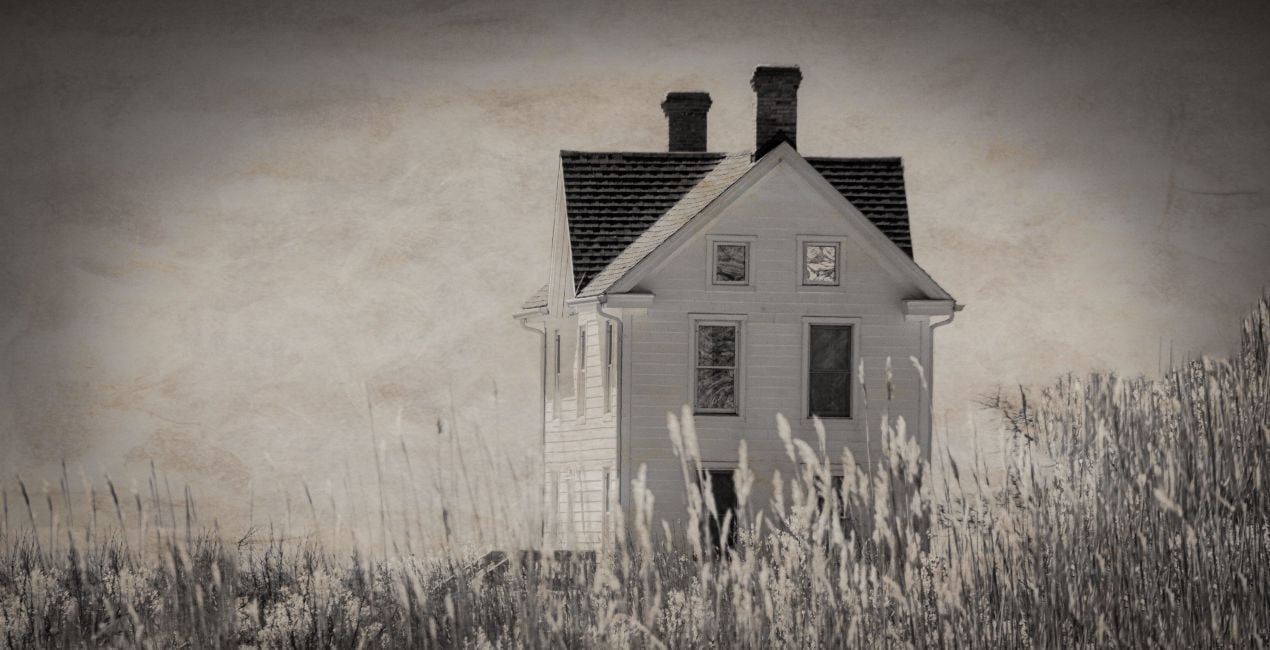
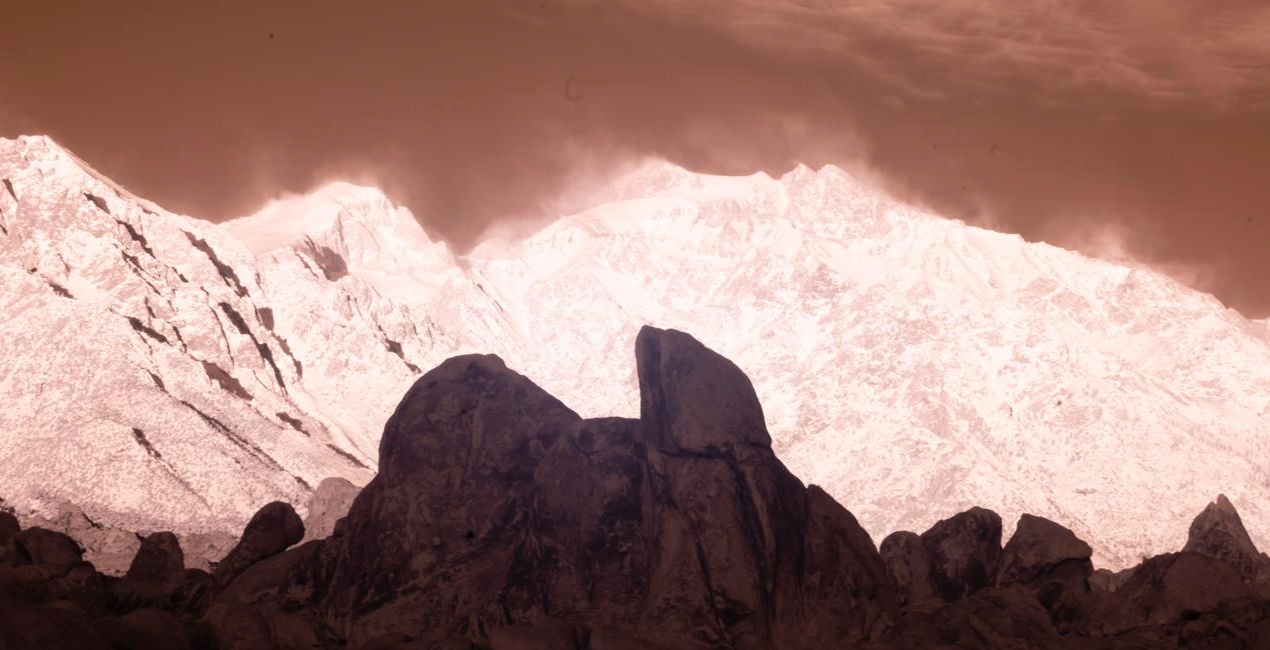
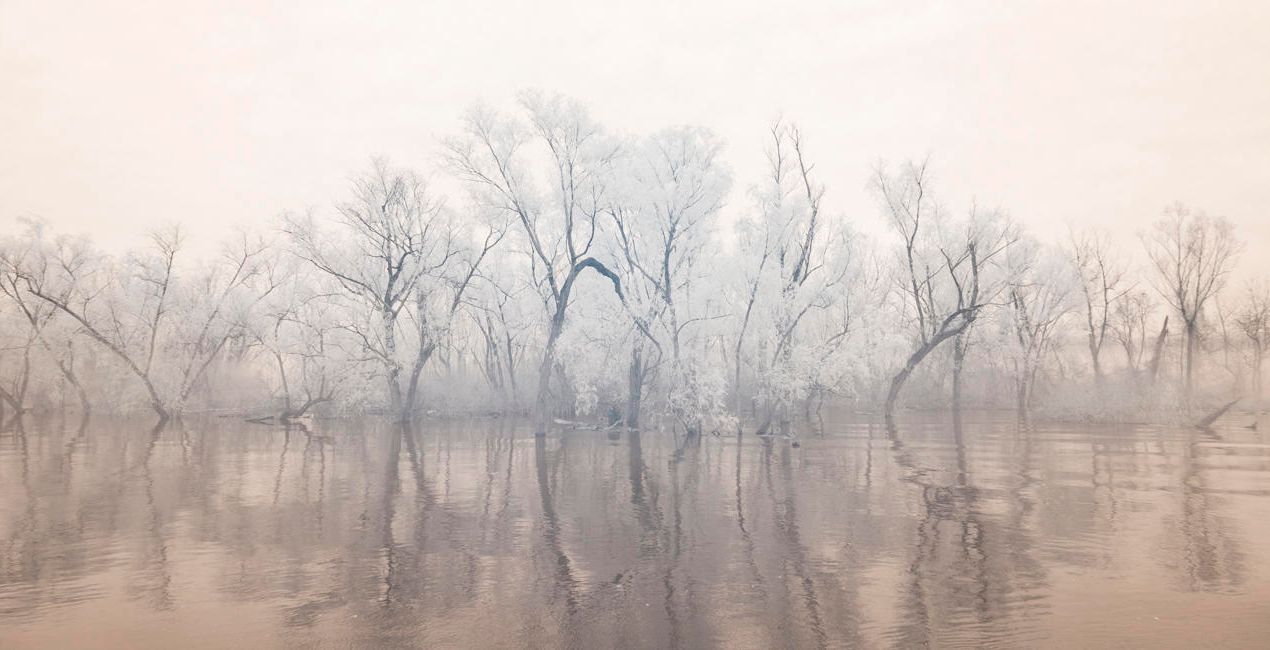
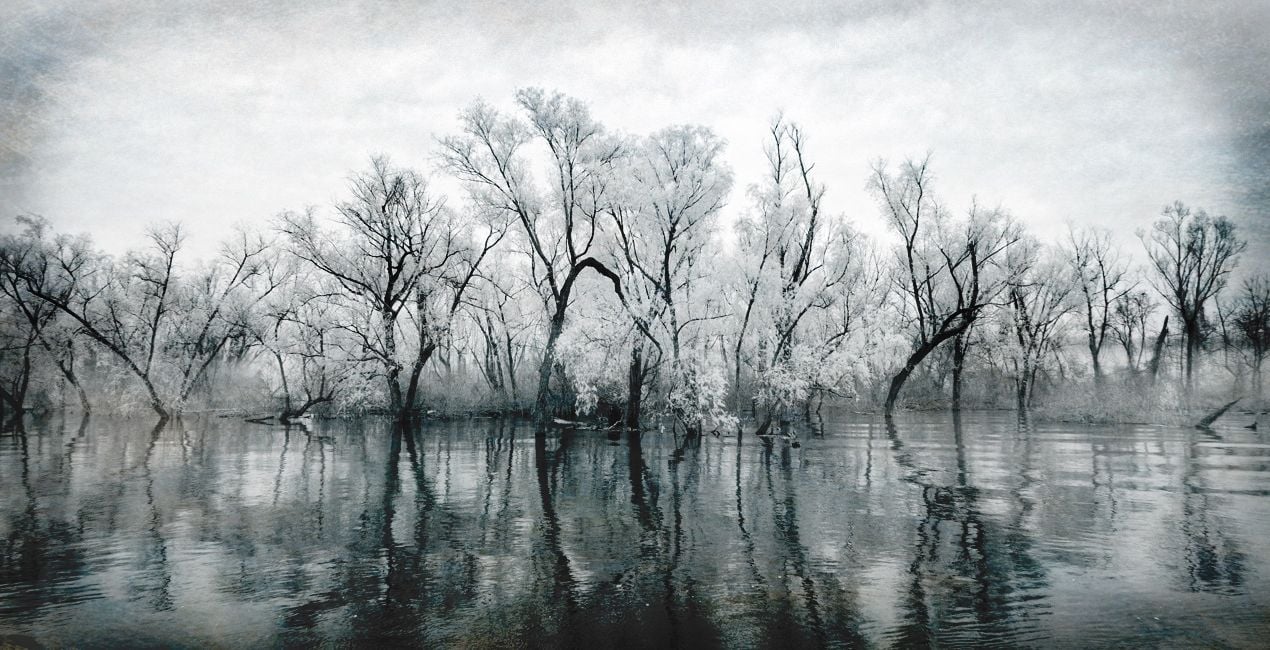
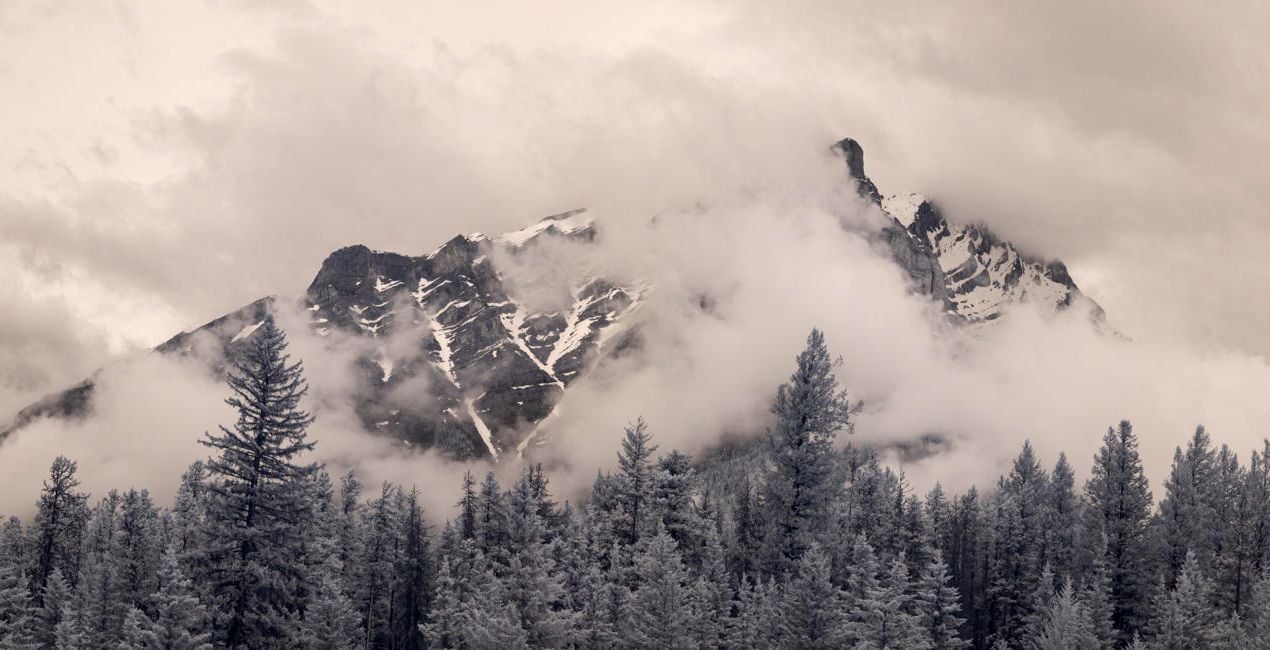
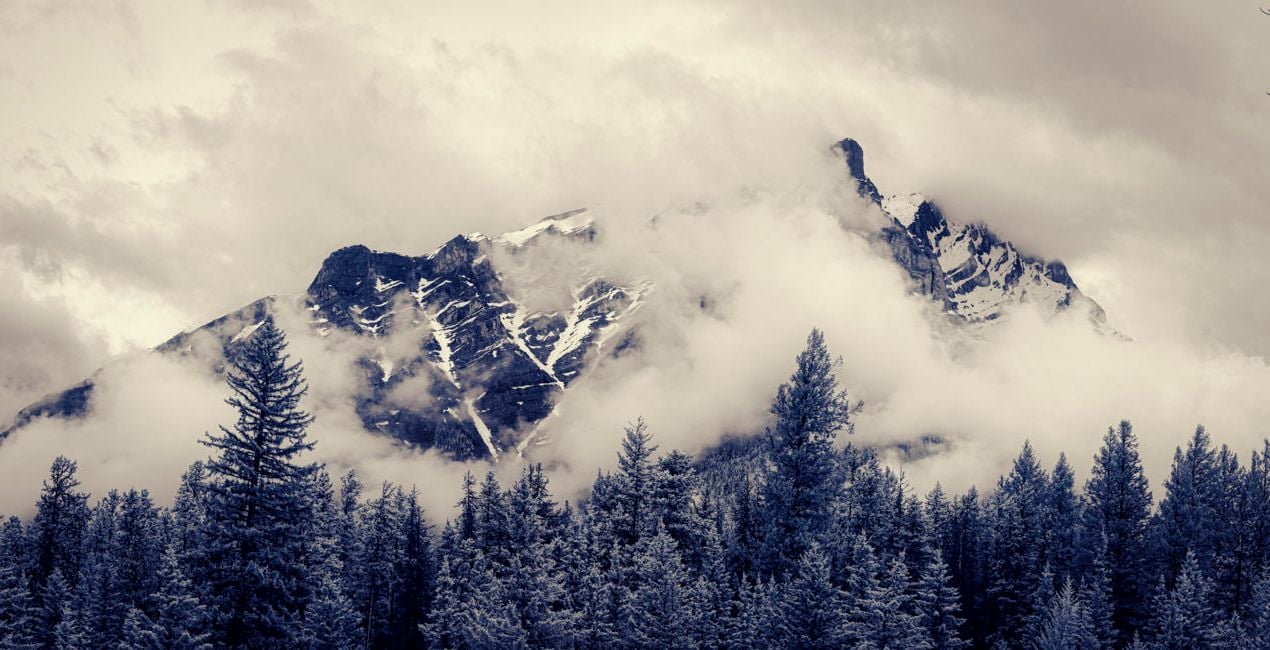
Give a touch of creativity to your infrared images with this collection of 10 unique Presets that go beyond the basics of infrared image processing and add a unique creative flair to your photos.

Utilizzando i file RAW forniti, potrai mettere facilmente in pratica i consigli di ritocco e imparare a ottenere foto come queste.
 >
>
 >
>
 >
>

 >
>
 >
>
 >
>
The Presets in this collection step beyond the basic infrared editing provided in our original collection, Infrared Mastery. The Infrared Artistry Presets were crafted to shift infrared work into a more creative realm.
Using a combination of textures, colors, shadows, and highlights, we’ve created a set of 10 Presets designed to help you explore artistic editing without spending hours working on each image individually.
The 10 Presets in this pack are:
B&W Deep Black: A celebration of dark tones and contrasty shadows in black and white
B&W Matte: Matte shadows and muted highlights with a touch of grain
Antique: Aged tones with reduced contrast, a matte feel, and the texture of an old photograph
Dreamy Portrait: Muted native color with a soft, dreamy feel
Cool Morning: Channel-swapped color with an emphasis on cool tones
Sunrise Light: Native color with subtle coloration
Moody Blue: Textured dark tones and strong contrast
Native Blue: Toned native color with deep blues and pale tans
Structure Contrast: Strong structure and contrast with gray toning
Color Shift: Shades of blue with enhanced brightness
The Invisible Story Team
<p>Renowned photographer and educator Laurie Klein is regarded as one of the most influential infrared photographers in the world. Laurie holds a BFA from Rochester Institute of Technology, an MFA from Ohio University, and was a student of Ansel Adams. She is the author of Infrared Photography: Digital Techniques for Artistic Images, Infrared Photography: Artistic Techniques for Brilliant Images and Photographing the Female Form with Digital Infrared, all published by Amherst Media, as well as Hand Coloring Black and White Photography, published by Quarry Publishers. Laurie teaches regularly at Santa Fe Photographic Workshops, Maine Media, Peter’s Valley Center, numerous other schools and venues, and in her own boutique workshops.
</p><p>
Shelley Vandegrift considers the image her canvas and the computer her brush and palette. The technical components of the post-production process hold as much attraction for her as the creative experience behind the lens. Following a successful career working as a senior technical executive at several major corporations, Shelley now has the privilege of teaching infrared post-processing in workshops around the world. She is the co-author of Infrared Photography: Digital Techniques for Artistic Images from Amherst Publishing. </p>
Se hai domande sui prodotti, puoi contattare il team dell'assistenza tutti i giorni, 24 ore al giorno. Utilizza questo link.
Per acquistare Infrared Artistry, segui questi passaggi:
1. Apri il Marketplace di Skylum.
2. Vai sulla scheda dove è elencato Infrared Artistry. Clicca sul nome del prodotto per aggiungerlo al carrello.
3. Vai al carrello, dove potrai completare l'acquisto di Infrared Artistry.
4. Dopo l'acquisto, riceverai un'e-mail con il link per scaricare Infrared Artistry. Potrai trovare il nuovo acquisto anche nel tuo account Skylum, nella scheda I miei add-on.
Nell'e-mail con il link per il download riceverai anche istruzioni dettagliate su come installare Infrared Artistry.
Inoltre, puoi installare l'articolo acquistato direttamente in Luminar Neo: vai su Extra > Marketplace, seleziona la categoria di prodotto, trova l'articolo acquistato e clicca su Installa.
È facilissimo! Vai nella scheda Preset, quindi seleziona Acquistati. Qui troverai i preset che hai acquistato.
Non preoccuparti. Tutti gli articoli acquistati, incluso Infrared Artistry, vengono conservati nella scheda "I miei add-on" del tuo account Skylum, così potrai riscaricarli e utilizzarli in tutta facilità.
In generale, la maggior parte degli articoli è compatibile con Luminar Neo. Ma per assicurarti che Infrared Artistry sia compatibile con i tuoi software, verificane le specifiche prima di scaricarlo o acquistarlo. Cerca la sezione "Compatibilità" sulla destra della pagina di Infrared Artistry, dove sono elencati tutti i prodotti compatibili.
Non andartene ancora. Ecco un codice sconto esclusivo per te. Usalo entro i prossimi 15 minuti per ottenere un ulteriore sconto del 10% al momento del pagamento. Copia il codice qui sotto e completa l'acquisto.
15 m : 00 s





