


 Applicato


Flying Colors
Save $201 $ 19 .00

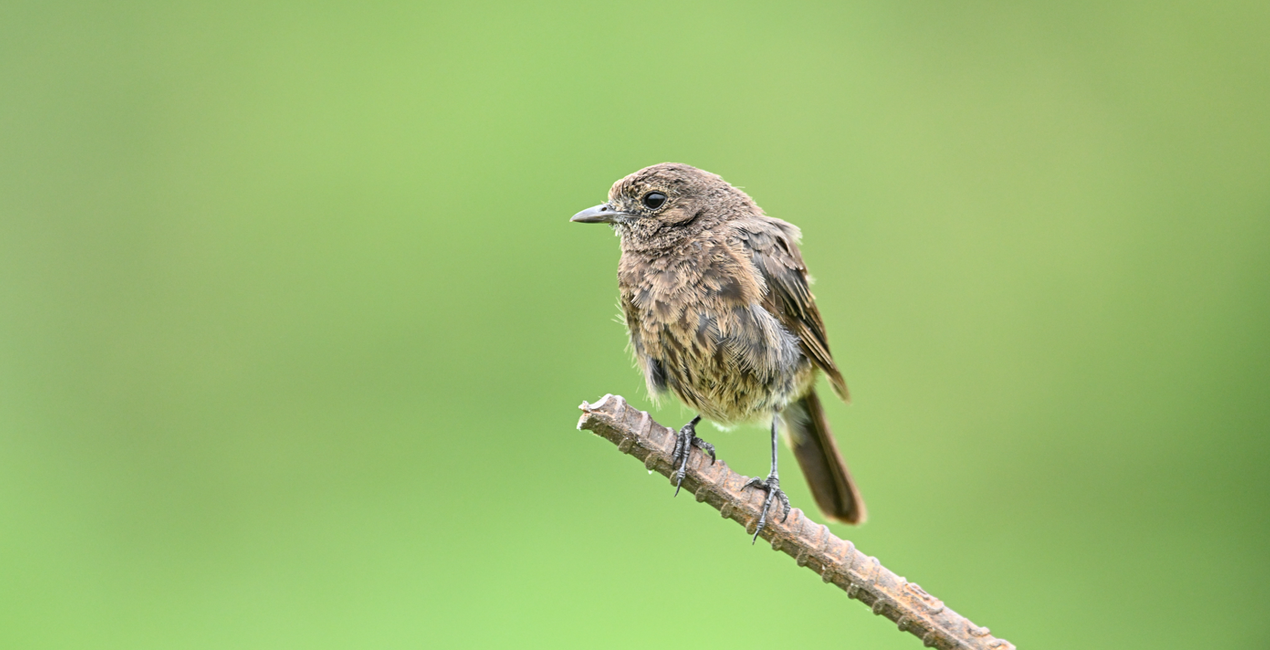
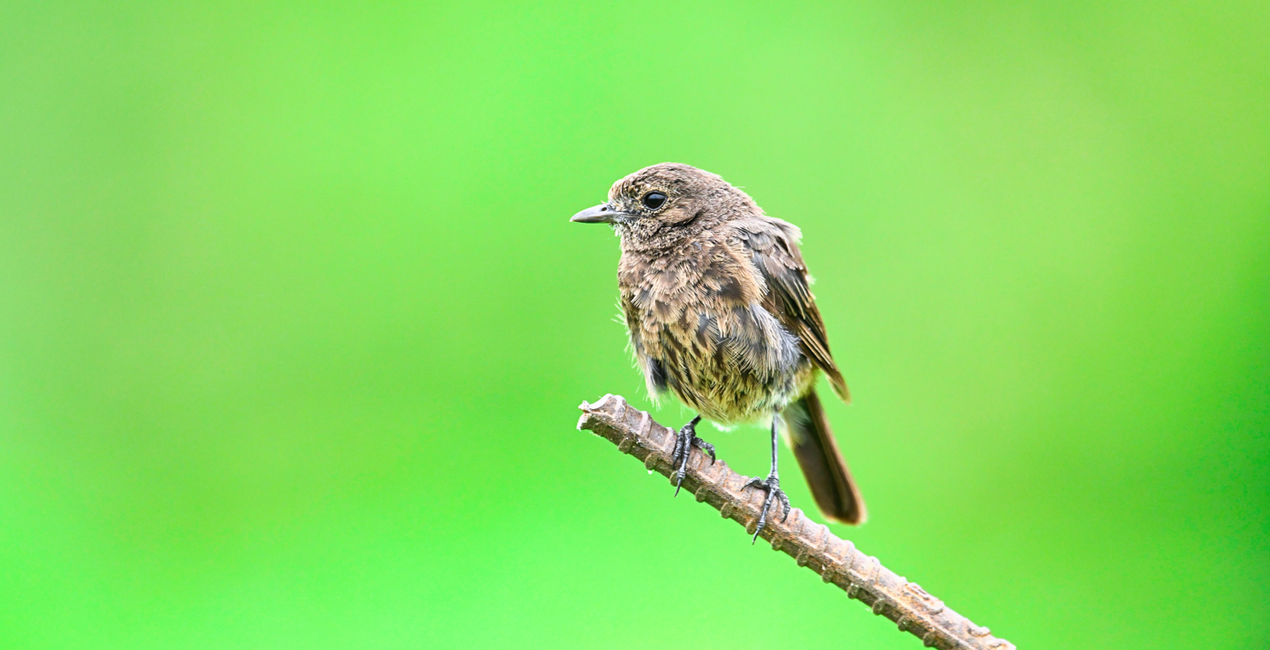
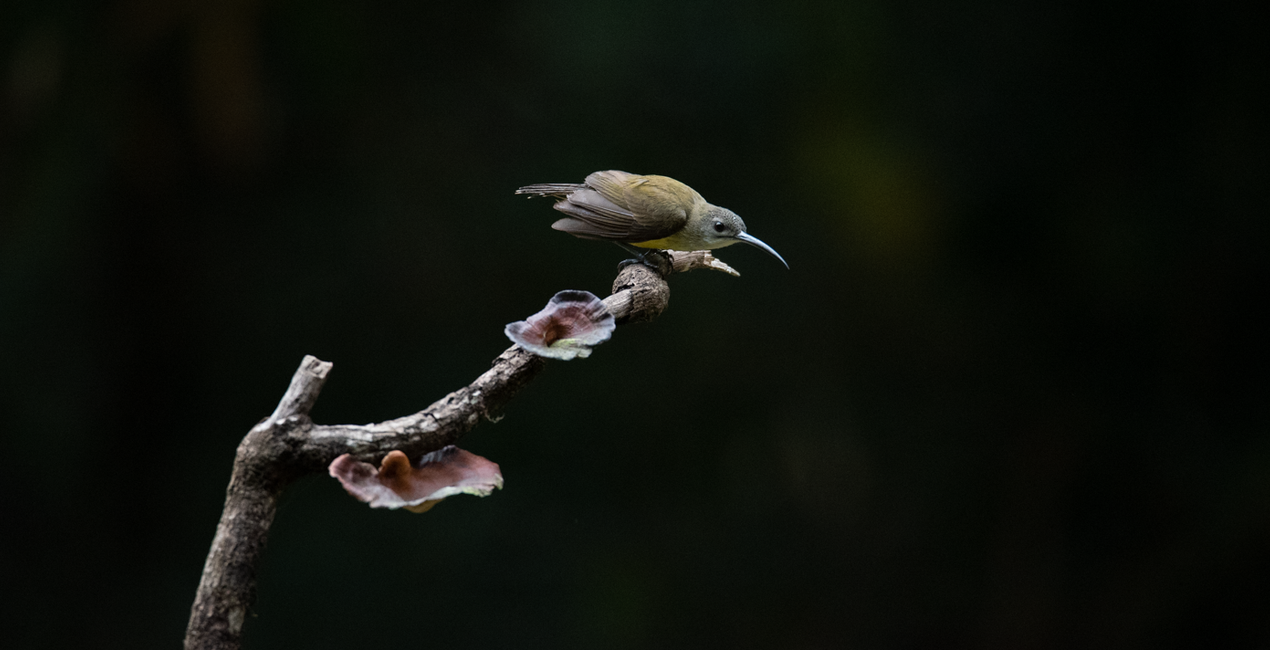
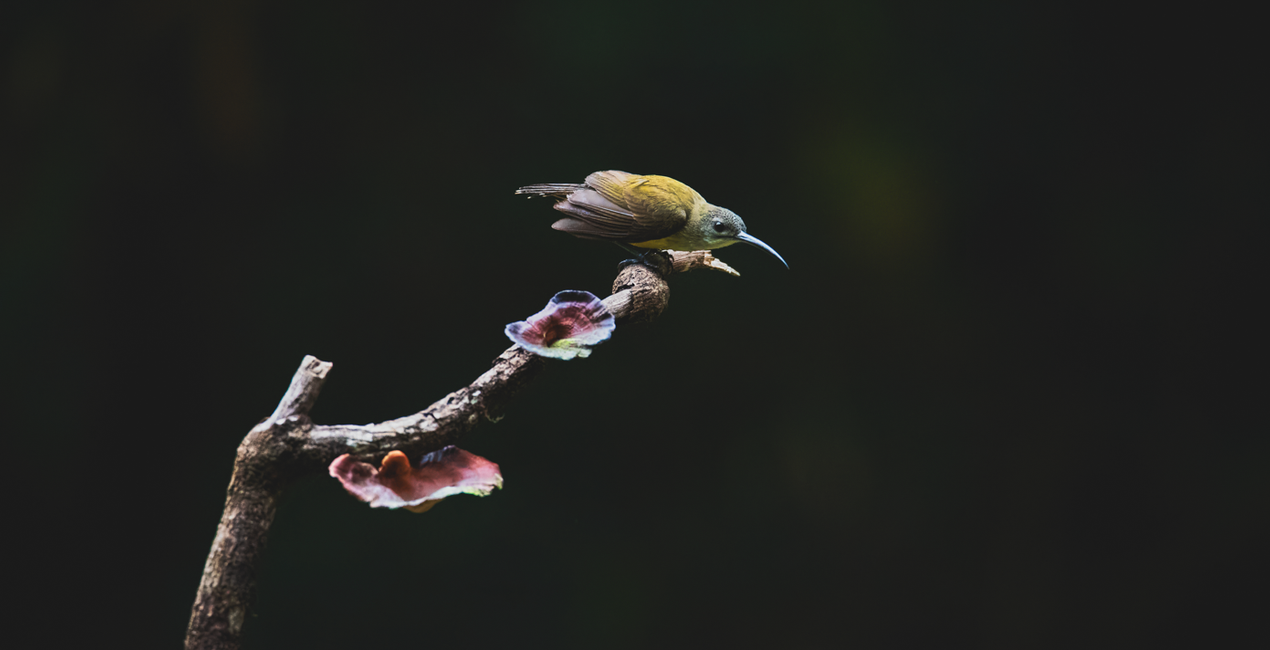
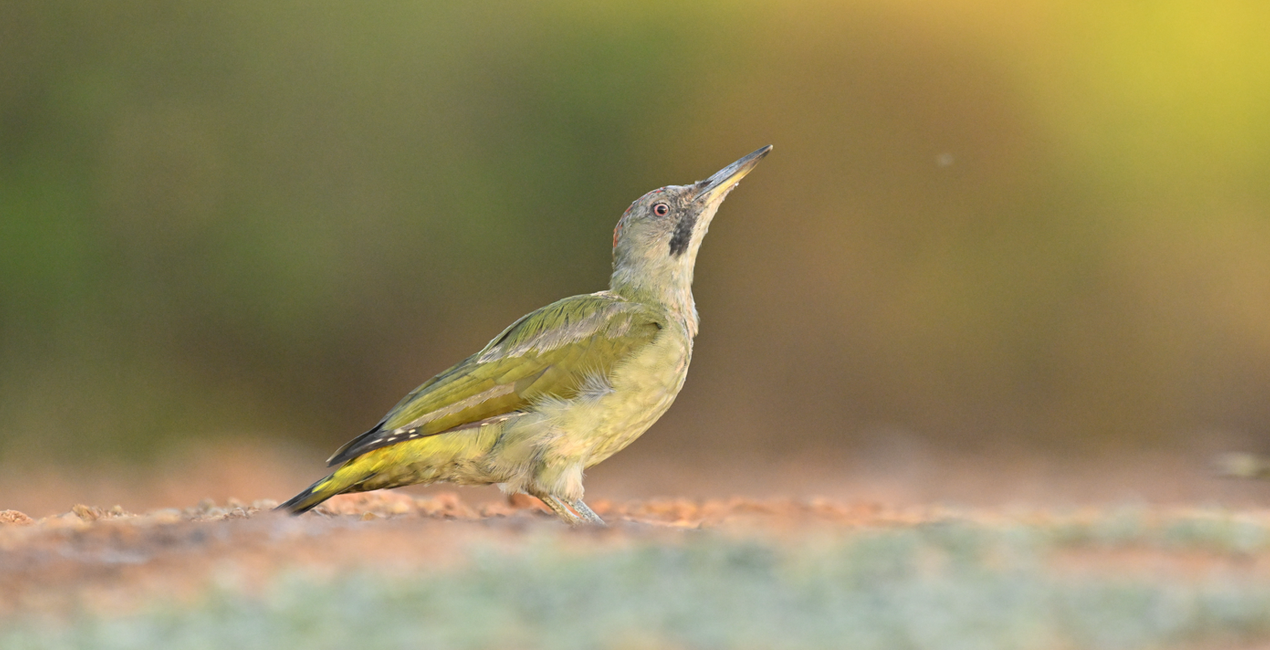
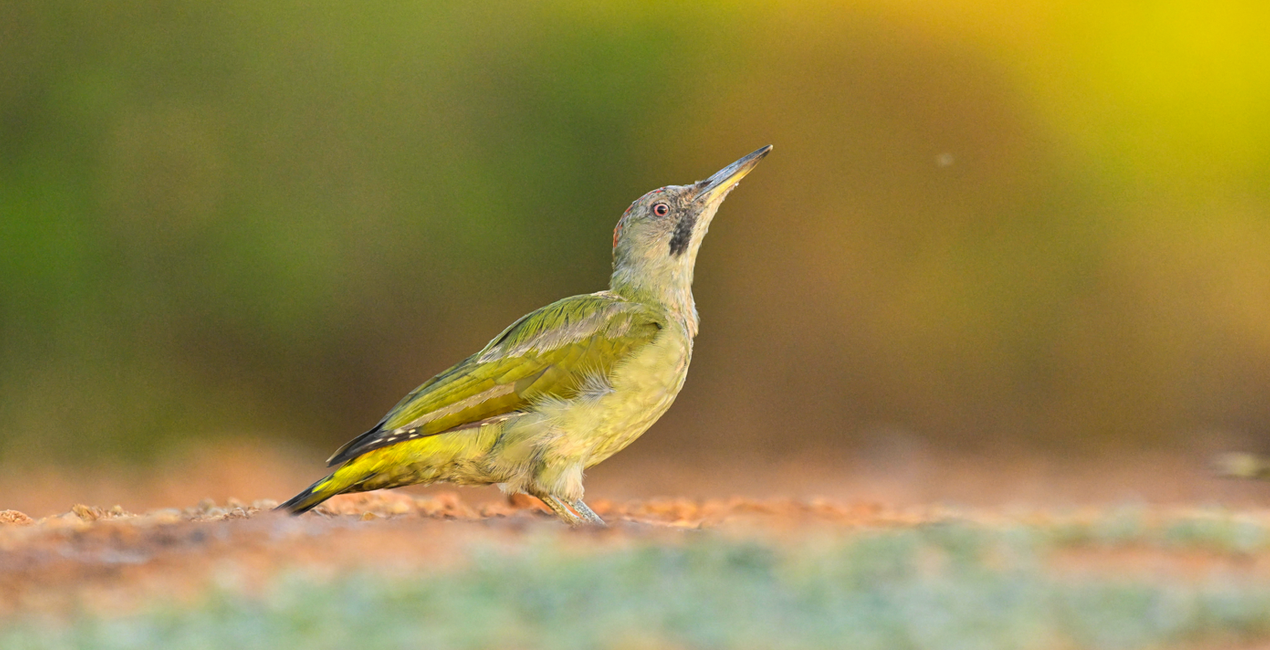
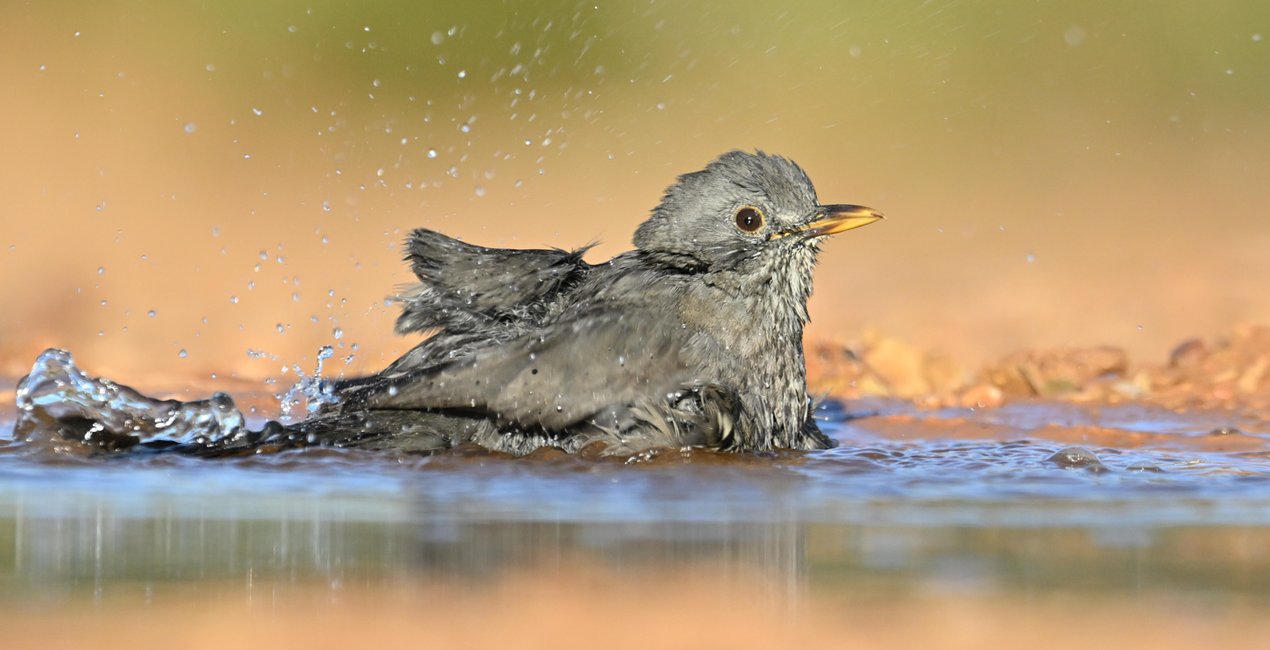
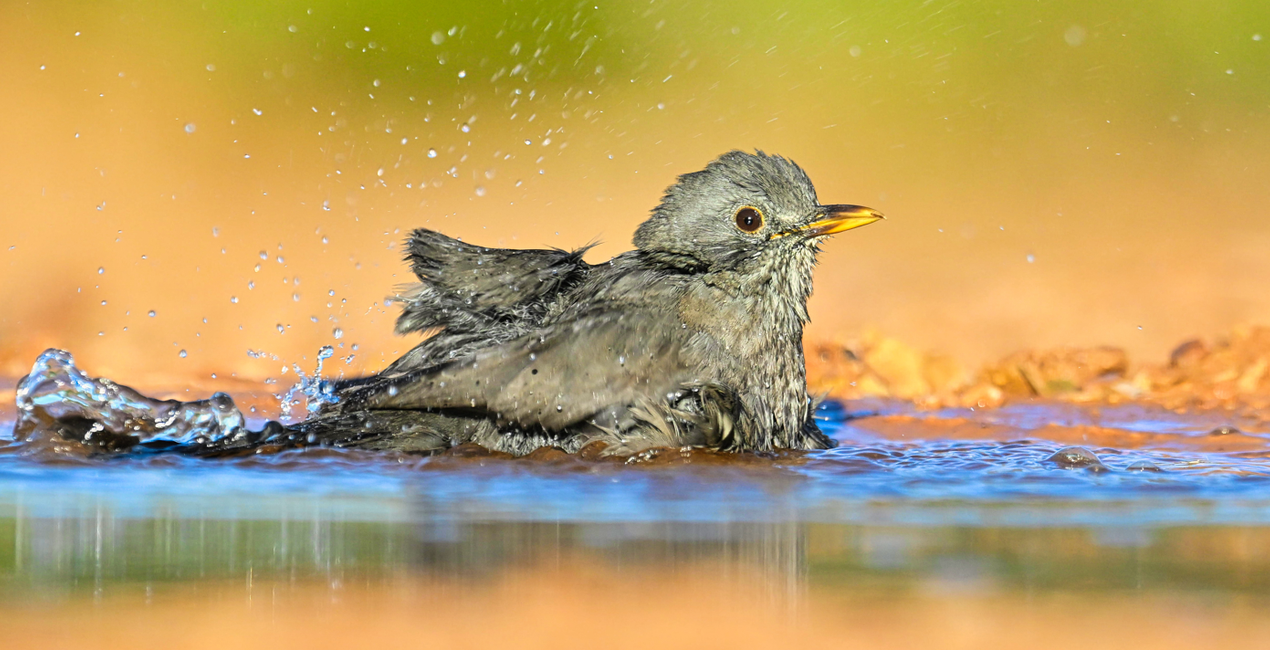
Enhance your bird photography with this collection of 10 Presets. From enhancing the vibrancy of plumage colors to optimizing lighting and contrast to bring out the finest details in feathers, there is an ideal Preset for any need in this pack.

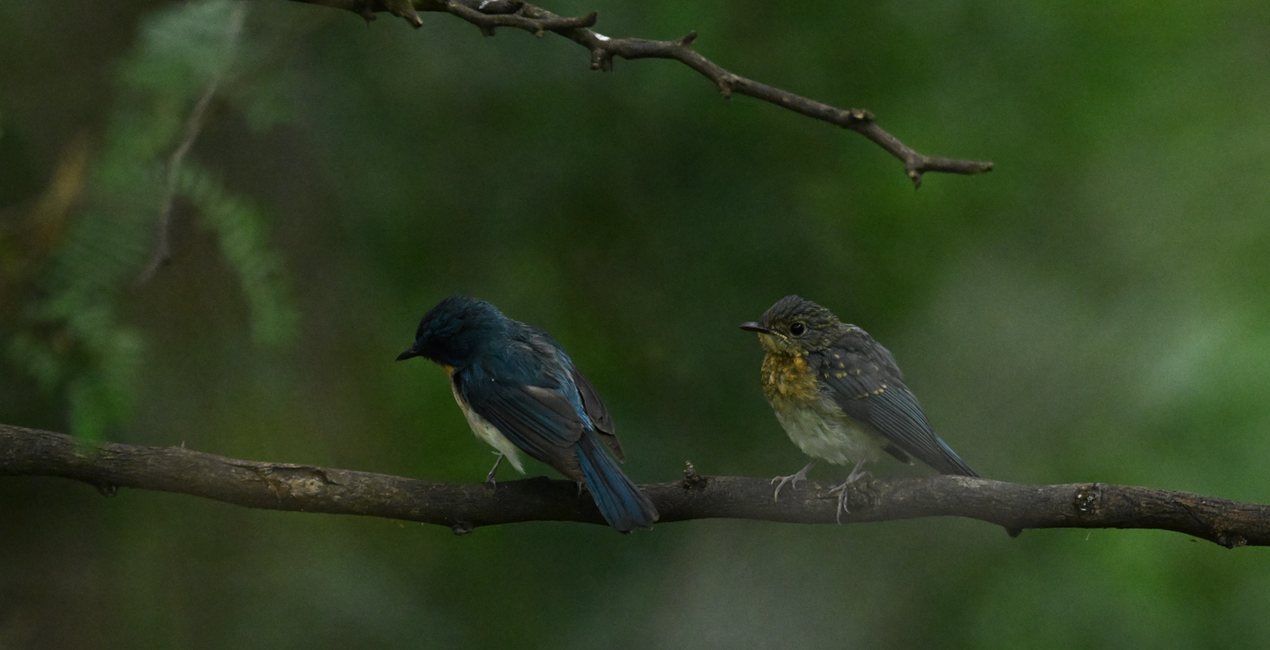
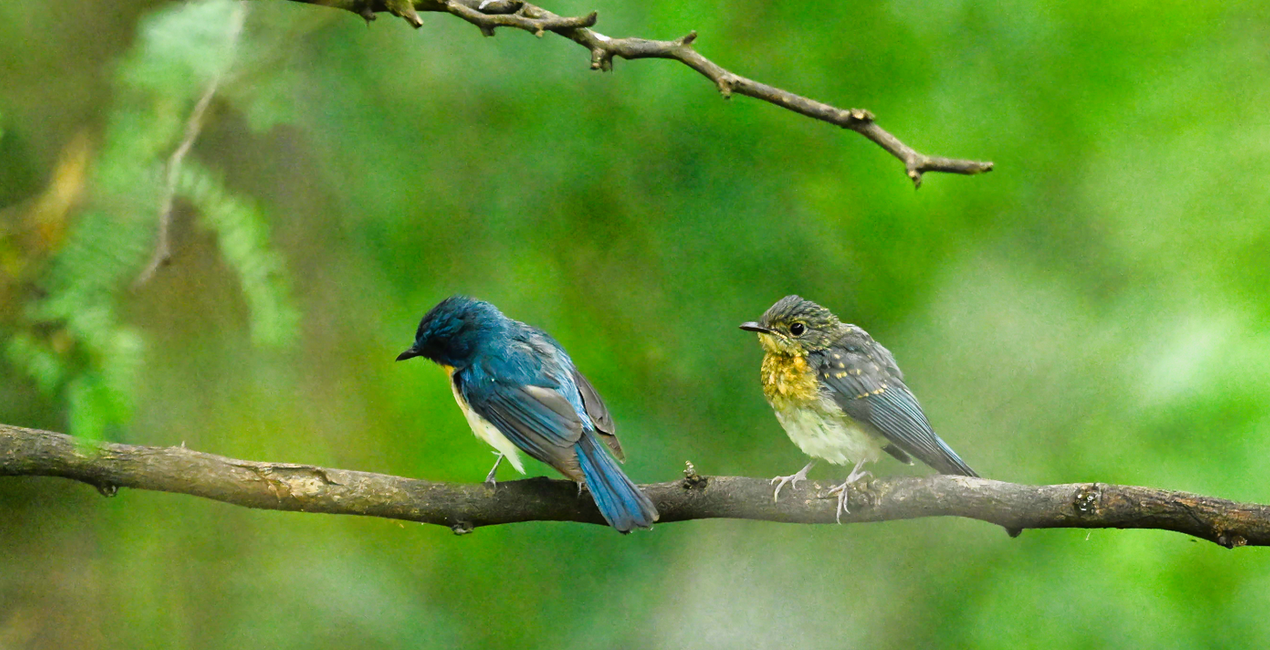
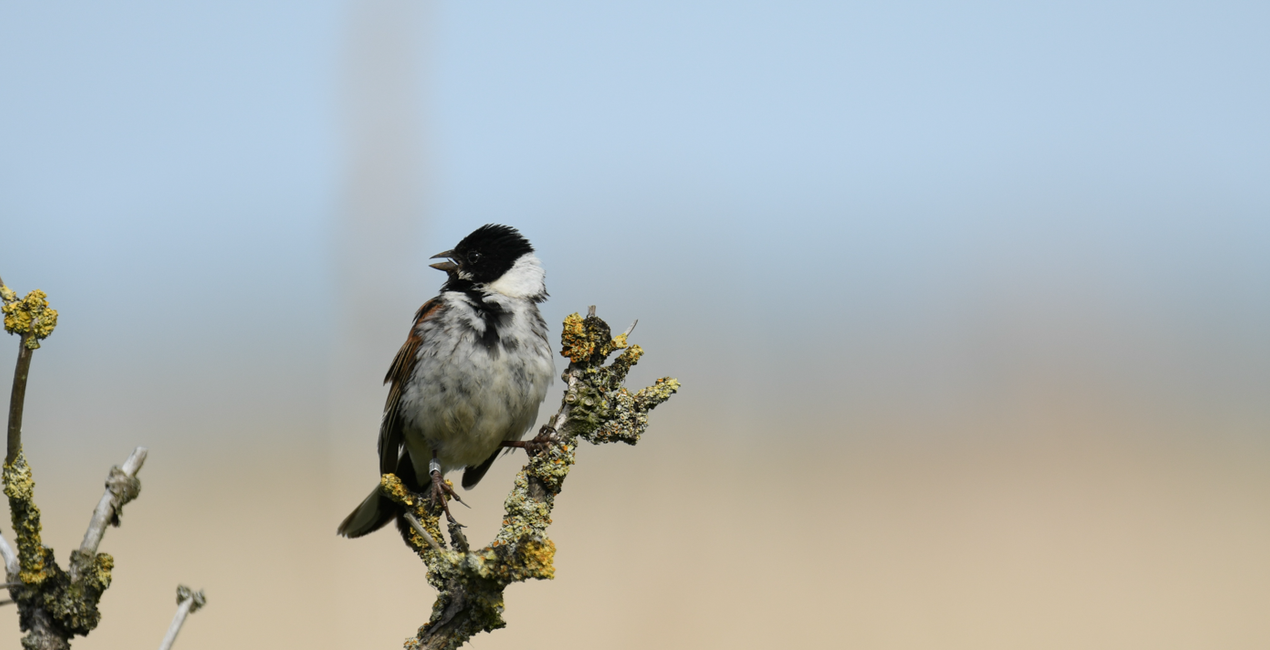
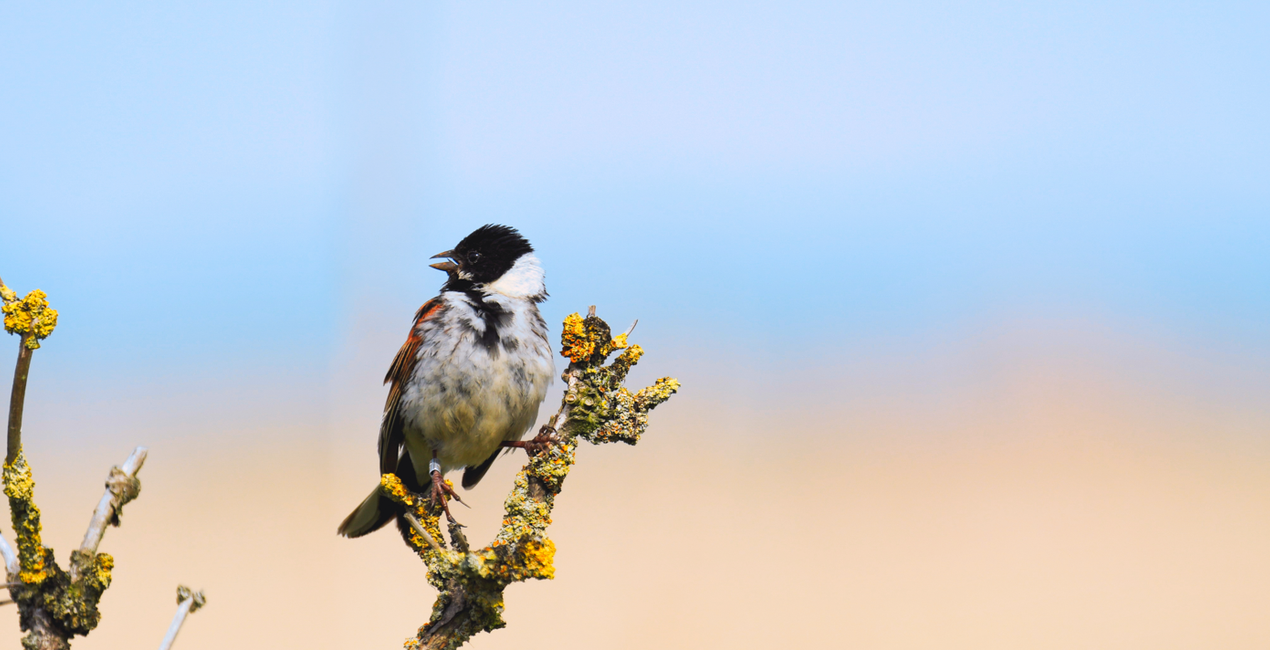
Utilizzando i file RAW forniti, potrai mettere facilmente in pratica i consigli di ritocco e imparare a ottenere foto come queste.
 >
>
 >
>
 >
>
 >
>
 >
>
 >
>
Each one of these Presets is designed by Ujval Pasupuleti to cater to a wide range of avian subjects and shooting conditions. Whether you're capturing the elegance of a soaring hunting bird, the delicate intricacies of a songbird, or the dramatic allure of a waterfowl in flight, these Presets provide a shortcut to professional-quality results.
With intuitive adjustments and customizable options, this collection empowers photographers of all skill levels to transform their bird photography into captivating visual stories, unveiling the natural beauty and grace of these winged wonders in every frame.
You’ll find 10 Presets in this pack:
Flying Colors: Transform your photos with vibrant hues that soar.
DeNoise and Sharp: Eliminate noise and sharpen details for crystal-clear images.
Crisp Feathers: Enhance feathered subjects with sharpness and clarity.
Snowy Birds: Perfect for capturing the beauty of birds in winter wonderlands.
Enchanted Plumage: Add a touch of enchantment to bird photography.
Avian Glow: Infuse your images with a radiant and ethereal avian aura.
Misty Morning Flight: Create an atmospheric morning mist effect for your bird shots.
Ethereal Plumage: Elevate bird plumage to an otherworldly level of beauty.
Nocturnal Brilliance: Illuminate your nighttime bird captures with brilliance.
Lush Canopy Hues: Enhance the vibrant colors of birds amidst lush foliage.
Wildlife & Nature Photographer
Hailing from Telangana, India, Ujval Pasupuleti's journey as an IT professional intertwines with an unwavering love for wildlife and landscapes. From traversing the United States to exploring the mesmerizing vistas of Dubai and India, he now finds himself immersed in the enchanting landscapes of Europe. Ujval's lens is a gateway to capturing the raw and captivating beauty of nature's finest creations. His fascination with photography ignited during his school days, beginning with film cameras and seamlessly transitioning into the world of digital and mirrorless photography. Beyond mere images, every click of the shutter carries a deeper purpose for Ujval. Through his artistry, he contributes to nature and conservation efforts, raising awareness and revealing the untamed beauty of new species. The fusion of Ujval's artistic flair and technical prowess is evident in his photographs. Each frame not only showcases the breathtaking allure of wildlife and landscapes, but also elegantly intertwines the wonders of technology. Join Ujval on a mesmerizing visual escapade, where art, nature, and technology converge harmoniously. Embark on this remarkable journey through his lens, as he uncovers the extraordinary coexistence of humanity and the untamed wonders of the wilderness.
Se hai domande sui prodotti, puoi contattare il team dell'assistenza tutti i giorni, 24 ore al giorno. Utilizza questo link.
Per acquistare Flying Colors, segui questi passaggi:
1. Apri il Marketplace di Skylum.
2. Vai sulla scheda dove è elencato Flying Colors. Clicca sul nome del prodotto per aggiungerlo al carrello.
3. Vai al carrello, dove potrai completare l'acquisto di Flying Colors.
4. Dopo l'acquisto, riceverai un'e-mail con il link per scaricare Flying Colors. Potrai trovare il nuovo acquisto anche nel tuo account Skylum, nella scheda I miei add-on.
Nell'e-mail con il link per il download riceverai anche istruzioni dettagliate su come installare Flying Colors.
Inoltre, puoi installare l'articolo acquistato direttamente in Luminar Neo: vai su Extra > Marketplace, seleziona la categoria di prodotto, trova l'articolo acquistato e clicca su Installa.
È facilissimo! Vai nella scheda Preset, quindi seleziona Acquistati. Qui troverai i preset che hai acquistato.
Non preoccuparti. Tutti gli articoli acquistati, incluso Flying Colors, vengono conservati nella scheda "I miei add-on" del tuo account Skylum, così potrai riscaricarli e utilizzarli in tutta facilità.
In generale, la maggior parte degli articoli è compatibile con Luminar Neo. Ma per assicurarti che Flying Colors sia compatibile con i tuoi software, verificane le specifiche prima di scaricarlo o acquistarlo. Cerca la sezione "Compatibilità" sulla destra della pagina di Flying Colors, dove sono elencati tutti i prodotti compatibili.
Non andartene ancora. Ecco un codice sconto esclusivo per te. Usalo entro i prossimi 15 minuti per ottenere un ulteriore sconto del 10% al momento del pagamento. Copia il codice qui sotto e completa l'acquisto.
15 m : 00 s





