


 Applicato


Exploring Wilderness
Save $201 $ 19 .00

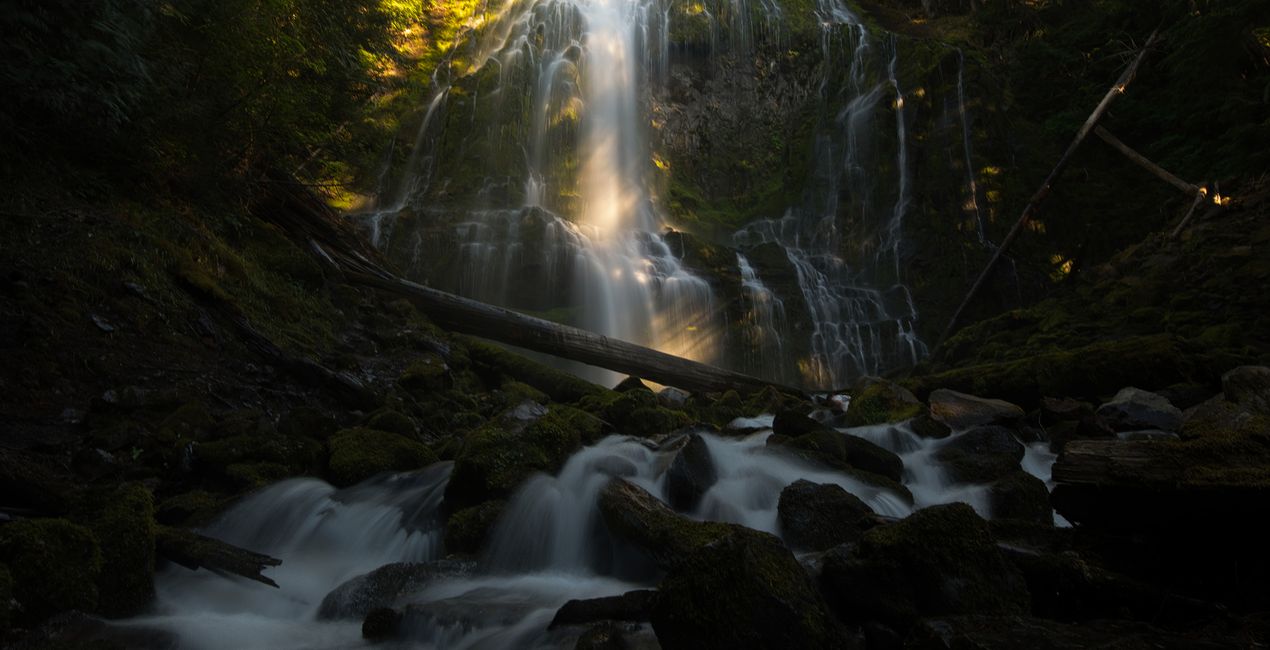
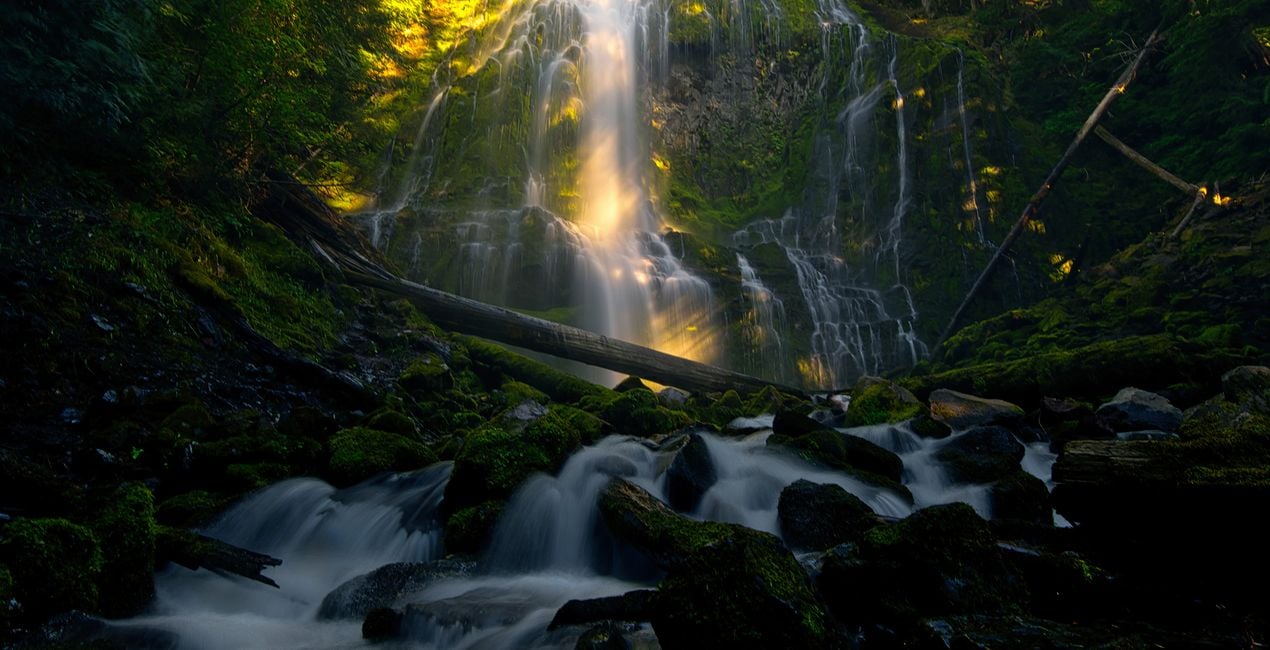
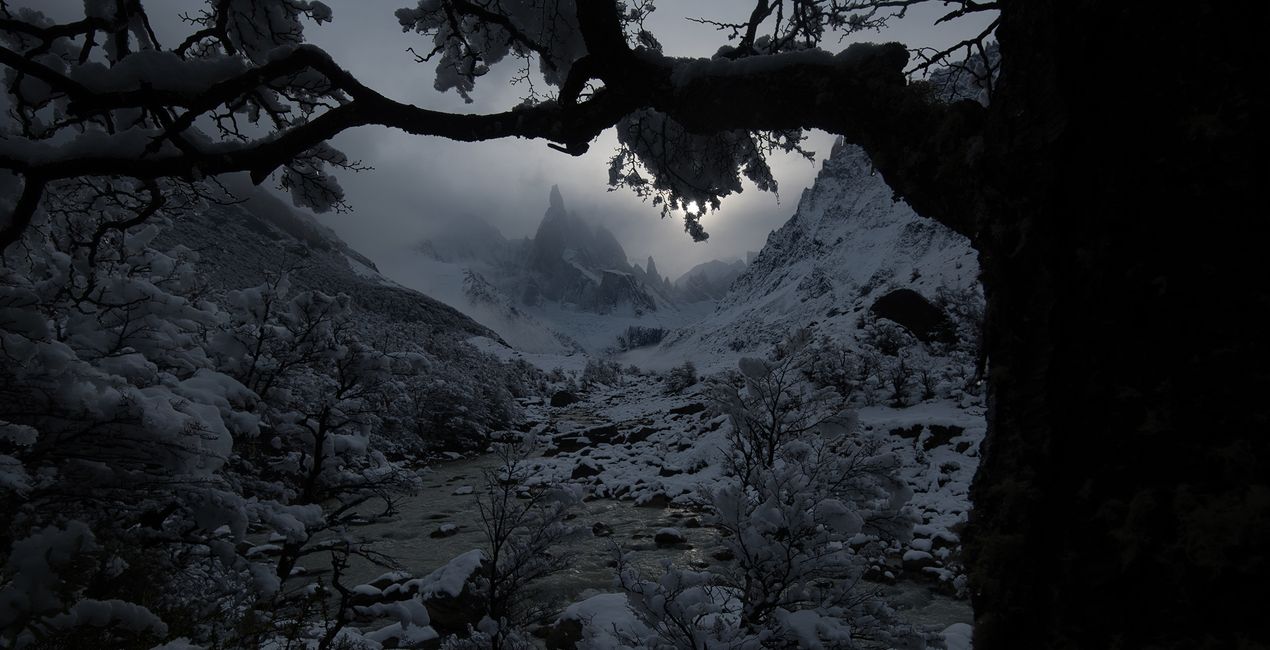
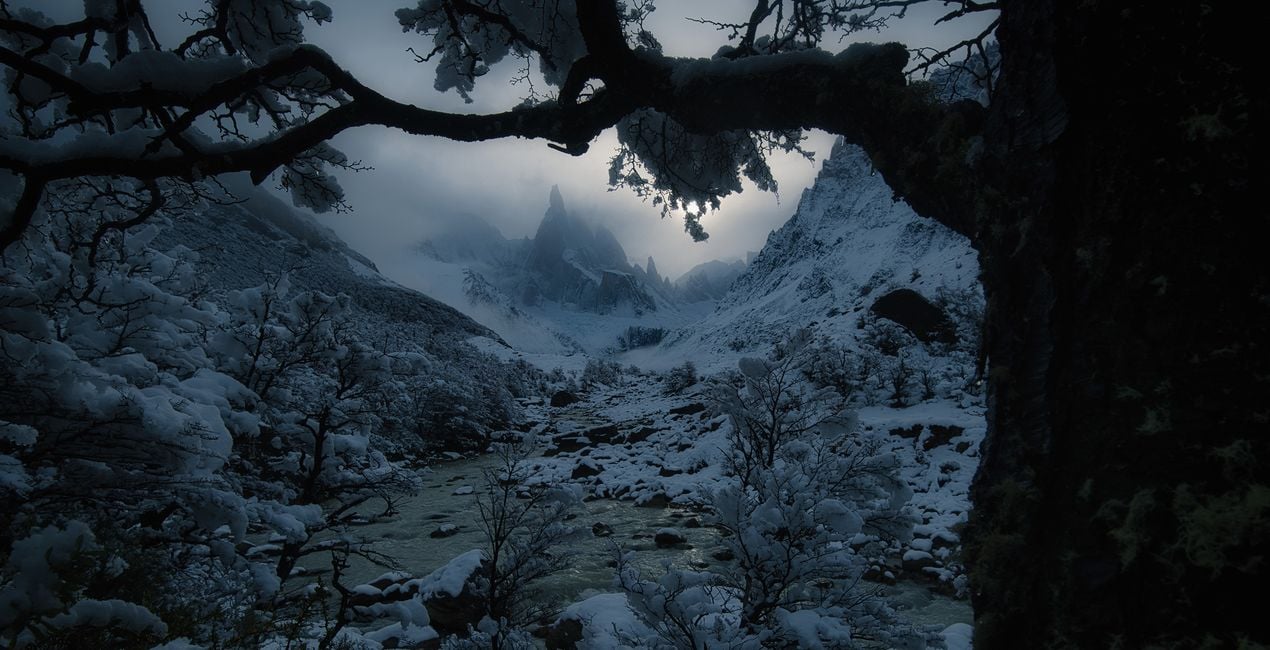
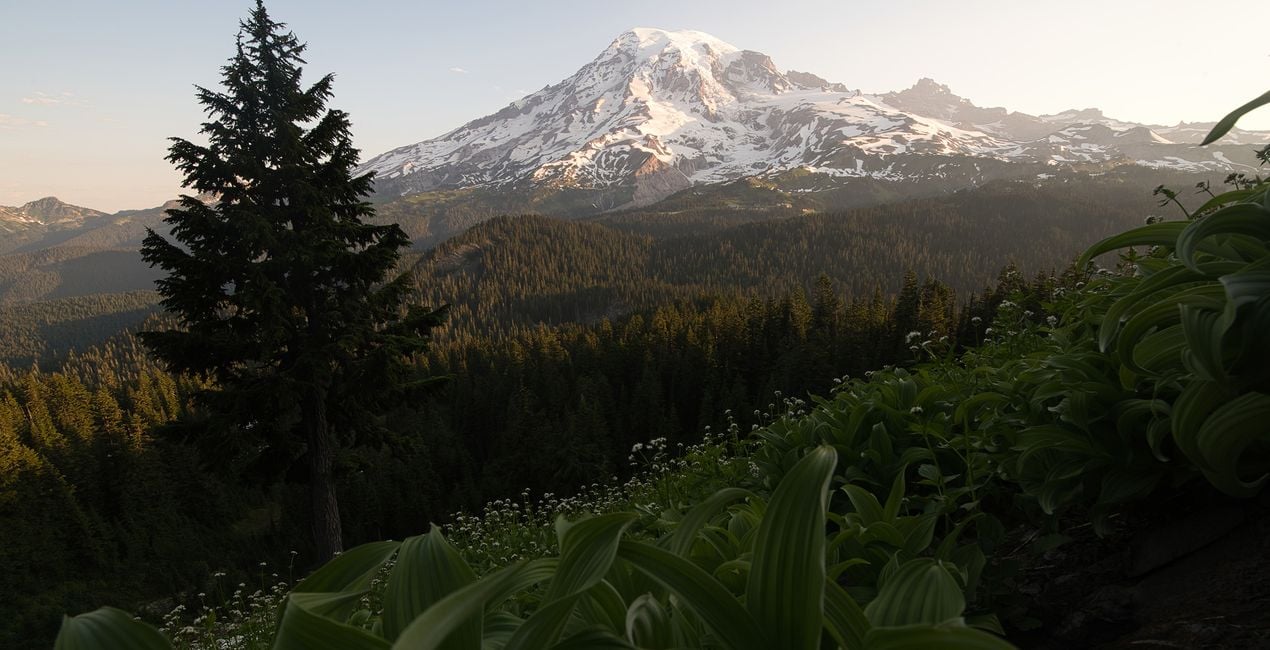
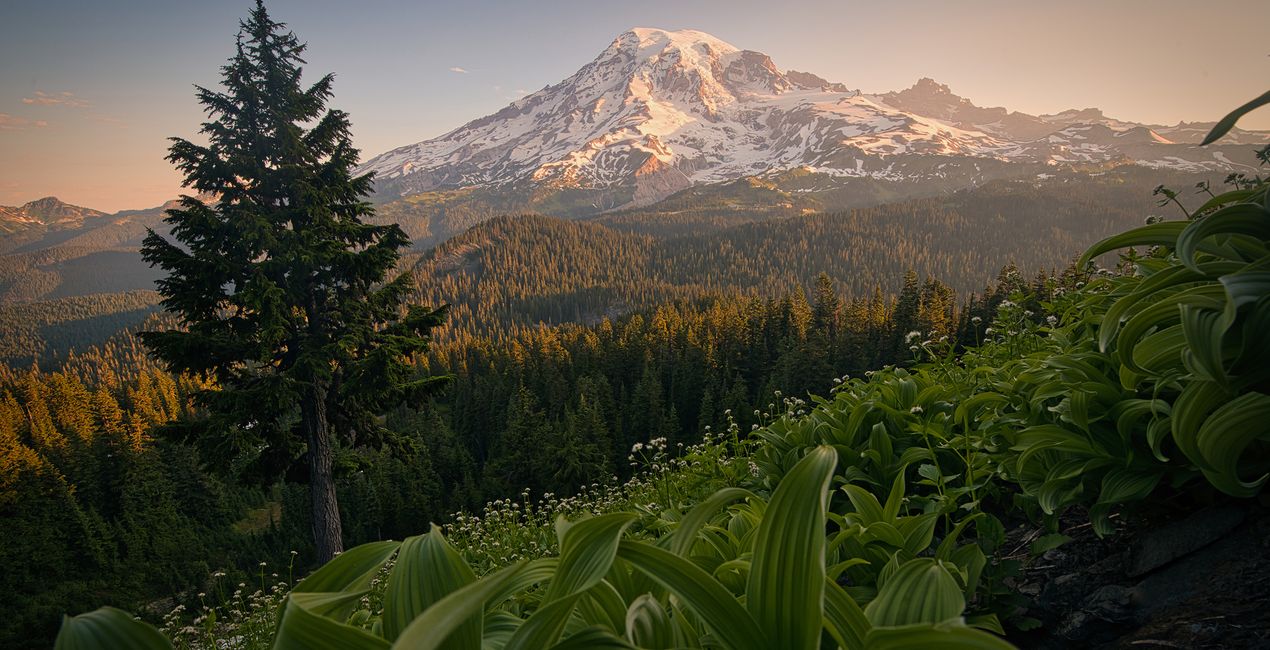
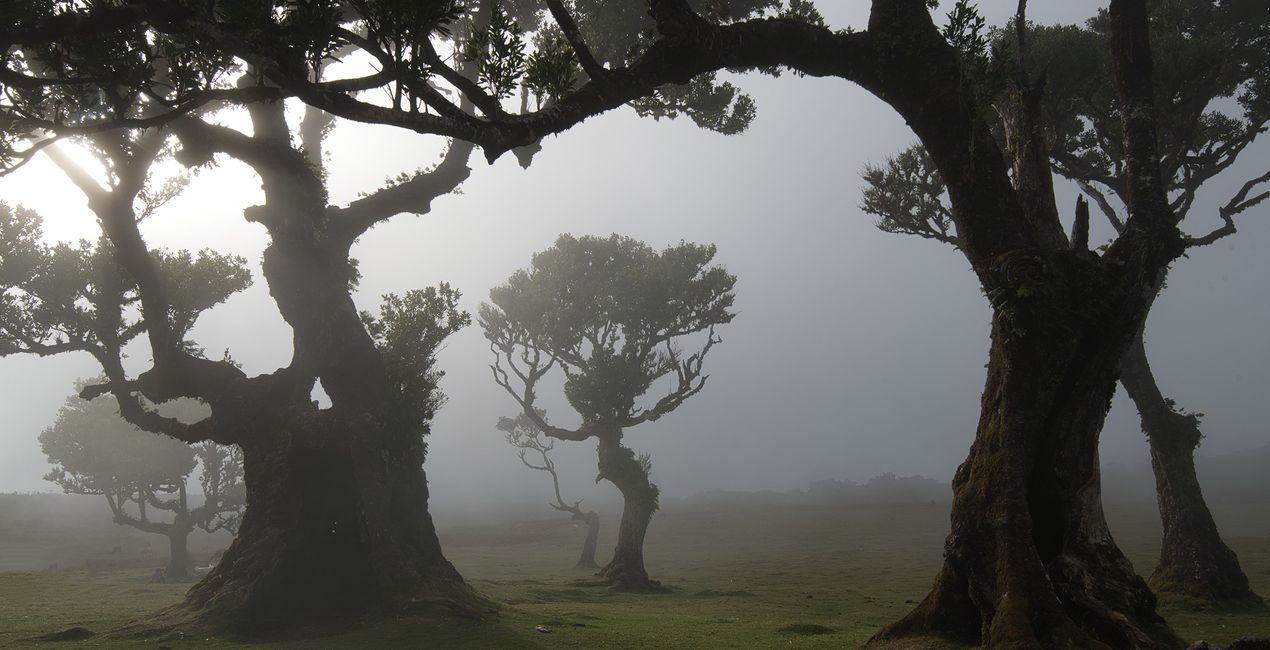
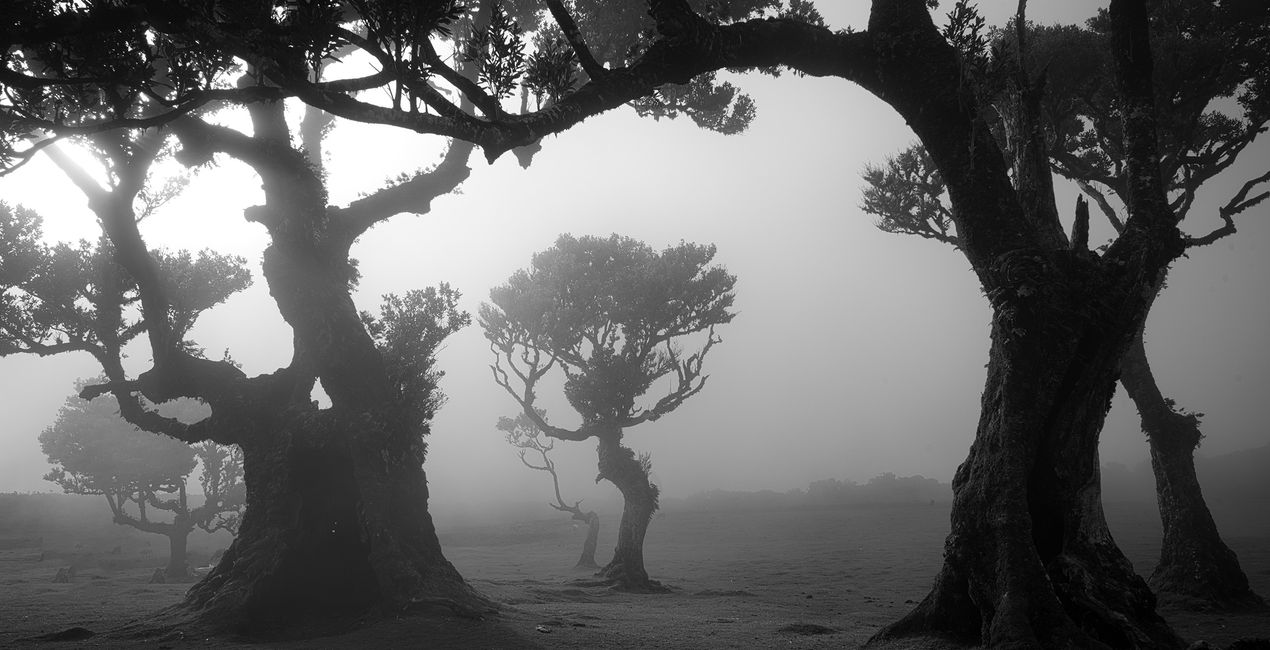
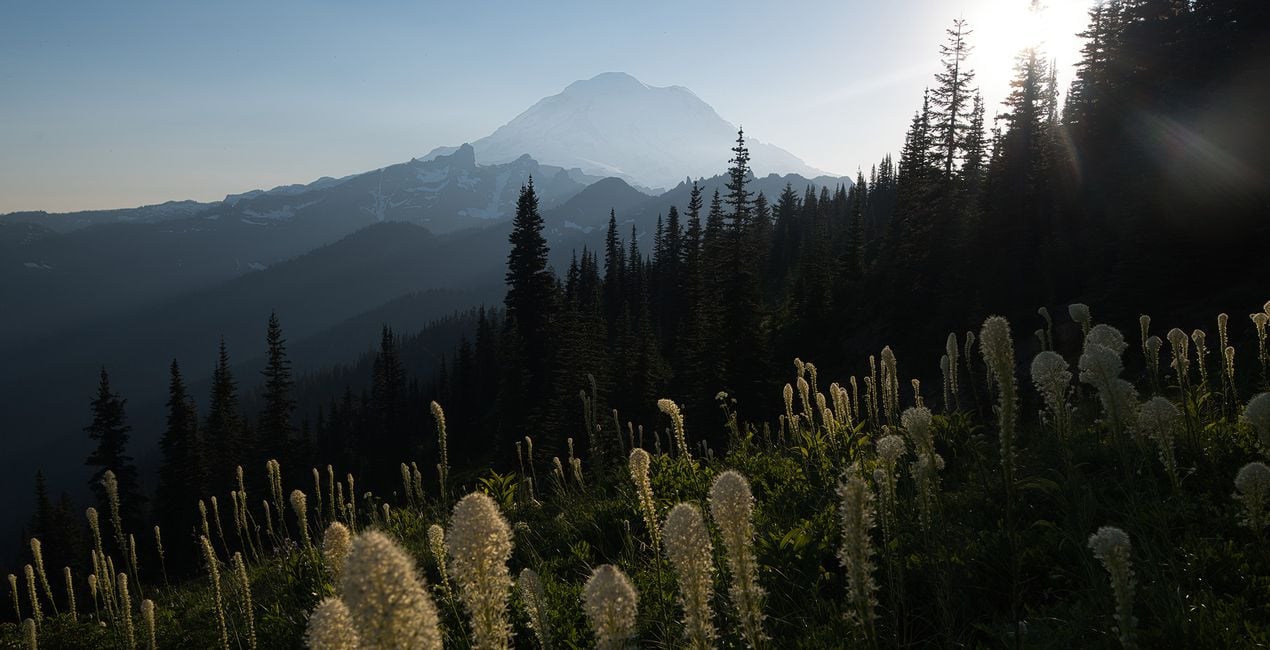
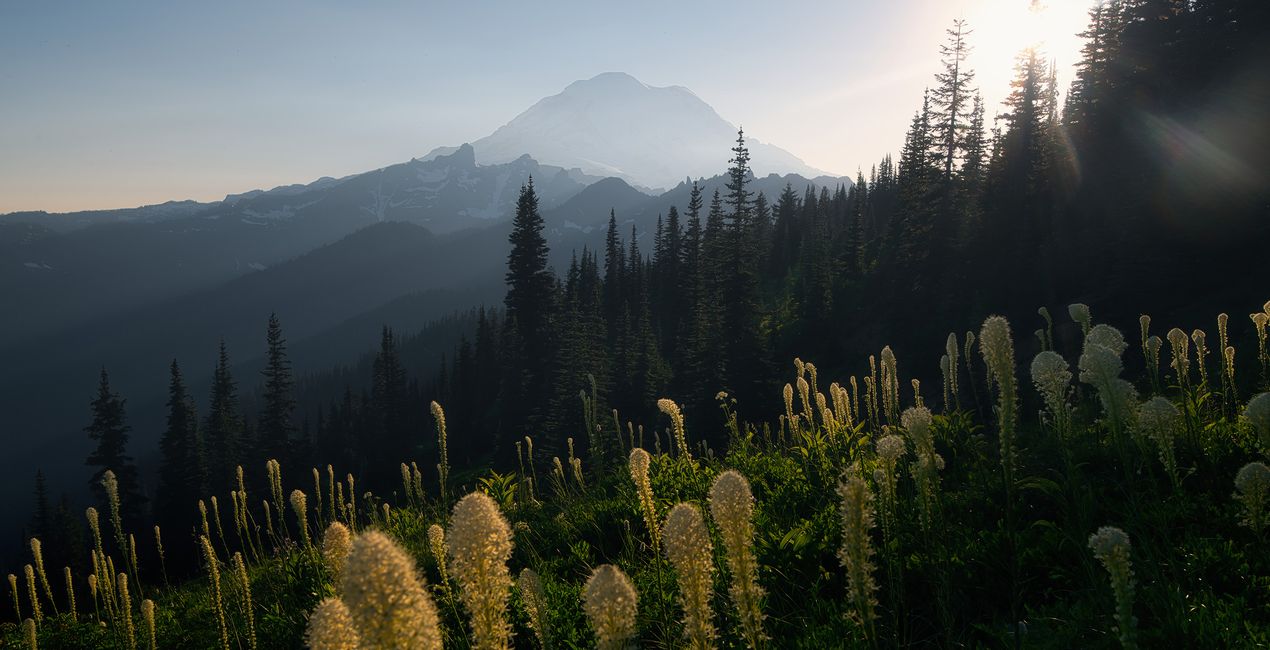
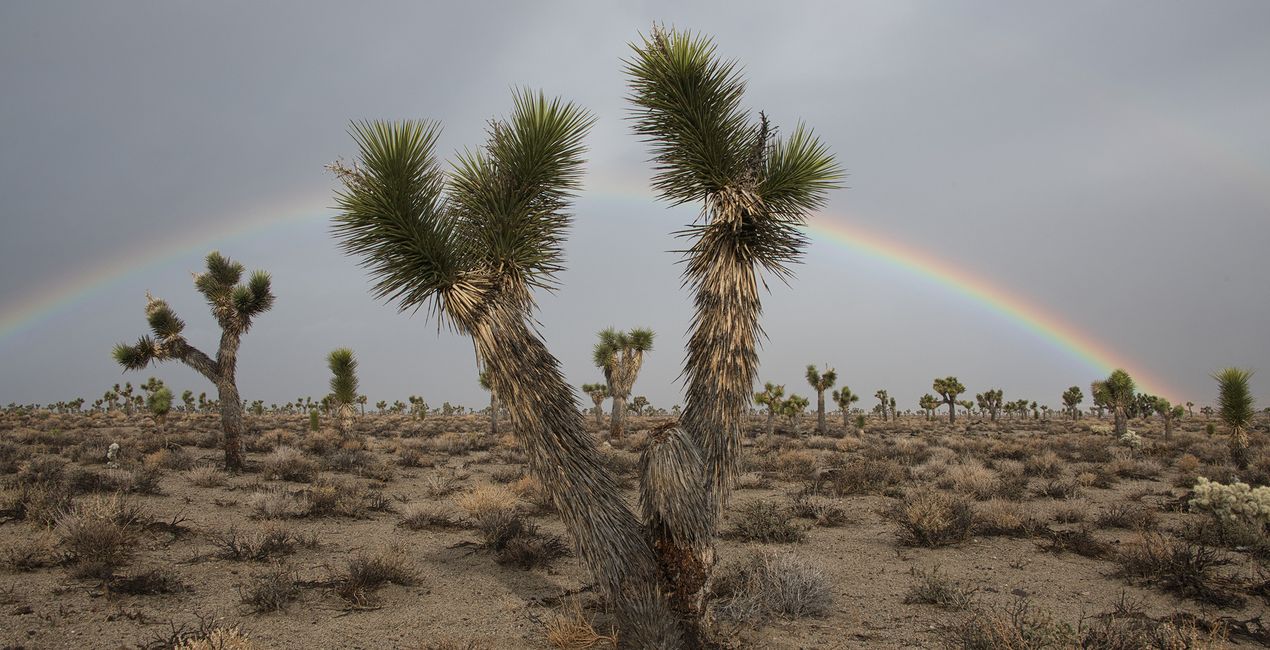
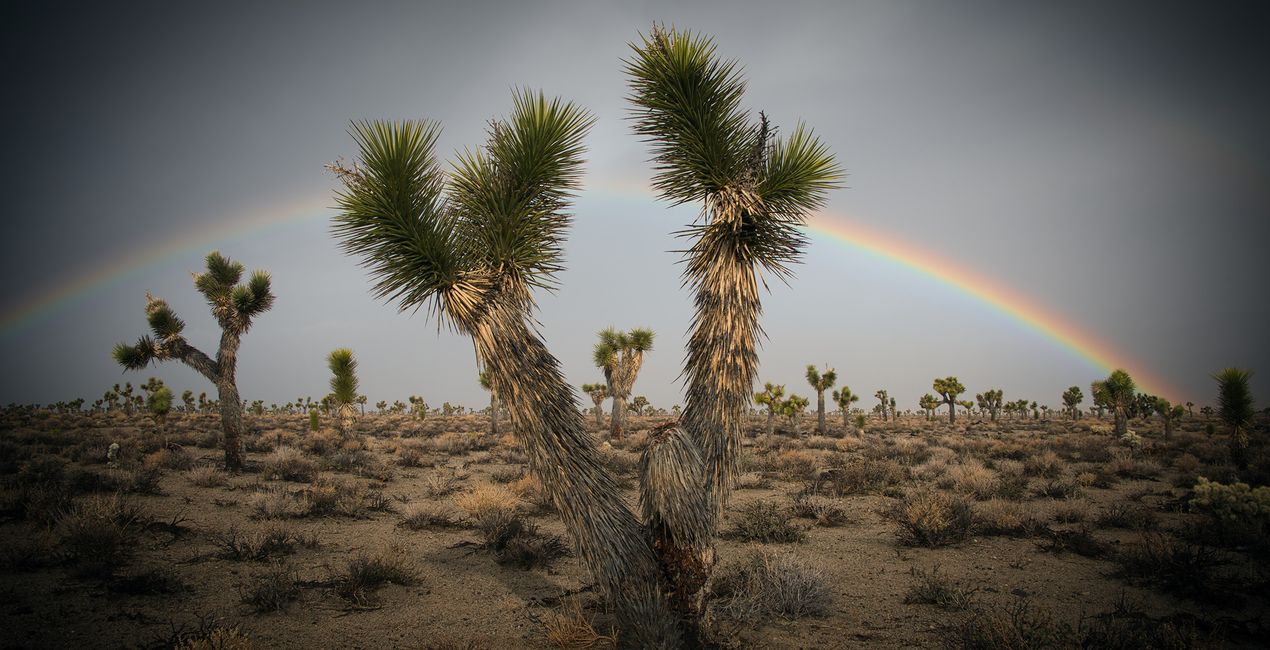
All you need for epic photos is this brand-new Preset pack designed by award-winning photographer Max Rive. Don't miss out on the opportunity to transform your landscapes into works of art in a few clicks!

Utilizzando i file RAW forniti, potrai mettere facilmente in pratica i consigli di ritocco e imparare a ottenere foto come queste.
 >
>
 >
>
 >
>
 >
>
 >
>
 >
>
Max has traveled worldwide to take the photos for this collection – from Madeira's Magical Forest, Patagonia's otherworldly landscapes, the south-west and north-west of the USA, the Italian Dolomites and the Fjords of Norway. This incredible collection is based on various landscapes that create the total package.
This incredible pack includes Presets for all seasons and all different moods and effects. Turn your summer photos into vivid green masterpieces with the Summer Views or Summer Daylight Presets. Let your fall and autumn photos benefit from an incredible color boost with the Autumn Vibes Preset. Create the perfect winter image using the Winter Landscape or the Misty Days Preset. The Black and White Preset will result in the perfect monochrome image. The 'Moody Days, Magical Moments, Magical Light and Sunlight will all help you choose the perfect mood, light, and style to turn your image into something extraordinary.
Each of these 10 Presets is totally unique and will give your image a beautiful, dramatic, and unique look. All the latest and greatest of Luminar Neo's editing tools have been used to get the perfect landscape image. Turn your image into something special in a matter of clicks with this brand-new Preset pack by landscape photographer of the year Max Rive!
Fotografo mondiale. Ambasciatore di Skylum.
Ispirato per la prima volta dalle montagne della Svizzera, il pluripremiato fotografo paesaggista Max Rive ha sempre avuto una profonda passione per i paesaggi epici. Al punto che, nonostante abbia rischiato la vita alcune volte, tra un incidente aereo e un grave terremoto, risponde ancora al richiamo delle montagne.
In effetti, è difficile stargli dietro perché è sempre in viaggio, ad esplorare montagna dopo montagna, a fotografare ogni spettacolo naturale in cui si imbatte, dagli altopiani lussureggianti della Scozia fino alle vette della Nuova Zelanda. Unisciti a lui in uno dei suoi tour fotografici nei luoghi più mozzafiato del mondo.
Se hai domande sui prodotti, puoi contattare il team dell'assistenza tutti i giorni, 24 ore al giorno. Utilizza questo link.
Per acquistare Exploring Wilderness, segui questi passaggi:
1. Apri il Marketplace di Skylum.
2. Vai sulla scheda dove è elencato Exploring Wilderness. Clicca sul nome del prodotto per aggiungerlo al carrello.
3. Vai al carrello, dove potrai completare l'acquisto di Exploring Wilderness.
4. Dopo l'acquisto, riceverai un'e-mail con il link per scaricare Exploring Wilderness. Potrai trovare il nuovo acquisto anche nel tuo account Skylum, nella scheda I miei add-on.
Nell'e-mail con il link per il download riceverai anche istruzioni dettagliate su come installare Exploring Wilderness.
Inoltre, puoi installare l'articolo acquistato direttamente in Luminar Neo: vai su Extra > Marketplace, seleziona la categoria di prodotto, trova l'articolo acquistato e clicca su Installa.
È facilissimo! Vai nella scheda Preset, quindi seleziona Acquistati. Qui troverai i preset che hai acquistato.
Non preoccuparti. Tutti gli articoli acquistati, incluso Exploring Wilderness, vengono conservati nella scheda "I miei add-on" del tuo account Skylum, così potrai riscaricarli e utilizzarli in tutta facilità.
In generale, la maggior parte degli articoli è compatibile con Luminar Neo. Ma per assicurarti che Exploring Wilderness sia compatibile con i tuoi software, verificane le specifiche prima di scaricarlo o acquistarlo. Cerca la sezione "Compatibilità" sulla destra della pagina di Exploring Wilderness, dove sono elencati tutti i prodotti compatibili.
Non andartene ancora. Ecco un codice sconto esclusivo per te. Usalo entro i prossimi 15 minuti per ottenere un ulteriore sconto del 10% al momento del pagamento. Copia il codice qui sotto e completa l'acquisto.
15 m : 00 s





