


 Aplicado


Paletas costeras coloridas
Save $201 $ 19 .00

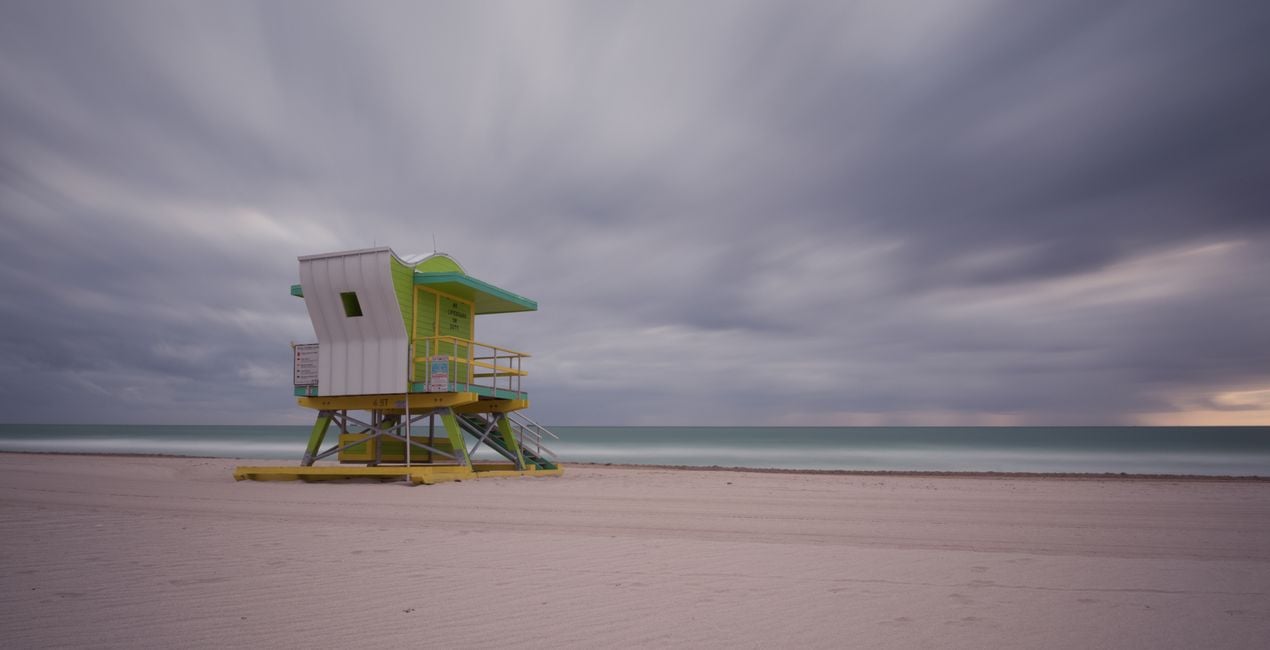
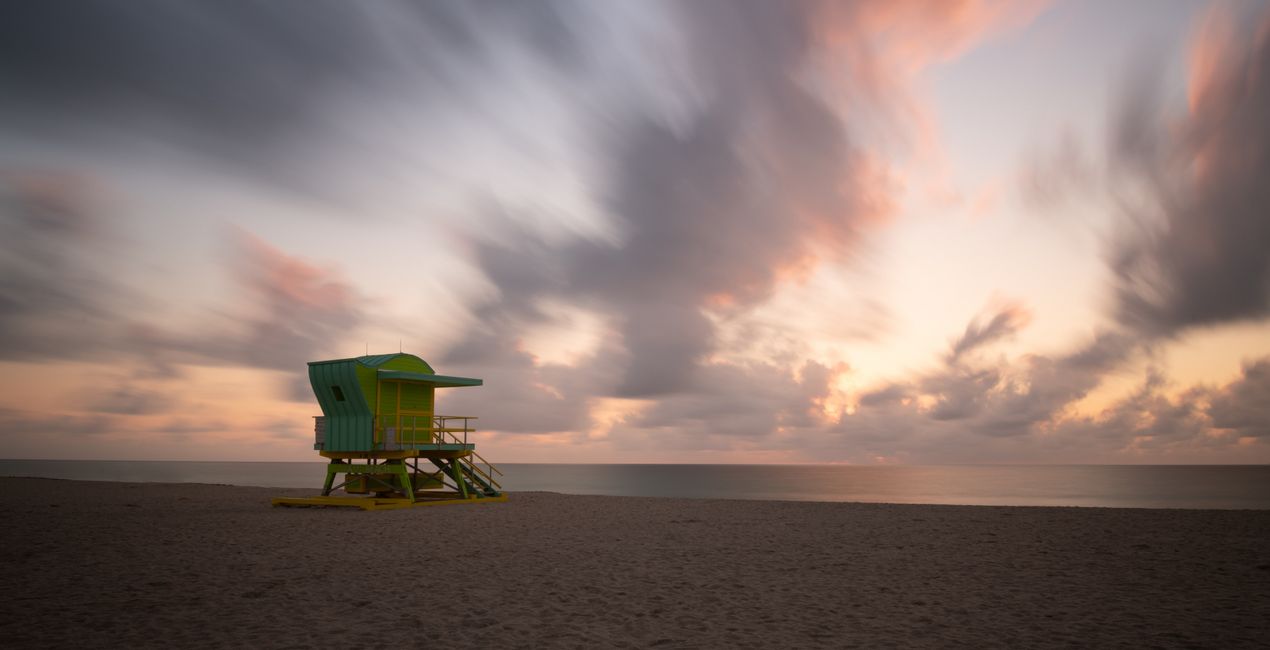
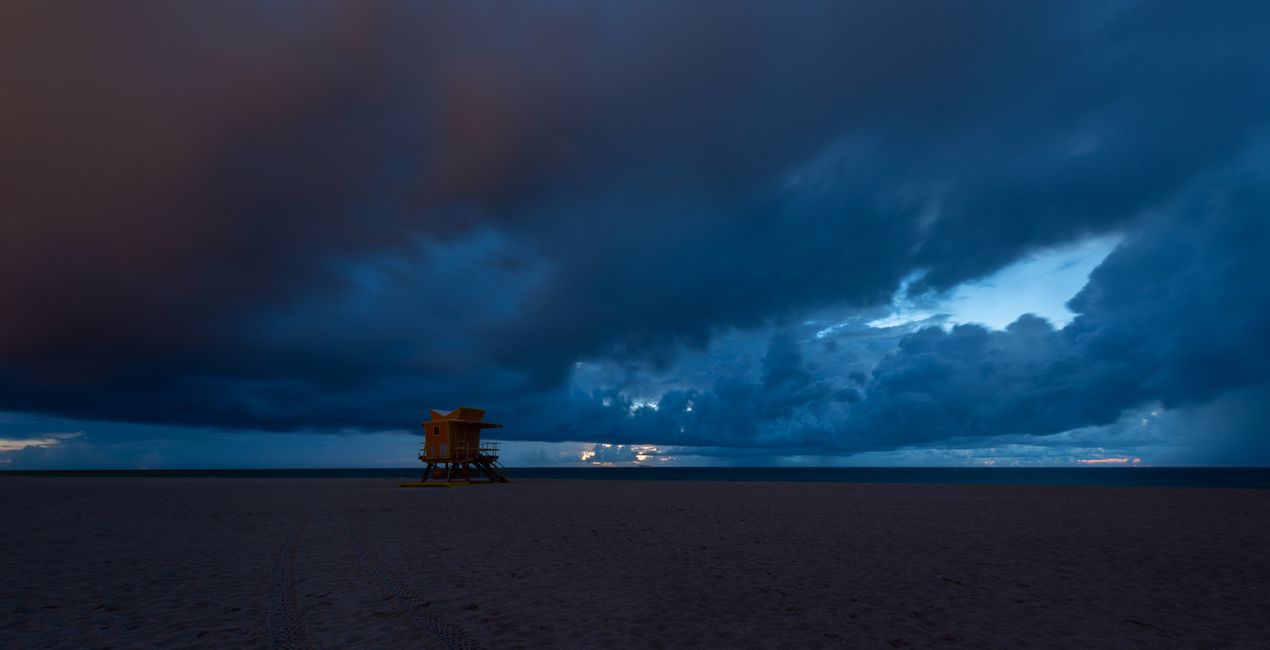
This collection of 12 Templates packs a punch, especially for images shot during the golden hour. Edin Chavez has carefully calibrated each slider to work with the natural colors of the sun and the landscape, creating a harmonious final image that makes you feel like you’re there.Edin Chavez
Qué incluye
12 Plantillas. Compatibles con imágenes JPEG y RAW.

Con los archivos RAW proporcionados, practicarás fácilmente los consejos de retoque y aprenderás a conseguir fotos como estas.
 >
>

 >
>
 >
>

 >
>

 >
>

 >
>

 >
>

 >
>
 >
>
Inspired by the golden hour, I crafted this Templates pack to help you bring out the beautiful colors during the most beautiful part of the day.
It’s often difficult to catch the right colors in an image, especially during the golden hour.
As the sunlight hits the clouds, an explosion of color appears, and it’s difficult to capture the entire dynamic range in one shot.
Note that if you underexpose your image by one stop (meaning you expose for the sky), you can get the rest of the dynamic range in one shot with this Templates pack.
This is how I shoot all of my images, and this is how I’m able to capture the beautiful colors mother nature paints for us.I carefully crafted these Templates using a mixture of sliders to bring out every single golden hour color without overdoing it.
These Templates will work best for your golden hour images; however, they will work with any image. I use them for all types of images.
You might have to adjust your Exposure slider to get the perfect look for your particular image.
If you think the Template is too strong, feel free to tone it down by using the Amount slider to taste.
Photographer. Skylum Ambassador
Edin Chavez is a world-renowned commercial photographer based out of Miami Beach, Florida.
His unique view of the world helps him give a creative twist to his images. Edin has worked with some of the most influential brands such as National Geographic, Nikon, and Corona.
He understands that the customer is the single most valuable asset an organization can have, and with his laser focus and passion for photography, the sky is the limit.
Edin is an animal lover, and in his free time, he loves to walk barefoot on the beach with his dog, travel around the globe, and write about it on his blog.
He also enjoys anything with a motor, including motorcycles and fast cars.
Si tienes alguna duda o pregunta sobre el producto, puedes contactar al servicio de soporte 24/7. Visita este enlace.
Para comprar Colorful Coastal Palettes, sigue estos pasos:
1. Abre el Marketplace de Skylum.
2. Ve a la pestaña correspondiente donde aparece Colorful Coastal Palettes. Haz clic sobre él y añádelo a tu carrito.
3. Ve al carrito. Aquí, completa el proceso de compra de Colorful Coastal Palettes.
4. Después de completar la compra, recibirás un correo de confirmación con el enlace de descarga de Colorful Coastal Palettes. También encontrarás el nuevo producto en tu cuenta de Skylum, dentro de la pestaña “Mis complementos”.
Recibirás un email con instrucciones detalladas sobre cómo instalar Colorful Coastal Palettes junto con un enlace de descarga.
También puedes instalar el producto comprado directamente desde Luminar Neo: ve a Extras > Marketplace, selecciona la categoría del producto, busca el elemento adquirido y haz clic en Instalar.
¡Es muy fácil! Ve a la pestaña de Ajustes Preestablecidos y selecciona "Comprados". Tu ajuste preestablecido instalado estará ahí.
No te preocupes. Todos los productos que hayas adquirido, como Colorful Coastal Palettes, se almacenarán en la pestaña 'Mis complementos' de tu cuenta de Skylum para que puedas volver a descargarlos fácilmente.
Generalmente, la mayoría de productos son compatibles con Luminar Neo. Pero si quieres asegurarte de que Colorful Coastal Palettes funciona(n) correctamente con tu software, consulta sus especificaciones antes de hacer ninguna compra o descarga. Busca la sección "Compatibilidad" en la parte derecha de la página de Colorful Coastal Palettes, donde aparecen todos los programas compatibles.
No te vayas todavía. Aquí tienes un código de descuento exclusivo. Úsalo en los próximos 15 minutos para obtener un 10 % de descuento adicional al finalizar la compra. Copia el código que aparece a continuación y completa tu compra.
15 m : 00 s





