


 Aplicado


City Splendor
Save $201 $ 19 .00

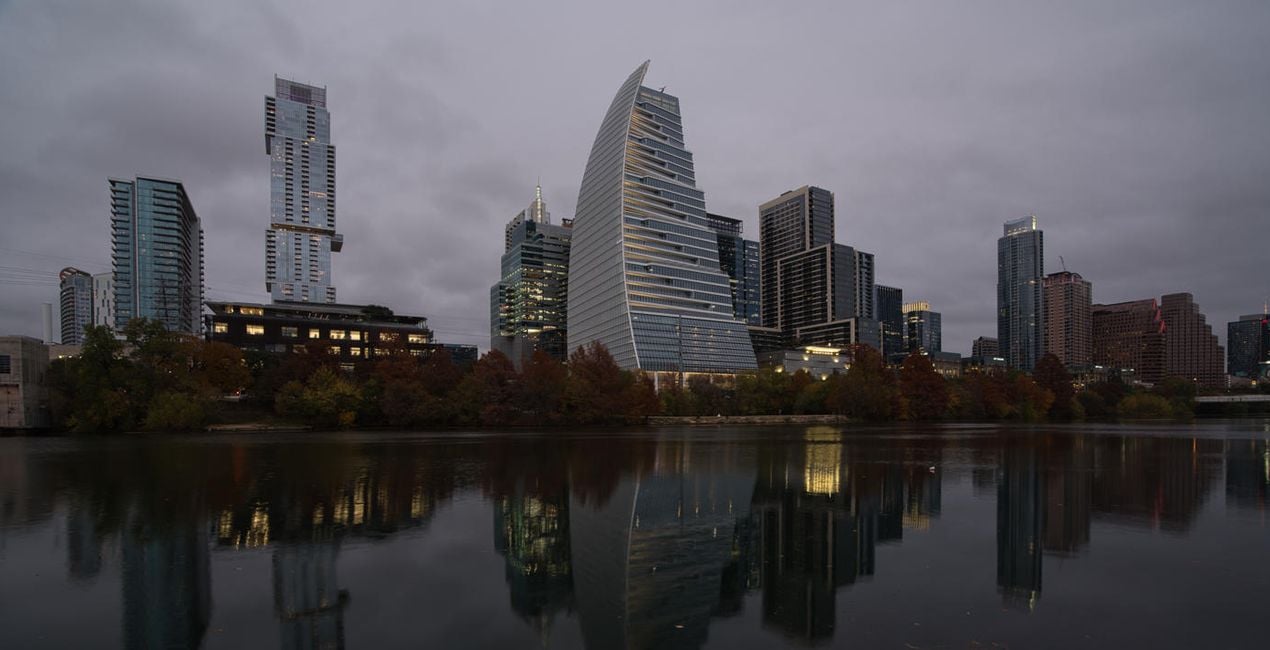
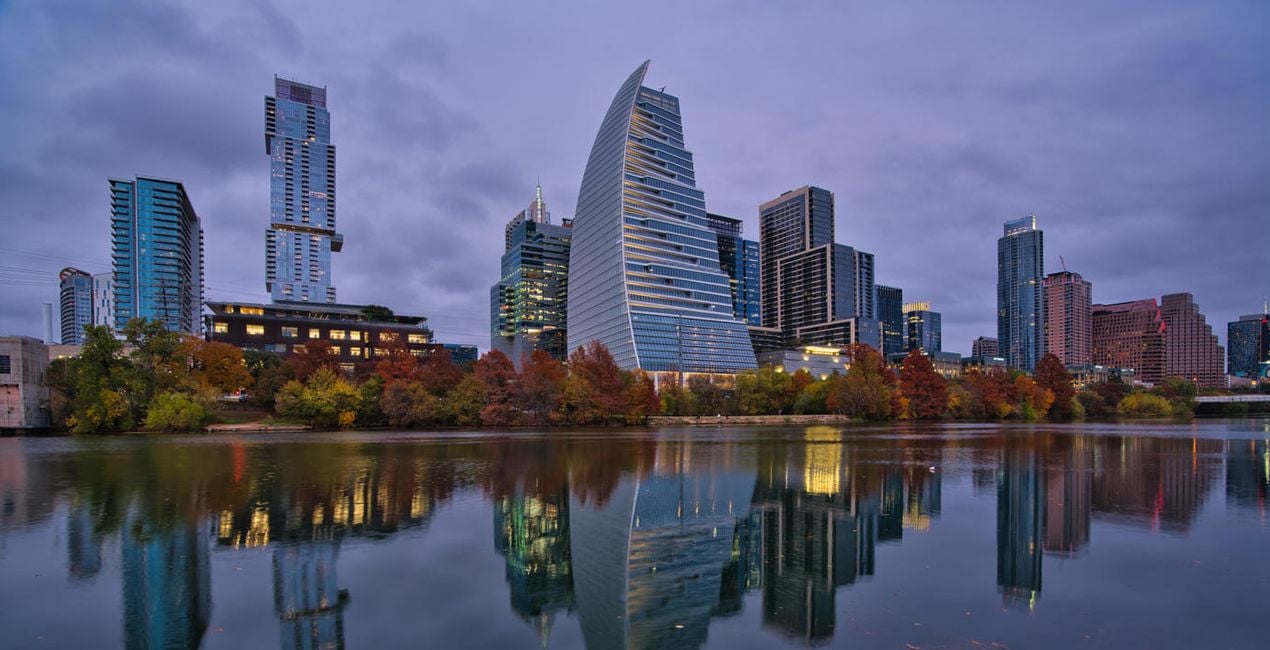
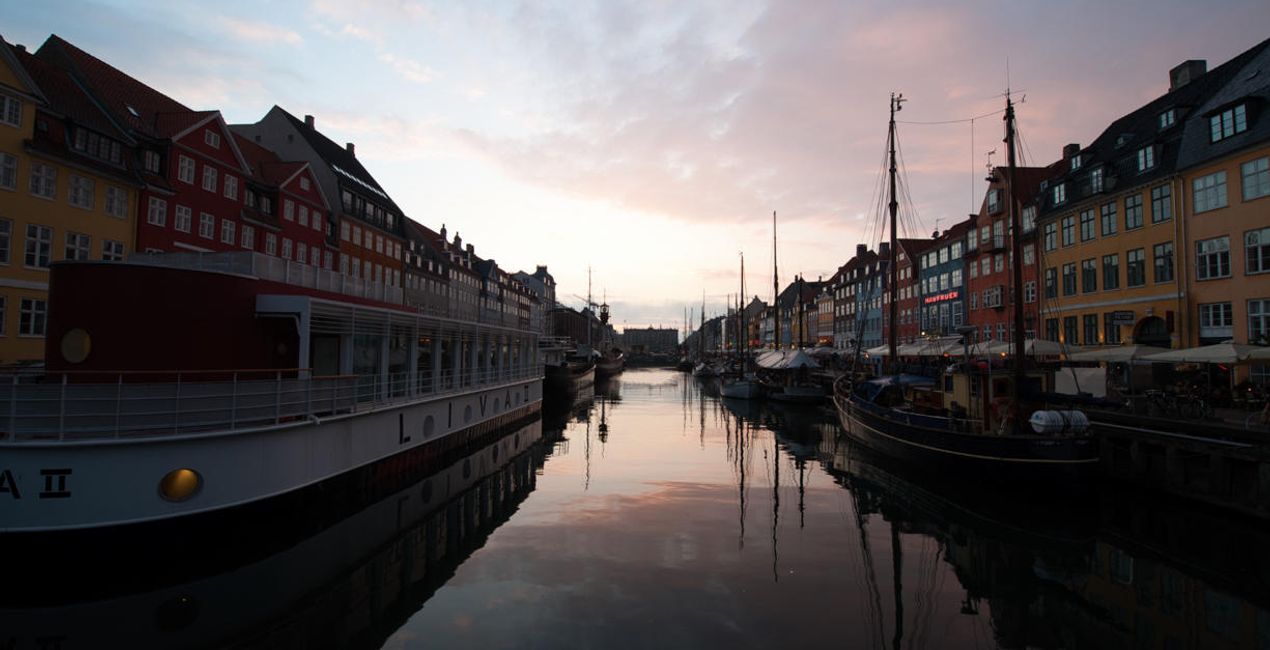
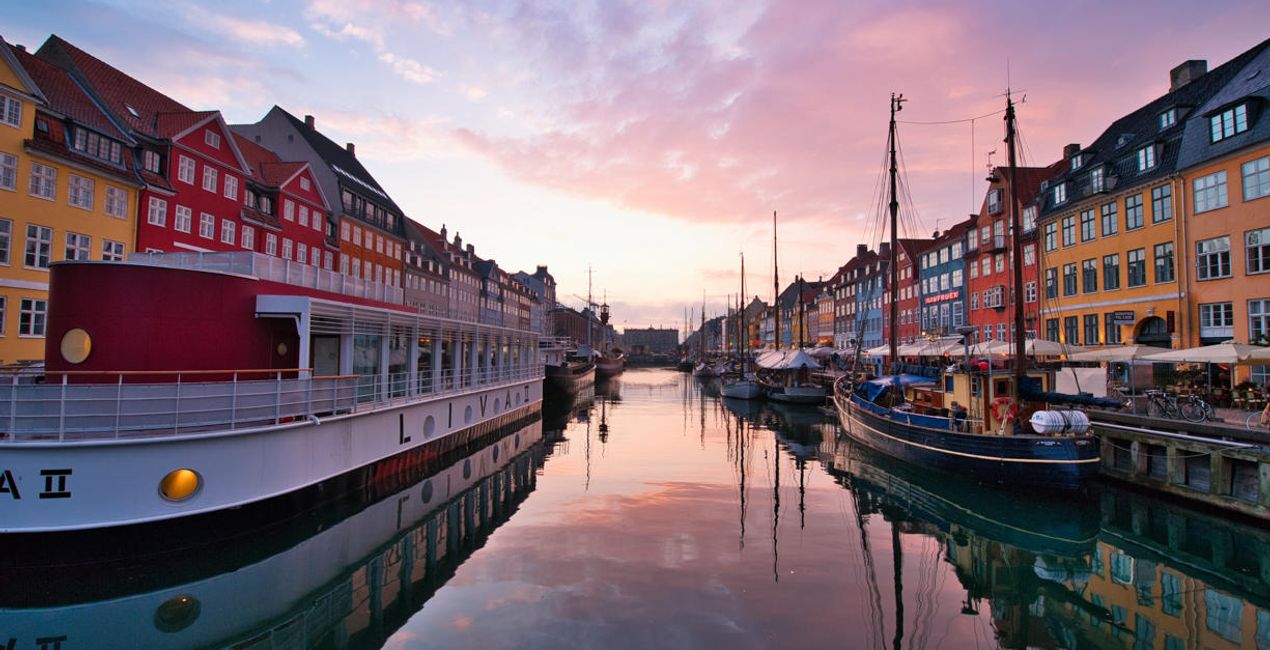
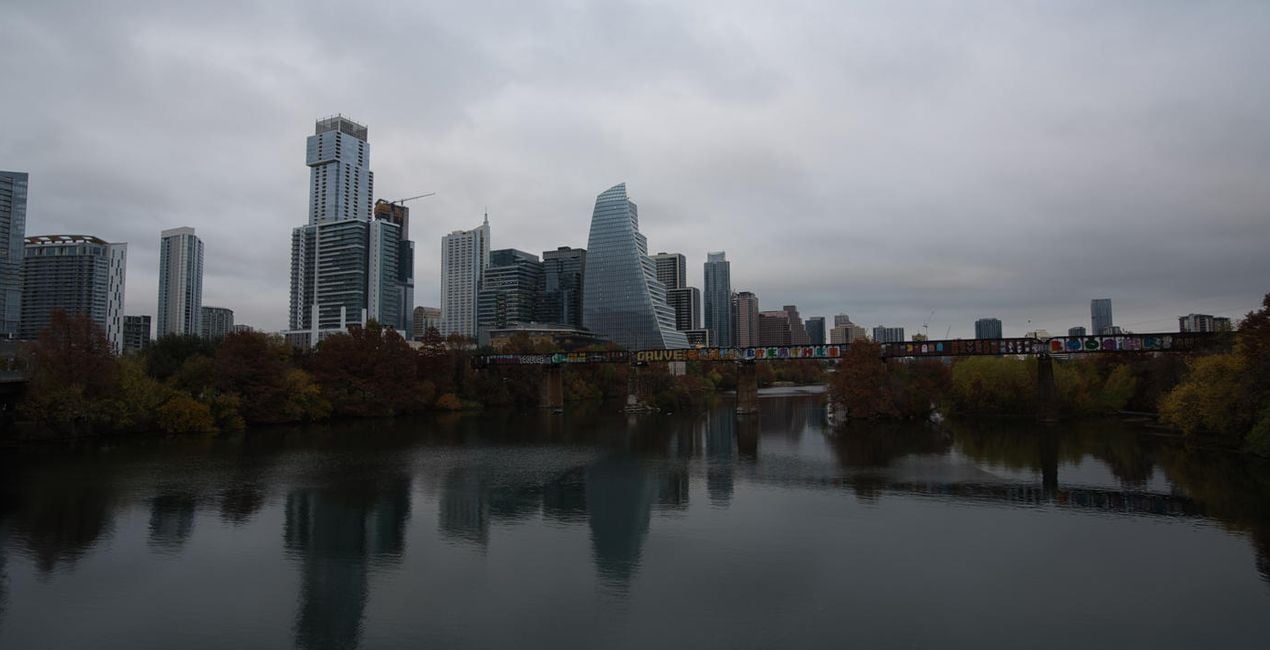
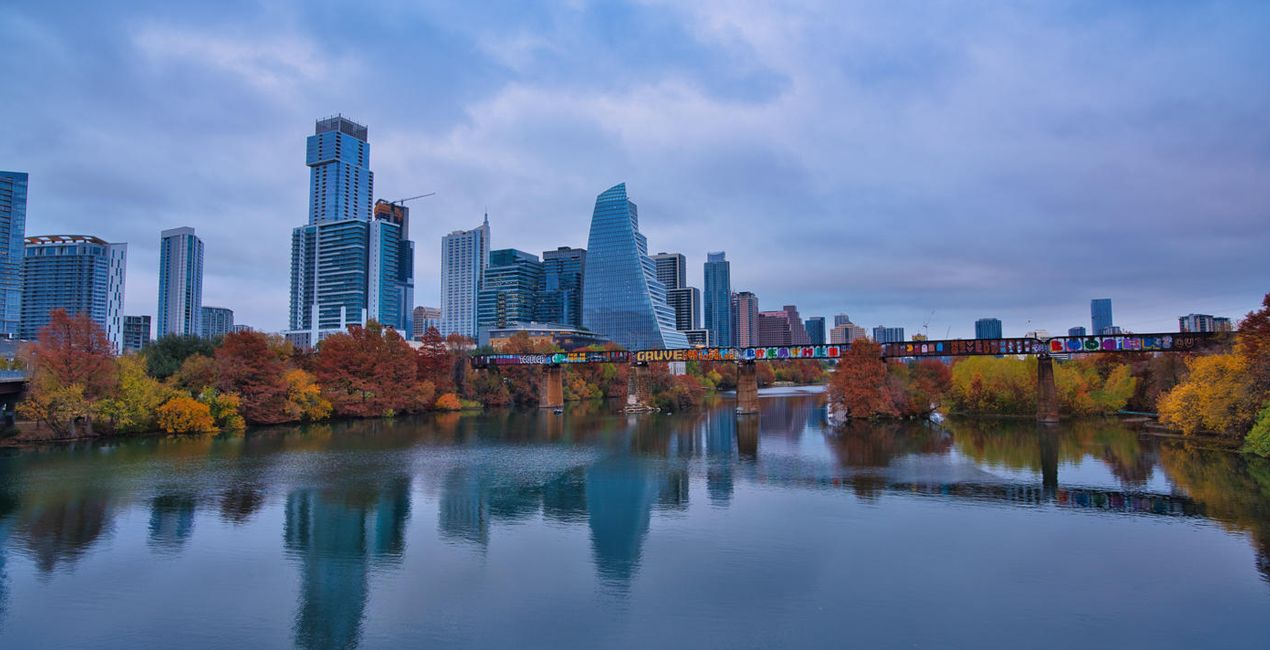
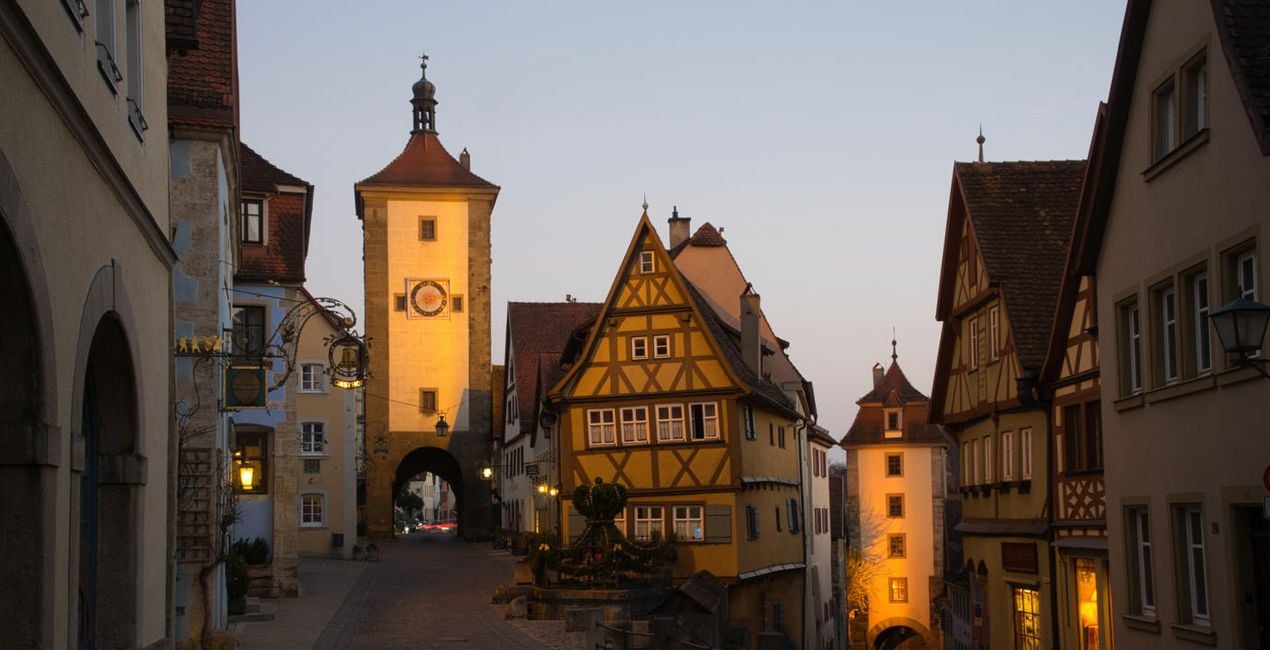
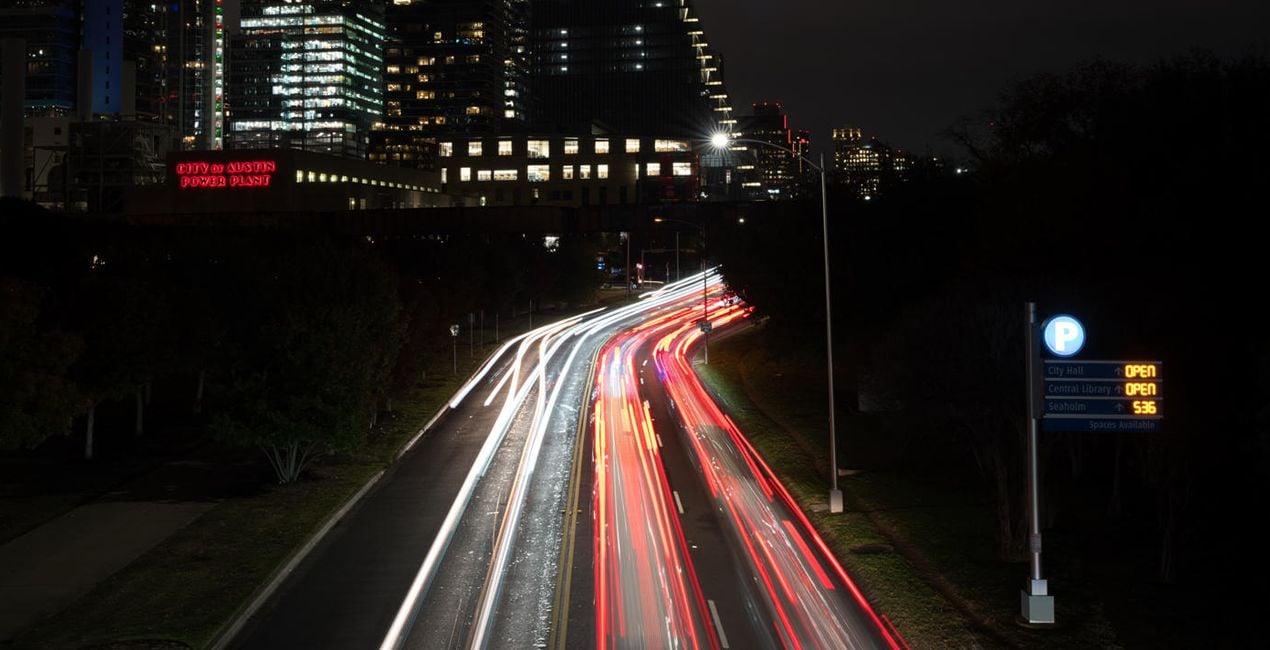
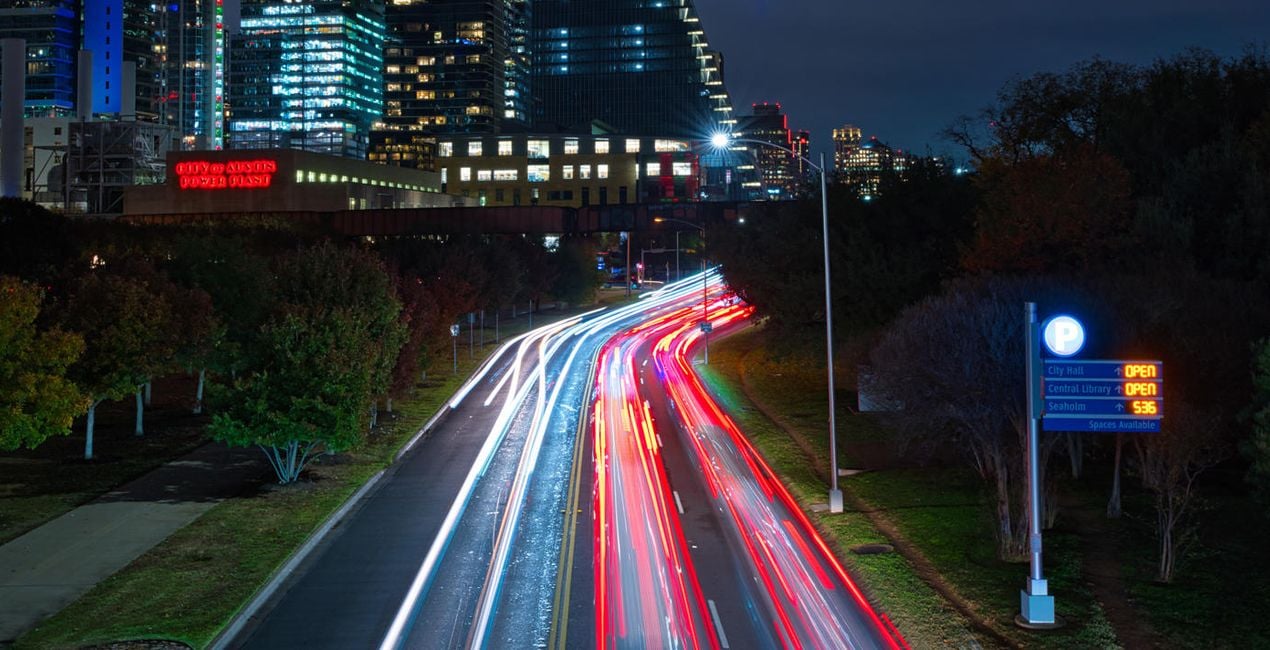
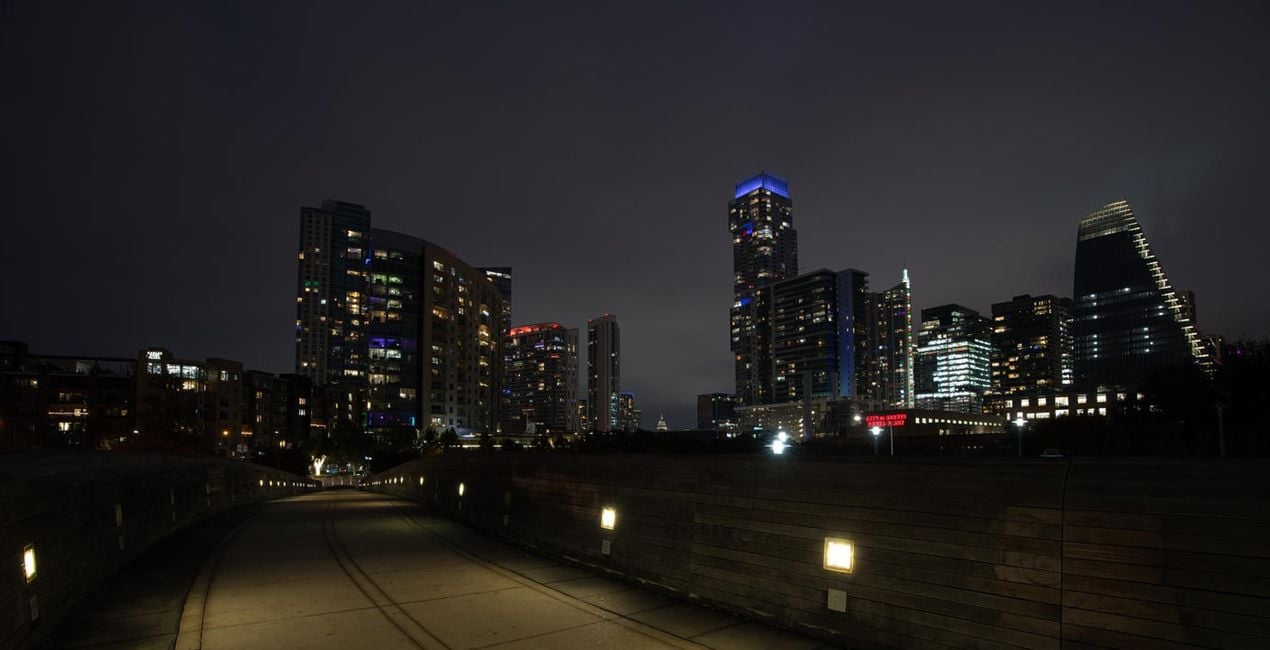
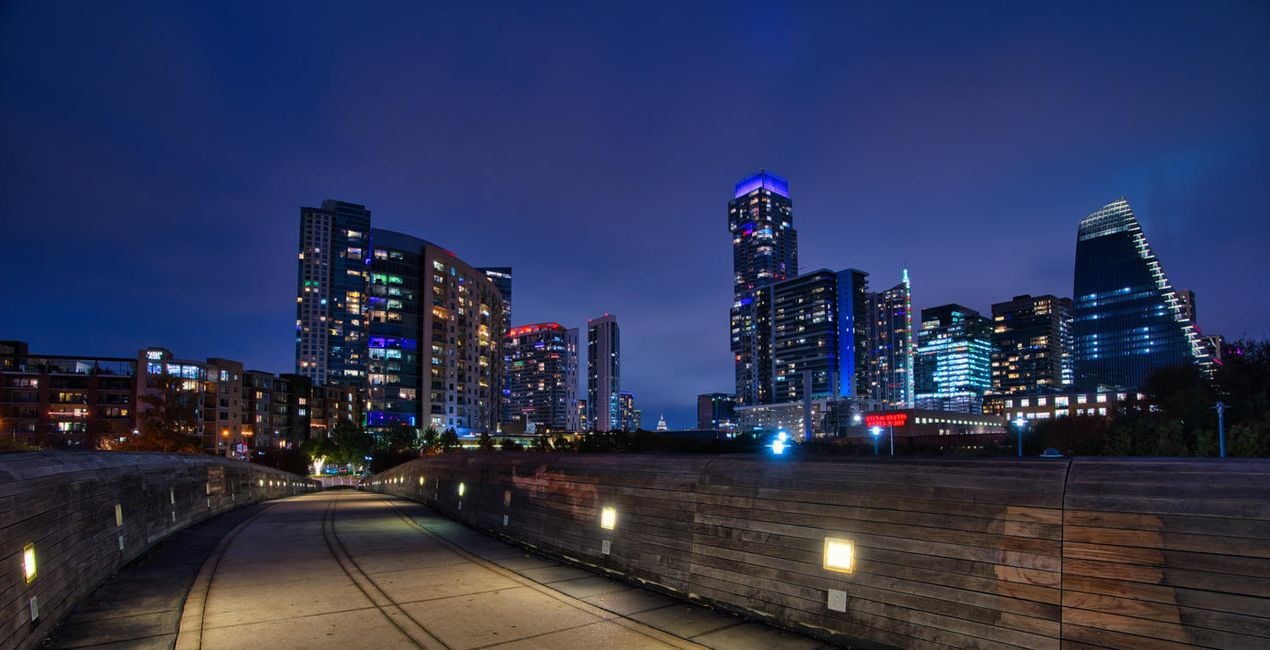
Get the most out of your cityscape images with these inspiring Presets. Ideal for photos taken at the edges of the day, such as sunrise, sunset, the golden hour, and the blue hour. Also useful for intimate city scenes. Experiment and have fun!

Con los archivos RAW proporcionados, practicarás fácilmente los consejos de retoque y aprenderás a conseguir fotos como estas.
 >
>
 >
>
 >
>
 >
>
 >
>
 >
>
Bring those cityscape images to life! This collection of 12 Presets by Jim Nix was inspired by his love of traveling to foreign cities. Jim loves to get out and shoot at the edges of the day, when the light is soft and can add a beautiful look to any photo.
While wandering in cities, you may find yourself shooting a gorgeous skyline, an intimate scene, or even a grand avenue. Use these Presets to get one-click results that you’ll love for those types of photos. Or use them as a starting point for your own creative edits and further refine them to suit your tastes.
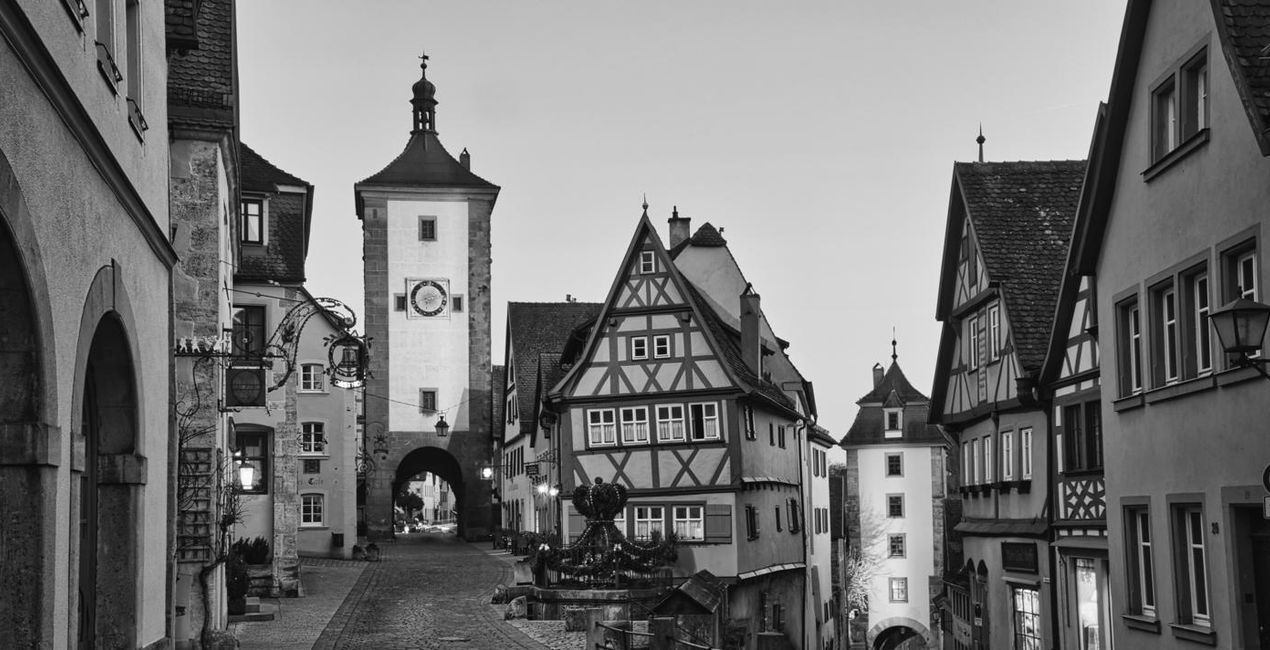
These Presets cover a wide range of subject matter and lighting conditions, although they are generally aimed at the softer light you encounter at the edges of the day. Eleven of the Presets are in color, and one is monochrome. All of them can be easily modified to suit your own style.
Experiment, have fun, and enjoy the thrill of editing!
Photographer. Skylum Ambassador.
Jim Nix is a travel photographer and YouTuber based in Austin, Texas. His photographic interests include broad cityscapes and intimate street photographs. Jim has a colorful and expressive style and a strong preference for shooting at the edges of the day, where soft light and shadow help create the dramatic and moody sentiments his photographs embody. He loves to convey his artistic vision through editing tutorials, which he publishes several times a week on YouTube, and he encourages his viewers to experiment with their editing techniques in order to find their own creative voice.
Si tienes alguna duda o pregunta sobre el producto, puedes contactar al servicio de soporte 24/7. Visita este enlace.
Para comprar City Splendor, sigue estos pasos:
1. Abre el Marketplace de Skylum.
2. Ve a la pestaña correspondiente donde aparece City Splendor. Haz clic sobre él y añádelo a tu carrito.
3. Ve al carrito. Aquí, completa el proceso de compra de City Splendor.
4. Después de completar la compra, recibirás un correo de confirmación con el enlace de descarga de City Splendor. También encontrarás el nuevo producto en tu cuenta de Skylum, dentro de la pestaña “Mis complementos”.
Recibirás un email con instrucciones detalladas sobre cómo instalar City Splendor junto con un enlace de descarga.
También puedes instalar el producto comprado directamente desde Luminar Neo: ve a Extras > Marketplace, selecciona la categoría del producto, busca el elemento adquirido y haz clic en Instalar.
¡Es muy fácil! Ve a la pestaña de Ajustes Preestablecidos y selecciona "Comprados". Tu ajuste preestablecido instalado estará ahí.
No te preocupes. Todos los productos que hayas adquirido, como City Splendor, se almacenarán en la pestaña 'Mis complementos' de tu cuenta de Skylum para que puedas volver a descargarlos fácilmente.
Generalmente, la mayoría de productos son compatibles con Luminar Neo. Pero si quieres asegurarte de que City Splendor funciona(n) correctamente con tu software, consulta sus especificaciones antes de hacer ninguna compra o descarga. Busca la sección "Compatibilidad" en la parte derecha de la página de City Splendor, donde aparecen todos los programas compatibles.
No te vayas todavía. Aquí tienes un código de descuento exclusivo. Úsalo en los próximos 15 minutos para obtener un 10 % de descuento adicional al finalizar la compra. Copia el código que aparece a continuación y completa tu compra.
15 m : 00 s





