


 Použit




O
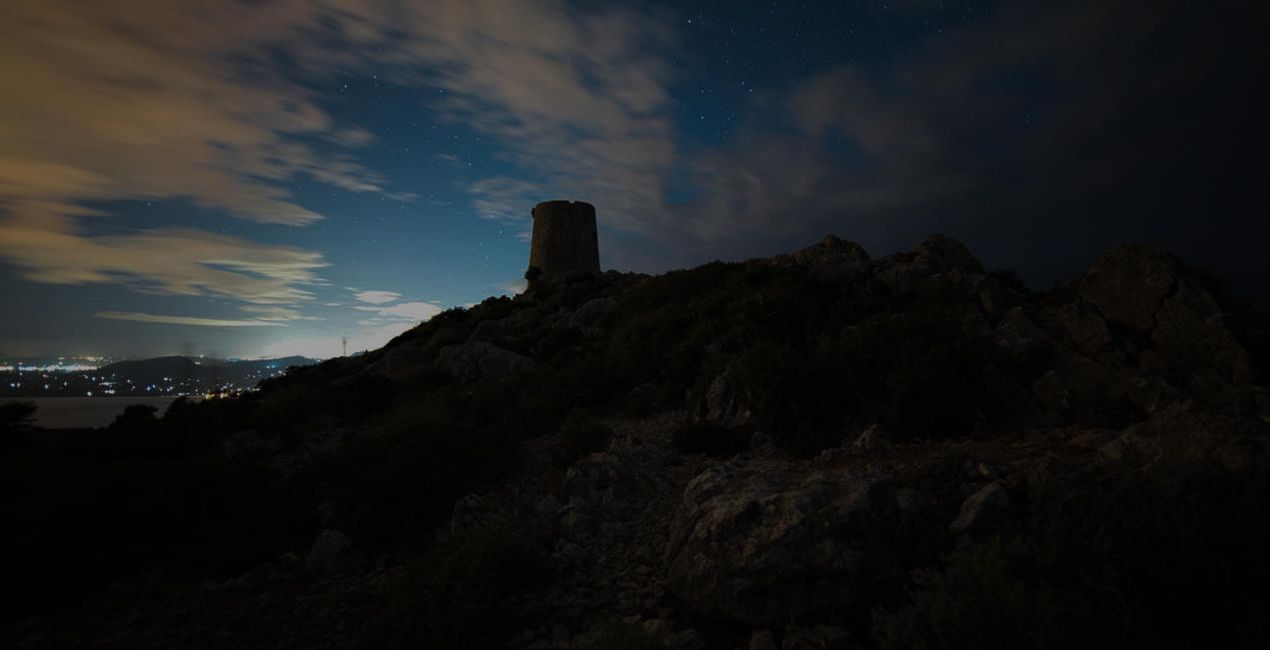
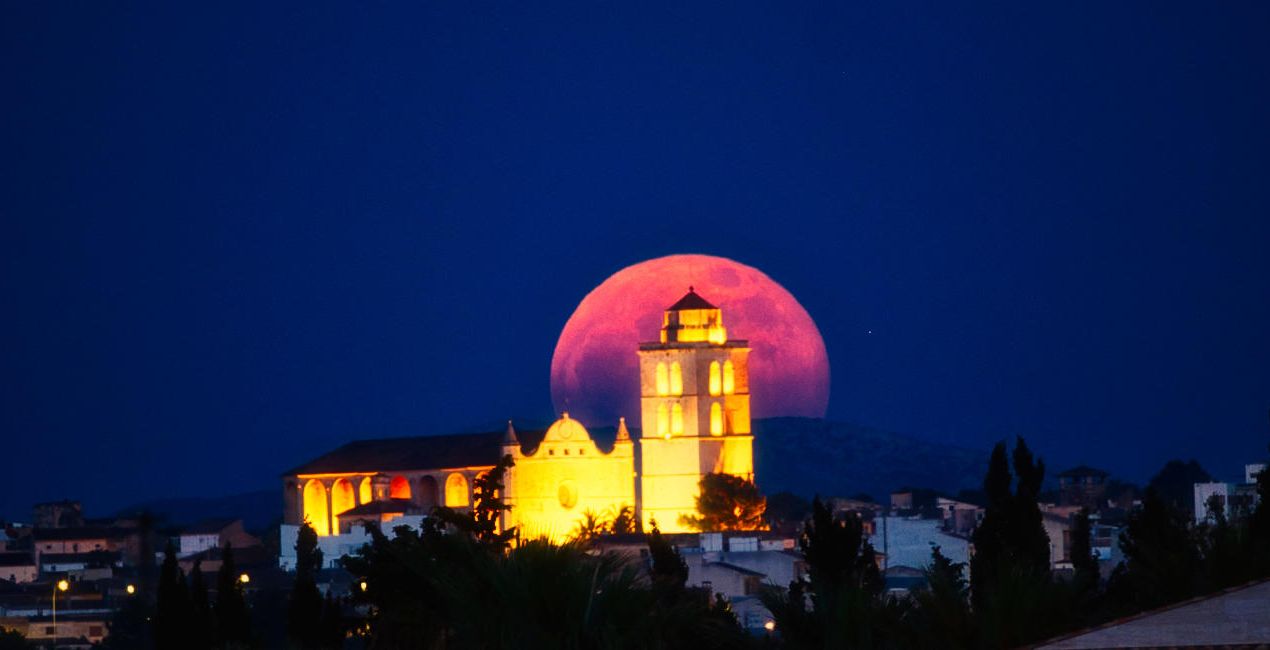
Starry Night is a pack of 10 Presets for Luminar Neo made by the nightscape photographer David Maimó. Using these Presets is an easy way to adjust your nightscape photos with one click. Edit photos containing the Milky Way, the moon, auroras, star trails and other types of night photography fast and easy.
Kompatibilita

Pořiďte si fotografie, jako jsou tyto
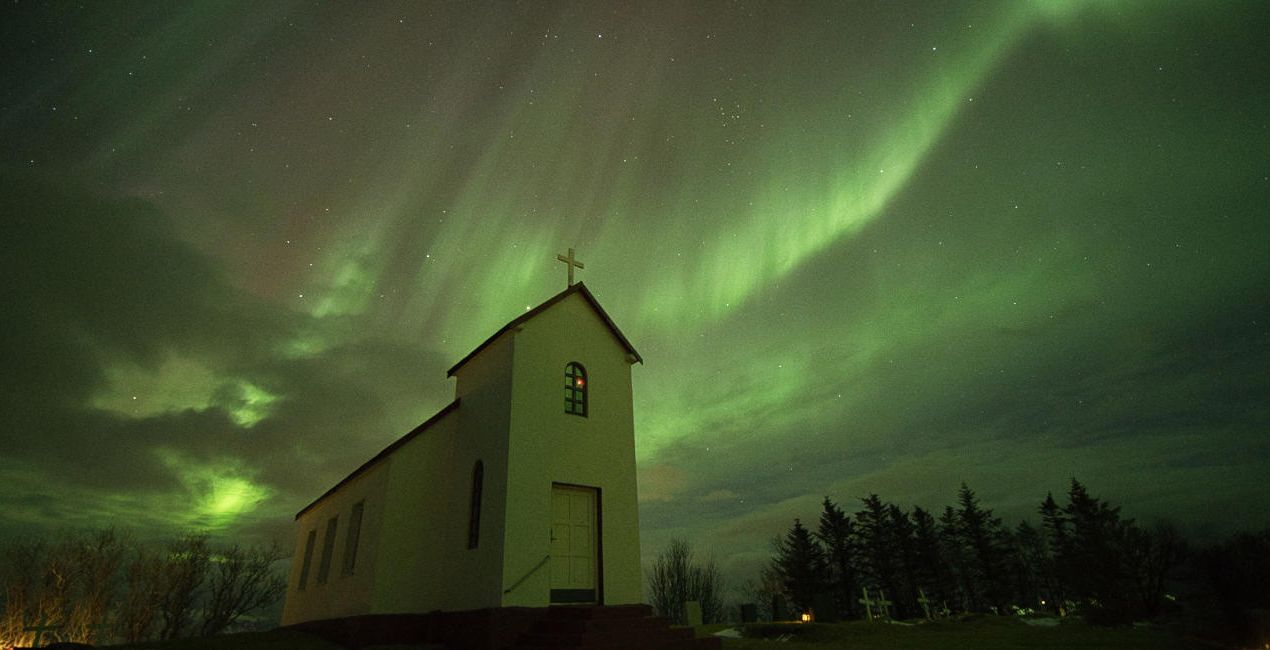
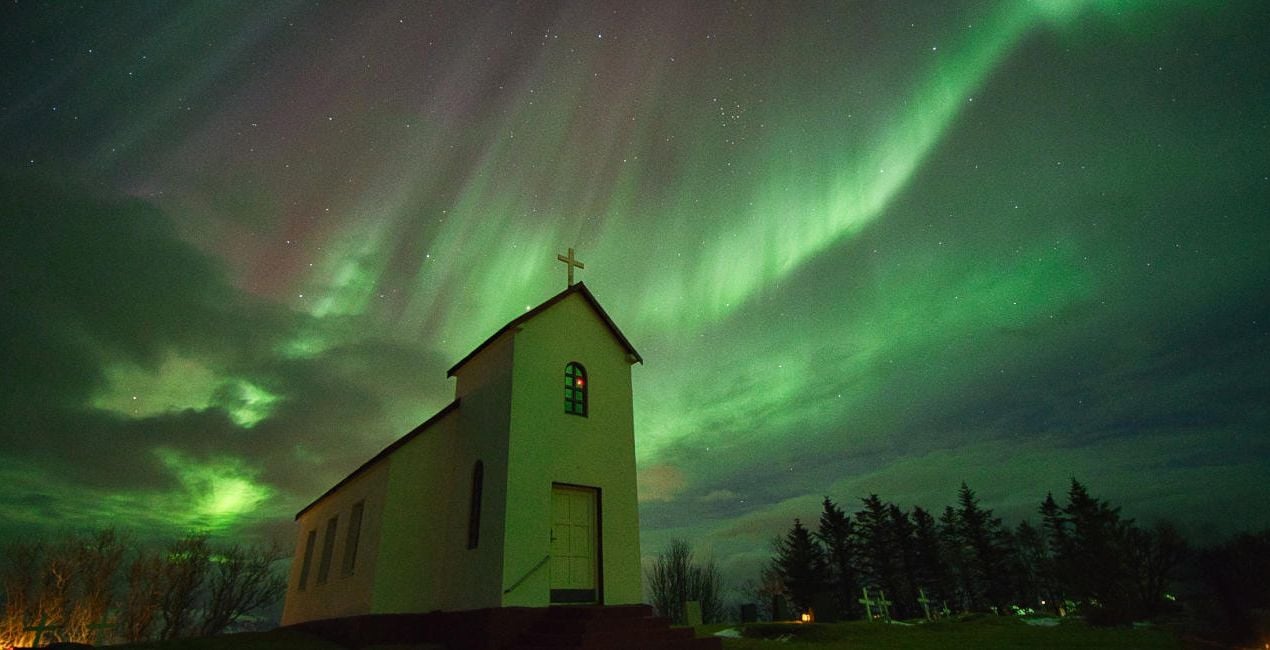
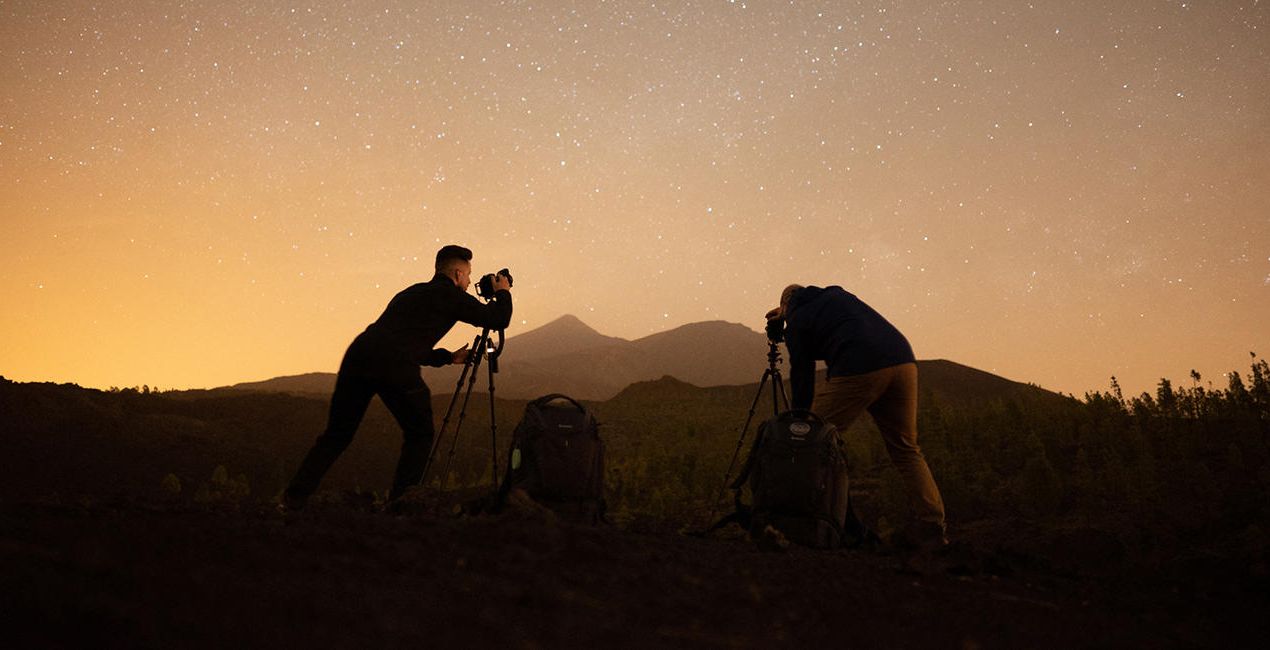
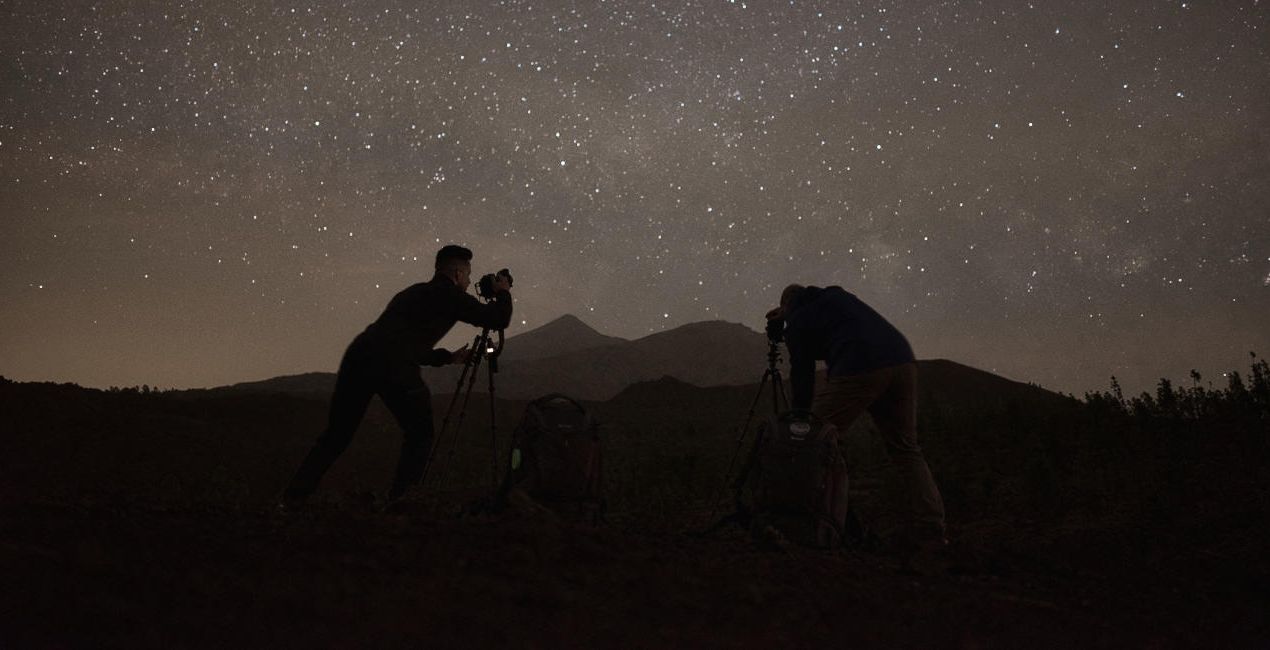
Pomocí souborů RAW si snadno vyzkoušíte tipy pro retušování a naučíte se, jak pořídit fotografie jako tyto.
 >
>
 >
>
 >
>

 >
>

 >
>

 >
>
Příběh
Shooting at night is incredibly romantic, as you can see the lights of the stars, auroras, the moon or the light of the city that give life to your photographs. All of these natural phenomena create fantastic scenes that attract the viewer's attention.
This pack of Presets helps facilitate your editing process and create magnificent scenes. David remembers being asked many times how he achieves such amazing effects when editing his photos, so with this pack he decided to help others achieve the same results.
Use these Presets to apply the initial settings, and then you can tweak the effects using the Amount slider. Additionally, you can edit your photo with all the effects that Luminar Neo has, giving freedom to your creativity!
Milky Way: Corrects white balance, brings out details of the Milky Way, removes noise and creates a unique atmosphere.
Aurora: Corrects white balance, highlights and saturates the aurora, removes noise and creates a wonderful atmosphere in your scenes.
Moon: Saturates the colors of the moon, highlights and gives detail.
Nightscape: Creates an atmosphere with starry scenes, reduces noise and enhances detail.
Cityscape: Creates an atmosphere in city scenes, reduces noise and improves detail.
Lowlight: Improves your low-light scenes by recovering shadows and reducing noise.
Light Cleansing: Eliminates the orange and yellow hue of light pollution.
Startrails: Lowers highlights from the stars and improves the color.
Light Painting: Improves the color and contrast in your light painting scenes.
Storms: Improves the color and contrast in your storm scenes.
Související produkty


Tvůrce
David Maimó
Nightscape and Landscape Photographer. Skylum Ambassador.
Born in Mallorca, Spain, David Maimó is a photographer specializing in capturing the nightscape, David tries to show the night photography differently.
He is an OM System, Vanguard, Laowa and MSM Rotator ambassador. He teaches night photography courses, sharing his knowledge and passion for photography.
Jak mohu kontaktovat podporu?
Máte-li jakékoli dotazy týkající se produktu, můžete se obrátit na tým podpory, který je k dispozici 24 hodin denně, 7 dní v týdnu. Stačí kliknout na tento odkaz.
Jak mohu zakoupit Starry Night?
Pro zakoupení Starry Night postupujte podle těchto kroků:
1. Otevřete tržiště Skylum Marketplace.
2. Přejděte na příslušnou záložku, kde je uveden Starry Night. Klikněte na něj a přidejte jej do košíku.
3. Přejděte do košíku. Zde dokončete proces nákupu produktu Starry Night.
4. Po zakoupení obdržíte e-mail s odkazem ke stažení produktu Starry Night. Nový produkt také najdete ve svém účtu Skylum na kartě Moje doplňky.
Jak nainstalovat produkt Starry Night?
Podrobné pokyny k instalaci Starry Night vám budou zaslány v e-mailu s odkazem ke stažení.
Kromě toho můžete zakoupenou položku nainstalovat přímo v Luminar Neo: přejděte do nabídky Extra > Marketplace, vyberte kategorii Produkt, vyhledejte zakoupenou položku a klikněte na Instalovat.
Kde najdu svůj Starry Night po instalaci?
Je to docela snadné! Přejděte na kartu Přednastavení a vyberte možnost Zakoupené. Vaše nainstalované přednastavení se zde zobrazí.
Co když ztratím Starry Night?
Nebojte se. Všechny zakoupené položky, včetně Starry Night, jsou uloženy na kartě „Moje doplňky“ ve vašem účtu Skylum, odkud je můžete snadno znovu stáhnout a používat.
Jak mohu zkontrolovat, zda je Starry Night kompatibilní s mým softwarem?
Obecně platí, že většina položek je kompatibilní s Luminar Neo. Abyste se však ujistili, že Starry Night je kompatibilní s vaším softwarem, před stažením nebo zakoupením si zkontrolujte jeho specifikace. V pravé části stránky Starry Night najdete sekci „Kompatibilita“, kde jsou uvedeny všechny kompatibilní produkty.


