


 Použit




O
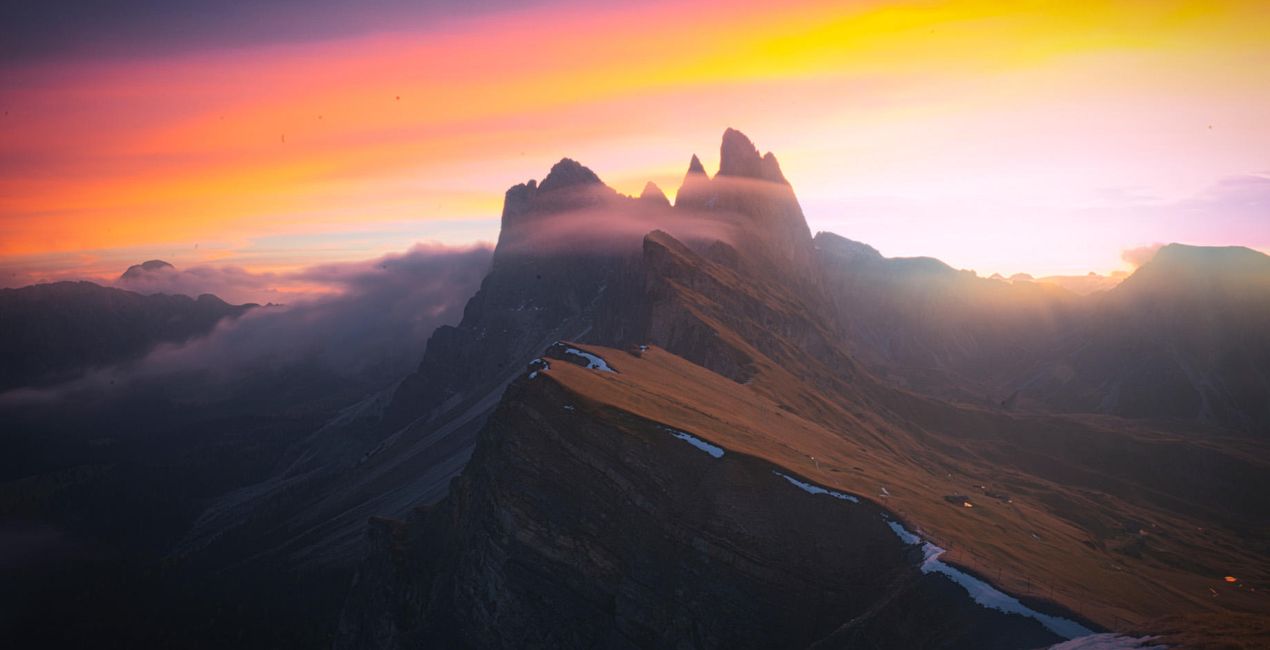
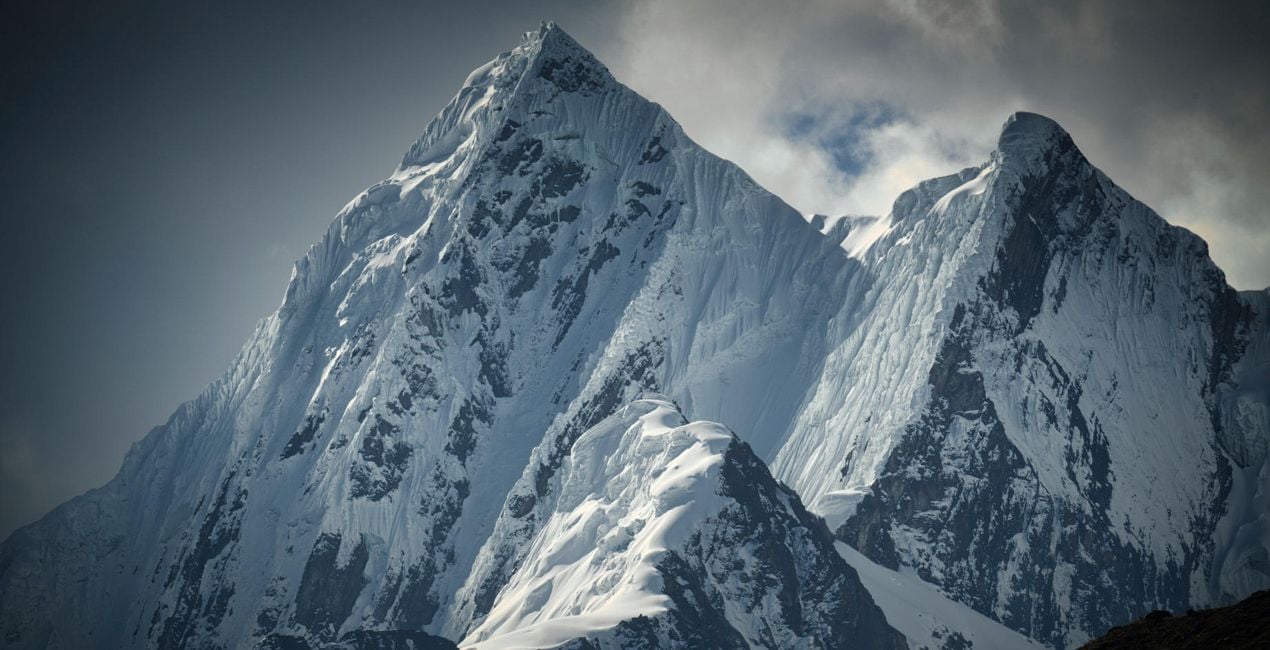
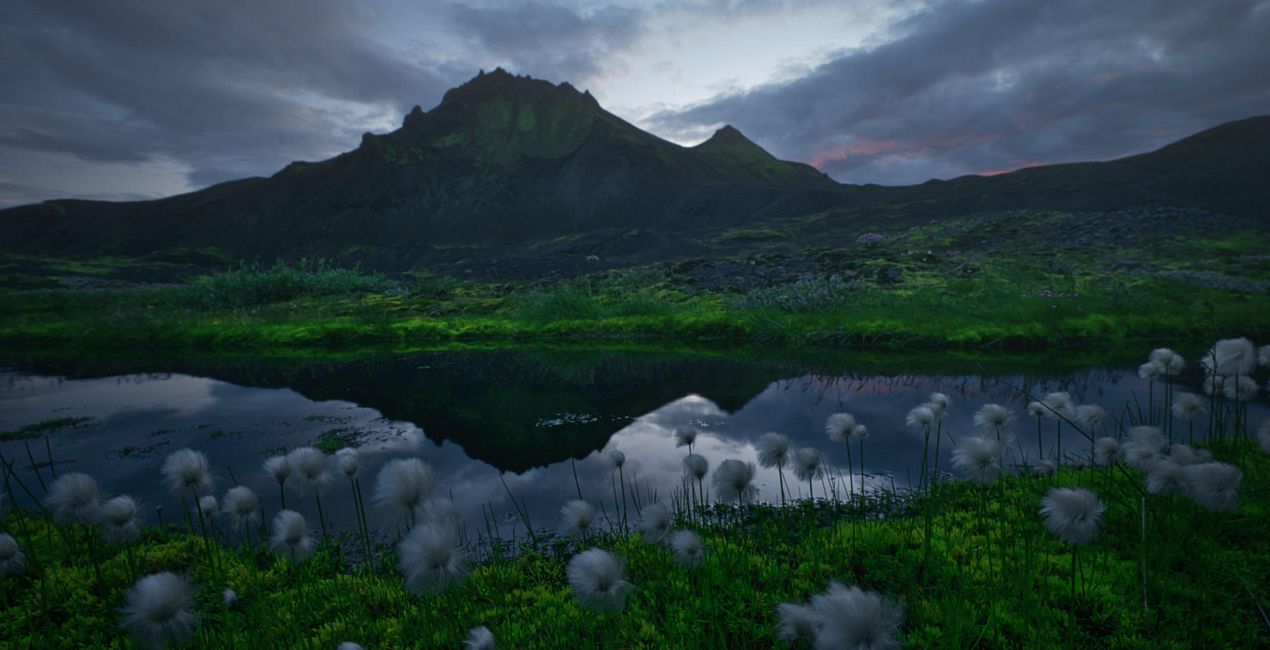
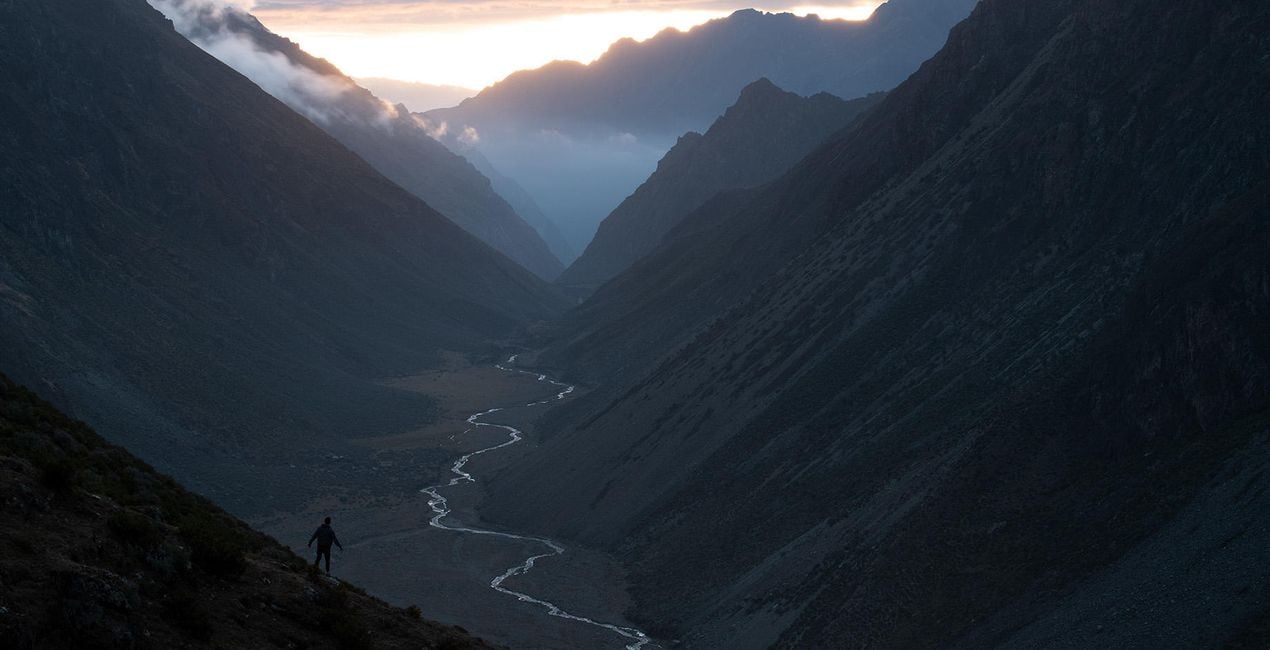
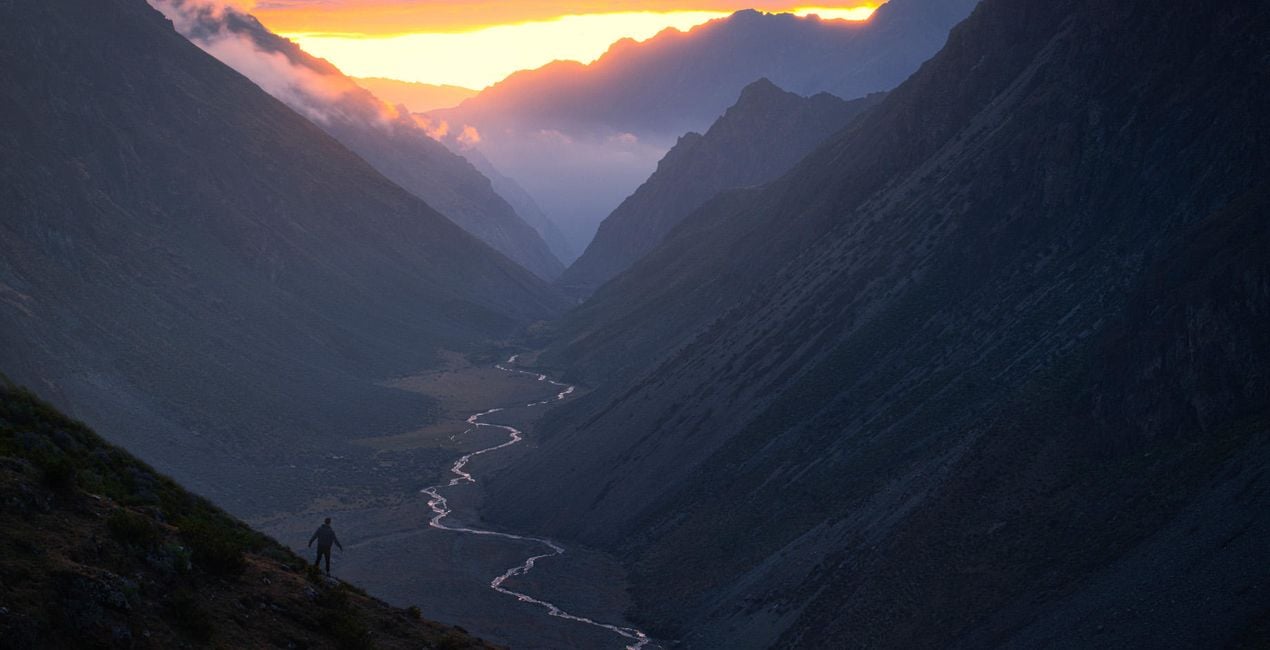
Discover this dramatic mountain landscape Presets collection by Max Rive. The 12 Presets (that double as Templates) will add magic, drama, and mood to your mountain landscapes, turning them into breathtaking images.
Kompatibilita

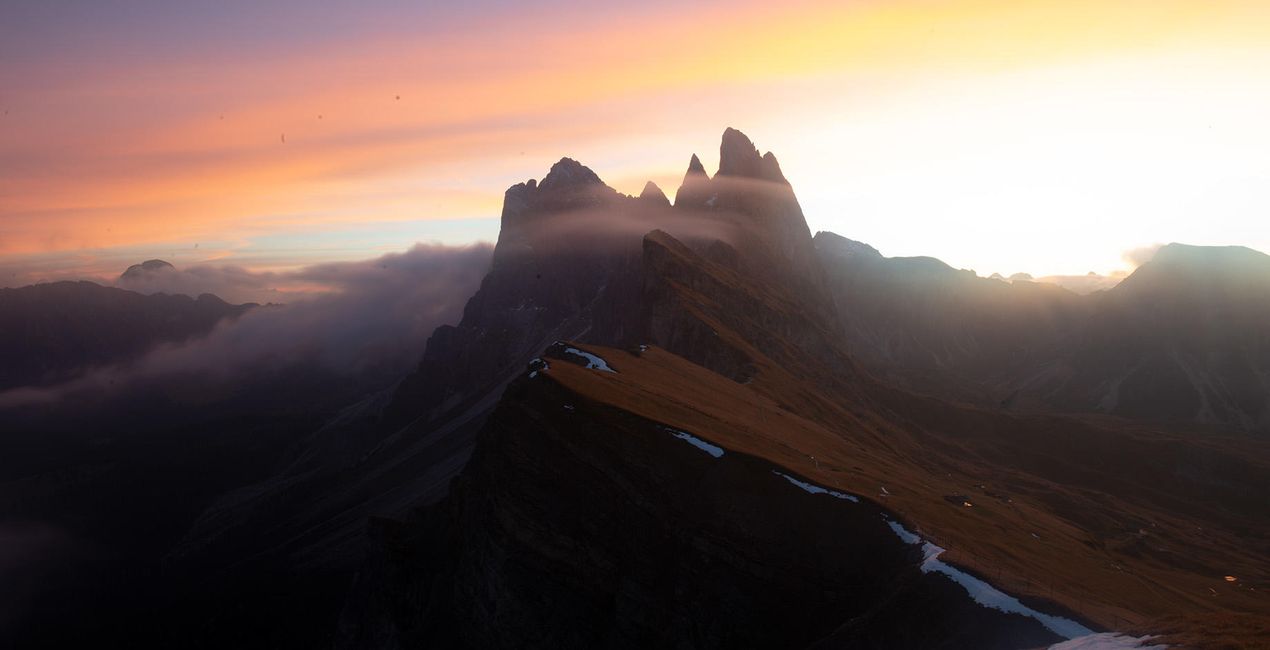
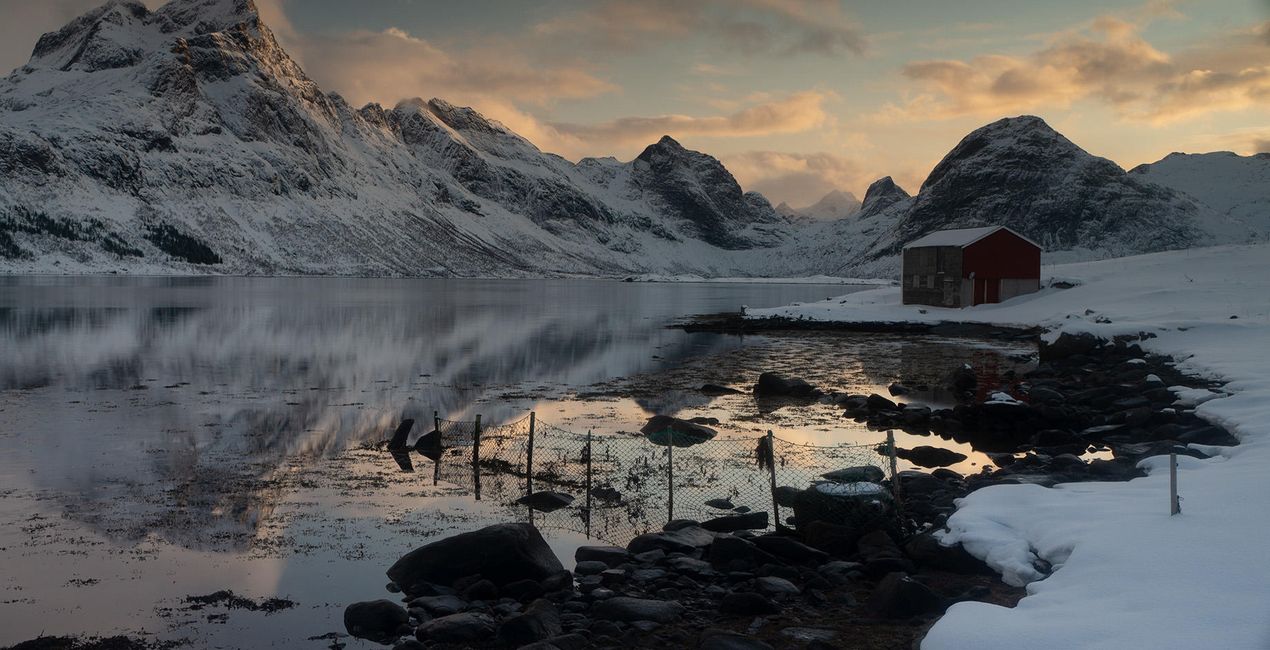
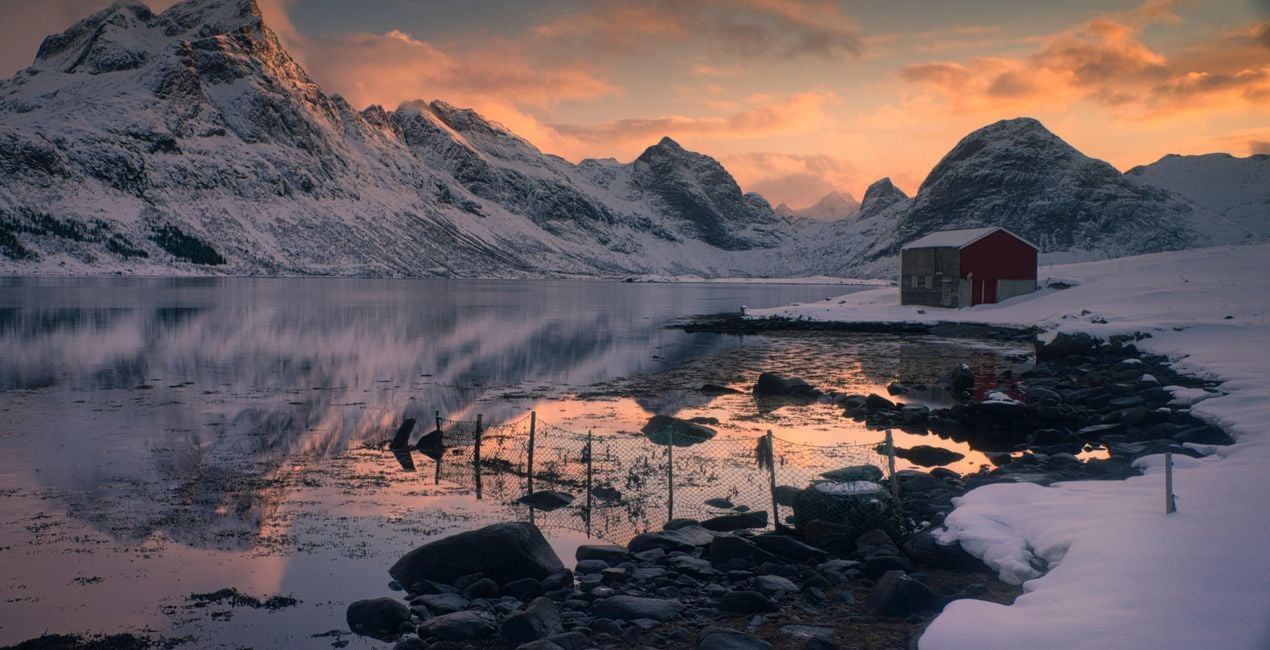
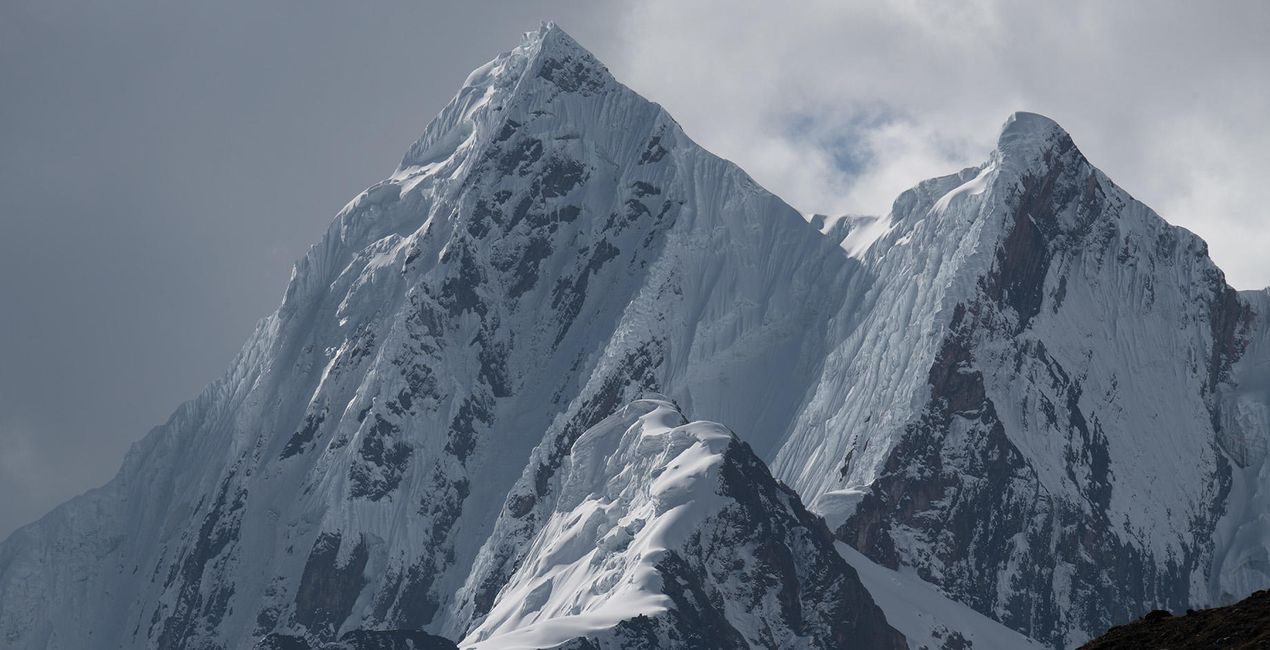
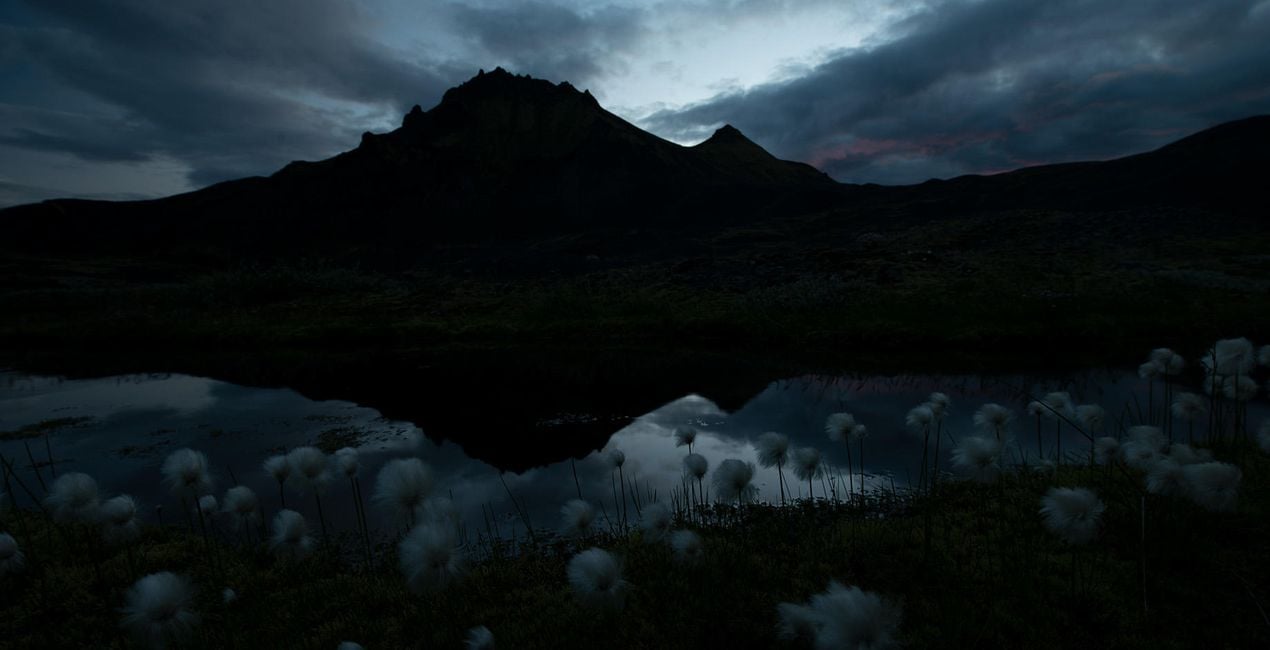
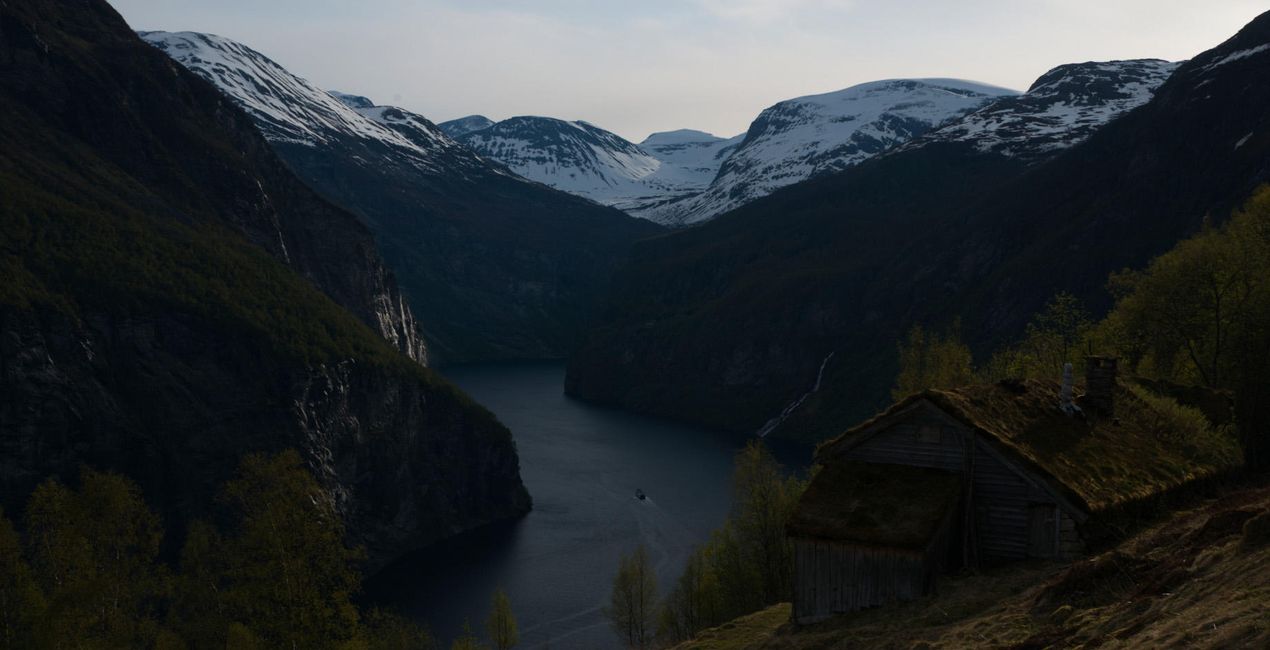
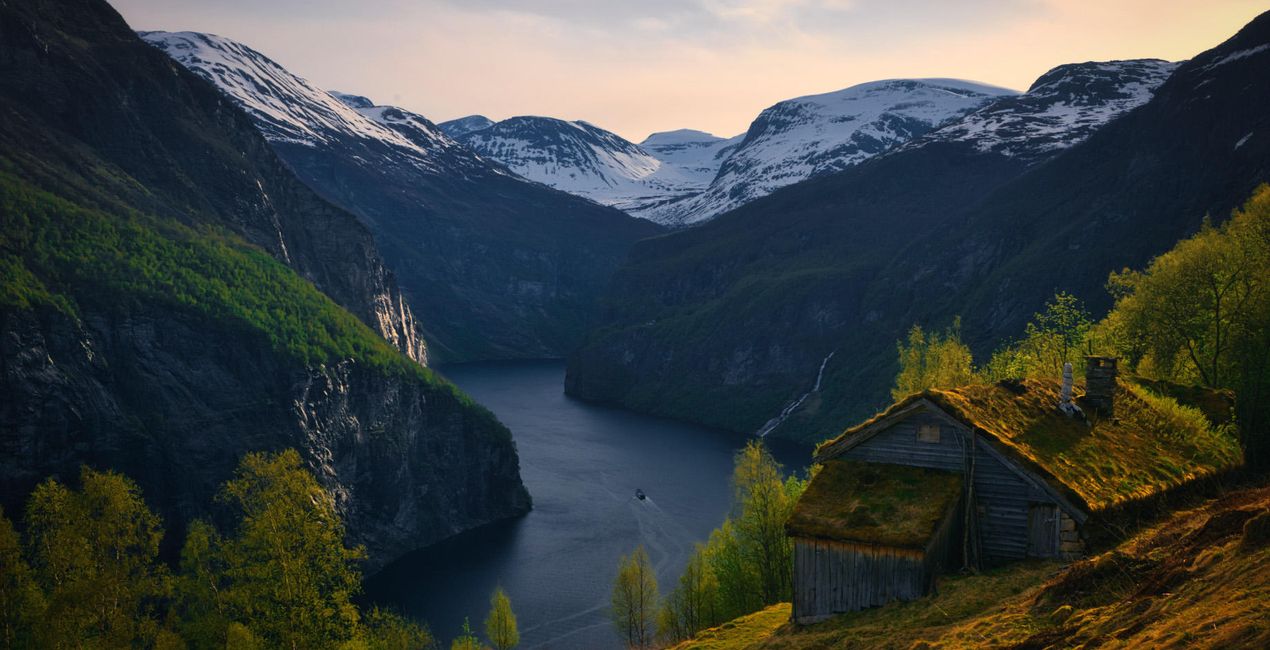
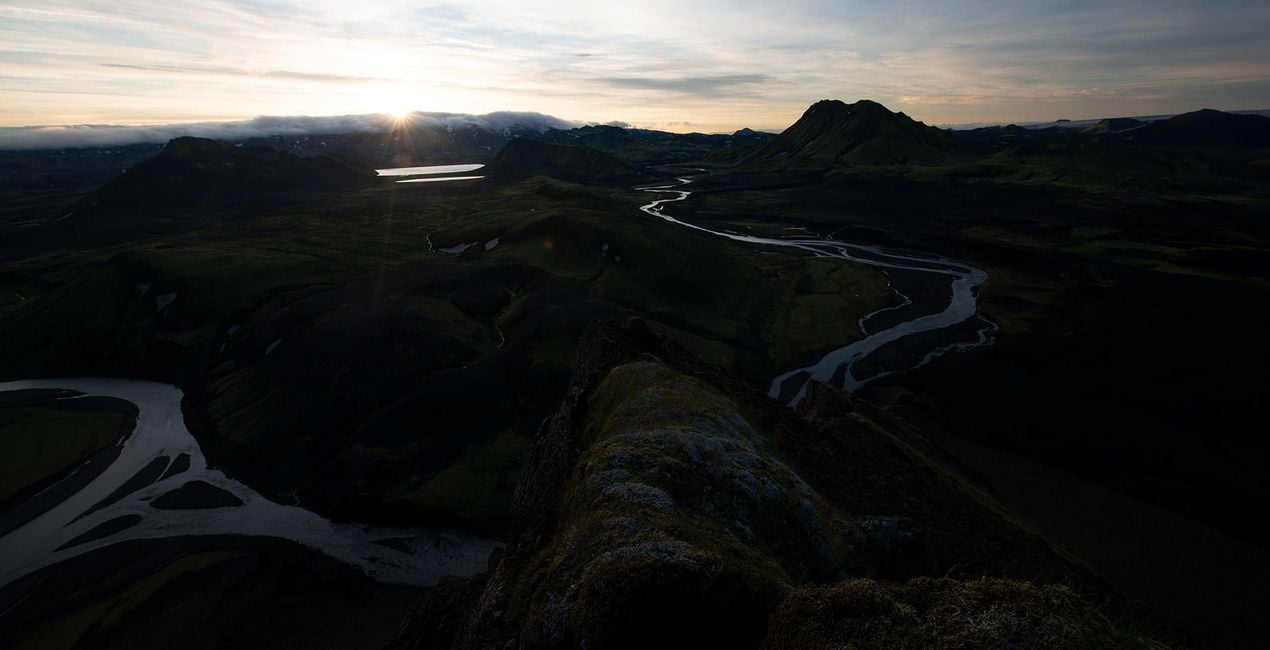
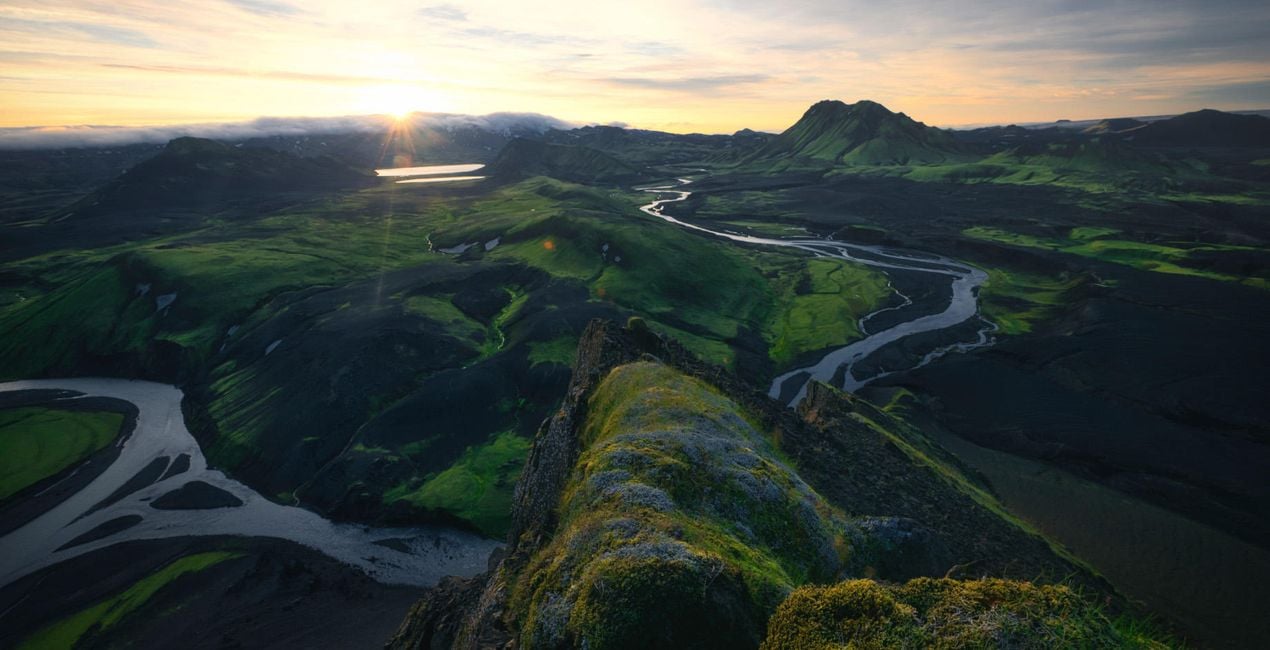
Pořiďte si fotografie, jako jsou tyto
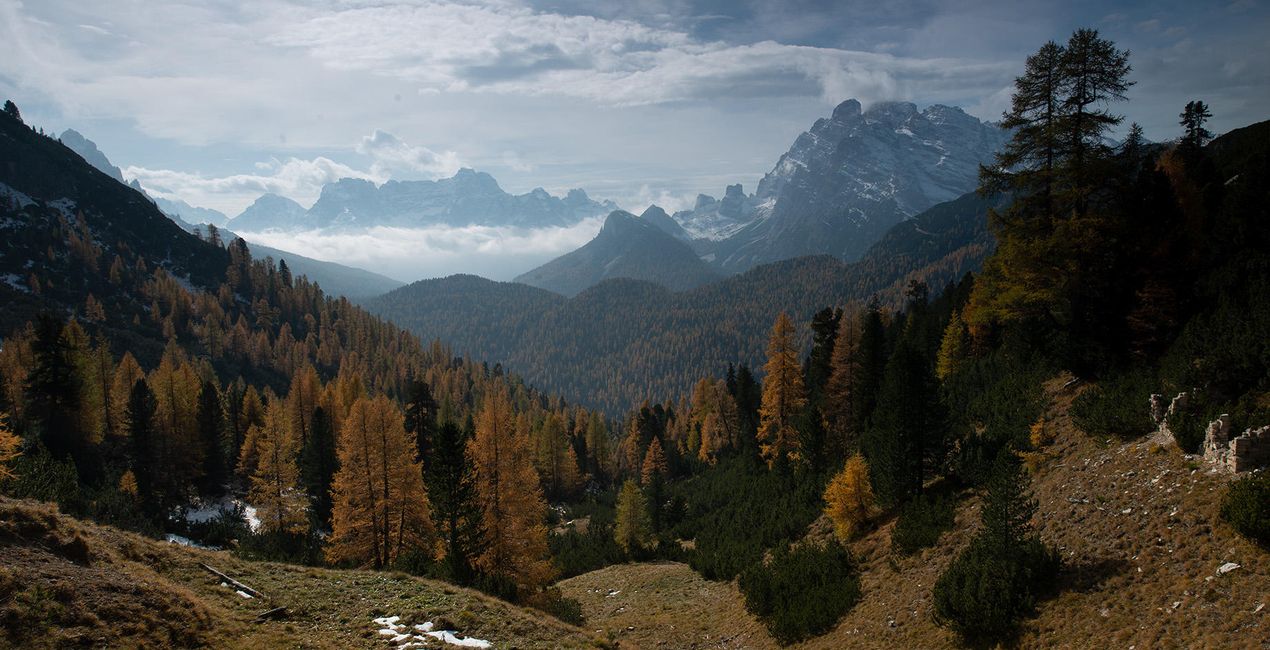
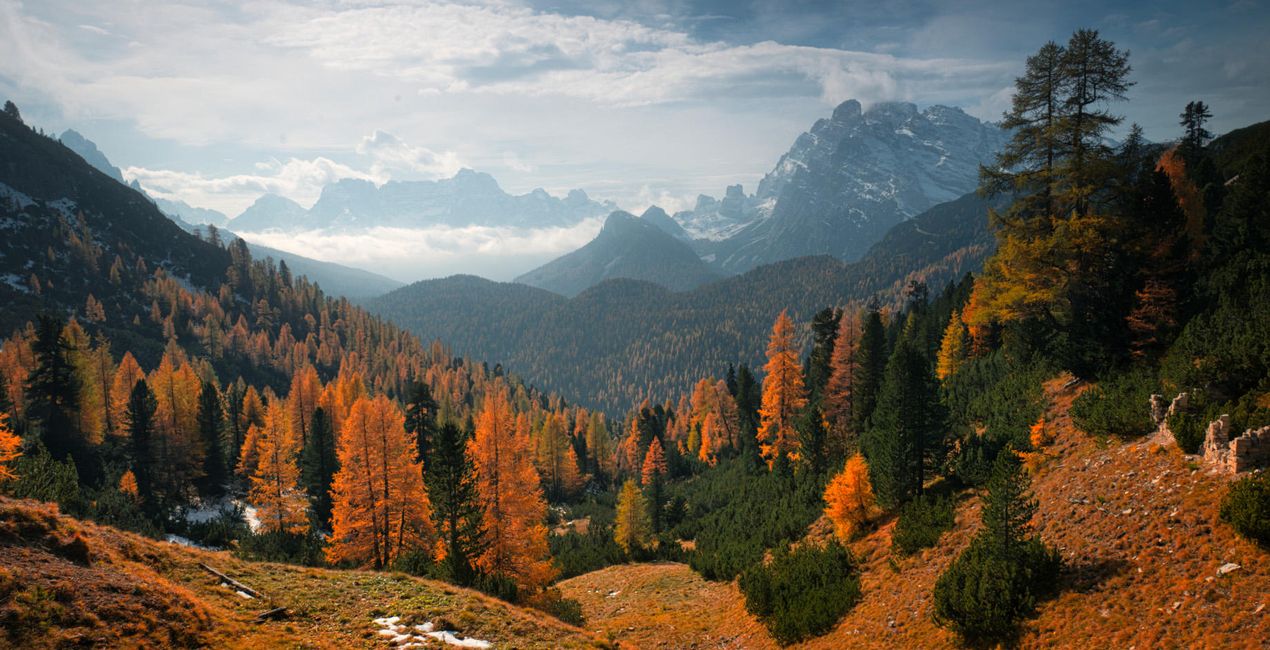
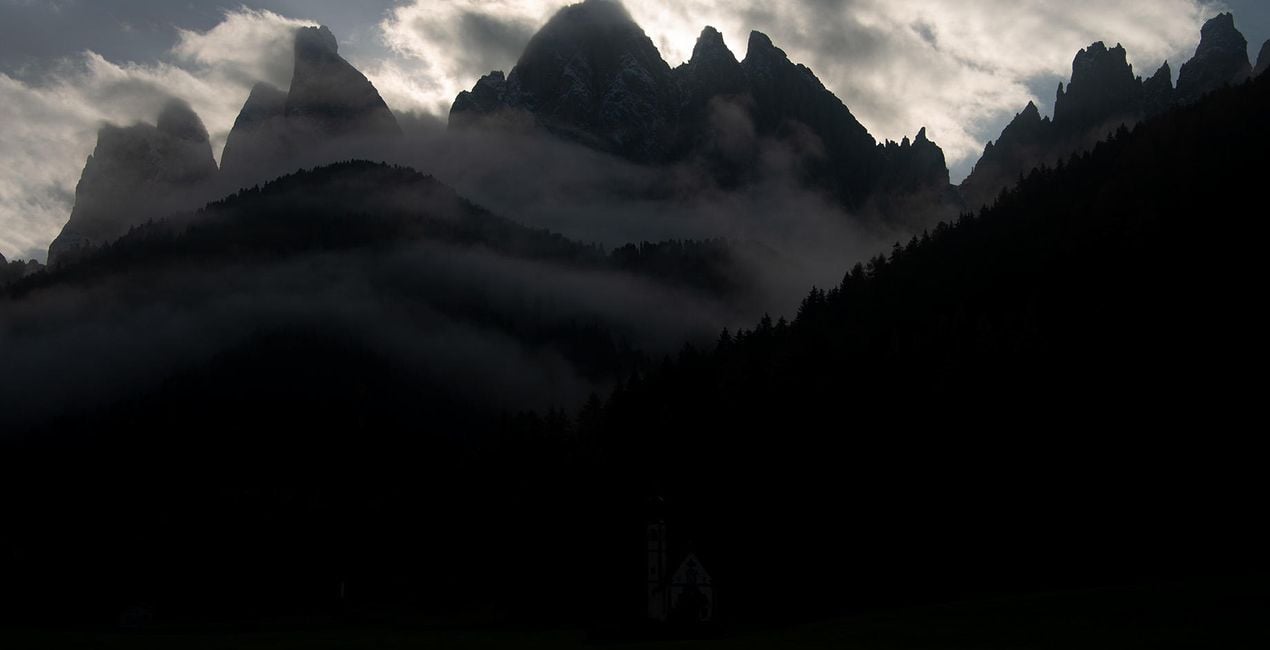
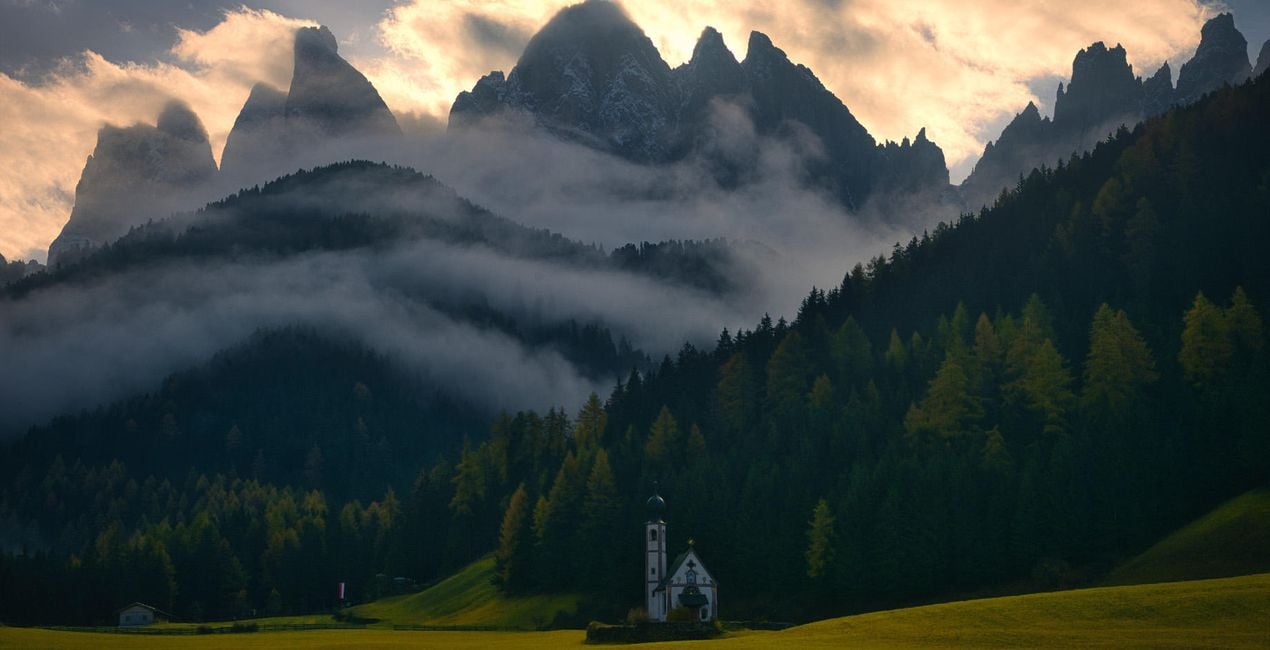
Pomocí souborů RAW si snadno vyzkoušíte tipy pro retušování a naučíte se, jak pořídit fotografie jako tyto.
 >
>
 >
>
 >
>
 >
>
 >
>
 >
>
 >
>
 >
>
 >
>
Příběh
Turn your photos into epic landscapes with this collection of Heavenly Seasons Templates by Max Rive. The 12 Presets/Templates have unique color and contrast and deliver the mood of the four seasons. Create incredible winter photos that look like the white snow-capped mountains of Peru and the winter fjords of Norway. Make your autumn photos deliver the atmosphere of the Patagonian forests and the mountain landscapes of the Dolomites. Make spring photos reminiscent of the the green highlands of Iceland. Finally, create summer photos that breathe with freshness, from the top of the Andes to the fjords of New Zealand.You’ll find 12 Presets in this pack:3 Presets for winter photos with low saturation, blue, and unique contrast3 Presets for autumn photos with bright and highly saturated warm colors3 Presets for spring photos with very green and yellow saturated landscapes 3 Presets for summer photos with darker greens with a wide variety of colorsDon’t forget to share your results! Use the hashtag #madewithluminar on social media so the Skylum Team can take a look at your work!
Související produkty


Tvůrce
Max Rive
Worldwide Photographer. Skylum Ambassador.
First inspired by the mountains of Switzerland, IPA award-winning landscape photographer Max Rive has always had a deep passion for epic landscapes. So much so that while he’s had a few close calls, including an airplane accident and a major earthquake, he still answers to the call of the mountains.
In fact, it’s hard to pin him down as he’s always traveling, exploring mountain after mountain, photographing every natural spectacle he stumbles into, from the lush highlands of Scotland to the summits of New Zealand. Join him on one of his photography tours set in the world’s most breathtaking locations.
Jak mohu kontaktovat podporu?
Máte-li jakékoli dotazy týkající se produktu, můžete se obrátit na tým podpory, který je k dispozici 24 hodin denně, 7 dní v týdnu. Stačí kliknout na tento odkaz.
Jak mohu zakoupit HEAVENLY SEASONS?
Pro zakoupení HEAVENLY SEASONS postupujte podle těchto kroků:
1. Otevřete tržiště Skylum Marketplace.
2. Přejděte na příslušnou záložku, kde je uveden HEAVENLY SEASONS. Klikněte na něj a přidejte jej do košíku.
3. Přejděte do košíku. Zde dokončete proces nákupu produktu HEAVENLY SEASONS.
4. Po zakoupení obdržíte e-mail s odkazem ke stažení produktu HEAVENLY SEASONS. Nový produkt také najdete ve svém účtu Skylum na kartě Moje doplňky.
Jak nainstalovat produkt HEAVENLY SEASONS?
Podrobné pokyny k instalaci HEAVENLY SEASONS vám budou zaslány v e-mailu s odkazem ke stažení.
Kromě toho můžete zakoupenou položku nainstalovat přímo v Luminar Neo: přejděte do nabídky Extra > Marketplace, vyberte kategorii Produkt, vyhledejte zakoupenou položku a klikněte na Instalovat.
Kde najdu svůj HEAVENLY SEASONS po instalaci?
Je to docela snadné! Přejděte na kartu Přednastavení a vyberte možnost Zakoupené. Vaše nainstalované přednastavení se zde zobrazí.
Co když ztratím HEAVENLY SEASONS?
Nebojte se. Všechny zakoupené položky, včetně HEAVENLY SEASONS, jsou uloženy na kartě „Moje doplňky“ ve vašem účtu Skylum, odkud je můžete snadno znovu stáhnout a používat.
Jak mohu zkontrolovat, zda je HEAVENLY SEASONS kompatibilní s mým softwarem?
Obecně platí, že většina položek je kompatibilní s Luminar Neo. Abyste se však ujistili, že HEAVENLY SEASONS je kompatibilní s vaším softwarem, před stažením nebo zakoupením si zkontrolujte jeho specifikace. V pravé části stránky HEAVENLY SEASONS najdete sekci „Kompatibilita“, kde jsou uvedeny všechny kompatibilní produkty.


