


 Použit


Exploring Wilderness
Save $201 $ 19 .00

about

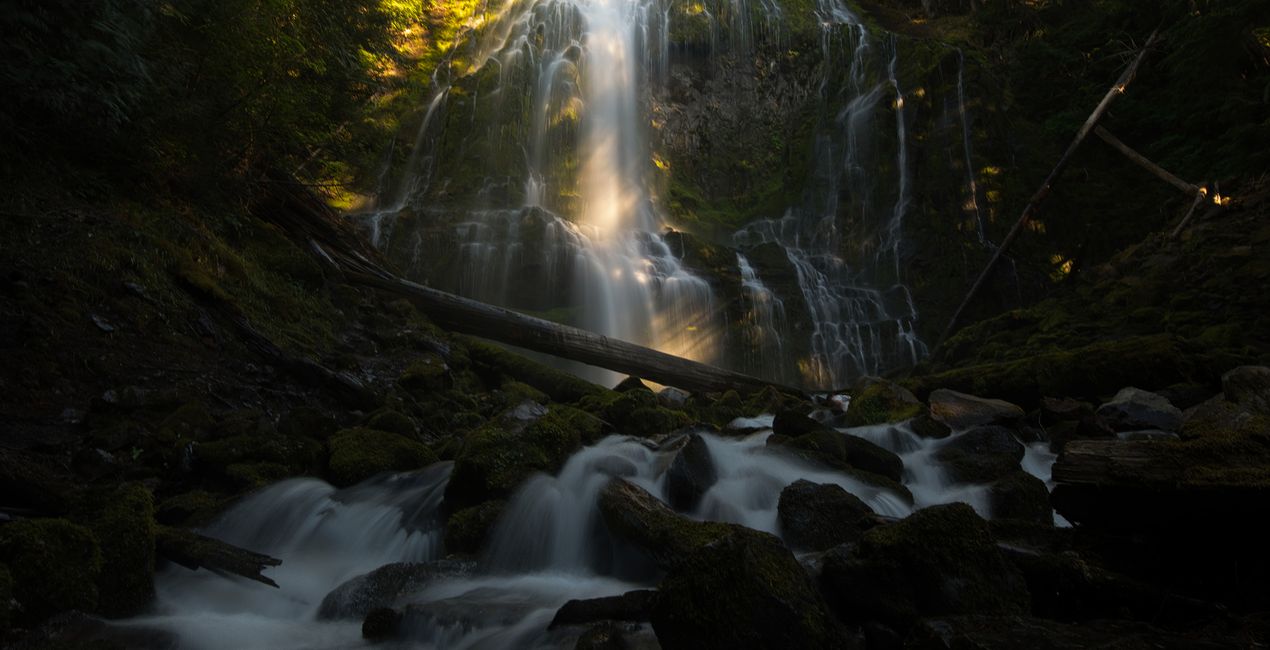
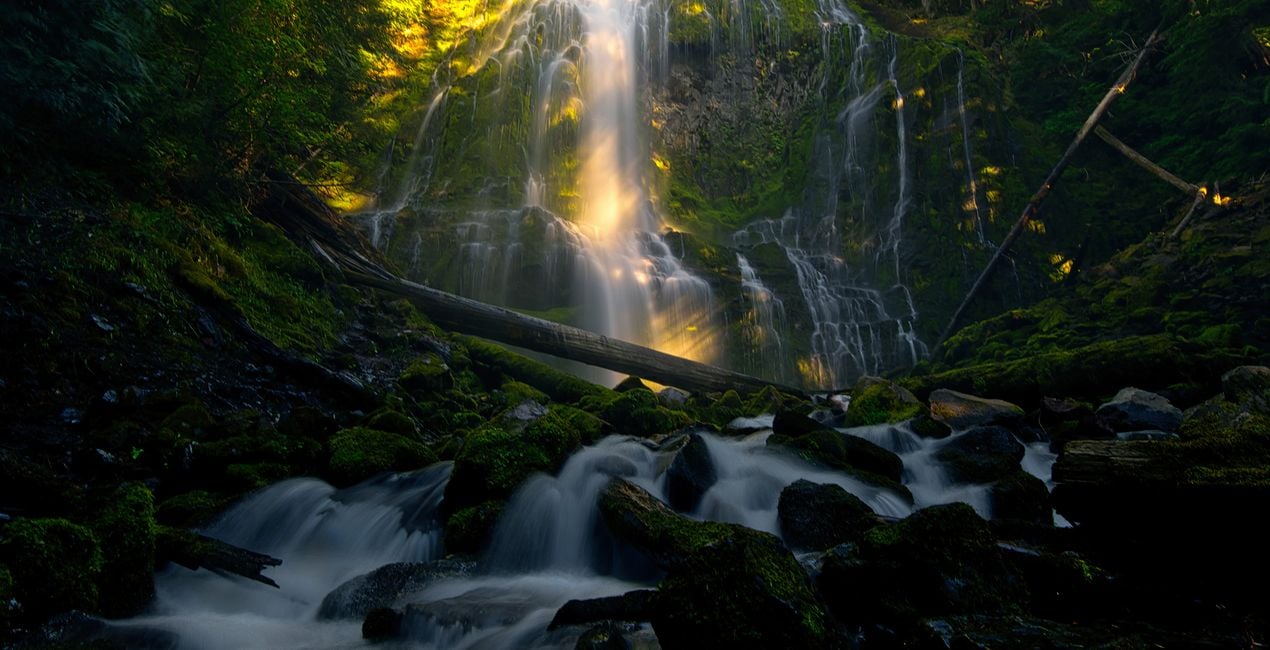
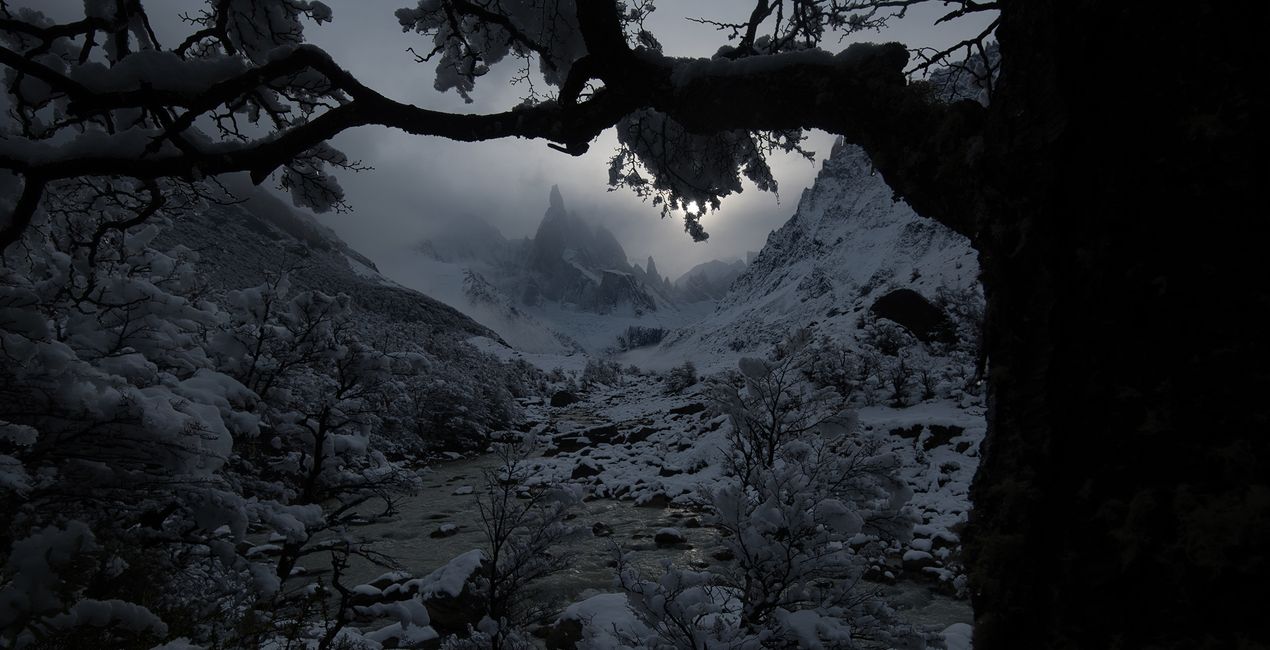
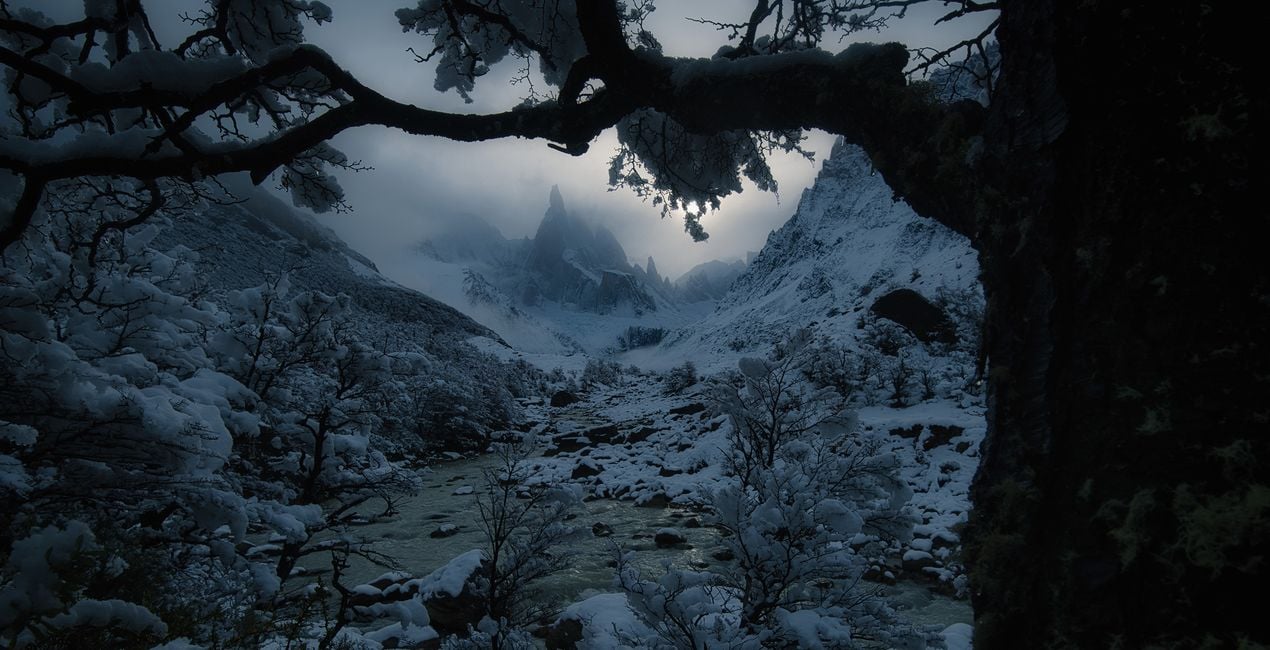
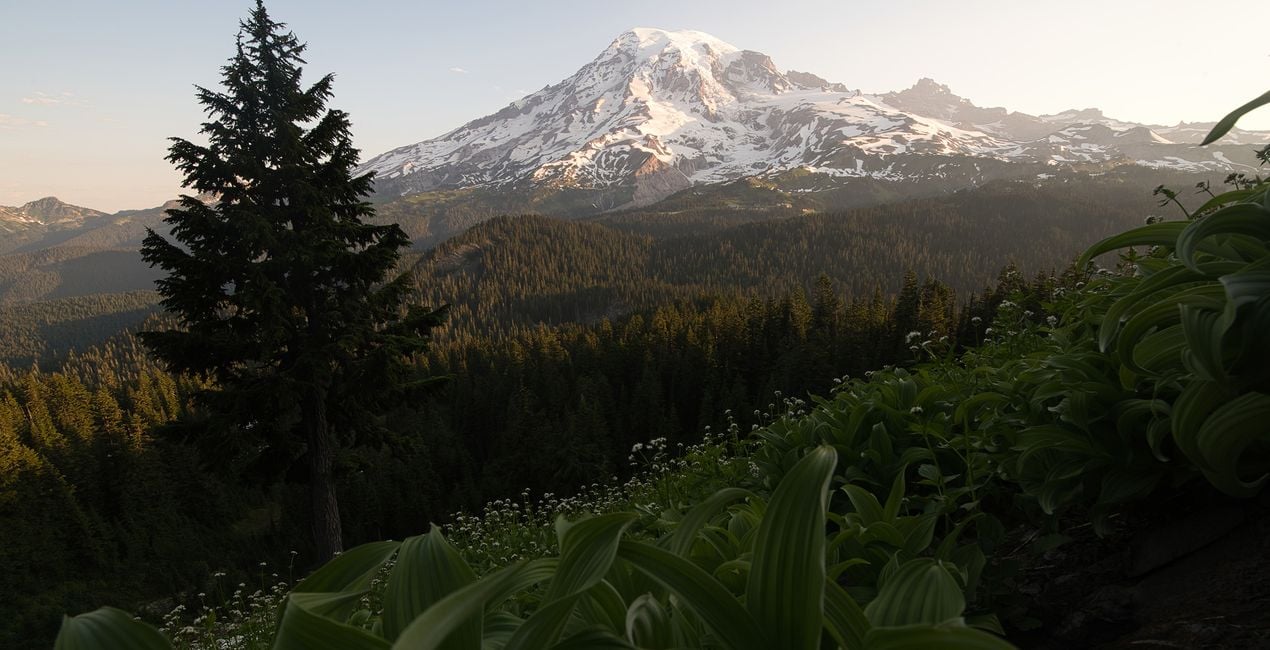
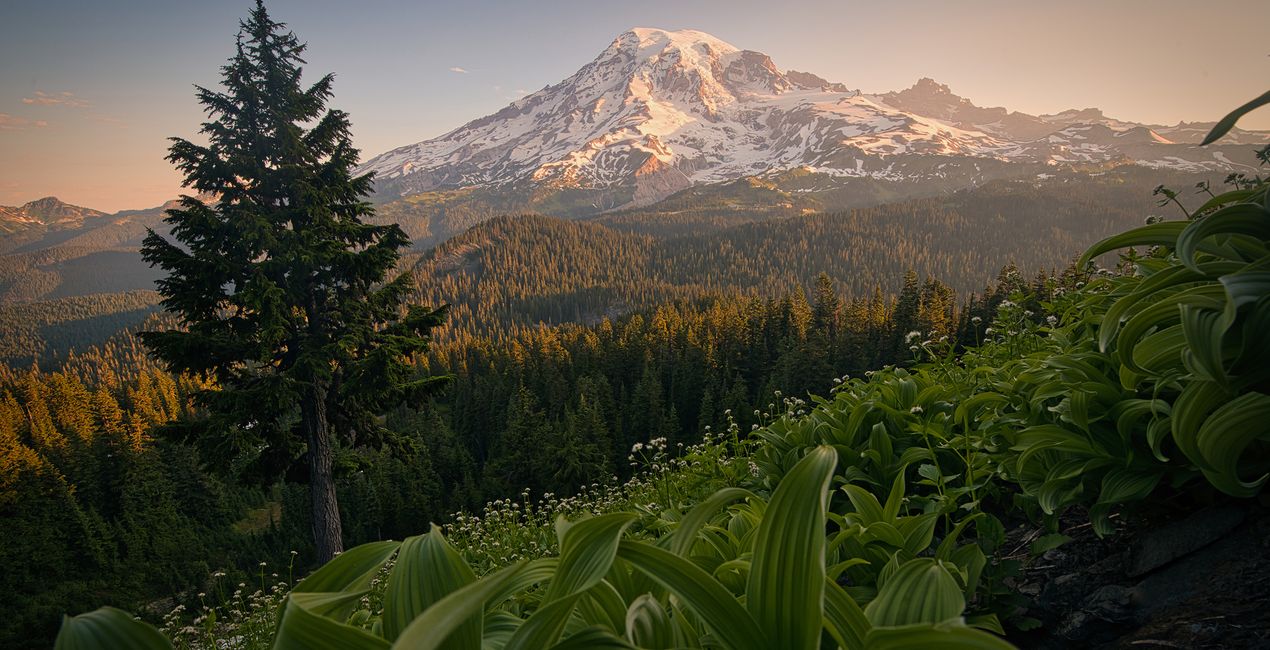
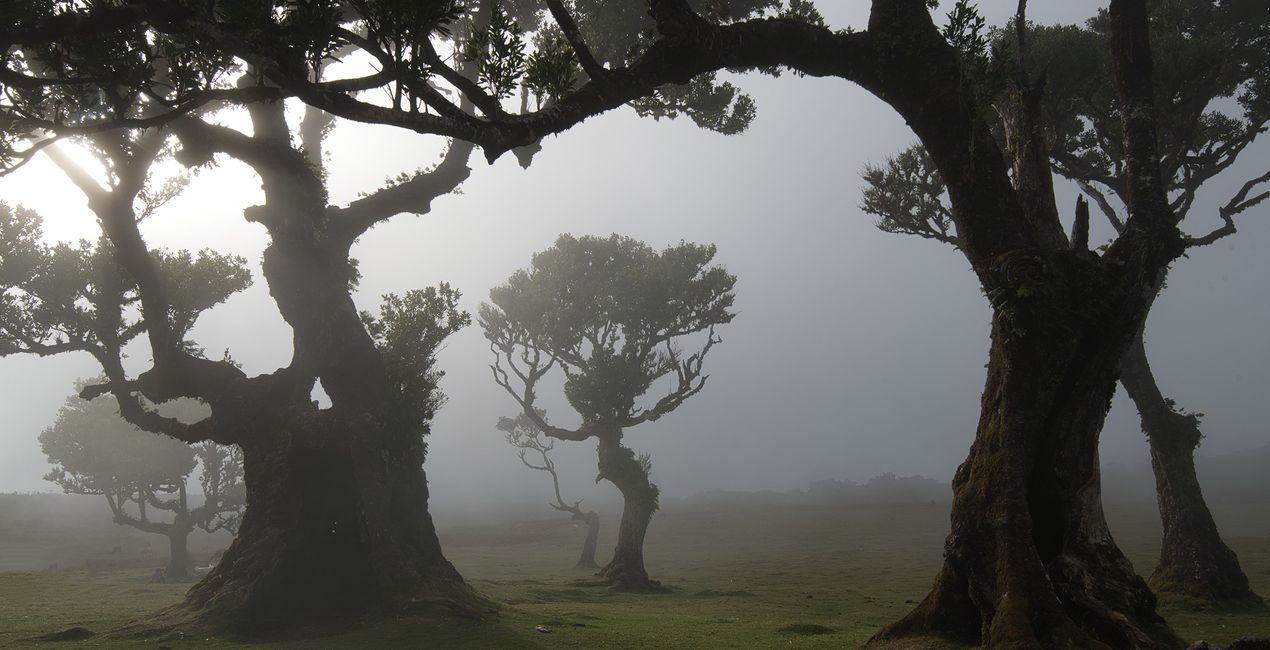
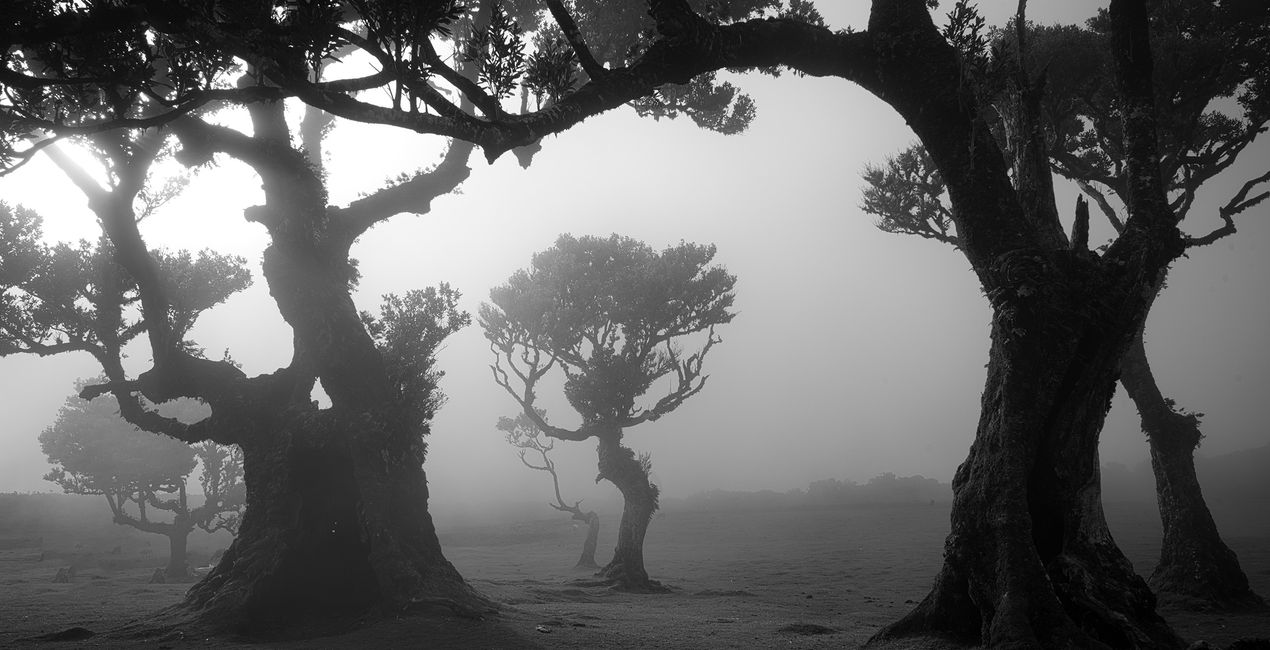
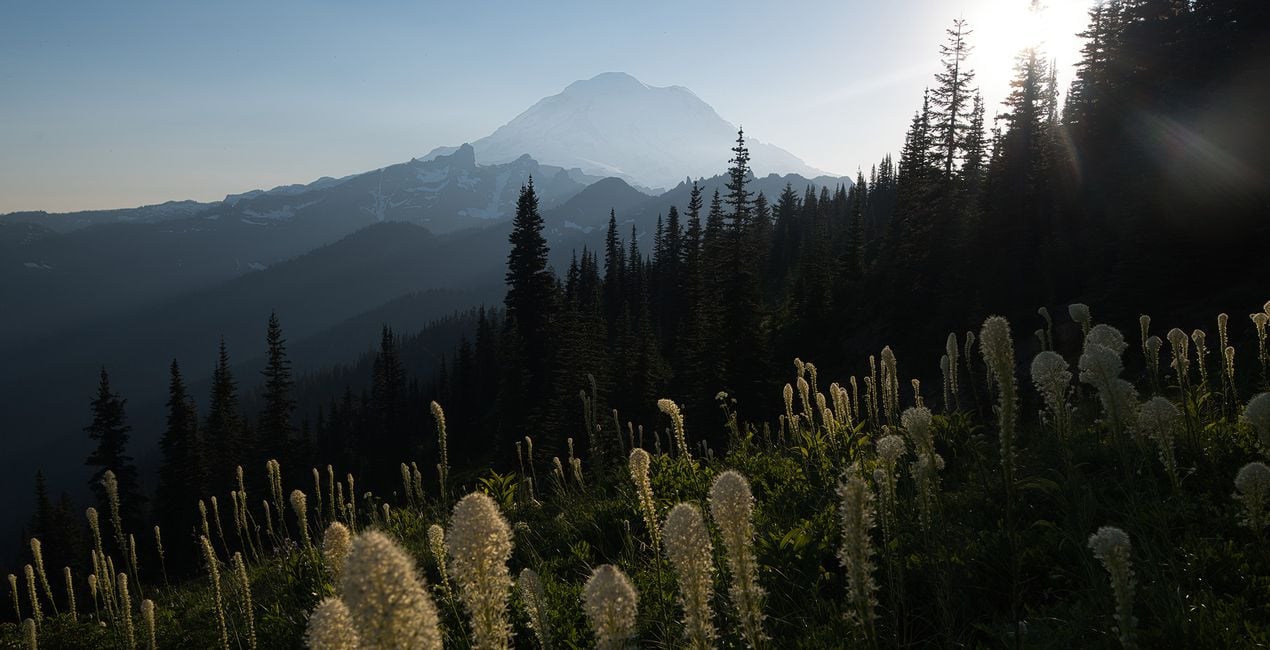
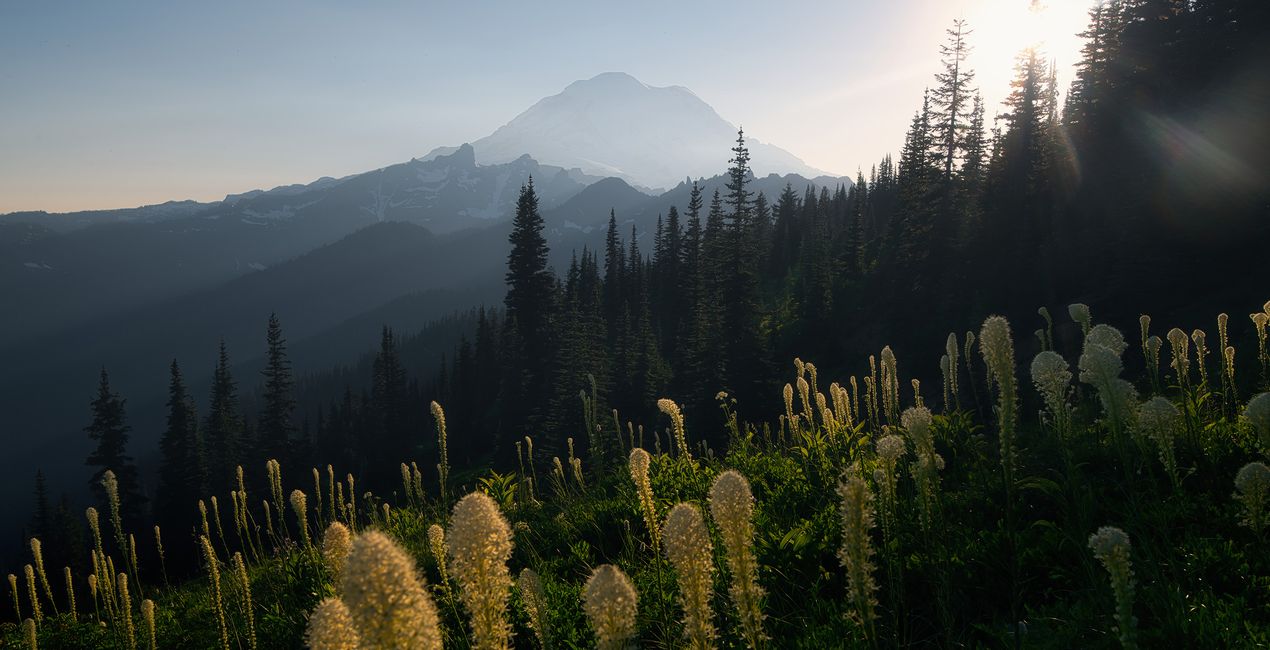
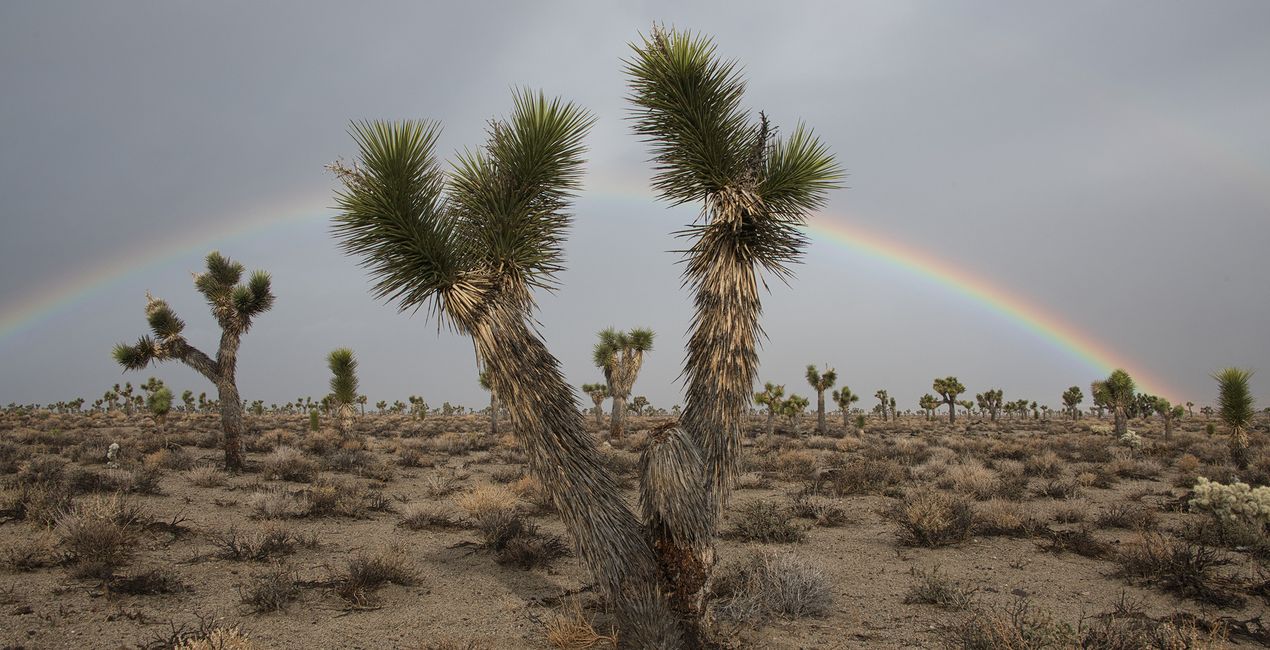
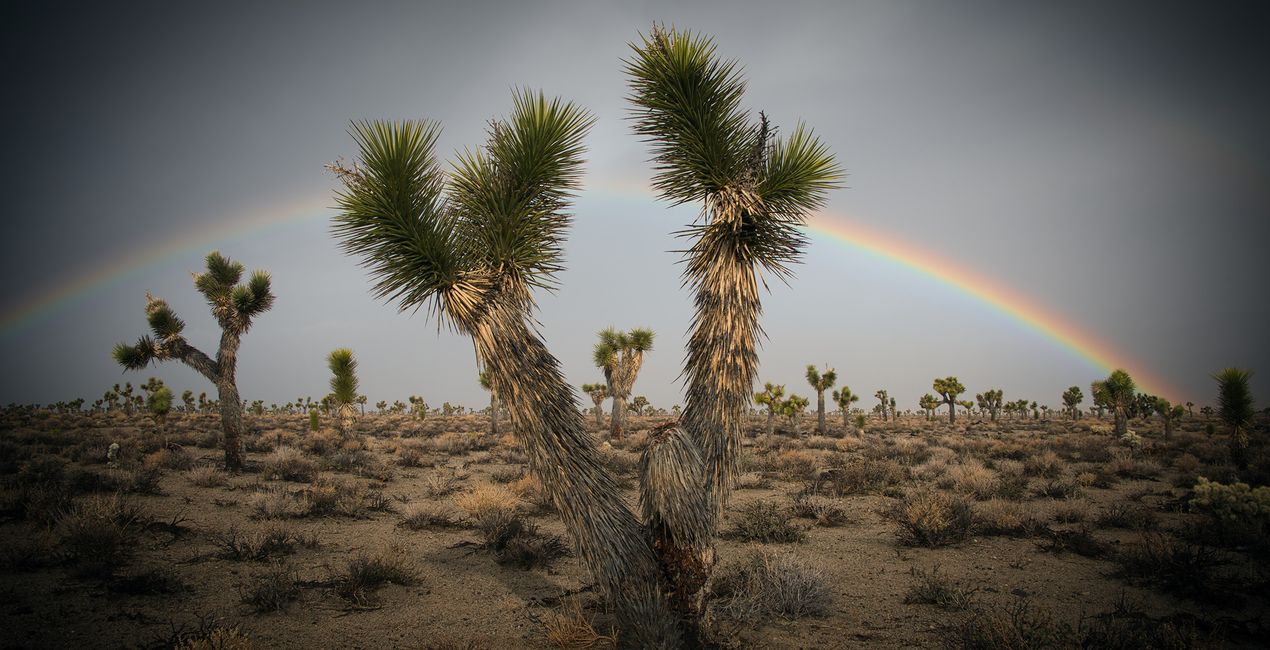
Pomocí souborů RAW si snadno vyzkoušíte tipy pro retušování a naučíte se, jak pořídit fotografie jako tyto.
 >
>
 >
>
 >
>
 >
>
 >
>
 >
>
Max has traveled worldwide to take the photos for this collection – from Madeira's Magical Forest, Patagonia's otherworldly landscapes, the south-west and north-west of the USA, the Italian Dolomites and the Fjords of Norway. This incredible collection is based on various landscapes that create the total package.
This incredible pack includes Presets for all seasons and all different moods and effects. Turn your summer photos into vivid green masterpieces with the Summer Views or Summer Daylight Presets. Let your fall and autumn photos benefit from an incredible color boost with the Autumn Vibes Preset. Create the perfect winter image using the Winter Landscape or the Misty Days Preset. The Black and White Preset will result in the perfect monochrome image. The 'Moody Days, Magical Moments, Magical Light and Sunlight will all help you choose the perfect mood, light, and style to turn your image into something extraordinary.
Each of these 10 Presets is totally unique and will give your image a beautiful, dramatic, and unique look. All the latest and greatest of Luminar Neo's editing tools have been used to get the perfect landscape image. Turn your image into something special in a matter of clicks with this brand-new Preset pack by landscape photographer of the year Max Rive!
Worldwide Photographer. Skylum Ambassador.
First inspired by the mountains of Switzerland, IPA award-winning landscape photographer Max Rive has always had a deep passion for epic landscapes. So much so that while he’s had a few close calls, including an airplane accident and a major earthquake, he still answers to the call of the mountains.
In fact, it’s hard to pin him down as he’s always traveling, exploring mountain after mountain, photographing every natural spectacle he stumbles into, from the lush highlands of Scotland to the summits of New Zealand. Join him on one of his photography tours set in the world’s most breathtaking locations.
Máte-li jakékoli dotazy týkající se produktu, můžete se obrátit na tým podpory, který je k dispozici 24 hodin denně, 7 dní v týdnu. Stačí kliknout na tento odkaz.
Pro zakoupení Exploring Wilderness postupujte podle těchto kroků:
1. Otevřete tržiště Skylum Marketplace.
2. Přejděte na příslušnou záložku, kde je uveden Exploring Wilderness. Klikněte na něj a přidejte jej do košíku.
3. Přejděte do košíku. Zde dokončete proces nákupu produktu Exploring Wilderness.
4. Po zakoupení obdržíte e-mail s odkazem ke stažení produktu Exploring Wilderness. Nový produkt také najdete ve svém účtu Skylum na kartě Moje doplňky.
Podrobné pokyny k instalaci Exploring Wilderness vám budou zaslány v e-mailu s odkazem ke stažení.
Kromě toho můžete zakoupenou položku nainstalovat přímo v Luminar Neo: přejděte do nabídky Extra > Marketplace, vyberte kategorii Produkt, vyhledejte zakoupenou položku a klikněte na Instalovat.
Je to docela snadné! Přejděte na kartu Přednastavení a vyberte možnost Zakoupené. Vaše nainstalované přednastavení se zde zobrazí.
Nebojte se. Všechny zakoupené položky, včetně Exploring Wilderness, jsou uloženy na kartě „Moje doplňky“ ve vašem účtu Skylum, odkud je můžete snadno znovu stáhnout a používat.
Obecně platí, že většina položek je kompatibilní s Luminar Neo. Abyste se však ujistili, že Exploring Wilderness je kompatibilní s vaším softwarem, před stažením nebo zakoupením si zkontrolujte jeho specifikace. V pravé části stránky Exploring Wilderness najdete sekci „Kompatibilita“, kde jsou uvedeny všechny kompatibilní produkty.
Ještě neodcházejte. Máme pro vás exkluzivní slevový kód. Využijte ho do 15 minut a získejte při placení slevu 10 %. Zkopírujte níže uvedený kód a dokončete nákup.
15 m : 00 s





