


 Toegepast




Over
This nostalgia-inducing Presets collection is perfect for emulating the effects of 35mm film favorites. Inspired by his mother’s old photos, Marvin Grey created these Presets so you can make your own time capsules.
Compatibiliteit


Maak foto's zoals deze
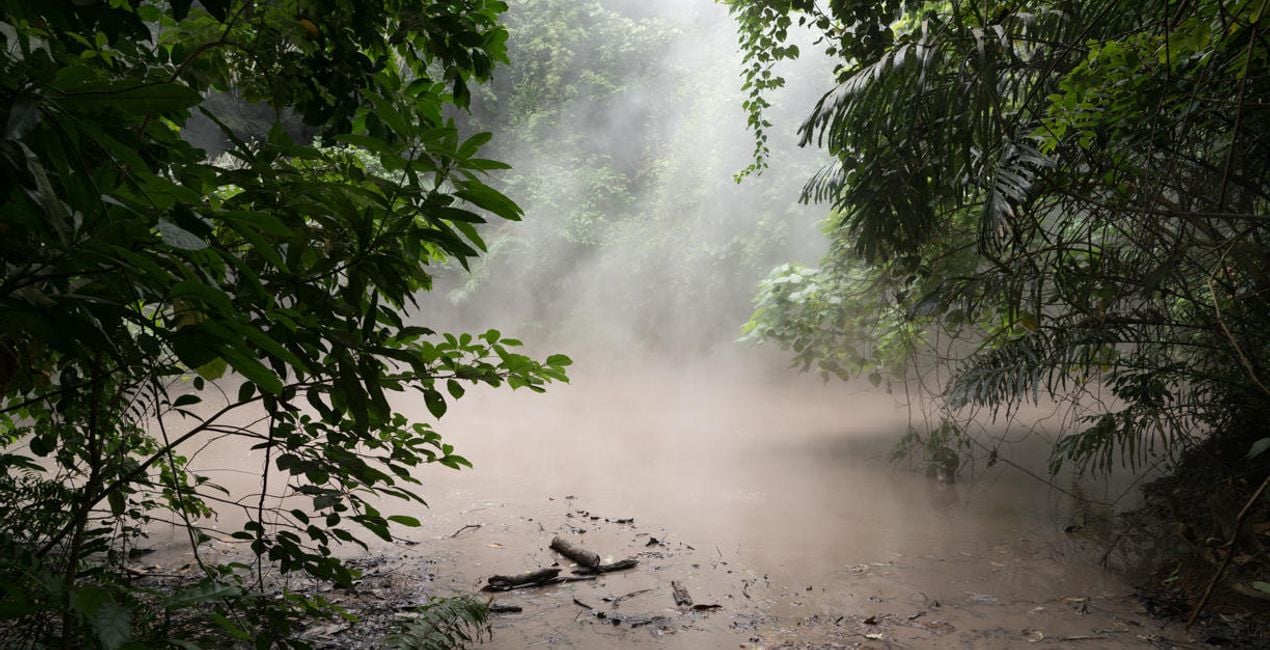
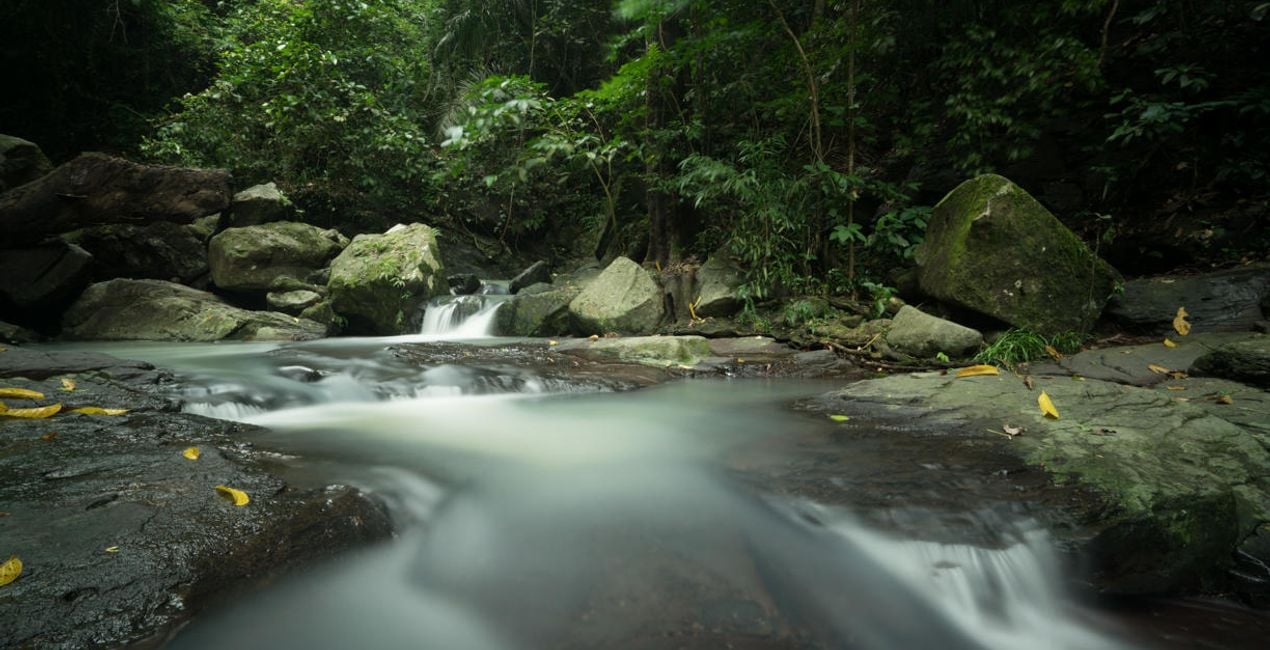
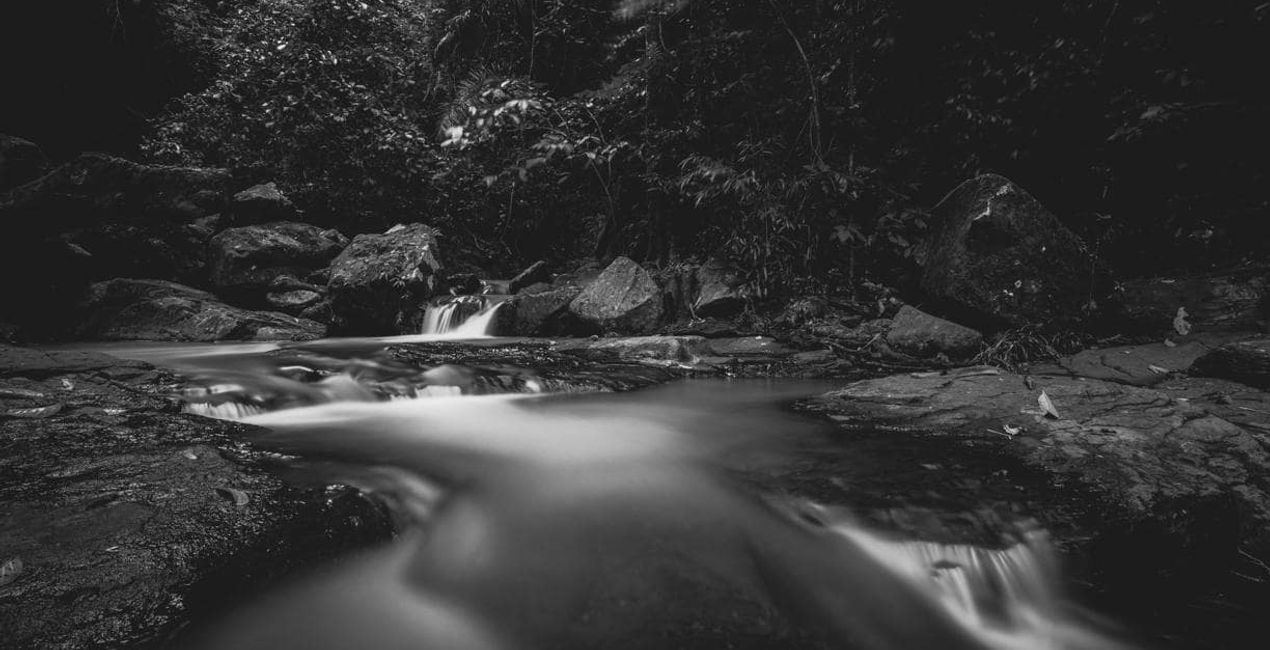
Met behulp van de meegeleverde RAW-bestanden oefent u gemakkelijk retoucheertips en leert u hoe u dergelijke foto's kunt maken.

 >
>

 >
>

 >
>
 >
>

 >
>
 >
>
Het Verhaal
The idea and concept of this Preset pack came from browsing my mother’s old film photos.
She was absolutely awesome with the camera, and I remember playing with her camera and films when I was young trying to mimic her results. It’s been years since she picked up a camera, and I thought of emulating the style and colors of her favorite films.
This collection evokes a lot of nostalgia for me, and I hope you feel it too as you use the Presets on your own photos.
These 10 Presets are inspired by some of my mother’s favorite 35mm films. They are not an exact copy or color match of the films, but rather were inspired by her old photos:
Oldfilm 1: Inspired by Fuji Velvia
Oldfilm 2: Inspired by Fuji YKL
Oldfilm 3: Inspired by Kodak Portra
Oldfilm 4: Inspired by Kodak Ektar
Oldfilm 5: Inspired by Fujicolor
Oldfilm 6: Inspired by Lomography Color
Oldfilm 7: Inspired by Fuji Superia
Oldfilm 8: Inspired by Kodak Ultramax
Oldfilm 9: Inspired by Kodak Gold
Oldfilm 10: Inspired by Ilford HP5
Remember that you can modify these Presets based on the exposure of your image and the intensity you want to achieve.
Gerelateerde Producten


Maker
Marvin Grey
Photographer. Skylum Ambassador.
Marvin Grey is an award-winning fine art landscape photographer from the Philippines. His style combines mystery and minimalism to convey emotions, and he’s always exploring different ways to express them.
Since pursuing photography in 2018, Marvin has already won multiple accolades in prestigious international competitions such as the Moscow International Foto Awards, Tokyo International Foto Awards, and the International Photography Awards. Marvin had his first exhibition in 2019, and his work has been published by several magazines: Fine Eye Magazine, iLeGaLiT, and LEMAG.
Marvin is currently a staff writer for Fstoppers and hosts local photography workshops in the Philippines.
Veelgestelde vragen
Heb je nog extra vragen of wil je gewoon wat advies?
neem contact op met ons supportteamHoe neem ik contact op met het supportteam?
Heb je vragen over het product? Neem dan gerust contact op met ons supportteam – 24/7 bereikbaar. Volg gewoon deze link.
Hoe koop ik mijn Old Film Simulation?
Volg deze stappen om Old Film Simulation te kopen:
1. Open Skylum’s Marketplace.
2. Ga naar het tabblad waar Old Film Simulation staat. Klik erop en voeg het toe aan je winkelmandje.
3. Ga naar je winkelmandje. Rond hier het aankoopproces van Old Film Simulation af.
4. Na je aankoop ontvang je een bevestigingsmail met de downloadlink voor Old Film Simulation. Je vindt het product ook terug in je Skylum-account onder het tabblad ‘Mijn add-ons’.
Hoe installeer ik mijn Old Film Simulation?
Uitgebreide instructies voor het installeren van Old Film Simulation ontvang je in de bevestigingsmail, samen met de downloadlink.
Daarnaast kun je het gekochte item direct installeren in Luminar Neo: ga naar Extra’s > Marketplace, selecteer de productcategorie, zoek het gekochte item en klik op Installeren.
Waar vind ik mijn Old Film Simulation na installatie?
Het is heel eenvoudig! Download eerst het pakket via uw account > Mijn add-ons. Volg daarna de installatie-instructies in de gedownloade map. Elk type asset kan zijn eigen installatiestappen hebben, dus zorg ervoor dat u de bijgevoegde handleiding raadpleegt.
Wat als ik mijn Old Film Simulation kwijtraak?
Geen zorgen. Alle gekochte items, waaronder Old Film Simulation, staan in het tabblad ‘Mijn add-ons’ van je Skylum-account. Van daaruit kun je ze makkelijk opnieuw downloaden en gebruiken.
Hoe weet ik of Old Film Simulation compatibel is met mijn software?
In de meeste gevallen zijn items compatibel met Luminar Neo. Maar om zeker te weten of Old Film Simulation werkt met jouw software, check je best even de specificaties vóór je iets downloadt of koopt. Kijk op de pagina van Old Film Simulation aan de rechterkant bij het kopje ‘Compatibiliteit’ – daar staan alle compatibele producten vermeld.


