


 Toegepast


Cinematic Collection
Save $201 $ 59 .00

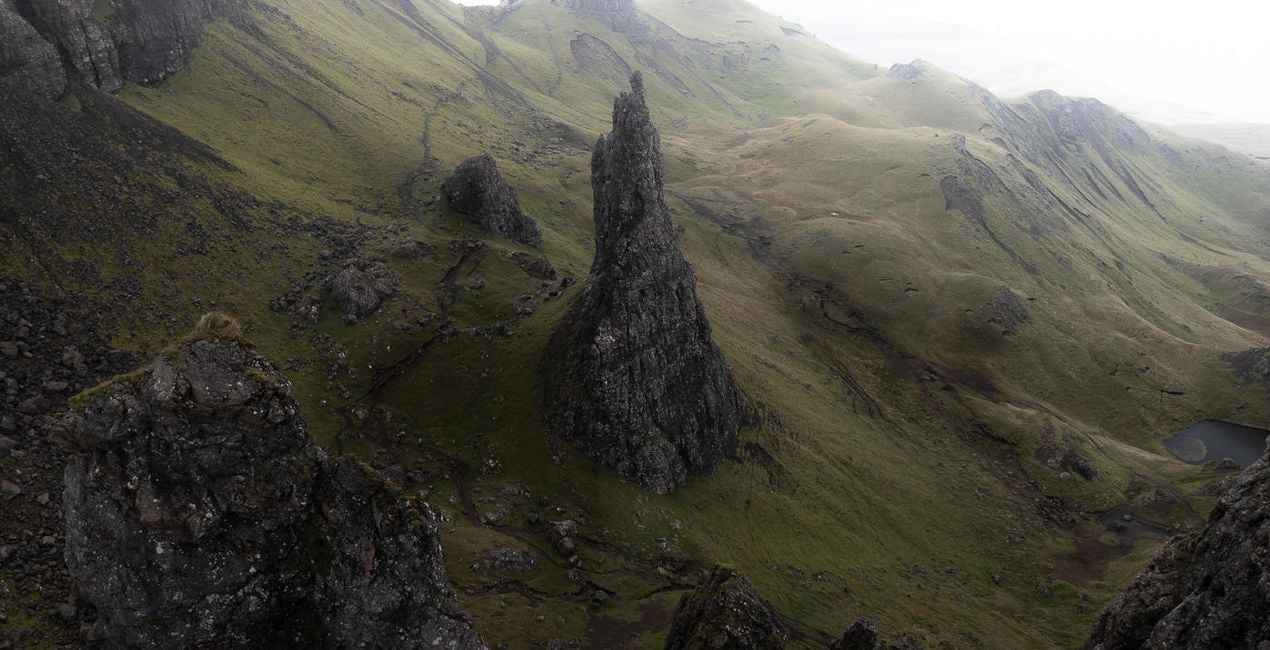
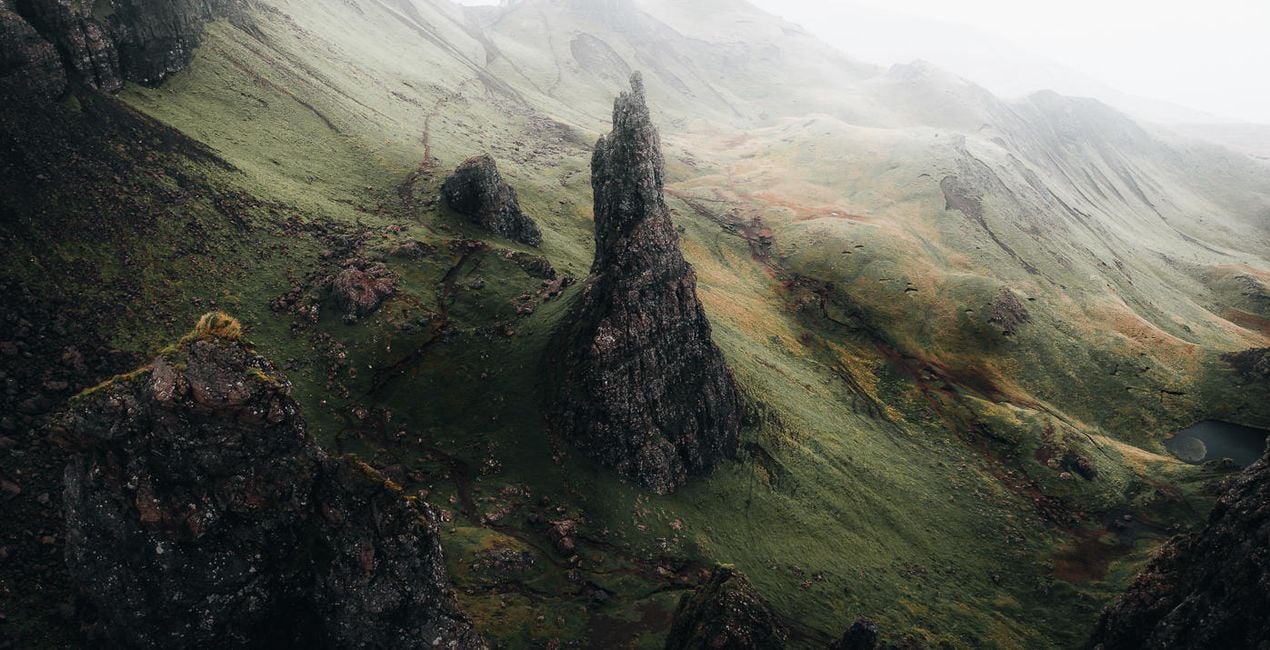
The Cinematic Collection contains 50 presets compatible with both desktop and mobile versions of Adobe Lightroom. This collection has been carefully crafted to suit many styles of photography including landscape, portrait, lifestyle, and commercial. By applying a unique cinematic grade, these presets will help you achieve perfect tonal balance in the click of a button.
Wat is inbegrepen
40 Landscape Presets, 5 Portrait Presets, 4 Creator Presets, 1 Astro Preset, User Guide in English

Met behulp van de meegeleverde RAW-bestanden oefent u gemakkelijk retoucheertips en leert u hoe u dergelijke foto's kunt maken.

 >
>

 >
>

 >
>

 >
>

 >
>
 >
>
Luke Stackpoole shares his vision behind the pack:
I have designed these presets to work on files from Canon, Sony, Nikon, Panasonic, and Fuji cameras and have tested them on multiple mobile camera raw files. The presets work on Lightroom for desktop and in the Lightroom mobile app, including in all legacy Lightroom versions.
All the presets are now fully ISO-adaptive, further enhancing image quality at high ISO.
Why Withluke?
These presets are a culmination of years of visualizing color and careful tweaking to help you achieve a unique and cinematic tonal balance in your images. I use these presets and techniques on a daily basis, and this consistency has helped me to build a client portfolio of leading brands around the world as well as grow my audience to 1 million followers on Instagram.
The presets in this collection will dramatically speed up your workflow in Lightroom and will act as a base to transform your edits. They are also an effective way for you to learn how to edit by working backwards from the preset in order to visualize the techniques behind my editing style.
Lifestyle & Adventure Photographer
<p>Luke is a professional lifestyle and adventure photographer with a passion for emotive storytelling through his photography. He’s also an imaging ambassador for Tamron EU. Luke tends to focus his photography on the Nordic region because of the ever-changing weather, mountains, and drama that inspire him. Born in the UK, Luke used to work in finance in London but transitioned to photography in 2017 to pursue his passion. </p><p>Luke has spent the last couple of years traveling the world in search of some of the most unique environments to shoot, spending the majority of his time abroad creating photographic and video content for leading international brands such as Adobe, The North Face, and Visit Greenland.<br></p><p></p><p>In his spare time, when he isn’t at his computer deep in the editing zone, Luke enjoys Thai food, catching up on Netflix, and reading a good book in a cozy café!</p><div><br></div>
Veelgestelde vragen
Heb je nog extra vragen of wil je gewoon wat advies?
neem contact op met ons supportteamHeb je vragen over het product? Neem dan gerust contact op met ons supportteam – 24/7 bereikbaar. Volg gewoon deze link.
Volg deze stappen om Cinematic Collection te kopen:
1. Open Skylum’s Marketplace.
2. Ga naar het tabblad waar Cinematic Collection staat. Klik erop en voeg het toe aan je winkelmandje.
3. Ga naar je winkelmandje. Rond hier het aankoopproces van Cinematic Collection af.
4. Na je aankoop ontvang je een bevestigingsmail met de downloadlink voor Cinematic Collection. Je vindt het product ook terug in je Skylum-account onder het tabblad ‘Mijn add-ons’.
Uitgebreide instructies voor het installeren van Cinematic Collection ontvang je in de bevestigingsmail, samen met de downloadlink.
Daarnaast kun je het gekochte item direct installeren in Luminar Neo: ga naar Extra’s > Marketplace, selecteer de productcategorie, zoek het gekochte item en klik op Installeren.
Het is heel eenvoudig! Download eerst het pakket via uw account > Mijn add-ons. Volg daarna de installatie-instructies in de gedownloade map. Elk type asset kan zijn eigen installatiestappen hebben, dus zorg ervoor dat u de bijgevoegde handleiding raadpleegt.
Geen zorgen. Alle gekochte items, waaronder Cinematic Collection, staan in het tabblad ‘Mijn add-ons’ van je Skylum-account. Van daaruit kun je ze makkelijk opnieuw downloaden en gebruiken.
In de meeste gevallen zijn items compatibel met Luminar Neo. Maar om zeker te weten of Cinematic Collection werkt met jouw software, check je best even de specificaties vóór je iets downloadt of koopt. Kijk op de pagina van Cinematic Collection aan de rechterkant bij het kopje ‘Compatibiliteit’ – daar staan alle compatibele producten vermeld.
Ga nog niet weg. Hier is een exclusieve kortingscode voor jou. Gebruik deze binnen 15 minuten om bij het afrekenen 10% extra korting te krijgen. Kopieer de onderstaande code en rond je aankoop af.
15 m : 00 s





