

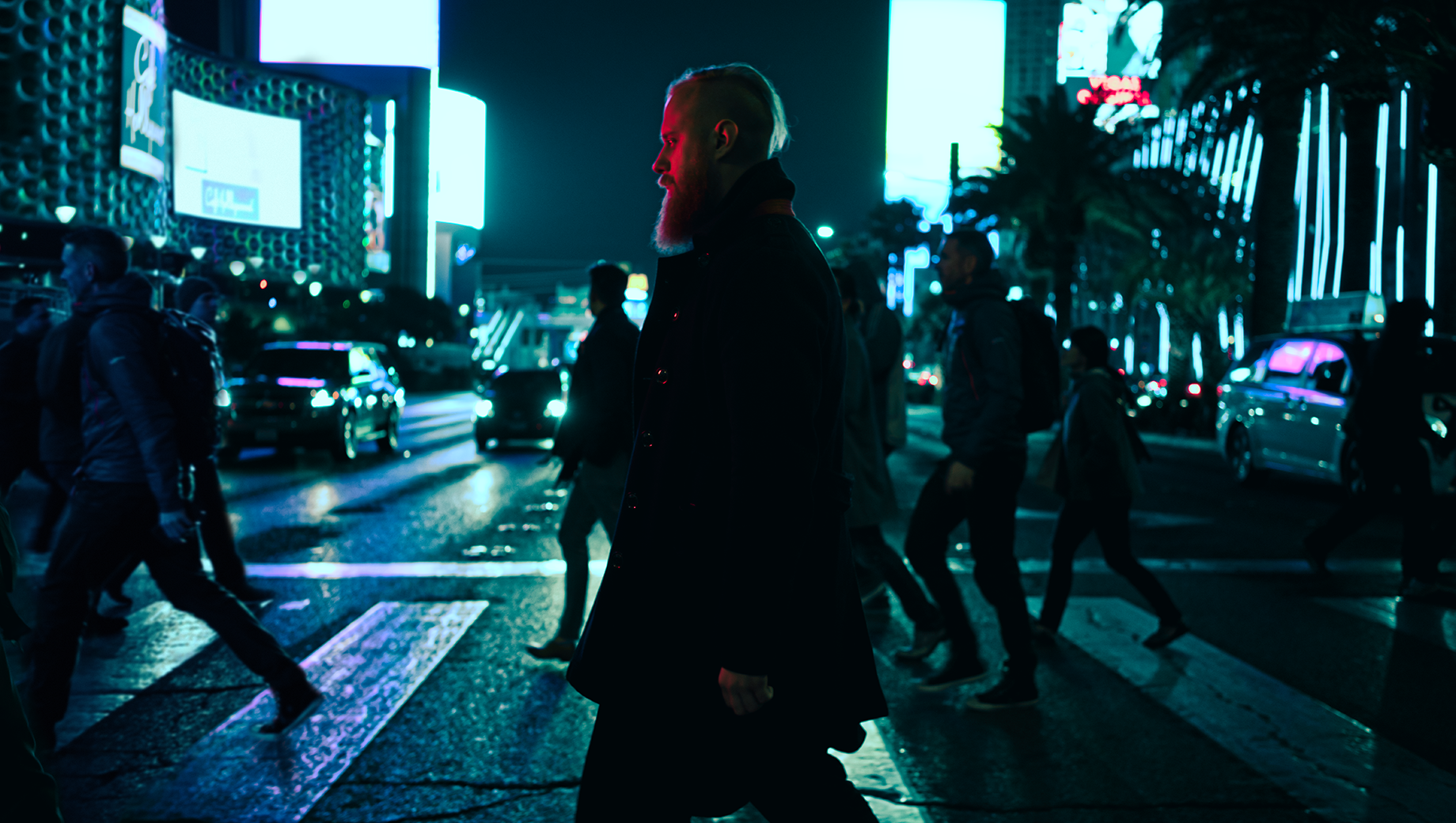
 © Ilya Nodia
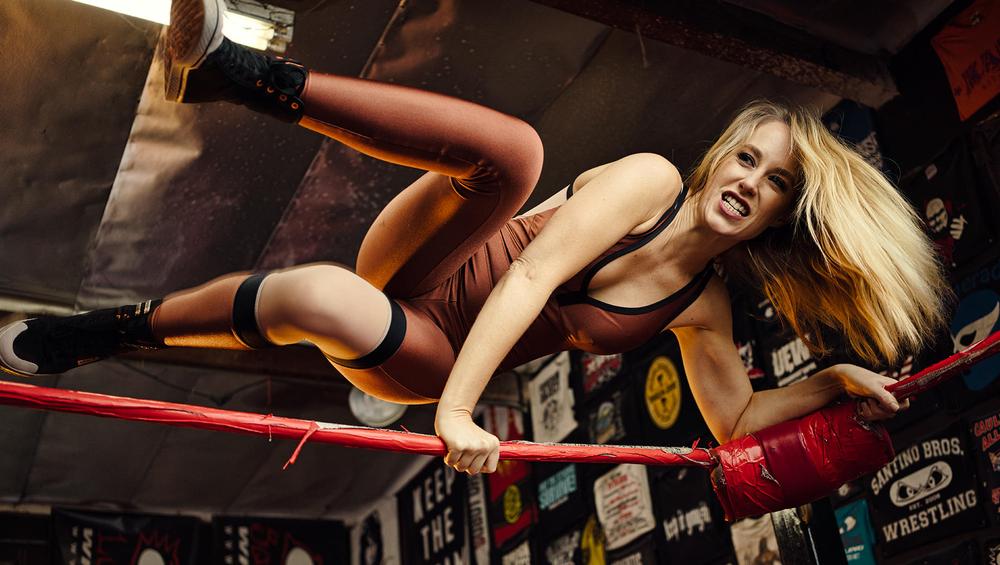
 © Ilya Nodia
 © Ilya Nodia
Over
Movies are a source of endless visual and aesthetic inspiration for photographers. New ideas for creating images can come from the cinematography, costume, set design or story. Together with Los-Angeles based commercial photographer, Ilya Nodia, we’ve made a set of red carpet movies inspired looks and presets, which we are releasing in time for this year’s Academy Awards.
Maak foto's zoals deze
Met behulp van de meegeleverde RAW-bestanden oefent u gemakkelijk retoucheertips en leert u hoe u dergelijke foto's kunt maken.
Het Verhaal
 © Ilya Nodia
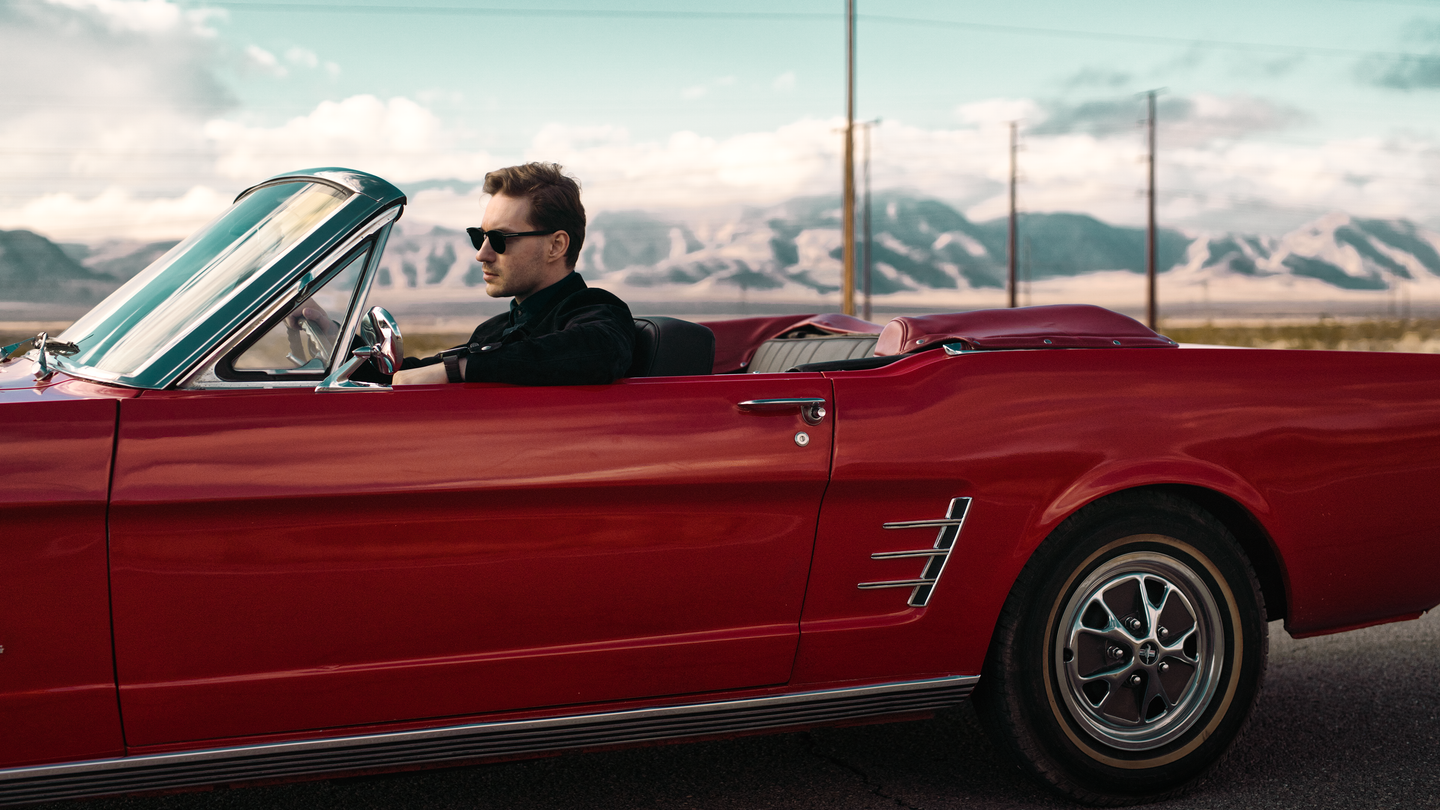
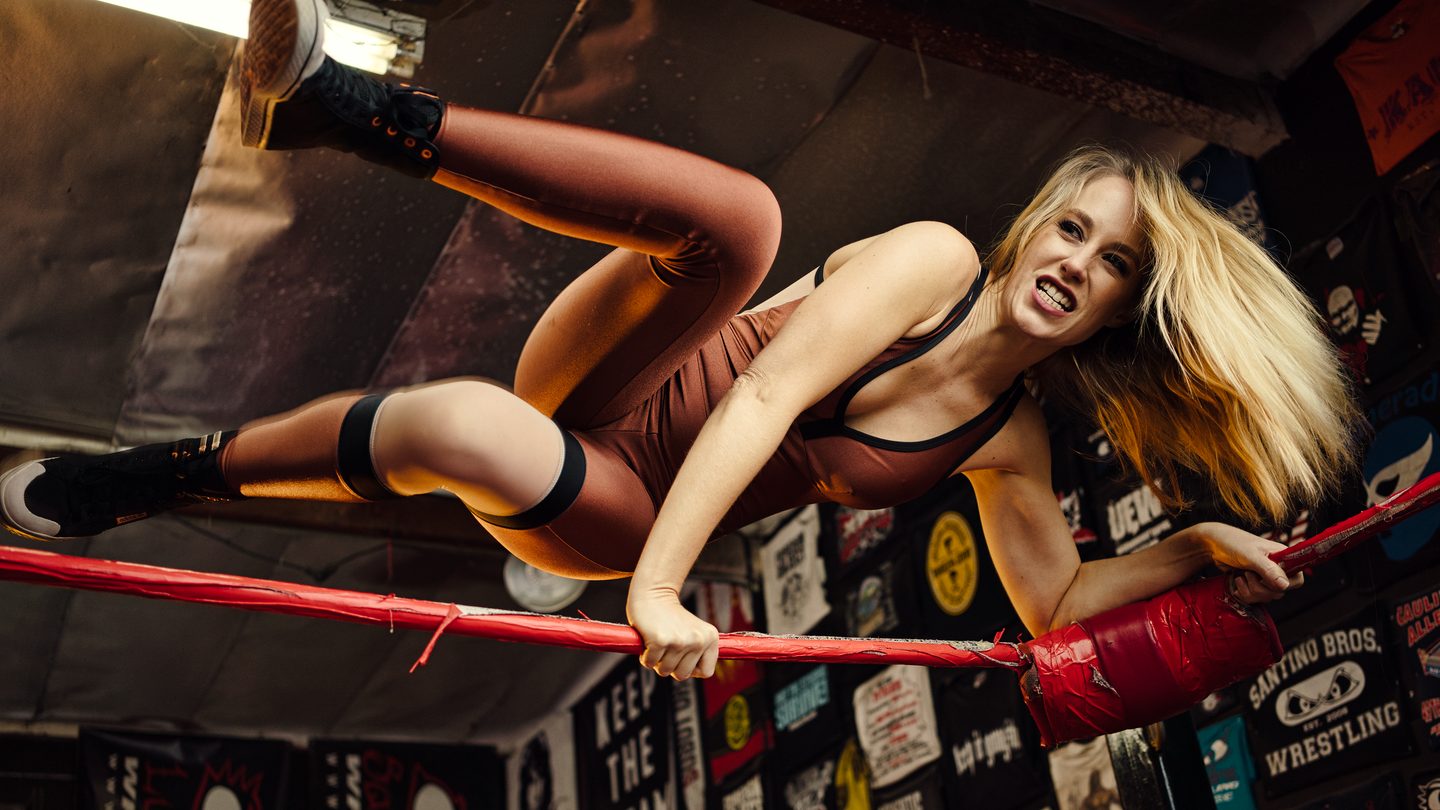
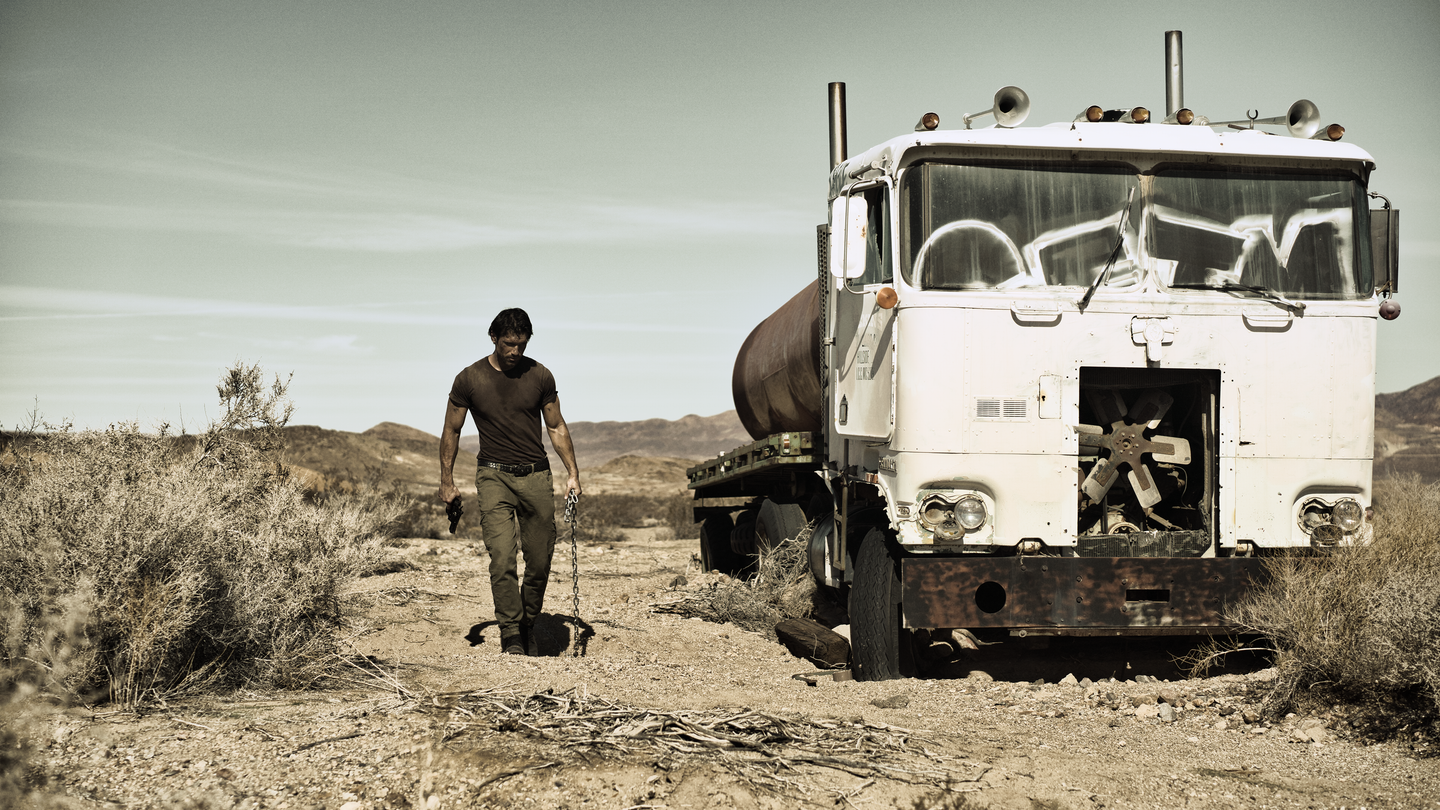
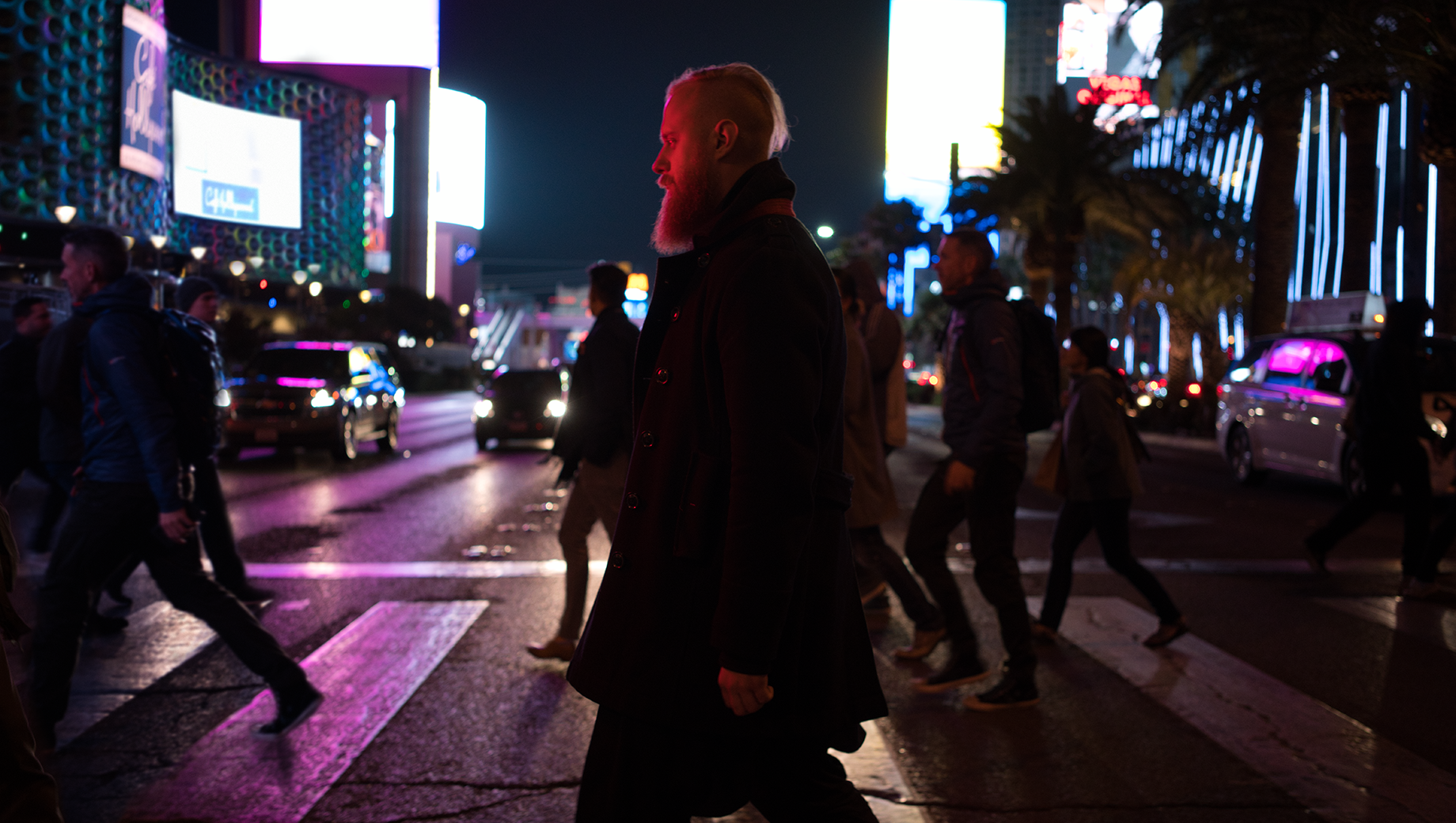
Together with Los-Angeles based commercial photographer, Ilya Nodia, we've recently created a set of Hollywood-inspired looks for Luminar and Lightroom, based around 12 outstanding movies to give the photos those signature cinematic looks we admire in award-winning movies.From the dramatic atmosphere of a post-apocalyptic landscape, through the old-school grainy look, to the subtle vibrancy of road movies, the new looks have it all.“Cinematography is very diverse, and I wanted to show different stories. We have very static ones (where time stands still), like the one with My Name is Max, or super-dynamic, like the shots with a guy in a car and a wrestler. Here we have a set of radically different colors and approach to shooting, but all of them are brought together by this special cinematic style,” Ilya says.He goes on to give a word of caution, however: “The presets alone are not enough to recreate such photos. The shooting style and lighting need to be the same as the movie the Look is meant to replicate. For example, if you want to get a photo with a Bourne Identity style, (cold, with greenish mid-tones, and shot in cloudy weather) you need to plan and style the shoot accordingly. For instance, you might want to have it outdoors, carefully select the heroes for the shoot, and think of all those little details that make it all look consistent.”The pack includes Luminar Looks, Lightroom Presets and Custom Profiles (Lightroom Classic CC and Lightroom CC compatible. They are all inspired by the same movies, though there might be a slight difference in the final looks. 4 out of 12 Looks are free.
Gerelateerde Producten












Maker
Team Skylum
Photographers, colorists & retouchers
The Skylum team works with hundreds of professional photographers and retouchers to bring you Templates that top photographers use to create their masterpieces. The Skylum AI Lab analyzes the photos and workflows of photographers and creates Presets that are accessible to everyone and that take advantage of the advanced technology under the hood of Luminar. Our mission is to cut the time and effort it takes to make a striking photo and allow everyone to enjoy photo editing and photography.
Veelgestelde vragen
Heb je nog extra vragen of wil je gewoon wat advies?
Neem contact op met ons supportteam