


 Toegepast


Master Collection
Save $201 $ 59 .00

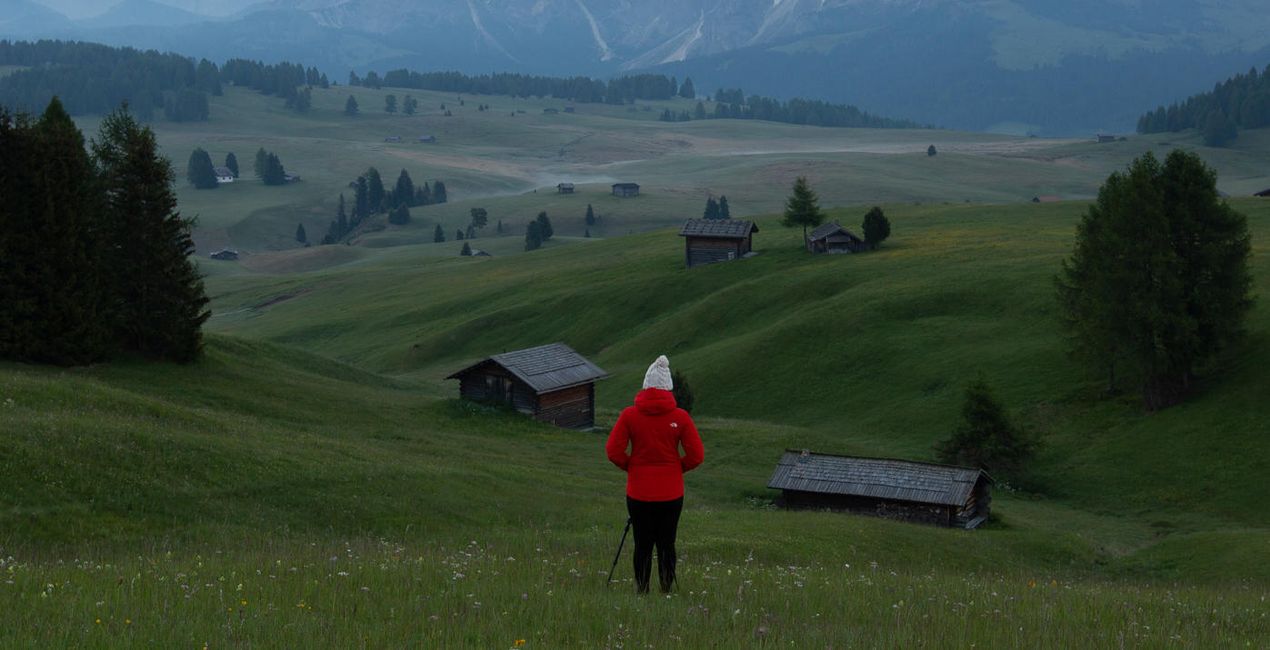
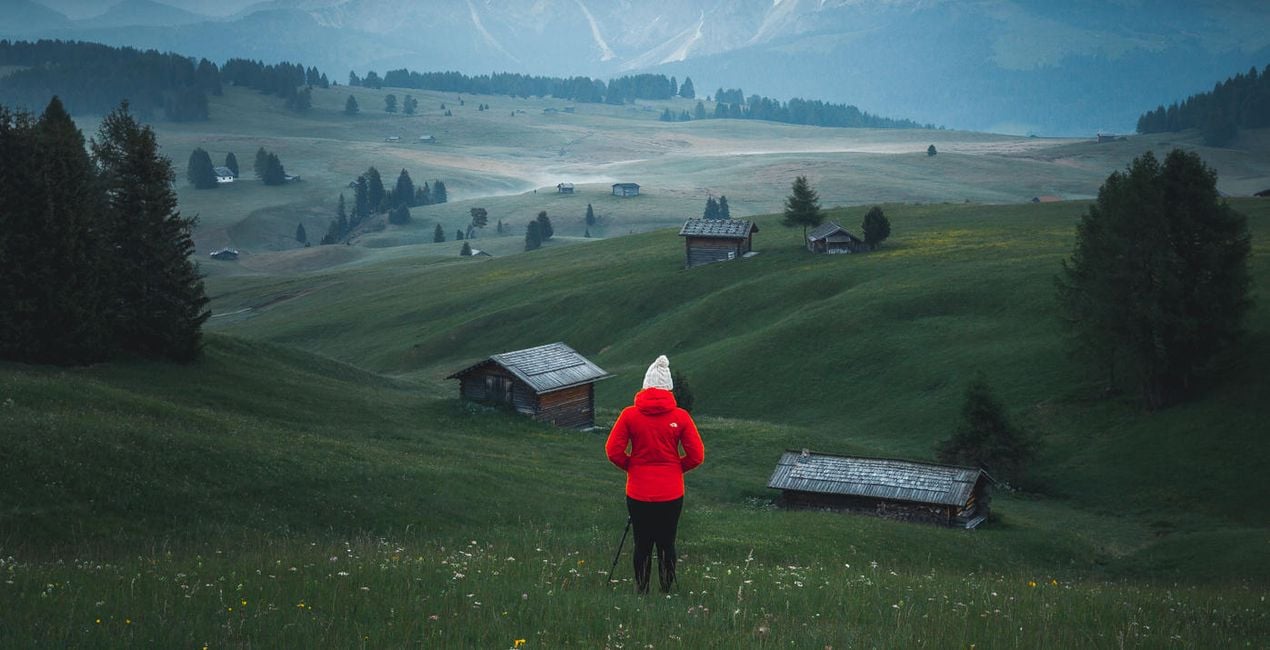
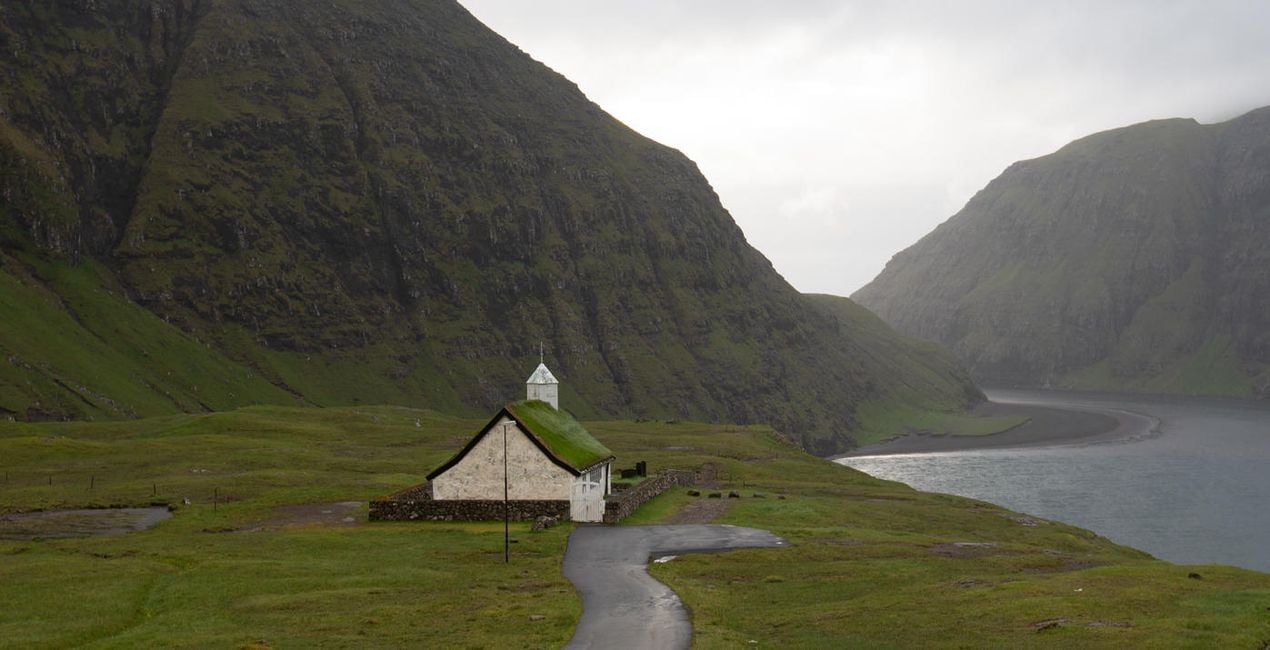
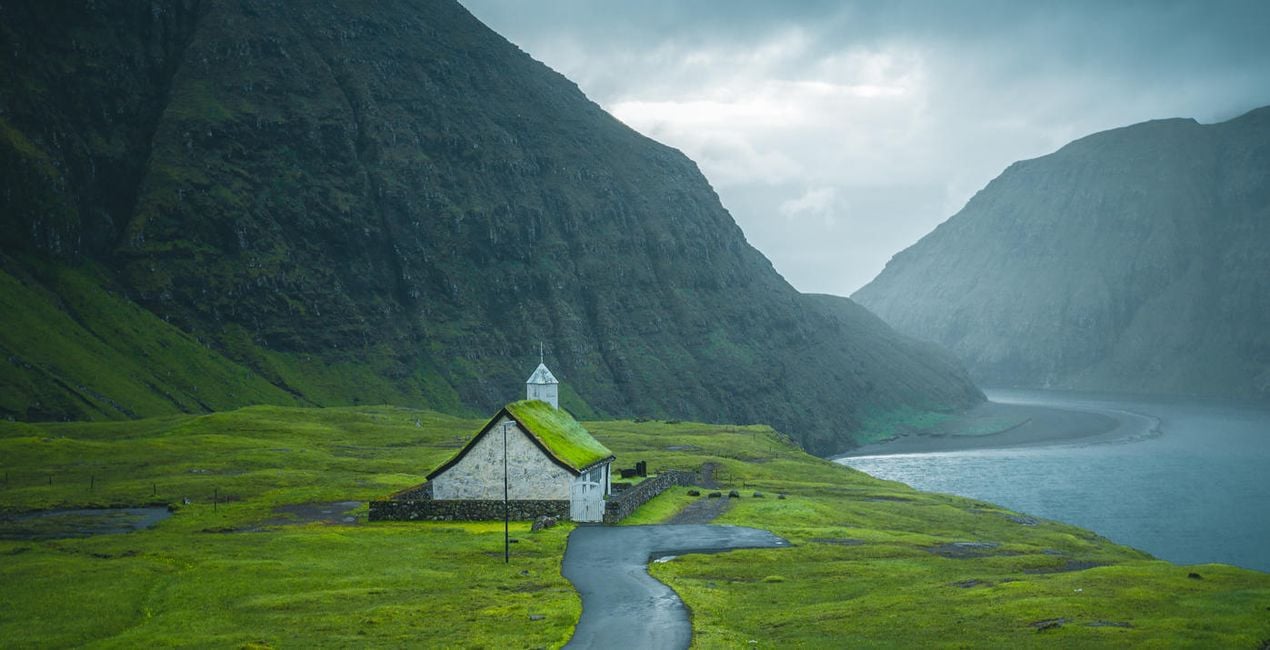
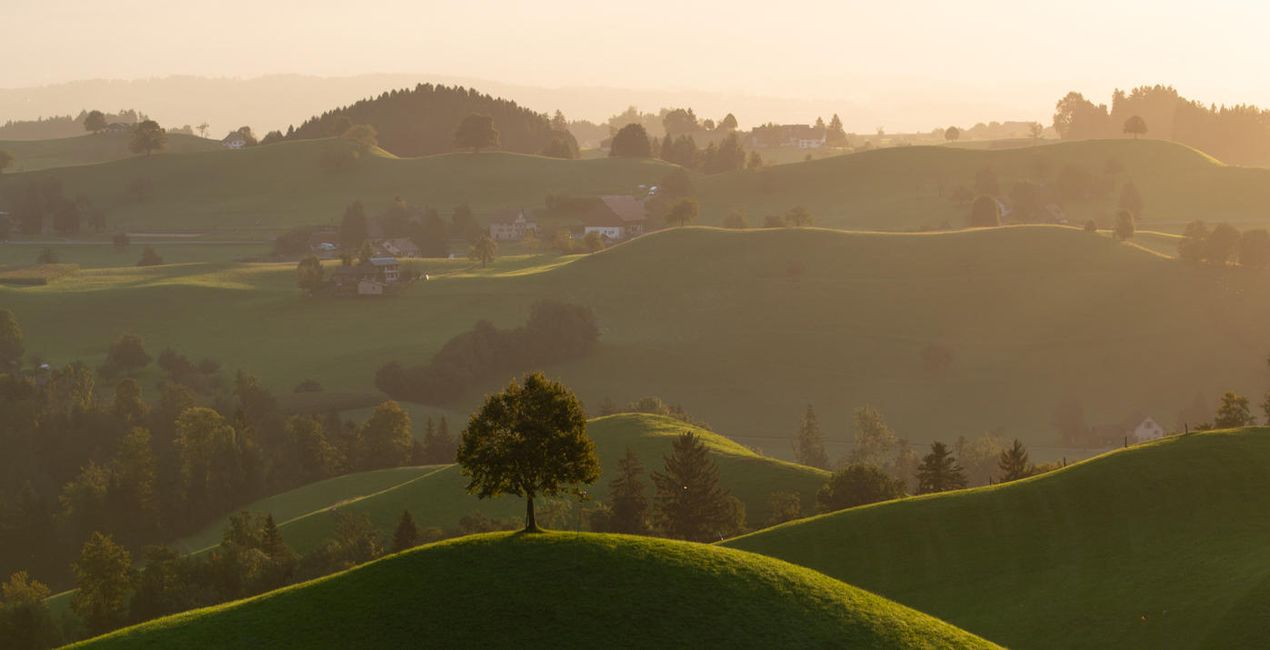
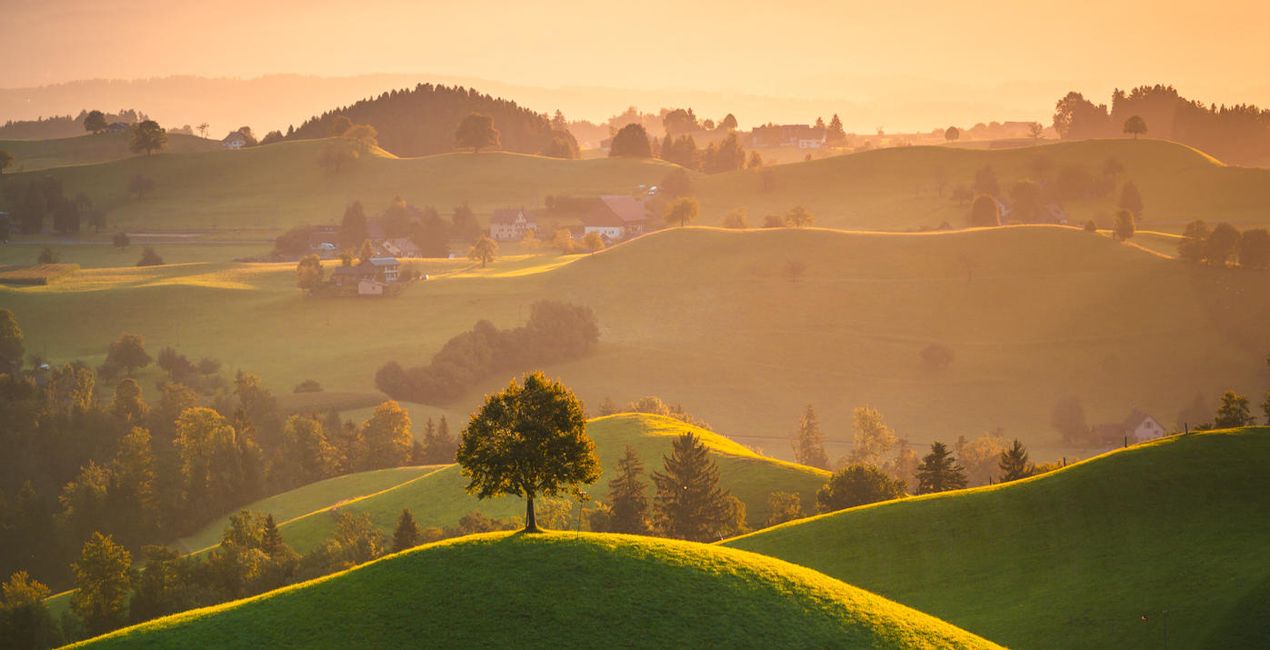
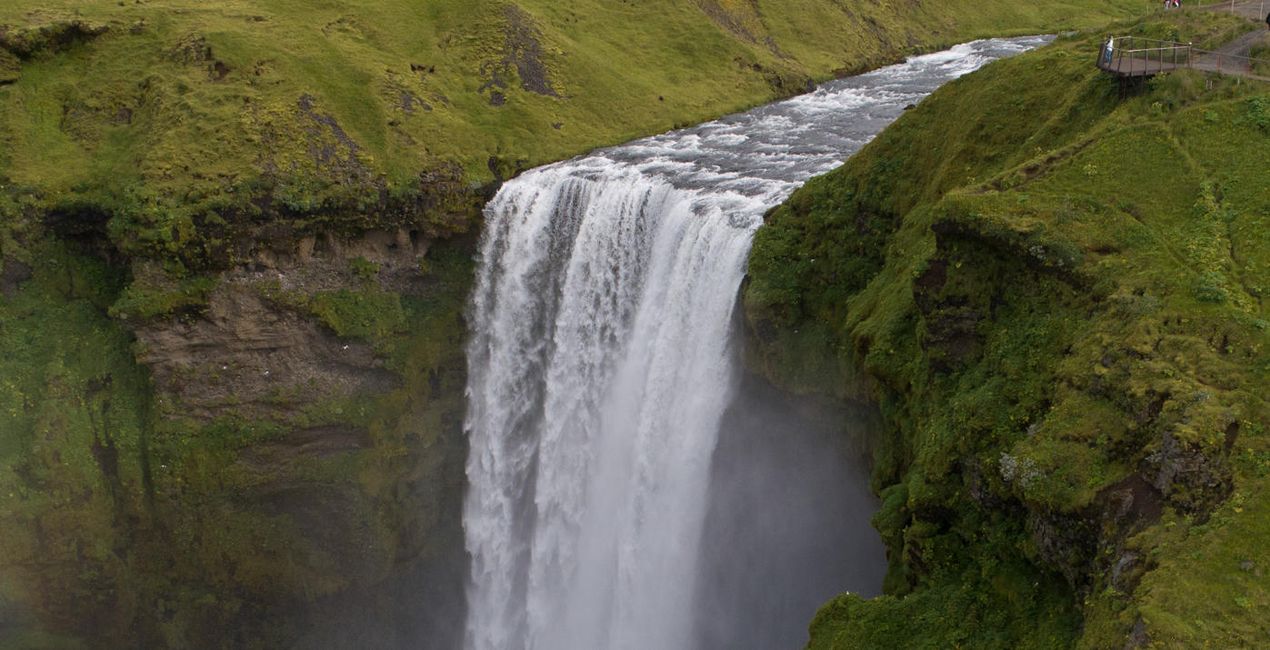
45 versatile Lightroom Presets for iconic landscapes. This exclusive collection includes 45 premium Presets that Cuma Cevik frequently uses in his own photography, along with a guide on how to use them in your editing. All Presets are compatible with Adobe Lightroom CC and Lightroom Classic CC, Adobe Photoshop, and the latest Lightroom Mobile app on iOS and Android.

Met behulp van de meegeleverde RAW-bestanden oefent u gemakkelijk retoucheertips en leert u hoe u dergelijke foto's kunt maken.
 >
>
 >
>
 >
>

 >
>

 >
>
 >
>
Professional photographer and educator Cuma Cevik has shared the exclusive Presets he uses on a day-to-day basis so you too can create spectacular photos just like the pros.
This Presets collection will help you create amazing sceneries and experiment with color and light until you achieve results that leave you breathless.
With these Presets, you'll have everything you need to create stunning landscapes that wow your viewers.
And the best thing? This collection is compatible not only with desktop applications including Adobe Lightroom CC, Adobe Lightroom Classic CC, and Adobe Photoshop, but also with the latest Lightroom Mobile app on iOS and Android.
You’ll also receive instructions on how to use these Presets in your editing flow.
Transform your landscape photos from anywhere!
Worldwide Travel Photographer. Skylum Ambassador.
Cuma Çevik is a professional photographer and filmmaker based in London, England, who has been photographing for more than 10 years.
So far, he has traveled to over 40 countries to capture photos of beautiful landscapes and cultures. He is addicted to photography and capturing the beauty of the world. As a self-taught photographer, Cuma uses his painting skills to create dramatic and mystical scenes. Cuma’s works have been published on online and social media accounts hundreds of times and have reached millions of people worldwide.
In addition to expanding his own portfolio, Cuma organizes photo workshops around the world during which small groups of photography addicts have the opportunity to shoot in spectacular settings.
Veelgestelde vragen
Heb je nog extra vragen of wil je gewoon wat advies?
neem contact op met ons supportteamHeb je vragen over het product? Neem dan gerust contact op met ons supportteam – 24/7 bereikbaar. Volg gewoon deze link.
Volg deze stappen om Master Collection te kopen:
1. Open Skylum’s Marketplace.
2. Ga naar het tabblad waar Master Collection staat. Klik erop en voeg het toe aan je winkelmandje.
3. Ga naar je winkelmandje. Rond hier het aankoopproces van Master Collection af.
4. Na je aankoop ontvang je een bevestigingsmail met de downloadlink voor Master Collection. Je vindt het product ook terug in je Skylum-account onder het tabblad ‘Mijn add-ons’.
Uitgebreide instructies voor het installeren van Master Collection ontvang je in de bevestigingsmail, samen met de downloadlink.
Daarnaast kun je het gekochte item direct installeren in Luminar Neo: ga naar Extra’s > Marketplace, selecteer de productcategorie, zoek het gekochte item en klik op Installeren.
Het is heel eenvoudig! Download eerst het pakket via uw account > Mijn add-ons. Volg daarna de installatie-instructies in de gedownloade map. Elk type asset kan zijn eigen installatiestappen hebben, dus zorg ervoor dat u de bijgevoegde handleiding raadpleegt.
Geen zorgen. Alle gekochte items, waaronder Master Collection, staan in het tabblad ‘Mijn add-ons’ van je Skylum-account. Van daaruit kun je ze makkelijk opnieuw downloaden en gebruiken.
In de meeste gevallen zijn items compatibel met Luminar Neo. Maar om zeker te weten of Master Collection werkt met jouw software, check je best even de specificaties vóór je iets downloadt of koopt. Kijk op de pagina van Master Collection aan de rechterkant bij het kopje ‘Compatibiliteit’ – daar staan alle compatibele producten vermeld.
Ga nog niet weg. Hier is een exclusieve kortingscode voor jou. Gebruik deze binnen 15 minuten om bij het afrekenen 10% extra korting te krijgen. Kopieer de onderstaande code en rond je aankoop af.
15 m : 00 s





