


 Toegepast


Reisscènes Bundel
Save $201 $ 47 .20 $ 59 .00

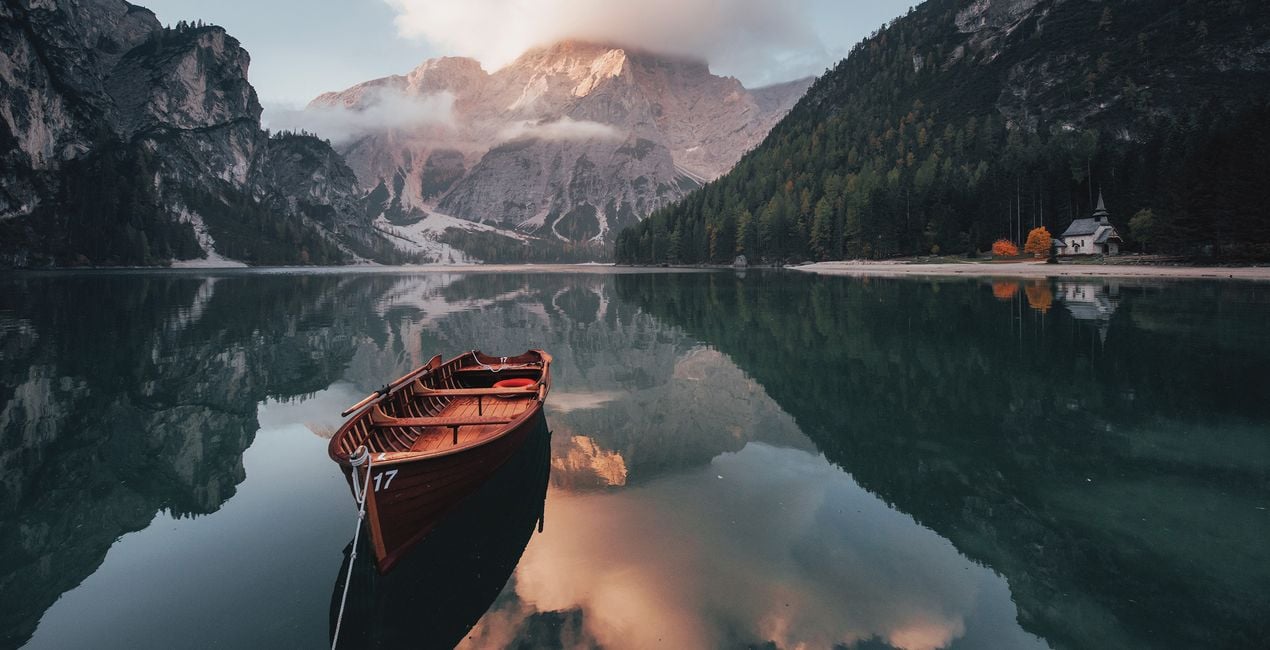
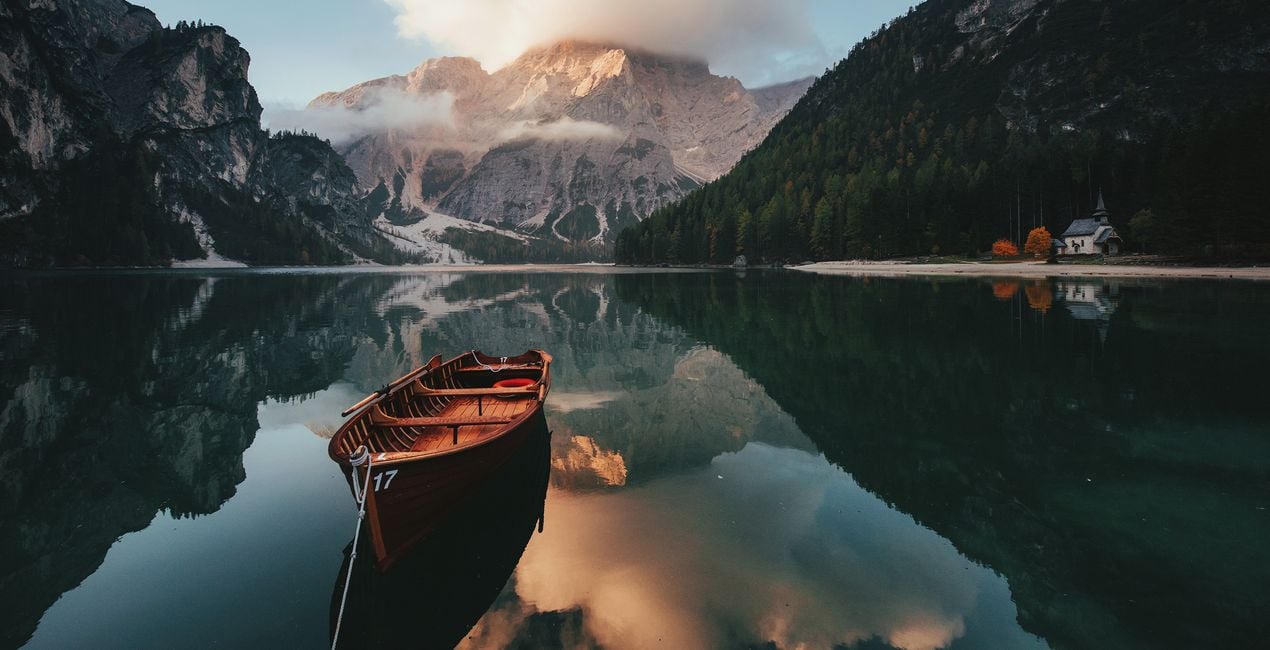
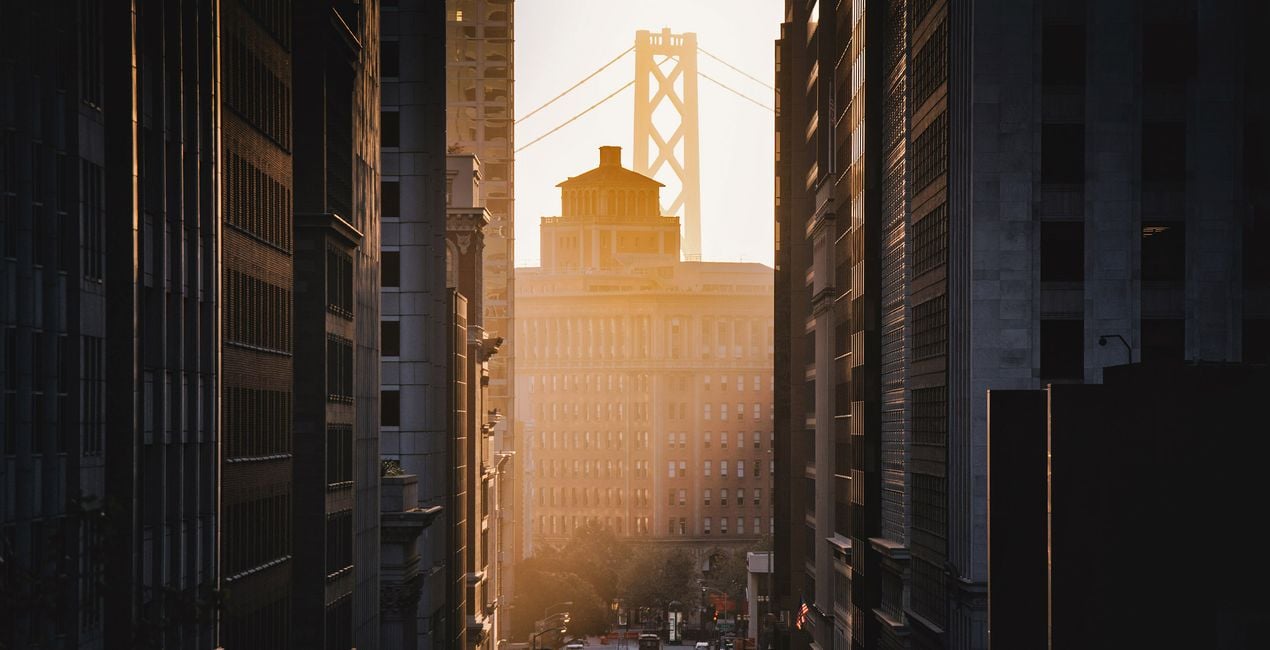
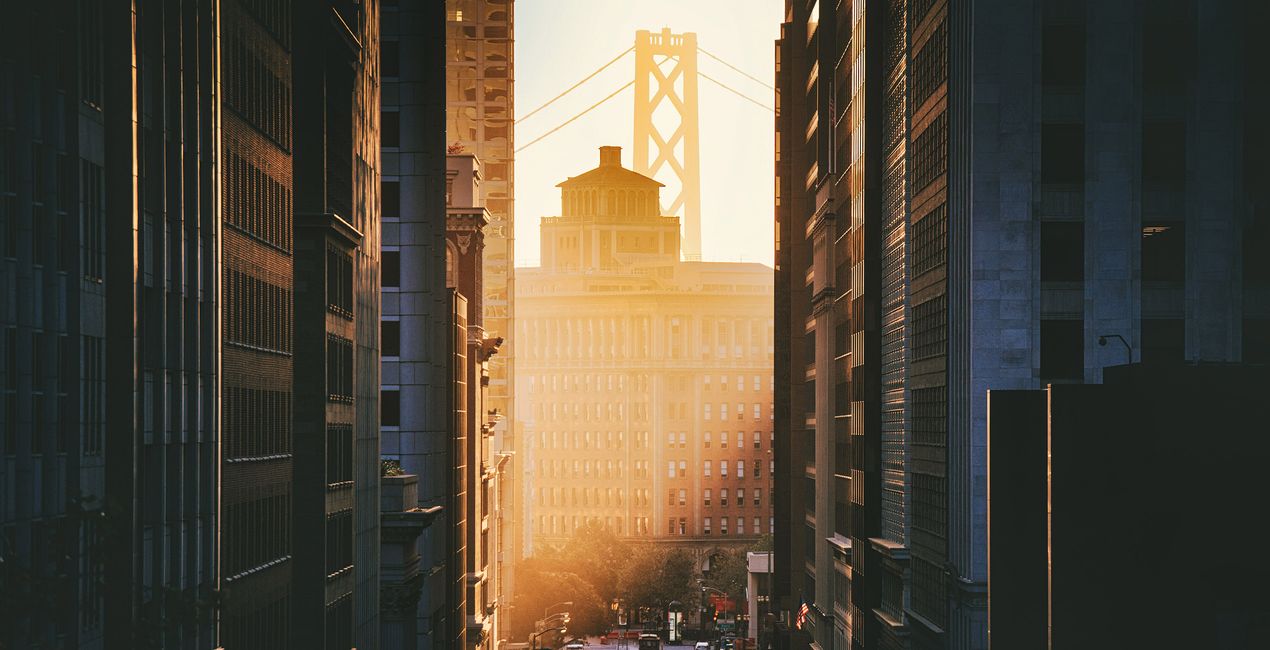
Wilt u meerdere mogelijkheden hebben bij het bewerken van uw reisfoto's? Ontvang een ongelooflijke bundel met 3 exclusieve collecties van Team Skylum, ontworpen om landschappen te creëren die verbazen. De bundel bevat 3 Voorinstellingen-collecties met in totaal 30 Voorinstellingen: Low Key Scenes, Perfect Photowalks en Minimalistic Landscapes. Verbeter uw stadsreisfotografie, inclusief foto's van stadsoriëntatiepunten, gebouwen en mensen die uw aandacht trekken. Reist u liever naar natuurlijke, schilderachtige plekjes? Ontdek landschapsvoorinstellingen voor een peinzende, humeurige uitstraling. Of u kunt eenvoudige en mooie, minimalistische landschappen creëren om voor elk landschap een elegant en tijdloos effect te bereiken.
Wat is inbegrepen
Low Key Scénes, Perfect Photowalks, Minimalistic Landscapes Voorinstellingen door Team Skylum

Met behulp van de meegeleverde RAW-bestanden oefent u gemakkelijk retoucheertips en leert u hoe u dergelijke foto's kunt maken.
 >
>
 >
>
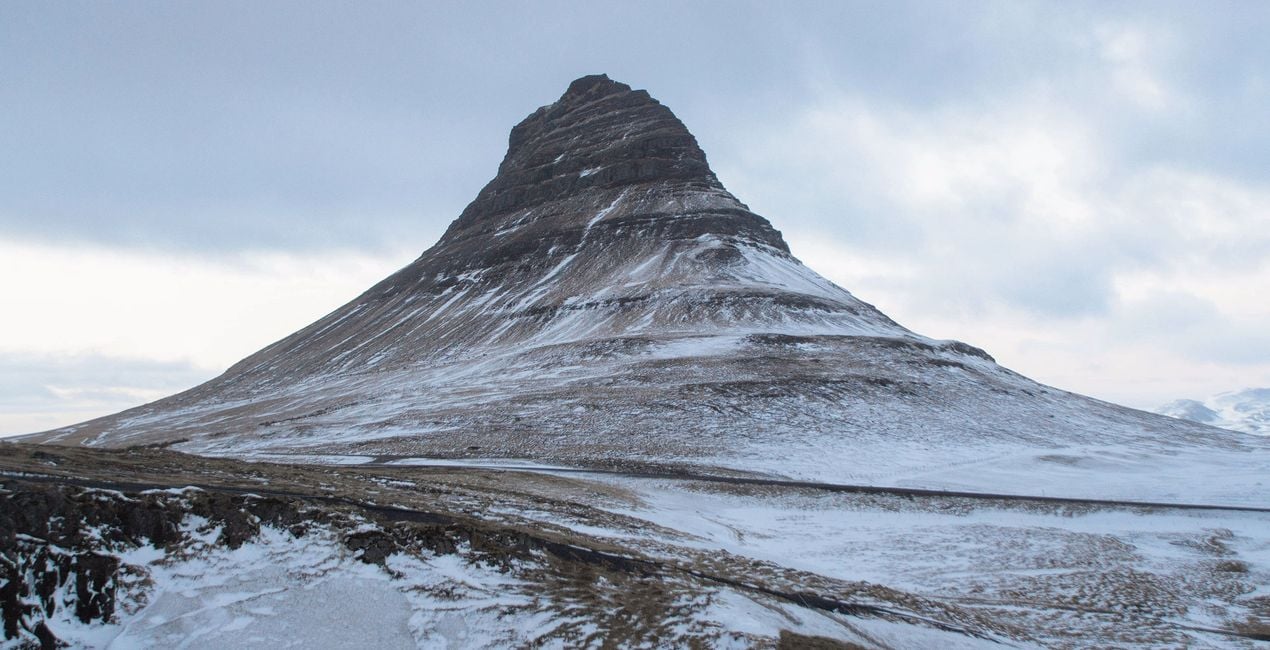
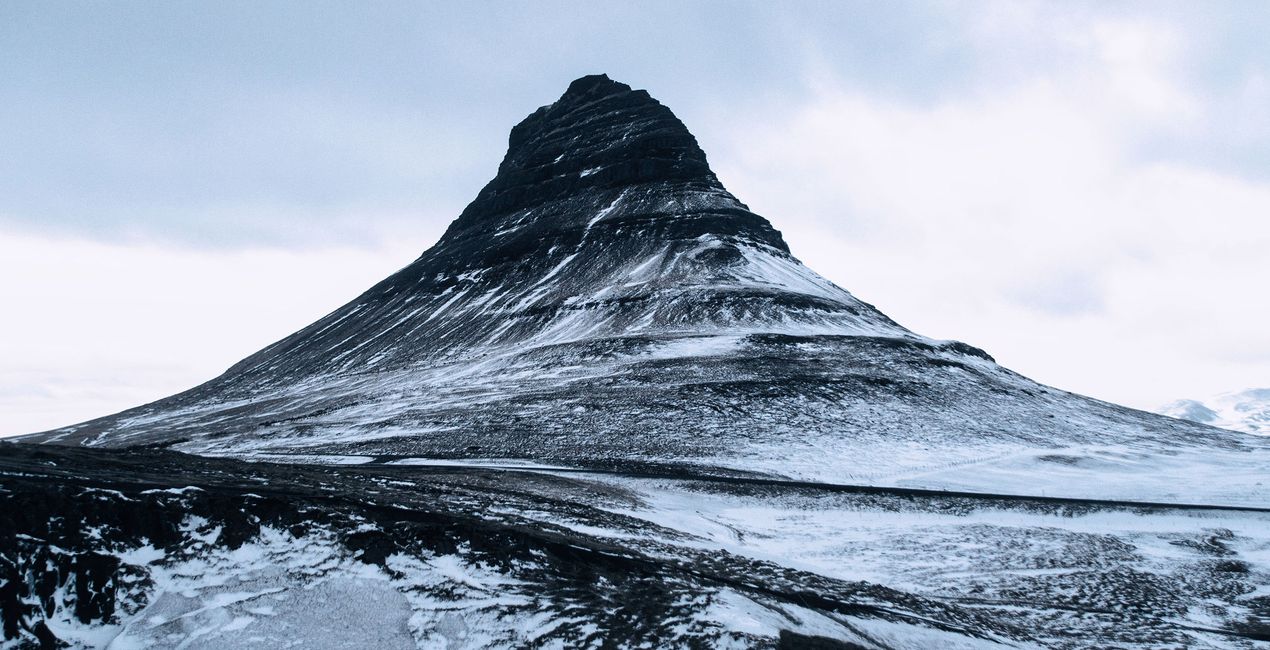 >
>
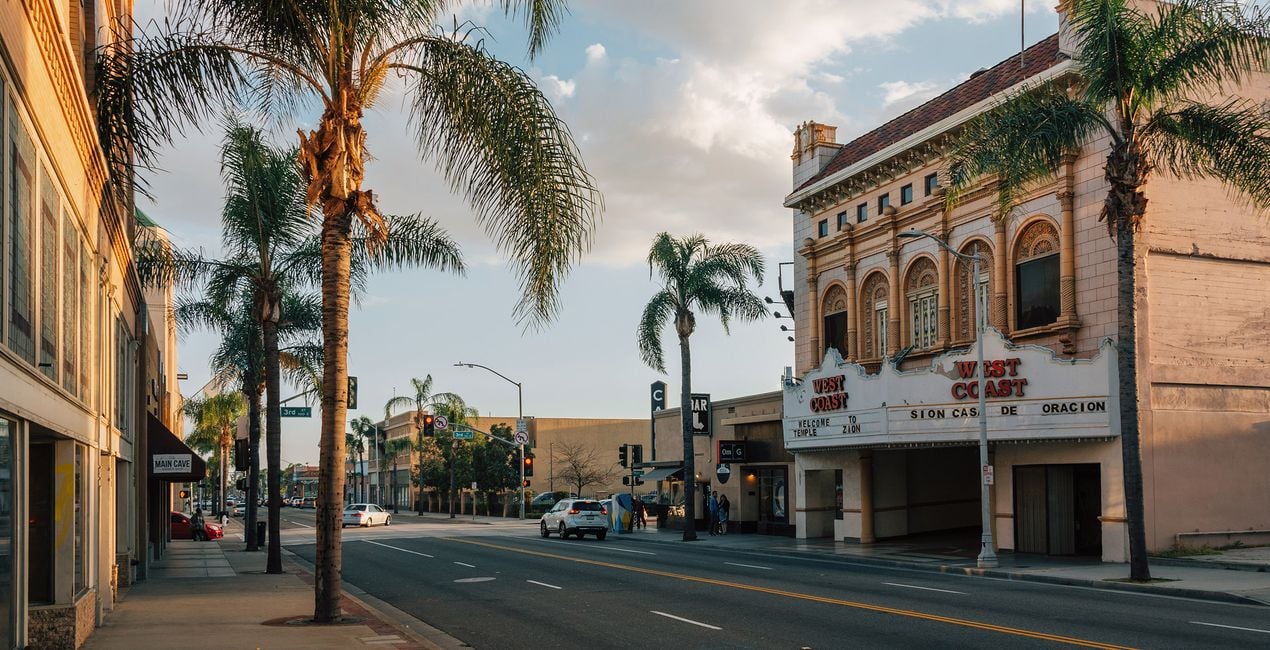
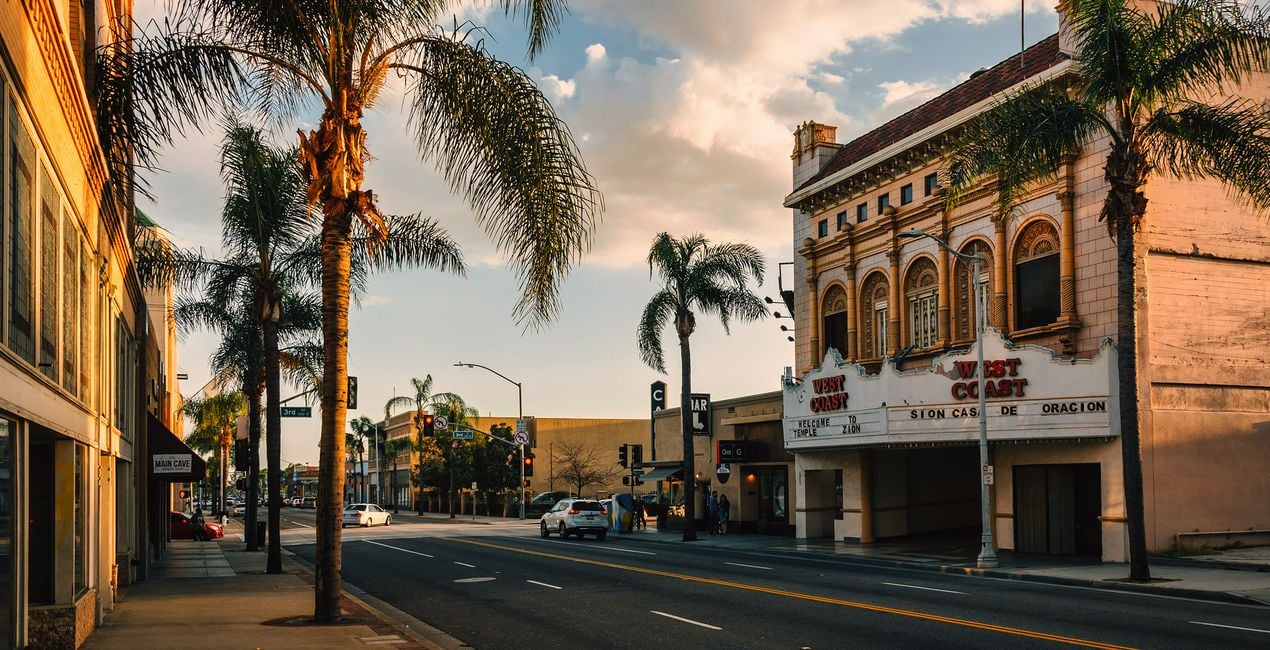 >
>
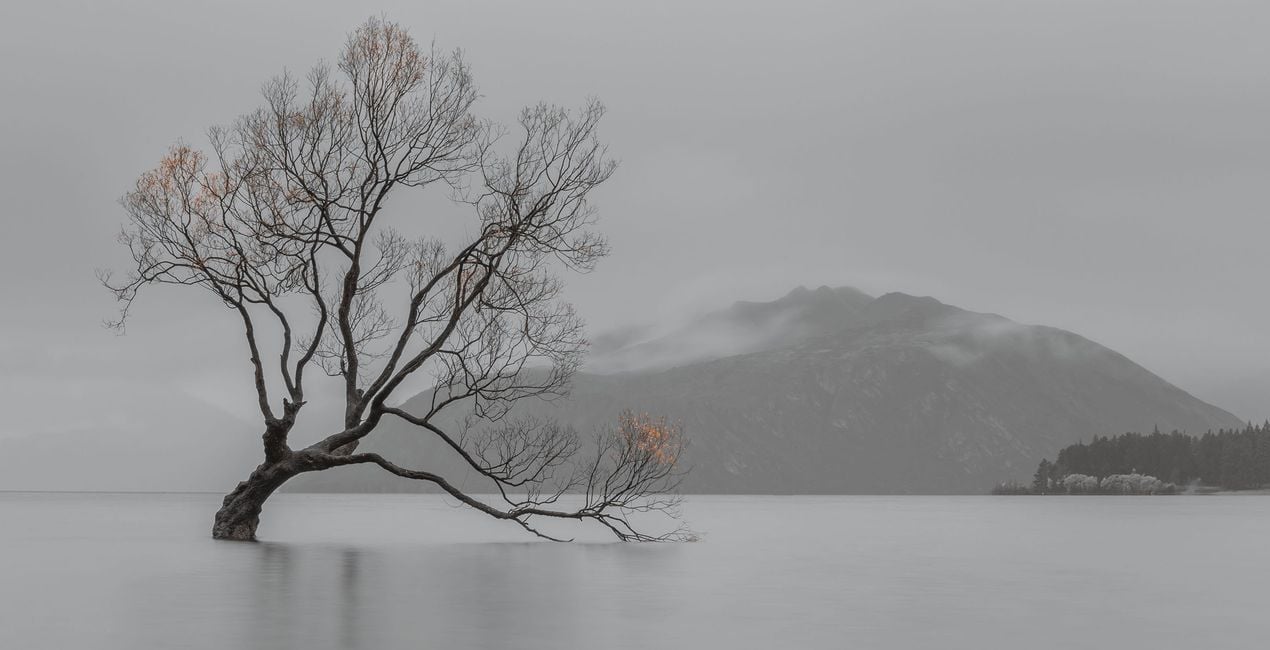
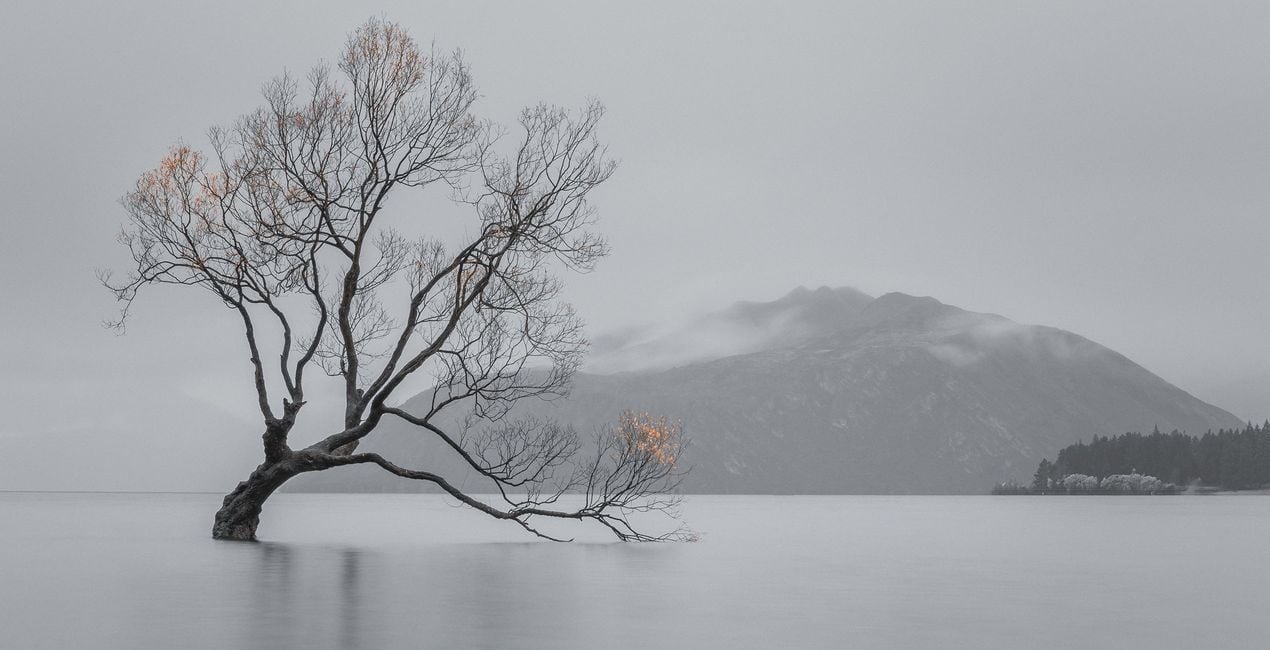 >
>
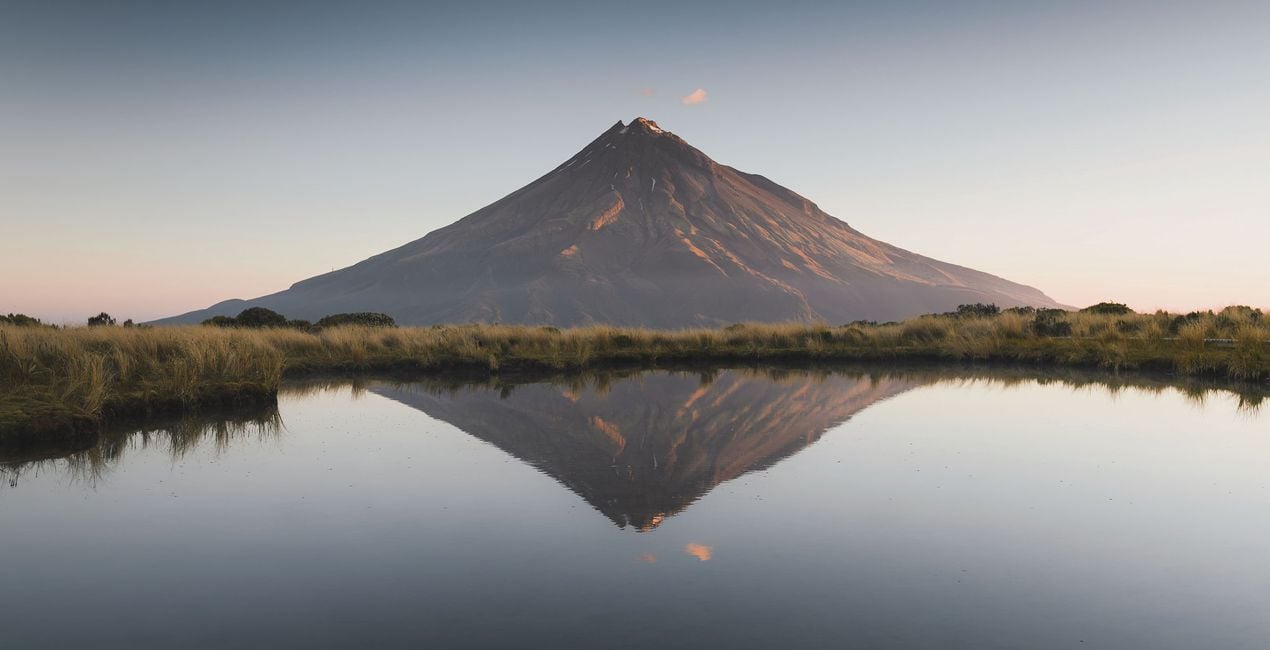
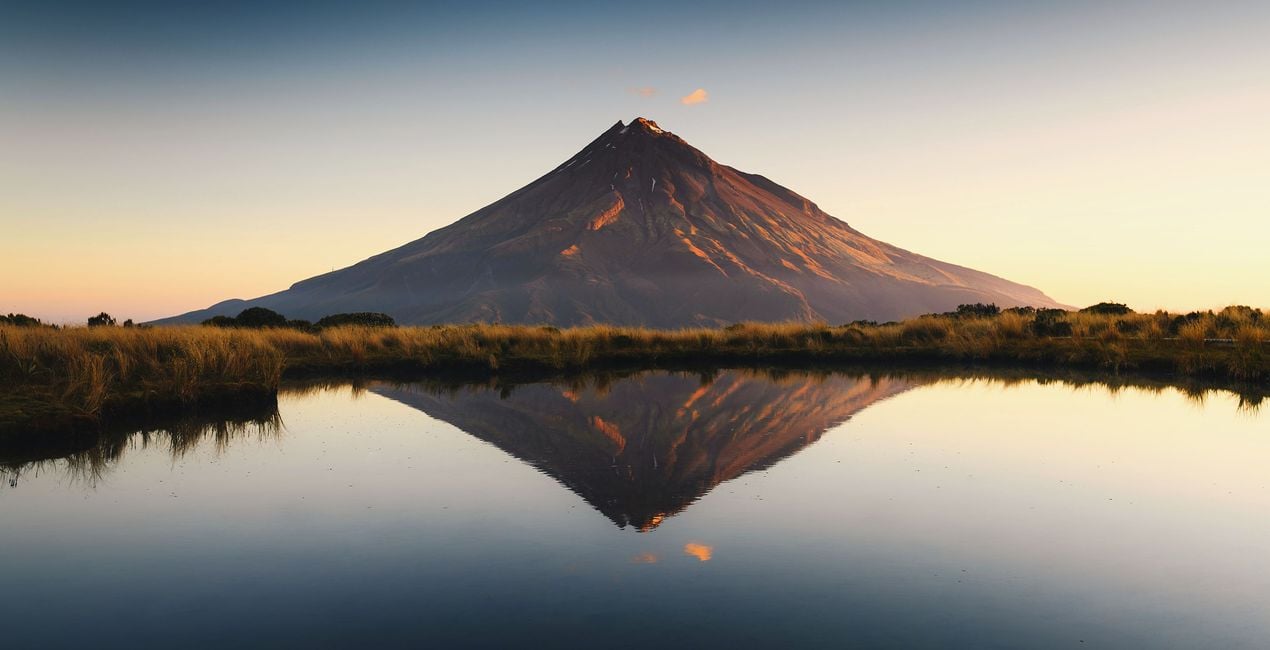 >
>
Fotografen, coloristen & retoucheurs
Het Skylum team werkt samen met honderden professionele fotografen en retouchers om u Templates te brengen die topfotografen gebruiken om hun meesterwerken te creëren. Het Skylum AI Lab analyseert de foto's en workflows van fotografen en creëert Templates die voor iedereen toegankelijk zijn en die gebruik maken van de geavanceerde LuminarAI technologie. Onze missie is om de tijd en moeite die het kost om een indrukwekkende foto te maken te verminderen en iedereen te laten genieten van fotobewerking en fotografie.
Veelgestelde vragen
Heb je nog extra vragen of wil je gewoon wat advies?
neem contact op met ons supportteamHeb je vragen over het product? Neem dan gerust contact op met ons supportteam – 24/7 bereikbaar. Volg gewoon deze link.
Volg deze stappen om Travel Scenes Bundle te kopen:
1. Open Skylum’s Marketplace.
2. Ga naar het tabblad waar Travel Scenes Bundle staat. Klik erop en voeg het toe aan je winkelmandje.
3. Ga naar je winkelmandje. Rond hier het aankoopproces van Travel Scenes Bundle af.
4. Na je aankoop ontvang je een bevestigingsmail met de downloadlink voor Travel Scenes Bundle. Je vindt het product ook terug in je Skylum-account onder het tabblad ‘Mijn add-ons’.
Uitgebreide instructies voor het installeren van Travel Scenes Bundle ontvang je in de bevestigingsmail, samen met de downloadlink.
Daarnaast kun je het gekochte item direct installeren in Luminar Neo: ga naar Extra’s > Marketplace, selecteer de productcategorie, zoek het gekochte item en klik op Installeren.
Supermakkelijk! Ga naar het tabblad Extra’s en kies daarna Bundels. Daar vind je alle bundelpresets terug.
Geen zorgen. Alle gekochte items, waaronder Travel Scenes Bundle, staan in het tabblad ‘Mijn add-ons’ van je Skylum-account. Van daaruit kun je ze makkelijk opnieuw downloaden en gebruiken.
In de meeste gevallen zijn items compatibel met Luminar Neo. Maar om zeker te weten of Travel Scenes Bundle werkt met jouw software, check je best even de specificaties vóór je iets downloadt of koopt. Kijk op de pagina van Travel Scenes Bundle aan de rechterkant bij het kopje ‘Compatibiliteit’ – daar staan alle compatibele producten vermeld.
Ga nog niet weg. Hier is een exclusieve kortingscode voor jou. Gebruik deze binnen 15 minuten om bij het afrekenen 10% extra korting te krijgen. Kopieer de onderstaande code en rond je aankoop af.
15 m : 00 s





