

 適用する
適用する 



Historical Museum
Save $201 $ 19 .00
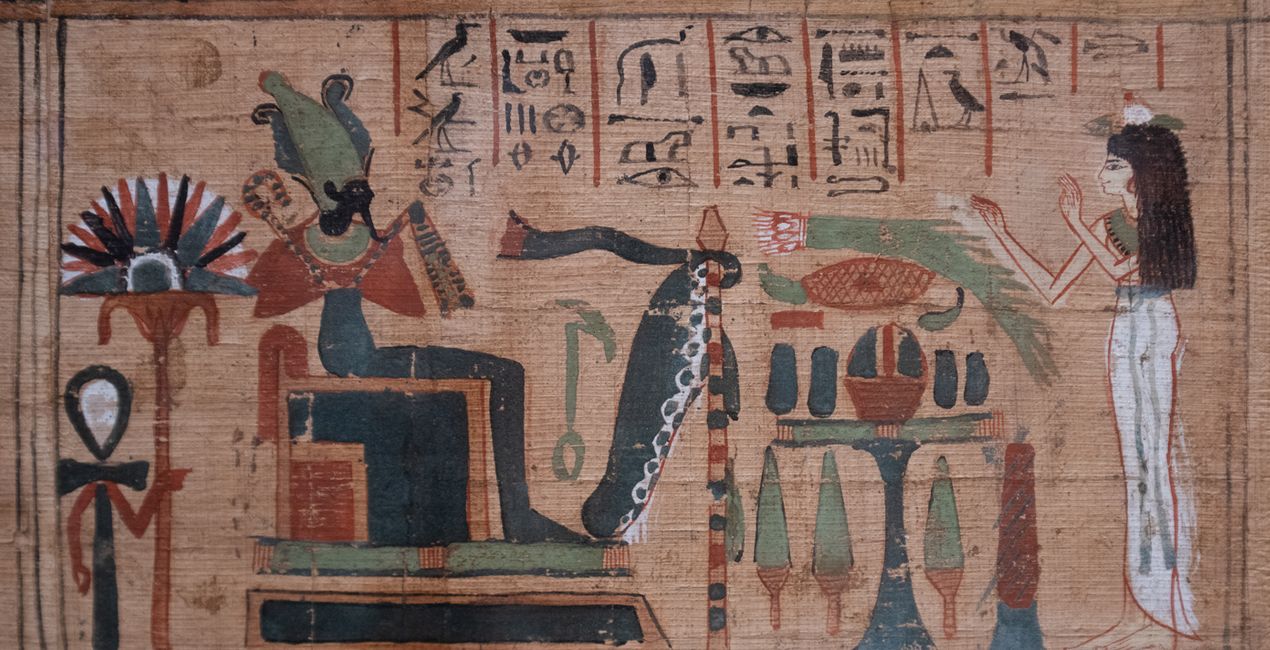
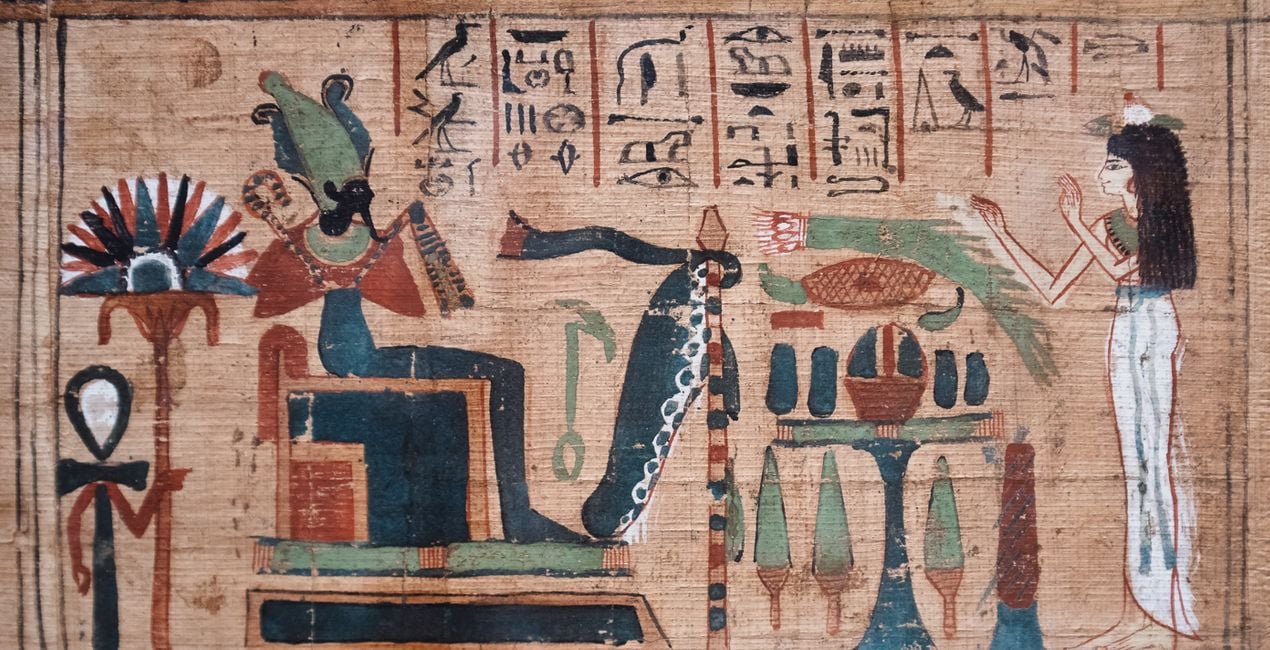
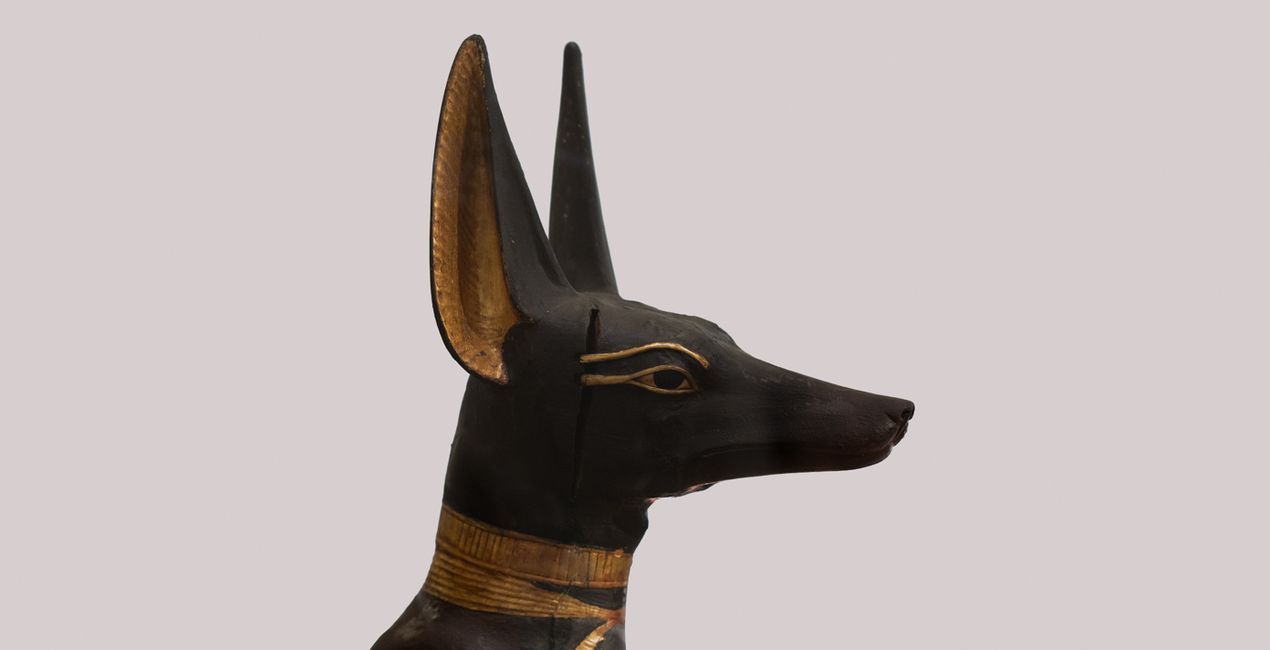
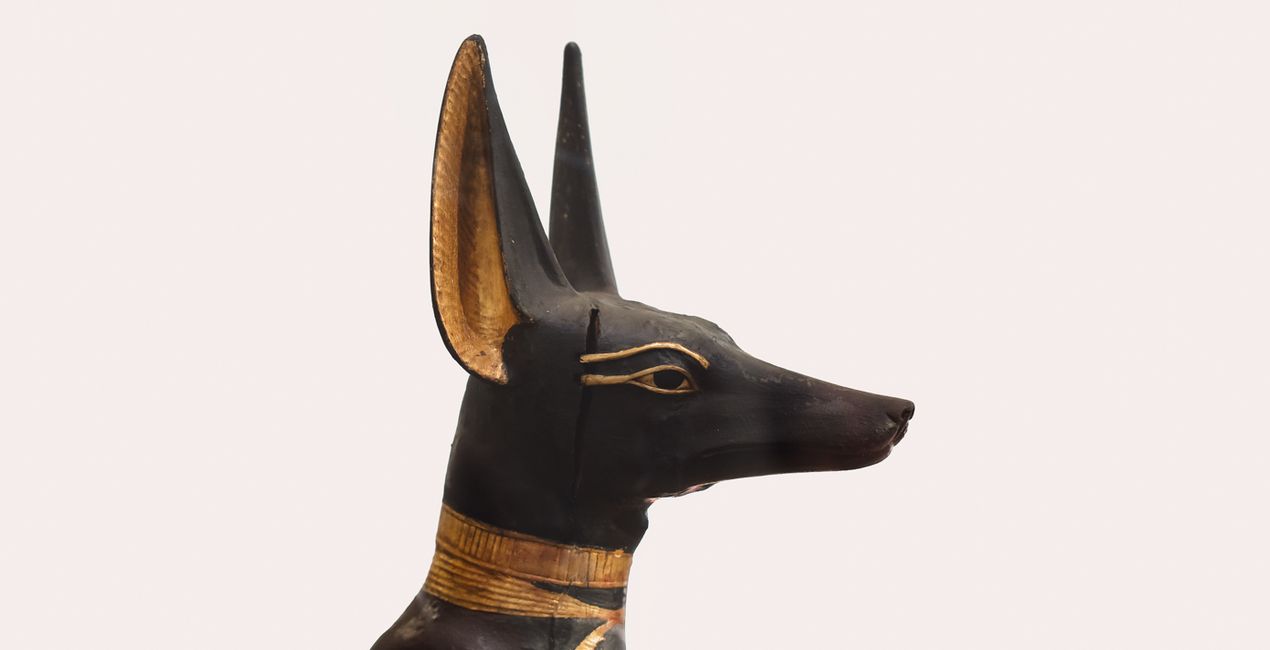
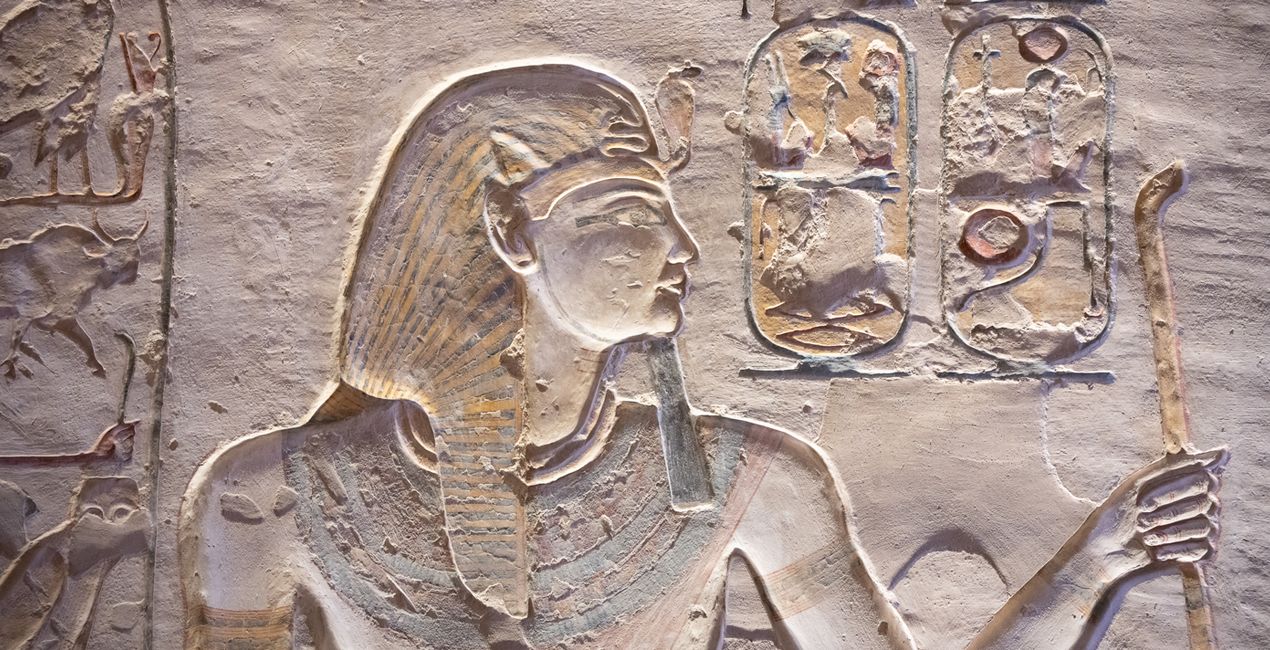
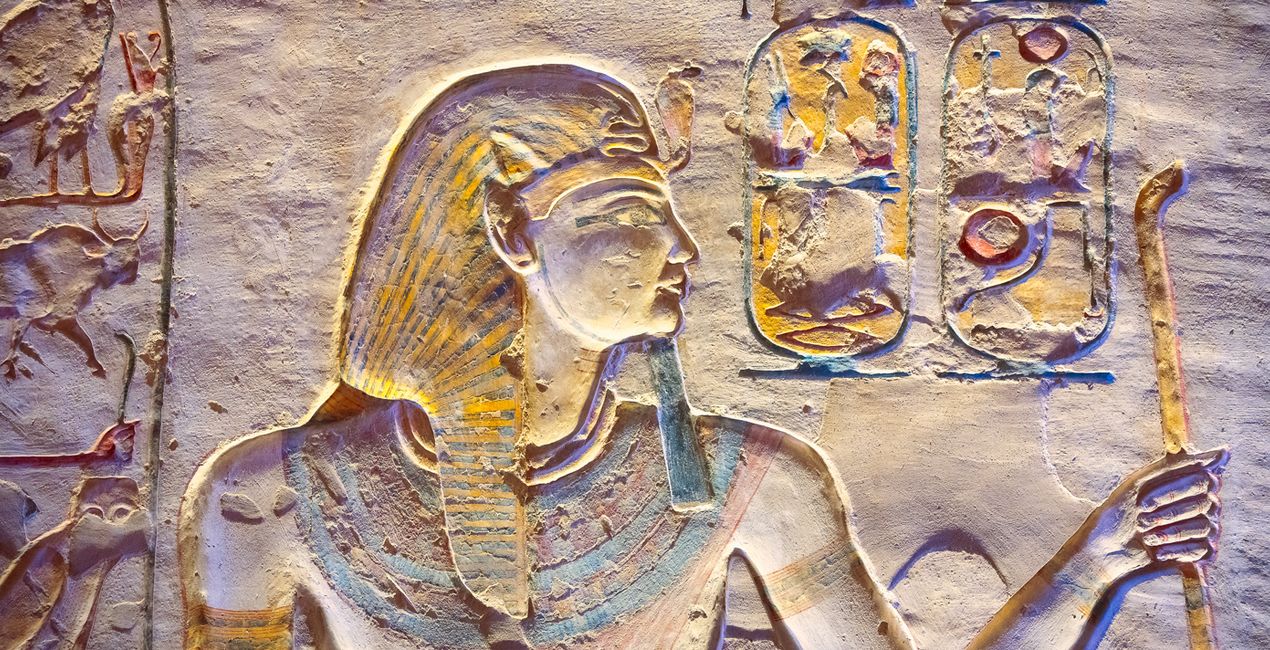
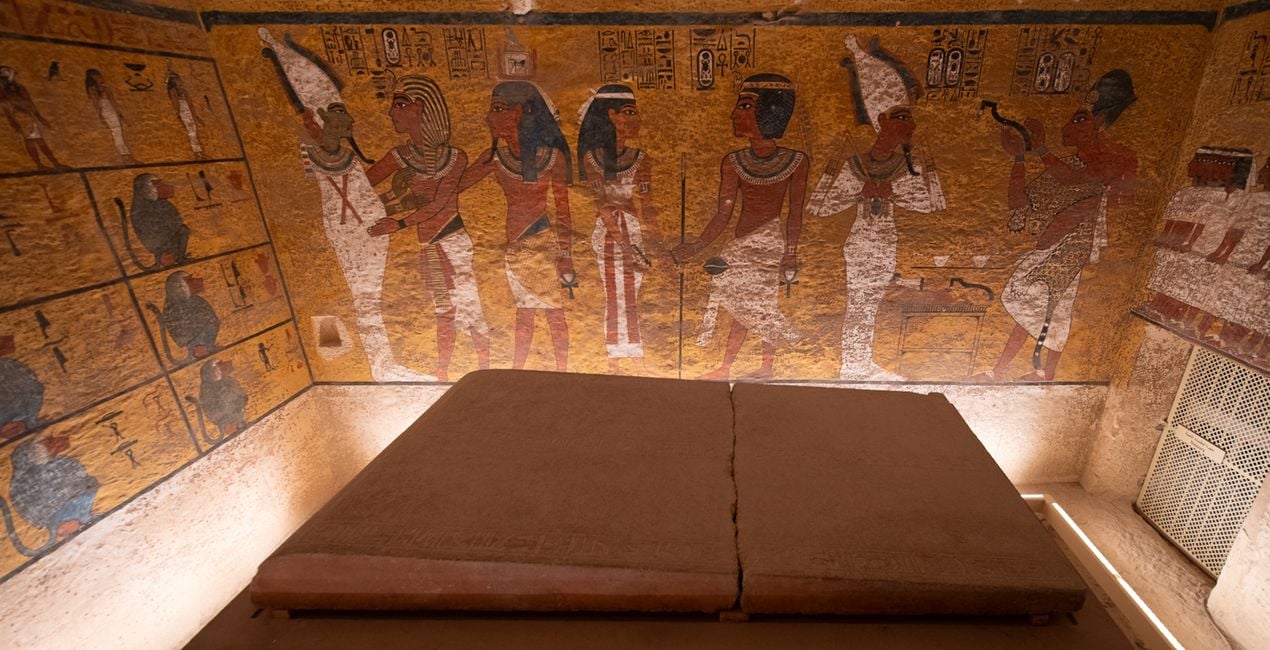
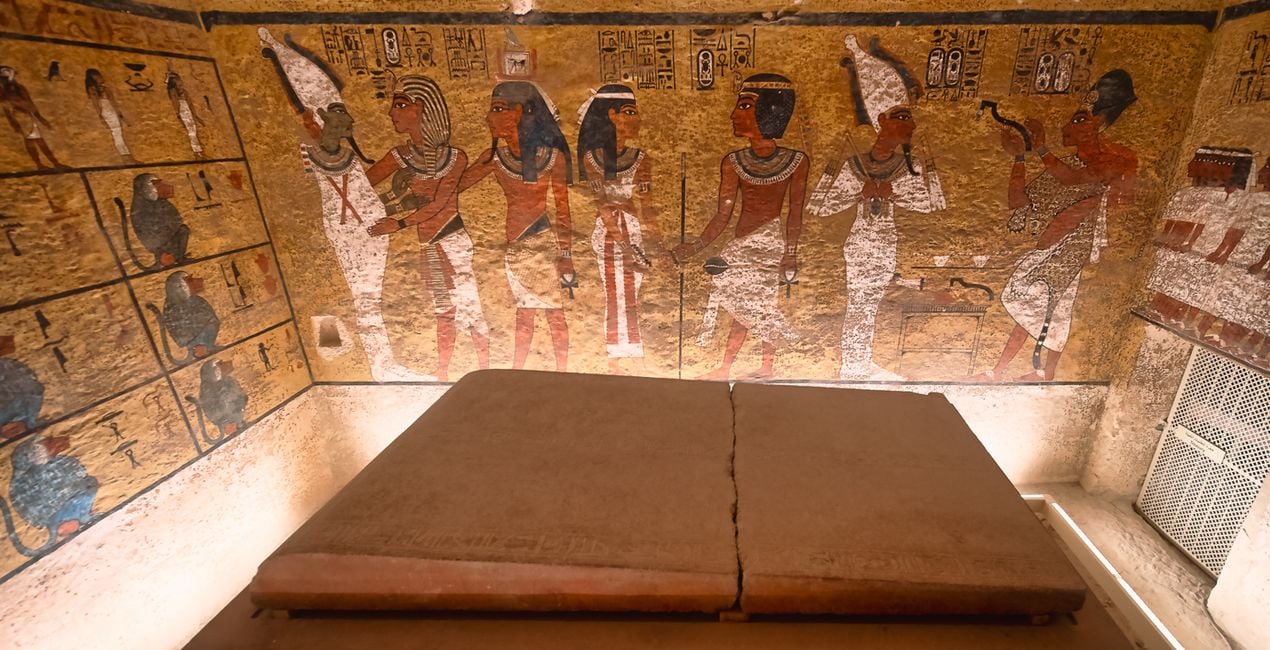
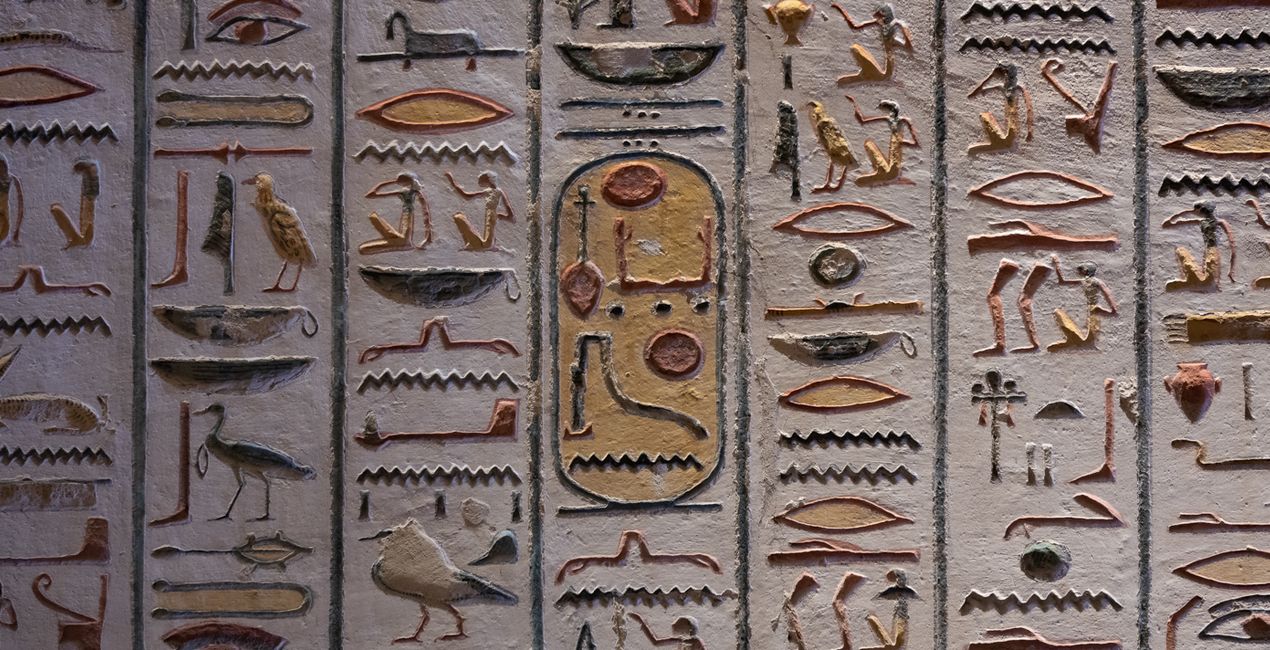
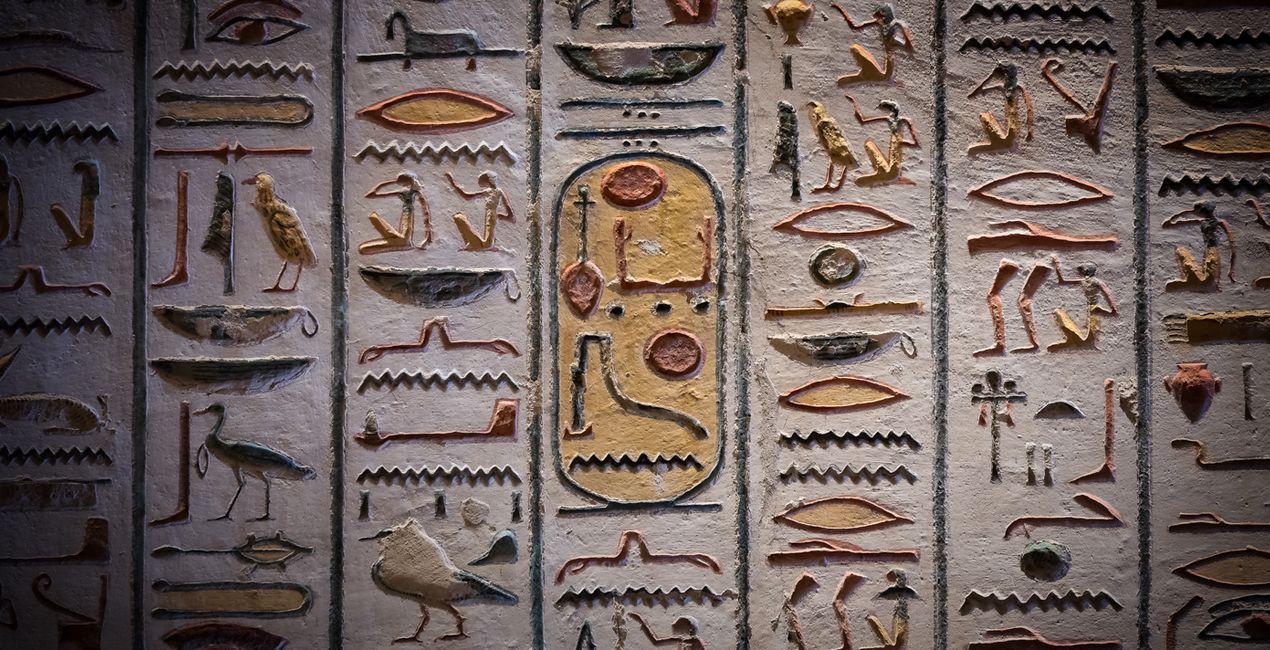
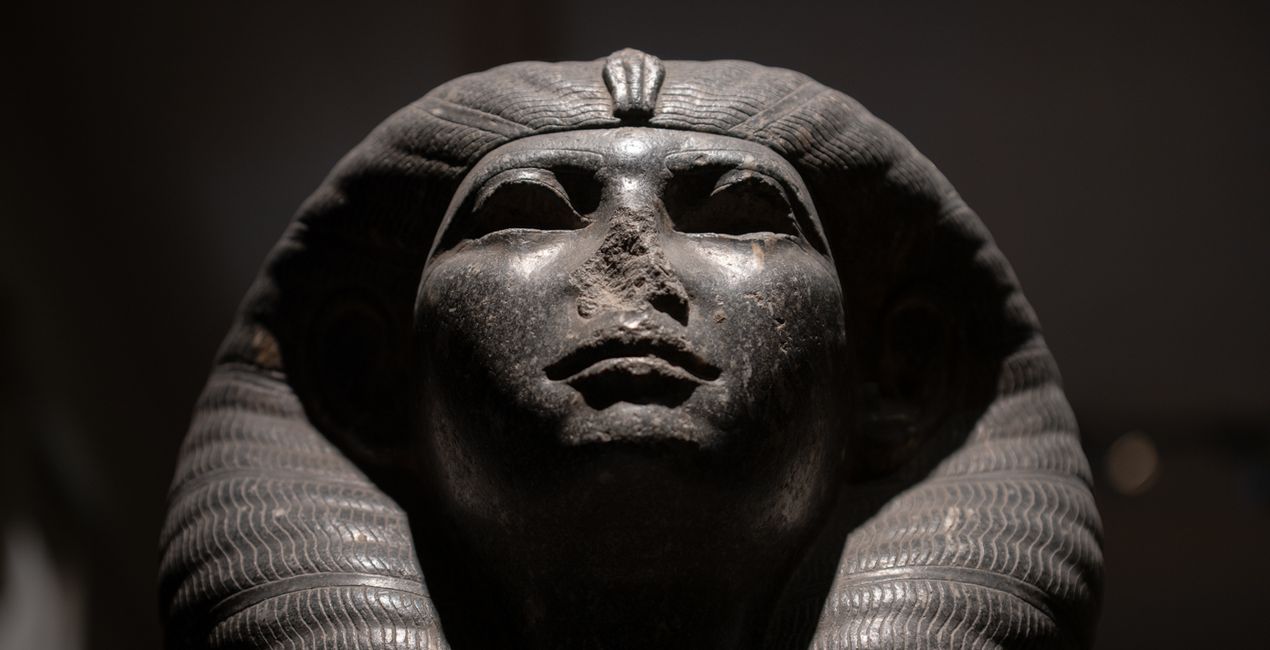
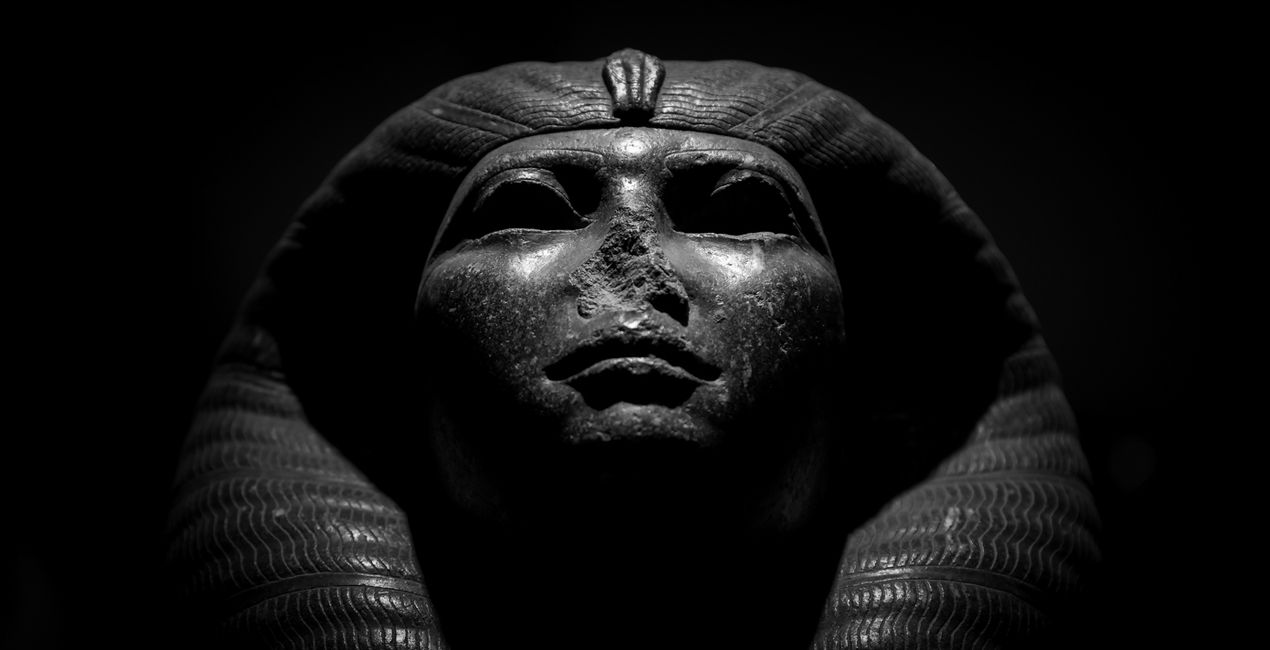
Discover 10 incredible Presets for Luminar Neo that will transform your images captured inside the world’s museums, galleries, and other historic sites. These Presets were inspired by visits to the world-famous Museum of Antiquities in Cairo and the legendary Valley of the Kings in Luxor.

提供されたRAWファイルを使ってレタッチのコツを簡単に練習、こんな写真に仕上げる方法を学ぶことができます。
 >
>
 >
>
 >
>
 >
>
 >
>
 >
>
Museums and galleries often present challenging conditions for shooting. Some of the most common issues you’ll encounter as a photographer are:
Glare from glass reflections or protective barriers
Poor or low light conditions
Distracting backgrounds
These Presets are designed for some of the most frequent conditions and subject types you’ll encounter, often with heavy vignettes to isolate objects and relying on some of Luminar Neo’s AI technologies, such as Structure AI and Accent AI, to pick out the fine details of the historic artifacts.
Use these Presets as a single-click edit, or use them to jumpstart your custom edit. Turn your snaps into works of art with these Presets which are ideal for raw files. Time to try them out on your photos!
You'll find 10 Presets in this pack
Dark Relic: A desaturated, low-key look that enhances fine detail, reduces color cast, and applies a heavy vignette to isolate the subject.
Bright Relic: A high-key look that adds color, exposure, and contrast detail for well-lit subjects.
Gold Mask: A Preset with richly saturated warm tones, dramatic details, and structure that combine to form an impressive look.
Etching: Create a cinematic look with desaturated colors and boost contrast, details, and structures.
Papyrus: Neutralizes the color cast by artificial lighting to return the material to its natural whites, then boosts the remaining colors and contrast to restore centuries of fade.
Dark Hieroglyph: Rich contrast and improved sharpness and detail; ideal for low light closeups. Toggle the vignette on and off to see if it is to your taste.
Bright Hieroglyph: Return saturation to colors that have faded over the years, increase contrast and improve sharpness and detail for closeups in good light.
Dark Bust: A black and white fine-art Preset that is great for isolating a subject and adding structure.
Shadow Boost: Ideal for backlit objects, this Preset will add a much-needed punch of structure and brightness to shadow details.
Tutankhamun: Adds brightness, structure and color contrast, and reduces noise typically associated with high ISO handheld shooting. Perfect for low light internal scenes where flash is not permitted.
Don’t forget to share your results! Use the hashtag #madewithluminar on social media so the Skylum Team can take a look at your work!
Photographer. Skylum Ambassador.
Mathew Browne is a cross-genre photographer who has gained recognition for his vibrant images spanning the spectrum of travel photography. A prolific traveler, Mathew has visited nearly 70 countries and photographs extensively for the photo location sharing platform PhotoHound, which he co-founded in 2018.
These Looks serve as the foundation for much of his wildlife portfolio, often allowing him to achieve his desired result with just one click.
製品についてご質問がございましたら、24時間対応のサポートチームまでお問い合わせください。こちらのリンクをご利用ください。
Historical Museumを購入するには、次の手順に従ってください:
1. Skylumのマーケットプレイスを開きます。
2. Historical Museumがリストされているタブに移動し、クリックしてカートに追加します。
3. カートに進み、Historical Museumの購入手続きを完了してください。
4. ご購入後、Historical Museumのダウンロードリンクが記載された購入完了メールが届きます。また、Skylumアカウントの「マイアドオン」タブからも新しいアイテムをご確認いただけます。
Historical Museumのインストール手順の詳細は、ダウンロードリンクと一緒にお送りする「購入完了メール」に記載されています。
また、Luminar Neoから購入されたアイテムを直接インストールすることもできます。エクストラ > マーケットプレイスに進み、商品カテゴリを選択して、購入済みアイテムを見つけてインストールをクリックしてください。
とても簡単です!プリセット タブに移動して、購入済みを選択してください。インストールしたプリセットがここに表示されます。
ご安心ください。Historical Museumを含むすべての購入済みアイテムは、Skylumアカウントの「マイアドオン」タブ に保存されるため、簡単に再ダウンロードしてご利用いただけます。
ほとんどのアイテムはLuminar Neoに対応しています。ただし、確実にHistorical Museumがお使いのソフトと互換性があるかを確認するには、ダウンロードや購入前に製品仕様をご確認ください。Historical Museumページ右側の「互換性」セクションに対応しているすべての製品が表示されています。
まだお帰りにならないでください。あなただけの特別割引コードをご用意しました。今後15分以内にご利用いただくと、お会計時にさらに10%オフになります。以下のコードをコピーして、お買い物を完了してください。
15 m : 00 s





