

 適用する
適用する 




当社について
Mathew Browne による12種類の野性味あるテンプレートコレクションで、動物たちの写真を際立たせて被写体の魂を写し出しましょう。猛禽類から雄大なライオン、かわいいフワフワの小動物まで、このコレクションにはあなたが探しているテンプレートが必ず見つかります。
含まれているもの
12 Templates and Presets. Compatible with JPEG and RAW images.
互換性

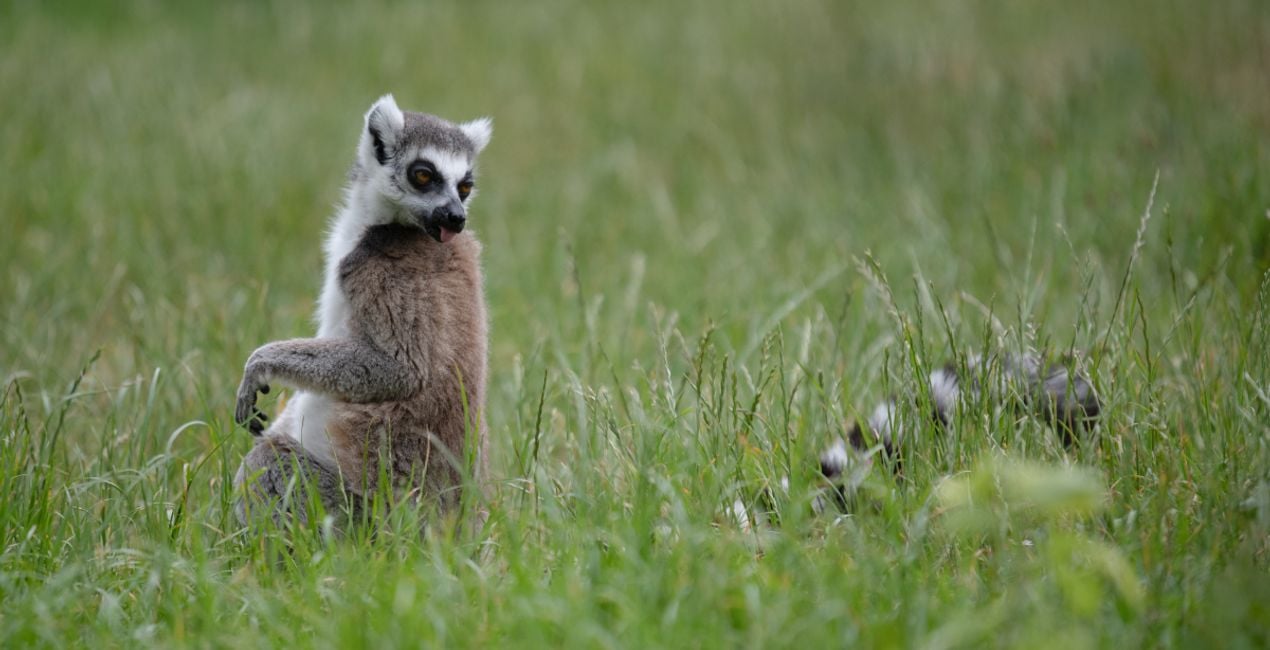
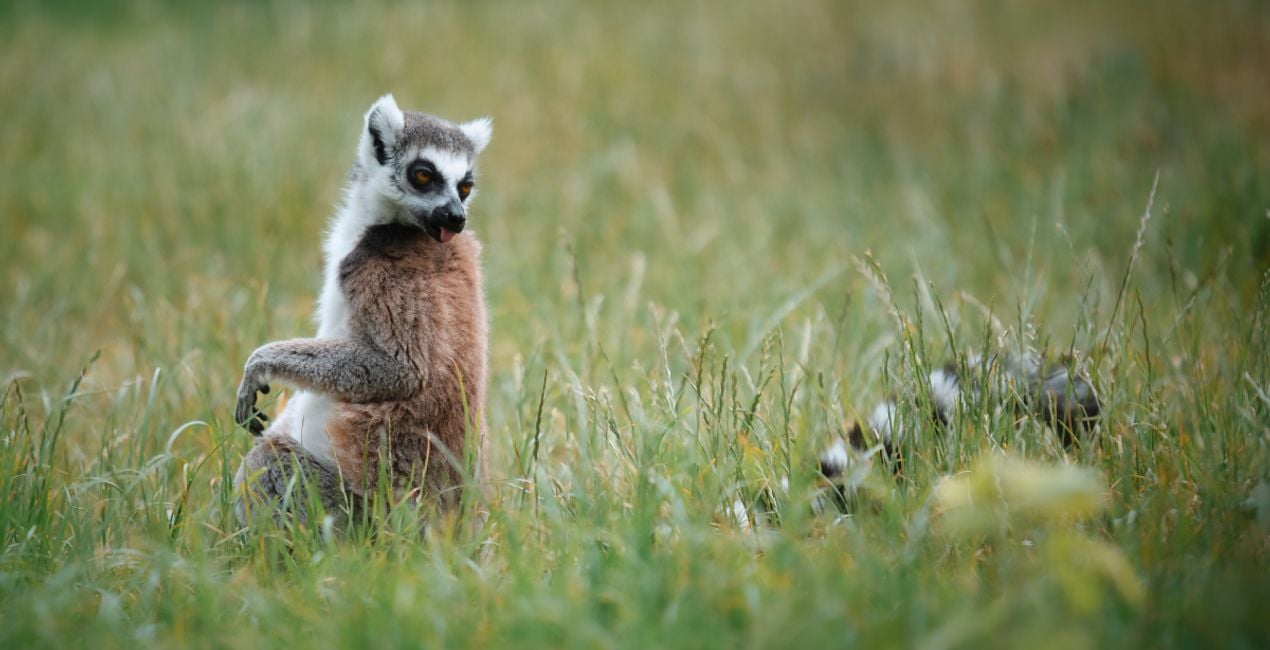
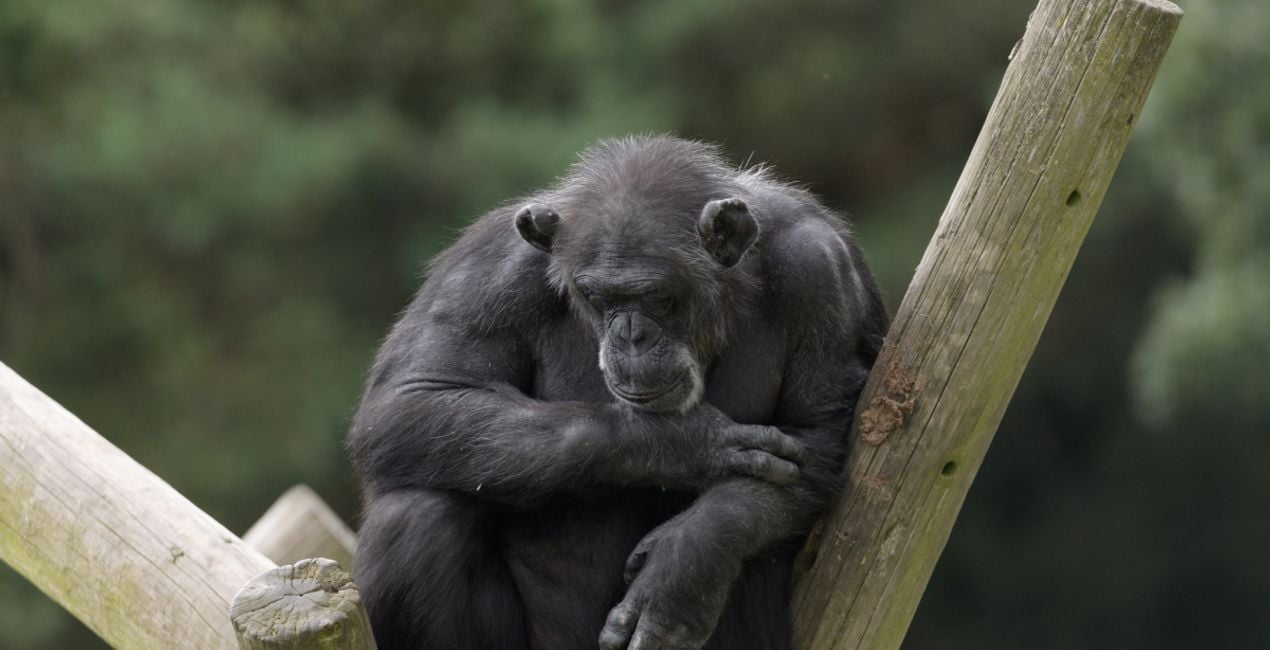
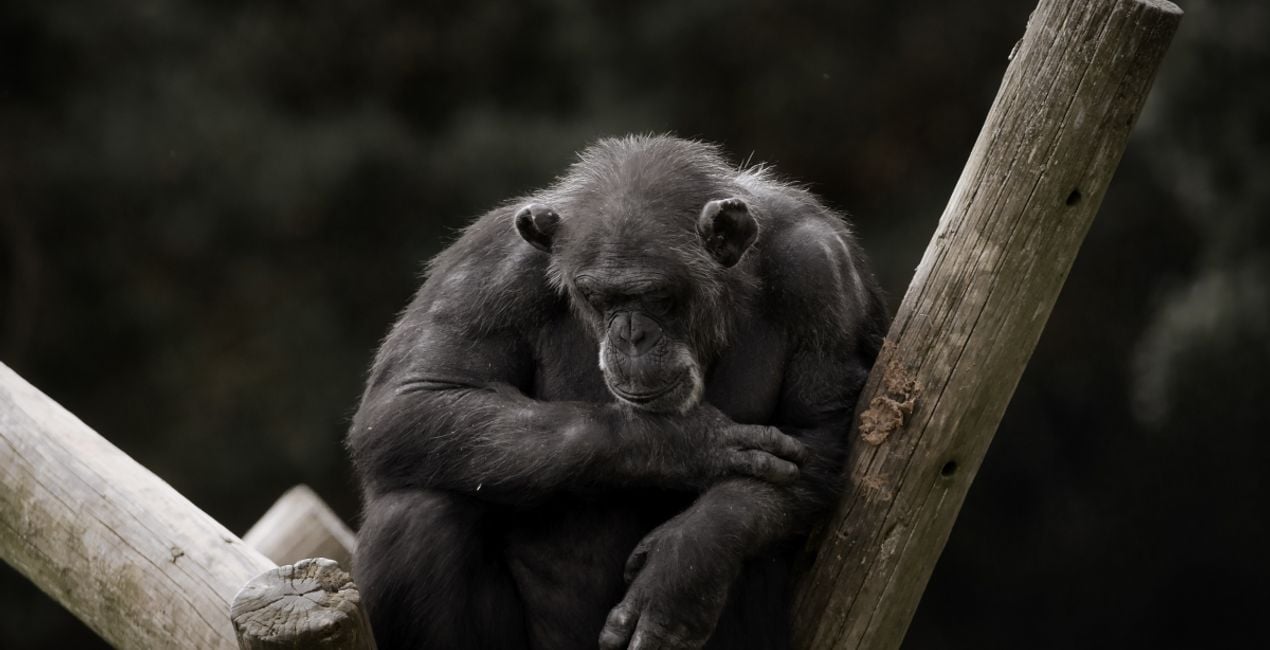
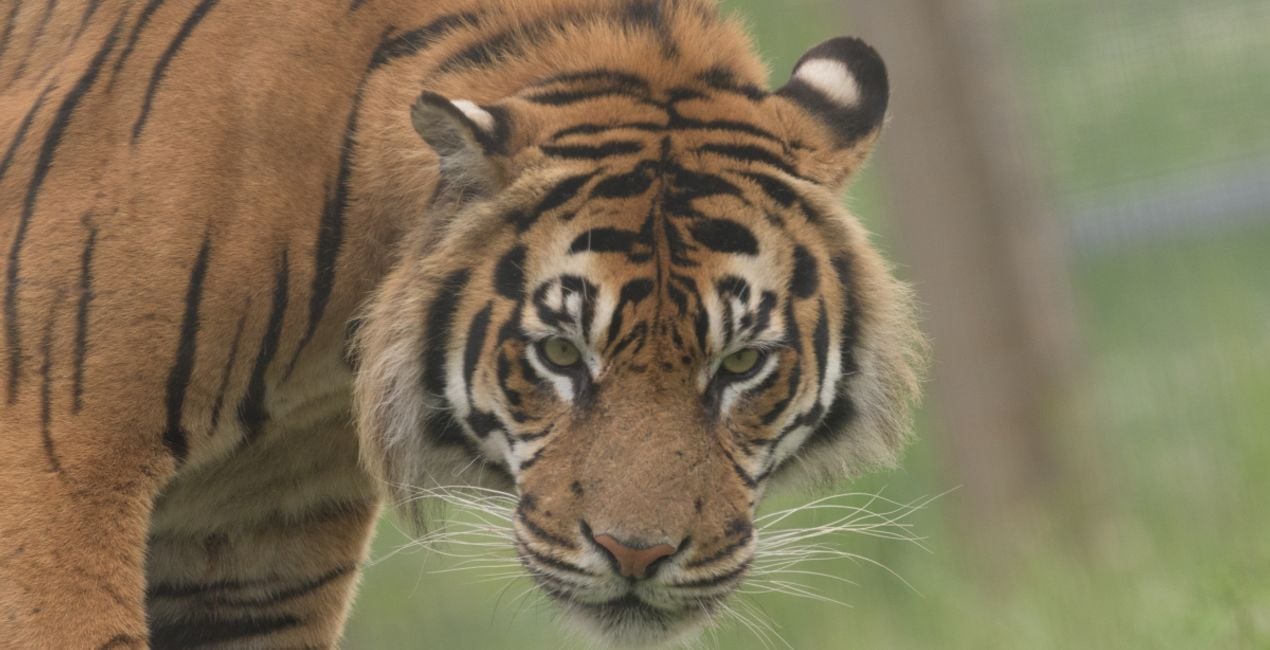
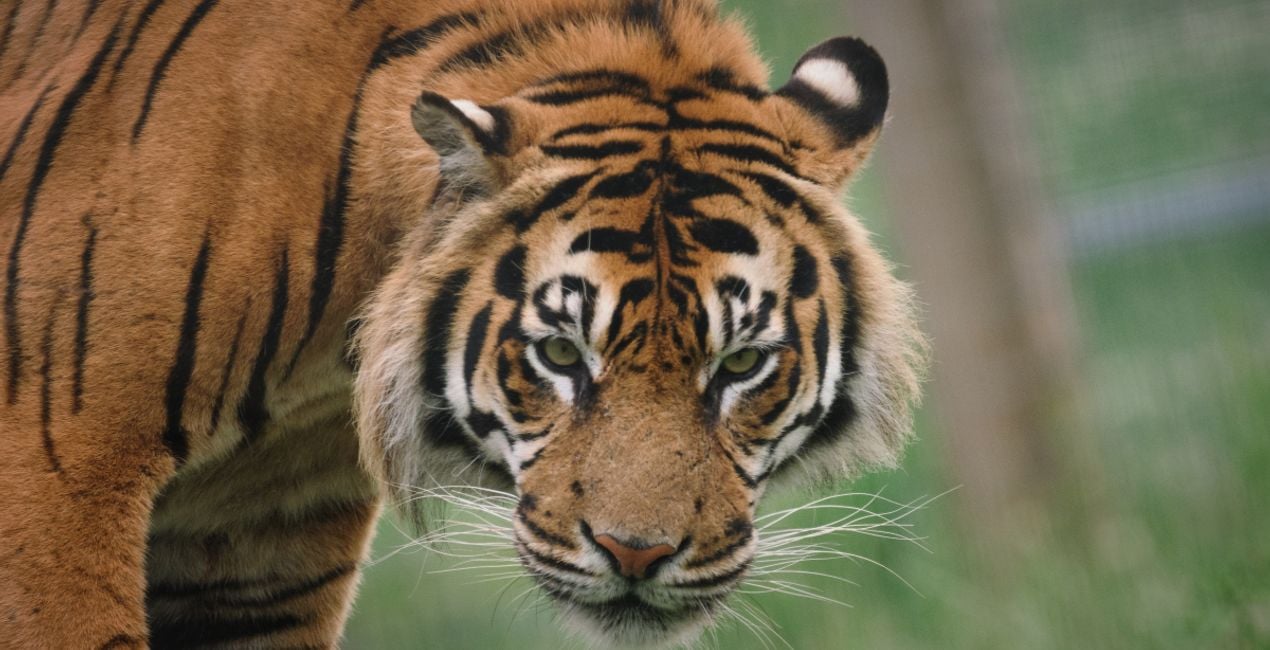
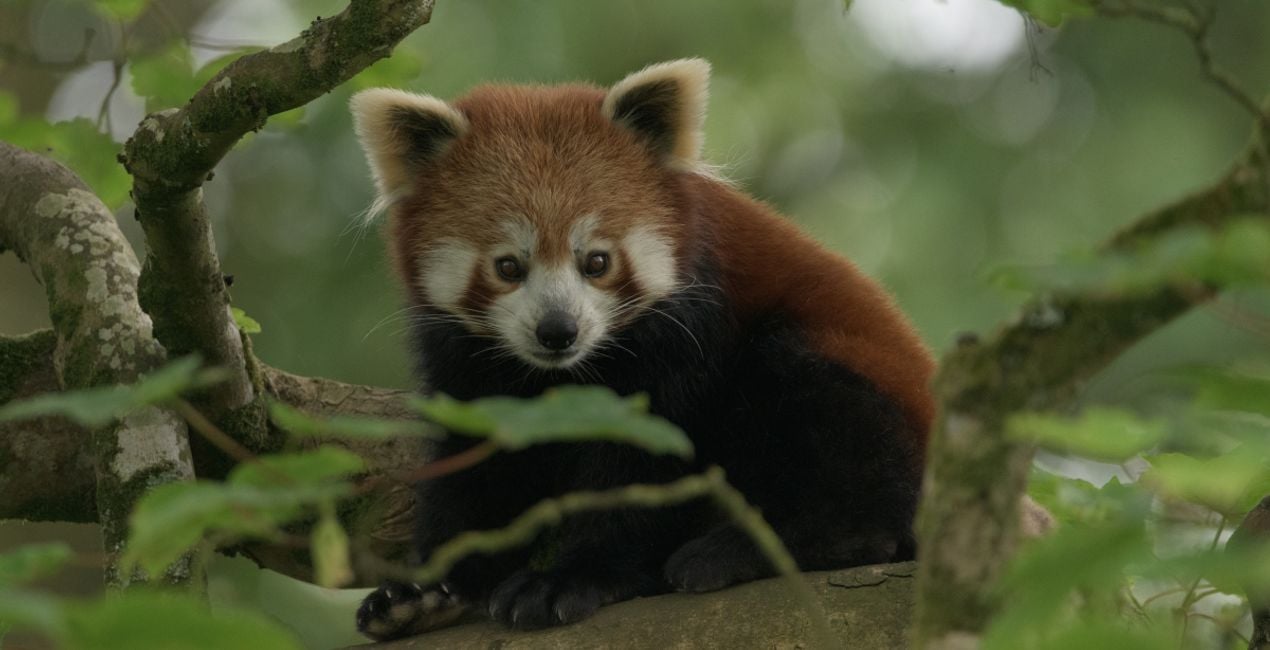
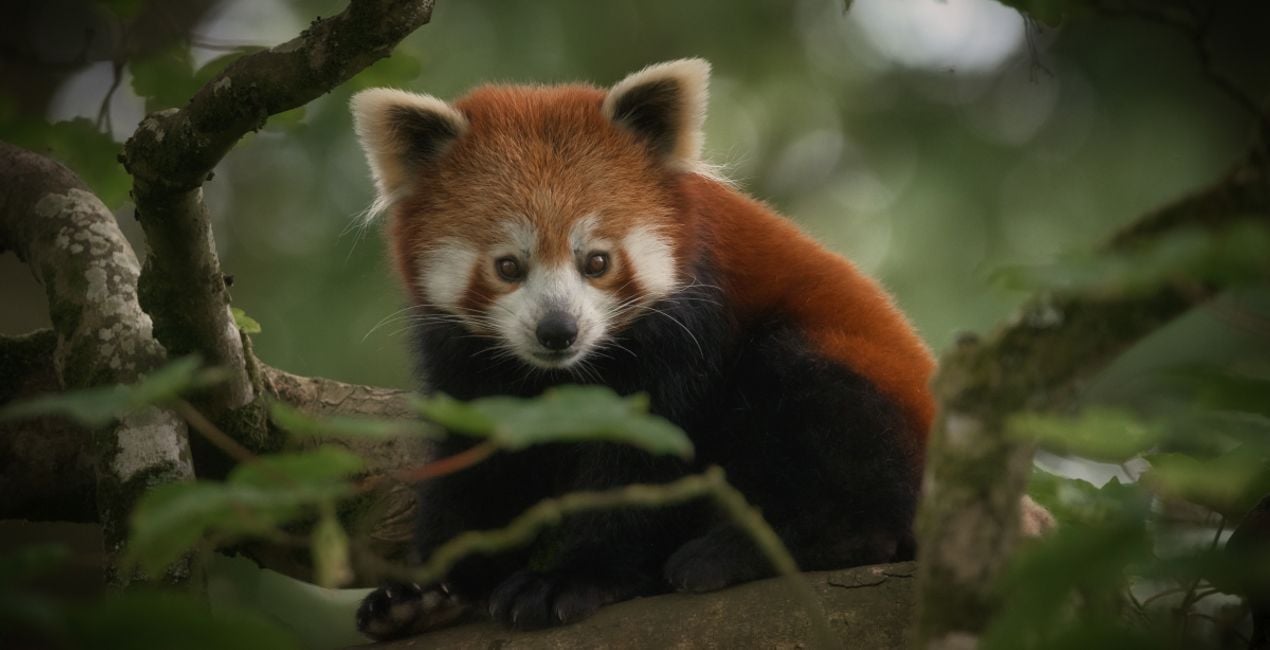
このような写真をゲット
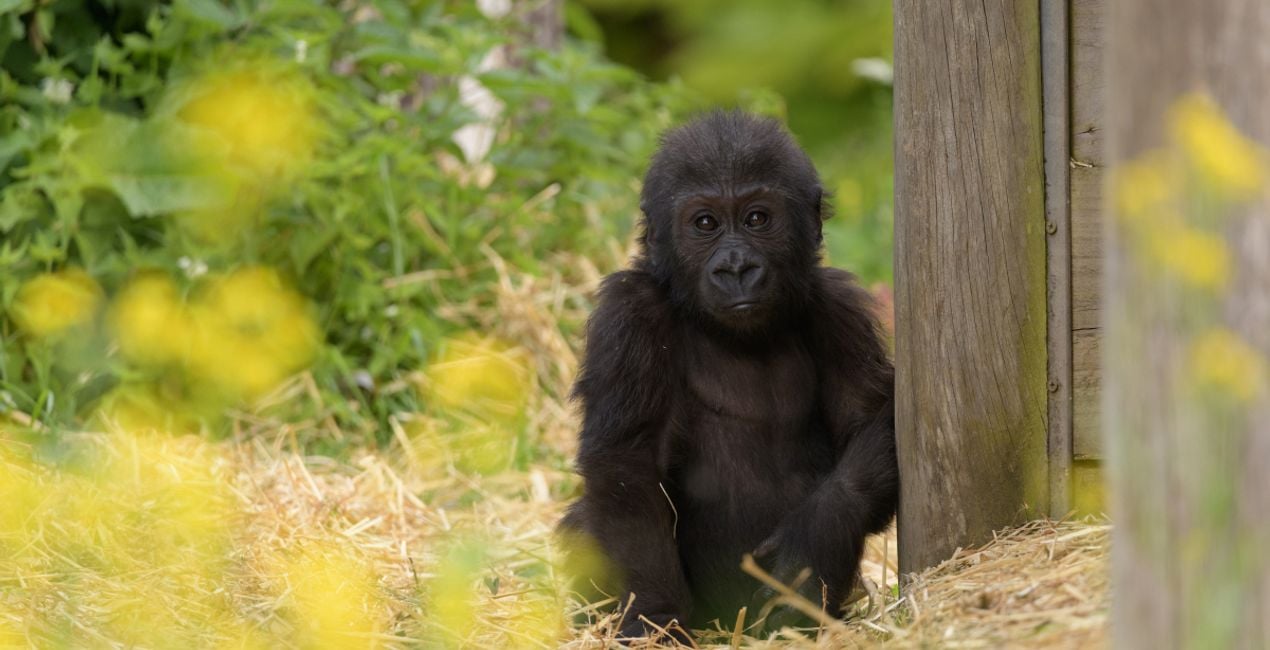
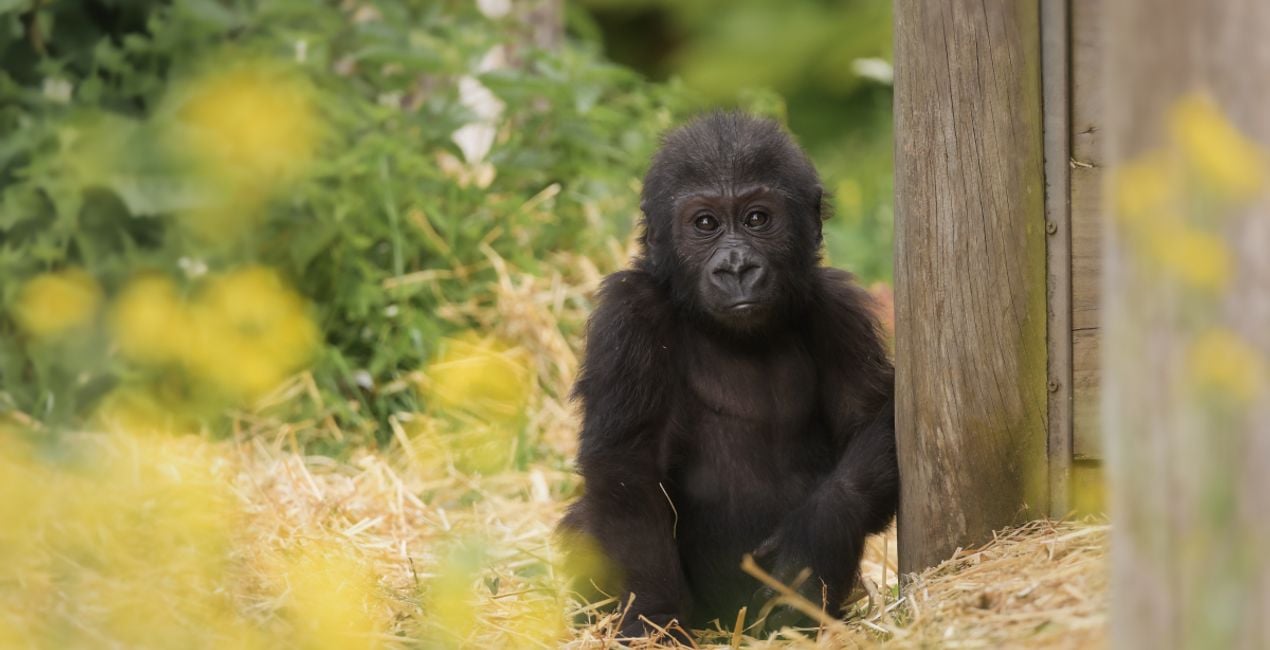
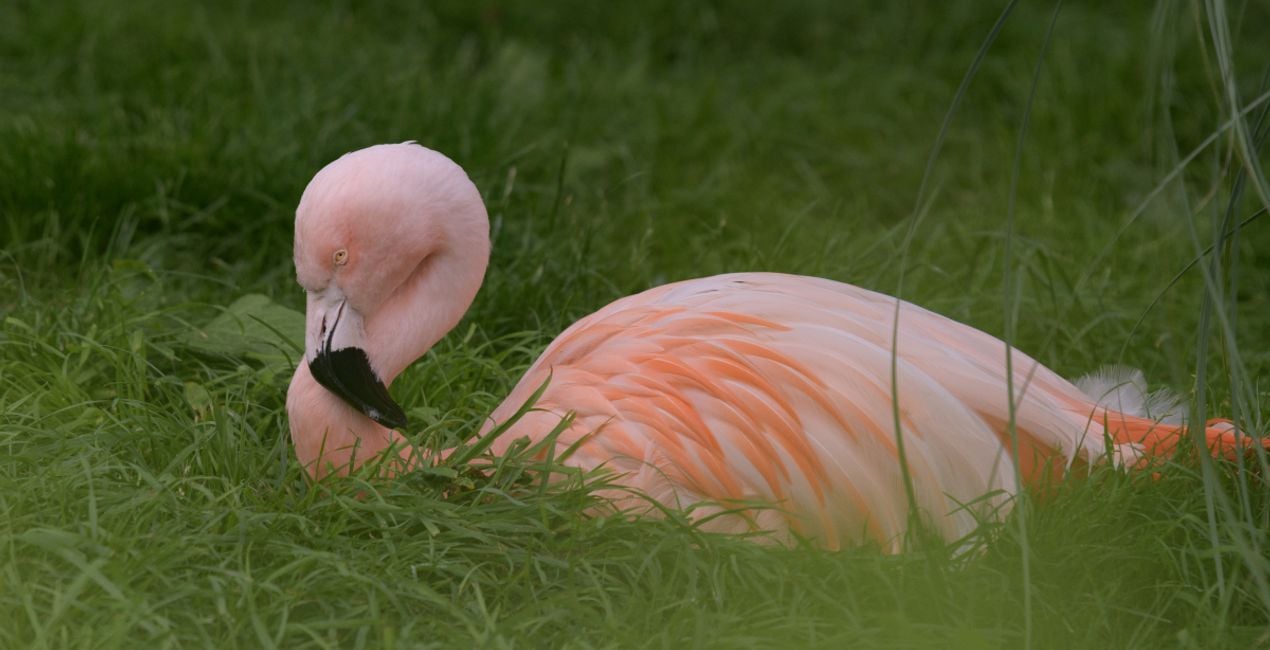
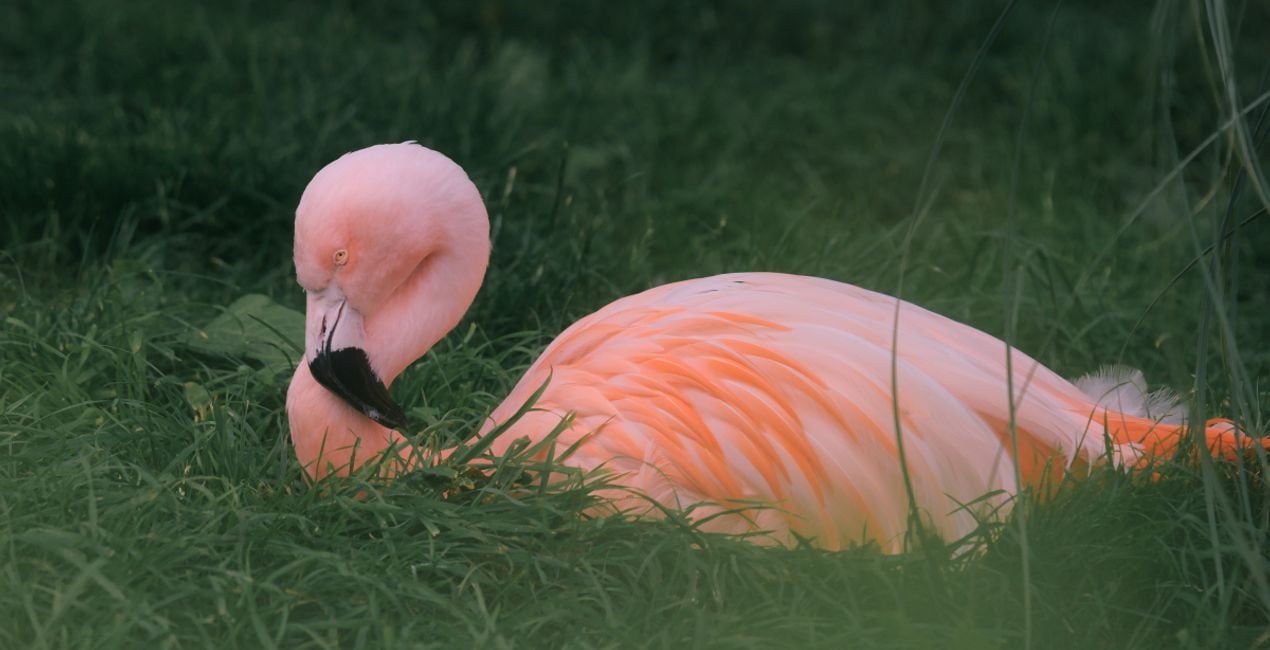
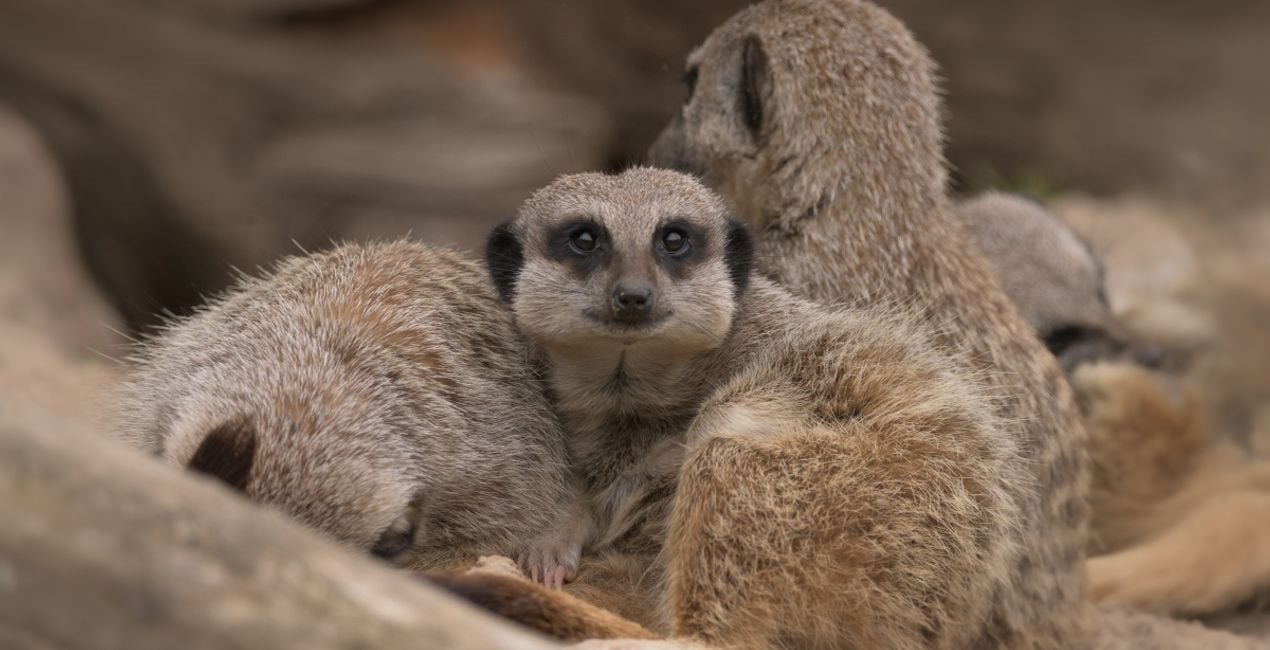
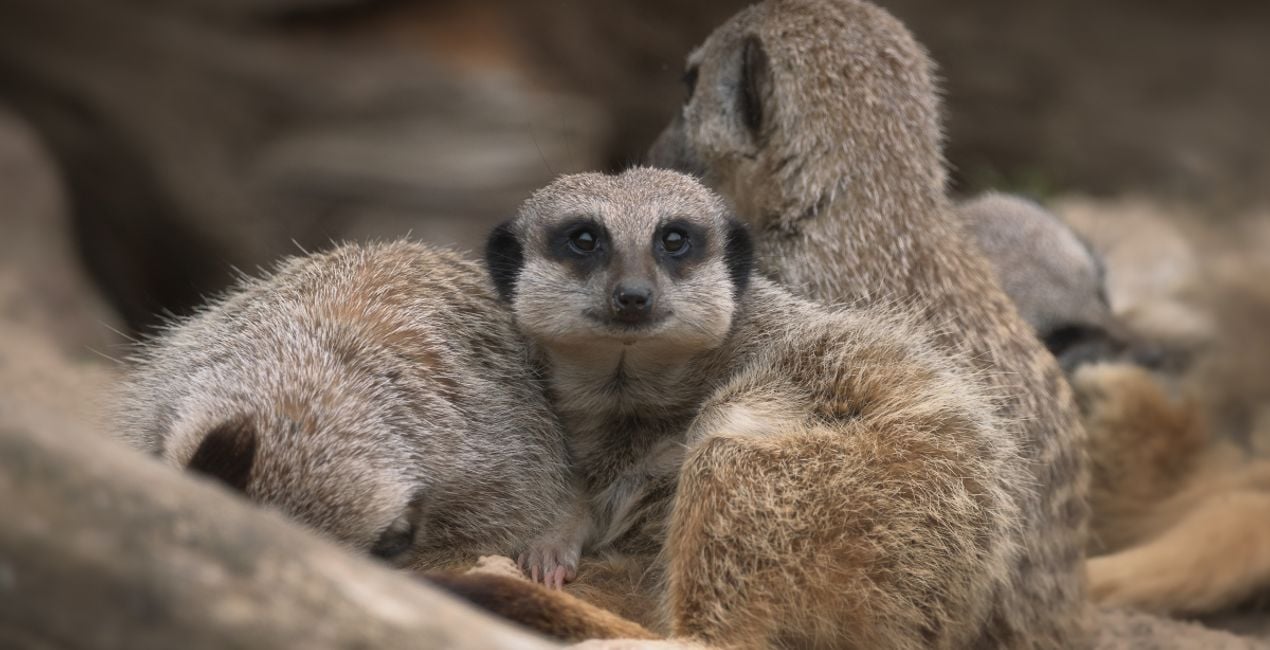
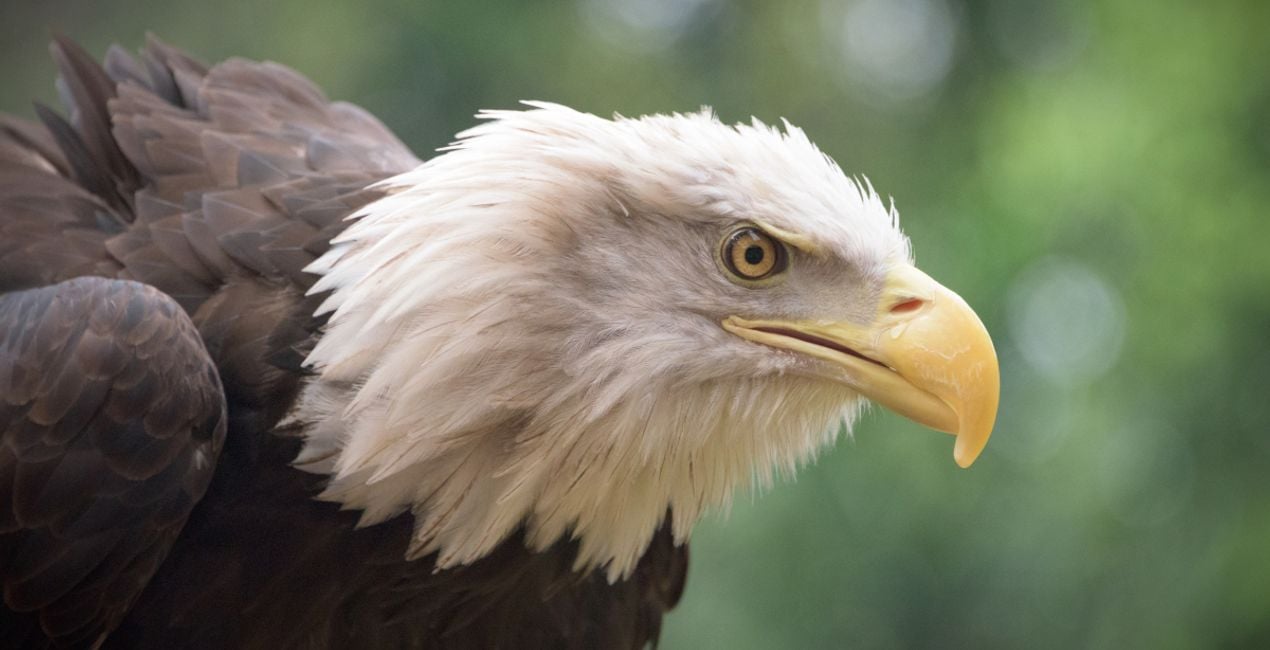
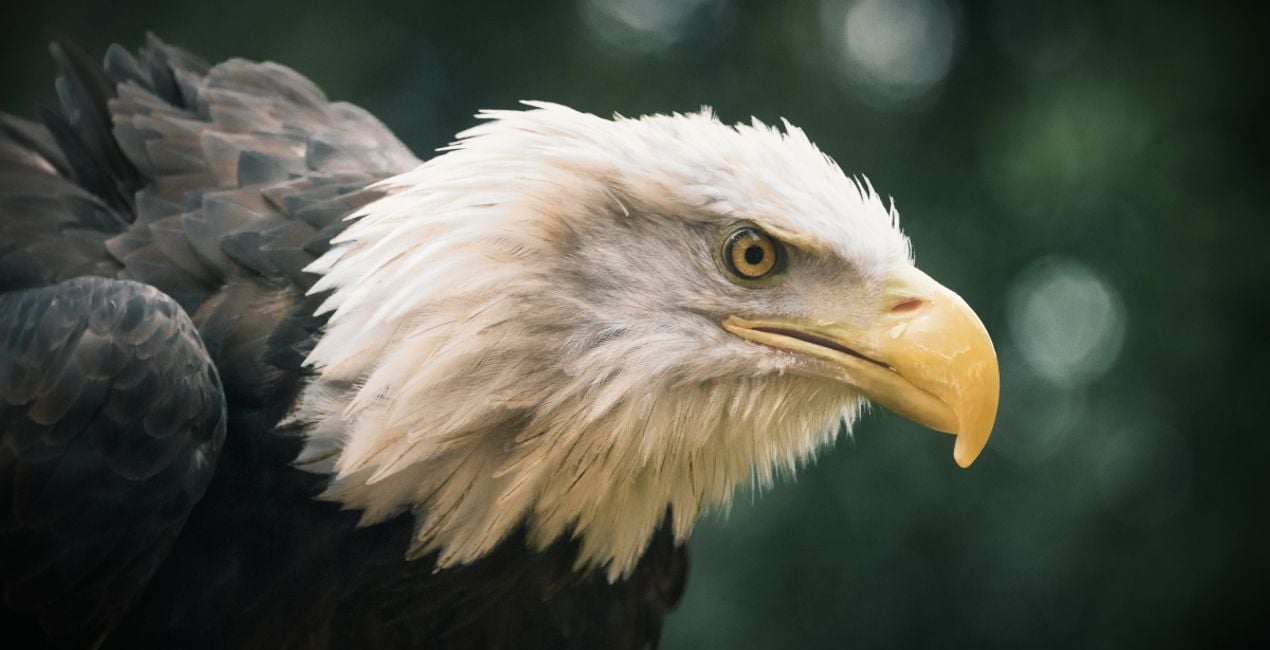
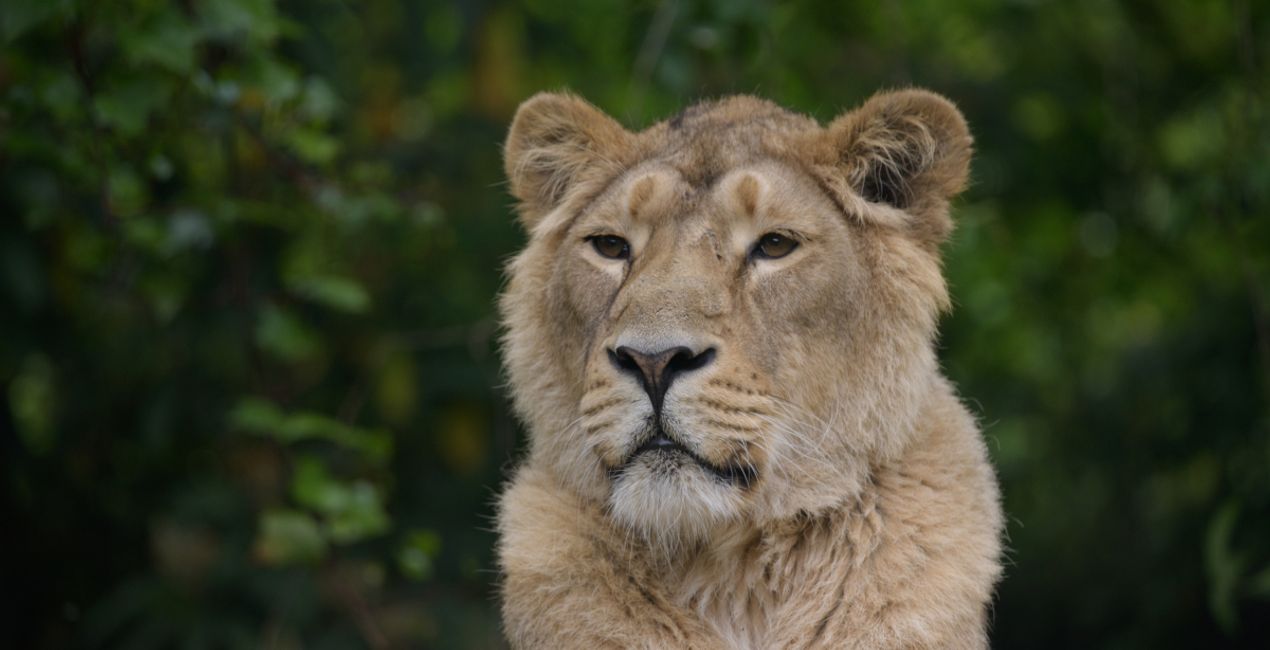
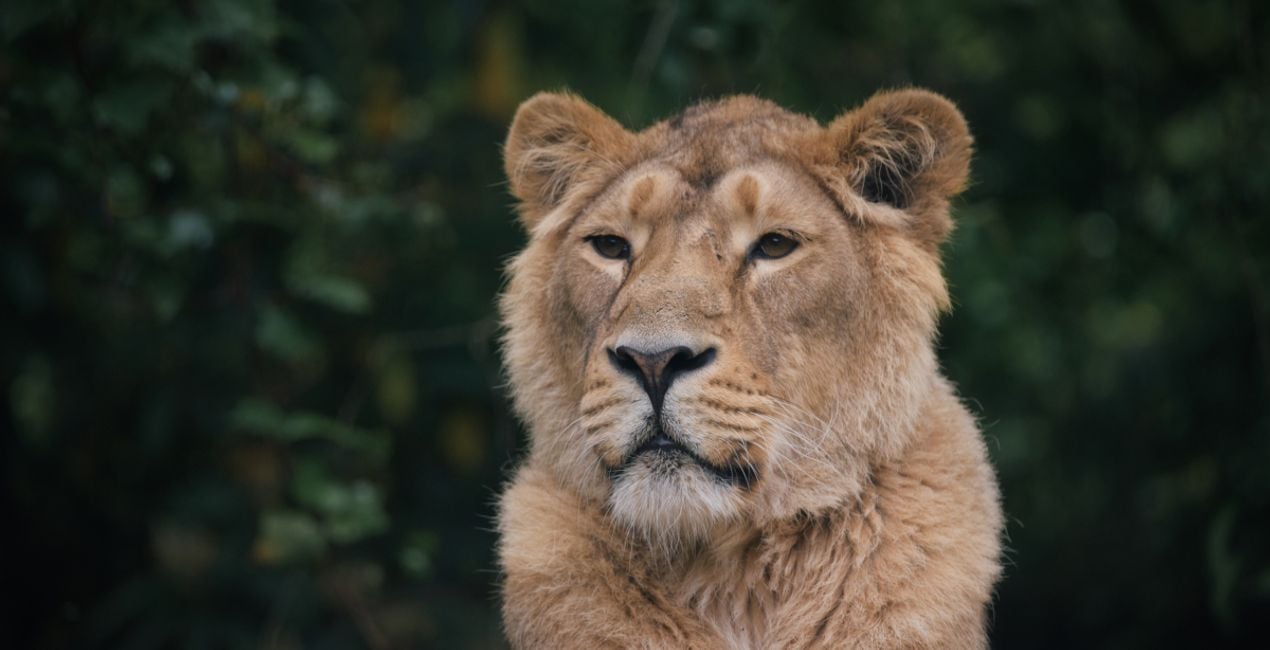
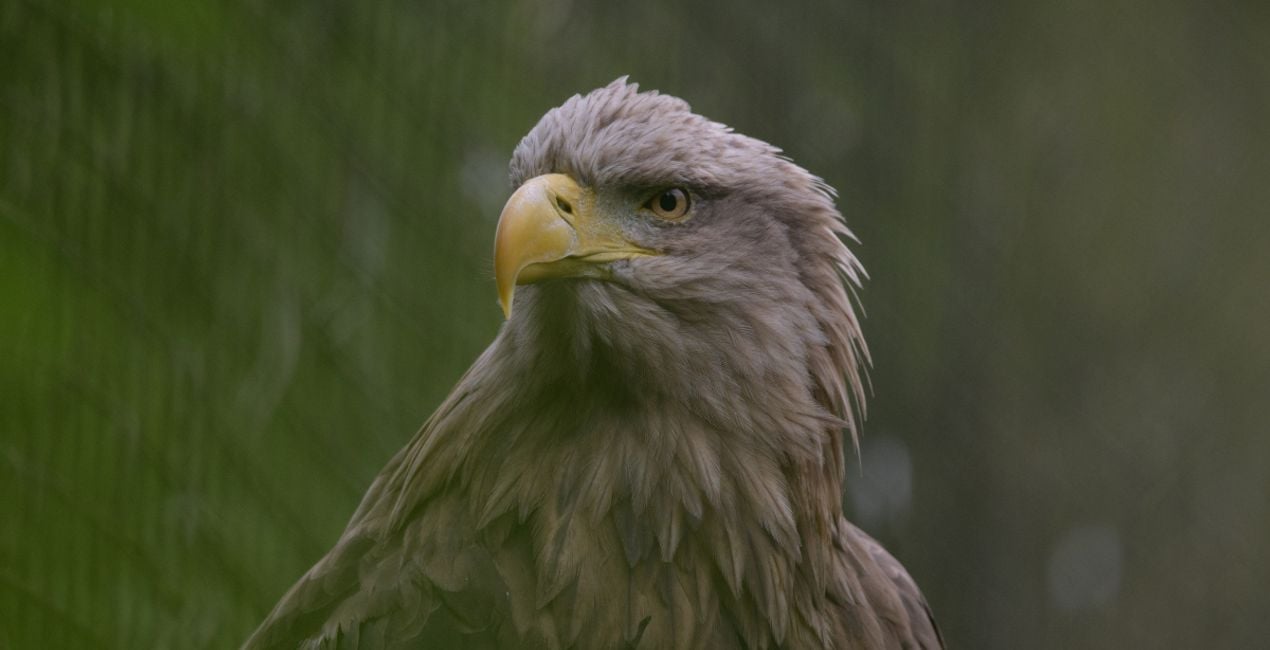
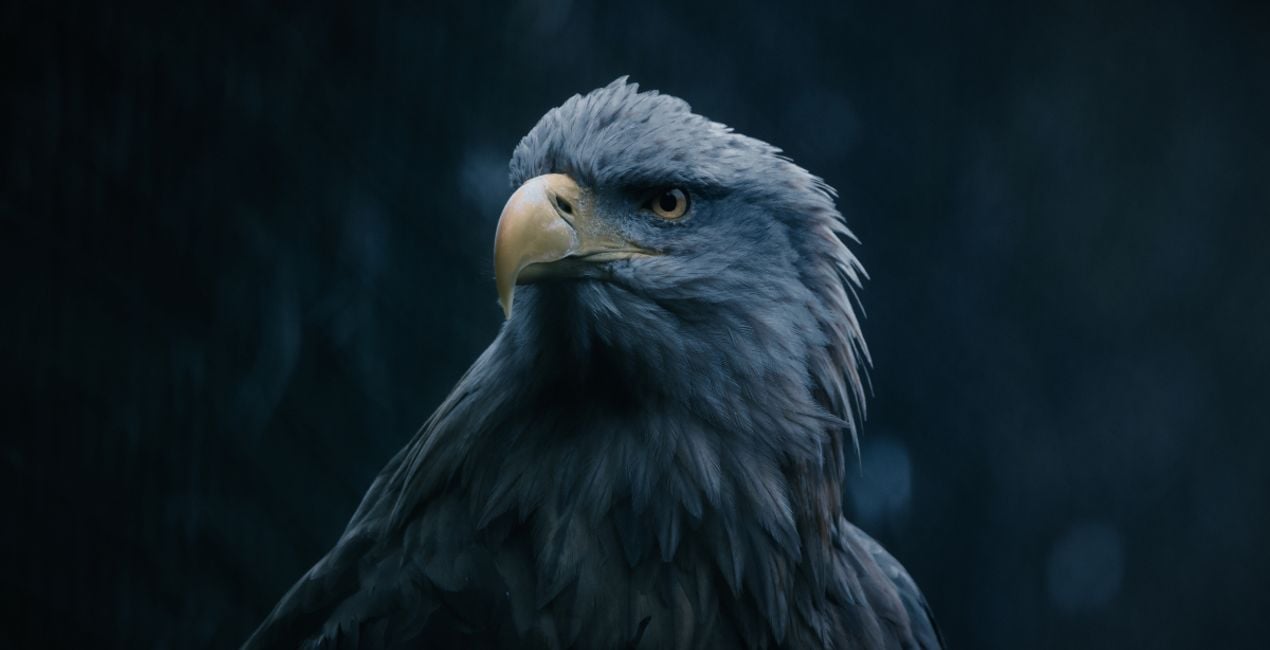
提供されたRAWファイルを使ってレタッチのコツを簡単に練習、こんな写真に仕上げる方法を学ぶことができます。
 >
>
 >
>
 >
>
 >
>
 >
>
 >
>
 >
>
 >
>
 >
>
 >
>
 >
>
 >
>
物語
Got photos of wild animals that don’t do these creatures justice?
Enhance them with the Templates in this collection.
Enjoy 12 fierce wild fauna Templates by Mathew Browne that are perfect for your safari photos.
Vibrant, dynamic, faded, atmospheric, mysterious — you name it, this collection has it. Perfect for animals you’ve encountered in the wild or in zoos, no matter how big or small.
With this collection, they will surely make an impression.
What you’ll find in this pack (12 Templates):
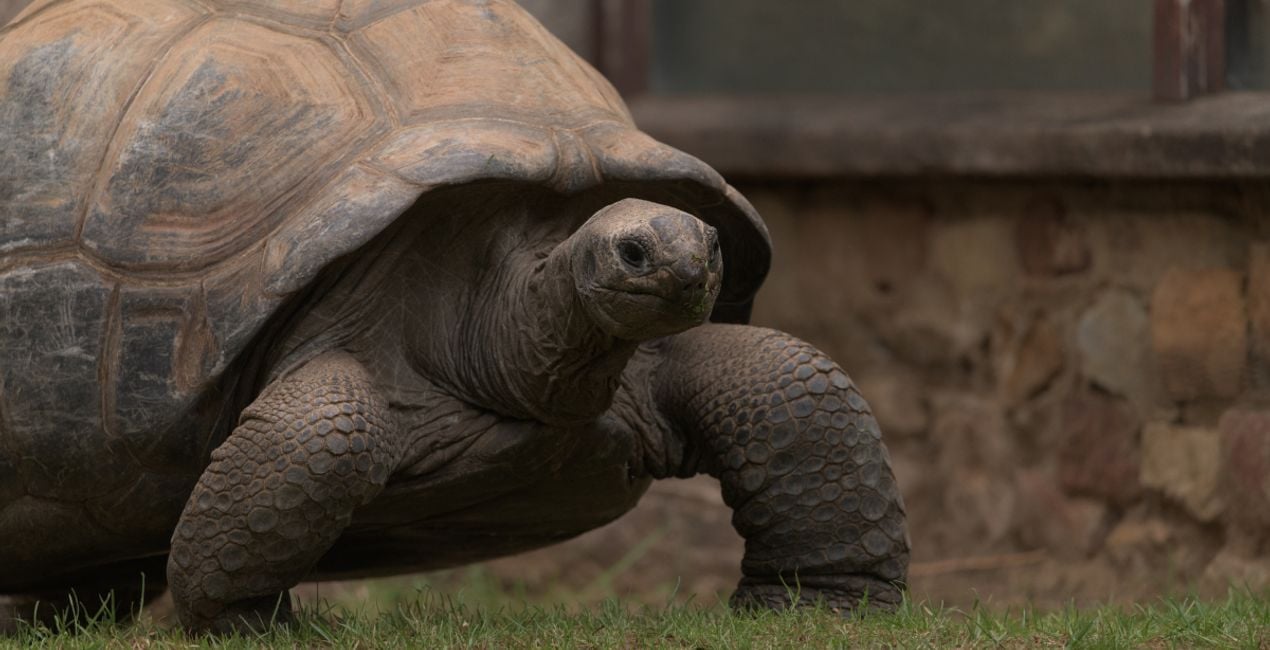
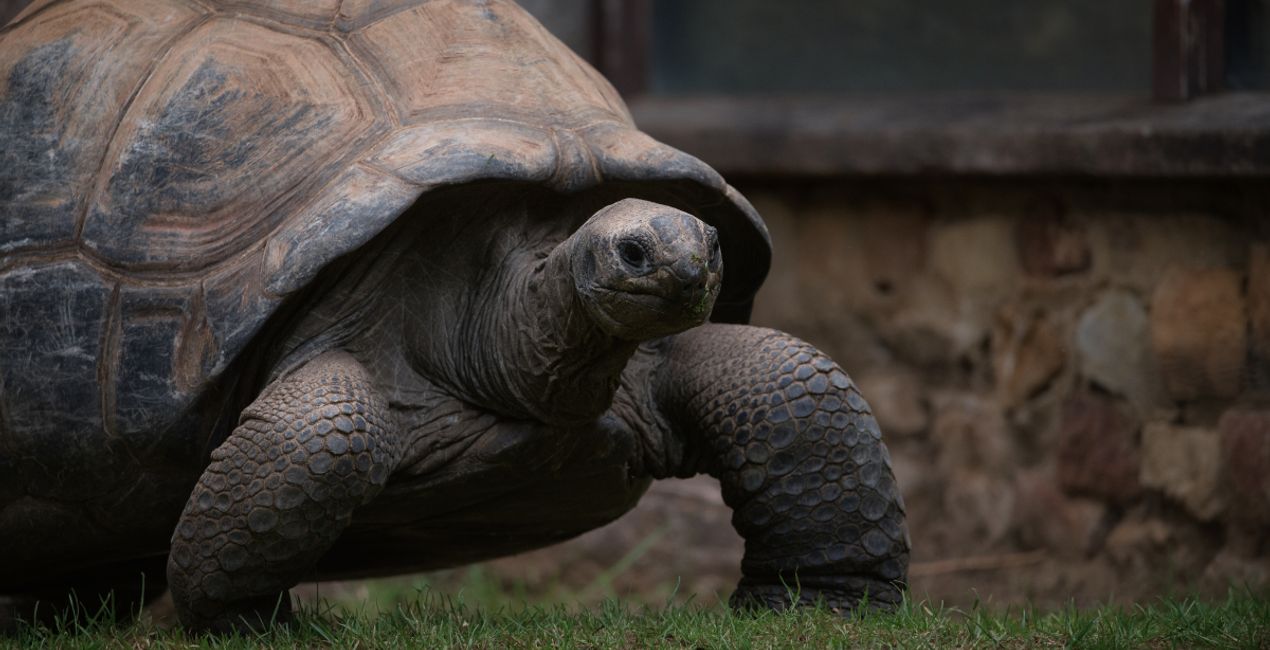
Tortoise Shell: Add a pleasing vignette, bring out details, and give a slightly cold tone for a captivating photo.
Flamingo: Make your photos stand out thanks to slightly darker toning plus enhanced contrast and depth.
Soft Fur: This Template adds softness and glow, perfect for enhancing the fur of cuddly animals.
Gorilla: This Template adds a darker, more mysterious tone that adds drama and pulls the viewer in.
Rainy Bird: An atmospheric Template in cold tones and shadows that adds a gloomy mood to your photo.
Tiger: Add contrast and color in one slide, making colorful animals stand out.
Meerkat: Elevate your subject by bringing a slightly darker toning to the background.
Red Panda: This Template enhances the contrast of the photo, adding an accentuating vignette.
Savanna: Bring a faded, subdued tone to your images for an atmospheric look.
Forest Bird: This rich Template adds drama and depth as well as a mystical glow.
Primates: A neutral tone that pulls the viewer toward the subject, with a slight vignette.
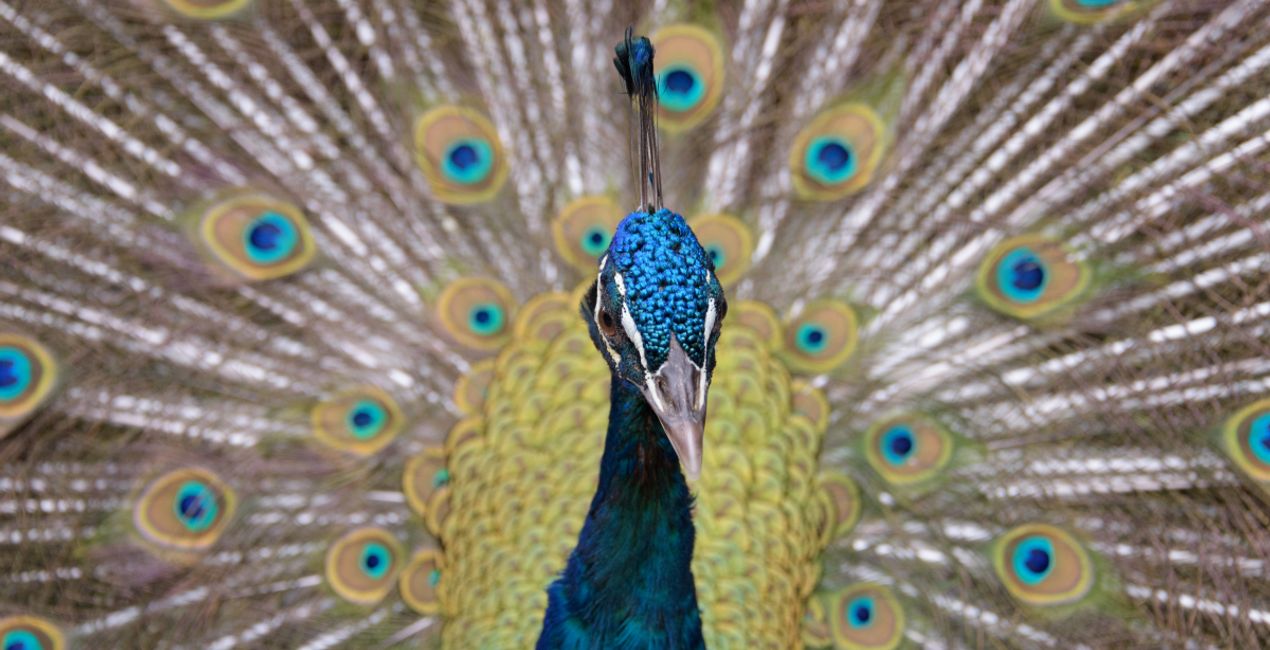
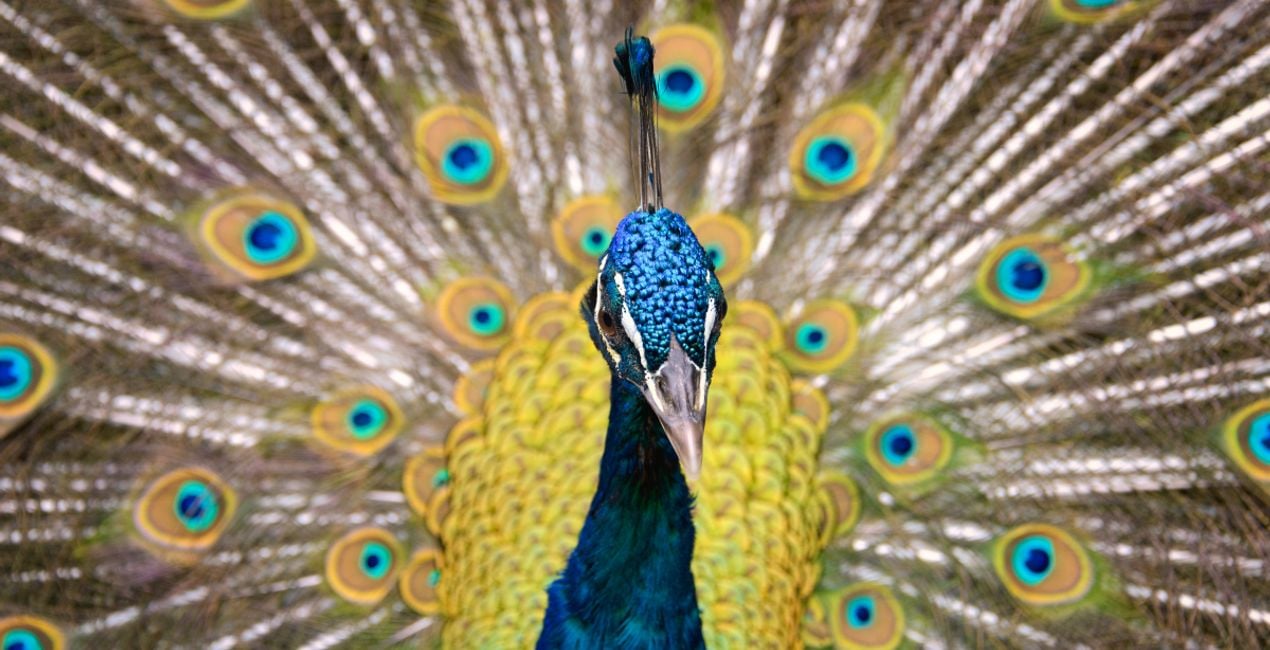
Peacock: Add a cheerful tone to your animal photos with this Template filled with bright colors and increased saturation.
Keep in mind that a Template’s default effect might be too strong for your photo.
If it is, simply bring it back a bit with the Amount slider.
Don’t forget to share your results! Use the hashtag #madewithluminar on social media so the Skylum Team can take a look at your work!
関連商品


クリエーター
Mathew Browne
Photographer. Skylum Ambassador.
Mathew Browne is a cross-genre photographer who has gained recognition for his vibrant images spanning the spectrum of travel photography. A prolific traveler, Mathew has visited nearly 70 countries and photographs extensively for the photo location sharing platform PhotoHound, which he co-founded in 2018.
These Looks serve as the foundation for much of his wildlife portfolio, often allowing him to achieve his desired result with just one click.
サポートへの問い合わせ方法は?
製品についてご質問がございましたら、24時間対応のサポートチームまでお問い合わせください。こちらのリンクをご利用ください。
Amazing Animals - Part IIを購入する方法は?
Amazing Animals - Part IIを購入するには、次の手順に従ってください:
1. Skylumのマーケットプレイスを開きます。
2. Amazing Animals - Part IIがリストされているタブに移動し、クリックしてカートに追加します。
3. カートに進み、Amazing Animals - Part IIの購入手続きを完了してください。
4. ご購入後、Amazing Animals - Part IIのダウンロードリンクが記載された購入完了メールが届きます。また、Skylumアカウントの「マイアドオン」タブからも新しいアイテムをご確認いただけます。
Amazing Animals - Part IIをインストールする方法は?
Amazing Animals - Part IIのインストール手順の詳細は、ダウンロードリンクと一緒にお送りする「購入完了メール」に記載されています。
また、Luminar Neoから購入されたアイテムを直接インストールすることもできます。エクストラ > マーケットプレイスに進み、商品カテゴリを選択して、購入済みアイテムを見つけてインストールをクリックしてください。
Amazing Animals - Part IIのインストール後、どこで見つけられますか?
とても簡単です!プリセット タブに移動して、購入済みを選択してください。インストールしたプリセットがここに表示されます。
Amazing Animals - Part II を失くしてしまった場合は?
ご安心ください。Amazing Animals - Part IIを含むすべての購入済みアイテムは、Skylumアカウントの「マイアドオン」タブ に保存されるため、簡単に再ダウンロードしてご利用いただけます。
Amazing Animals - Part IIが自分のソフトに対応しているかどうかを確認するには?
ほとんどのアイテムはLuminar Neoに対応しています。ただし、確実にAmazing Animals - Part IIがお使いのソフトと互換性があるかを確認するには、ダウンロードや購入前に製品仕様をご確認ください。Amazing Animals - Part IIページ右側の「互換性」セクションに対応しているすべての製品が表示されています。


