

 適用する
適用する 




当社について
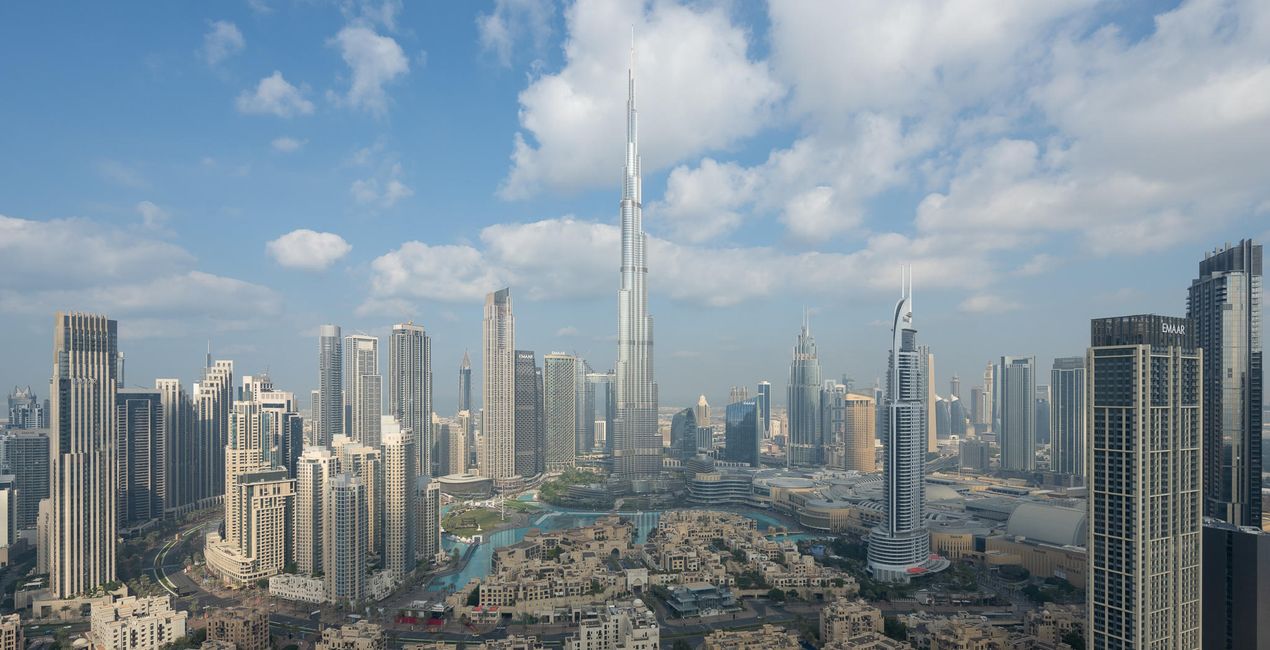
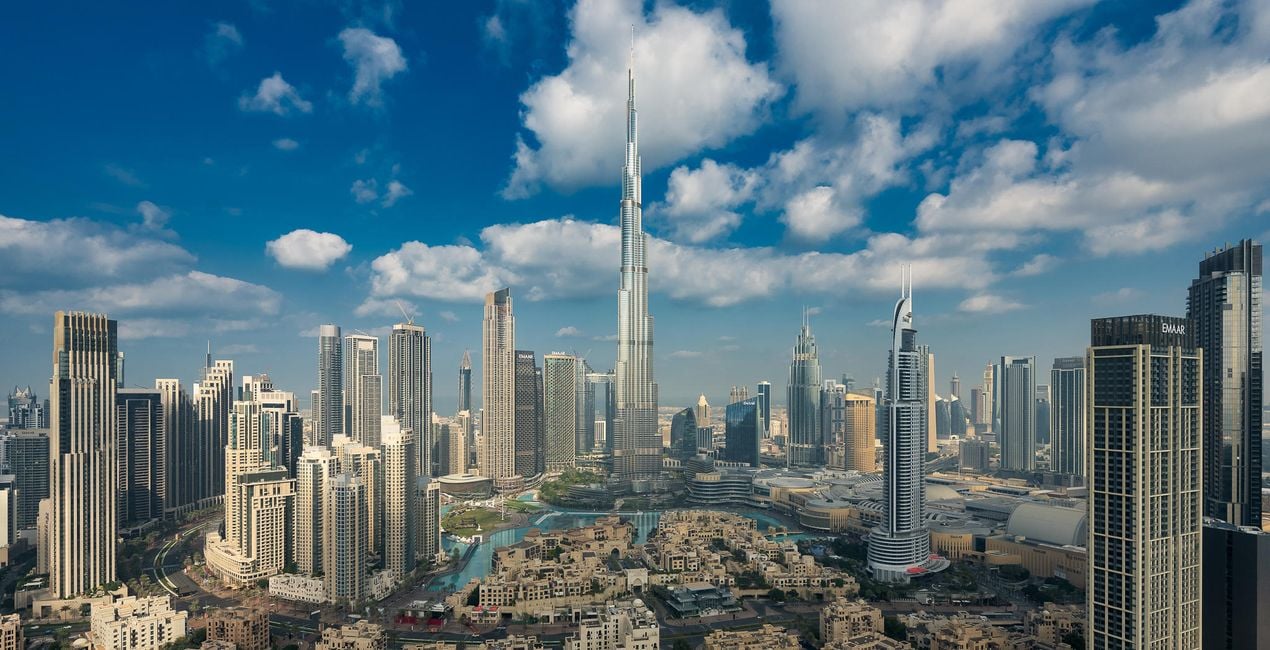
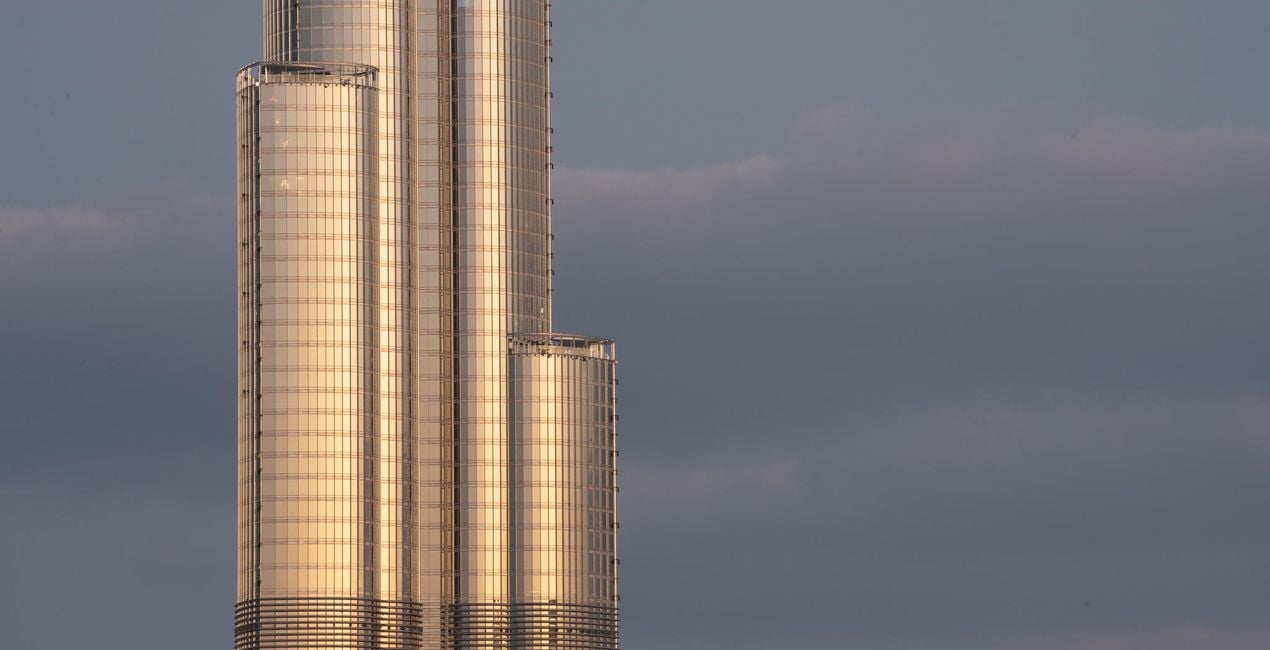
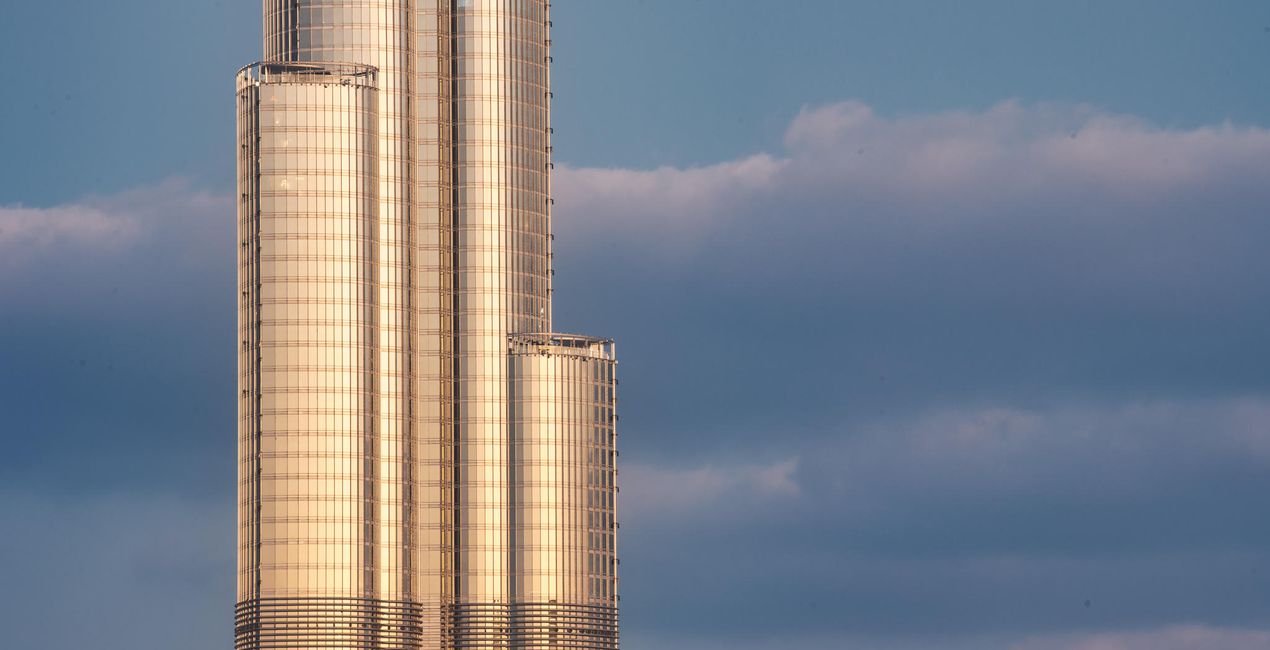
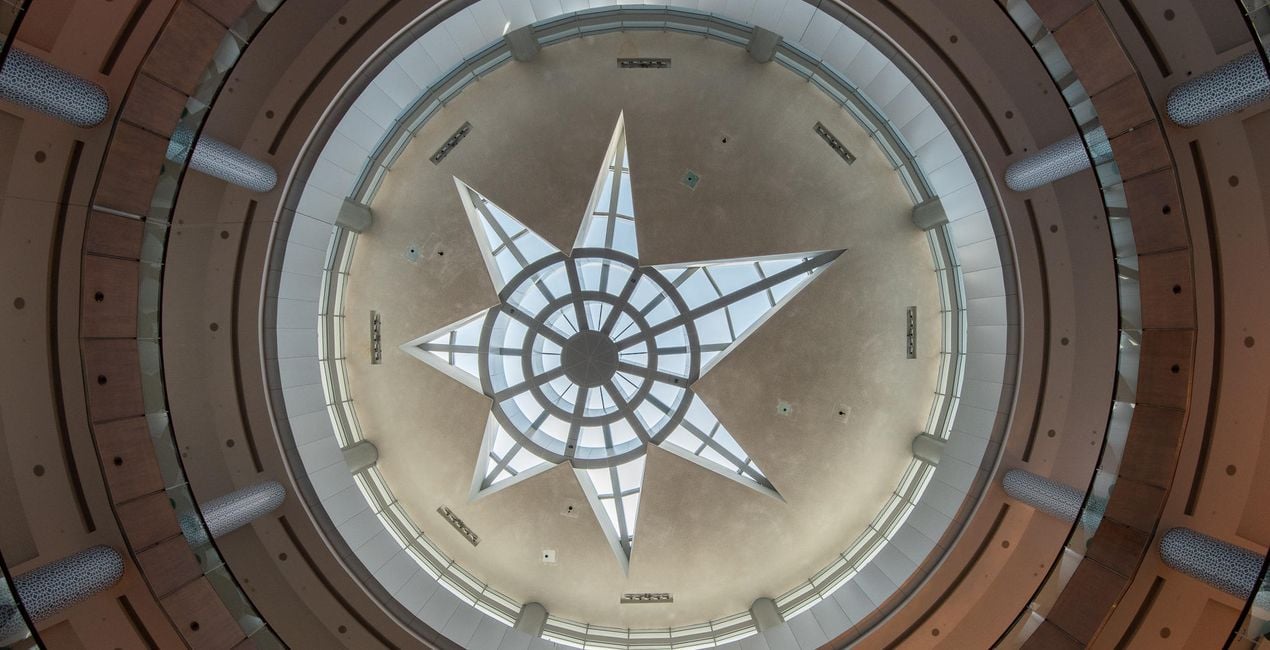
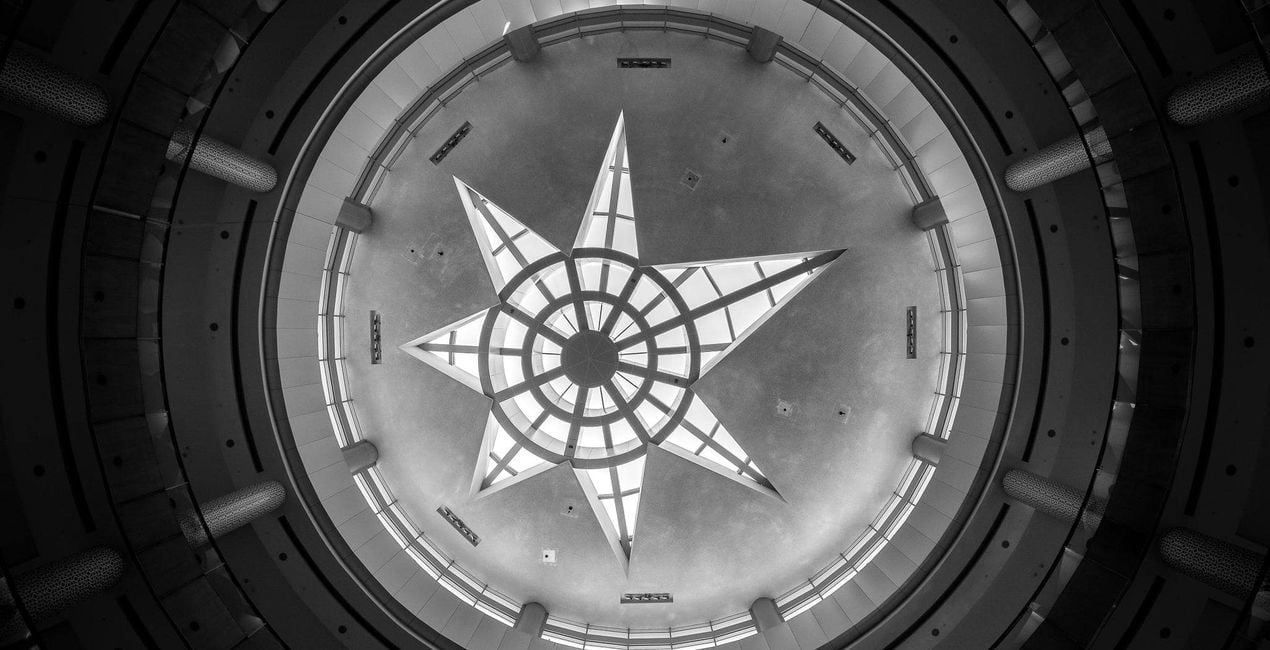
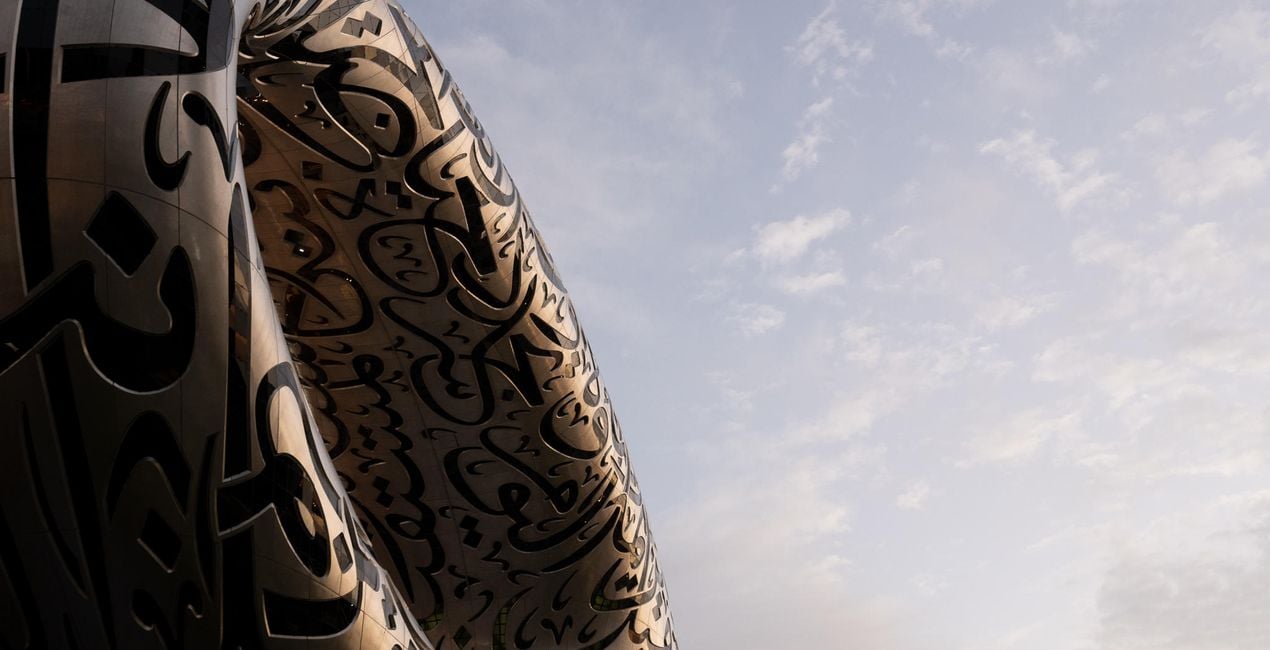
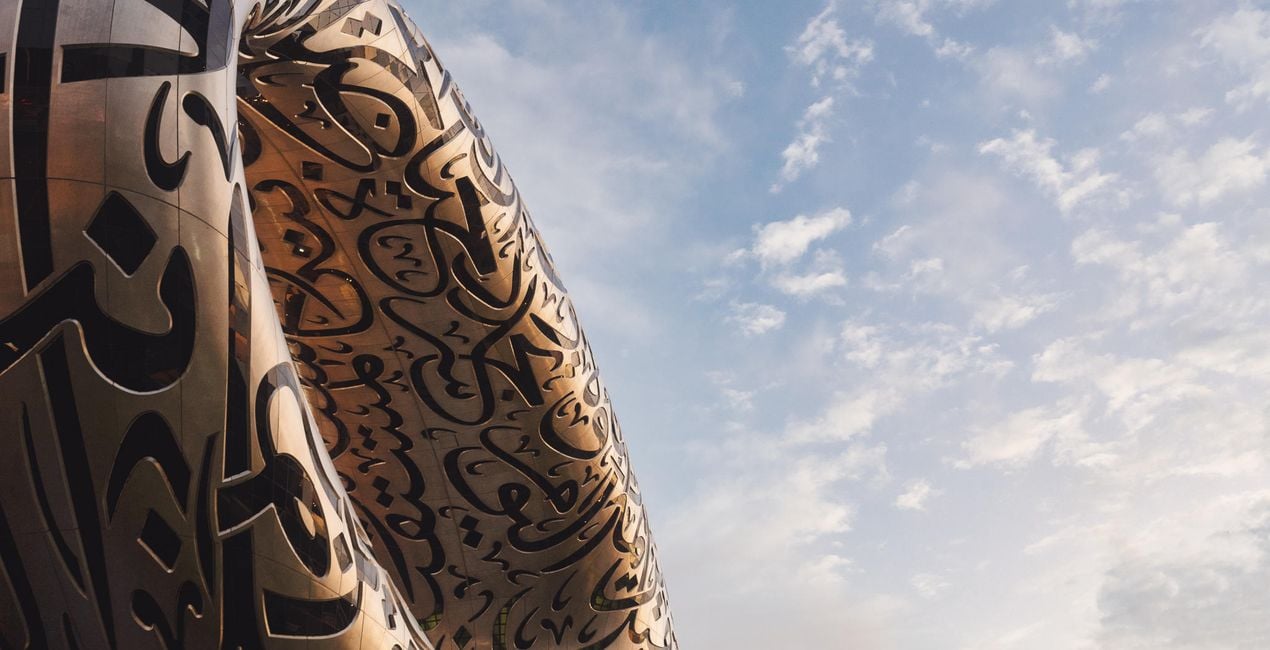
These 10 incredible Presets for Luminar Neo will transform your images of Dubai and other world cities. Designed for typical city scenes, the Presets are tailored for hazy golden hours, dramatic interior architecture, electric blue hours, and shimmering nightscapes.
互換性

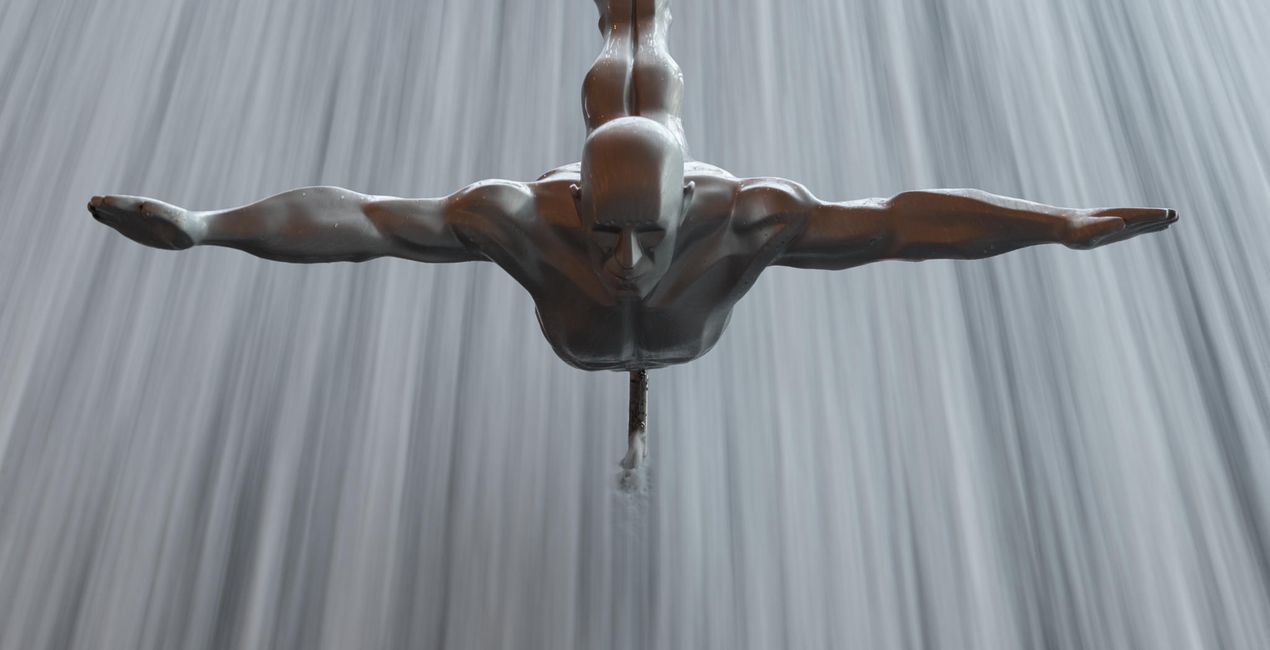
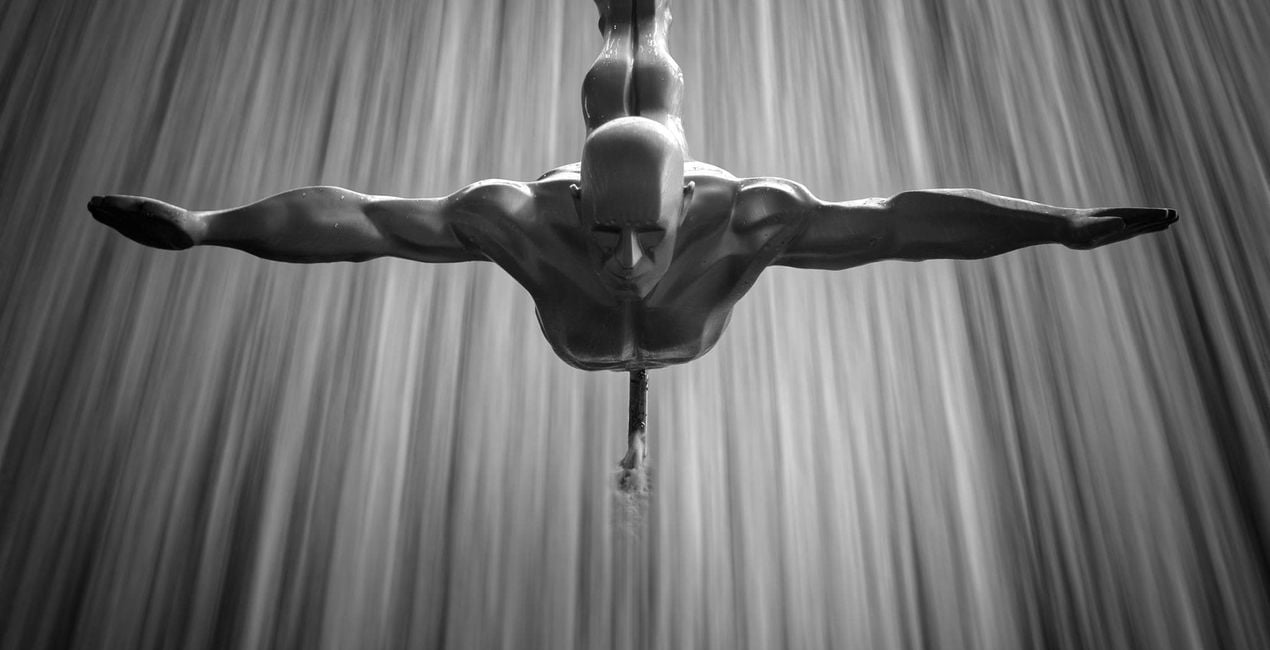
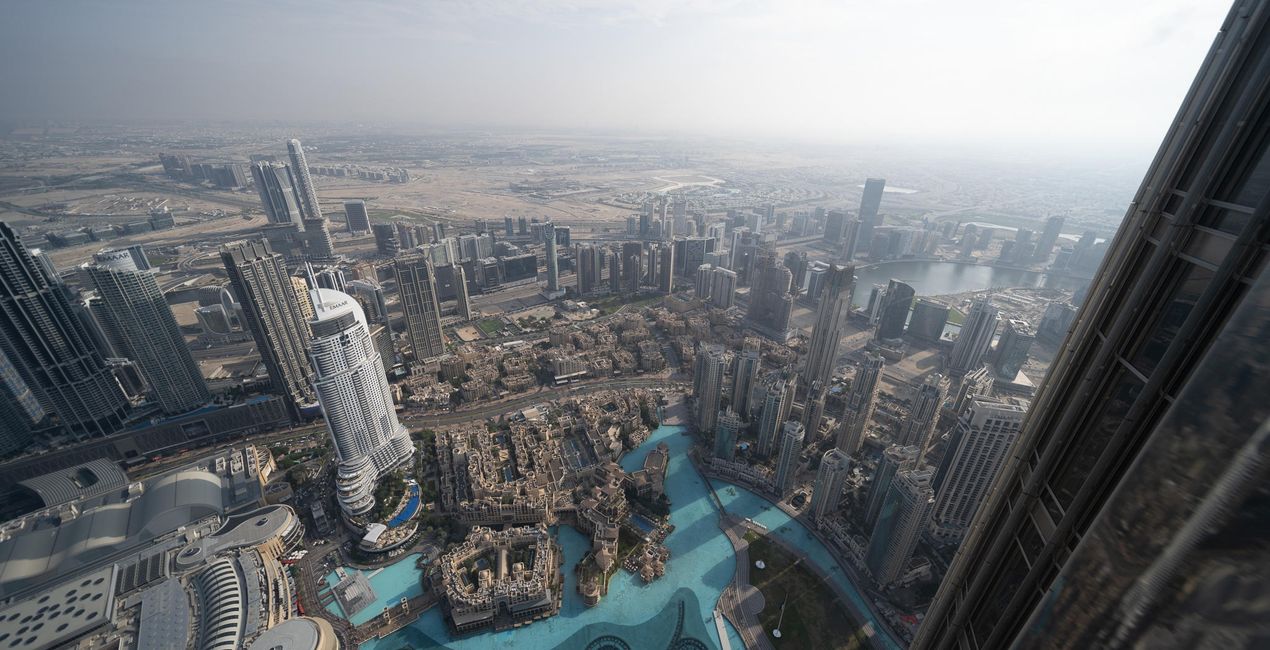
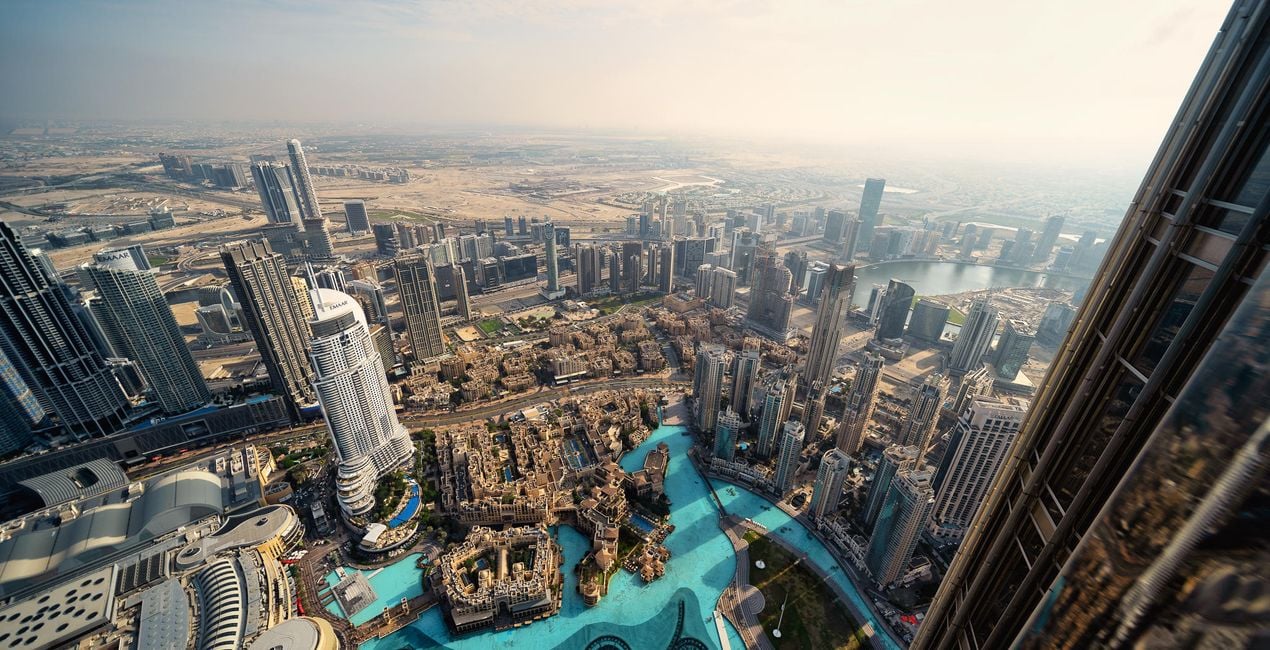
このような写真をゲット
提供されたRAWファイルを使ってレタッチのコツを簡単に練習、こんな写真に仕上げる方法を学ぶことができます。
 >
>
 >
>
 >
>
 >
>
 >
>
 >
>
物語
Turn your cityscape travel photos into works of art with these Presets that are ideal for raw files. Time to try them out on your photos!
You’ll find 10 Presets in this pack:
Haze: Cuts through smog and haze to boost contrast, details, and structure
Fireworks: Richly saturated highlights with dramatic details and structure combine to form an impressive nighttime look
Blue Hour: Create a cinematic blue hour look with warm highlights and rich skies
From Above: Eliminates haze and boosts color contrast and warmth
Architecture: Saturated skies, rich contract, and improved sharpness and detail; ideal for telephoto closeups
Night: Reduces the orange and muddy brown tones associated with smog, haze, and clouds while introducing electric blue highlights for a futuristic look
Atrium: A super-high-contrast black and white look to turn interior shots into high key works of art
Fountain: For blue hour images with warm streaks of light
Sunset: Bathe your images in a coral glow to evoke memories of a warm sunset
Daytime: No polariser, no problem! Rich sky tones and a warm foreground combine to form a cinematic daytime look
Don’t forget to share your results! Use the hashtag #madewithluminar on social media so the Skylum Team can take a look at your work!
関連商品


クリエーター
Mathew Browne
Photographer. Skylum Ambassador.
Mathew Browne is a cross-genre photographer who has gained recognition for his vibrant images spanning the spectrum of travel photography. A prolific traveler, Mathew has visited nearly 70 countries and photographs extensively for the photo location sharing platform PhotoHound, which he co-founded in 2018.
These Looks serve as the foundation for much of his wildlife portfolio, often allowing him to achieve his desired result with just one click.
サポートへの問い合わせ方法は?
製品についてご質問がございましたら、24時間対応のサポートチームまでお問い合わせください。こちらのリンクをご利用ください。
Memories of Dubaiを購入する方法は?
Memories of Dubaiを購入するには、次の手順に従ってください:
1. Skylumのマーケットプレイスを開きます。
2. Memories of Dubaiがリストされているタブに移動し、クリックしてカートに追加します。
3. カートに進み、Memories of Dubaiの購入手続きを完了してください。
4. ご購入後、Memories of Dubaiのダウンロードリンクが記載された購入完了メールが届きます。また、Skylumアカウントの「マイアドオン」タブからも新しいアイテムをご確認いただけます。
Memories of Dubaiをインストールする方法は?
Memories of Dubaiのインストール手順の詳細は、ダウンロードリンクと一緒にお送りする「購入完了メール」に記載されています。
また、Luminar Neoから購入されたアイテムを直接インストールすることもできます。エクストラ > マーケットプレイスに進み、商品カテゴリを選択して、購入済みアイテムを見つけてインストールをクリックしてください。
Memories of Dubaiのインストール後、どこで見つけられますか?
とても簡単です!プリセット タブに移動して、購入済みを選択してください。インストールしたプリセットがここに表示されます。
Memories of Dubai を失くしてしまった場合は?
ご安心ください。Memories of Dubaiを含むすべての購入済みアイテムは、Skylumアカウントの「マイアドオン」タブ に保存されるため、簡単に再ダウンロードしてご利用いただけます。
Memories of Dubaiが自分のソフトに対応しているかどうかを確認するには?
ほとんどのアイテムはLuminar Neoに対応しています。ただし、確実にMemories of Dubaiがお使いのソフトと互換性があるかを確認するには、ダウンロードや購入前に製品仕様をご確認ください。Memories of Dubaiページ右側の「互換性」セクションに対応しているすべての製品が表示されています。


