

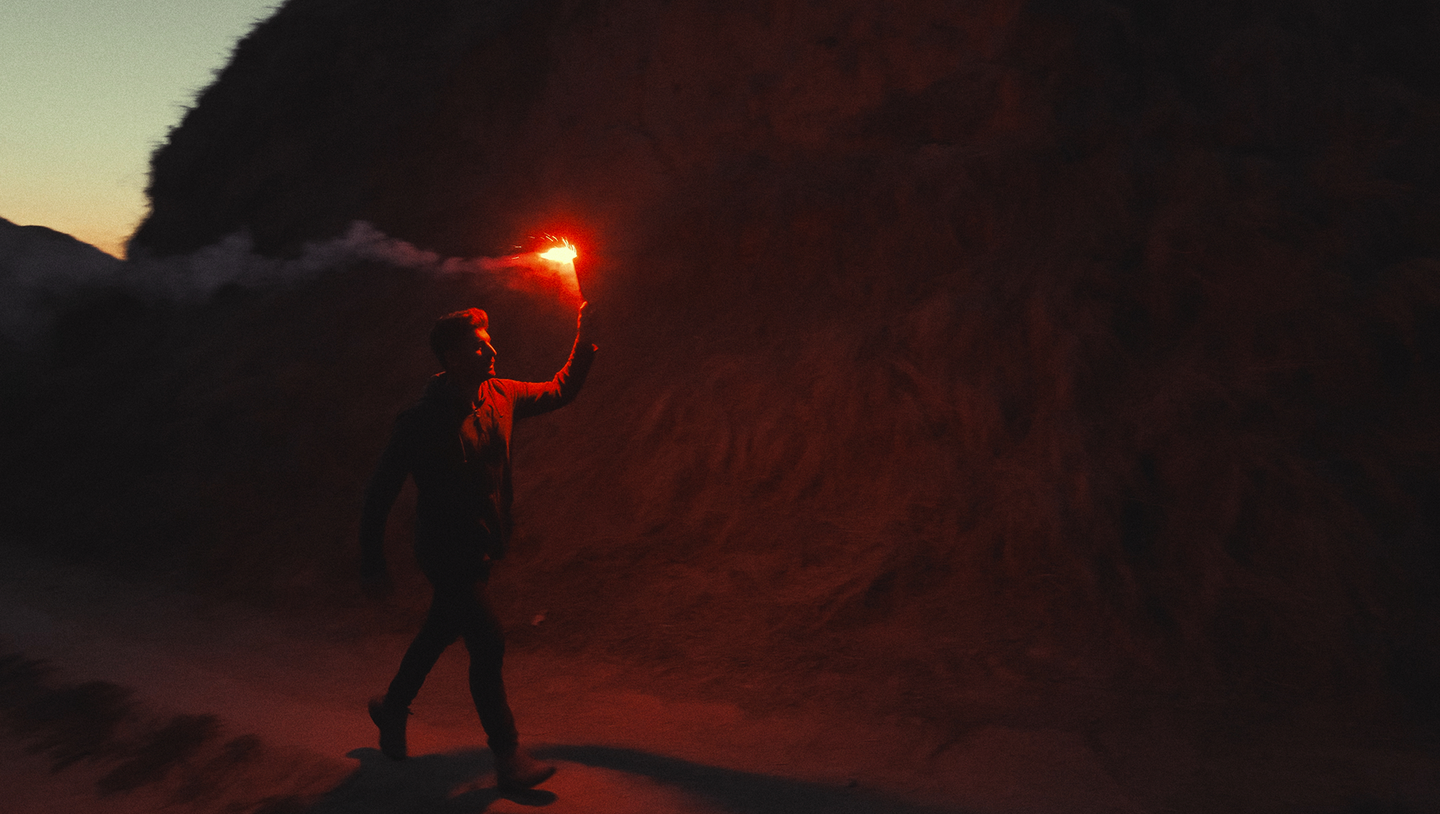
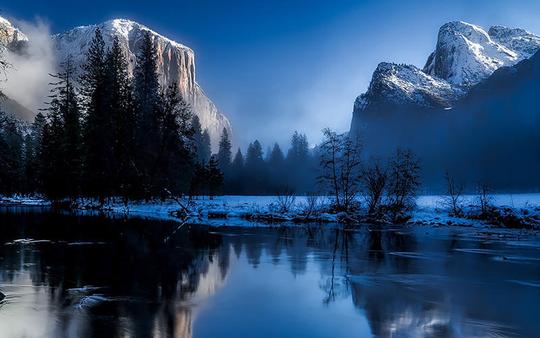
 © DPimage
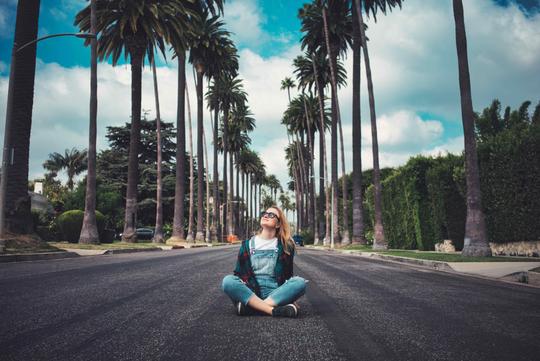
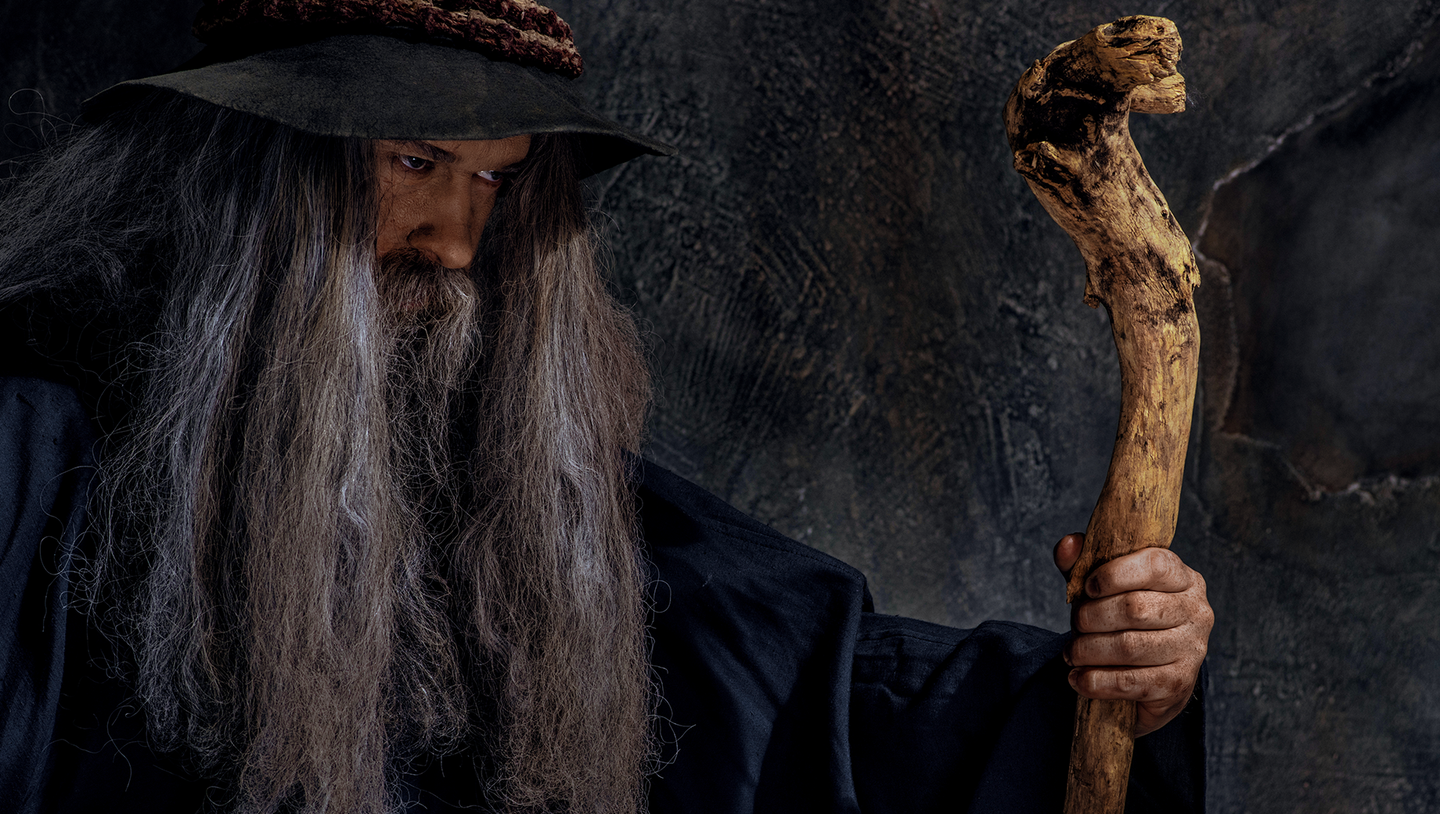 © FlexDreams
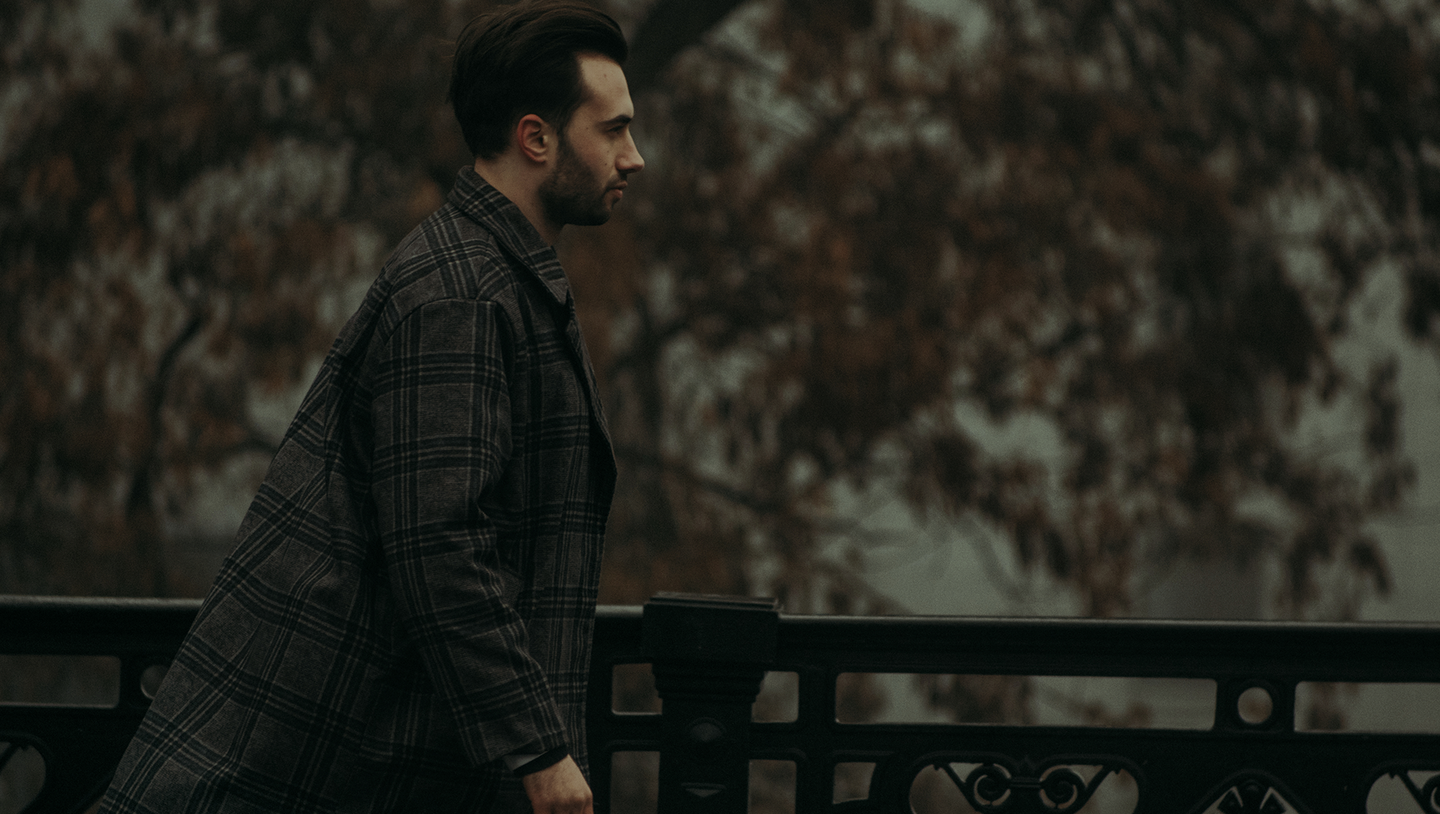
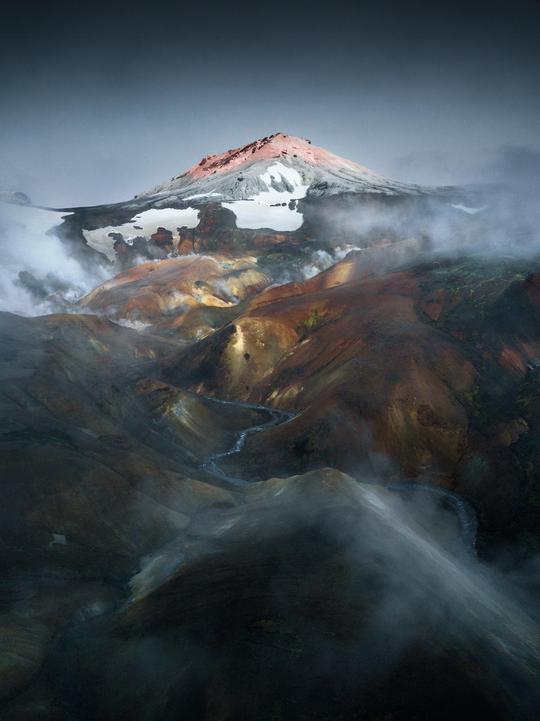
 © stasia04
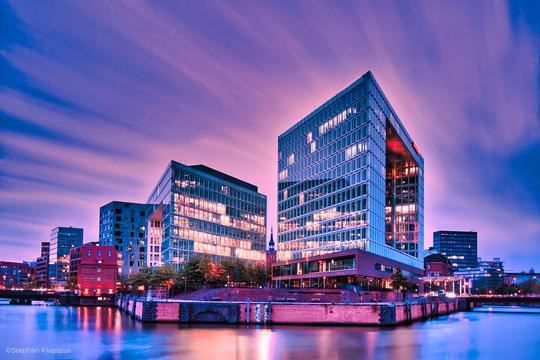
 © kovalyova_mary
À propos
Deuxième partie d'une série de trois packs, ce lot de préréglages cinématographiques s'inspire des émissions de télévision emblématiques de 2022. Vous cherchez à ce que vos photos ressemblent à des images tirées de vos scènes préférées ? C'est désormais un jeu d'enfant. La deuxième partie contient dix modèles/préréglages spectaculaires pour tout type d'image.
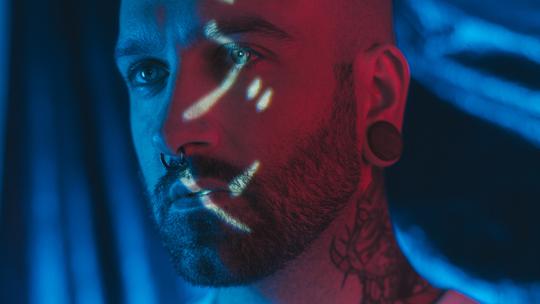
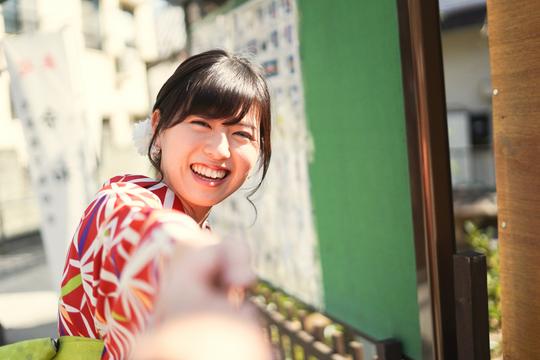
Obtenez des photos comme celles-ci
À l'aide des fichiers RAW fournis, vous pourrez facilement appliquer les conseils en matière de retouche et découvrir comment obtenir des photos comme celles-ci.


L'histoire
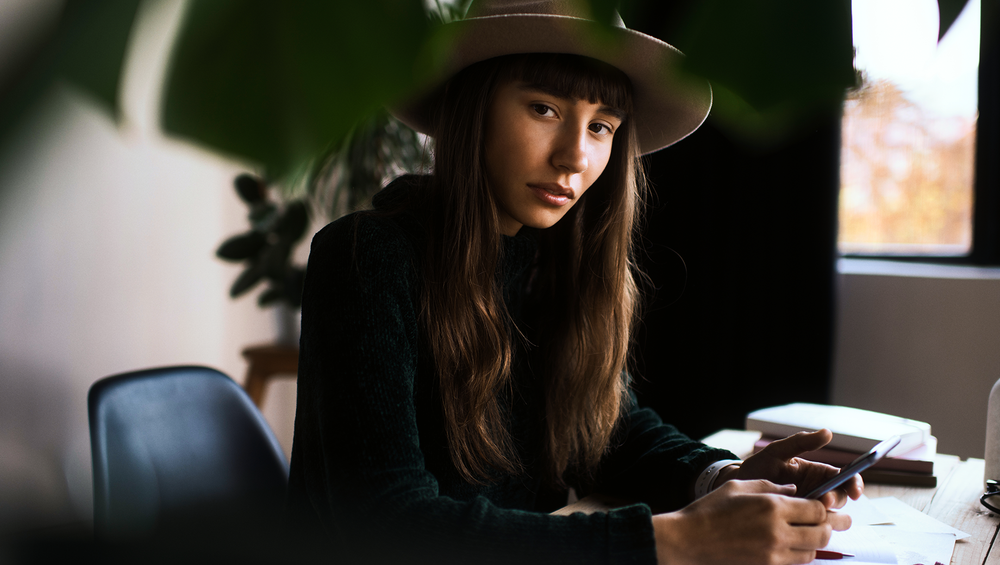
All three Preset packs in this series were created to let you make your photos look like stills taken straight out of some of today’s most watched TV shows. Part II is inspired by The Witcher, Loki, and The Umbrella Academy. Make your photos visually stunning and evoke atmosphere and emotion in just one click.You’ll find in this pack 10 Templates/Presets:Warm: A warm Preset with a slight noise effect. Inspired by The Witcher.Green: A warm Preset with green tones and a slight noise effect. Inspired by The Witcher.Natural Gold: A slightly muted natural-toned Preset. Inspired by The Witcher.Time: A warm Preset with a glow effect. Inspired by Loki.Brown: A warm, monochromatic Preset with an artistic noise effect. Inspired by Loki.Dark World: A cold, dramatic Preset. Inspired by Loki.Another: A warm vivid Preset with glow and noise effects. Inspired by Loki.Daytime: A bright and yellowish Preset. Inspired by The Umbrella Academy.Cold: A cold, slightly dim Preset. Inspired by The Umbrella Academy.Natural: A warm Preset that gives a natural, monochrome look. Inspired by The Umbrella Academy.Keep in mind that a Preset’s default effect might be too strong for your photo. If it is, simply switch to the Edits tab and adjust the tools according to your taste.Don’t forget to share your results! Use the hashtag #madewithluminar on social media so the Skylum Team can take a look at your work!
Produits similaires






Créateur
Team Skylum
Photographers, colorists & retouchers
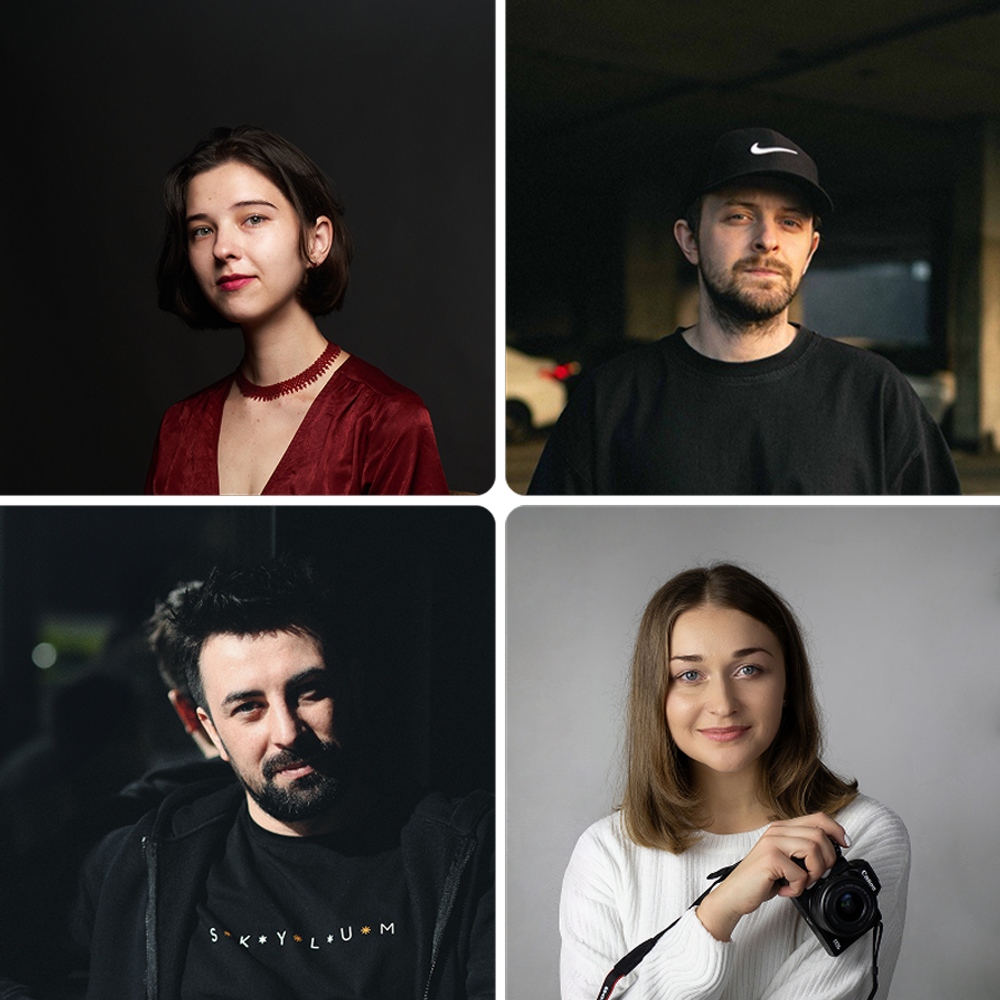
The Skylum team works with hundreds of professional photographers and retouchers to bring you Templates that top photographers use to create their masterpieces. The Skylum AI Lab analyzes the photos and workflows of photographers and creates Presets that are accessible to everyone and that take advantage of the advanced technology under the hood of Luminar. Our mission is to cut the time and effort it takes to make a striking photo and allow everyone to enjoy photo editing and photography.
FAQ
Vous avez d'autres questions ou souhaitez simplement des conseils ?
Contacter le service clientèle