

 © Armand Sarlangue
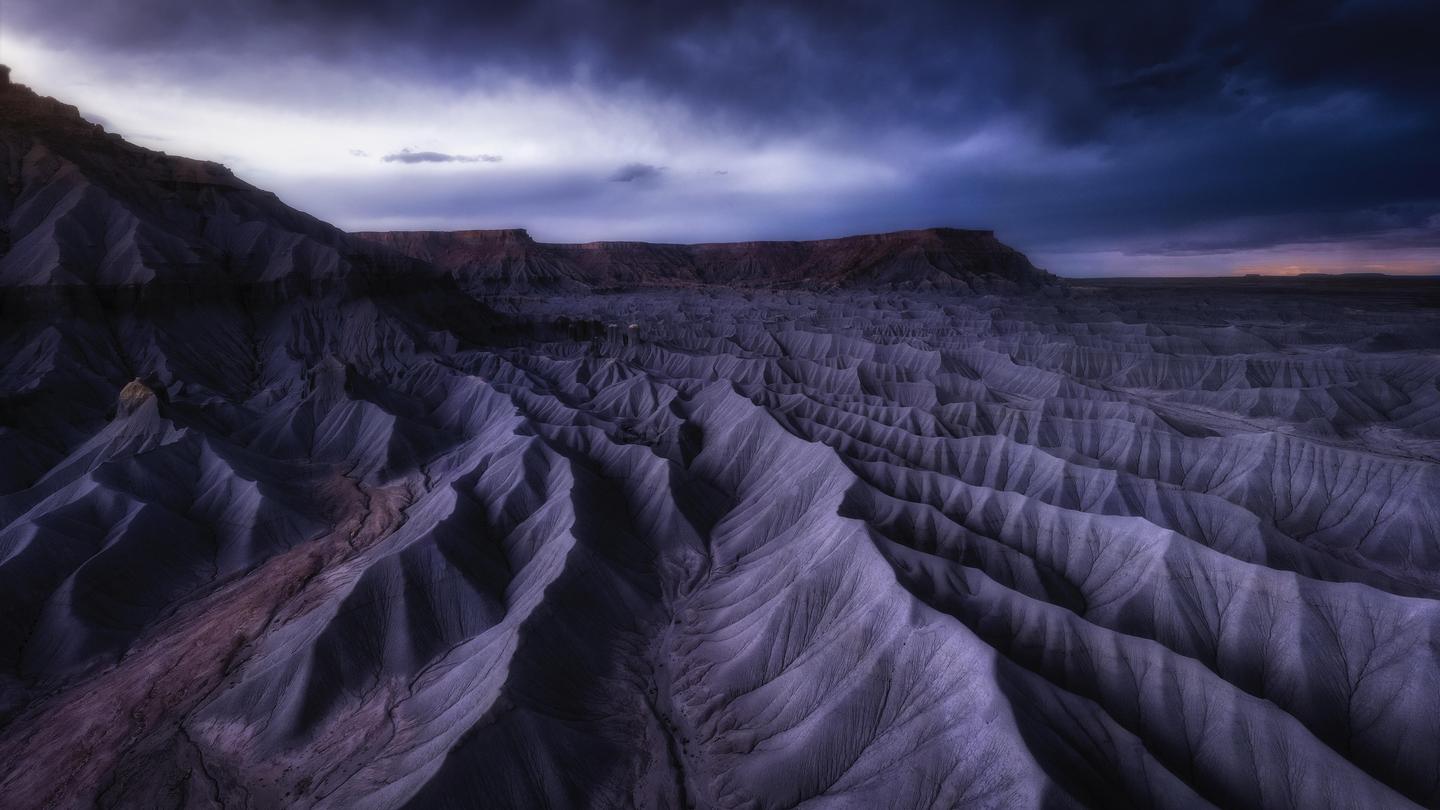 © Armand Sarlangue
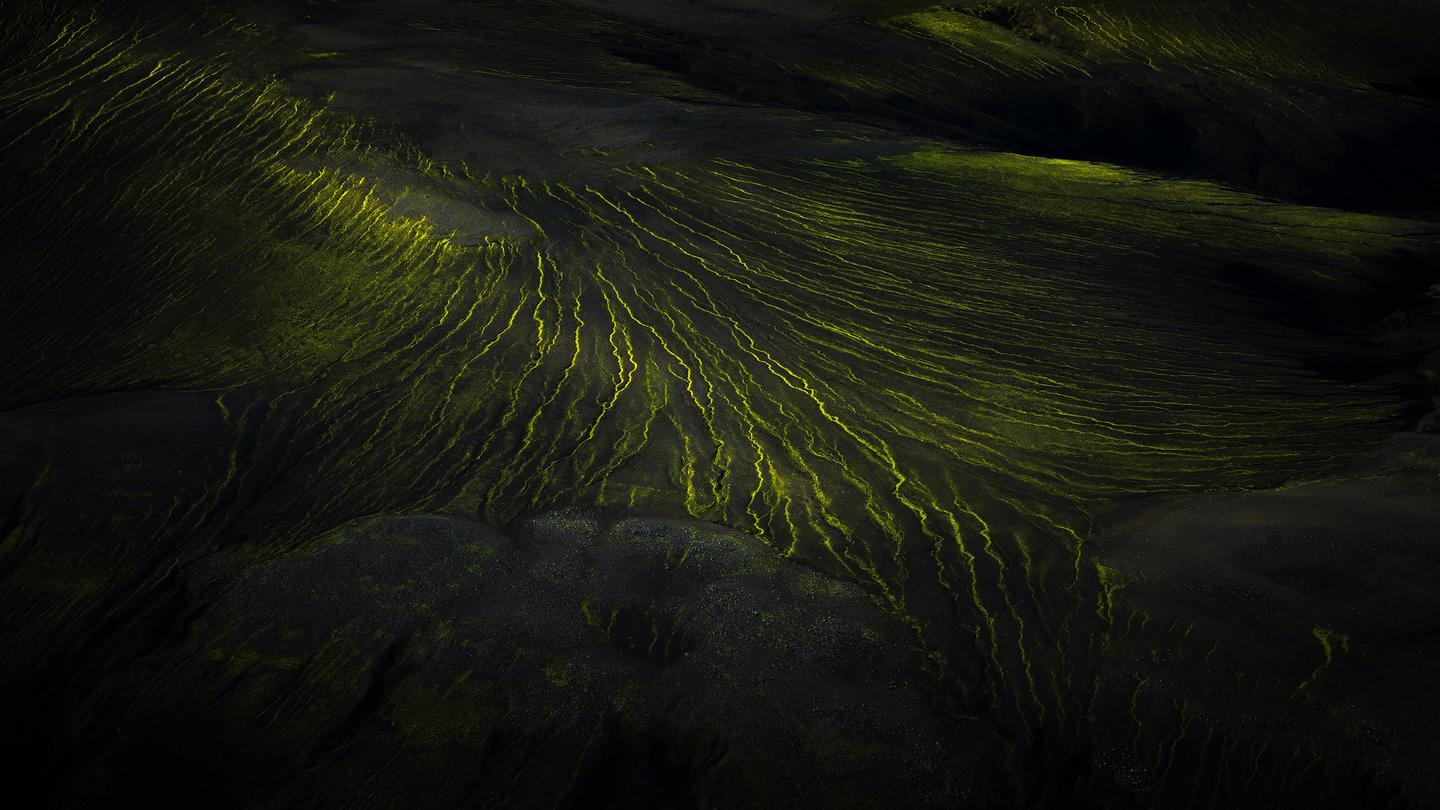 © Armand Sarlangue
 © Armand Sarlangue
À propos
Conçue pour vous aider à ajouter des ambiances puissantes à vos images aériennes ainsi qu'aux paysages classiques, cette collection comporte 10 Modèles incroyables à découvrir. Vous y trouverez des atmosphères sombres, des styles oniriques et d'autres ambiances adaptées à un large éventail d'images. Transformez radicalement vos fichiers bruts en de magnifiques images.
Obtenez des photos comme celles-ci
À l'aide des fichiers RAW fournis, vous pourrez facilement appliquer les conseils en matière de retouche et découvrir comment obtenir des photos comme celles-ci.
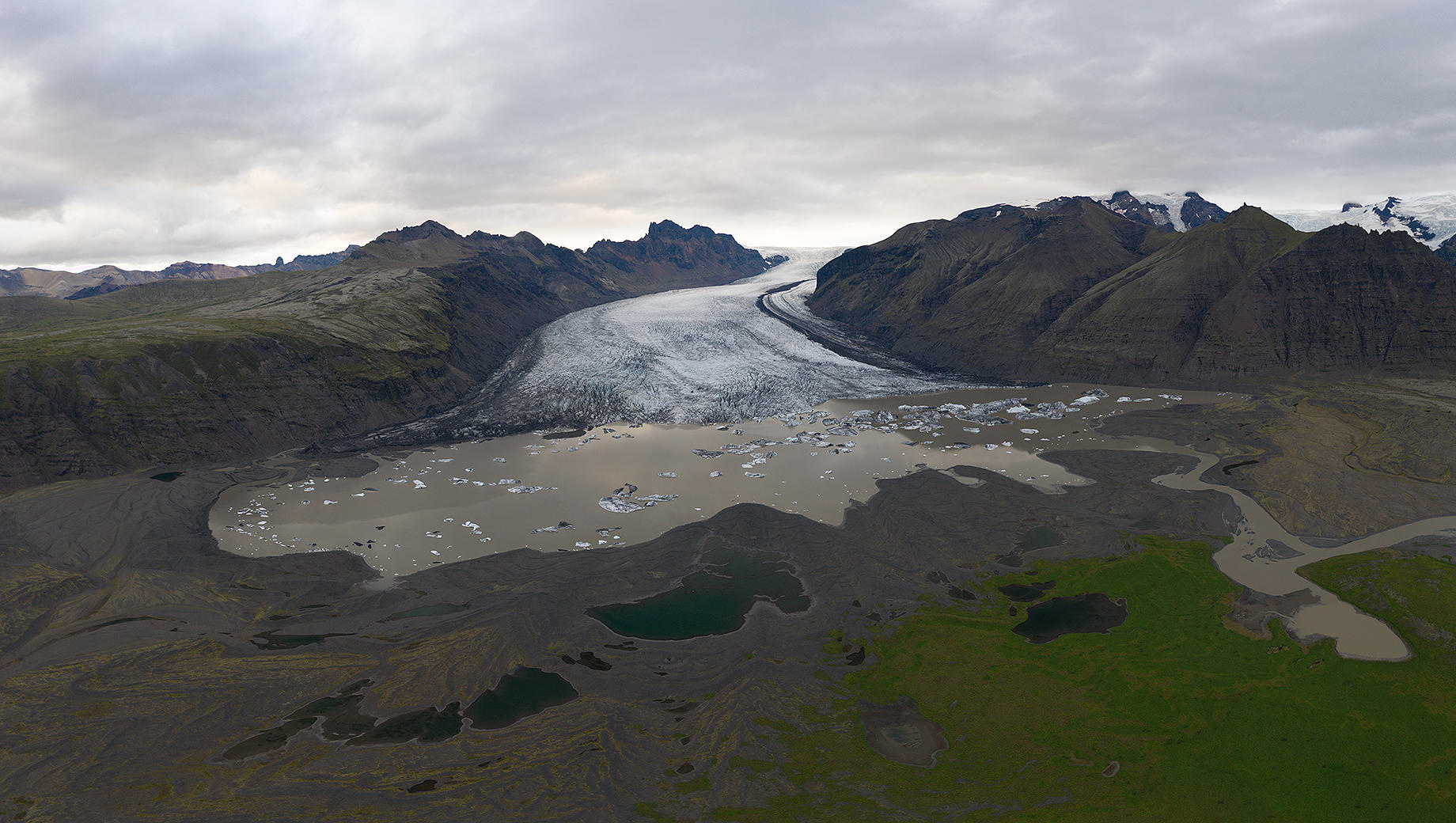
.jpg)
L'histoire
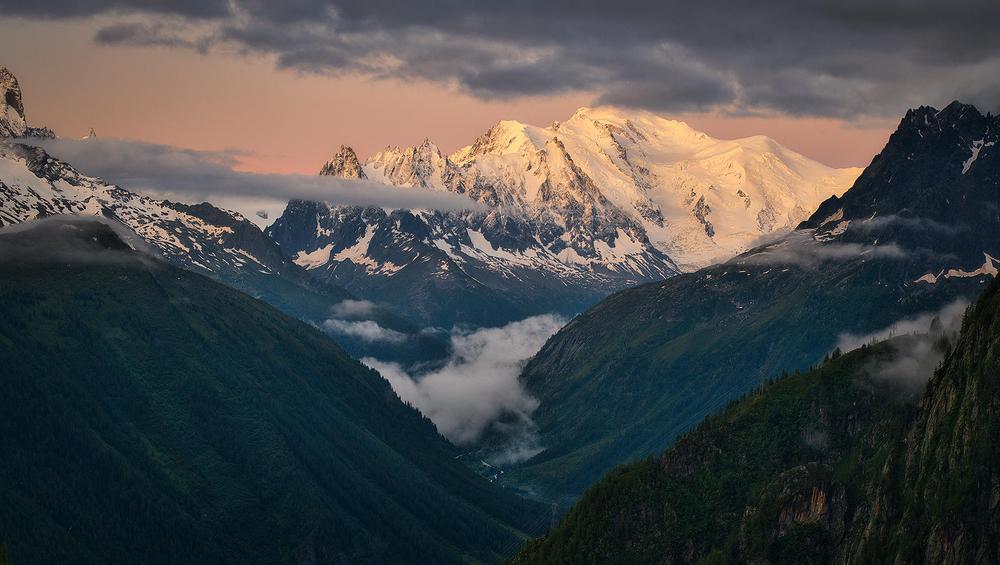
This collection gives you an easy way to emulate Armand’s unique editing style in your aerial images. Explore creative possibilities and experiment with your images. This collection of powerful and adaptive Templates is perfect for aerial photography as well as landscapes. Collection includes:5 Templates for landscape style images: Dark Boost, Master Key, Underexposed Sunset, Cold Experience, and Ultra Warm. These Templates will work on almost any kind of images, from aerial panoramas to top-down captures and regular landscape images. Test which ones work the best for your pictures!5 Templates for top-down aerial images: Cold Atmosphere, Exposure Boost, Extreme, Texture Boost, and Power Contrast.These Templates are built to work with top-down images or nature images. It’s important to use them on pictures that are not framing the sky.Tips:- Important! In order to make the Templates work even on flat images (with no light), Armand made them very powerful. When you apply a Template, you need to move the Intensity slider to apply the right amount of the filter for your image, as full intensity might be too powerful. If you play with the Intensity slider, you’ll find that each Template works for a great variety of scenes.- The white balance can react differently if you don’t work on raw files, or simply if your original images are very cold or warm. You can re-adjust the white balance if you feel you want something colder or warmer than what the Template gives you.- For Templates including a sunrays effect, remember to place the light source to match the original light source in your picture. You can also remove it if you think it doesn’t fit a particular image.
Produits similaires












Créateur
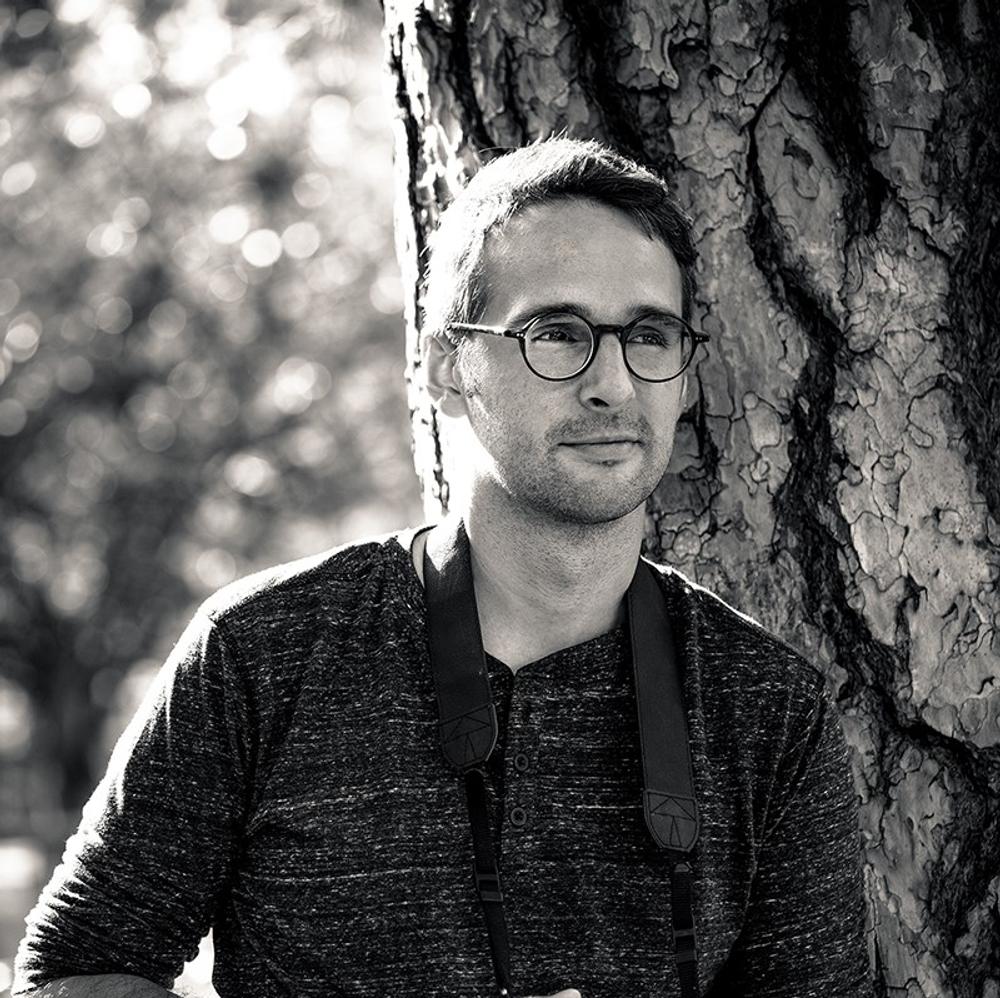
Armand Sarlangue
Photographer. Skylum Ambassador.
Armand Sarlangue has been a professional photographer for 14 years. The son of a photographer, visual art has been Armand’s true passion since childhood, and it’s through nature photography that he really expresses his creativity.
Being alone in the most remote places and translating the feelings of those moments through his images is what motivates Armand. He uses advanced post-production techniques to create ambiances that match his vision of our world.
Armand’s landscape images have been internationally awarded and exhibited in the USA, Spain, Italy, and France. His work has also been published by National Geographic, GEO Magazine, Australian Photography magazine, BBC News, and many other publications.
FAQ
Vous avez d'autres questions ou souhaitez simplement des conseils ?
Contacter le service clientèle