


 Aplicado




Acerca de
This nostalgia-inducing Presets collection is perfect for emulating the effects of 35mm film favorites. Inspired by his mother’s old photos, Marvin Grey created these Presets so you can make your own time capsules.
Compatibilidad


Consigue fotos como estas
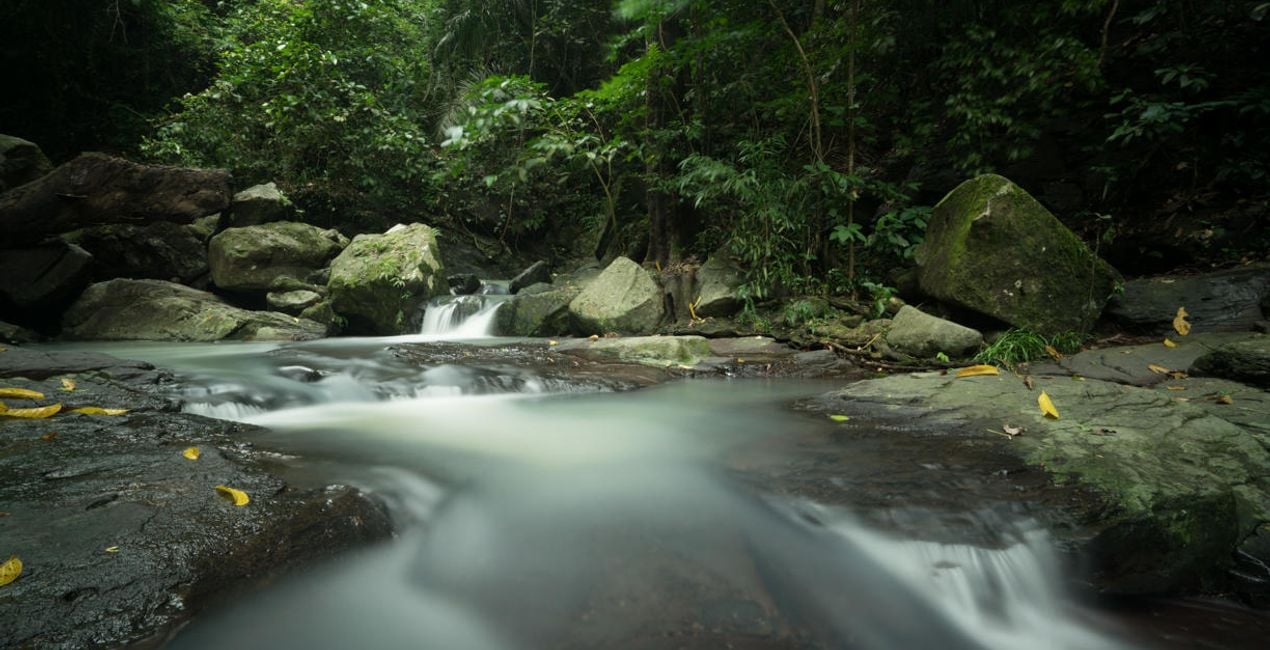
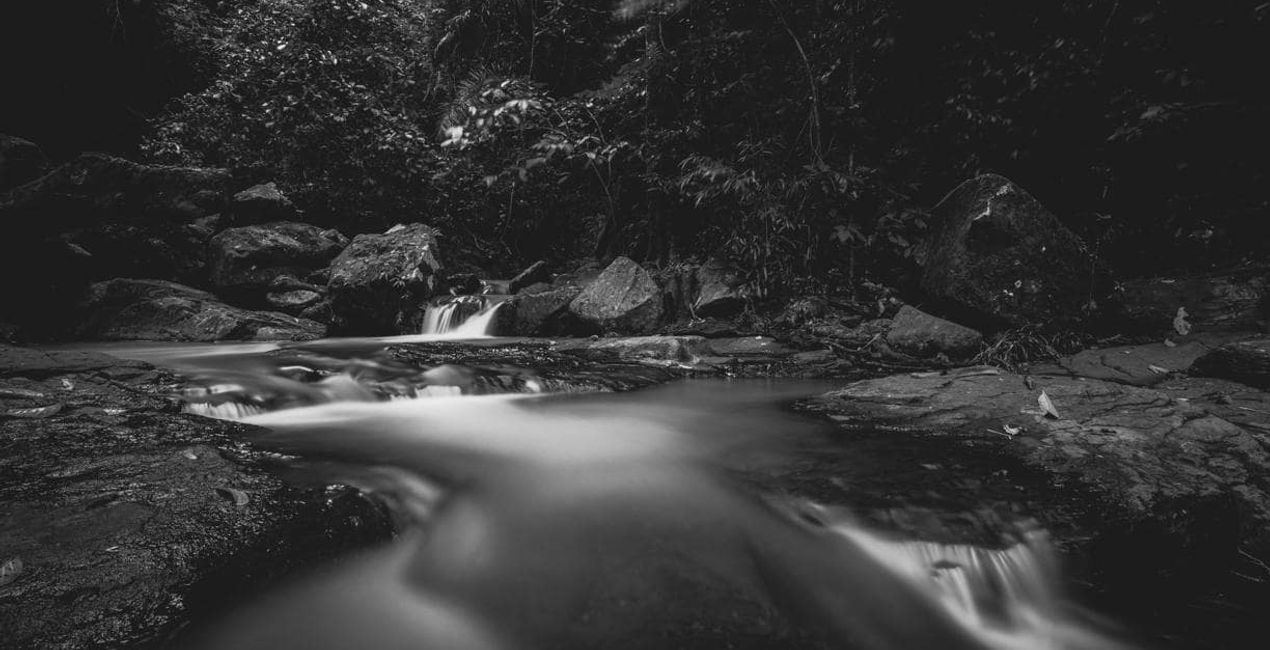
Con los archivos RAW proporcionados, practicarás fácilmente los consejos de retoque y aprenderás a conseguir fotos como estas.

 >
>

 >
>

 >
>

 >
>

 >
>
 >
>
La historia
The idea and concept of this Preset pack came from browsing my mother’s old film photos.
She was absolutely awesome with the camera, and I remember playing with her camera and films when I was young trying to mimic her results. It’s been years since she picked up a camera, and I thought of emulating the style and colors of her favorite films.
This collection evokes a lot of nostalgia for me, and I hope you feel it too as you use the Presets on your own photos.
These 10 Presets are inspired by some of my mother’s favorite 35mm films. They are not an exact copy or color match of the films, but rather were inspired by her old photos:
Oldfilm 1: Inspired by Fuji Velvia
Oldfilm 2: Inspired by Fuji YKL
Oldfilm 3: Inspired by Kodak Portra
Oldfilm 4: Inspired by Kodak Ektar
Oldfilm 5: Inspired by Fujicolor
Oldfilm 6: Inspired by Lomography Color
Oldfilm 7: Inspired by Fuji Superia
Oldfilm 8: Inspired by Kodak Ultramax
Oldfilm 9: Inspired by Kodak Gold
Oldfilm 10: Inspired by Ilford HP5
Remember that you can modify these Presets based on the exposure of your image and the intensity you want to achieve.
Productos relacionados


Creador
Marvin Grey
Photographer. Skylum Ambassador.
Marvin Grey is an award-winning fine art landscape photographer from the Philippines. His style combines mystery and minimalism to convey emotions, and he’s always exploring different ways to express them.
Since pursuing photography in 2018, Marvin has already won multiple accolades in prestigious international competitions such as the Moscow International Foto Awards, Tokyo International Foto Awards, and the International Photography Awards. Marvin had his first exhibition in 2019, and his work has been published by several magazines: Fine Eye Magazine, iLeGaLiT, and LEMAG.
Marvin is currently a staff writer for Fstoppers and hosts local photography workshops in the Philippines.
¿Cómo puedo contactar a soporte?
Si tienes alguna duda o pregunta sobre el producto, puedes contactar al servicio de soporte 24/7. Visita este enlace.
¿Qué tengo que hacer para comprar Old Film Simulation?
Para comprar Old Film Simulation, sigue estos pasos:
1. Abre el Marketplace de Skylum.
2. Ve a la pestaña correspondiente donde aparece Old Film Simulation. Haz clic sobre él y añádelo a tu carrito.
3. Ve al carrito. Aquí, completa el proceso de compra de Old Film Simulation.
4. Después de completar la compra, recibirás un correo de confirmación con el enlace de descarga de Old Film Simulation. También encontrarás el nuevo producto en tu cuenta de Skylum, dentro de la pestaña “Mis complementos”.
¿Qué tengo que hacer para instalar Old Film Simulation?
Recibirás un email con instrucciones detalladas sobre cómo instalar Old Film Simulation junto con un enlace de descarga.
También puedes instalar el producto comprado directamente desde Luminar Neo: ve a Extras > Marketplace, selecciona la categoría del producto, busca el elemento adquirido y haz clic en Instalar.
¿Dónde puedo encontrar mi(s) Old Film Simulation tras la instalación?
¡Es muy fácil! Primero, descarga el paquete desde tu Cuenta > Mis complementos. A continuación, sigue las instrucciones de instalación que se incluyen en la carpeta descargada. Cada tipo de recurso puede tener sus propios pasos de instalación, así que asegúrate de consultar la guía incluida.
¿Y si pierdo mi(s) Old Film Simulation?
No te preocupes. Todos los productos que hayas adquirido, como Old Film Simulation, se almacenarán en la pestaña 'Mis complementos' de tu cuenta de Skylum para que puedas volver a descargarlos fácilmente.
¿Cómo puedo verificar la compatibilidad de Old Film Simulation con mi software?
Generalmente, la mayoría de productos son compatibles con Luminar Neo. Pero si quieres asegurarte de que Old Film Simulation funciona(n) correctamente con tu software, consulta sus especificaciones antes de hacer ninguna compra o descarga. Busca la sección "Compatibilidad" en la parte derecha de la página de Old Film Simulation, donde aparecen todos los programas compatibles.


