


 Aplicado


Autumn in the East
Save $201 $ 19 .00

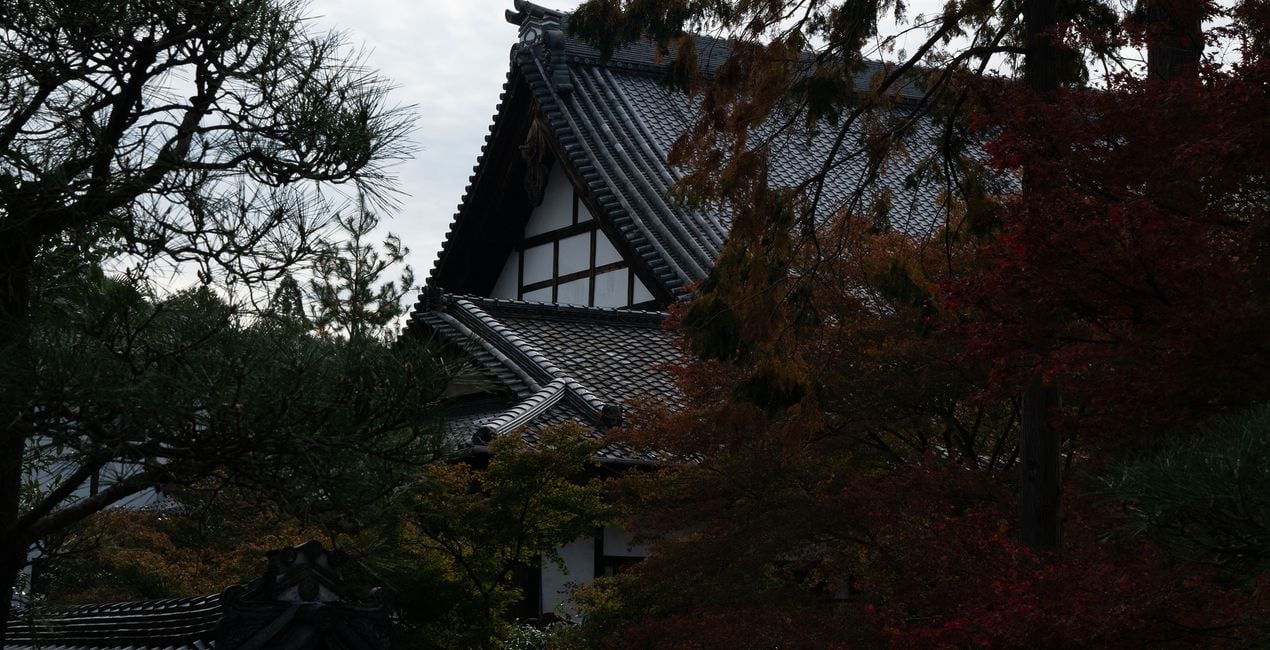
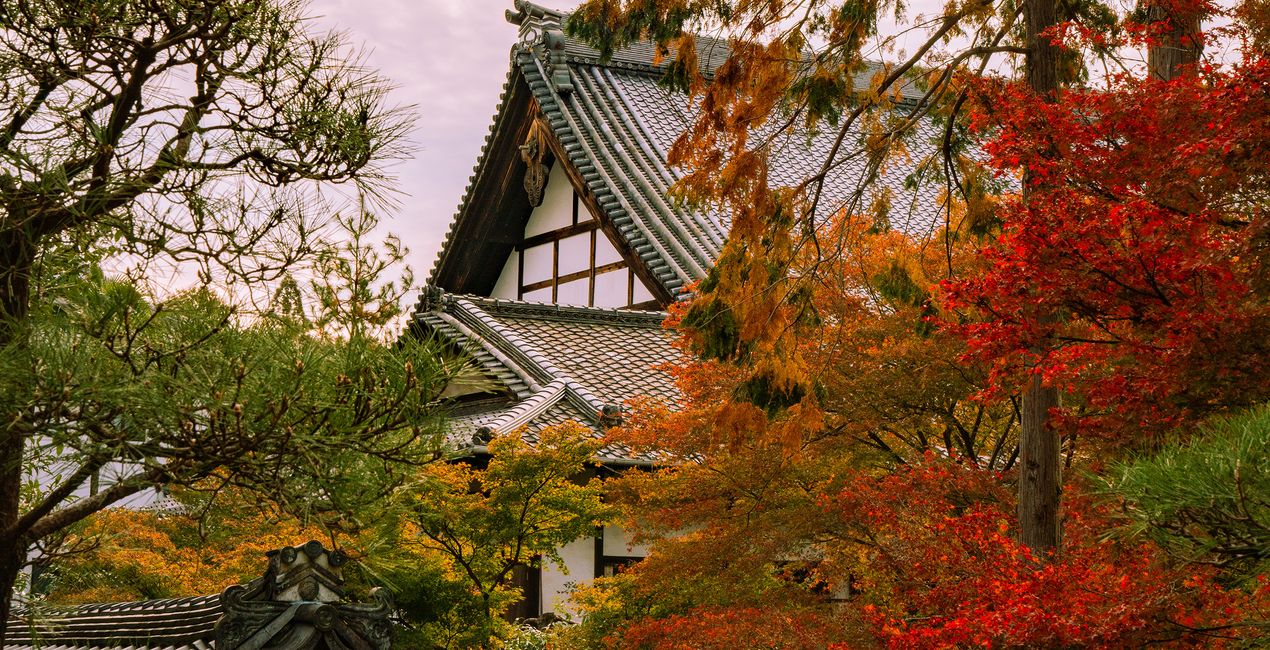
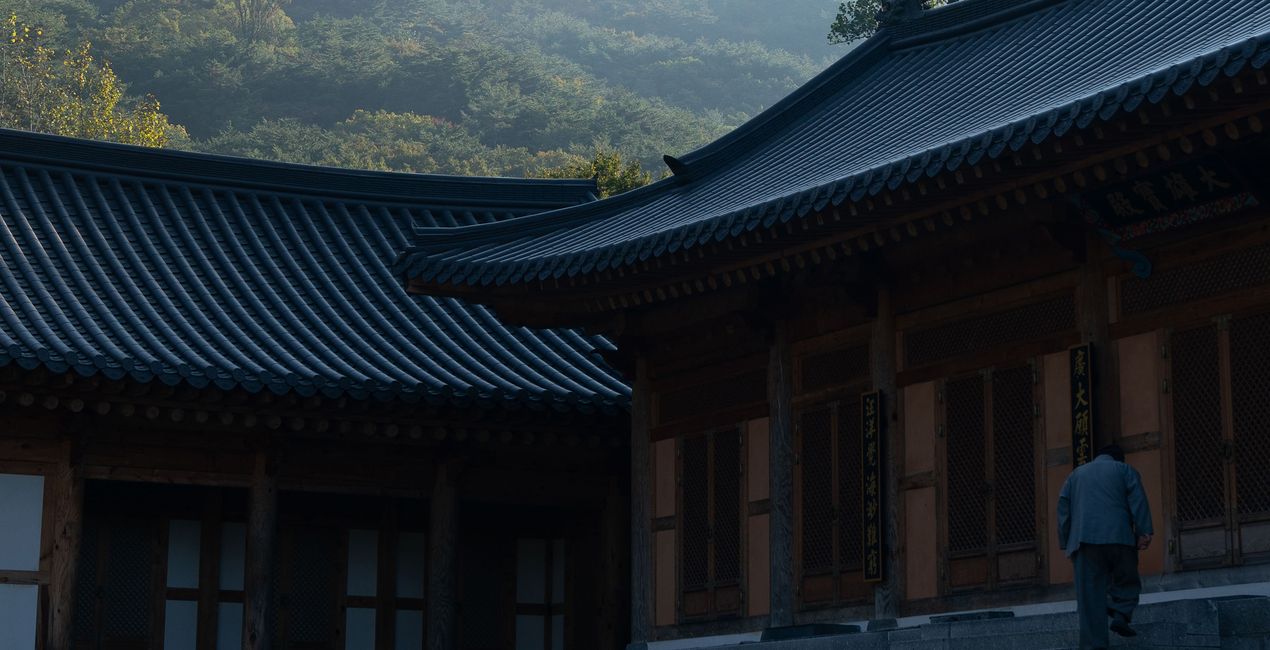
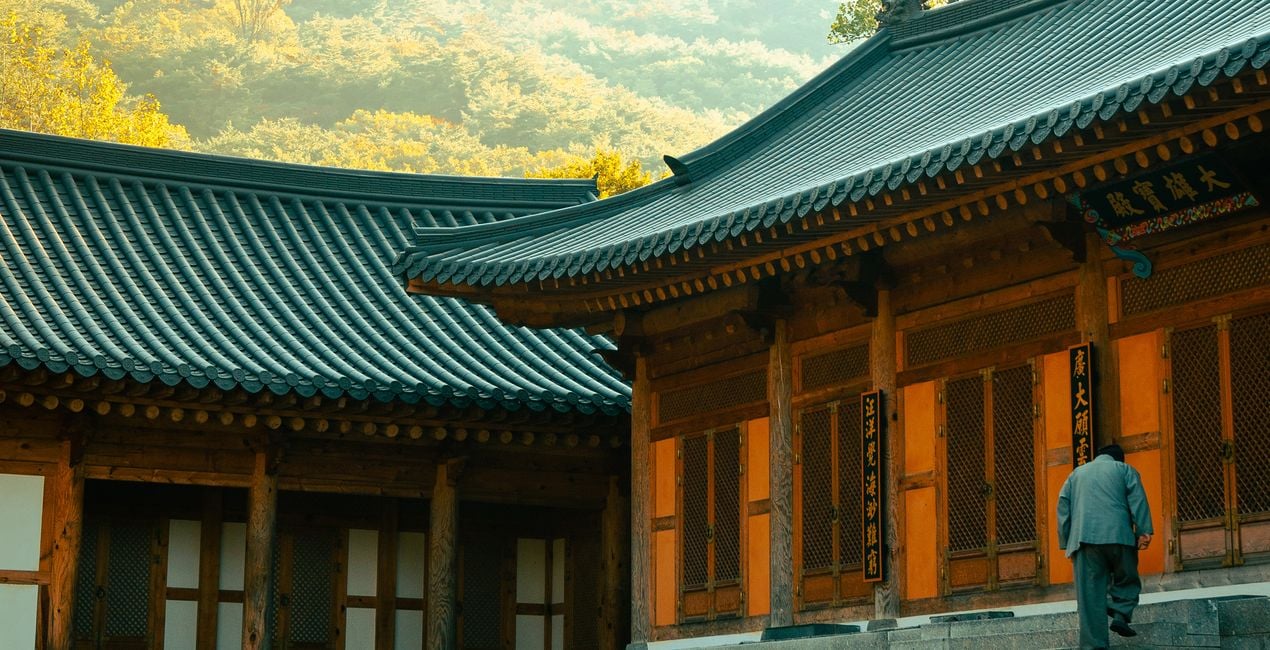
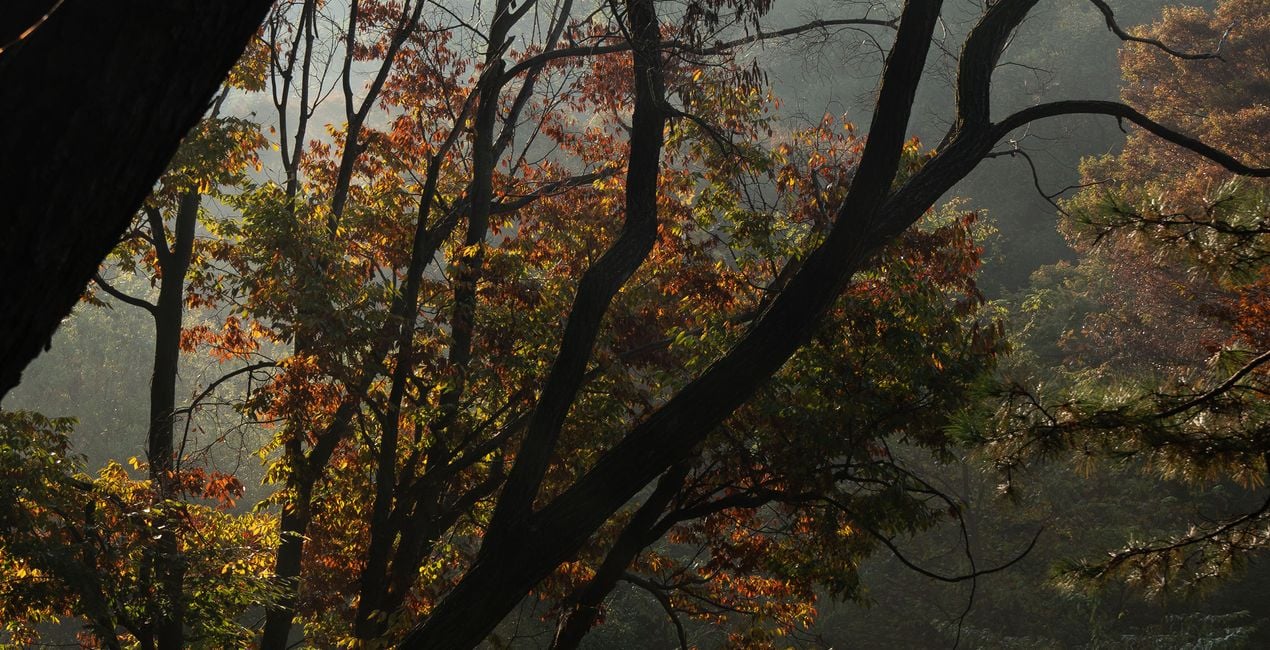
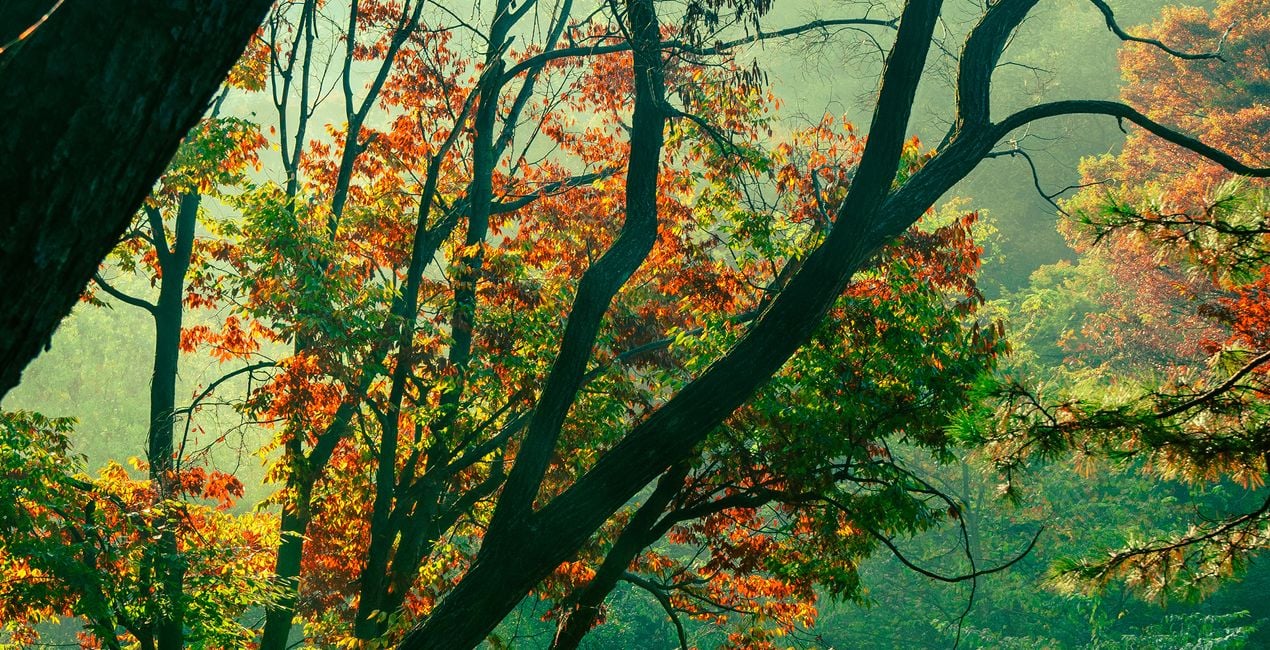
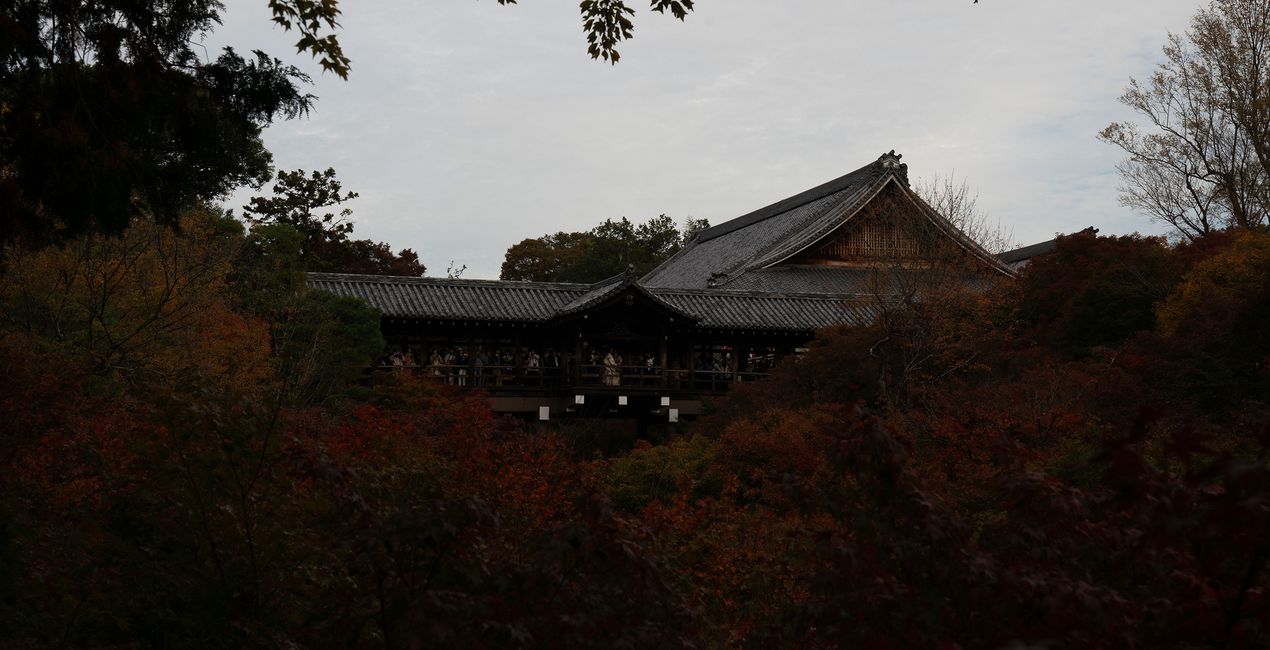
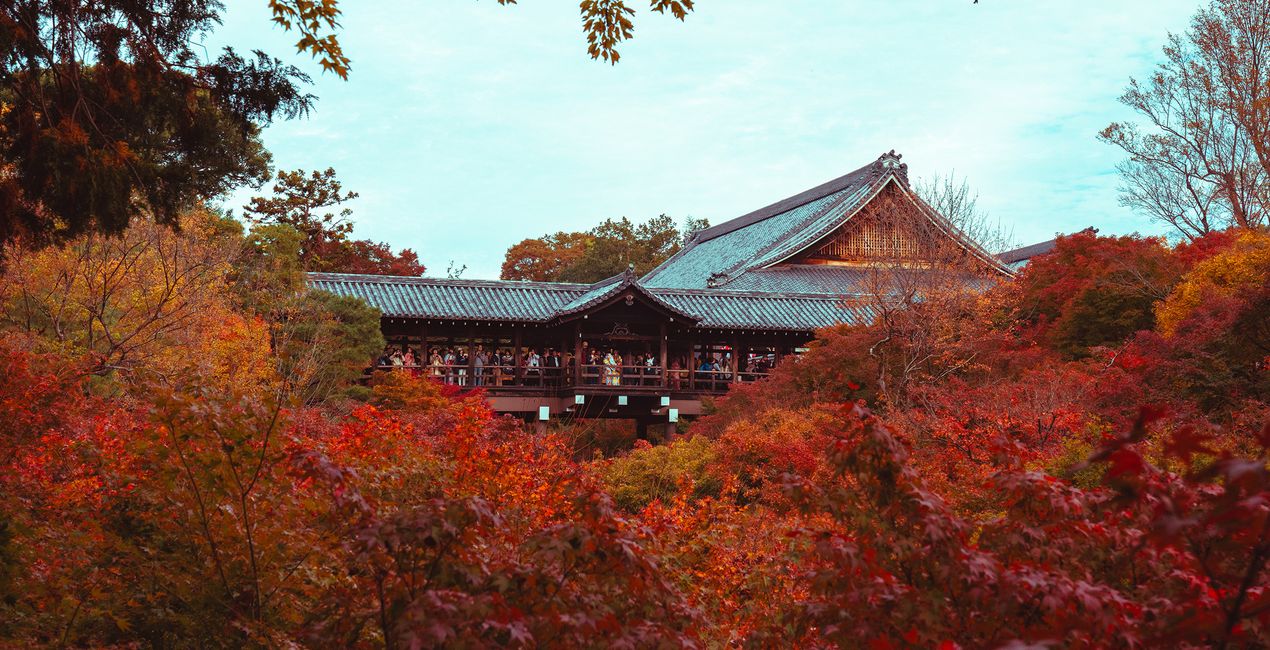
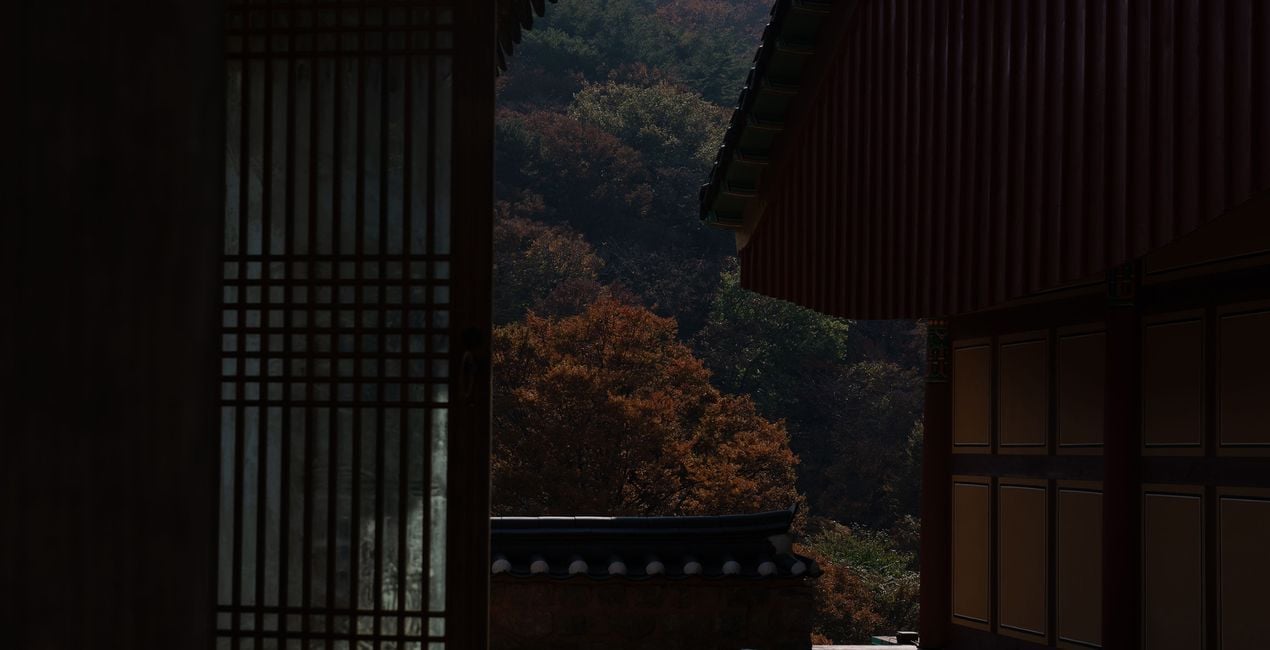
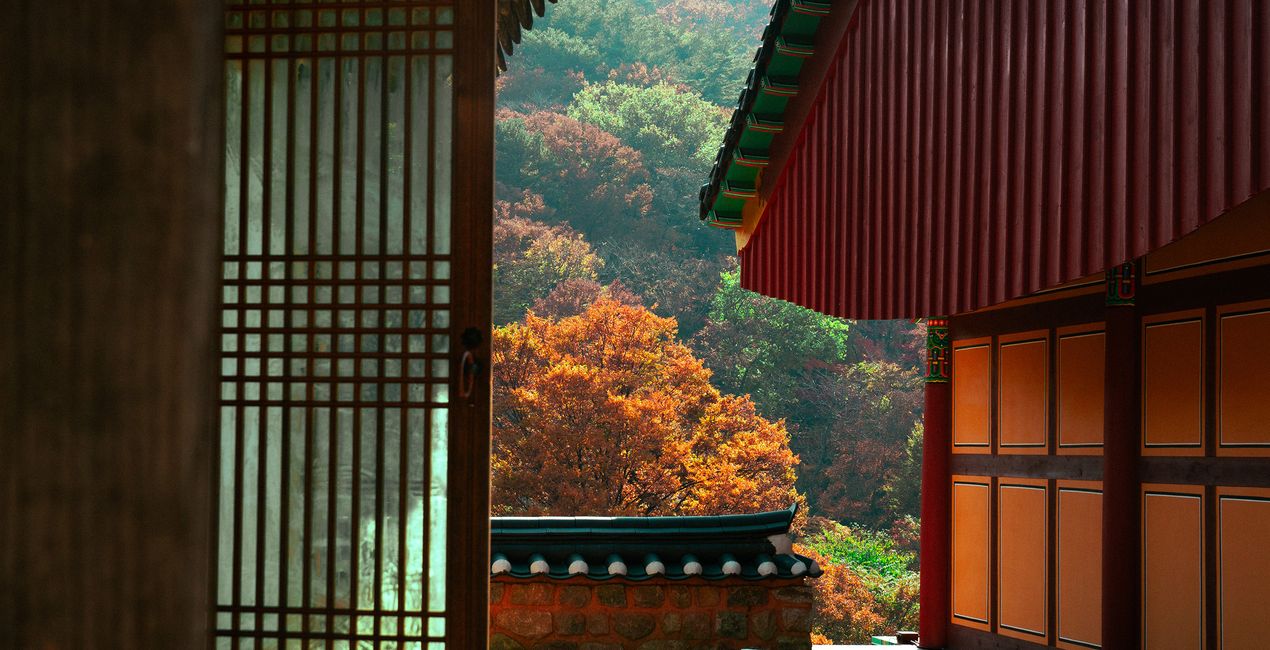
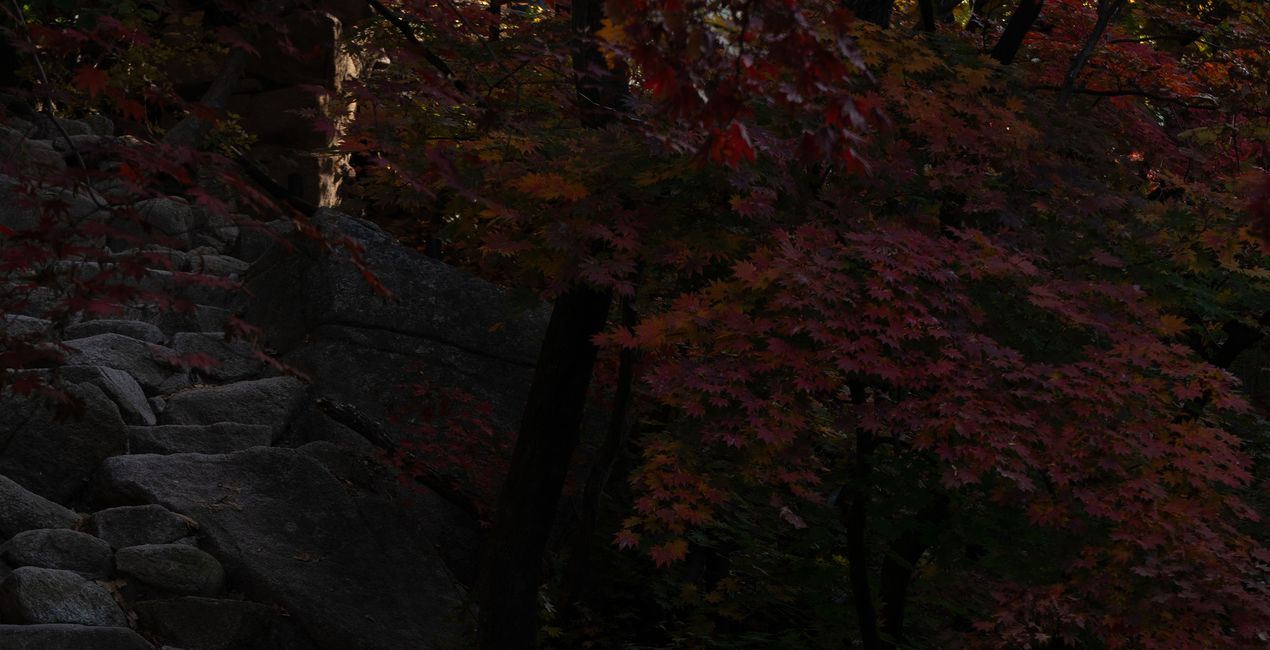
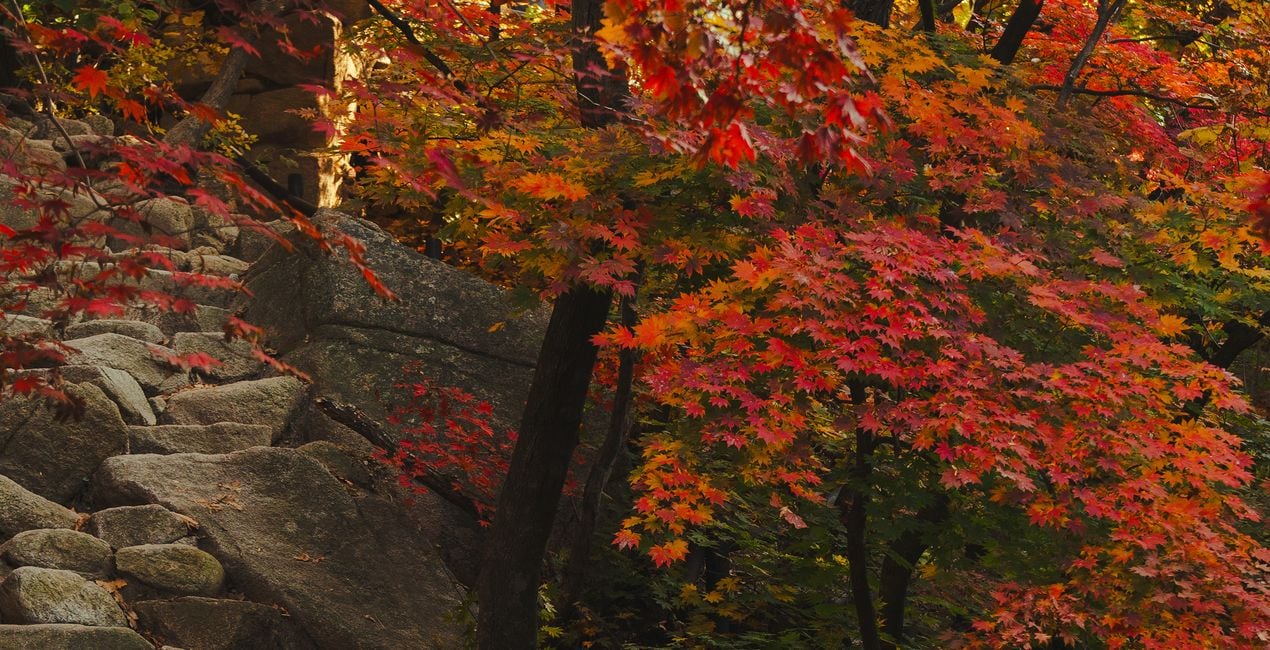
Enhance your photos with this exclusive Preset pack for Luminar Neo, where the beauty of fall foliage shines through in every click. These 10 Presets draw inspiration from the rich and warm tones of autumn leaves, infusing your photos with a captivating vibrancy that accentuates the bright reds and golden hues. Whether you're capturing the magic of autumn in your backyard or a distant woodland, these Presets add a touch of seasonal warmth and brilliance to your images. Transform your autumn photography effortlessly and let your pictures radiate the enchantment of the fall season, wherever you are in the world.


Con los archivos RAW proporcionados, practicarás fácilmente los consejos de retoque y aprenderás a conseguir fotos como estas.
 >
>
 >
>
 >
>
 >
>
 >
>
 >
>
Each Preset was meticulously crafted to enhance the beauty of autumn in all its golden and crimson glory. The collection draws inspiration from the warm, sun-kissed tones of the season, elevating your autumn-themed photography with a captivating brilliance.
Whether you're an enthusiast or a seasoned photographer, these Presets are designed for anyone passionate about autumn's natural splendor. Choose any Preset from this collection and watch your photos come alive with its golden and red hues!
You will find 10 Presets in this pack:
Morning Glow: brightens your photos with a soft, radiant aura.
Deep Greens: intensifies the lushness of verdant landscapes.
The Colors of Fall: enriches autumn scenes with vibrant hues.
Deep Reds: adds dramatic depth to your photography.
Golden Morning: bathes your images in a warm, golden glow.
Moody Autumn: infuses a sense of mystery and depth into fall shots.
Autumn in the Mountains: captures the rugged beauty of elevated landscapes.
Color Lift: enhances your images with a refreshing burst of vibrancy.
Red Mood: imparts a film-like tone to your fall photography.
Yellow & Blue Pop: creates striking contrasts between trees and the sky that make your subjects stand out.
Street and Fashion photographer
Steve Roe is a photographer based in Seoul, originally from the UK, who has made a name for himself with his neon street photography. He captures the vibrant essence of cyberpunk culture, infusing his work with a futuristic and captivating allure. He is also known for his experimental approach to portraiture, employing neon lights and fractal lenses to craft imaginative and unique images that transport subjects to a realm of intriguing futurism. His talents have not gone unnoticed, with notable brands like Apple and Prada seeking his distinctive style for their campaigns. Steve's work has also received recognition from major platforms such as the BBC and National Geographic, while his photographs have graced the covers of iconic cyberpunk novels like The Neuromancer Trilogy by William Gibson. With an eye for neon aesthetics and a passion for capturing the essence of Asia's neon-lit cities, Steve Roe continues to captivate audiences, blurring the lines between reality and the dazzling realm of neon-lit dreams.
Si tienes alguna duda o pregunta sobre el producto, puedes contactar al servicio de soporte 24/7. Visita este enlace.
Para comprar Autumn in the East , sigue estos pasos:
1. Abre el Marketplace de Skylum.
2. Ve a la pestaña correspondiente donde aparece Autumn in the East . Haz clic sobre él y añádelo a tu carrito.
3. Ve al carrito. Aquí, completa el proceso de compra de Autumn in the East .
4. Después de completar la compra, recibirás un correo de confirmación con el enlace de descarga de Autumn in the East . También encontrarás el nuevo producto en tu cuenta de Skylum, dentro de la pestaña “Mis complementos”.
Recibirás un email con instrucciones detalladas sobre cómo instalar Autumn in the East junto con un enlace de descarga.
También puedes instalar el producto comprado directamente desde Luminar Neo: ve a Extras > Marketplace, selecciona la categoría del producto, busca el elemento adquirido y haz clic en Instalar.
¡Es muy fácil! Primero, descarga el paquete desde tu Cuenta > Mis complementos. A continuación, sigue las instrucciones de instalación que se incluyen en la carpeta descargada. Cada tipo de recurso puede tener sus propios pasos de instalación, así que asegúrate de consultar la guía incluida.
No te preocupes. Todos los productos que hayas adquirido, como Autumn in the East , se almacenarán en la pestaña 'Mis complementos' de tu cuenta de Skylum para que puedas volver a descargarlos fácilmente.
Generalmente, la mayoría de productos son compatibles con Luminar Neo. Pero si quieres asegurarte de que Autumn in the East funciona(n) correctamente con tu software, consulta sus especificaciones antes de hacer ninguna compra o descarga. Busca la sección "Compatibilidad" en la parte derecha de la página de Autumn in the East , donde aparecen todos los programas compatibles.
No te vayas todavía. Aquí tienes un código de descuento exclusivo. Úsalo en los próximos 15 minutos para obtener un 10 % de descuento adicional al finalizar la compra. Copia el código que aparece a continuación y completa tu compra.
15 m : 00 s





