


 Použit


Varied Lighting
Save $201 $ 19 .00

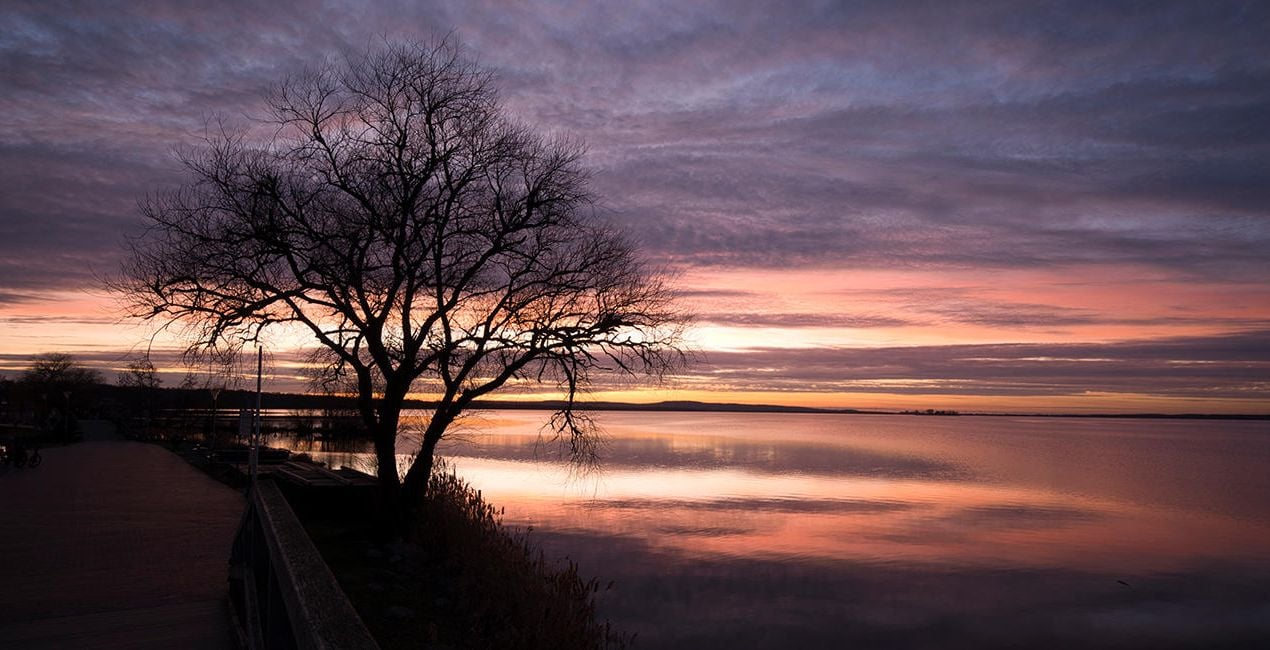
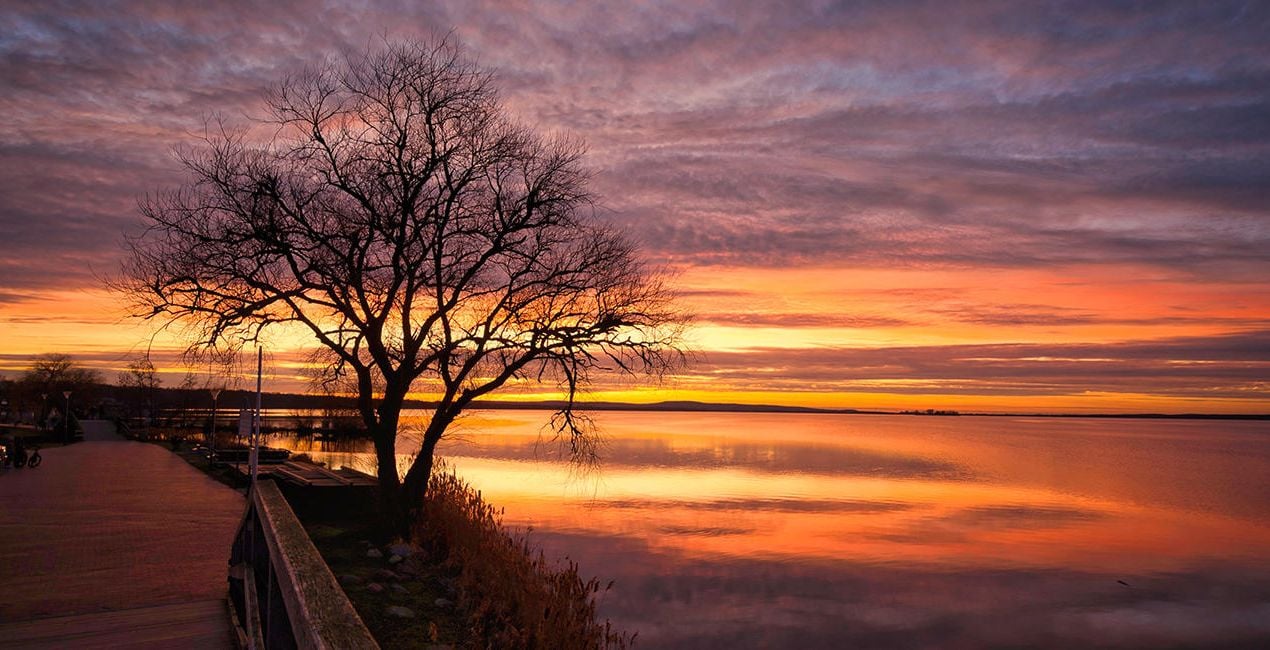
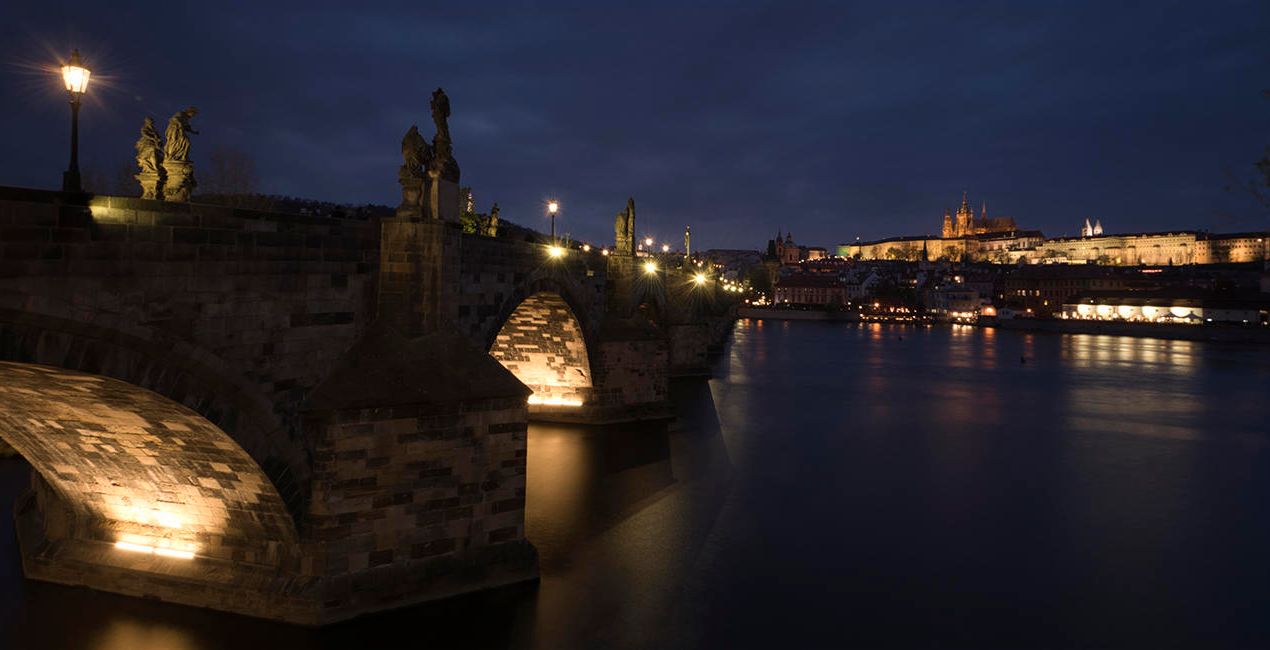
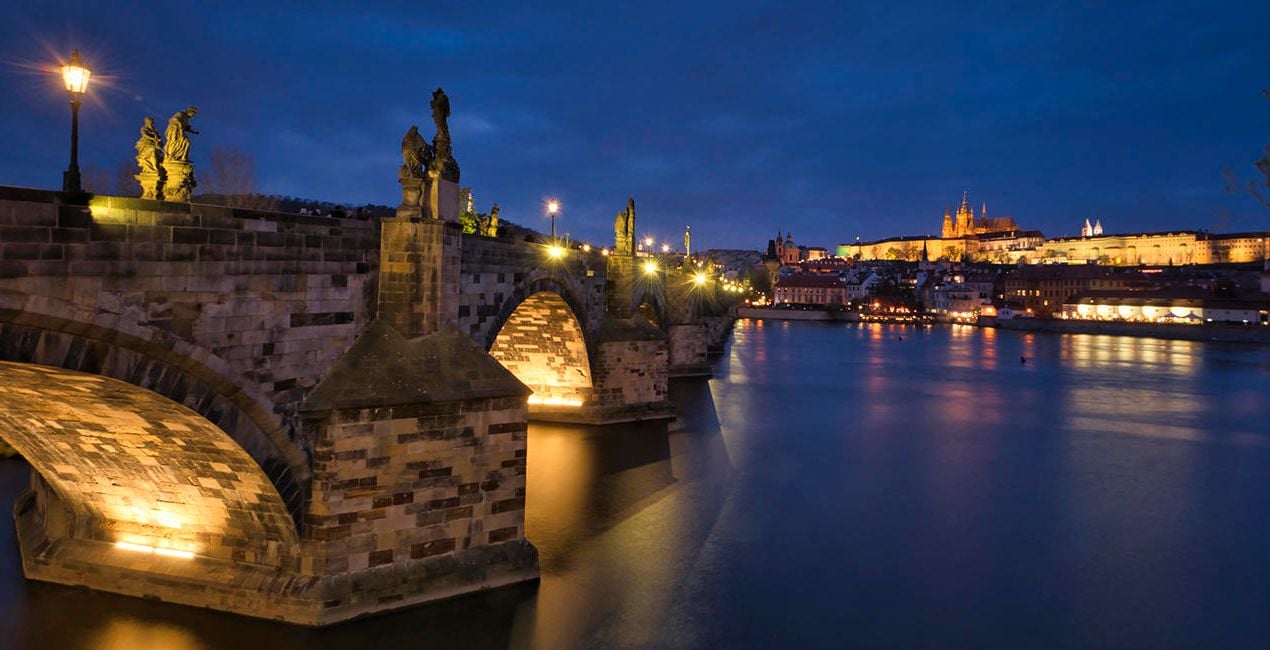
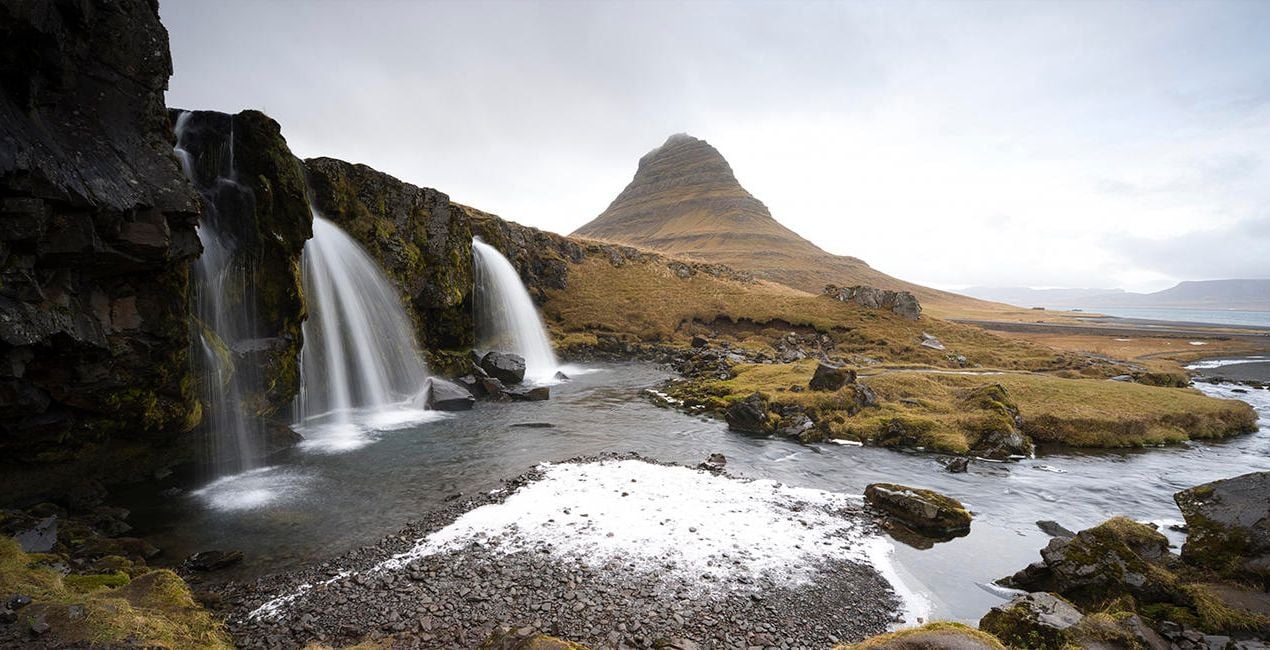
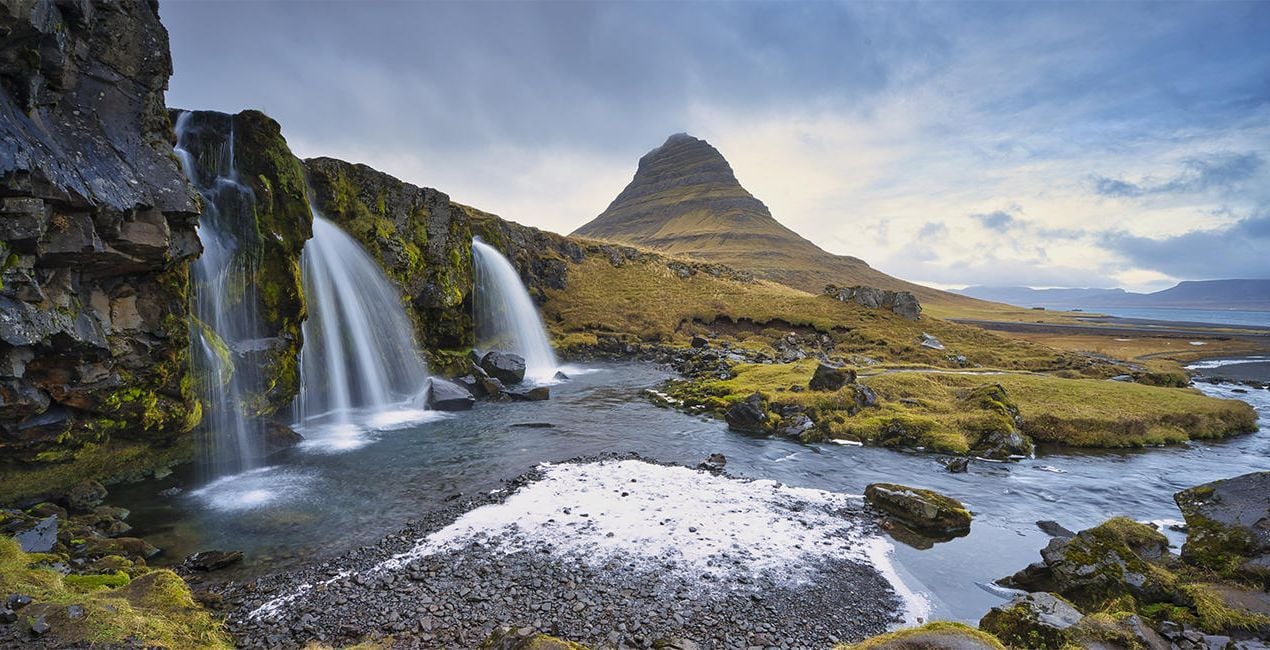
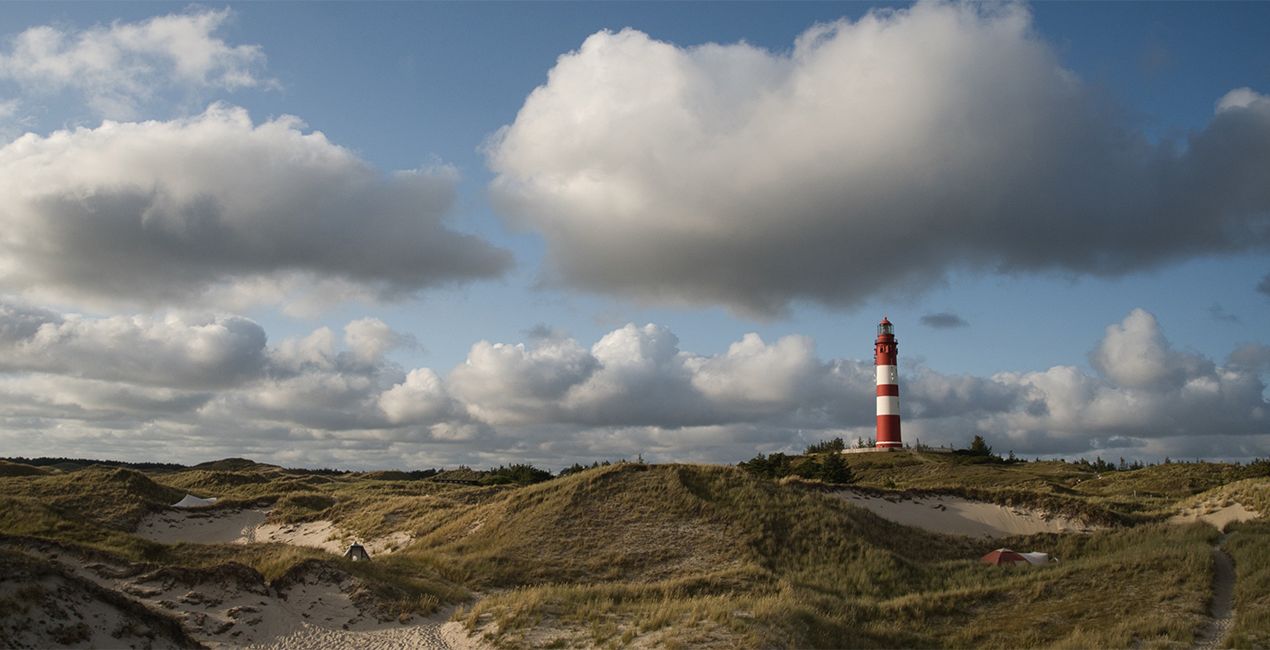
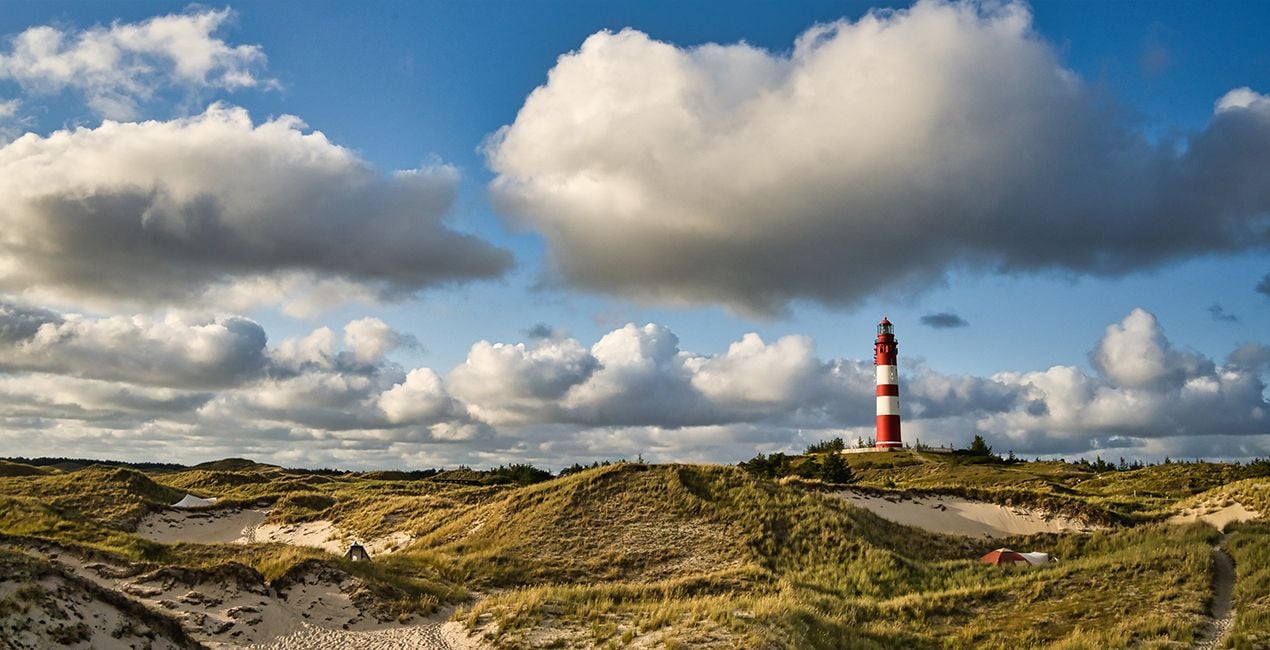
This Presets Pack is the ultimate solution for anyone who wants fast and satisfying photo results, tuned for different times of day and different weather conditions.

Pomocí souborů RAW si snadno vyzkoušíte tipy pro retušování a naučíte se, jak pořídit fotografie jako tyto.
 >
>

 >
>
 >
>
 >
>
 >
>
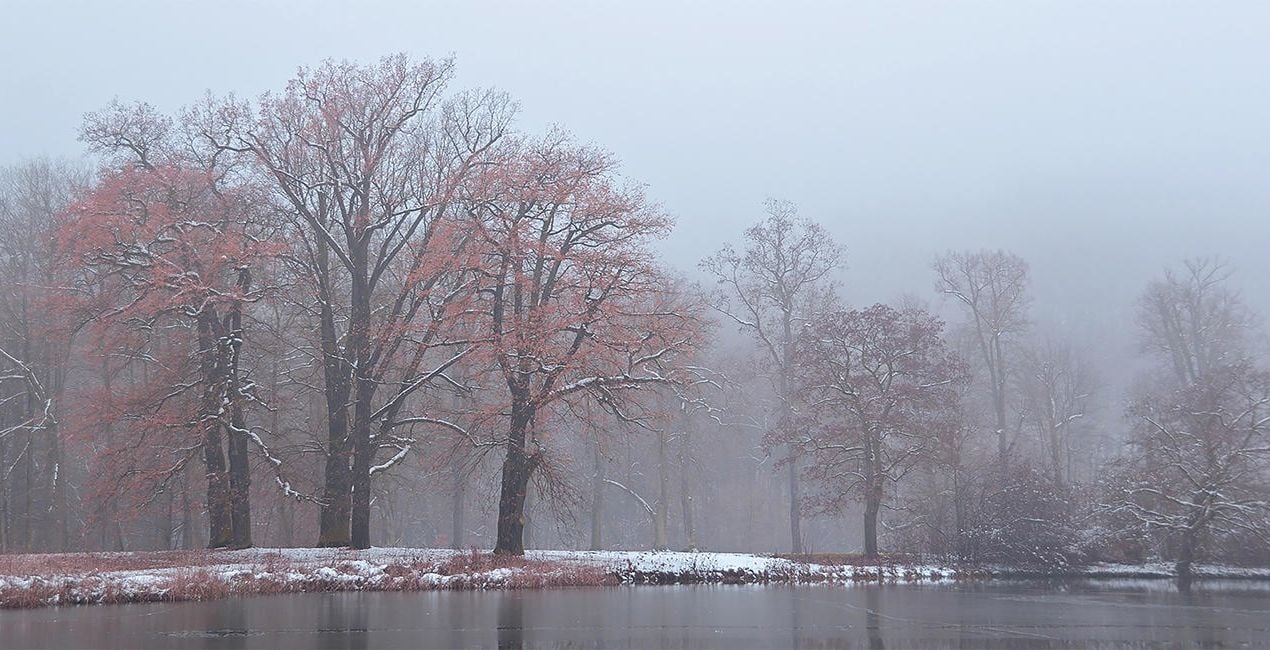
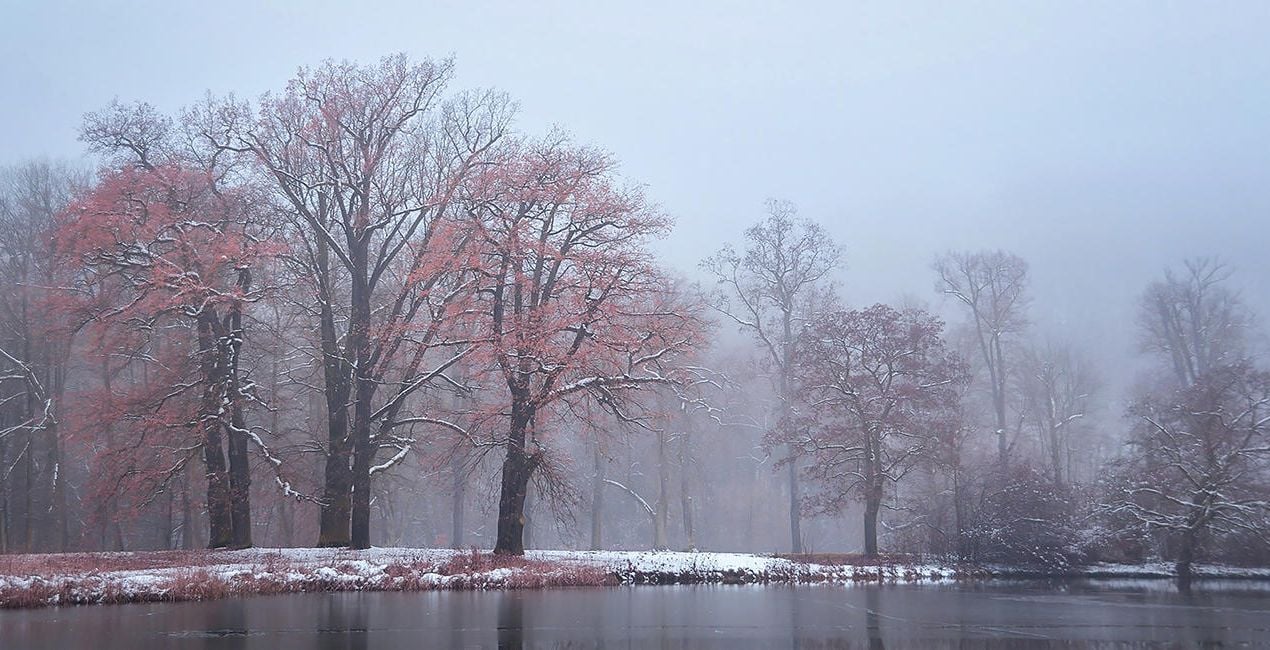 >
>
These 10 Presets, which include AI-powered tools, let you quickly and easily make basic adjustments to enhance any landscape or cityscape image — no matter what time of day it was captured. The Presets will help you get stunning results in almost any lighting condition and are suitable for both JPEG and raw images. With this Presets pack, your photo editing will be easier than ever!
Presets included:
Morning / Afternoon: Enhances structures, slightly lifts haze, and provides more beautiful color
Noon: Provides beautiful light/dark contrasts, slightly lifts haze in the image, and creates a pleasant, warmer atmosphere
Backlight: Darkens the bright parts of the image and lightens the dark parts so that more details are visible
Foggy Day: Slightly raises contrast in the image without sacrificing the foggy atmosphere
Dull Weather: Increases contrast, colorfulness, and sharpness if the sun wasn’t shining when the picture was taken
Golden Hour: Enhances the warm orange-yellow mood that prevails before sunset
Backlight Golden Hour: Enhances warm tones in both the light and dark parts of the image
Blue Hour: Provides a more intense blue and at the same time enhances warm city lights
Milky Way: Provides more sharpness in the details and conjures up a beautiful Milky Way in the image with Sky AI
Nighttime: Provides more details in the dark parts of the image and enhances warm city lights
Photographer. Skylum Ambassador
René Ledrado is a certified commercial photographer who has worked in advertising since 1993.
His passion is photographing landscapes, especially during the blue hour.
René teaches photography at the Akademie Deutsche POP and the Adult Education Center in Hanover. Every week, he shares a new tutorial (mostly about Luminar) on YouTube.
His popular Luminar book has already helped many photographers get the best editing results.
Máte-li jakékoli dotazy týkající se produktu, můžete se obrátit na tým podpory, který je k dispozici 24 hodin denně, 7 dní v týdnu. Stačí kliknout na tento odkaz.
Pro zakoupení Varied Lighting postupujte podle těchto kroků:
1. Otevřete tržiště Skylum Marketplace.
2. Přejděte na příslušnou záložku, kde je uveden Varied Lighting. Klikněte na něj a přidejte jej do košíku.
3. Přejděte do košíku. Zde dokončete proces nákupu produktu Varied Lighting.
4. Po zakoupení obdržíte e-mail s odkazem ke stažení produktu Varied Lighting. Nový produkt také najdete ve svém účtu Skylum na kartě Moje doplňky.
Podrobné pokyny k instalaci Varied Lighting vám budou zaslány v e-mailu s odkazem ke stažení.
Kromě toho můžete zakoupenou položku nainstalovat přímo v Luminar Neo: přejděte do nabídky Extra > Marketplace, vyberte kategorii Produkt, vyhledejte zakoupenou položku a klikněte na Instalovat.
Je to docela snadné! Přejděte na kartu Přednastavení a vyberte možnost Zakoupené. Vaše nainstalované přednastavení se zde zobrazí.
Nebojte se. Všechny zakoupené položky, včetně Varied Lighting, jsou uloženy na kartě „Moje doplňky“ ve vašem účtu Skylum, odkud je můžete snadno znovu stáhnout a používat.
Obecně platí, že většina položek je kompatibilní s Luminar Neo. Abyste se však ujistili, že Varied Lighting je kompatibilní s vaším softwarem, před stažením nebo zakoupením si zkontrolujte jeho specifikace. V pravé části stránky Varied Lighting najdete sekci „Kompatibilita“, kde jsou uvedeny všechny kompatibilní produkty.
Ještě neodcházejte. Máme pro vás exkluzivní slevový kód. Využijte ho do 15 minut a získejte při placení slevu 10 %. Zkopírujte níže uvedený kód a dokončete nákup.
15 m : 00 s





