


 Použit




O
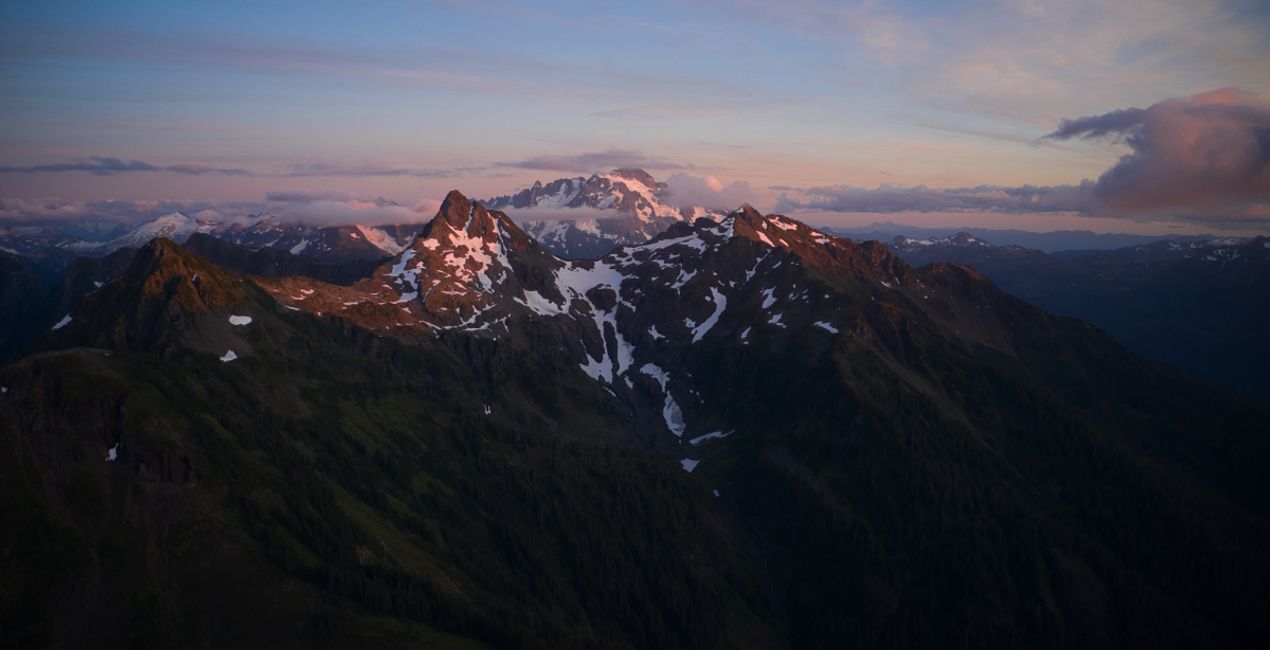
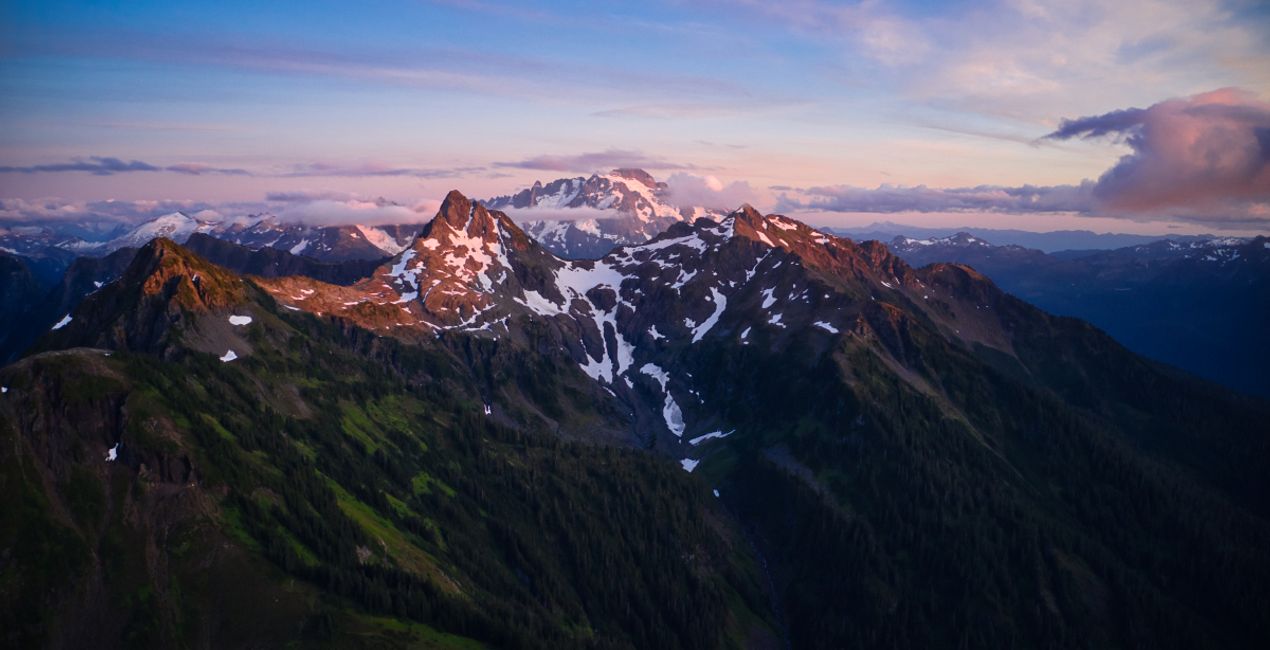
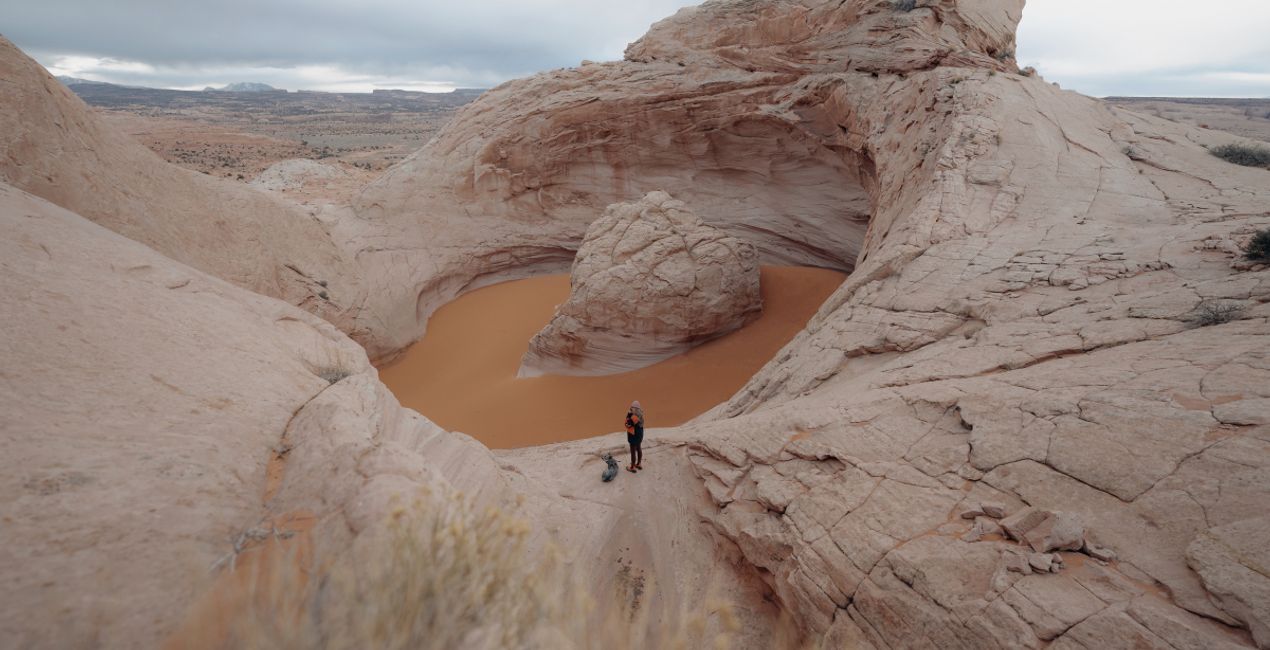
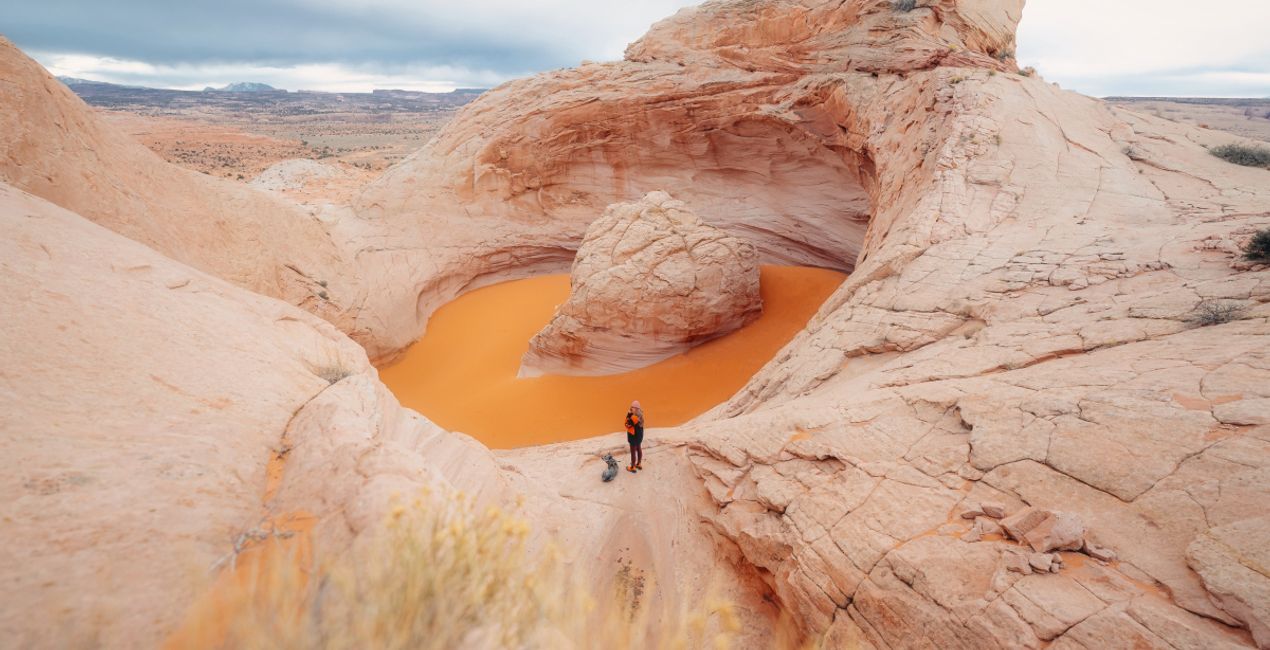
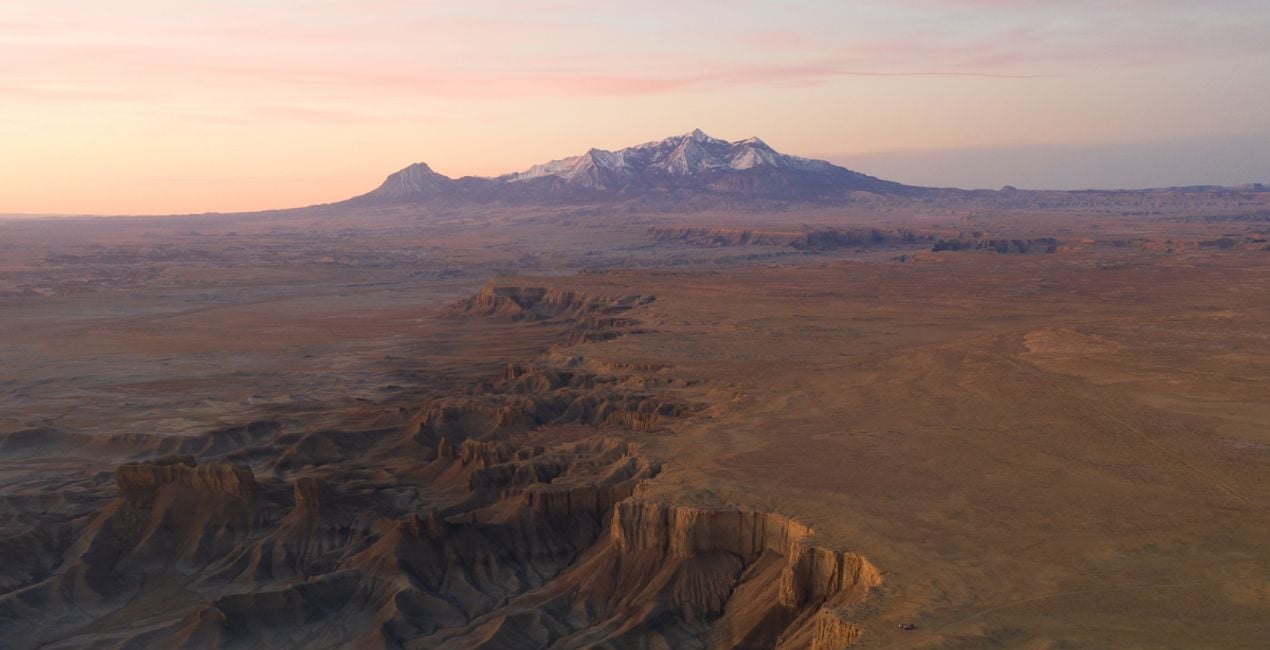
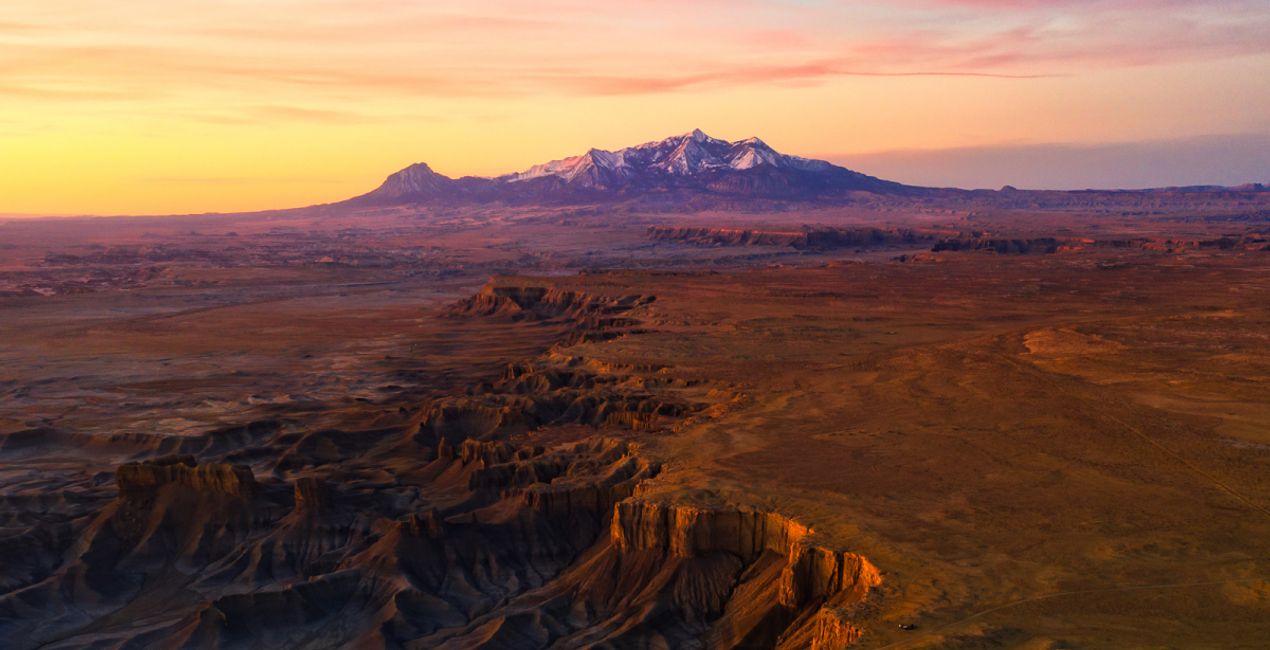
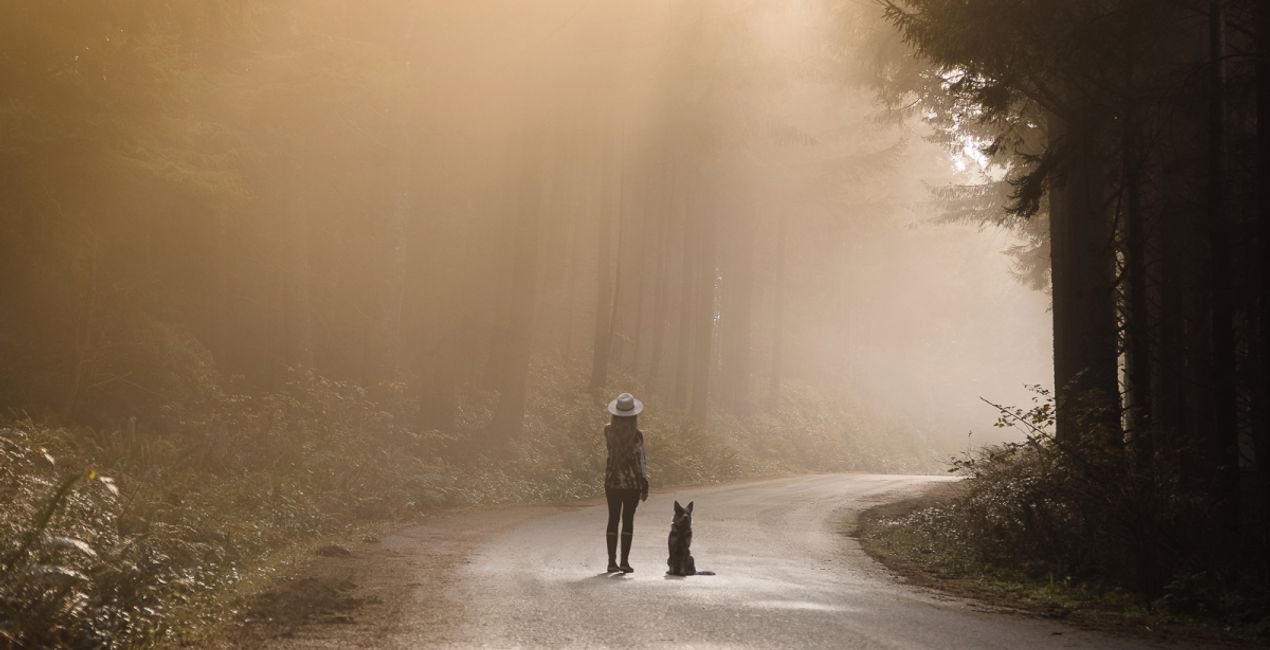
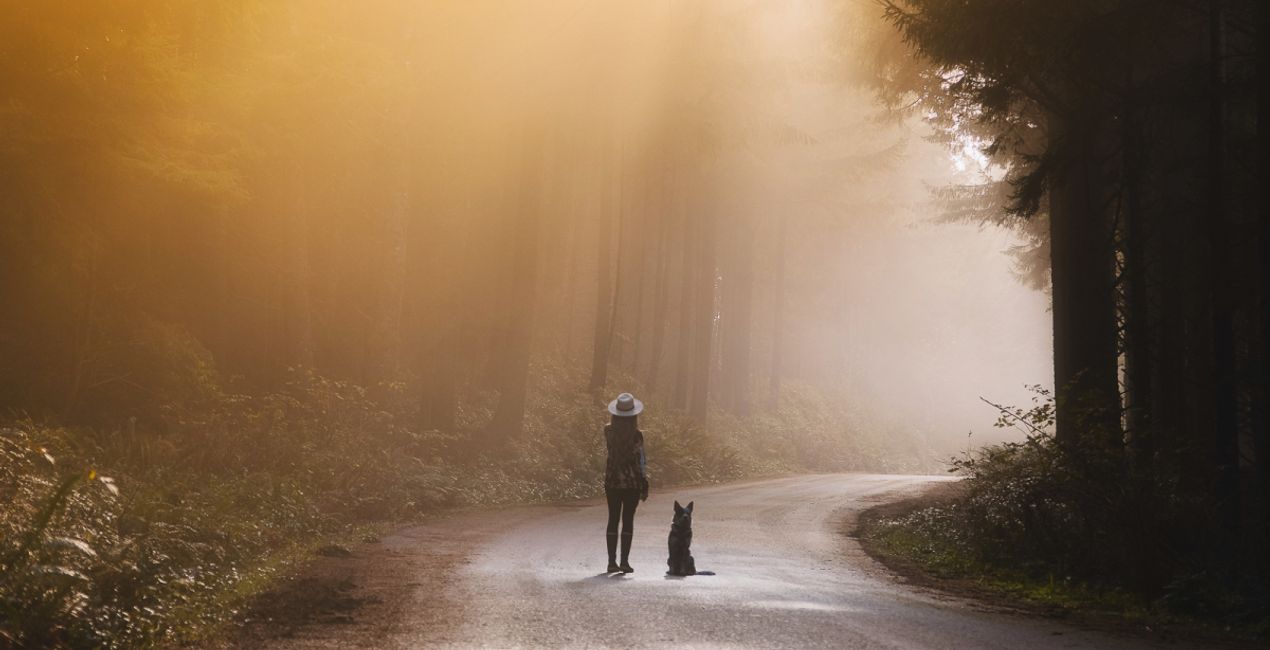
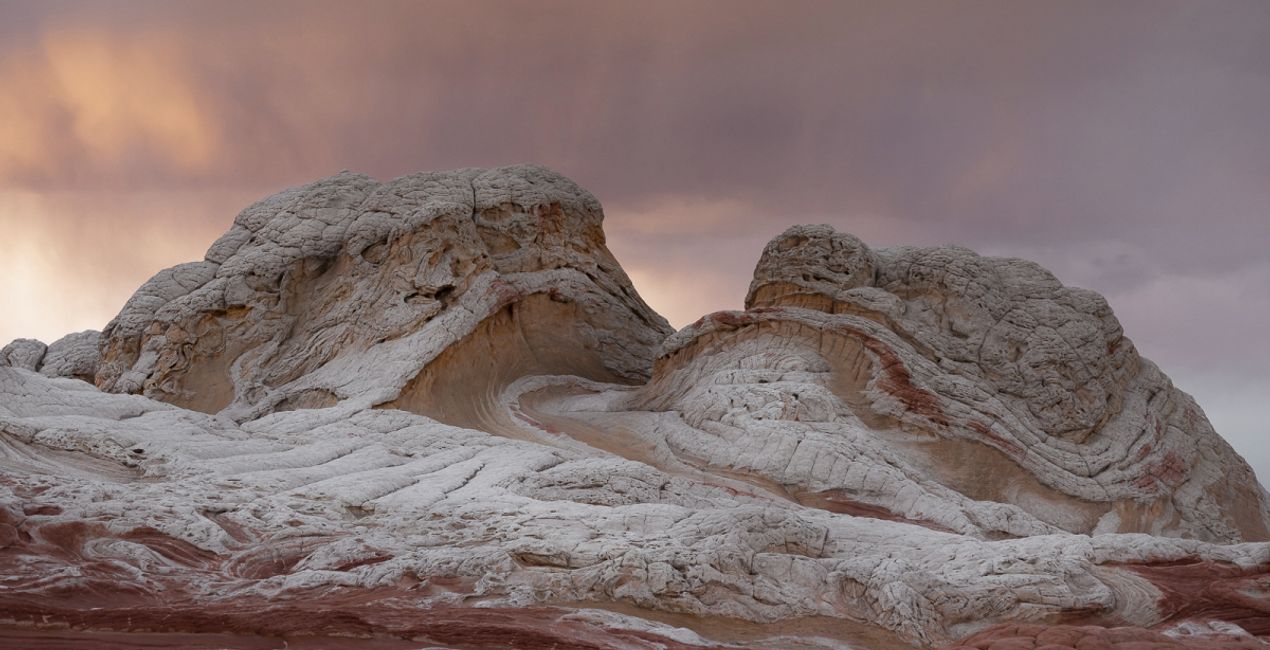
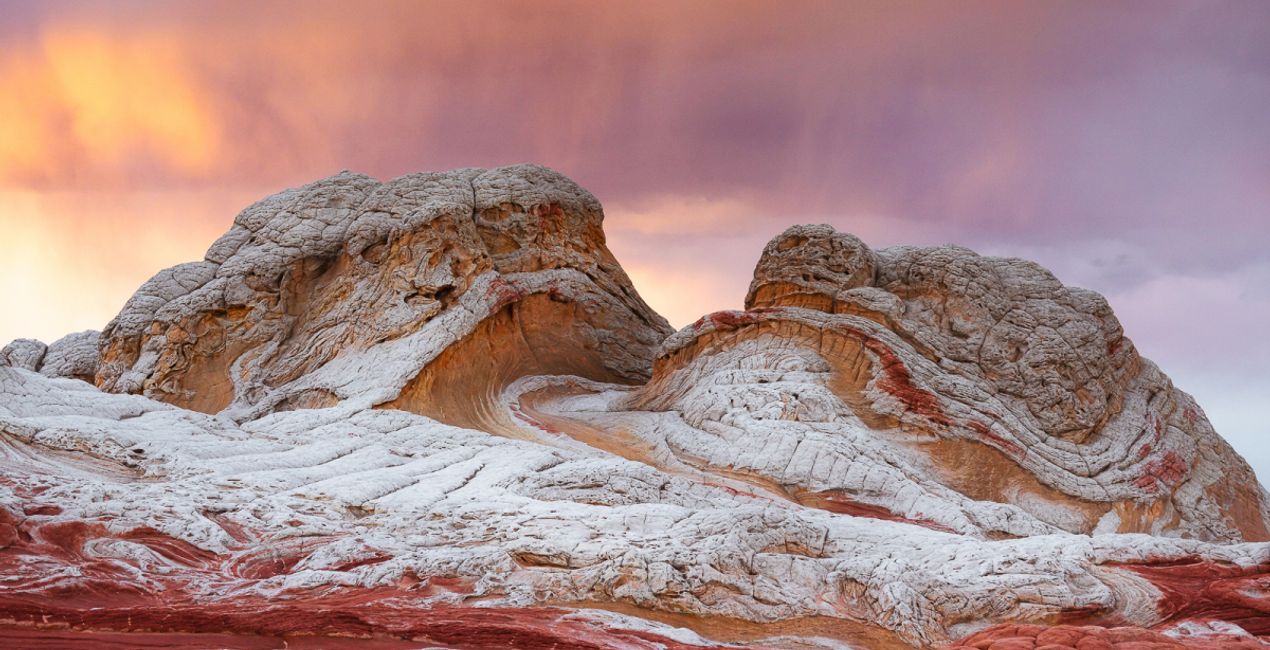
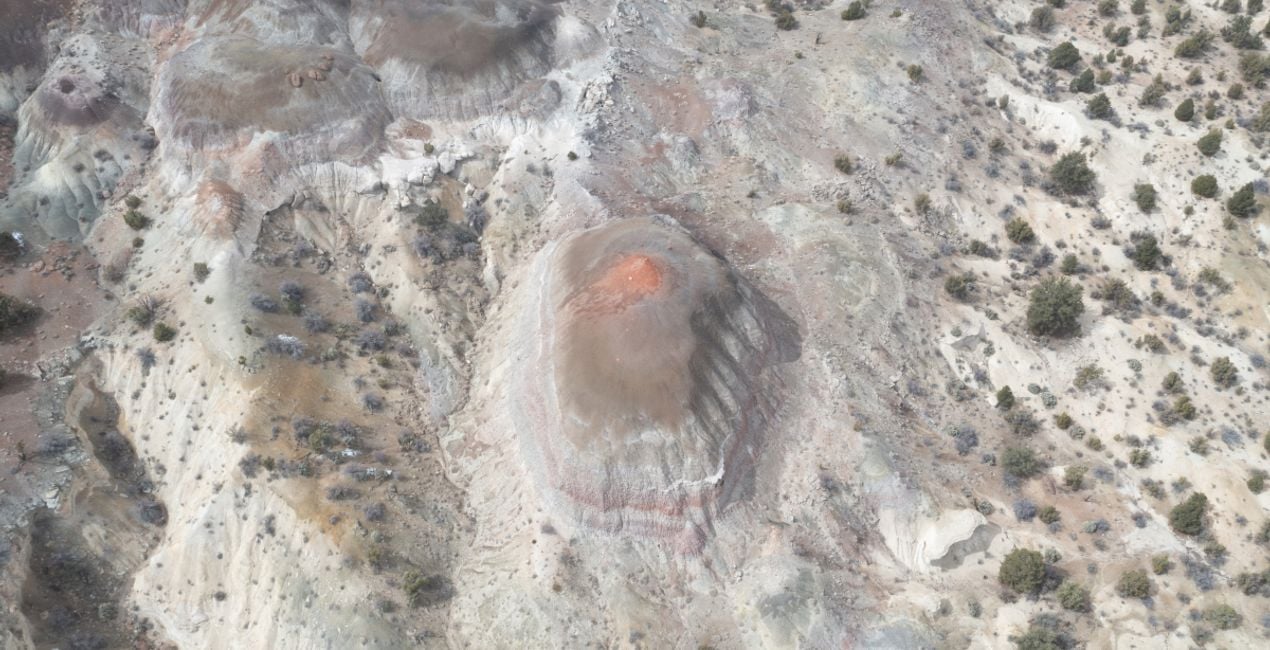
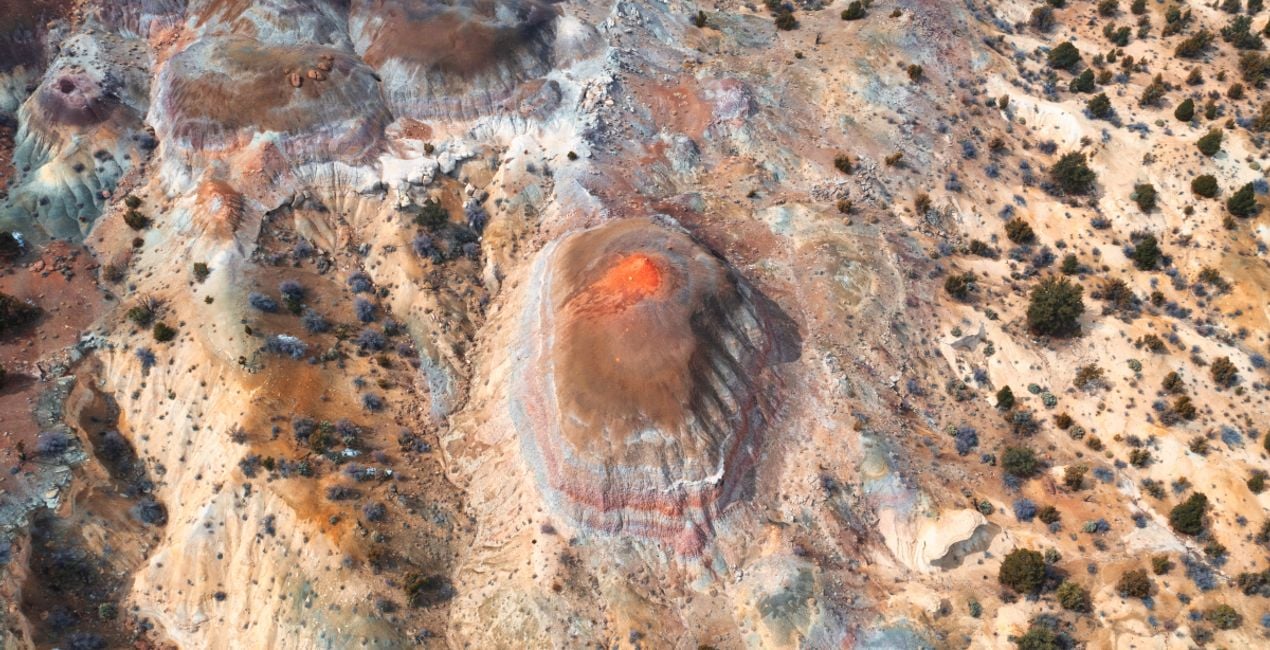
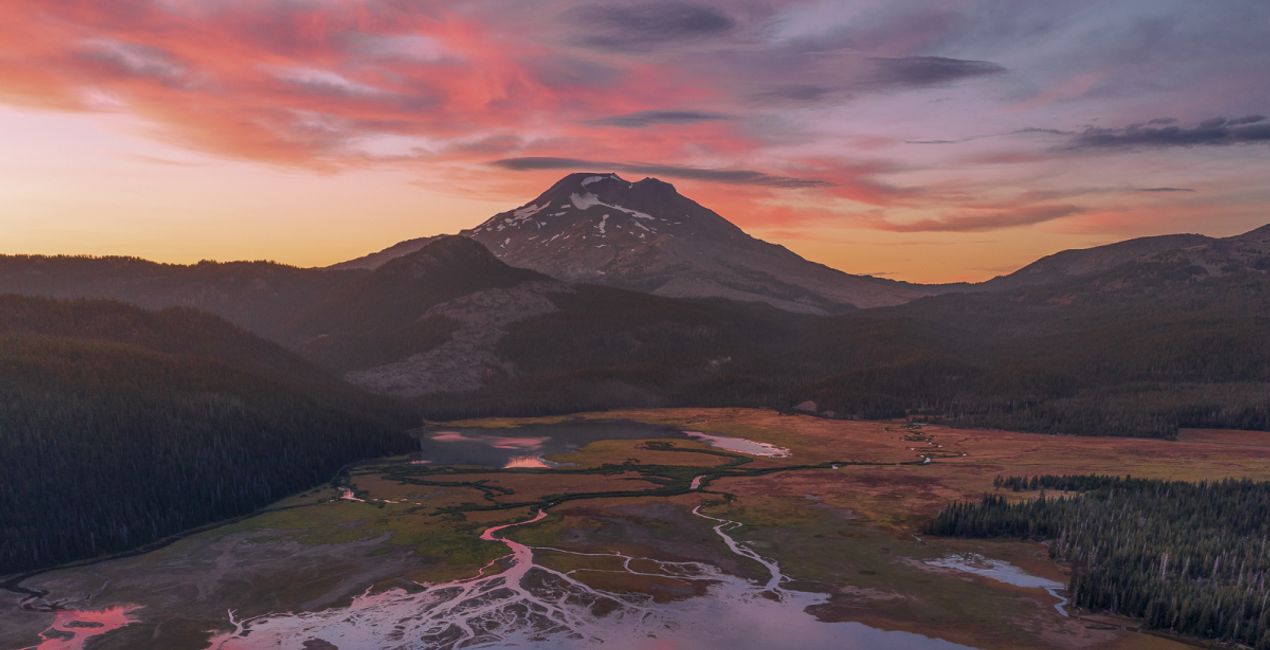
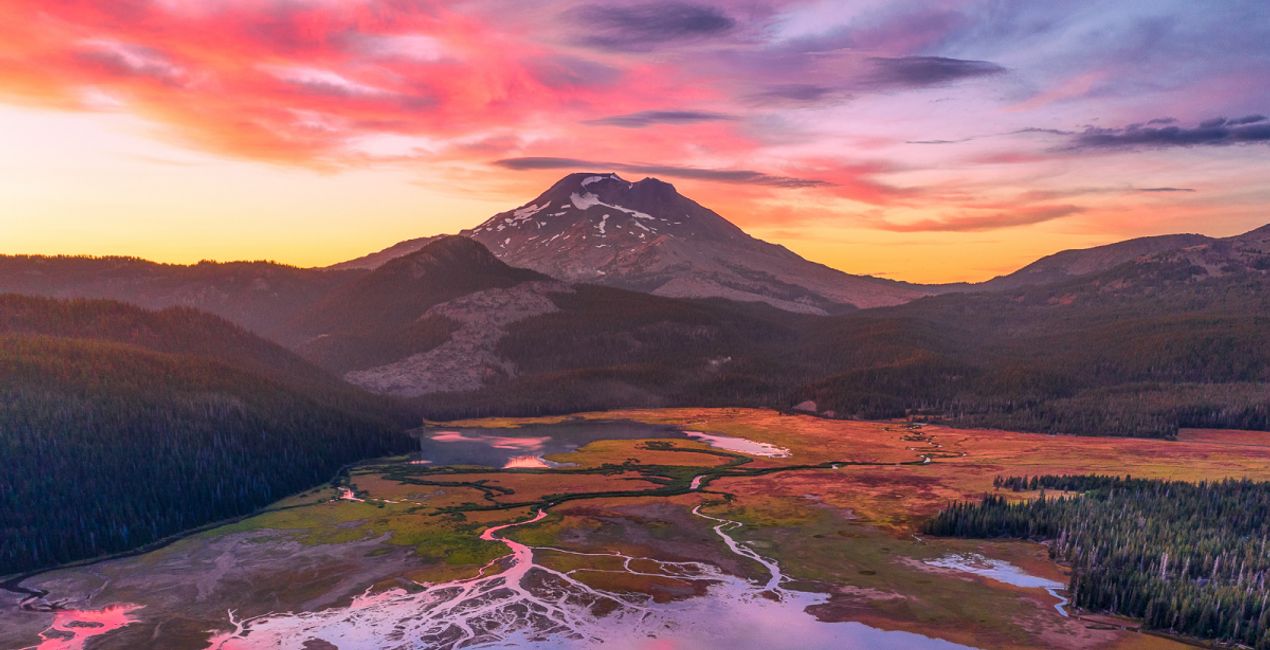
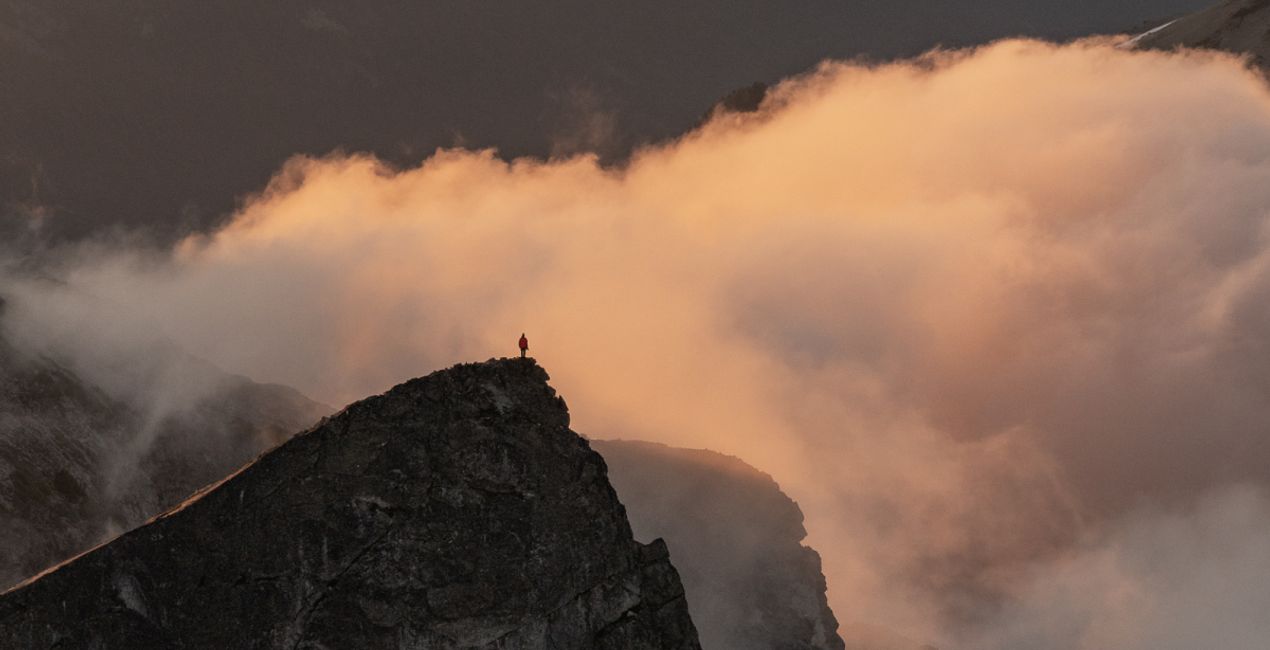
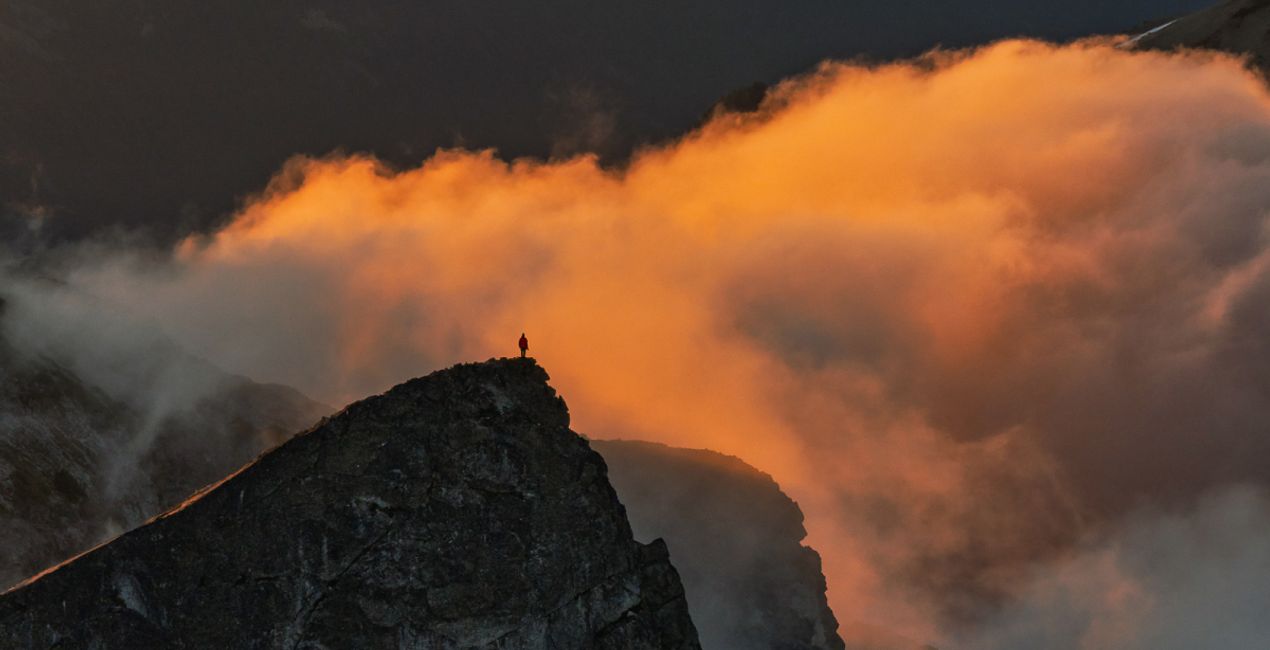
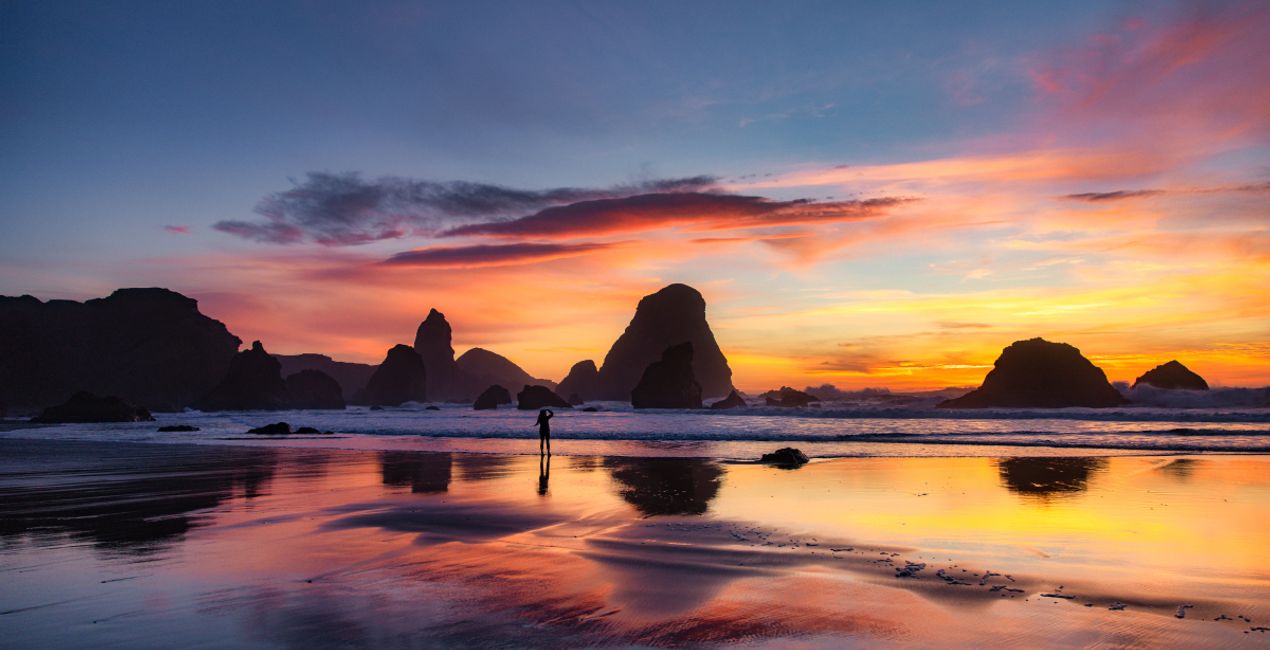
The sunset, sunrise, and golden hour Templates in this collection by The Remote Unknown include versatile editing tools that work for numerous styles of photography including landscape, drone, nature, and travel. These Templates provide a one-click opportunity to magically transform your images and enhance them with brilliant color and golden light.
Co je součástí dodávky
11 Templates and Presets. Compatible with JPEG and RAW images.
Kompatibilita

Pořiďte si fotografie, jako jsou tyto
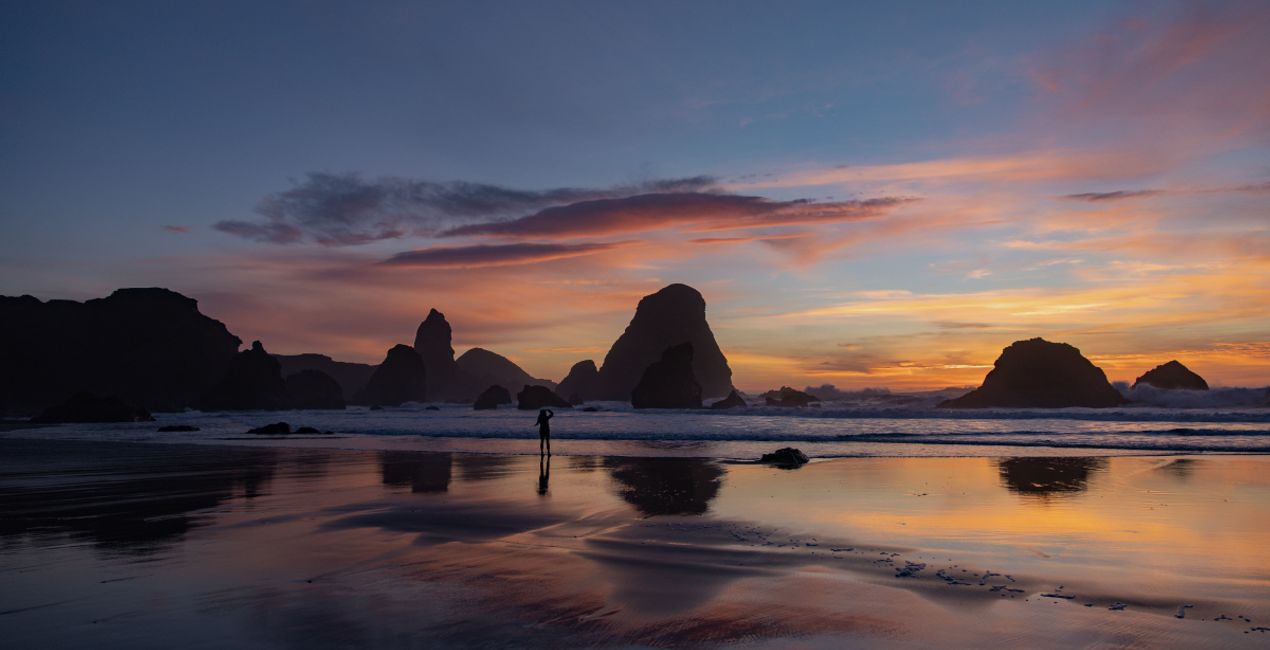
Pomocí souborů RAW si snadno vyzkoušíte tipy pro retušování a naučíte se, jak pořídit fotografie jako tyto.
 >
>
 >
>
 >
>
 >
>
 >
>
 >
>
 >
>
 >
>
 >
>
Příběh
Have you ever wanted to create a landscape so captivating your viewers feel like they’re already there?
Now you can easily accomplish that feeling of presence and wonder thanks to the 10 spectacular Templates in this collection by The Remote Unknown.
Play with colors and light to transform your photos into spectacular images worthy of hanging on your wall and sharing with friends.
Thanks to the versatile styles, you’ll be able to easily transform landscapes, aerial photos, and other images in just a click.
Note that the default effect of a Template may be too strong for your photo. If that’s the case, simply reduce it a bit using the Strength slider. These Templates use color gradient textures.
You can easily adjust the position of the textures in the local masking tools.
Související produkty


Tvůrce
The Remote Unknown
Worldwide Travel Photographers
Michelle Moree & Hollis Porter are a couple native to Seattle, Washington, in the Pacific Northwest who are passionate about traveling to remote destinations around the world, capturing their adventures and experiences while creating photo and video content. Even when visiting popular destinations, they find novel interpretations through their own artistic eyes.
With a mutual eye for a unique representation of the outdoors, Michelle and Hollis enjoy capturing and documenting every excursion in order to tell their distinct story behind it. After a year together, Michelle and Hollis have established The Remote Unknown into a brand composed of commercial photography, videography, travel, apparel, and an artist collective.
Jak mohu kontaktovat podporu?
Máte-li jakékoli dotazy týkající se produktu, můžete se obrátit na tým podpory, který je k dispozici 24 hodin denně, 7 dní v týdnu. Stačí kliknout na tento odkaz.
Jak mohu zakoupit The Otherworldly Landscape?
Pro zakoupení The Otherworldly Landscape postupujte podle těchto kroků:
1. Otevřete tržiště Skylum Marketplace.
2. Přejděte na příslušnou záložku, kde je uveden The Otherworldly Landscape. Klikněte na něj a přidejte jej do košíku.
3. Přejděte do košíku. Zde dokončete proces nákupu produktu The Otherworldly Landscape.
4. Po zakoupení obdržíte e-mail s odkazem ke stažení produktu The Otherworldly Landscape. Nový produkt také najdete ve svém účtu Skylum na kartě Moje doplňky.
Jak nainstalovat produkt The Otherworldly Landscape?
Podrobné pokyny k instalaci The Otherworldly Landscape vám budou zaslány v e-mailu s odkazem ke stažení.
Kromě toho můžete zakoupenou položku nainstalovat přímo v Luminar Neo: přejděte do nabídky Extra > Marketplace, vyberte kategorii Produkt, vyhledejte zakoupenou položku a klikněte na Instalovat.
Kde najdu svůj The Otherworldly Landscape po instalaci?
Je to docela snadné! Přejděte na kartu Přednastavení a vyberte možnost Zakoupené. Vaše nainstalované přednastavení se zde zobrazí.
Co když ztratím The Otherworldly Landscape?
Nebojte se. Všechny zakoupené položky, včetně The Otherworldly Landscape, jsou uloženy na kartě „Moje doplňky“ ve vašem účtu Skylum, odkud je můžete snadno znovu stáhnout a používat.
Jak mohu zkontrolovat, zda je The Otherworldly Landscape kompatibilní s mým softwarem?
Obecně platí, že většina položek je kompatibilní s Luminar Neo. Abyste se však ujistili, že The Otherworldly Landscape je kompatibilní s vaším softwarem, před stažením nebo zakoupením si zkontrolujte jeho specifikace. V pravé části stránky The Otherworldly Landscape najdete sekci „Kompatibilita“, kde jsou uvedeny všechny kompatibilní produkty.


