


 Použit


Magical Forests
Save $201 $ 12 .73 $ 19 .00

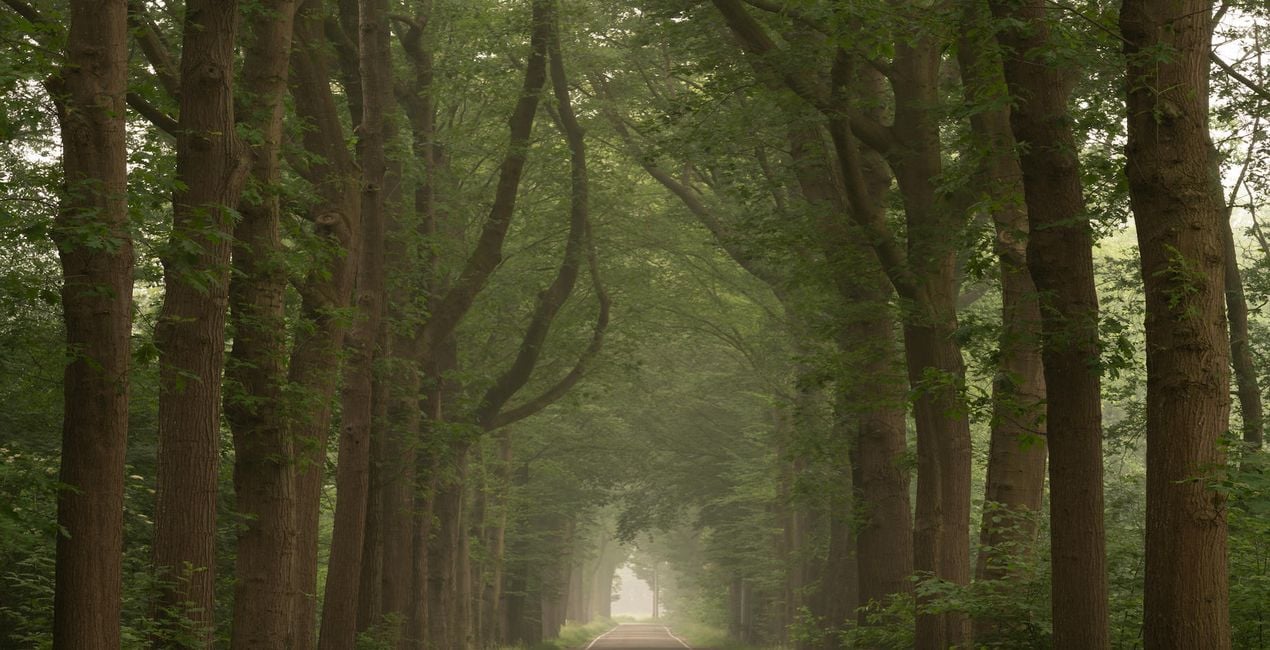
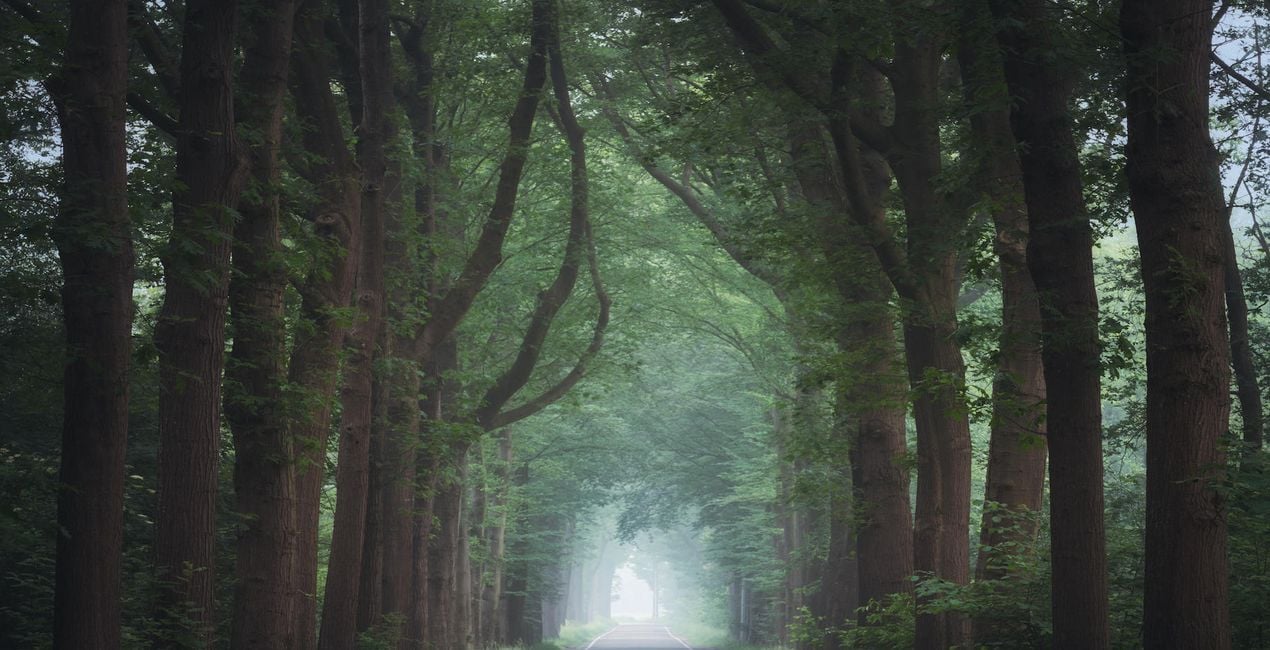
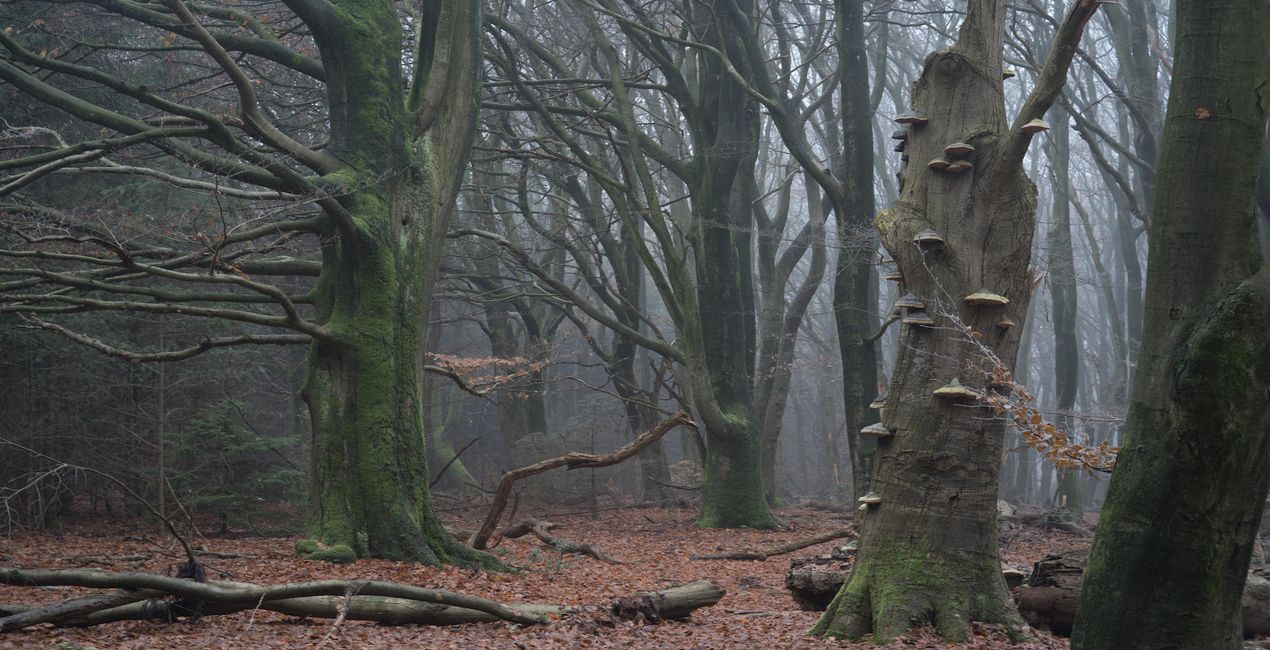
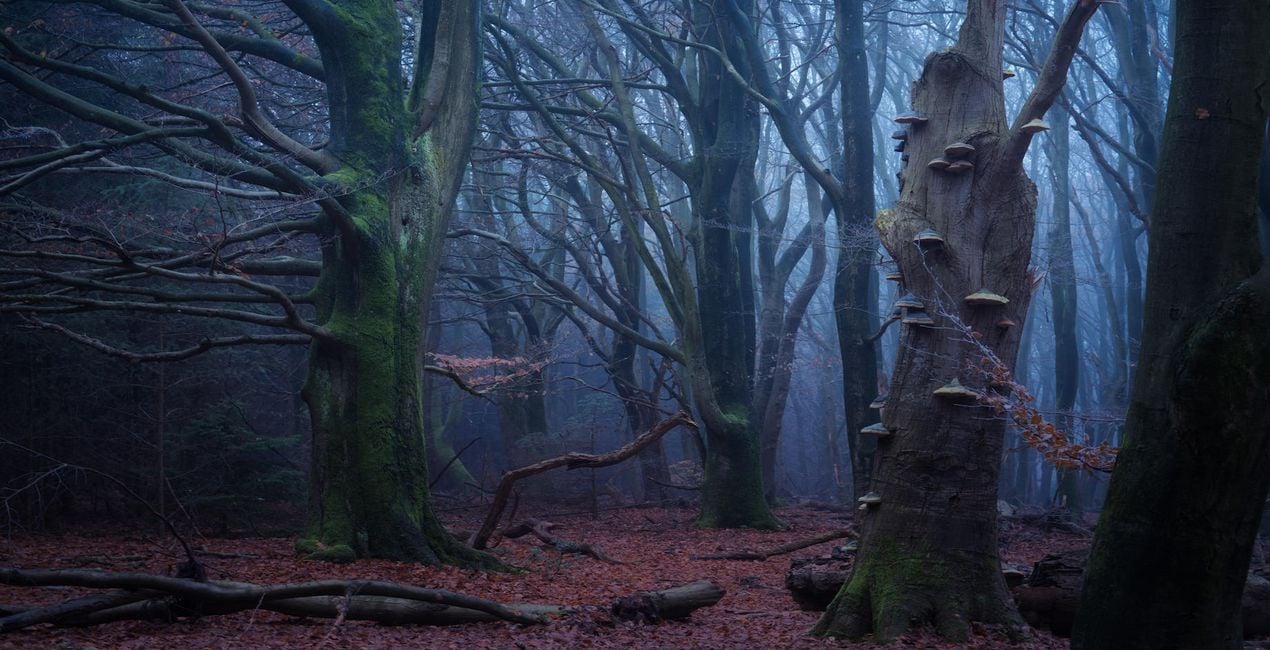
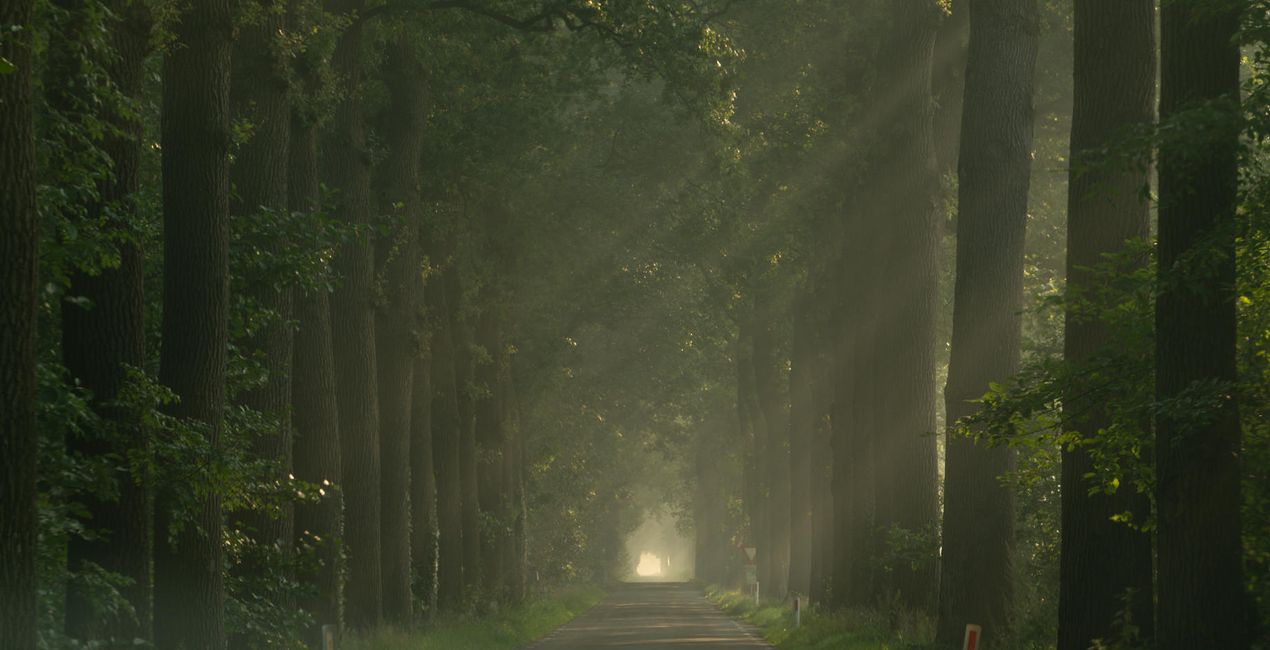
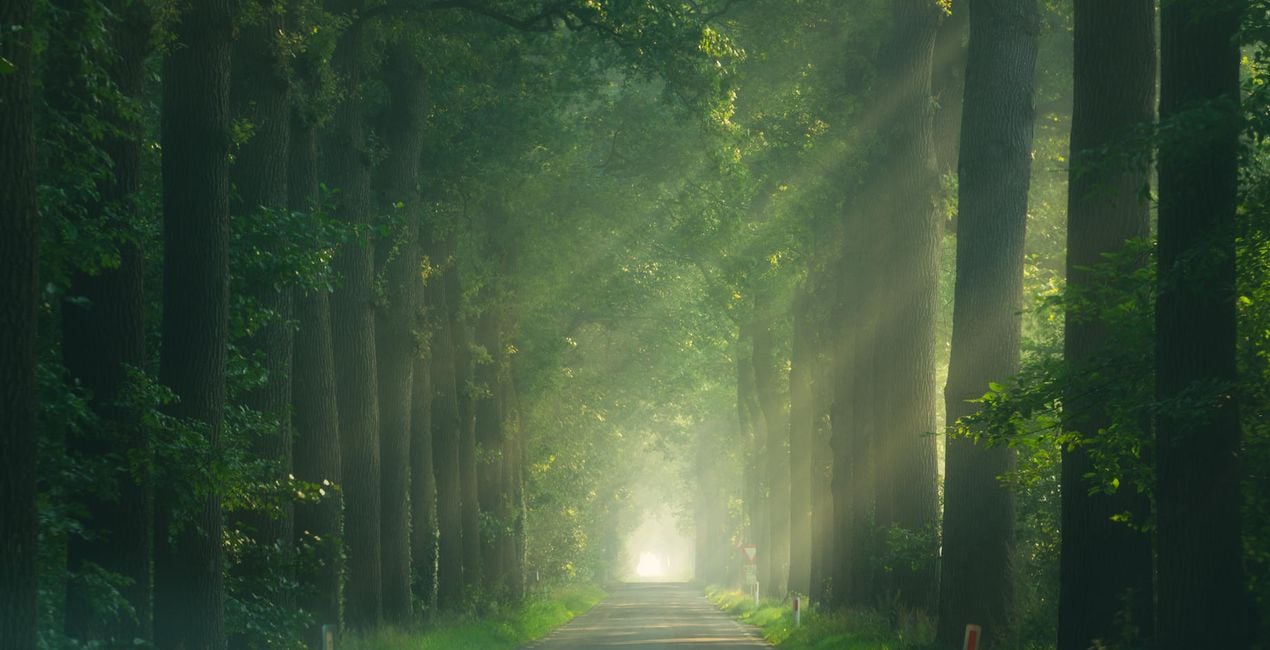
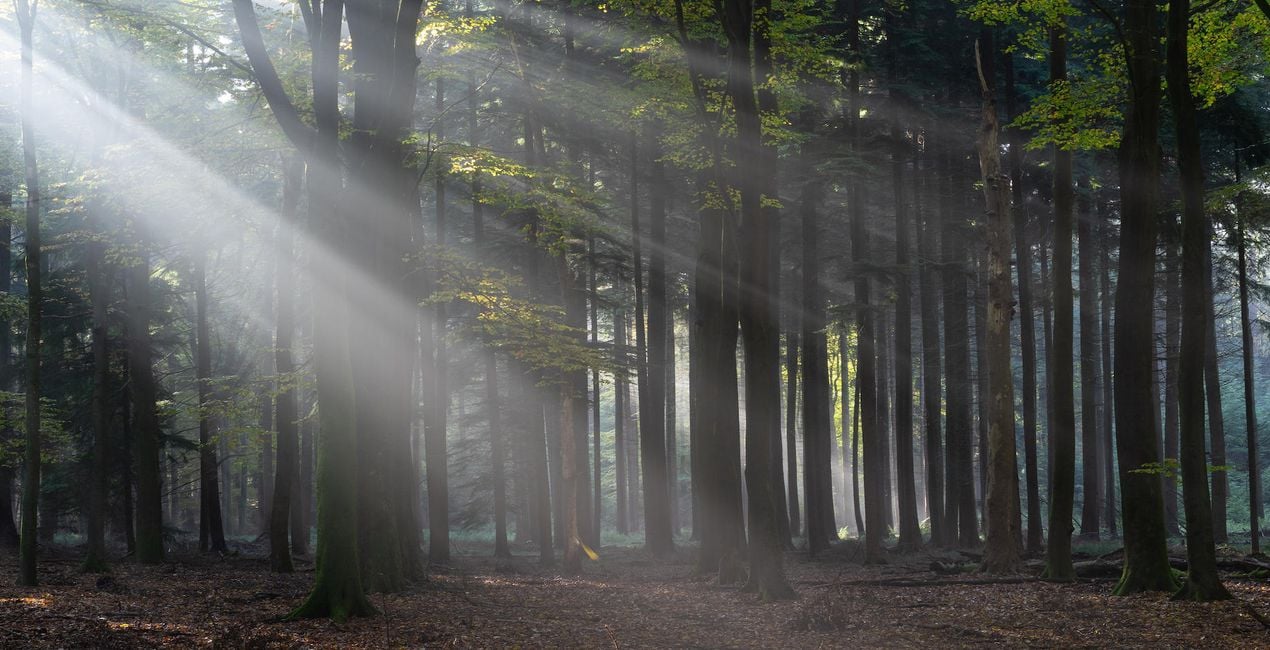
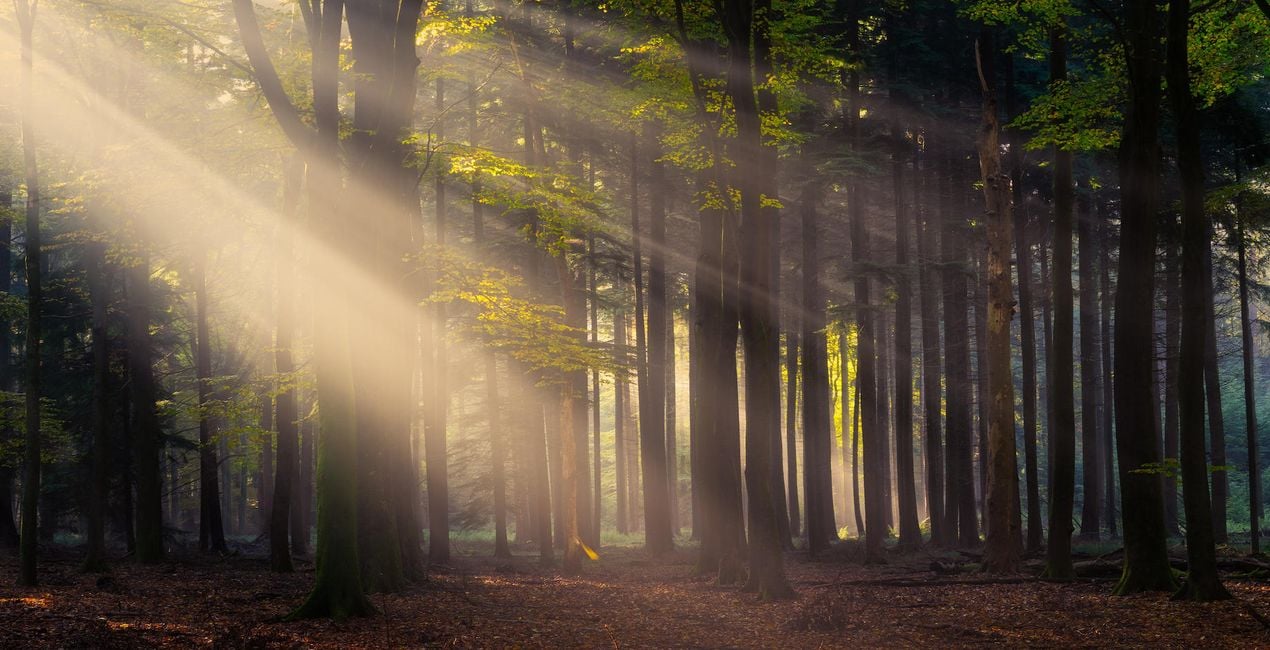
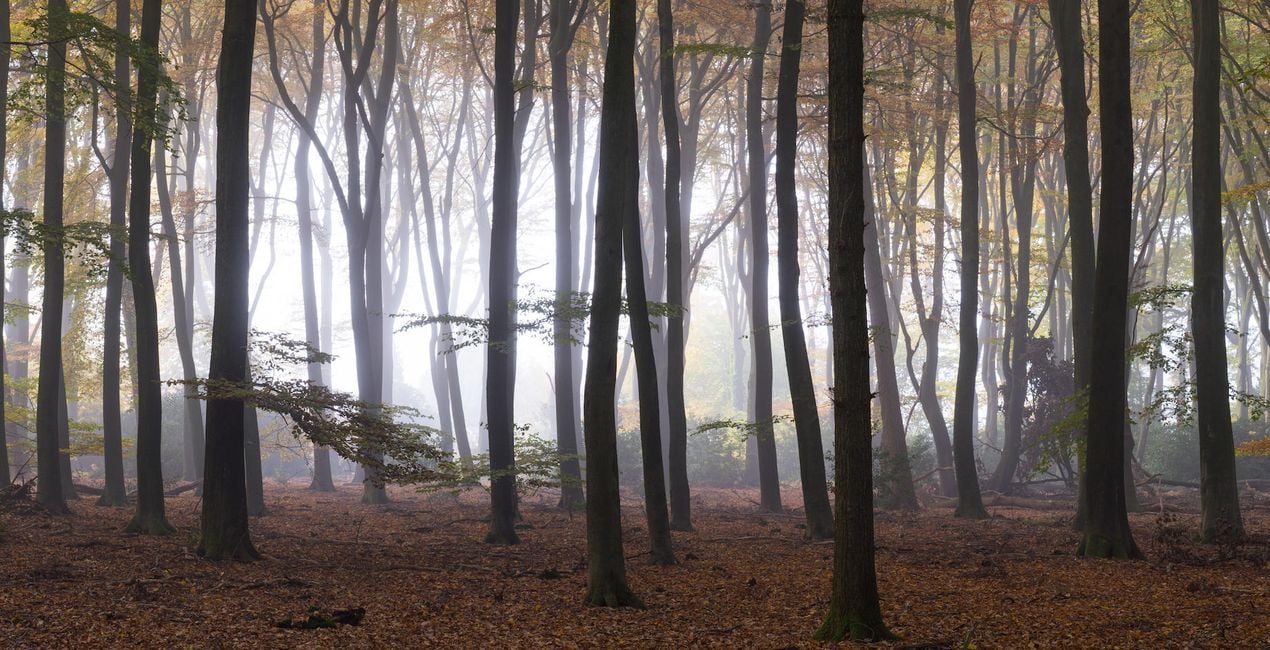
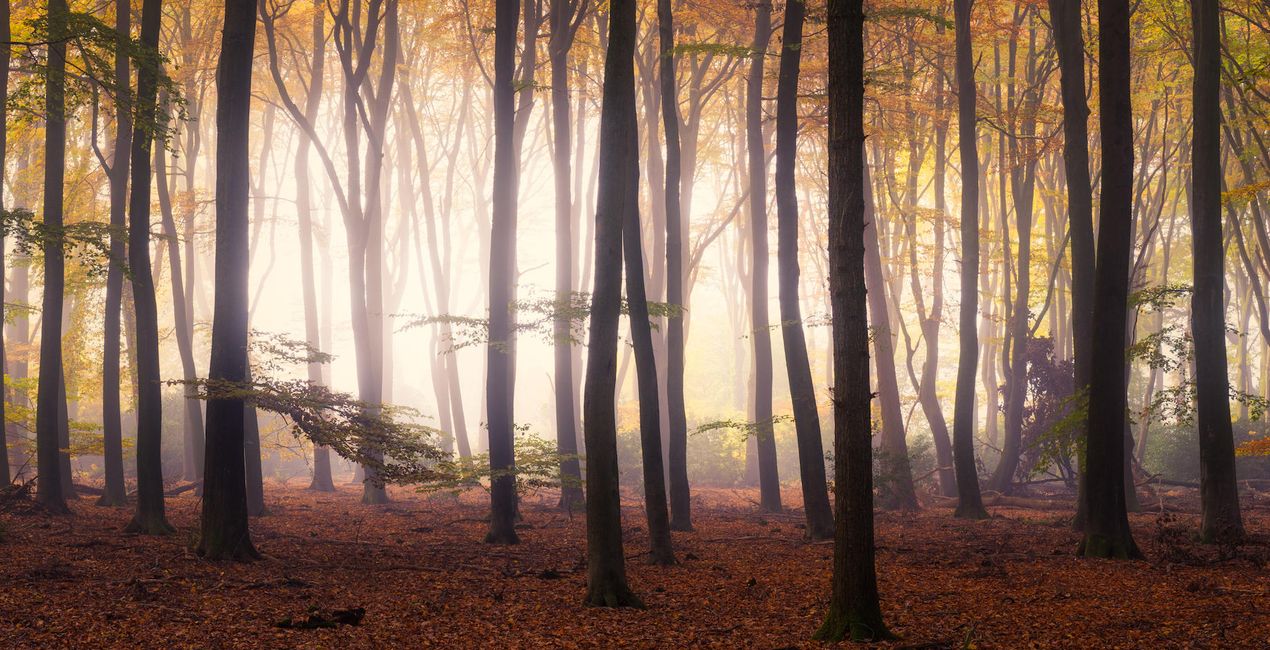
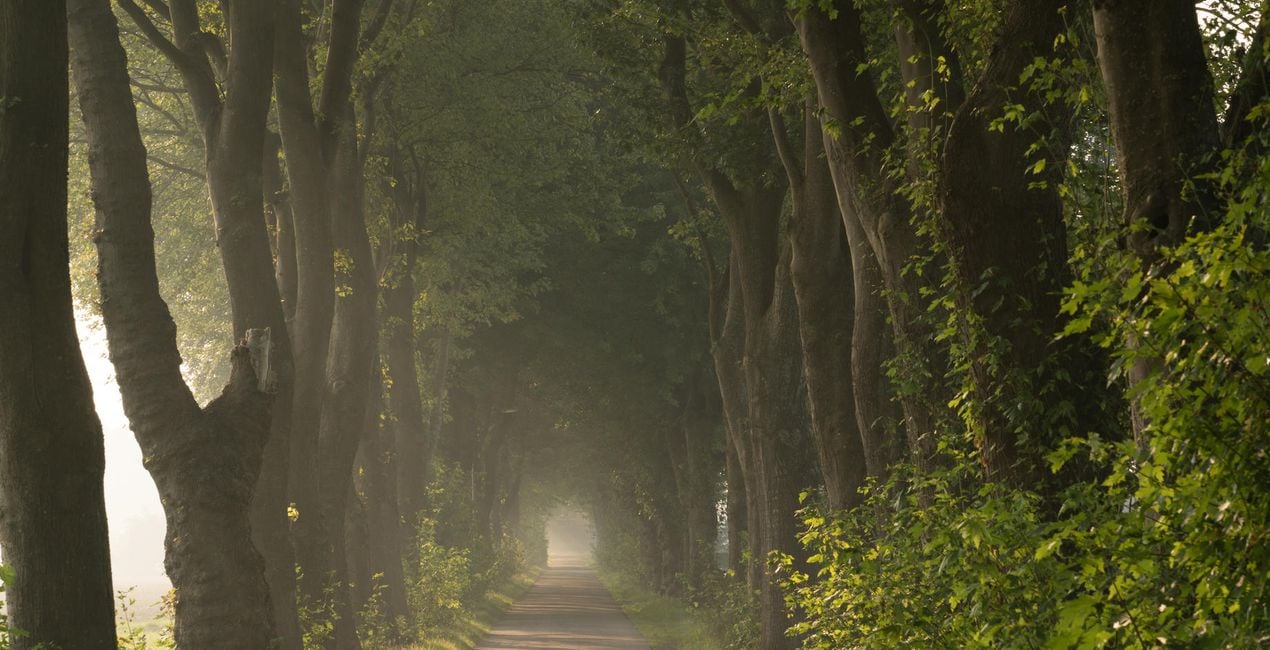
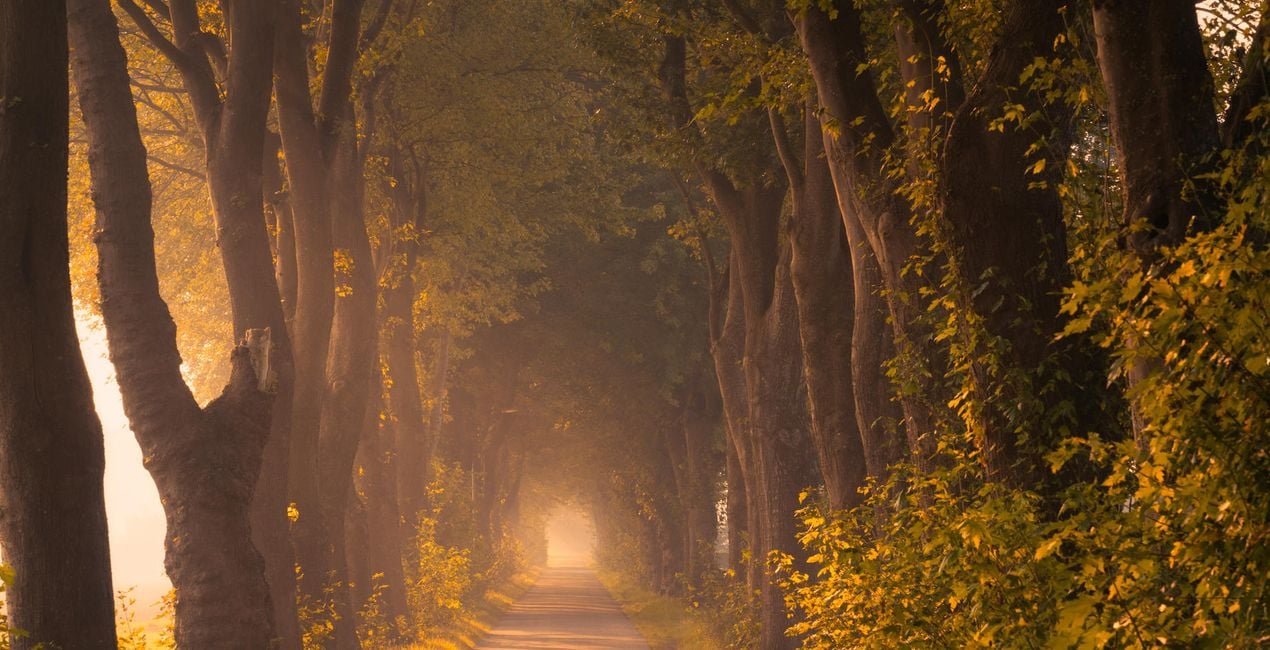
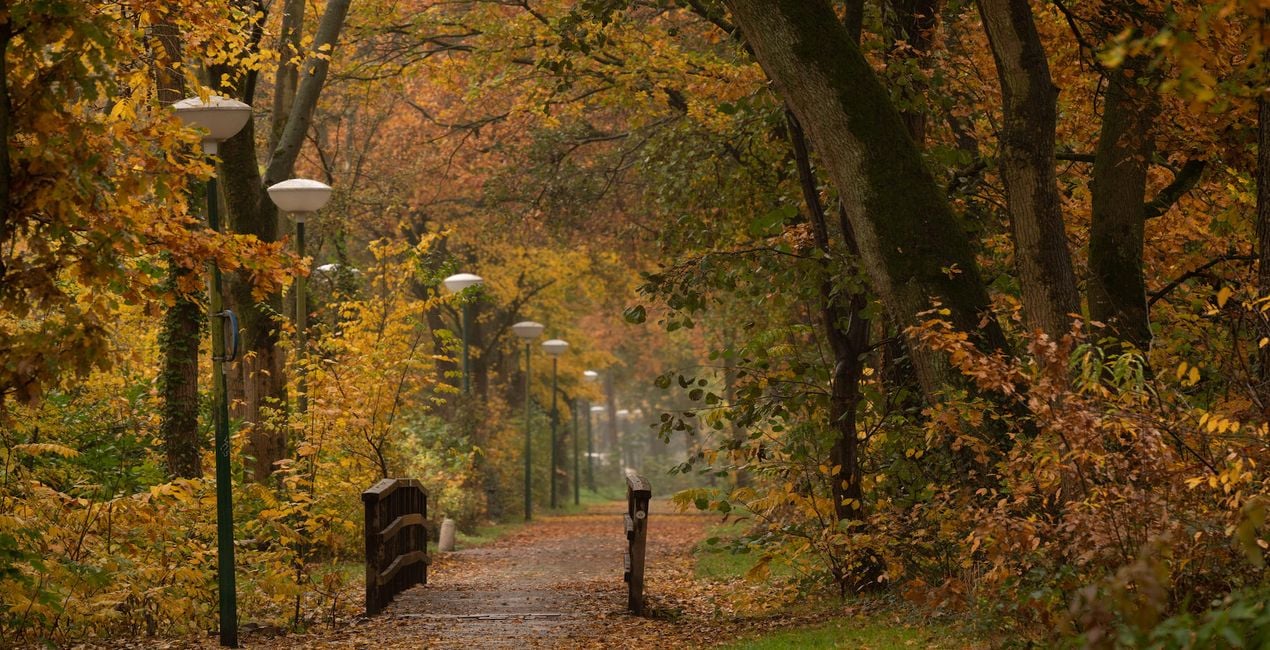
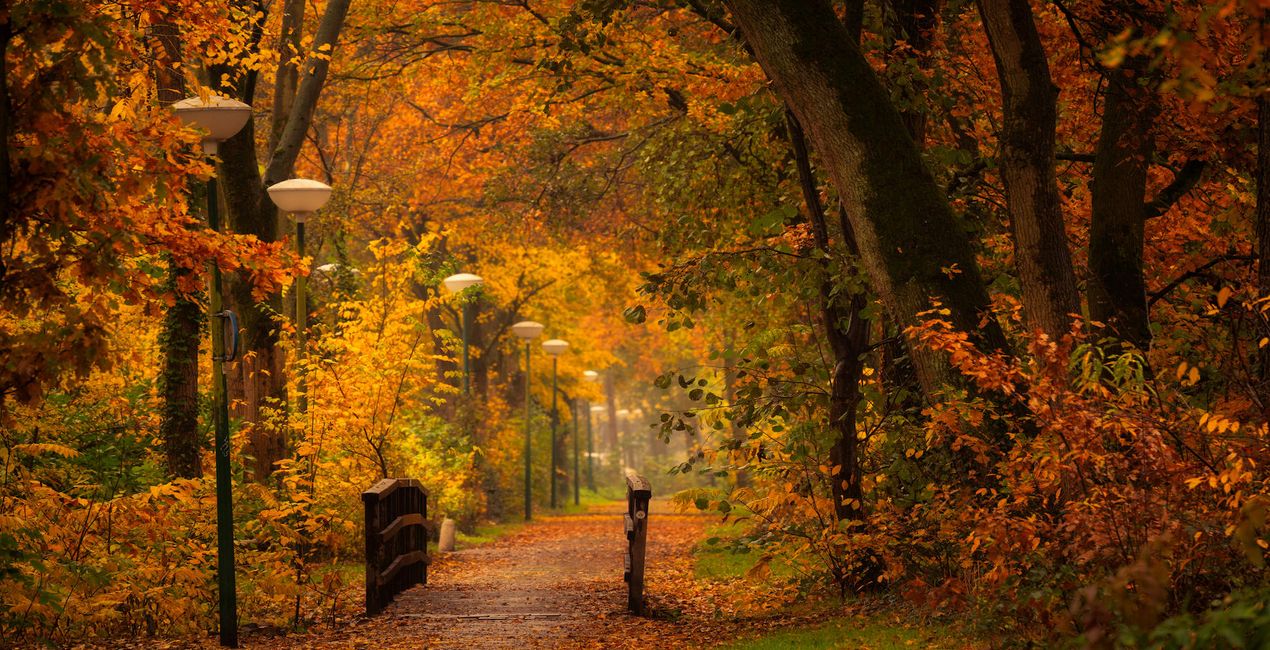
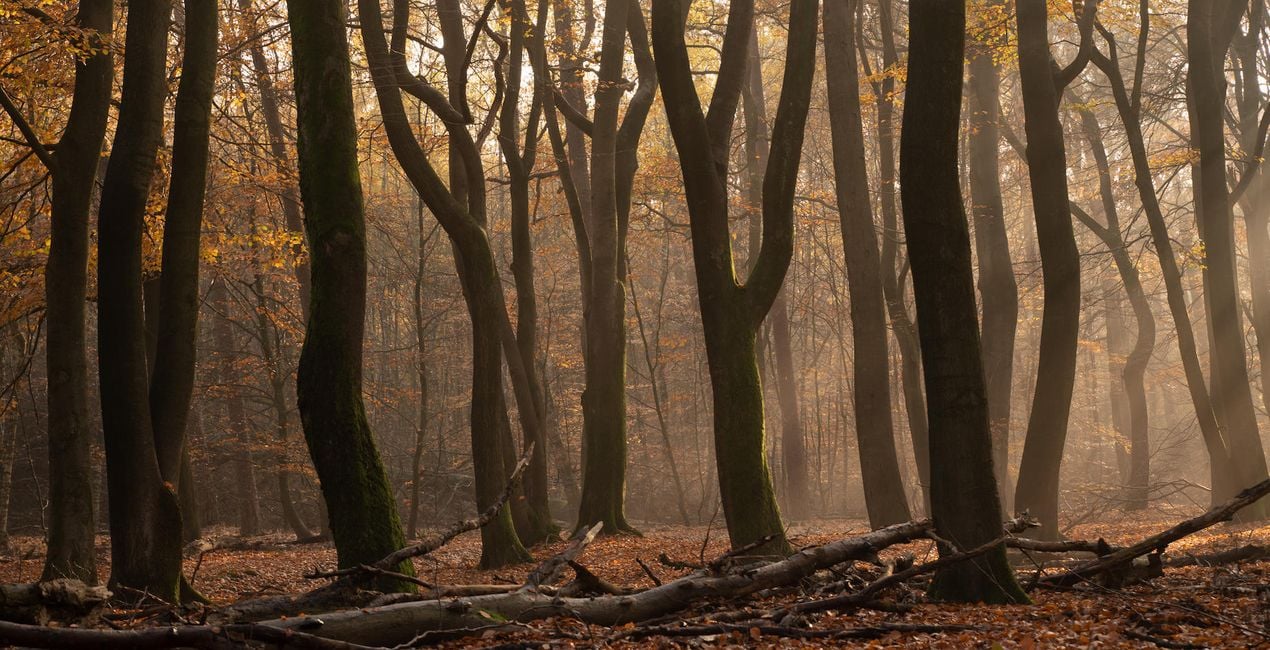
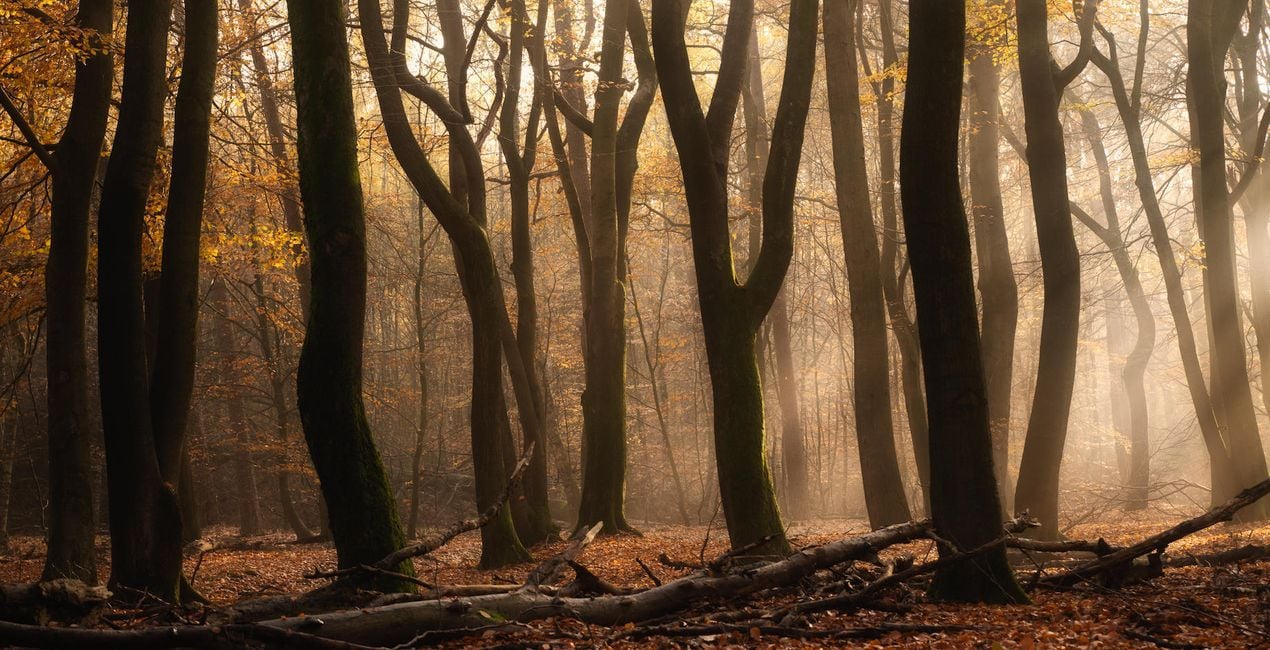
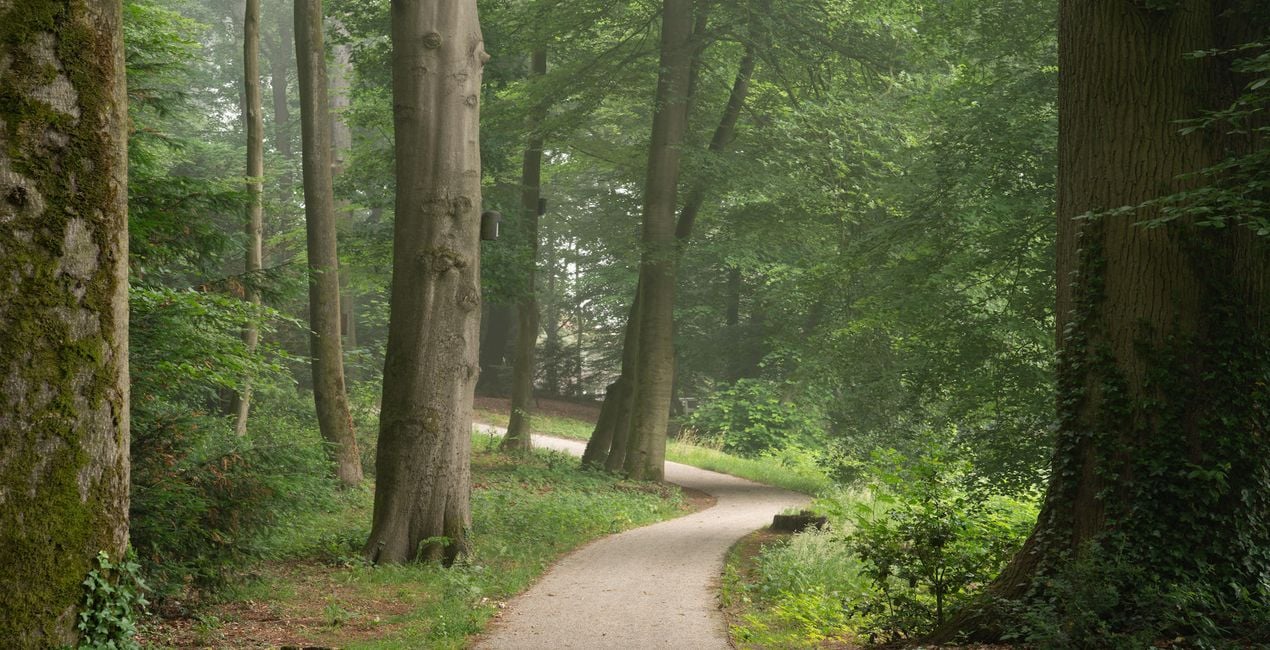
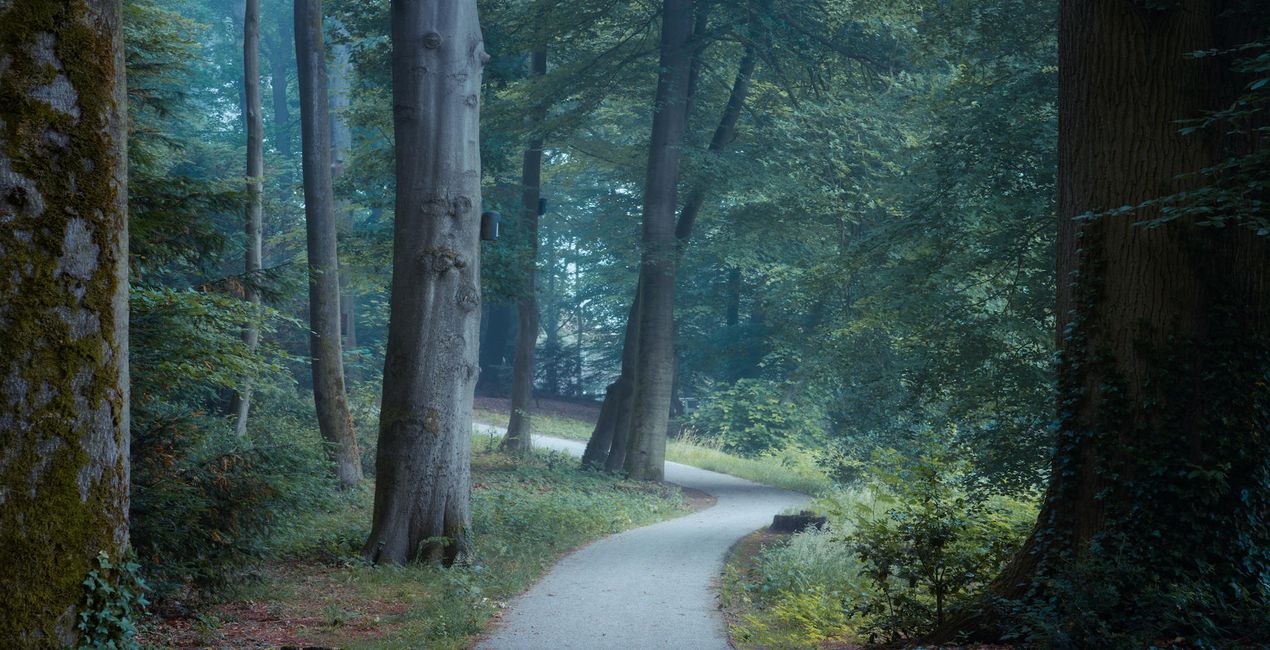
Albert Dros is an expert in photographing forest and giving them that magical look. With these presets it takes you just 1 click to get a great result. Albert emphasises on the fact that the base of your shot has to have some good light in it for maximum results. “A ‘bad’ photo doesn’t suddenly look magical with these presets.

Pomocí souborů RAW si snadno vyzkoušíte tipy pro retušování a naučíte se, jak pořídit fotografie jako tyto.
 >
>
 >
>
 >
>
 >
>
 >
>
 >
>
 >
>
 >
>
 >
>
This preset pack was created to make it easy and quick to edit forest photos. Walking around in a beautiful forest can be magical, especially with the right light. It’s not always possible to capture that feeling and light properly when photographing forests. This pack was created to help you push out that certain mood that you experienced while walking in the forest out of your photos. Dreamy, Mystical or maybe a Spooky look? They can either be used as inspiration or final result. I was inspired to create these Templates/Looks from the photo community that was always asking me how I edit my photos. Sometimes I spend hours on a photo, and sometimes it takes a few minutes with only a few clicks. That’s the case with most of my forest photos. So I figured I would make it easier for the community to help them achieve my style! With these presets users can edit their forest photos in a super-easy way and achieve very quick results. Bu only tweaking a few parameters like exposure, intensity and white balance, the user can very quickly get the desired result. These presets are based on micro-contrast, split toning and adding a different kind of glows. And by playing with colours they give you that magical look you often see in Albert’s forest photos. For a full forest guide сheck the article at the Iceland Photo Tours website. IMPORTANT Exposure: When using these presets, you sometimes need to adjust the Exposure slider to get the desired brightness. Vignette: In some of the presets Vignetting is applied. You can change the center point of this vignette to your preference. Amount: The effect might sometimes be too strong. Play with the ‘amount’ slider to reduce the effect in case it’s too strong.
Photographer, writer and educator
Albert Dros is a Dutch landscape photographer who has an extraordinary passion to plan and create unique shots. Volcanoes, solar eclipses and unique aspects of nature draw his attention. He doesn’t just go for the simple shot.
"Go big or go home" is his motto, always trying to add some unique element to his shots.
His work has been recognized on a worldwide scale and he has been published worldwide in the biggest media outlets.
Albert travels a lot as a photo educator but also for personal projects. But even in The Netherlands, he can’t stop photographing. His inspiration never stops.
Máte-li jakékoli dotazy týkající se produktu, můžete se obrátit na tým podpory, který je k dispozici 24 hodin denně, 7 dní v týdnu. Stačí kliknout na tento odkaz.
Pro zakoupení Magical Forests postupujte podle těchto kroků:
1. Otevřete tržiště Skylum Marketplace.
2. Přejděte na příslušnou záložku, kde je uveden Magical Forests. Klikněte na něj a přidejte jej do košíku.
3. Přejděte do košíku. Zde dokončete proces nákupu produktu Magical Forests.
4. Po zakoupení obdržíte e-mail s odkazem ke stažení produktu Magical Forests. Nový produkt také najdete ve svém účtu Skylum na kartě Moje doplňky.
Podrobné pokyny k instalaci Magical Forests vám budou zaslány v e-mailu s odkazem ke stažení.
Kromě toho můžete zakoupenou položku nainstalovat přímo v Luminar Neo: přejděte do nabídky Extra > Marketplace, vyberte kategorii Produkt, vyhledejte zakoupenou položku a klikněte na Instalovat.
Je to docela snadné! Přejděte na kartu Přednastavení a vyberte možnost Zakoupené. Vaše nainstalované přednastavení se zde zobrazí.
Nebojte se. Všechny zakoupené položky, včetně Magical Forests, jsou uloženy na kartě „Moje doplňky“ ve vašem účtu Skylum, odkud je můžete snadno znovu stáhnout a používat.
Obecně platí, že většina položek je kompatibilní s Luminar Neo. Abyste se však ujistili, že Magical Forests je kompatibilní s vaším softwarem, před stažením nebo zakoupením si zkontrolujte jeho specifikace. V pravé části stránky Magical Forests najdete sekci „Kompatibilita“, kde jsou uvedeny všechny kompatibilní produkty.
Ještě neodcházejte. Máme pro vás exkluzivní slevový kód. Využijte ho do 15 minut a získejte při placení slevu 10 %. Zkopírujte níže uvedený kód a dokončete nákup.
15 m : 00 s





