


 Použit


Interiors Enhancements
Save $201 $ 19 .00

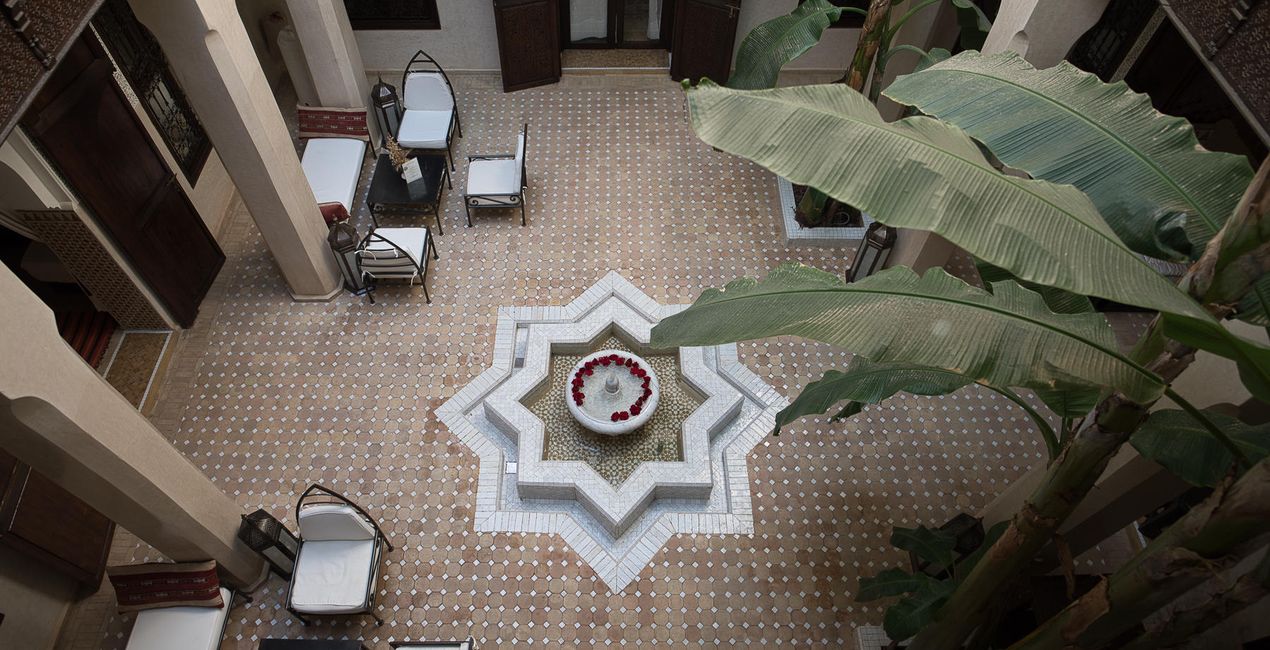
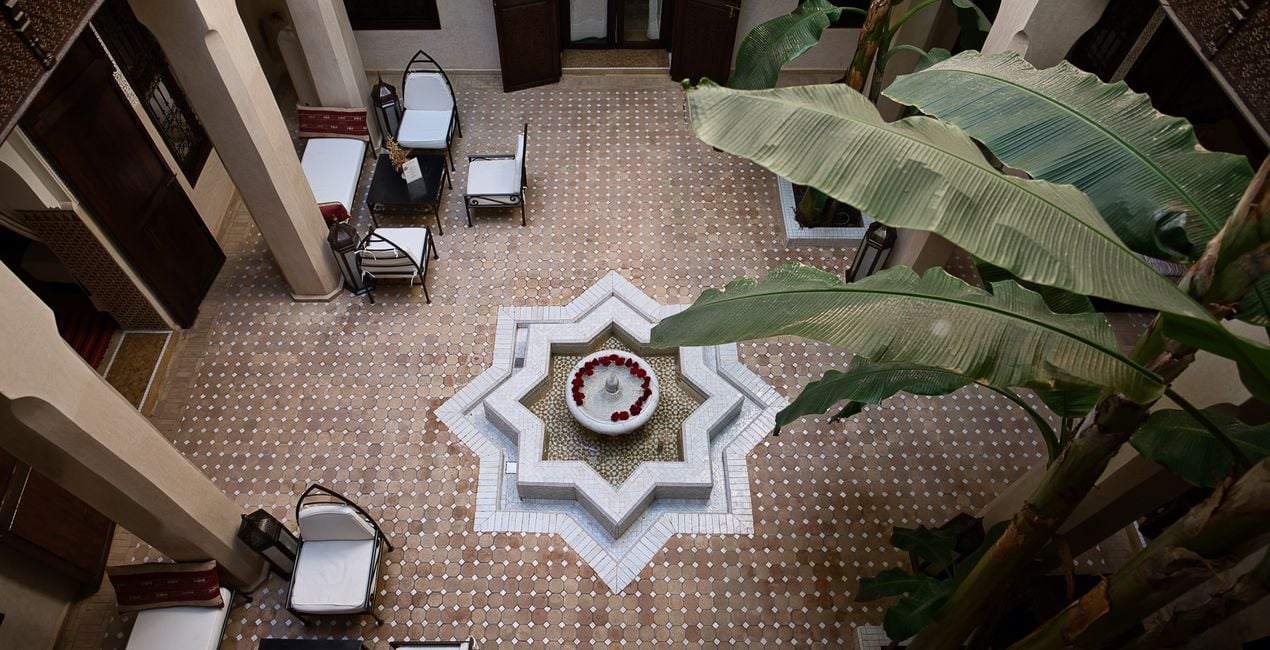
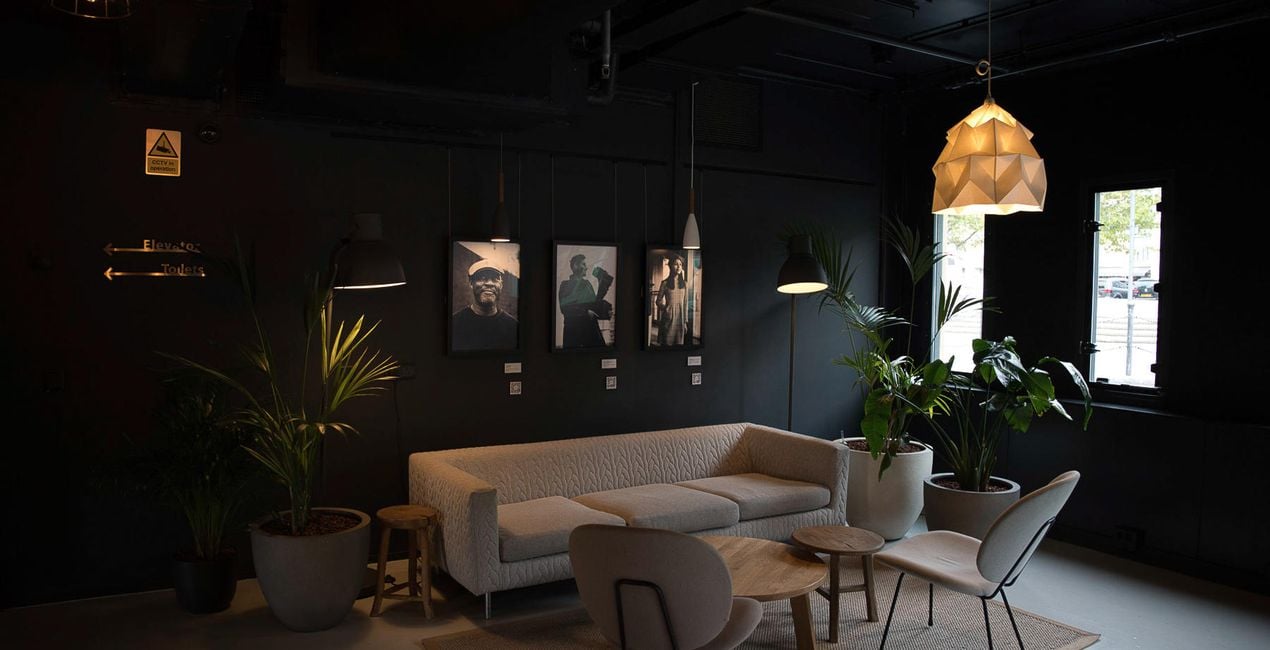
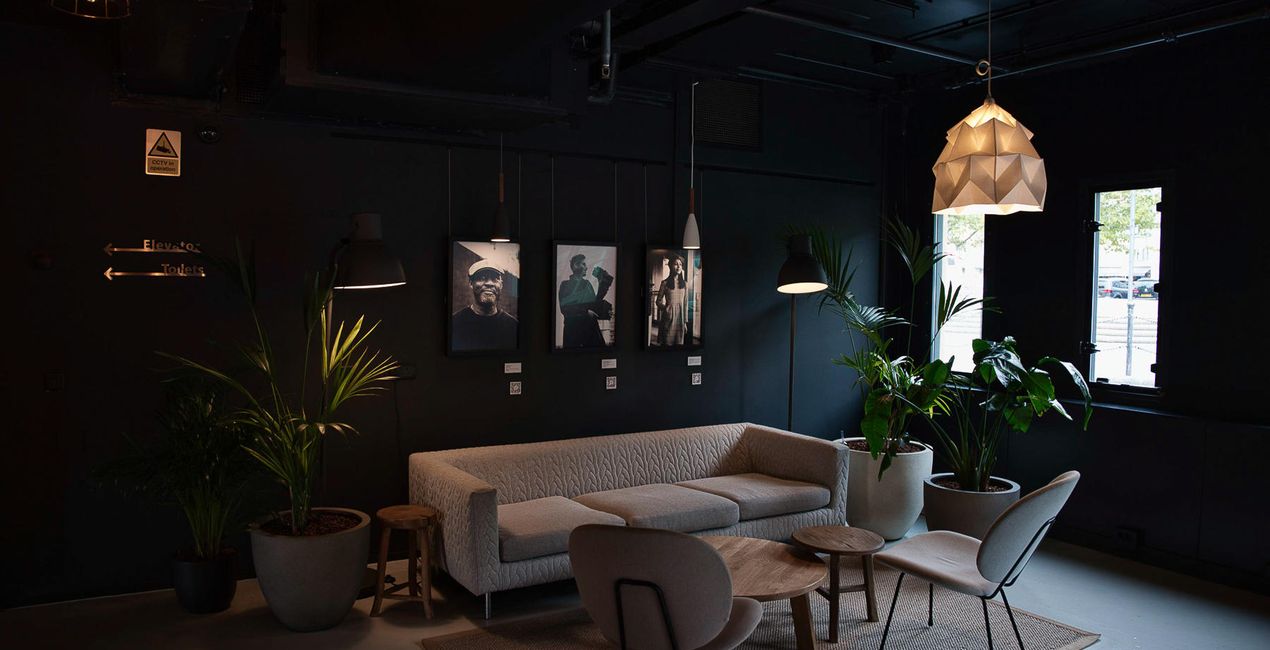
Create breathtaking images of places that look effective and inviting. Use this selection of 10 Presets to make your real estate and interior photos look professional in a few clicks. Perfect results can’t wait!

Pomocí souborů RAW si snadno vyzkoušíte tipy pro retušování a naučíte se, jak pořídit fotografie jako tyto.
 >
>
 >
>
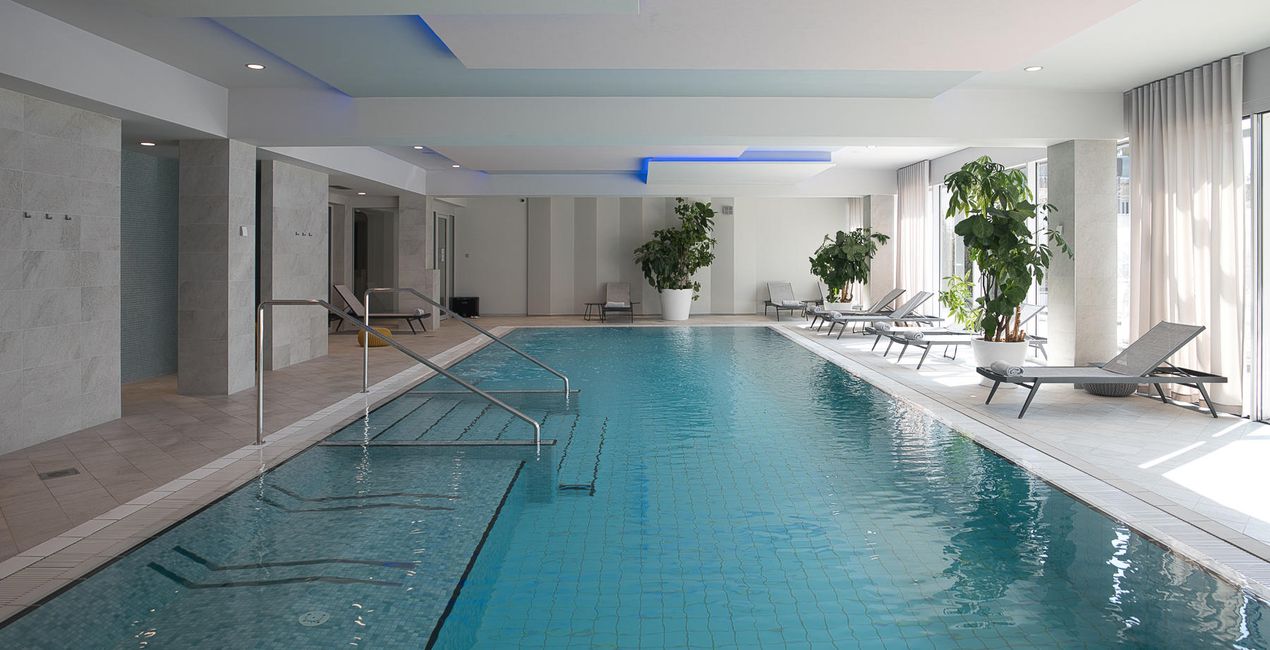
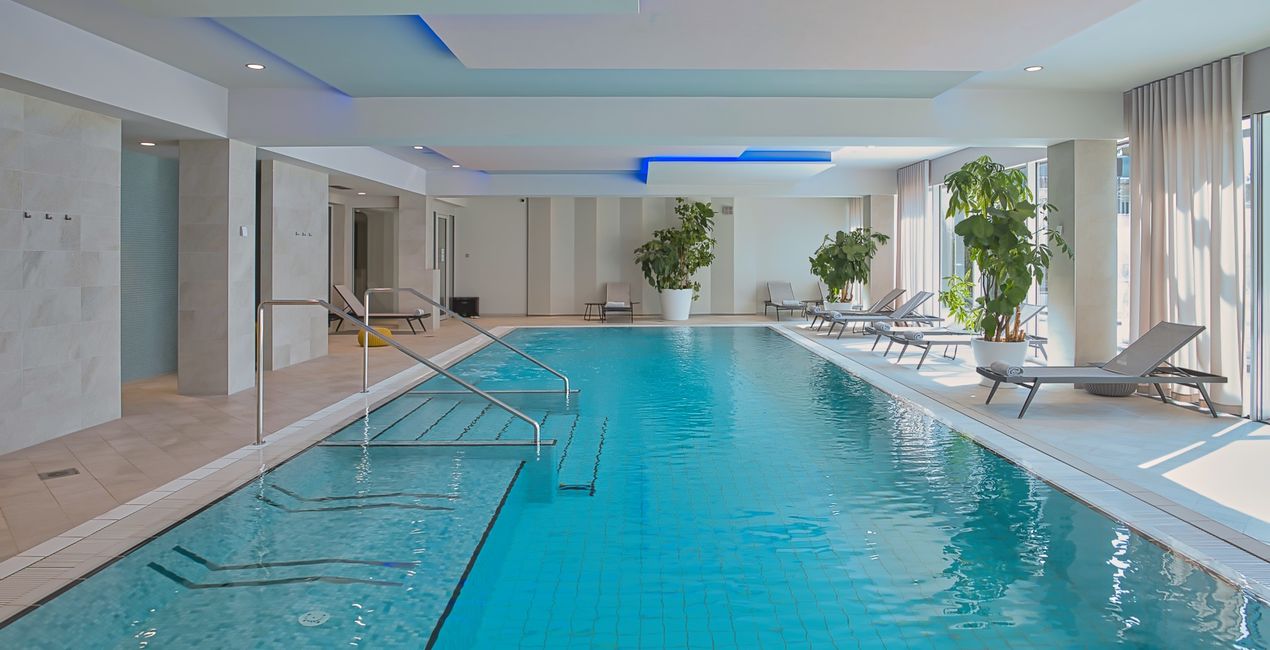 >
>
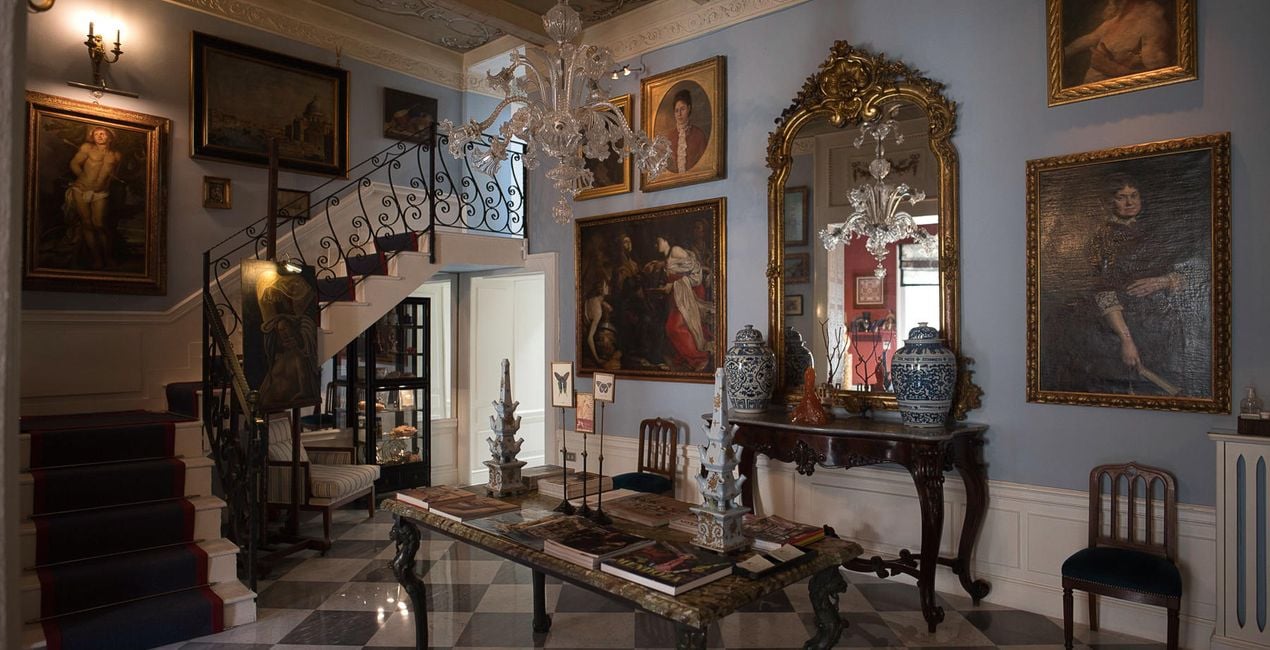
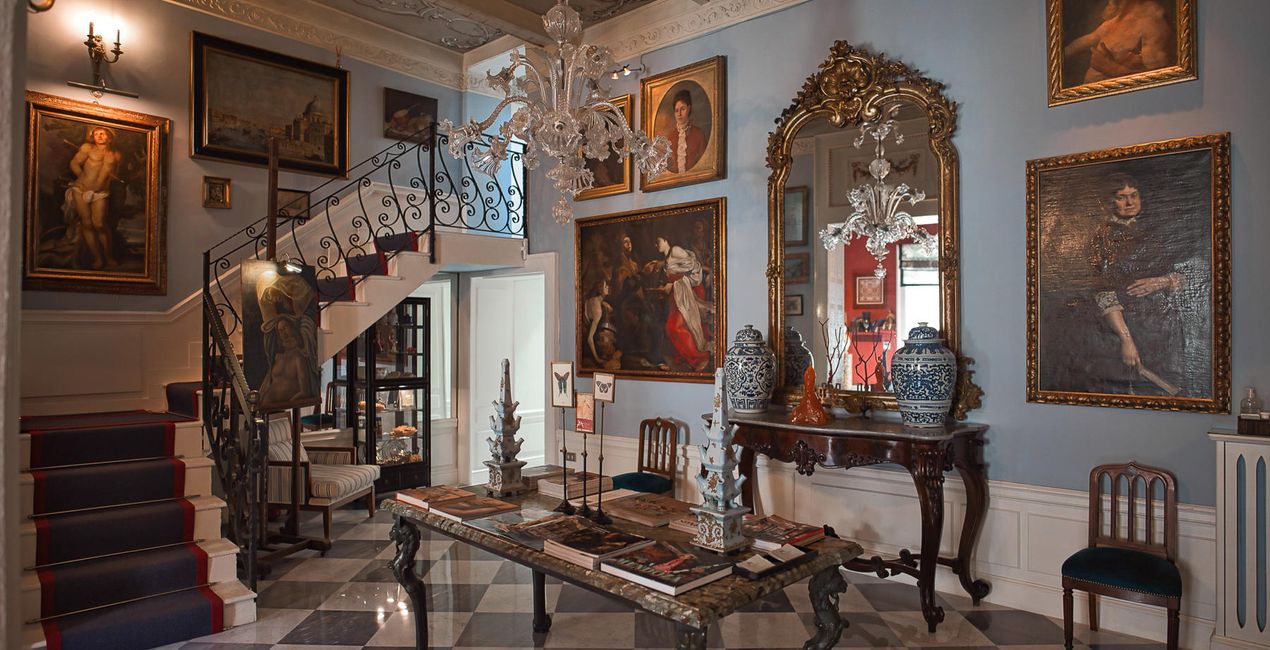 >
>
 >
>
 >
>
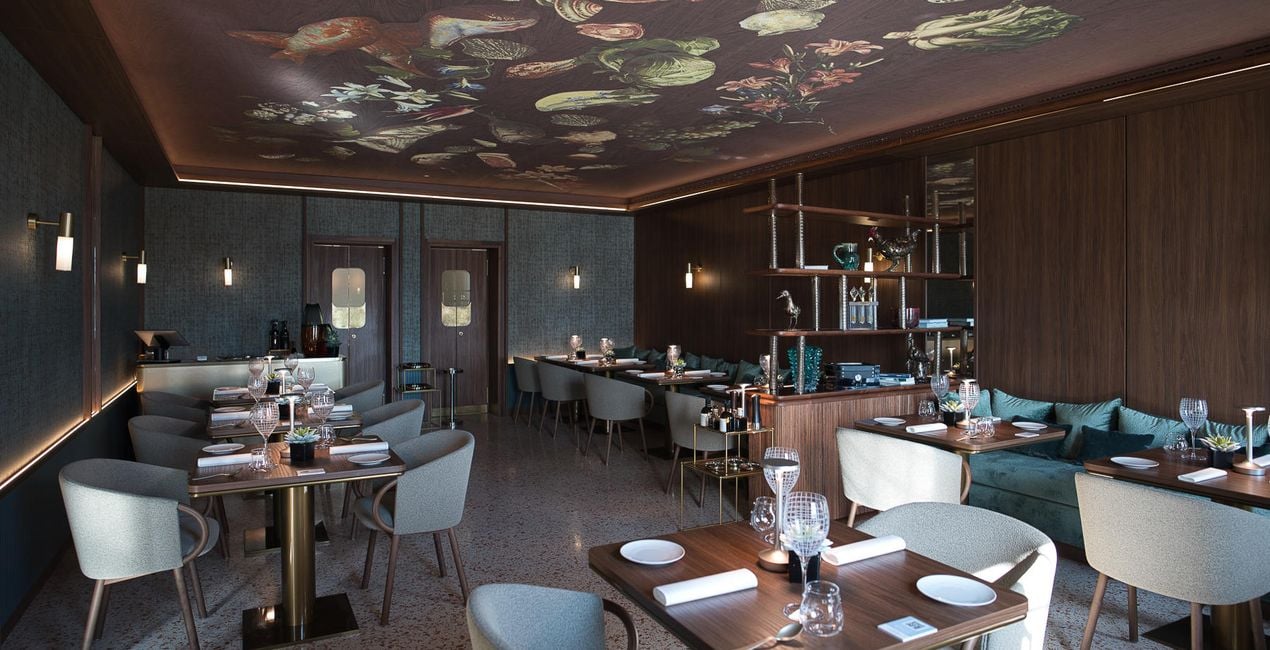
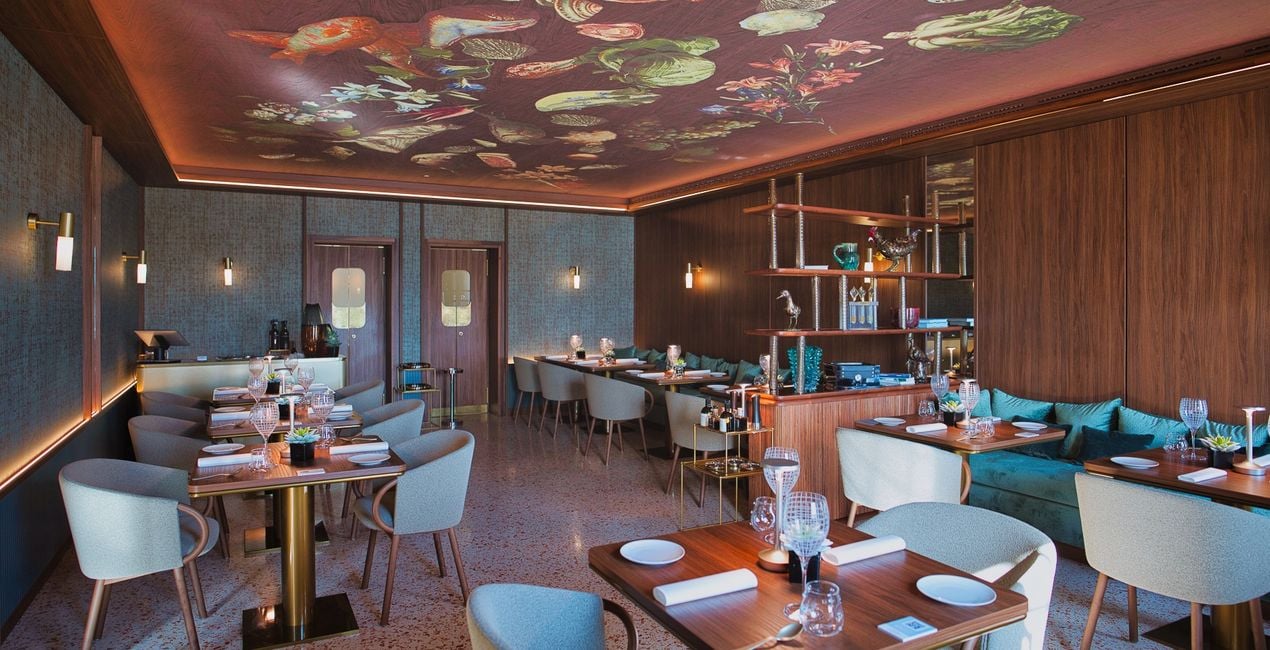
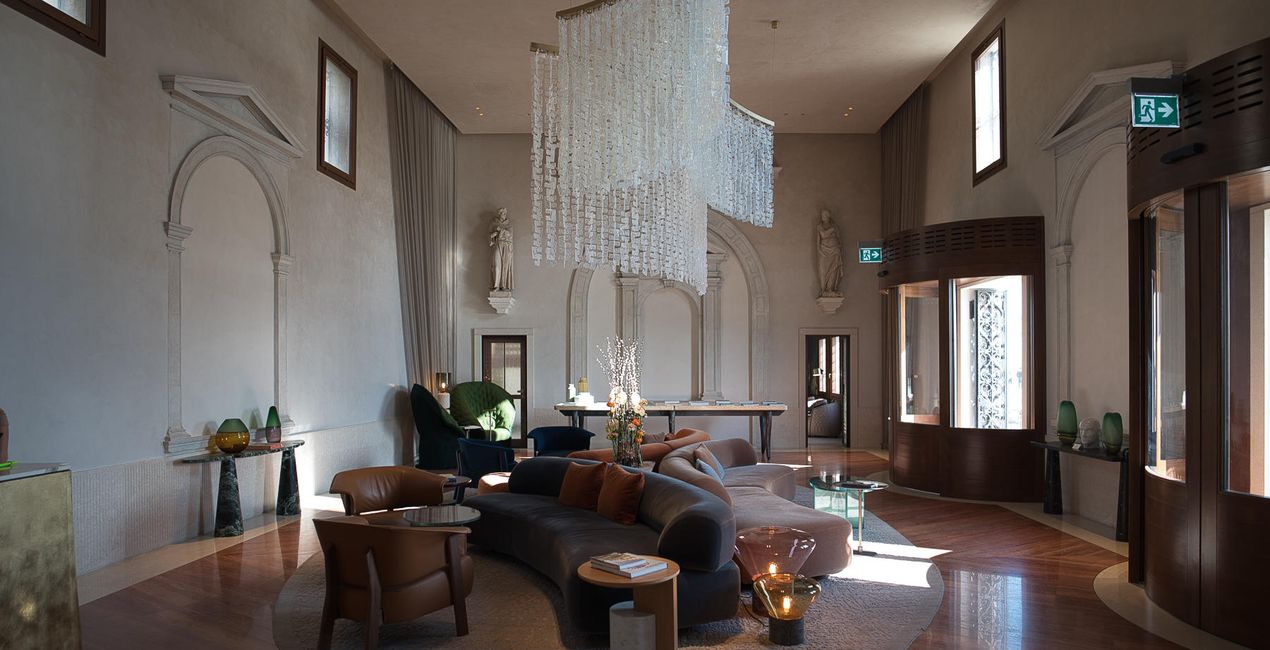
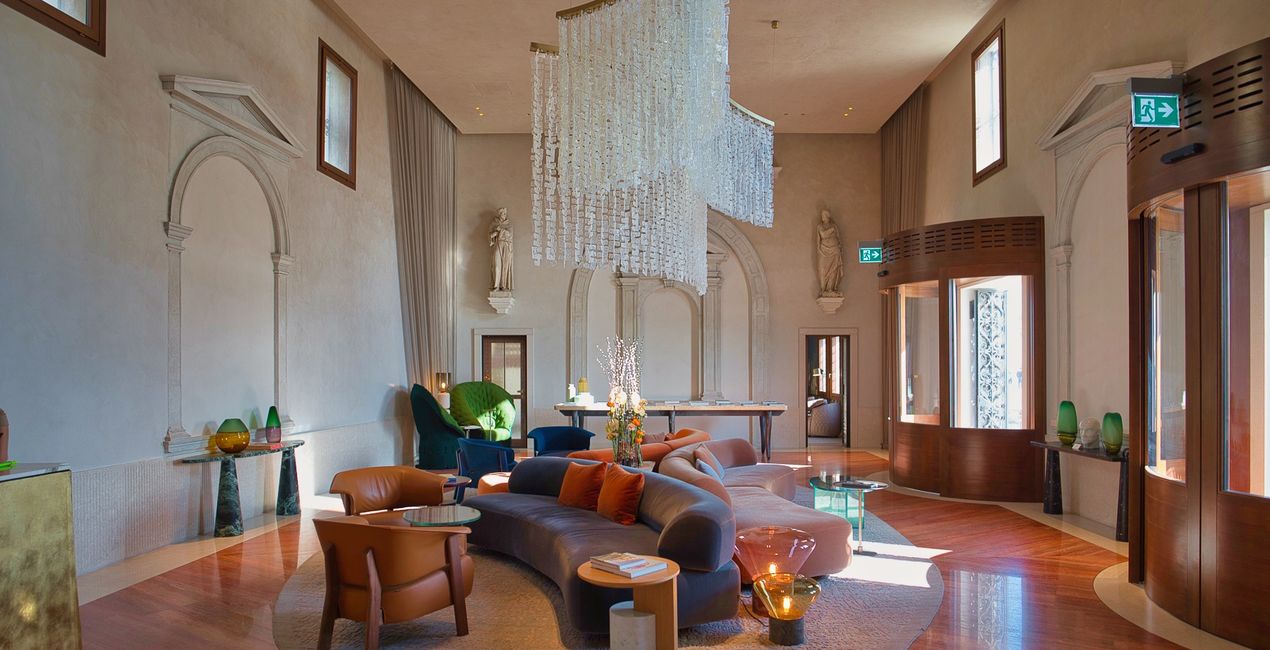
This selection of 10 Presets will make your real estate and interior photos look professional in a few clicks. They will help you to improve colors, shadows, and highlights, emphasize textures and surfaces, and correct for the lighting conditions of your interior photos.
Use them for images of home interiors, hotels, restaurants, bars, swimming pools, and gardens. Transform ordinary photos into picture-perfect images.
Note: Every photo is different, so Nancy recommends using these Presets as a starting point and then adjusting the Exposure and White Balance settings to better suit your own creative vision. Bear in mind that sometimes a Preset might be too strong for a certain image. If it is, simply switch to the Edits tab and adjust the tools according to your taste. Adjust the Exposure if you think the image becomes too bright or too dark. Adjust the White Balance and Tint if the image seems too warm or cold.
Architecture photographer and educator
Nancy Da Campo is a freelance architecture and interiors photographer born in Milan, Italy, and currently traveling extensively to discover and capture the beauty of the built environment.
Perspectives and the use of lines are two central pillars of Nancy’s content, and she’s always looking for new and interesting angles to show her interpretation of a building through her camera or drone lens.
Nancy regularly works with architectural and cultural institutions, tech brands, and tourism boards.
Máte-li jakékoli dotazy týkající se produktu, můžete se obrátit na tým podpory, který je k dispozici 24 hodin denně, 7 dní v týdnu. Stačí kliknout na tento odkaz.
Pro zakoupení Interiors Enhancements postupujte podle těchto kroků:
1. Otevřete tržiště Skylum Marketplace.
2. Přejděte na příslušnou záložku, kde je uveden Interiors Enhancements. Klikněte na něj a přidejte jej do košíku.
3. Přejděte do košíku. Zde dokončete proces nákupu produktu Interiors Enhancements.
4. Po zakoupení obdržíte e-mail s odkazem ke stažení produktu Interiors Enhancements. Nový produkt také najdete ve svém účtu Skylum na kartě Moje doplňky.
Podrobné pokyny k instalaci Interiors Enhancements vám budou zaslány v e-mailu s odkazem ke stažení.
Kromě toho můžete zakoupenou položku nainstalovat přímo v Luminar Neo: přejděte do nabídky Extra > Marketplace, vyberte kategorii Produkt, vyhledejte zakoupenou položku a klikněte na Instalovat.
Je to docela snadné! Přejděte na kartu Přednastavení a vyberte možnost Zakoupené. Vaše nainstalované přednastavení se zde zobrazí.
Nebojte se. Všechny zakoupené položky, včetně Interiors Enhancements, jsou uloženy na kartě „Moje doplňky“ ve vašem účtu Skylum, odkud je můžete snadno znovu stáhnout a používat.
Obecně platí, že většina položek je kompatibilní s Luminar Neo. Abyste se však ujistili, že Interiors Enhancements je kompatibilní s vaším softwarem, před stažením nebo zakoupením si zkontrolujte jeho specifikace. V pravé části stránky Interiors Enhancements najdete sekci „Kompatibilita“, kde jsou uvedeny všechny kompatibilní produkty.
Ještě neodcházejte. Máme pro vás exkluzivní slevový kód. Využijte ho do 15 minut a získejte při placení slevu 10 %. Zkopírujte níže uvedený kód a dokončete nákup.
15 m : 00 s





