


 Použit


HDR LANDSCAPES
Save $201 $ 19 .00

Transform your landscape images and get stunning results with 10 powerful Presets designed by Clever Photographer specifically for photos created by the HDR Merge Extension.

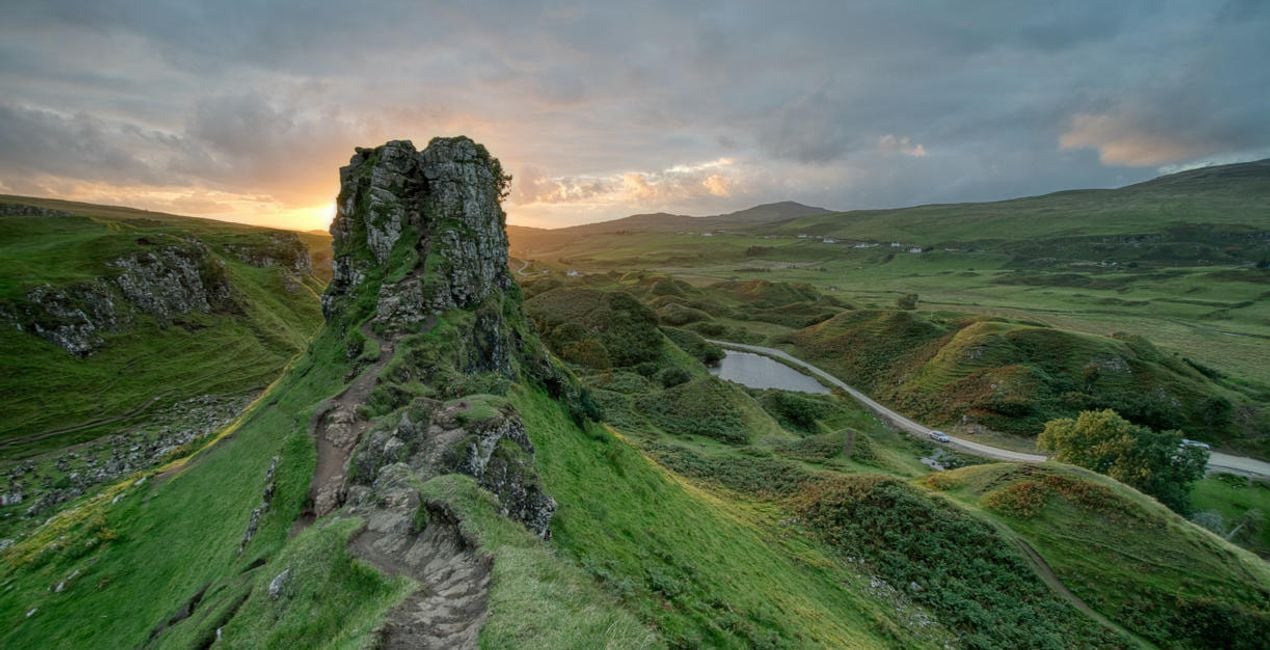
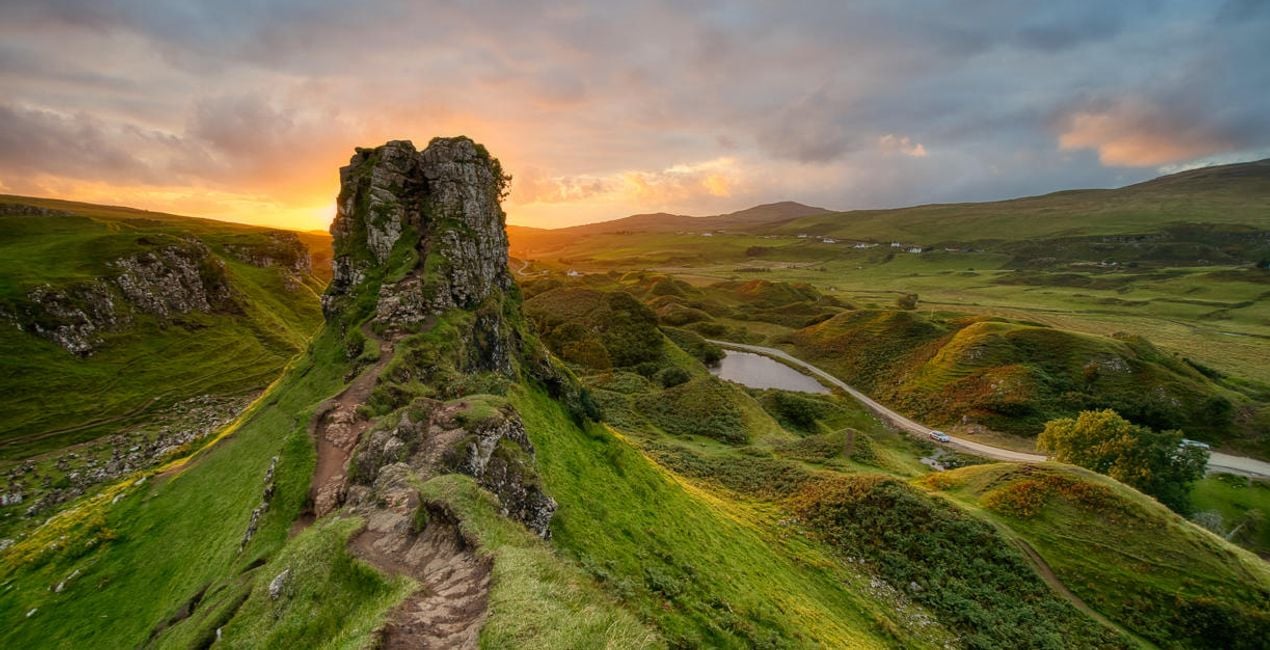
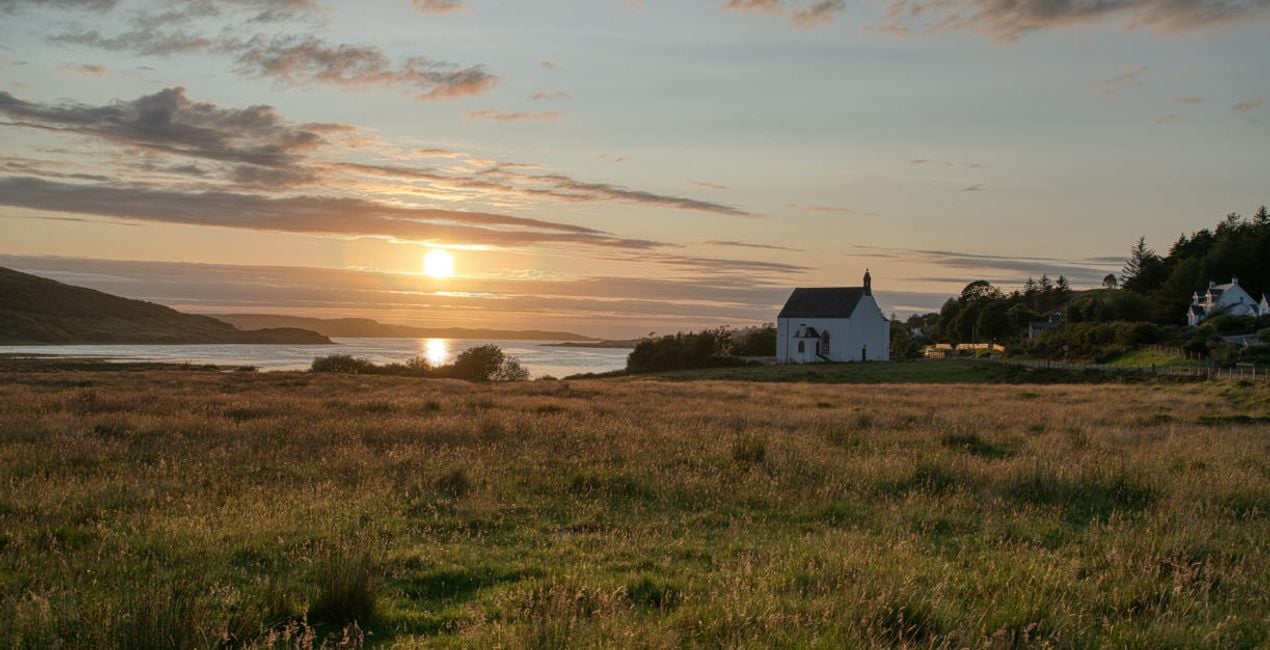
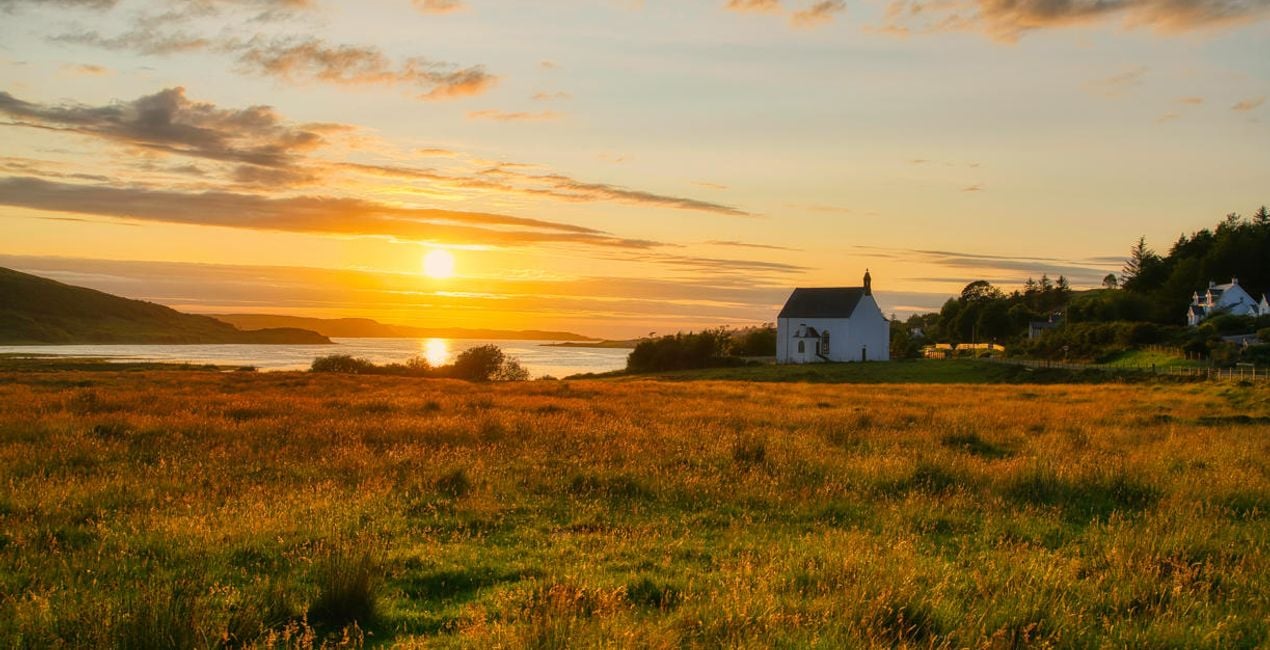
Pomocí souborů RAW si snadno vyzkoušíte tipy pro retušování a naučíte se, jak pořídit fotografie jako tyto.
 >
>
 >
>
 >
>
 >
>
 >
>
 >
>
 >
>
 >
>
 >
>
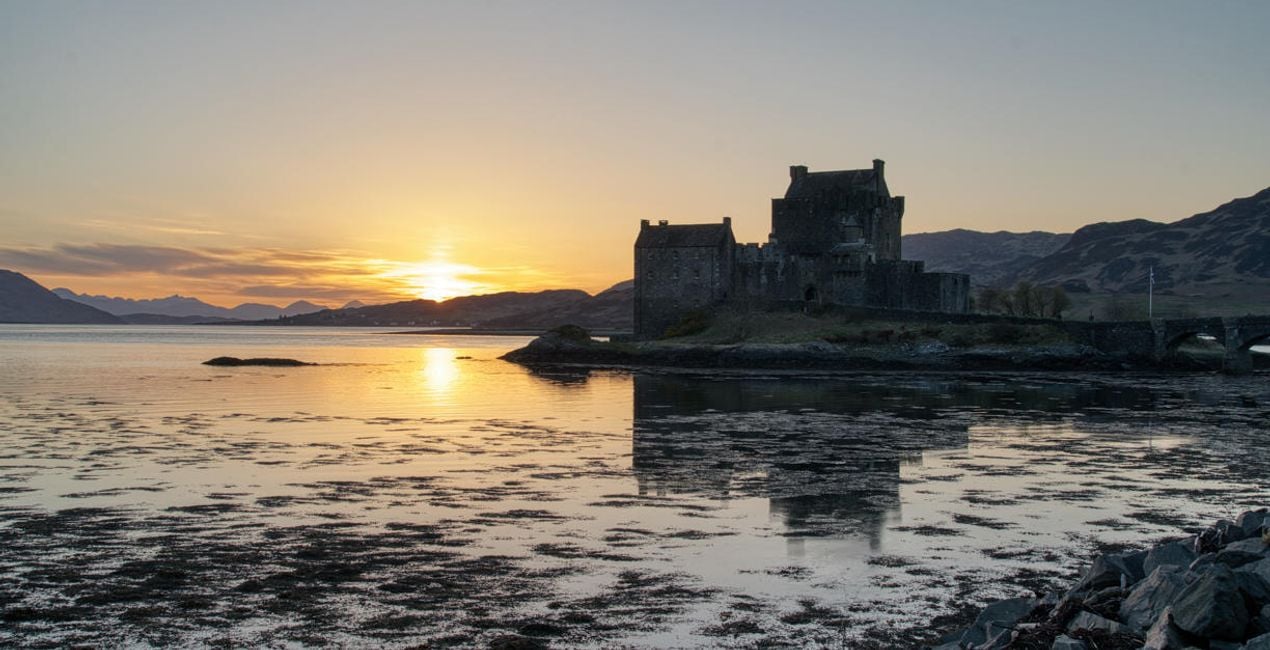
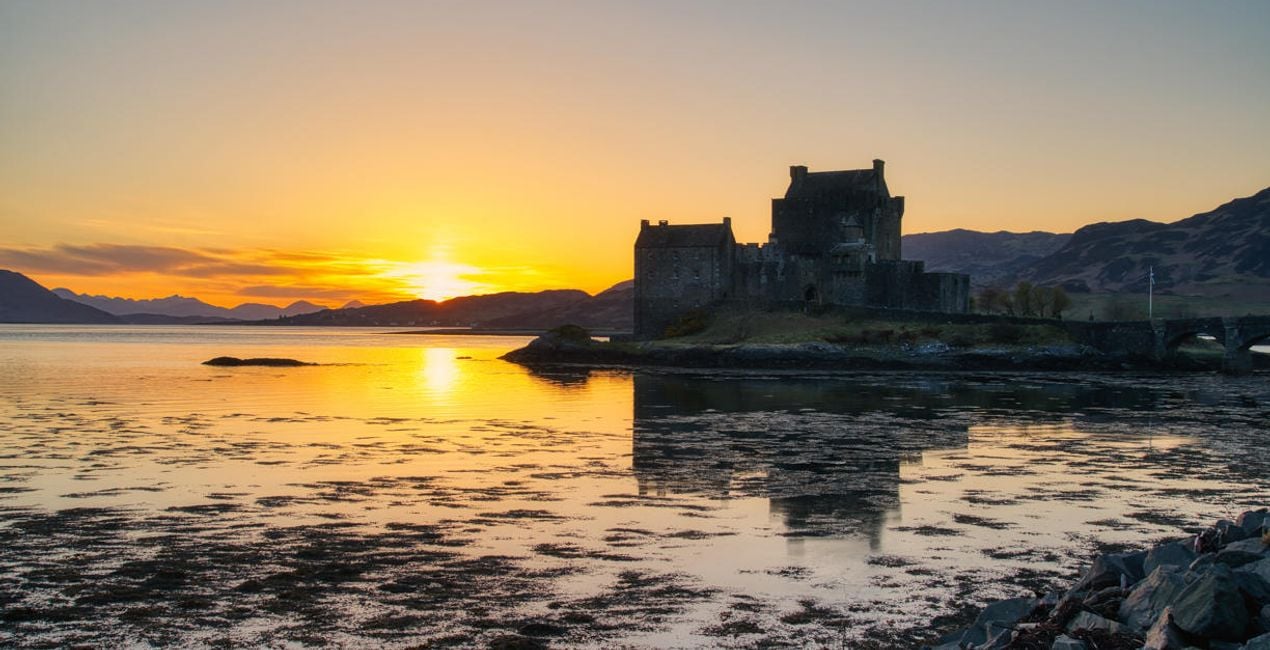
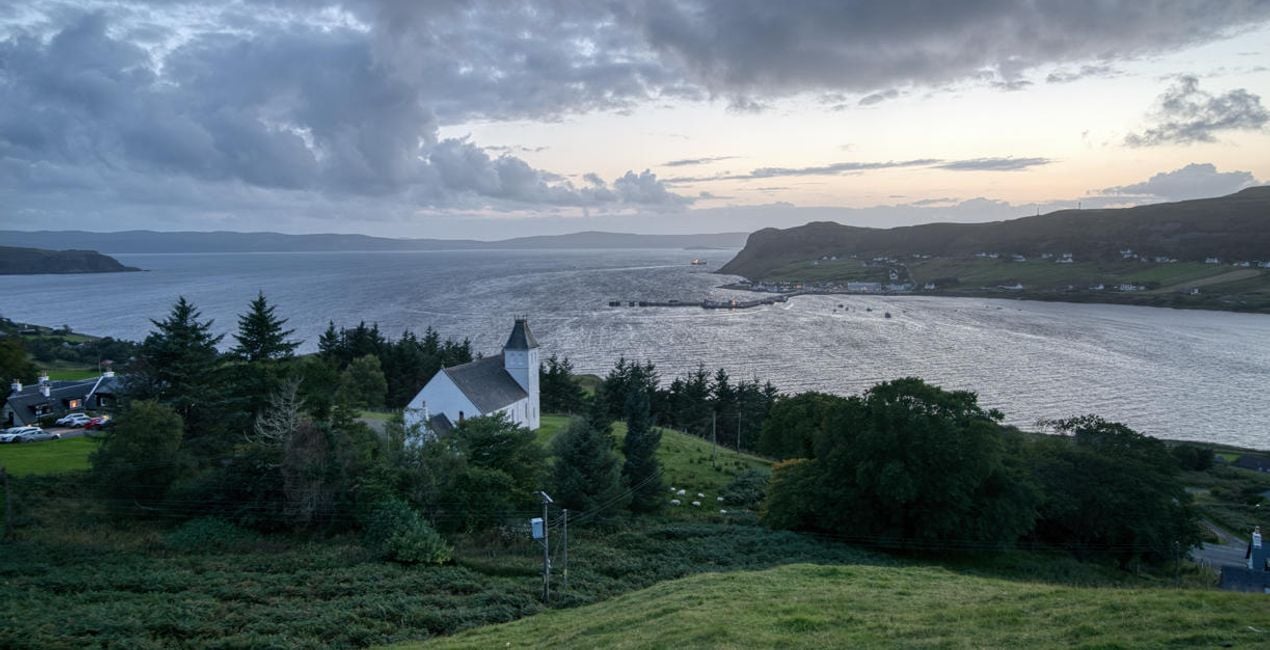
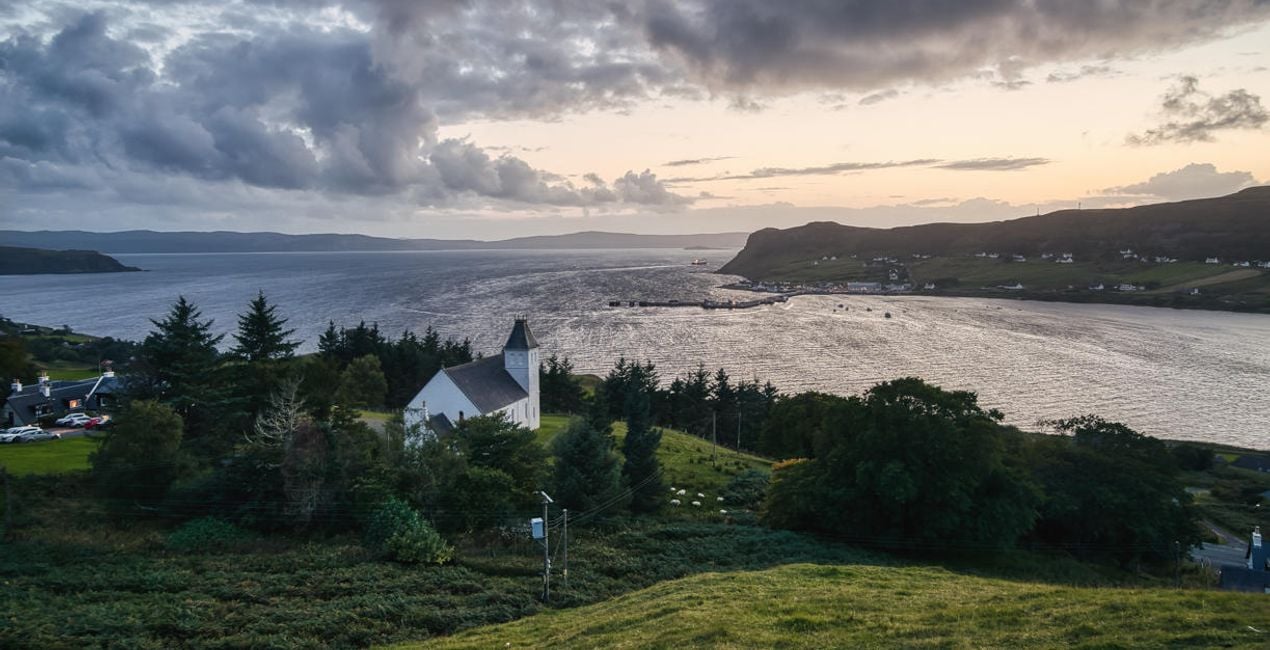
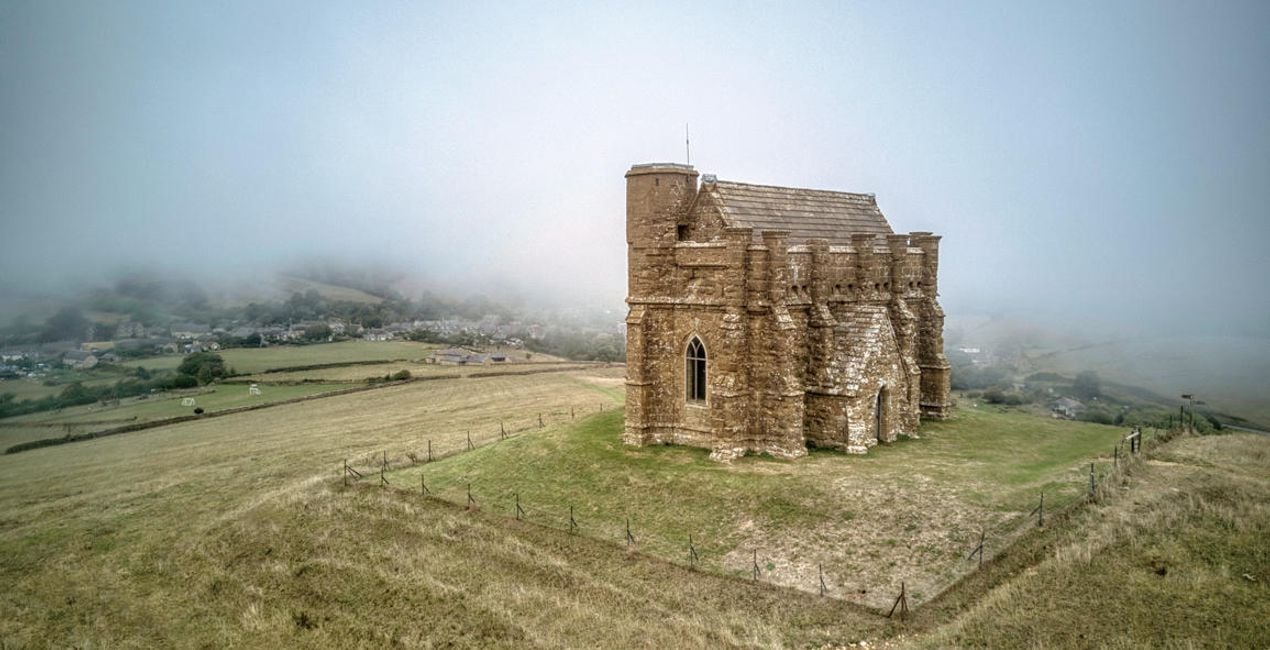
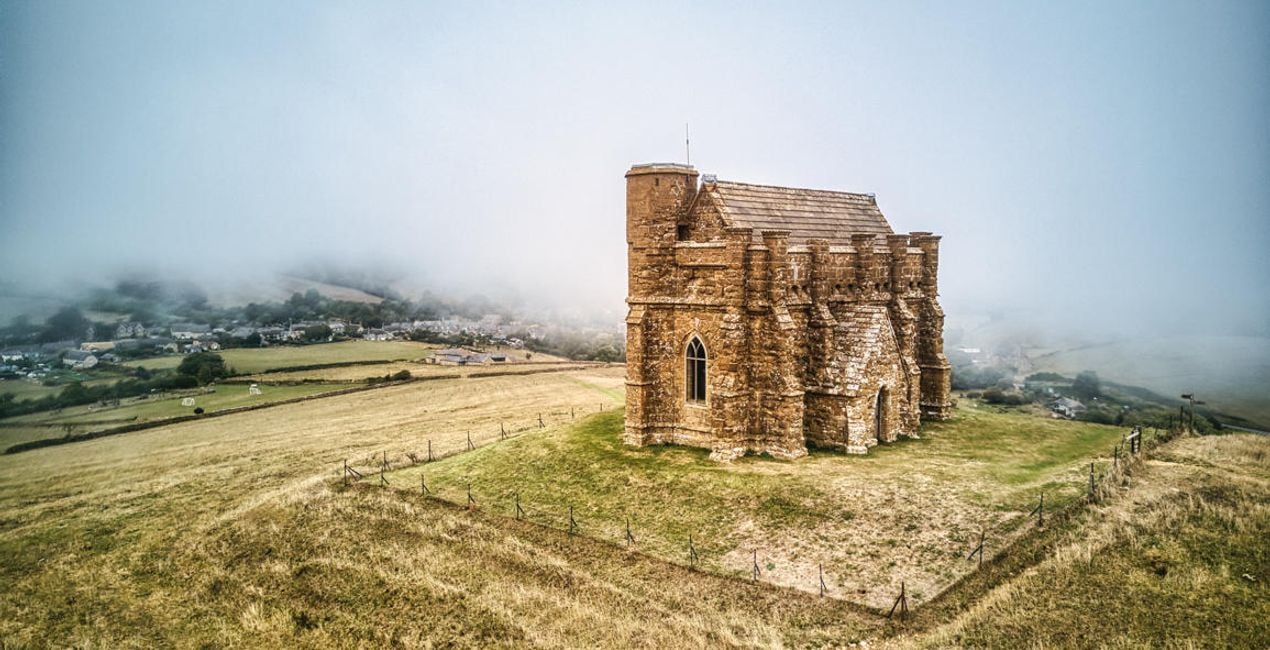
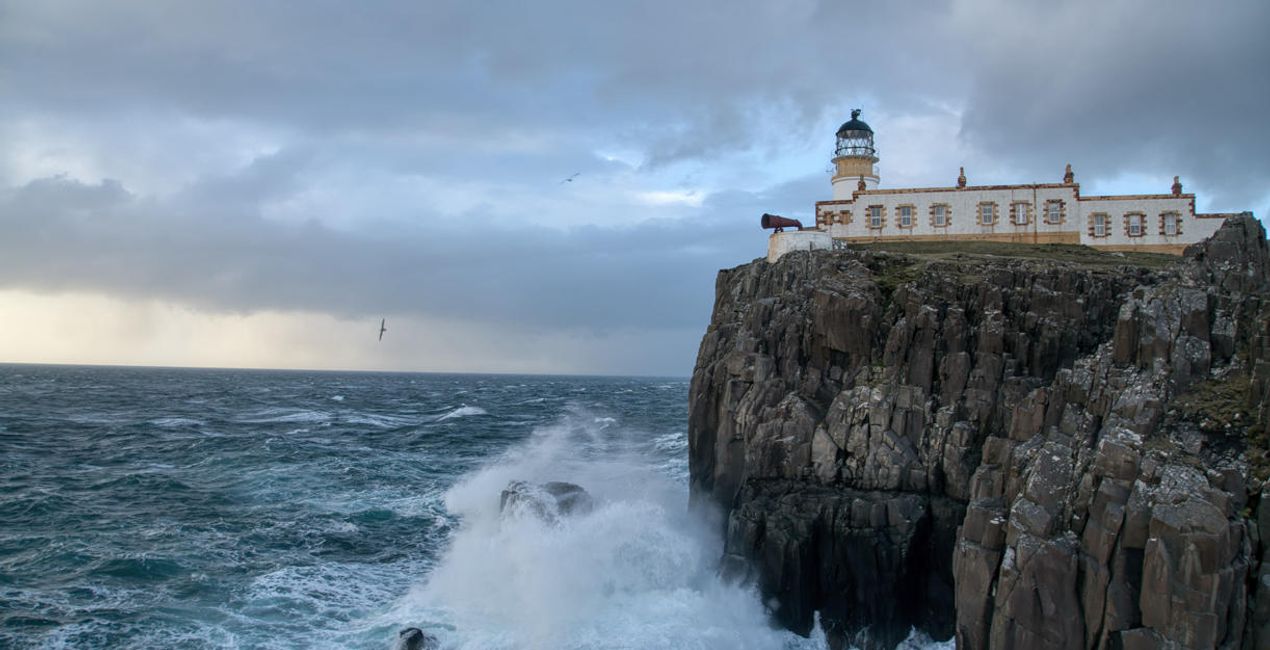
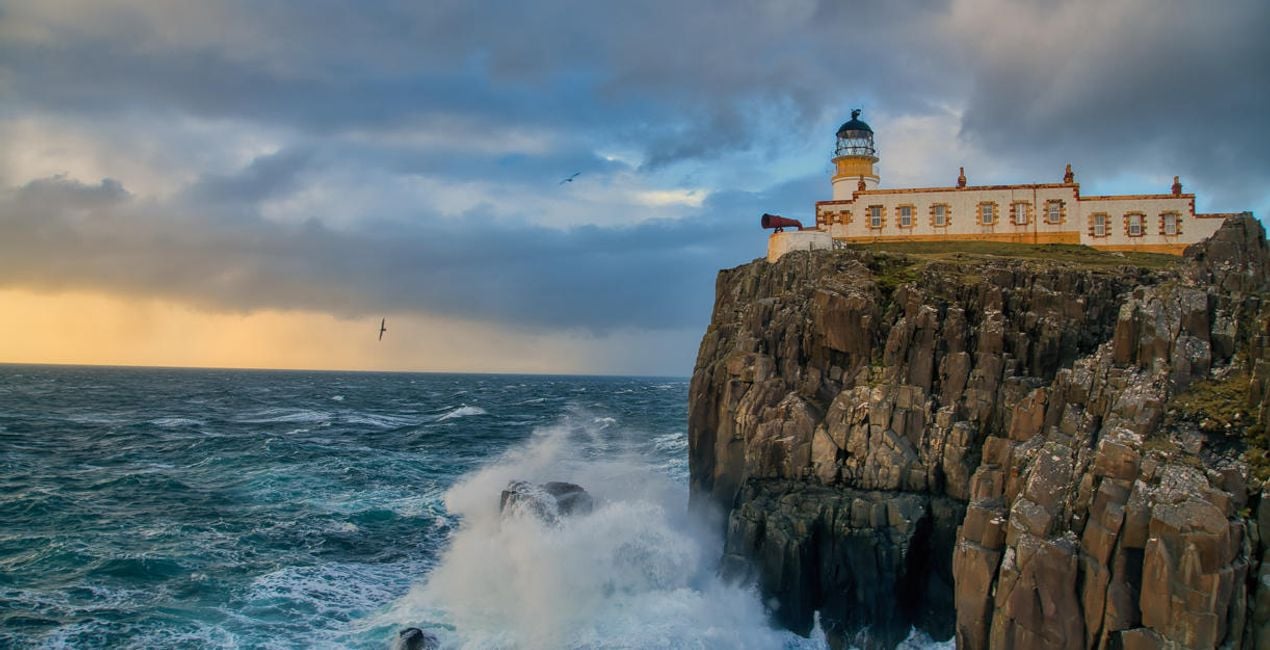
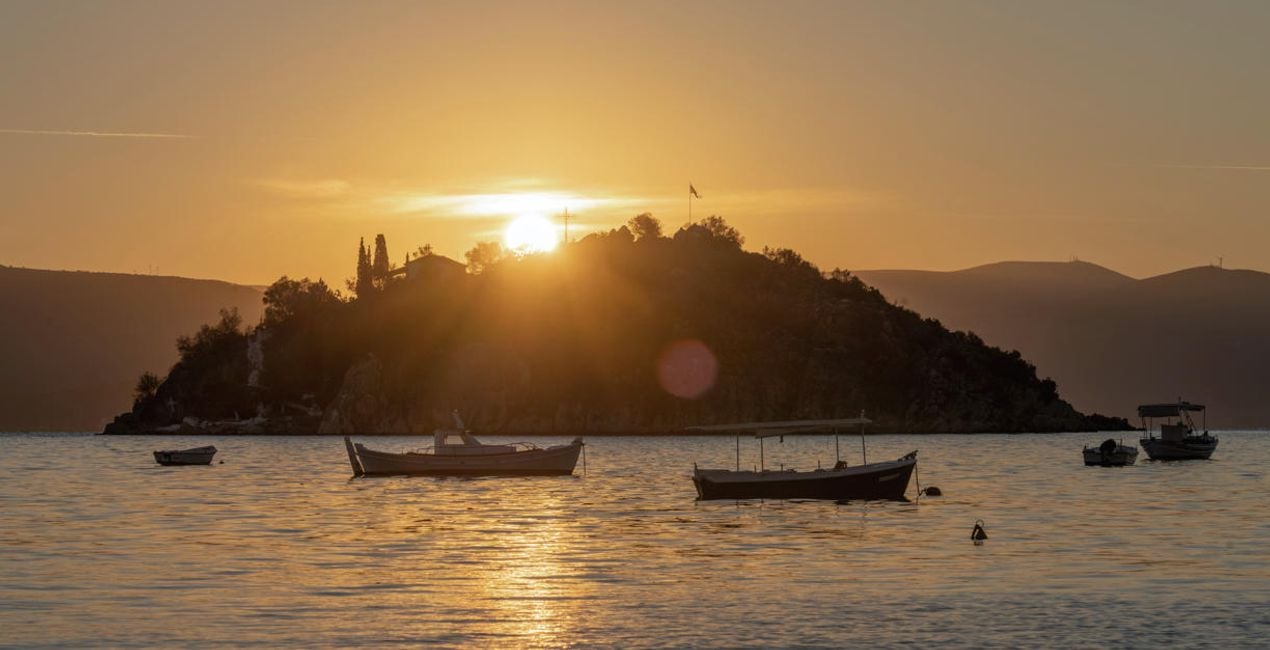
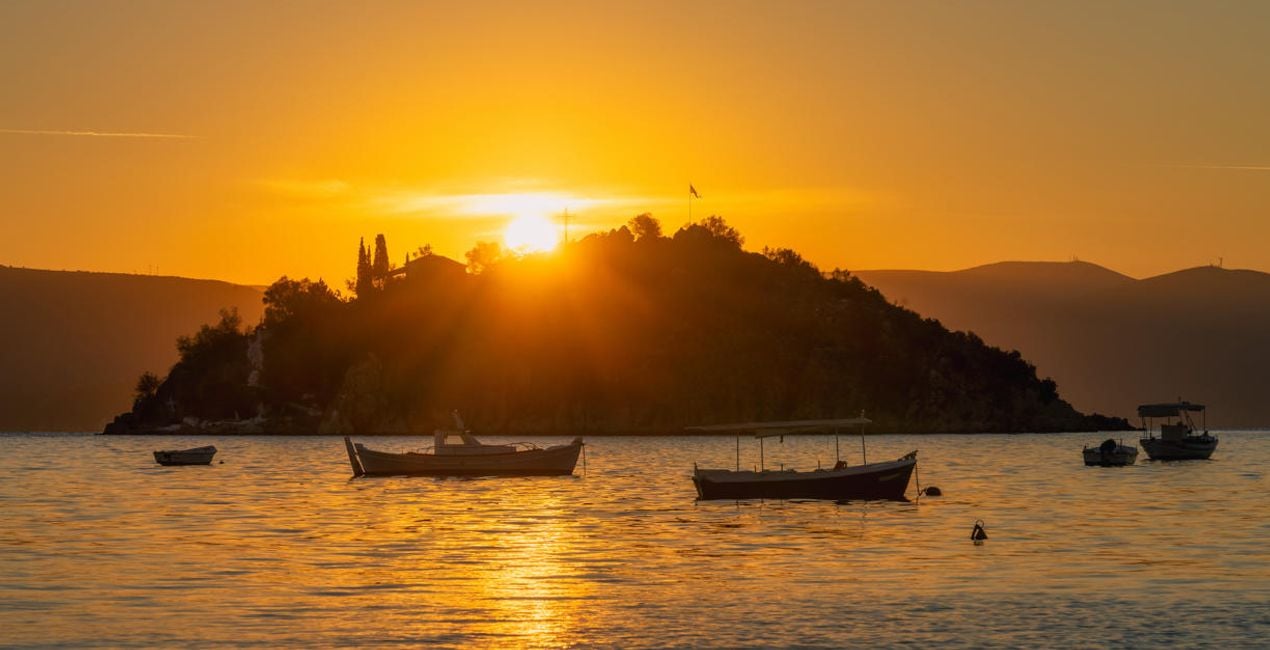
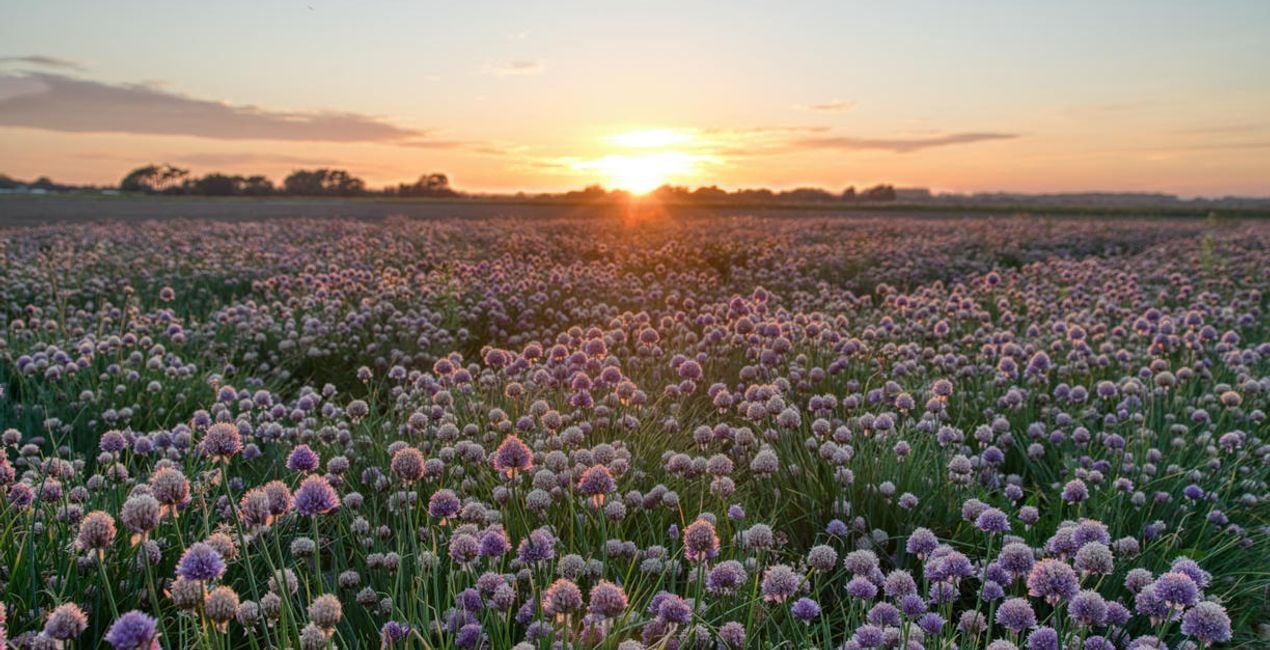
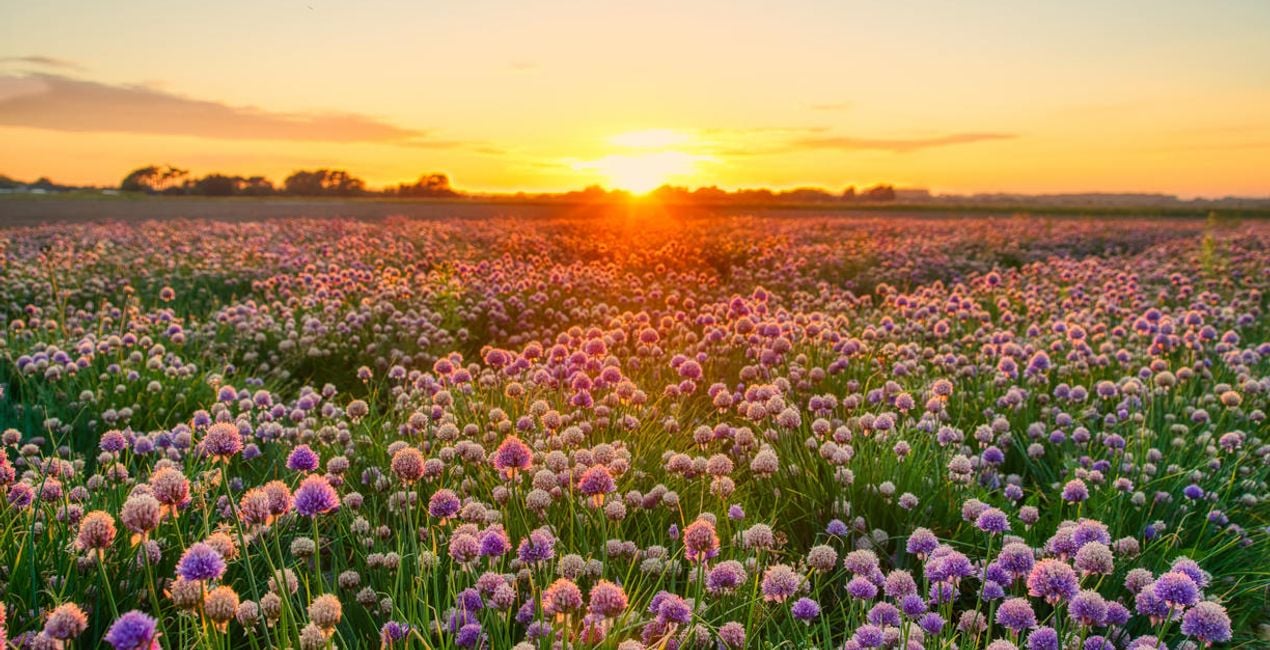
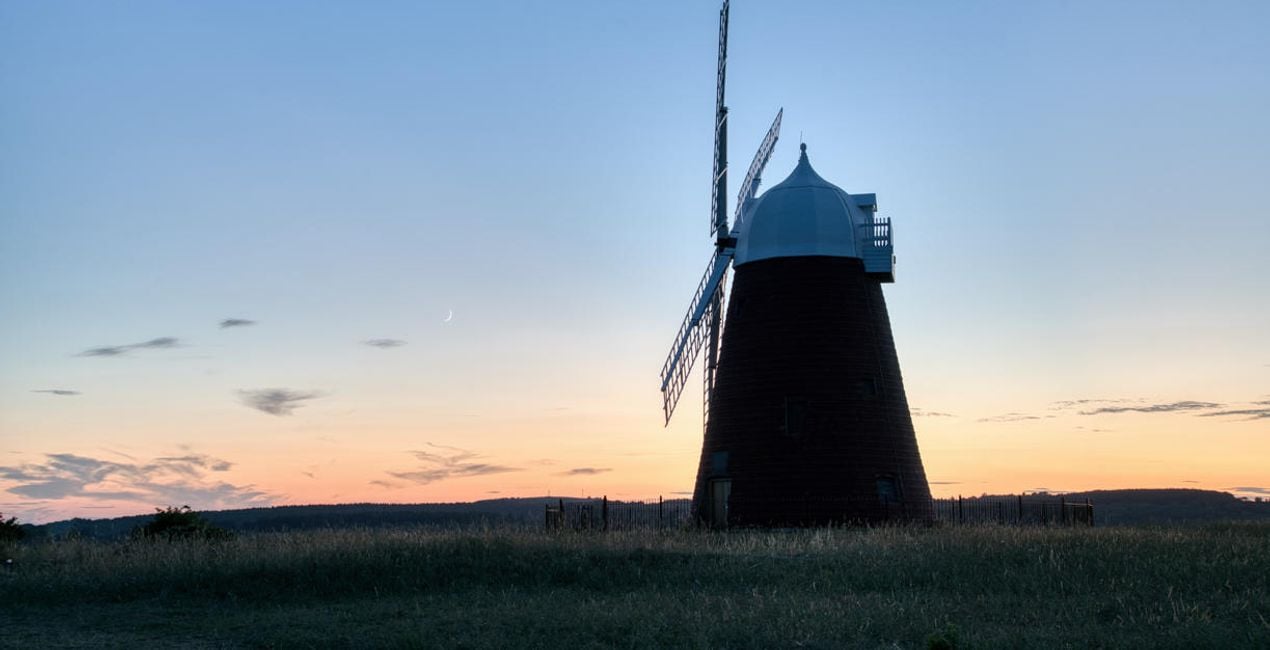
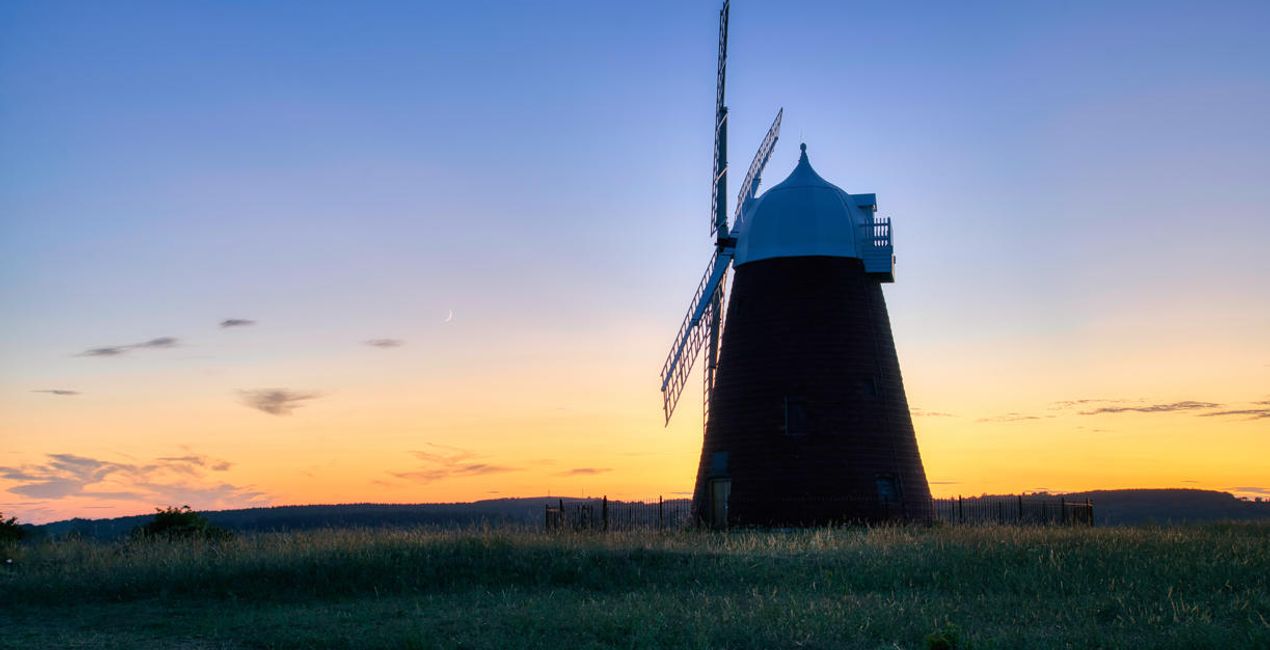
Landscape photography is perfect for experimenting with HDR, as it helps you capture the details of the scene. With this collection of 10 Presets by Clever Photographer, you can get the most out of your landscape images captured at any time of the day. These Presets will help you achieve a natural, dreamy, or powerful look with just one click. Develop your landscape photos in no time with Presets designed for photos created by the HDR Merge Extension in Luminar Neo. You’ll find 10 Presets in this pack:Balanced Edit: A simple, balanced development Preset that’s ideal as a starting point for HDR editingBlue Hour: A warm Preset with balanced contrast and glow designed specifically for blue hour capturesDramatic Landscape: A contrasty Preset with enhanced details and structureDreamy Fields: A warm and dreamy Preset with a touch of glow and fadeEarly Sunset: A balanced and natural Preset ideal for warm captures with enhanced details and structureAiry Forest: A natural Preset with adjustments enhancing foliage and contrast while keeping the scene bright and airyGolden Hour: A warm Preset with a touch of glow and balanced saturation that’s ideal for early evening scenesMoody Landscape: A contrasty and washed Preset full of details and structureStrong Sunrise: A cinematic Preset with an extra touch of warmth and fadeStrong Sunset: A natural Preset designed to boost sunsets with enhanced warmth and glowKeep in mind that a Preset’s default effect might be too strong for your photo. If it is, simply switch to the Edits tab and adjust the tools according to your taste.Don’t forget to share your results! Use the hashtag #madewithluminar on social media so the Skylum Team can take a look at your work.
Co-Founder of Clever Photographer
Jakub Bors is a UK-based landscape photographer with over 15 years of experience in digital art and technology. He’s most inspired by the work of Trey Ratcliff and Scott Kelby. Jakub has a large and supportive fanbase on social media that joins him regularly for his photography workshops in the UK and worldwide. He sells fine art photography worldwide prints, has worked for PX500 and Trivago on their European projects, and has had his work published in several magazines, including National Geographic. His passion for traveling has brought Jakub to almost every corner of the planet and helped him connect with amazing people.
Máte-li jakékoli dotazy týkající se produktu, můžete se obrátit na tým podpory, který je k dispozici 24 hodin denně, 7 dní v týdnu. Stačí kliknout na tento odkaz.
Pro zakoupení HDR LANDSCAPES postupujte podle těchto kroků:
1. Otevřete tržiště Skylum Marketplace.
2. Přejděte na příslušnou záložku, kde je uveden HDR LANDSCAPES. Klikněte na něj a přidejte jej do košíku.
3. Přejděte do košíku. Zde dokončete proces nákupu produktu HDR LANDSCAPES.
4. Po zakoupení obdržíte e-mail s odkazem ke stažení produktu HDR LANDSCAPES. Nový produkt také najdete ve svém účtu Skylum na kartě Moje doplňky.
Podrobné pokyny k instalaci HDR LANDSCAPES vám budou zaslány v e-mailu s odkazem ke stažení.
Kromě toho můžete zakoupenou položku nainstalovat přímo v Luminar Neo: přejděte do nabídky Extra > Marketplace, vyberte kategorii Produkt, vyhledejte zakoupenou položku a klikněte na Instalovat.
Je to docela snadné! Přejděte na kartu Přednastavení a vyberte možnost Zakoupené. Vaše nainstalované přednastavení se zde zobrazí.
Nebojte se. Všechny zakoupené položky, včetně HDR LANDSCAPES, jsou uloženy na kartě „Moje doplňky“ ve vašem účtu Skylum, odkud je můžete snadno znovu stáhnout a používat.
Obecně platí, že většina položek je kompatibilní s Luminar Neo. Abyste se však ujistili, že HDR LANDSCAPES je kompatibilní s vaším softwarem, před stažením nebo zakoupením si zkontrolujte jeho specifikace. V pravé části stránky HDR LANDSCAPES najdete sekci „Kompatibilita“, kde jsou uvedeny všechny kompatibilní produkty.
Ještě neodcházejte. Máme pro vás exkluzivní slevový kód. Využijte ho do 15 minut a získejte při placení slevu 10 %. Zkopírujte níže uvedený kód a dokončete nákup.
15 m : 00 s





