


 Použit




O
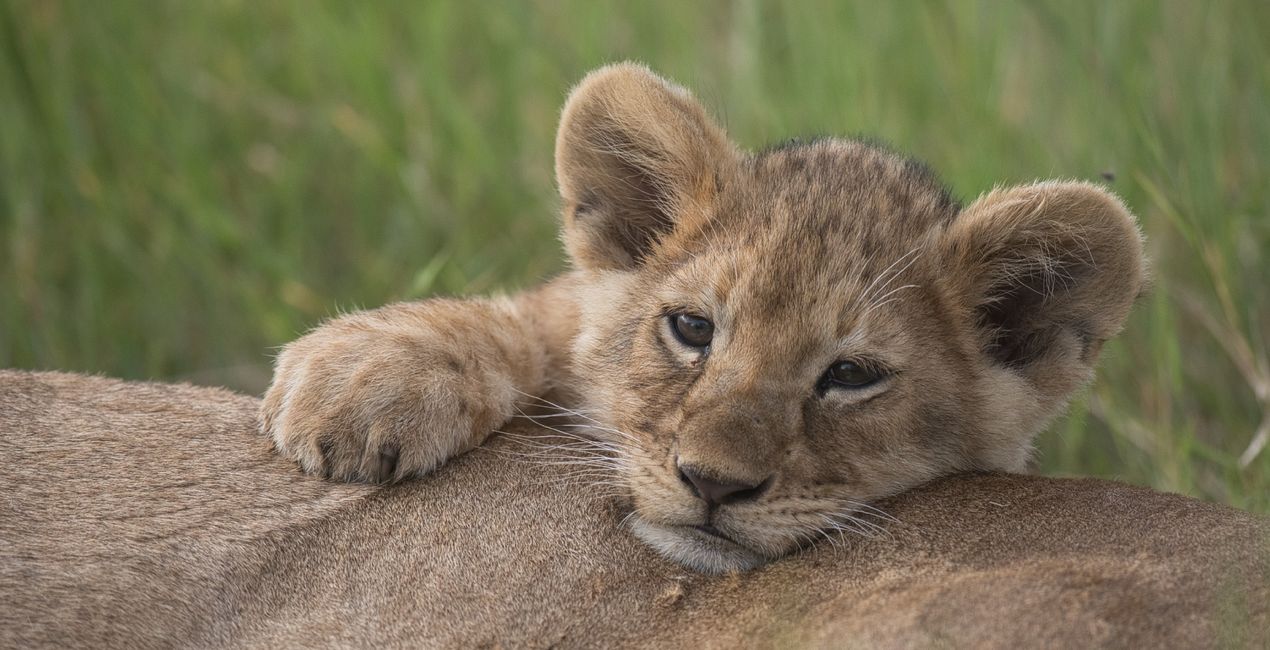
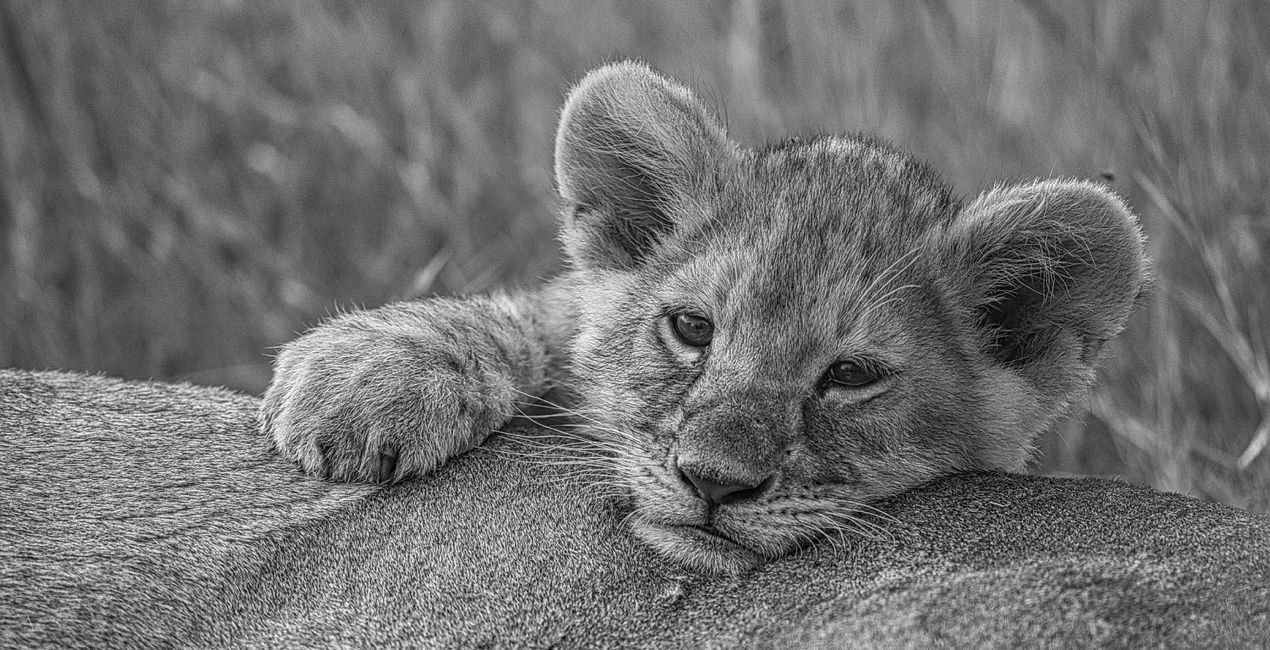
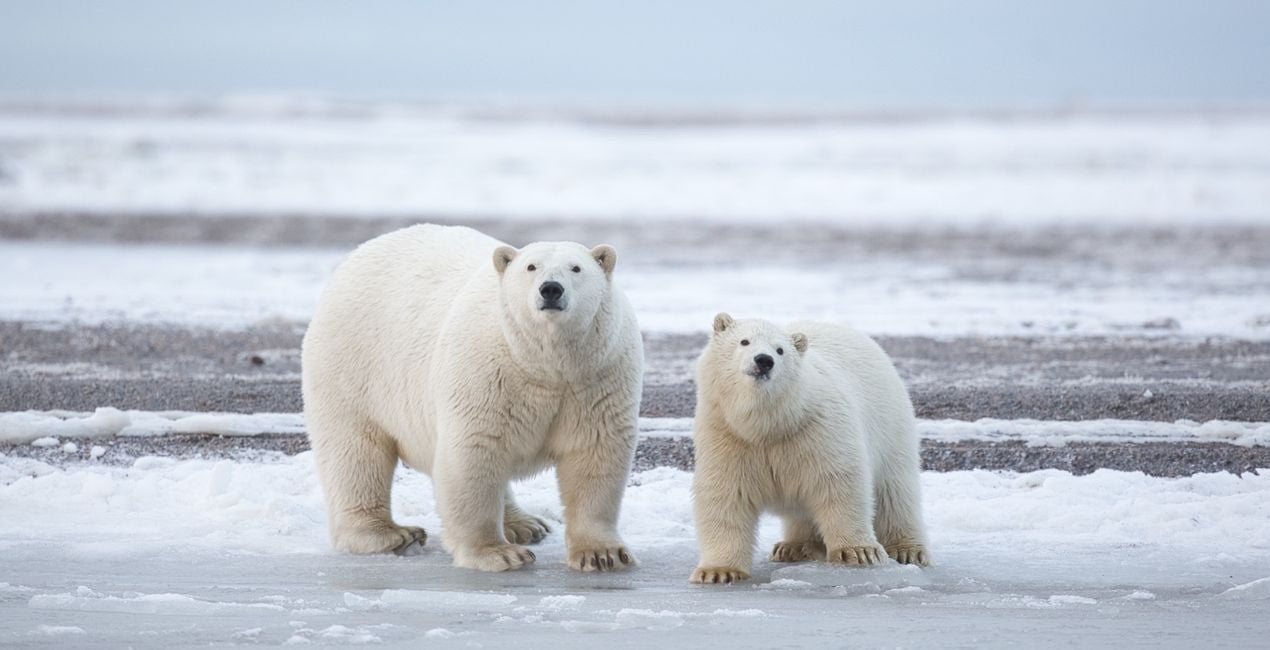
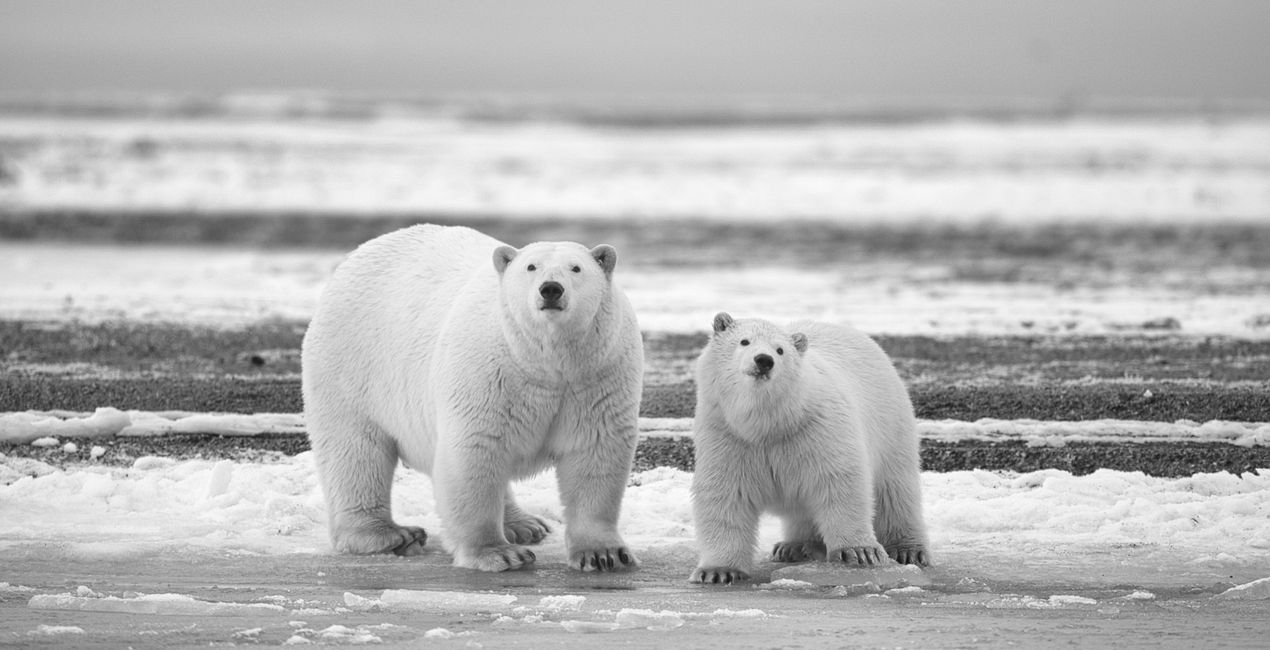
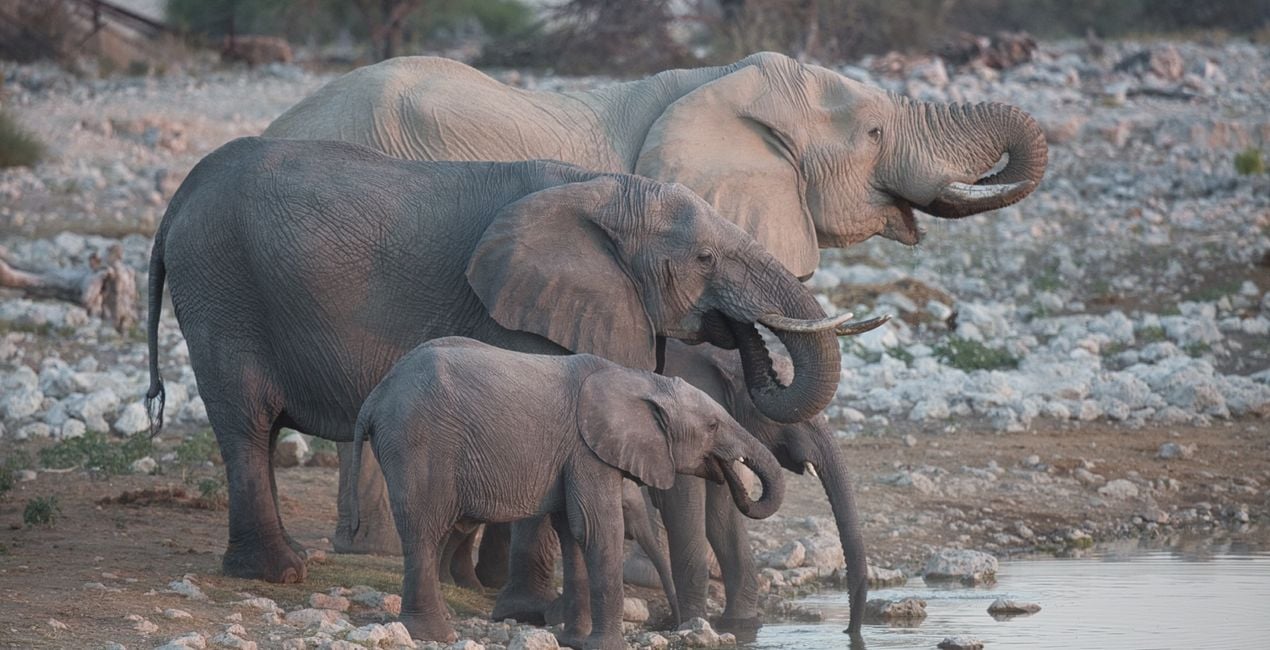
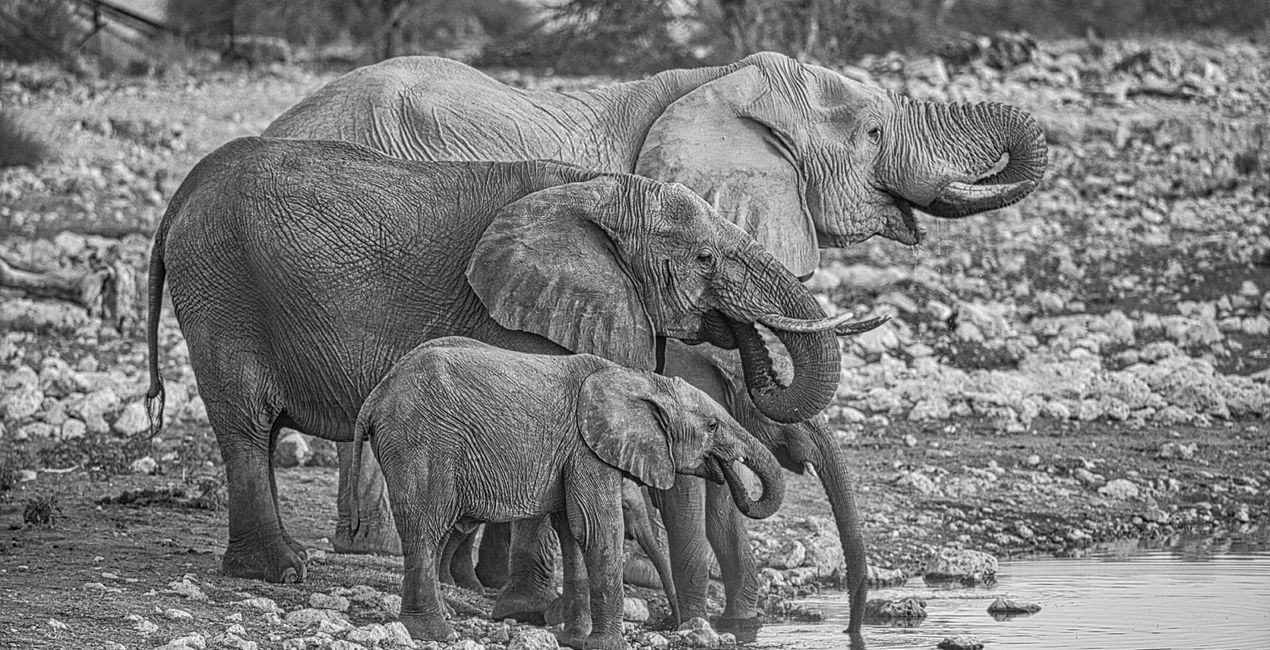
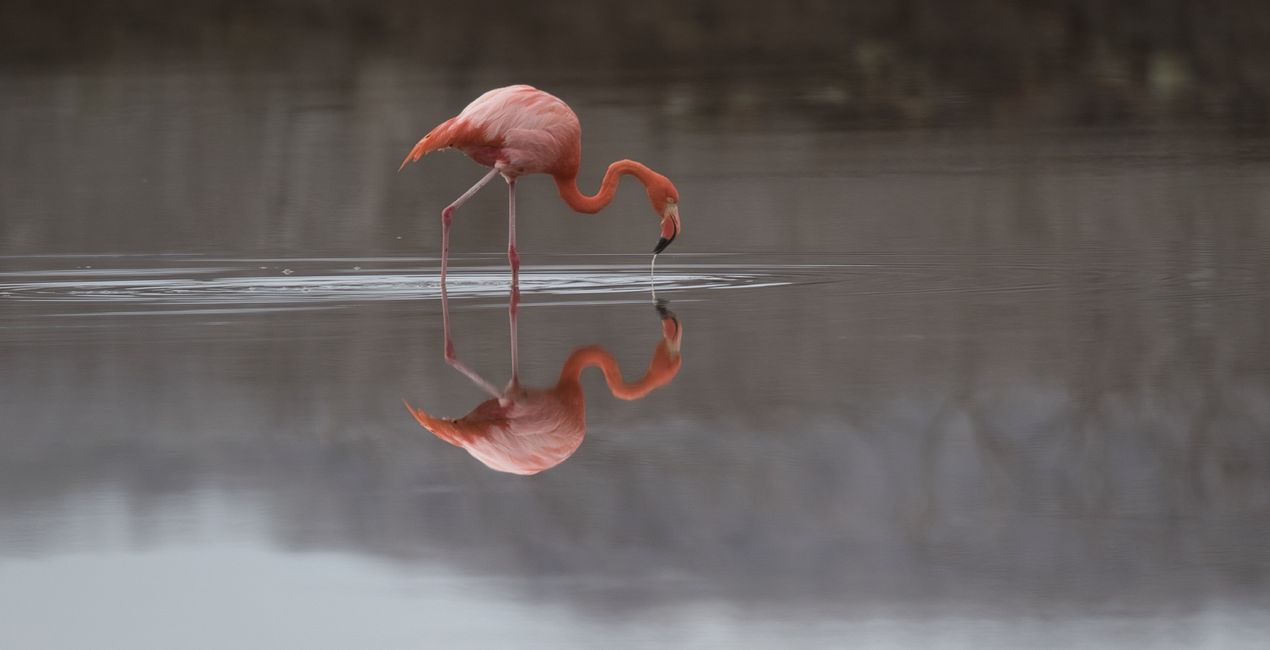
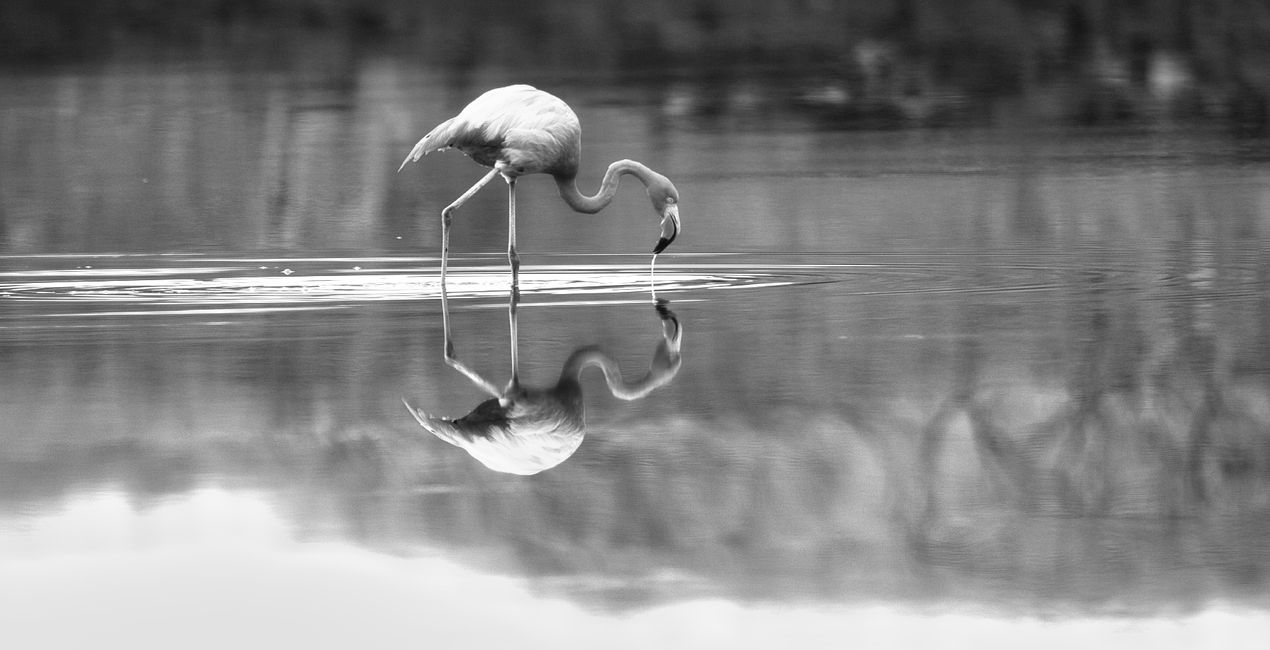
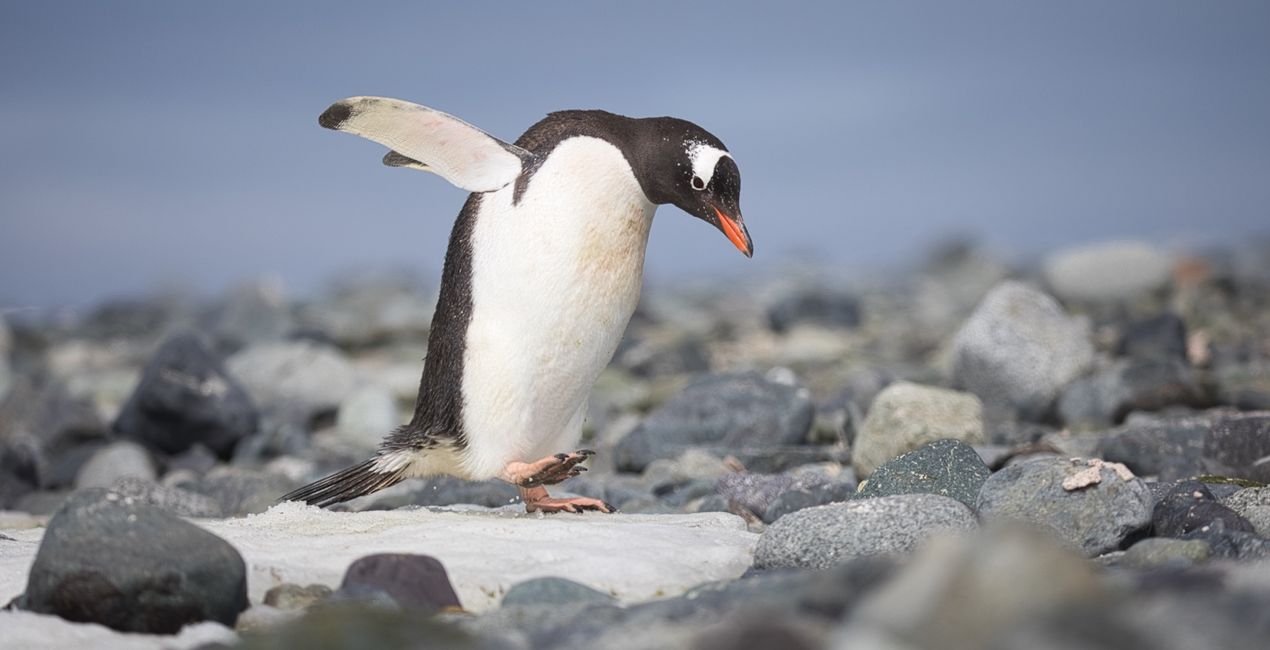
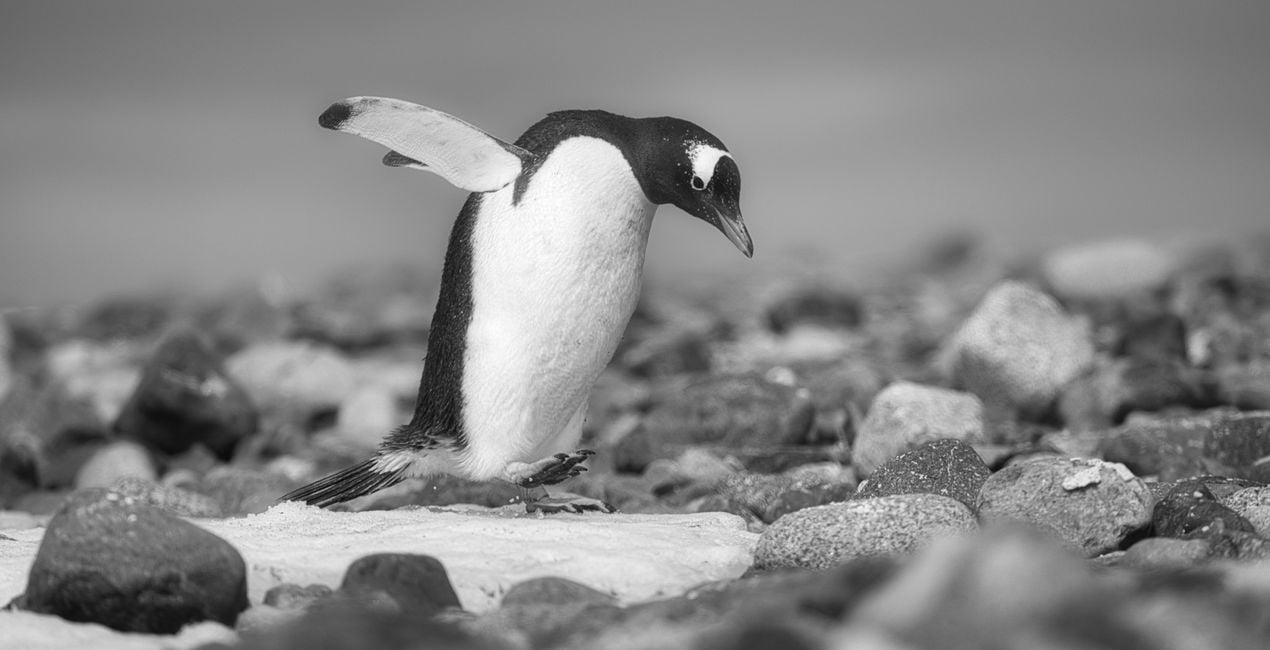
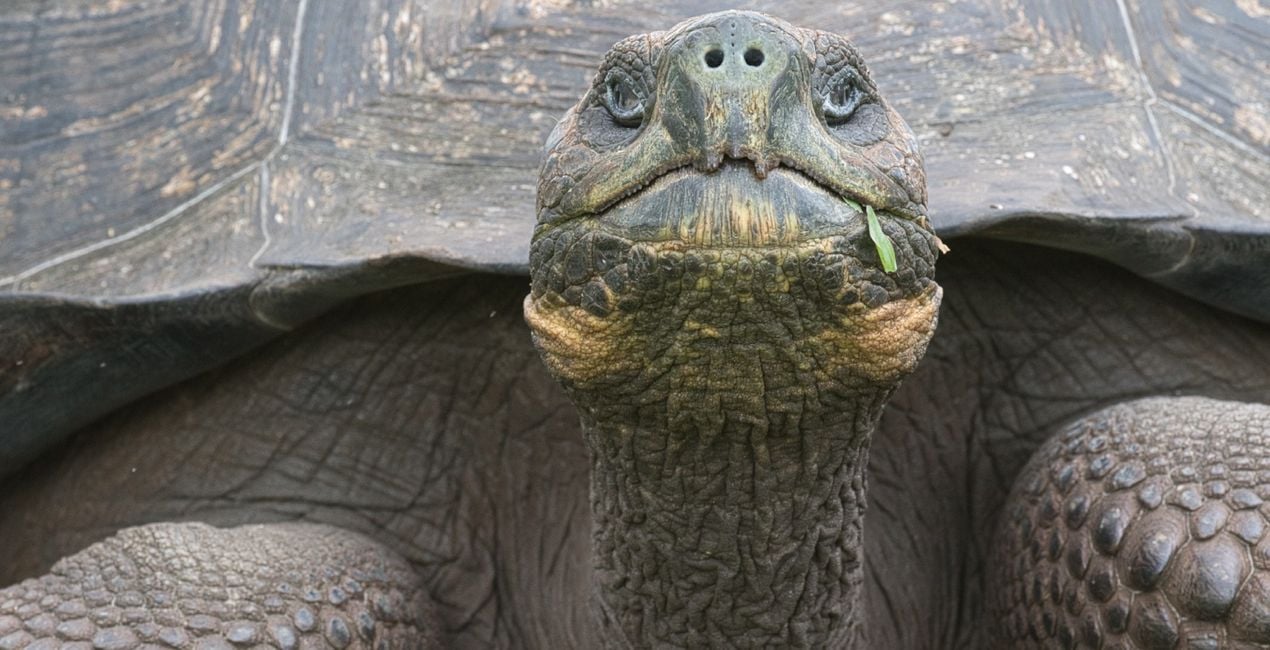
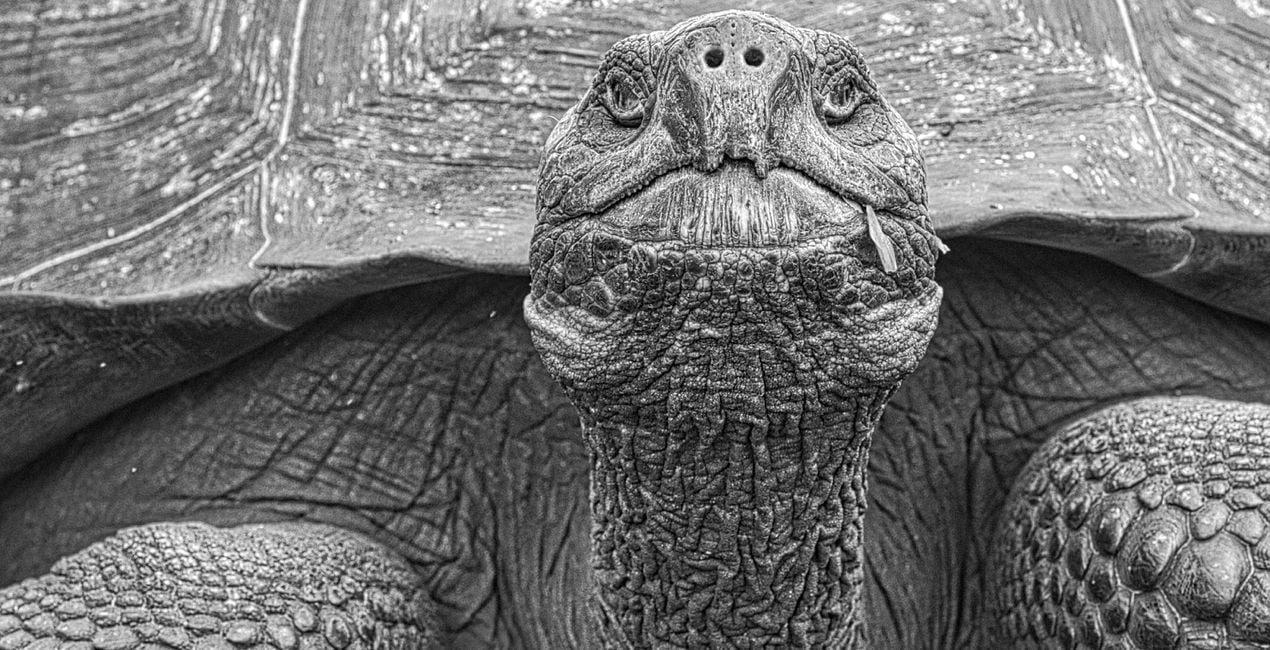
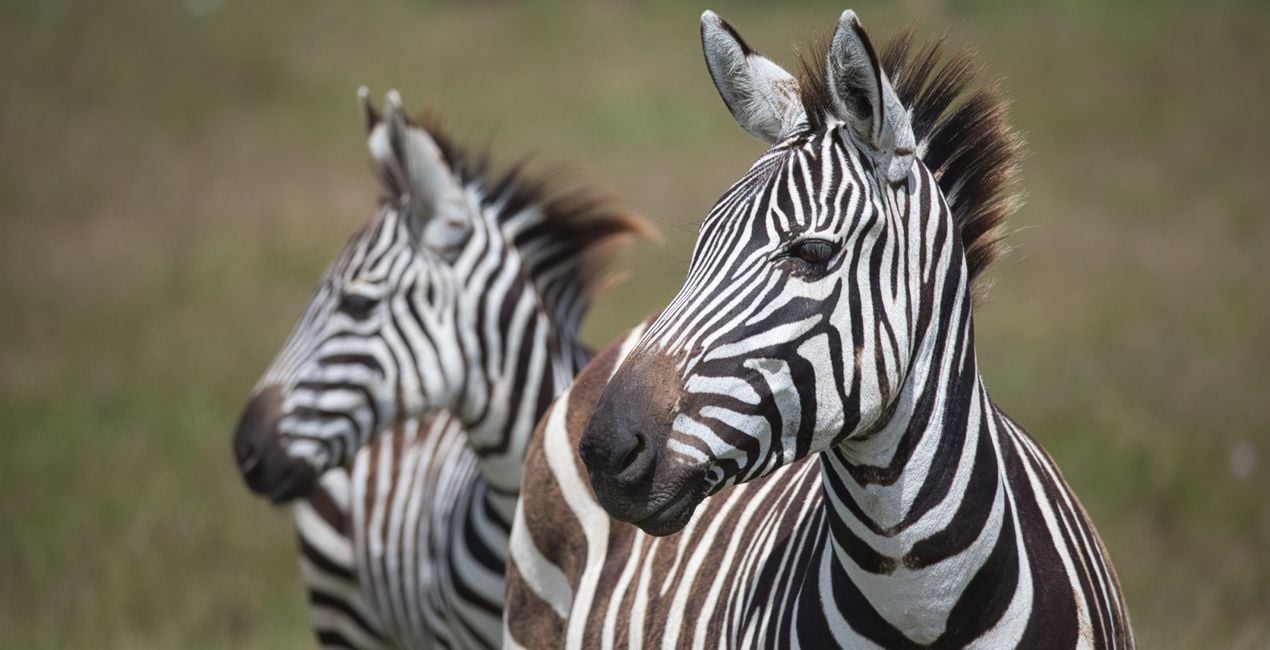
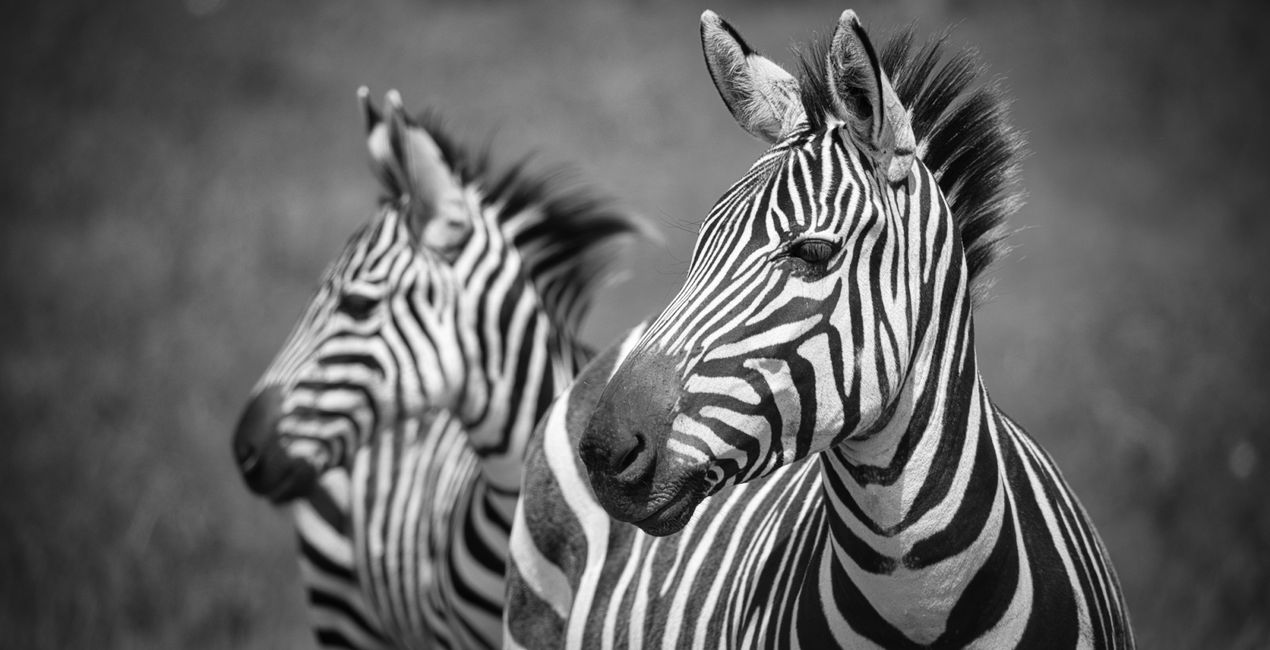
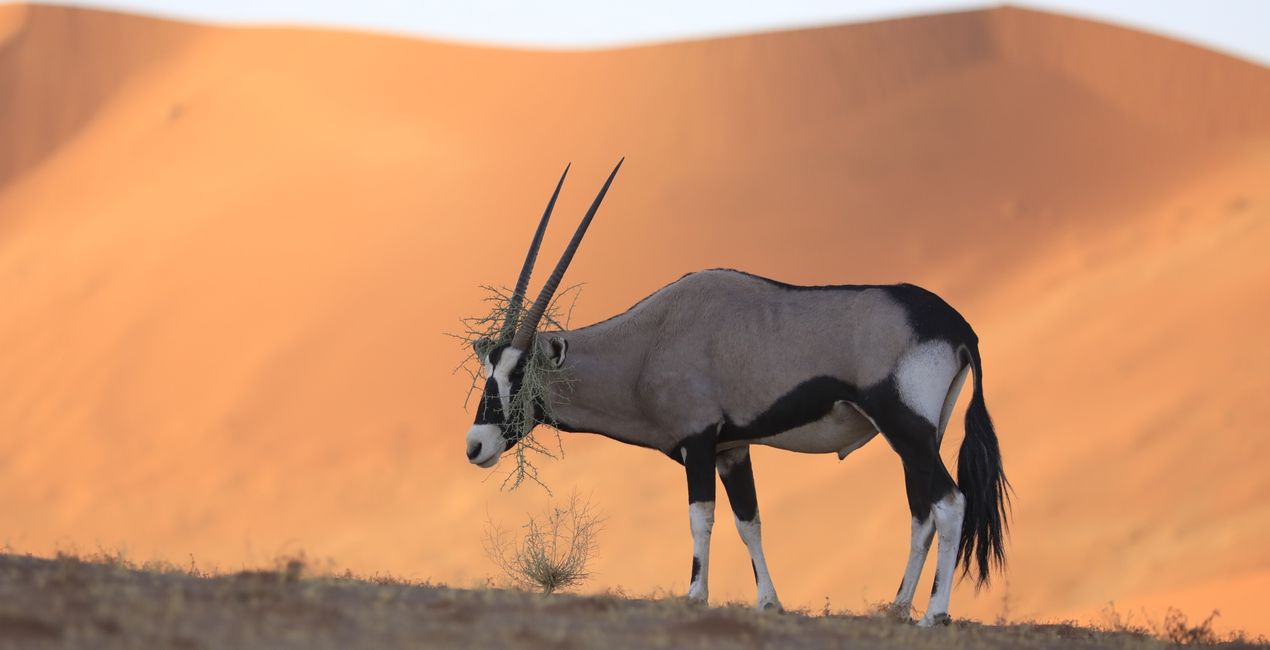
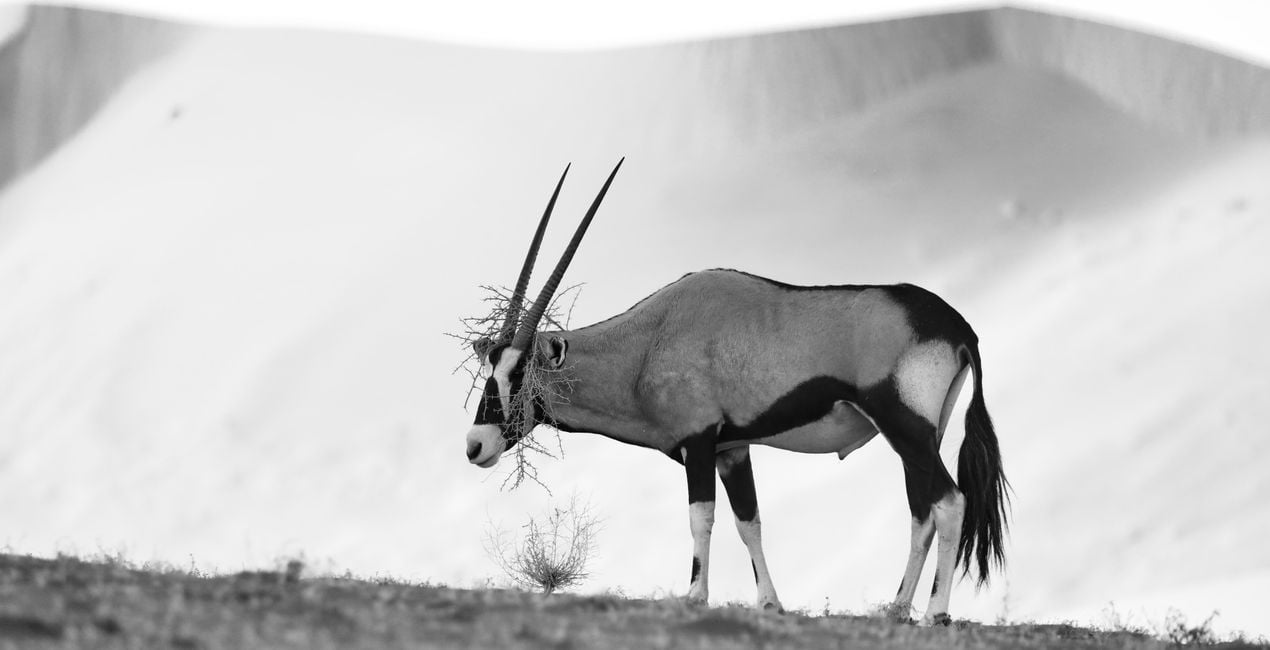
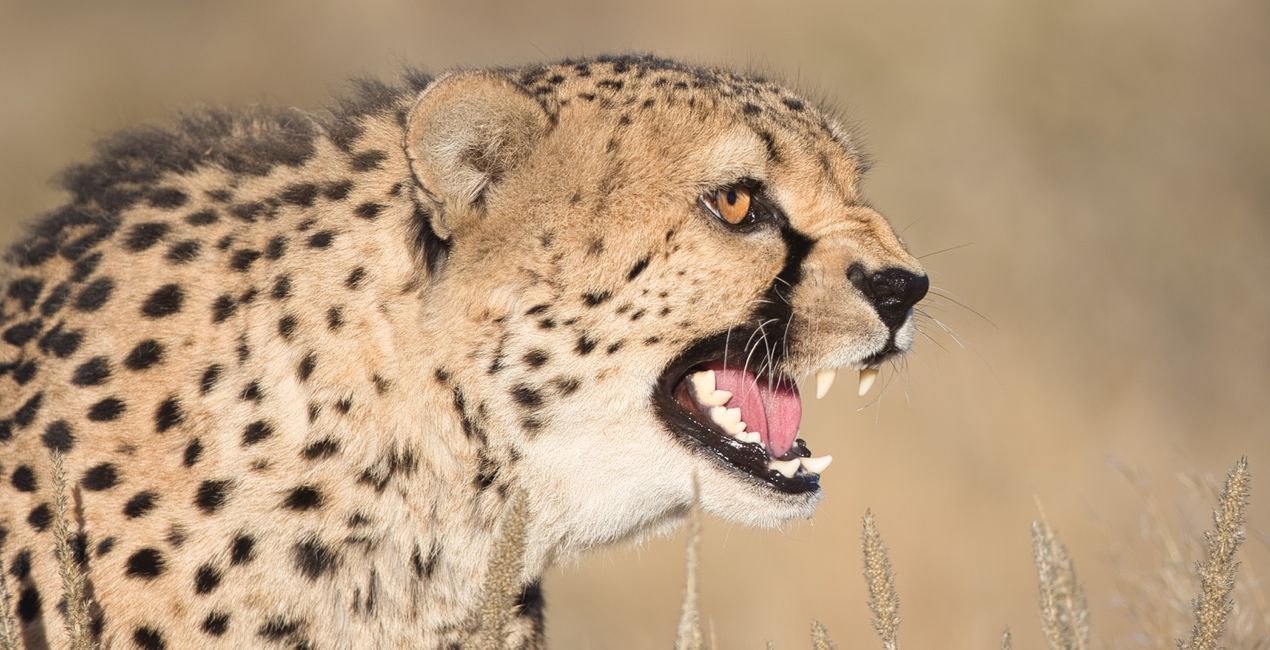
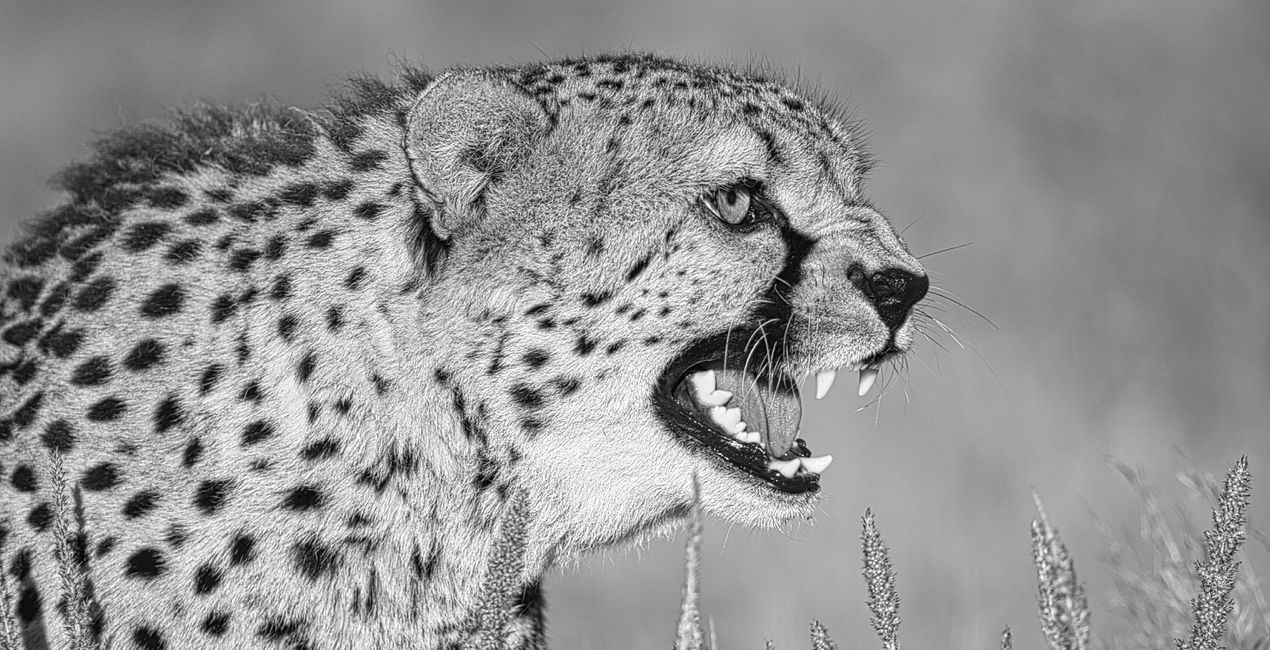
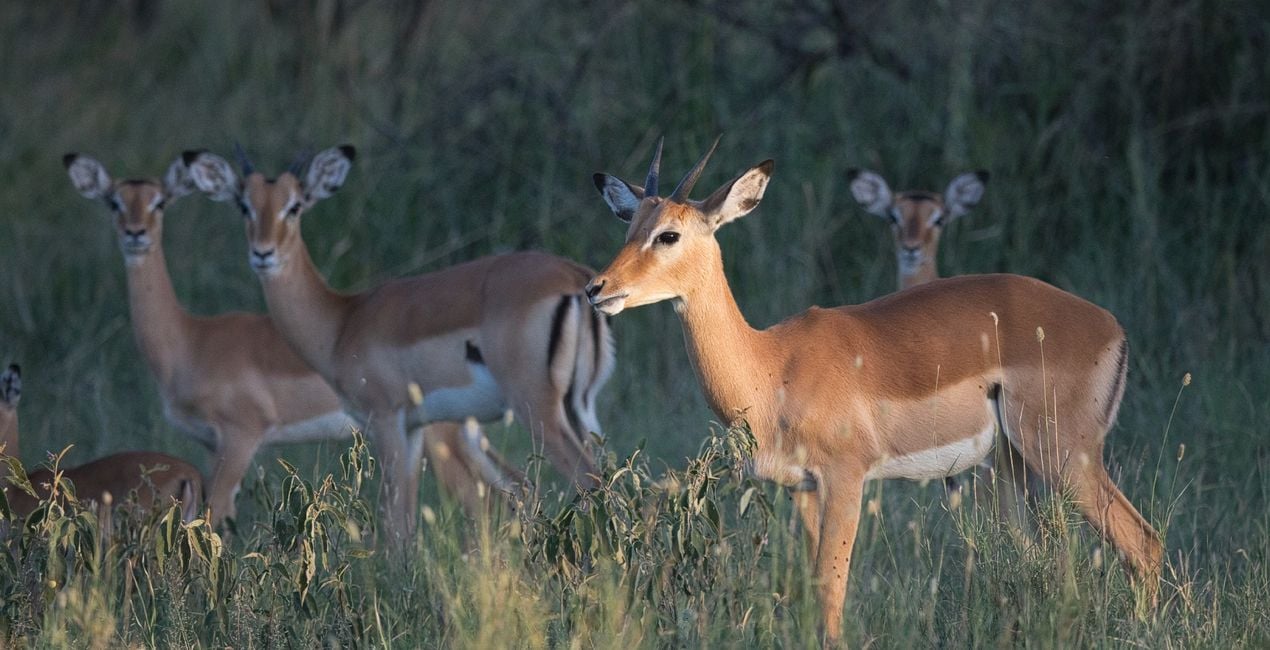
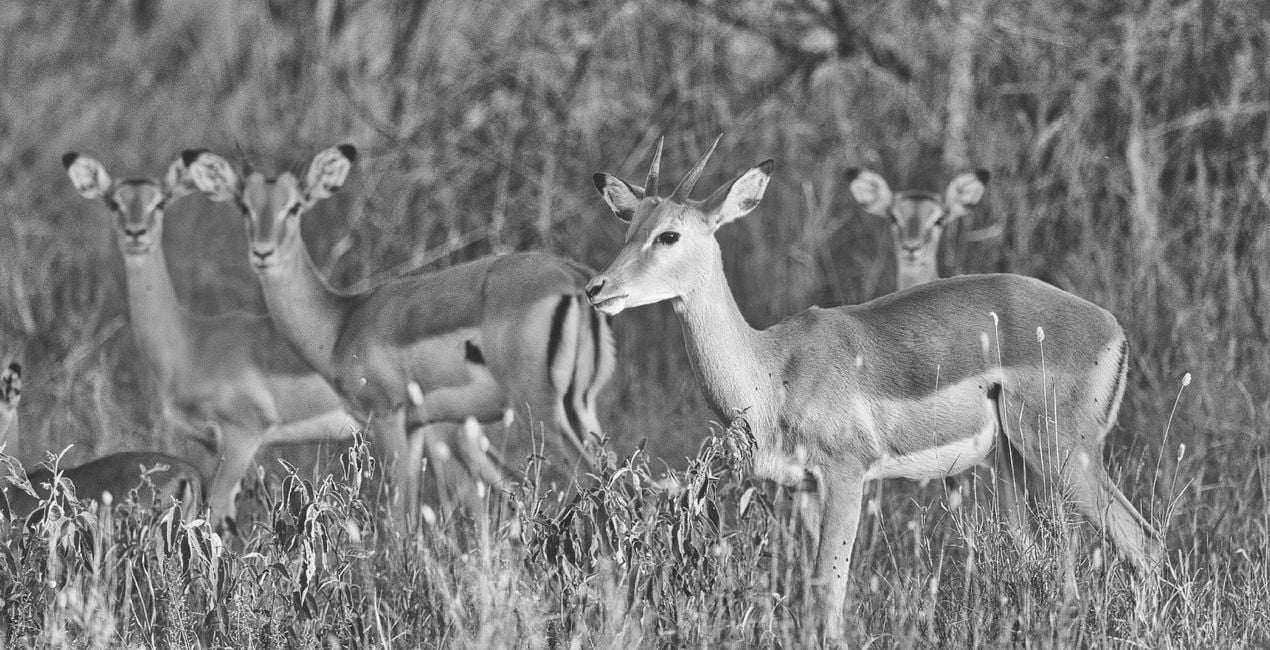
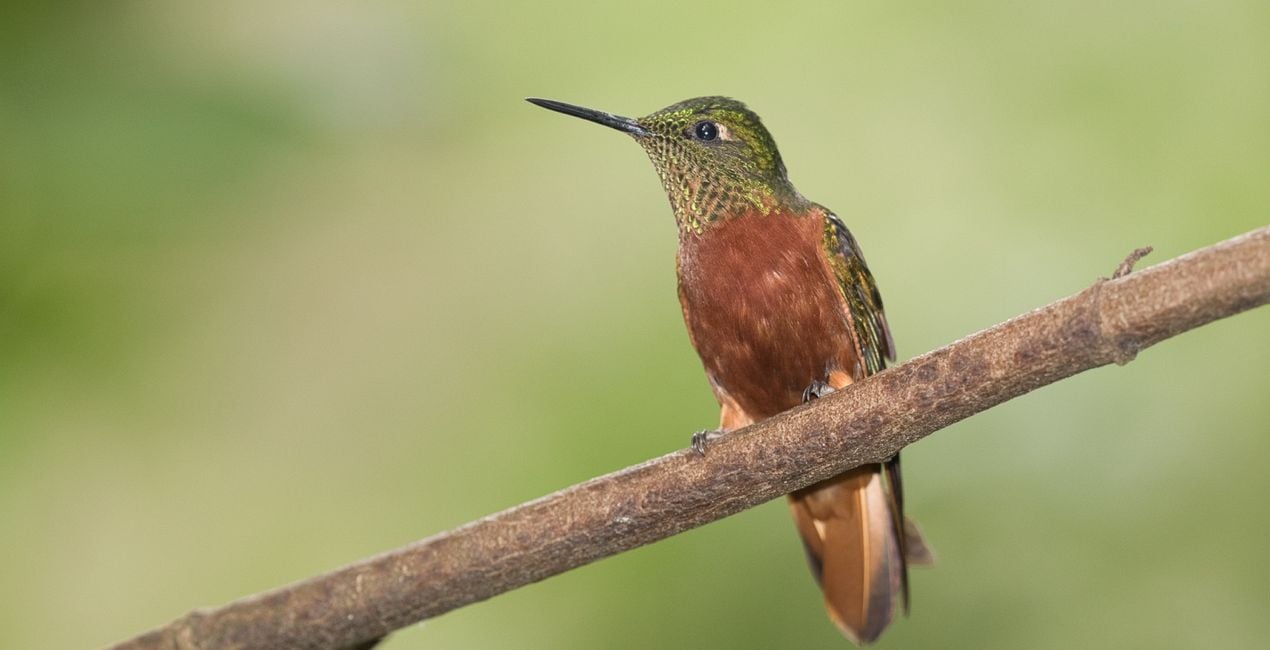
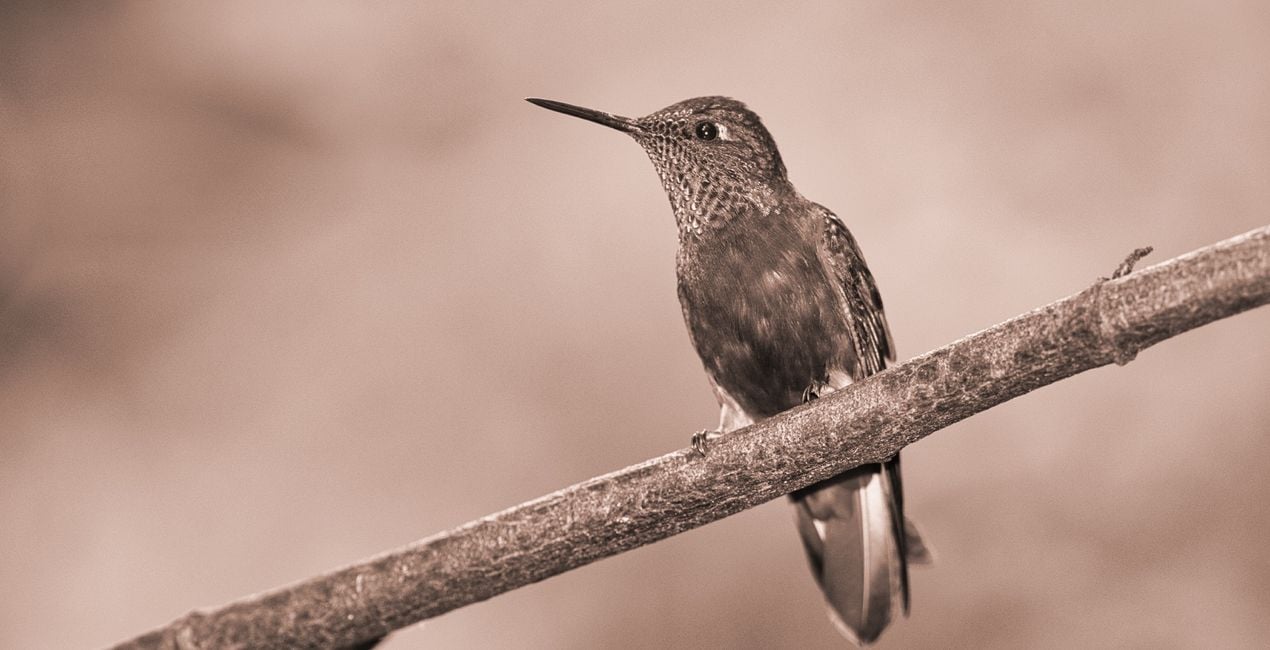
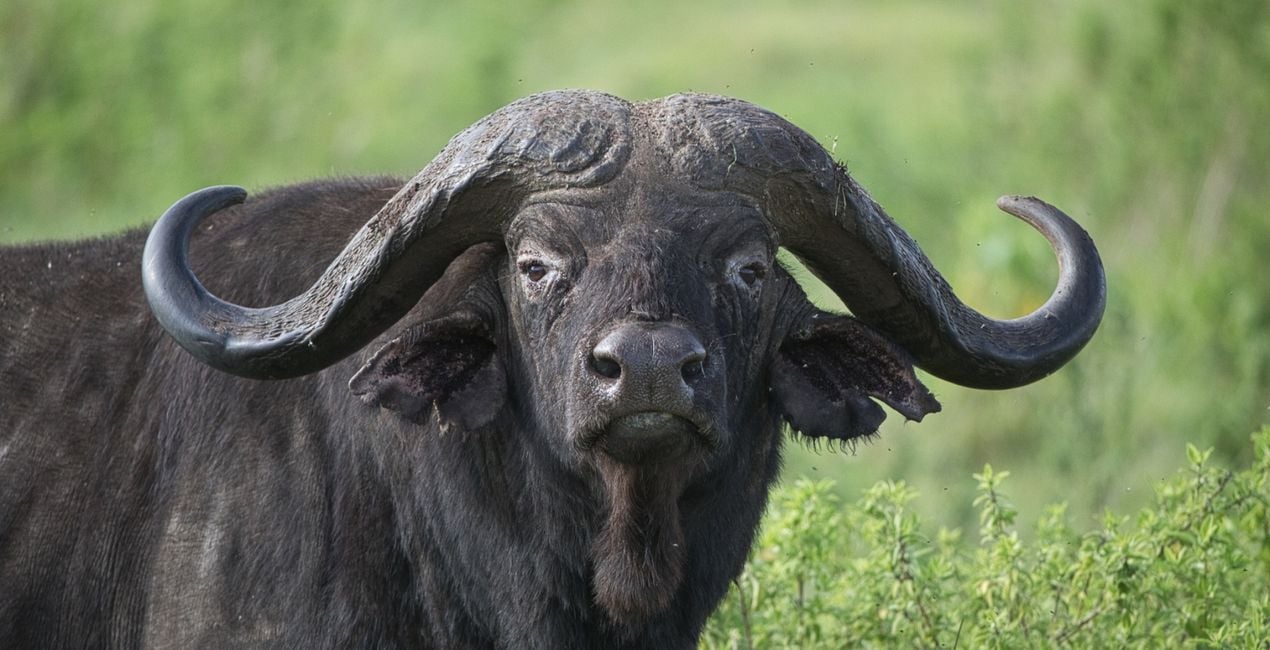
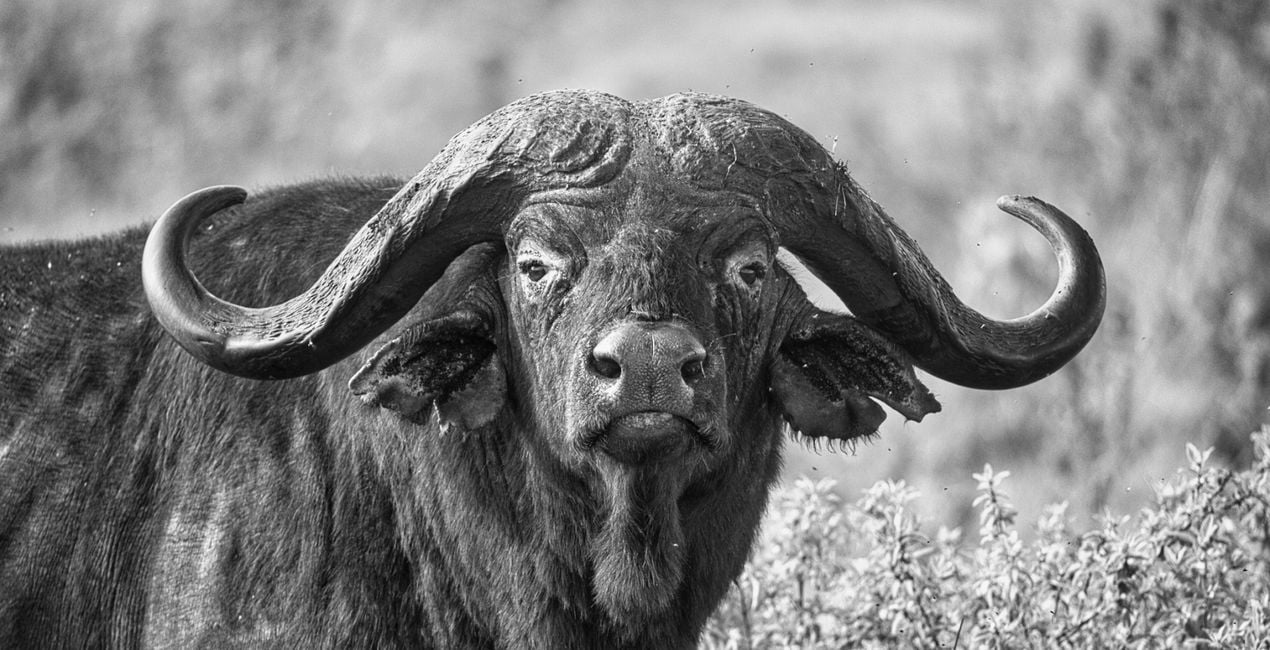
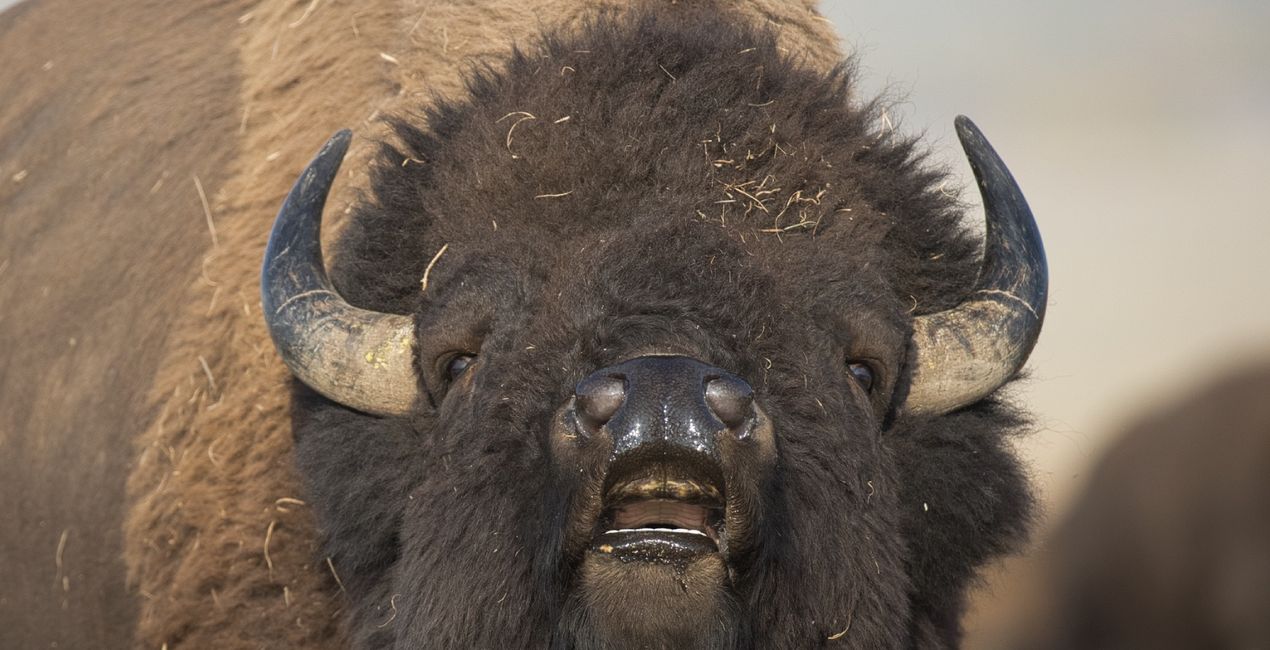
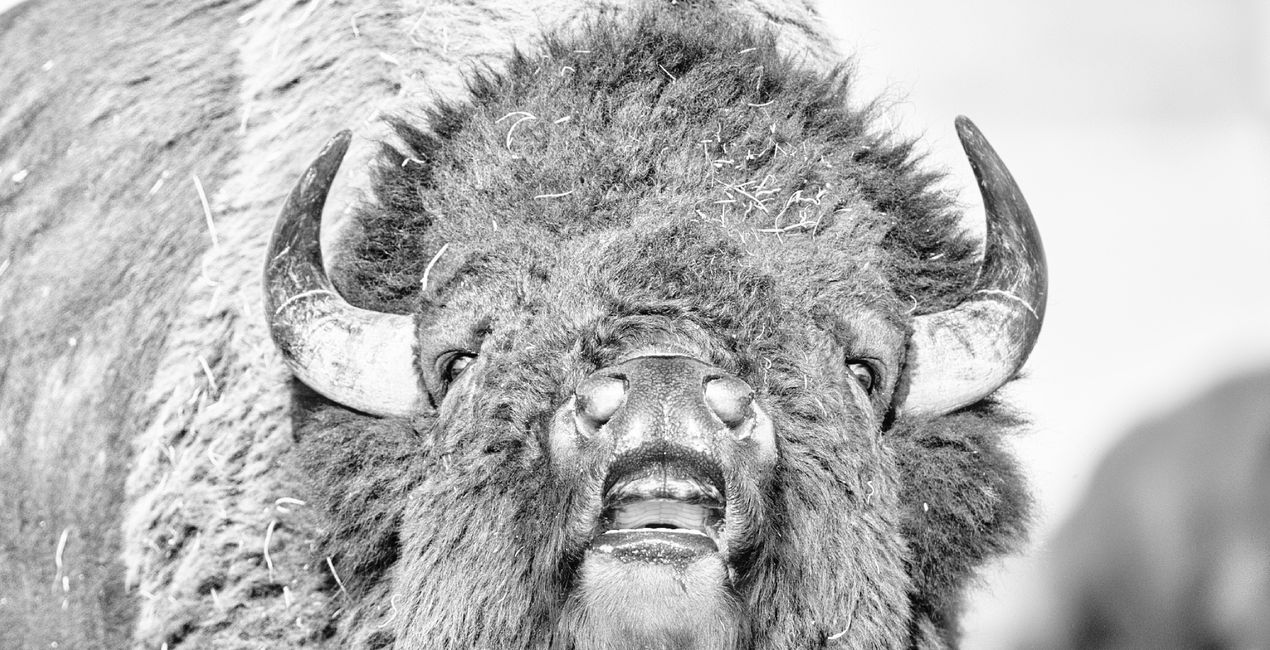
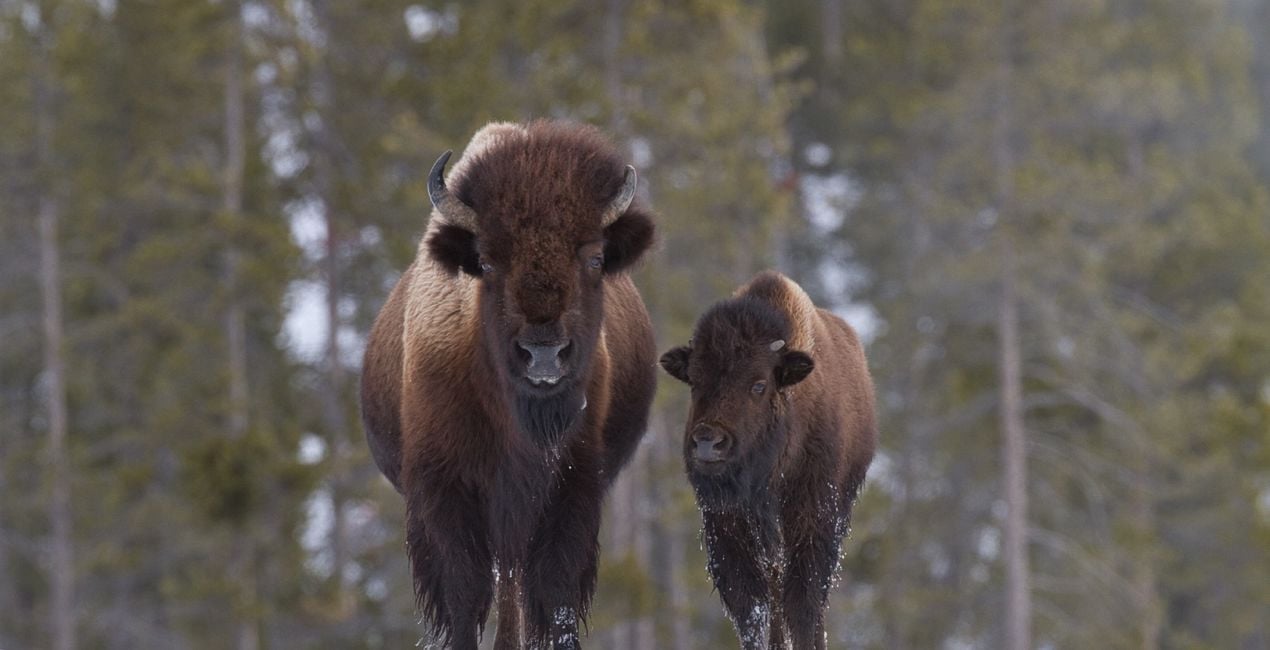
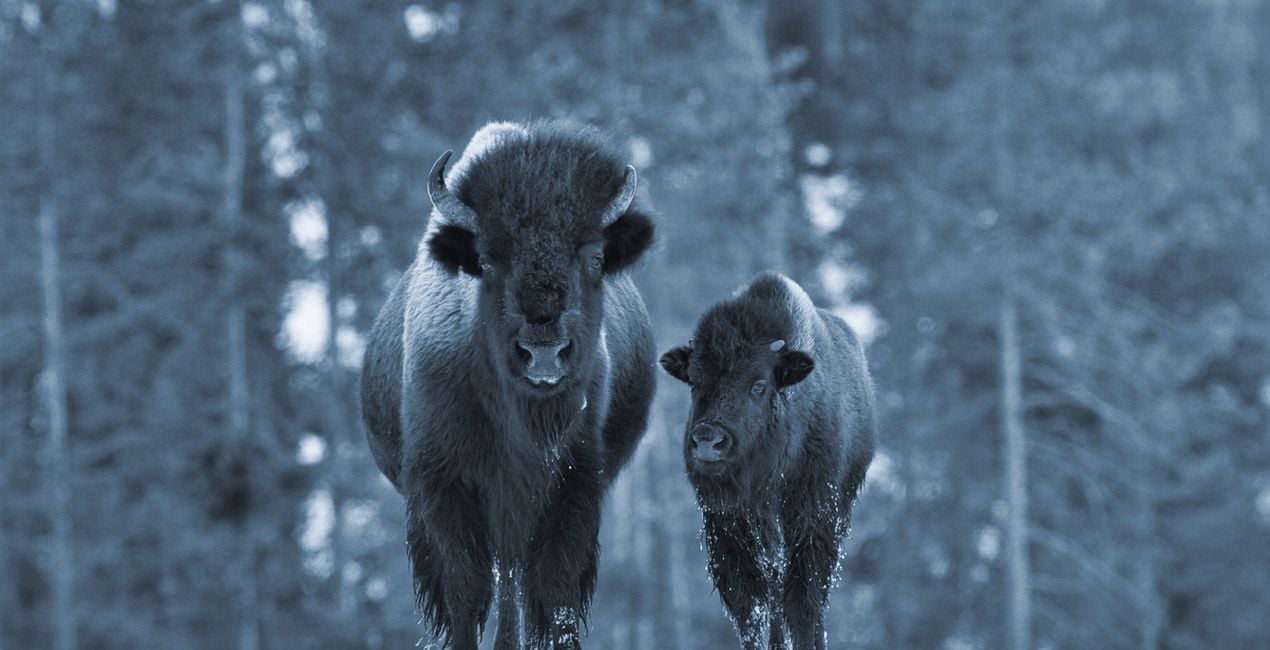
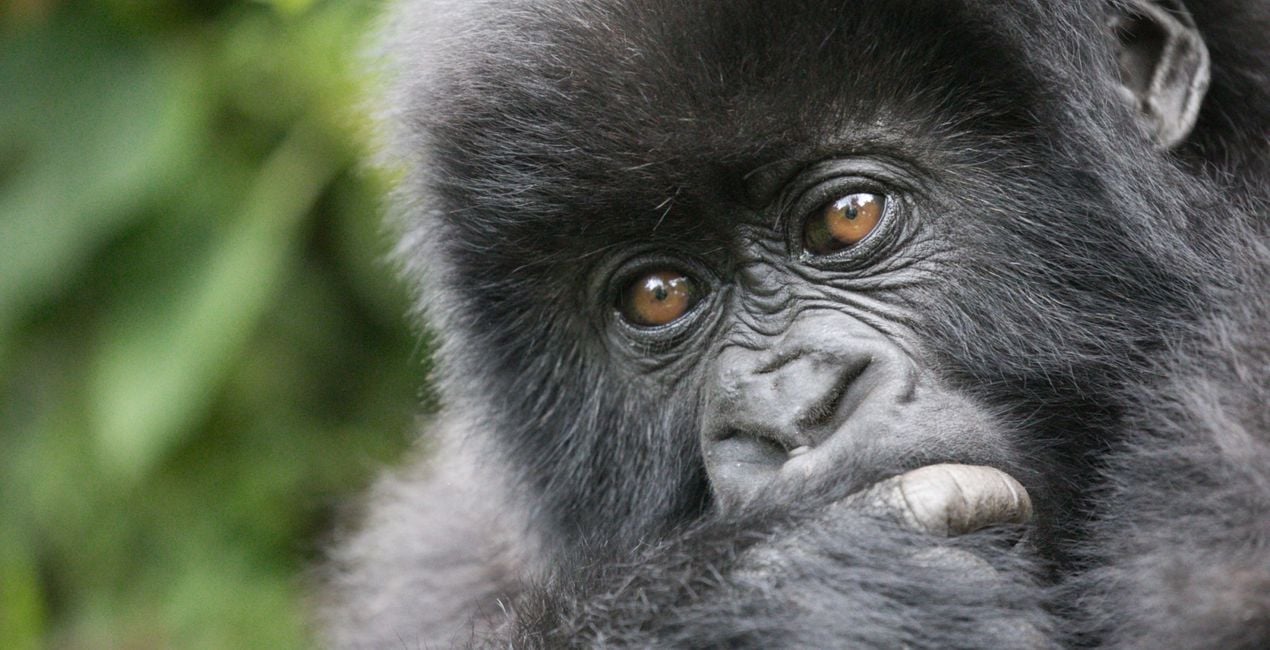
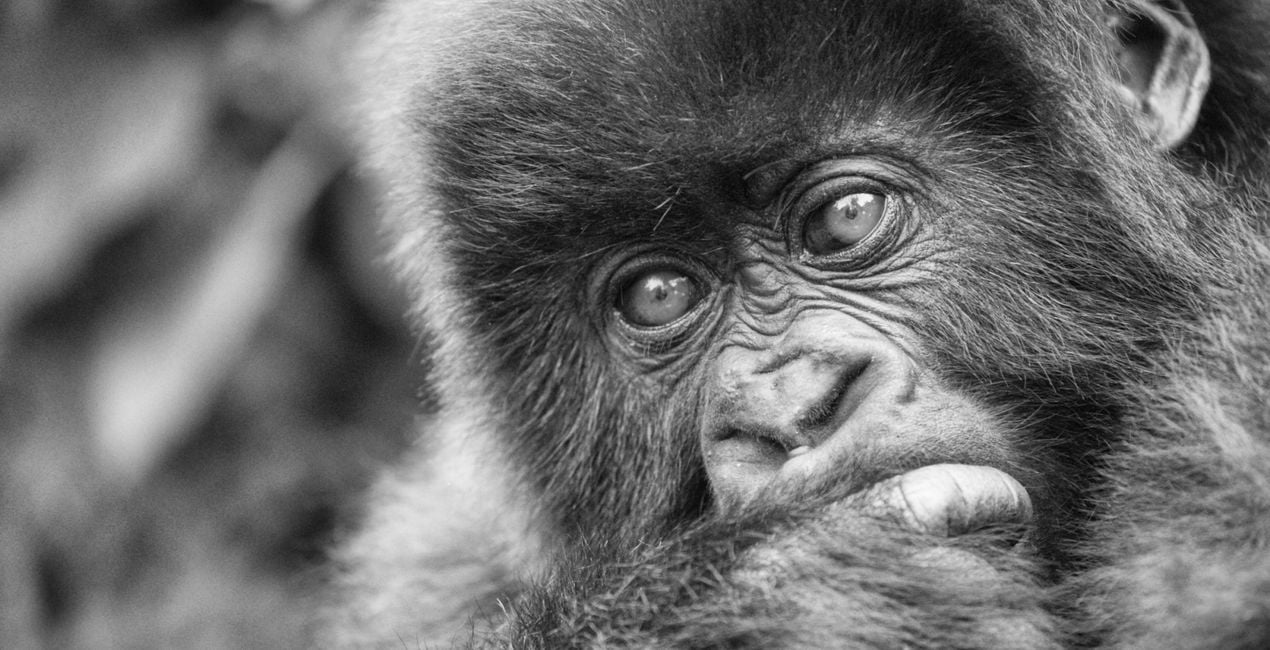
This collection of 11 black and white conversions will transform your color wildlife images into elegant monotone works of art. Each Template/Look uses different degrees of contrast, texture, and tones to create a variety of moods and levels of detail in wildlife images.
Kompatibilita

Pořiďte si fotografie, jako jsou tyto
Pomocí souborů RAW si snadno vyzkoušíte tipy pro retušování a naučíte se, jak pořídit fotografie jako tyto.
 >
>
 >
>
 >
>
 >
>
 >
>
 >
>
 >
>
 >
>
 >
>
 >
>
 >
>
 >
>
 >
>
 >
>
 >
>
Příběh
Most of my wildlife encounters involve dazzling color and light, and I usually prefer those elements to be a part of the story I tell through my wildlife images. But every so often, color doesn’t help with what I want to communicate, and a simpler, graphical interpretation is more effective and compelling than the color version. That’s when I look to experiment with black and white. I started creating black and white wildlife Templates for my own use and eventually decided to share these with you in a Templates pack. Depending on the animal and the type of fur or feathers, I might want a Template with a great deal of structure to bring out the detail, such as Essence or Texture. But sometimes a softer Template is more appealing, like Velvet or just the Standard black and white Template. Strong contrast is always important to black and white photography, so I also created Bold and High Contrast Templates. There are also toned B&W Templates and others to really make your black and white wildlife images pop off the screen!
Související produkty


Tvůrce
Richard Bernabe
Worldwide Photographer. Skylum Ambassador.
Richard Bernabe is an internationally renowned nature, wildlife, and travel photographer as well as a widely published author from the United States. His passion for adventure has been the driving force behind his life’s quest to capture the moods and characters of the world’s most amazing places, from Africa to the Amazon to the Arctic and countless places in between.
Editorial clients include National Geographic, The New York Times, Time, Audubon, The BBC, The World Wildlife Fund, National Parks, Outdoor Photographer, and others. Corporate clients include Canon, Patagonia, Orvis, REI, Apple, Microsoft, and American Express, and others.
Jak mohu kontaktovat podporu?
Máte-li jakékoli dotazy týkající se produktu, můžete se obrátit na tým podpory, který je k dispozici 24 hodin denně, 7 dní v týdnu. Stačí kliknout na tento odkaz.
Jak mohu zakoupit B&W Wildlife?
Pro zakoupení B&W Wildlife postupujte podle těchto kroků:
1. Otevřete tržiště Skylum Marketplace.
2. Přejděte na příslušnou záložku, kde je uveden B&W Wildlife. Klikněte na něj a přidejte jej do košíku.
3. Přejděte do košíku. Zde dokončete proces nákupu produktu B&W Wildlife.
4. Po zakoupení obdržíte e-mail s odkazem ke stažení produktu B&W Wildlife. Nový produkt také najdete ve svém účtu Skylum na kartě Moje doplňky.
Jak nainstalovat produkt B&W Wildlife?
Podrobné pokyny k instalaci B&W Wildlife vám budou zaslány v e-mailu s odkazem ke stažení.
Kromě toho můžete zakoupenou položku nainstalovat přímo v Luminar Neo: přejděte do nabídky Extra > Marketplace, vyberte kategorii Produkt, vyhledejte zakoupenou položku a klikněte na Instalovat.
Kde najdu svůj B&W Wildlife po instalaci?
Je to docela snadné! Přejděte na kartu Přednastavení a vyberte možnost Zakoupené. Vaše nainstalované přednastavení se zde zobrazí.
Co když ztratím B&W Wildlife?
Nebojte se. Všechny zakoupené položky, včetně B&W Wildlife, jsou uloženy na kartě „Moje doplňky“ ve vašem účtu Skylum, odkud je můžete snadno znovu stáhnout a používat.
Jak mohu zkontrolovat, zda je B&W Wildlife kompatibilní s mým softwarem?
Obecně platí, že většina položek je kompatibilní s Luminar Neo. Abyste se však ujistili, že B&W Wildlife je kompatibilní s vaším softwarem, před stažením nebo zakoupením si zkontrolujte jeho specifikace. V pravé části stránky B&W Wildlife najdete sekci „Kompatibilita“, kde jsou uvedeny všechny kompatibilní produkty.


