


 Použit


Neon Winter
Save $201 $ 19 .00

about


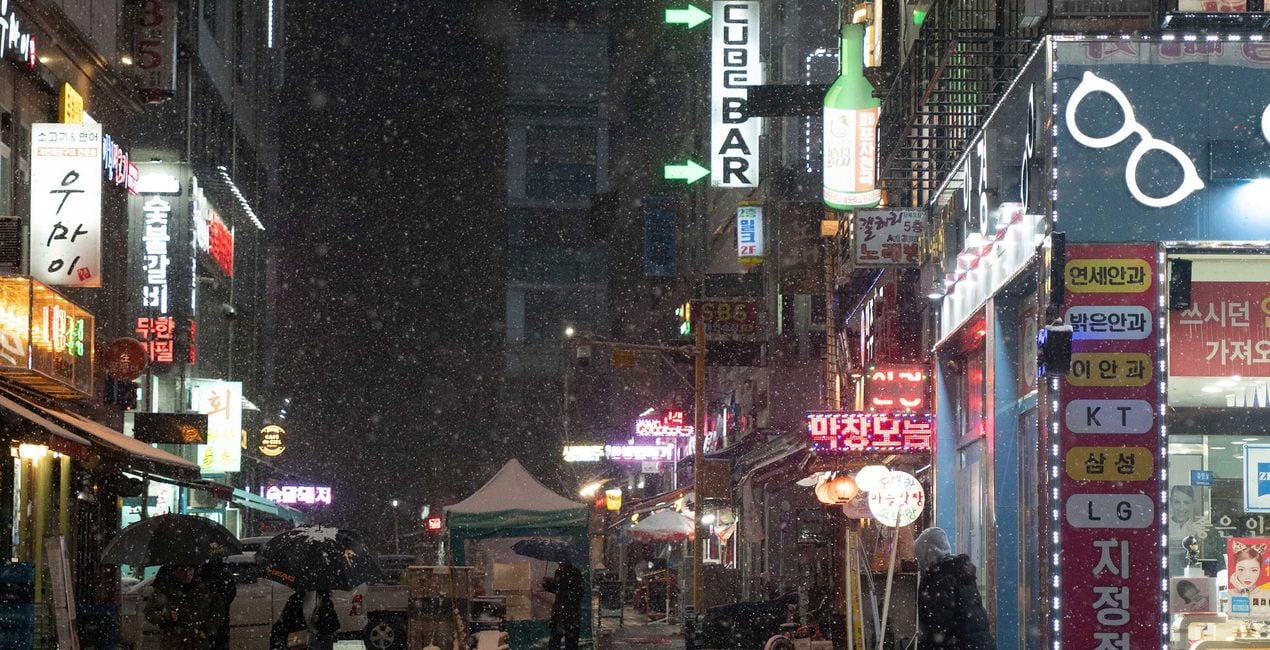
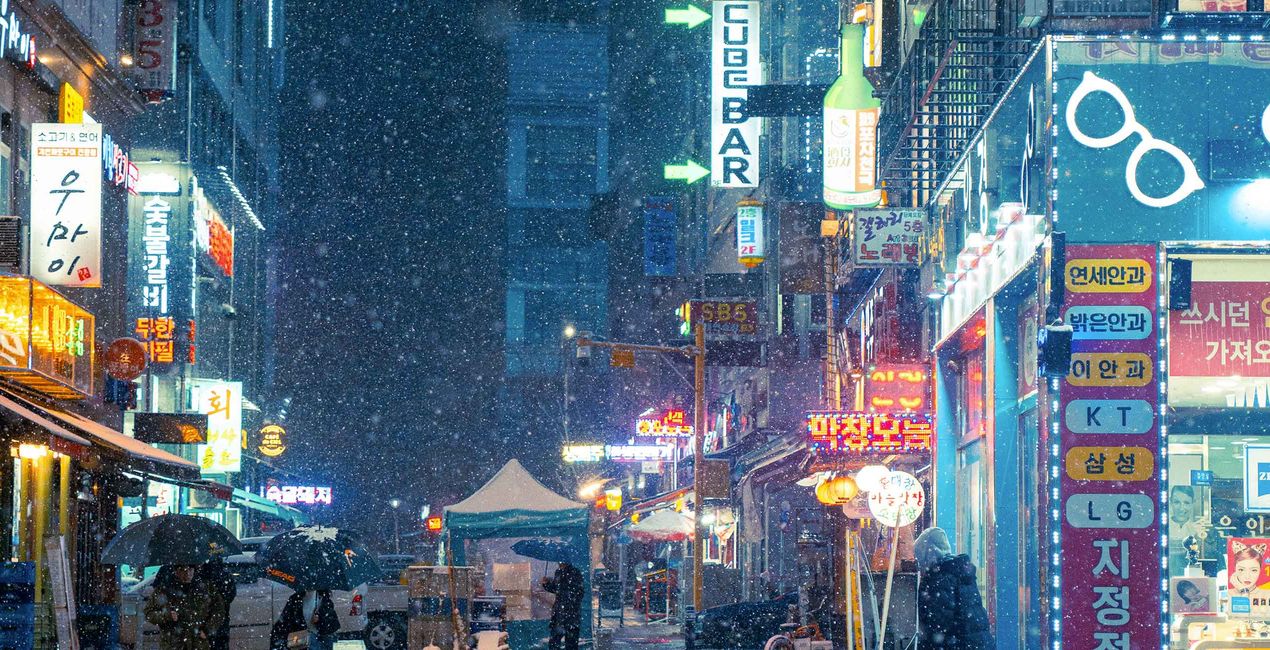
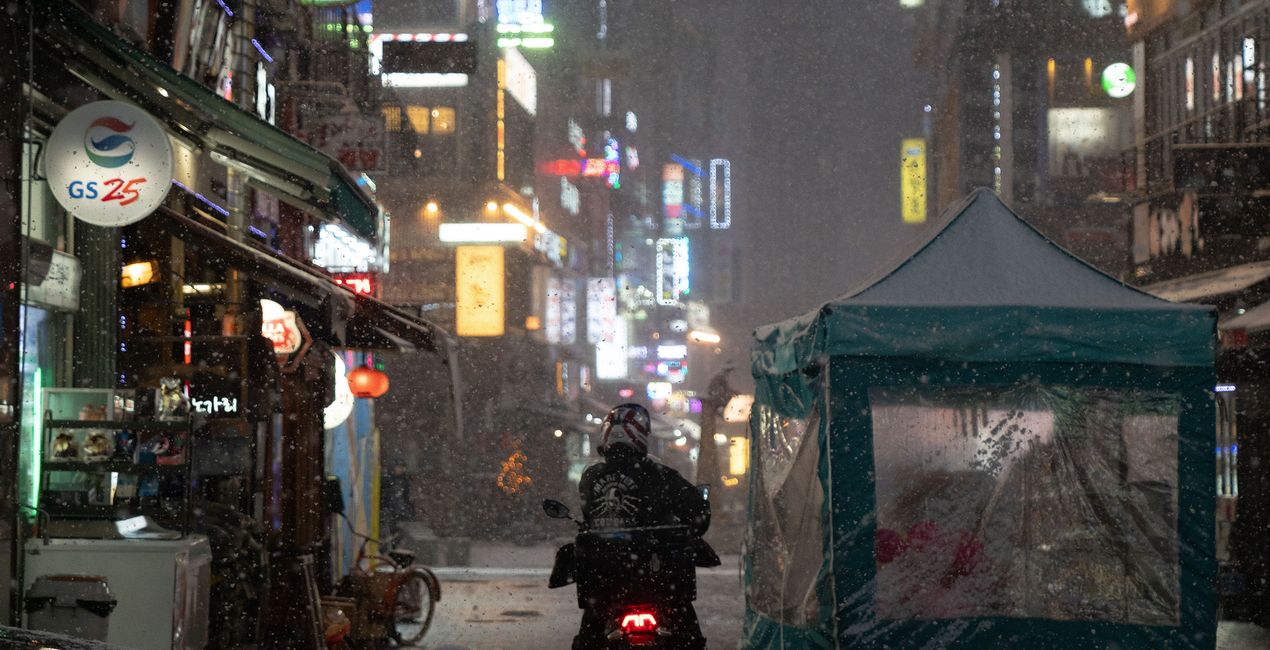
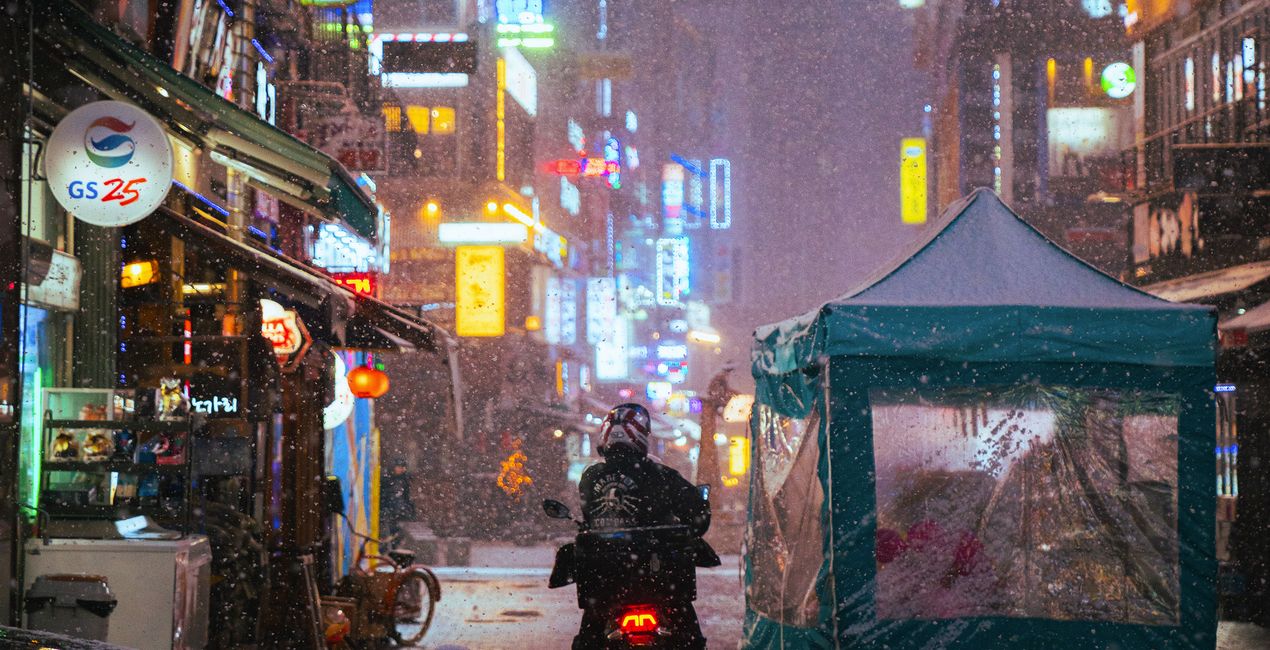
Pomocí souborů RAW si snadno vyzkoušíte tipy pro retušování a naučíte se, jak pořídit fotografie jako tyto.
 >
>
 >
>
 >
>
 >
>
 >
>
 >
>
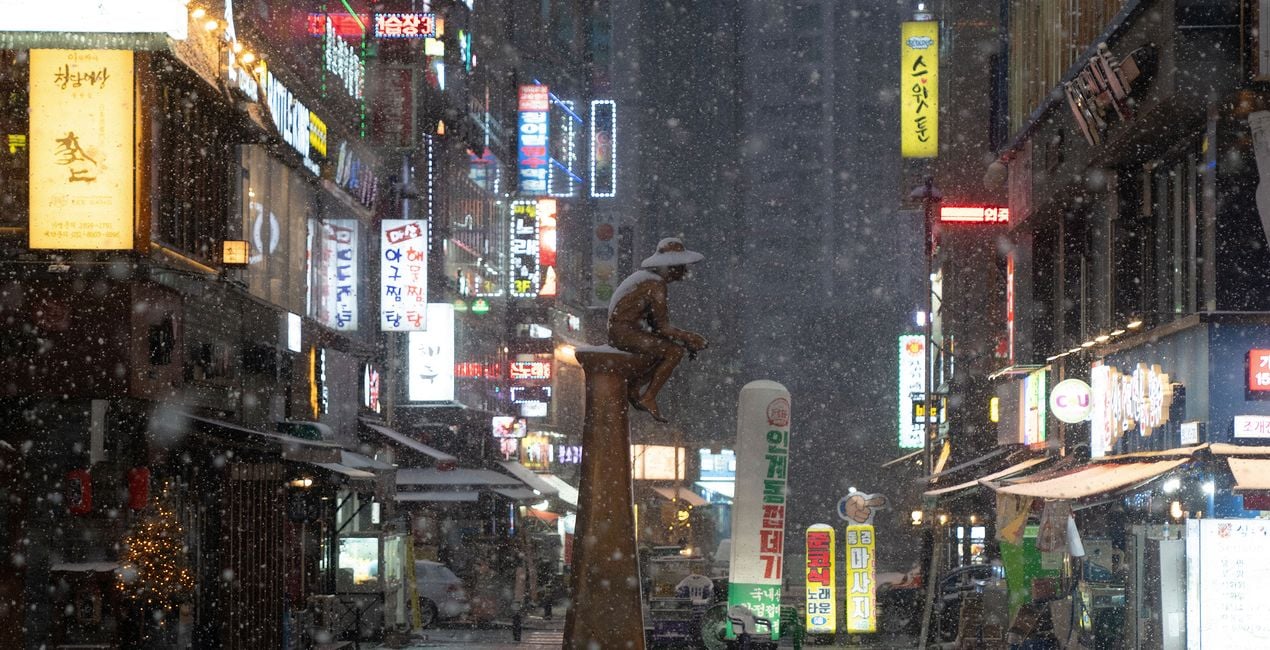
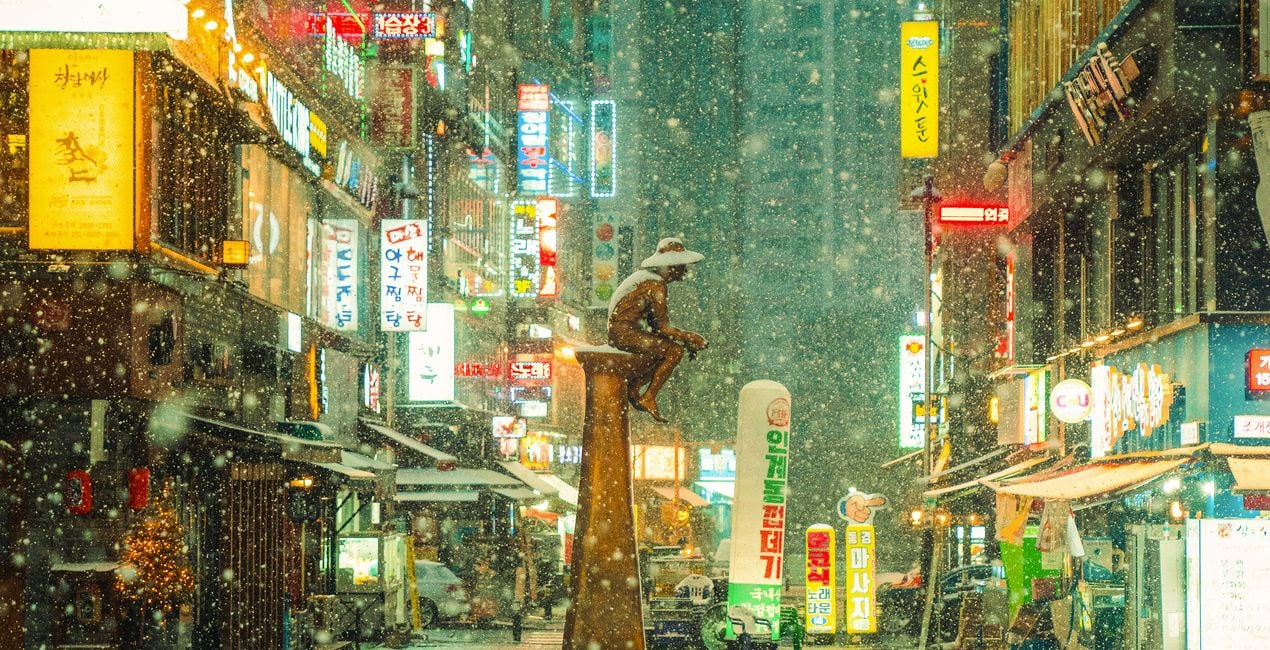
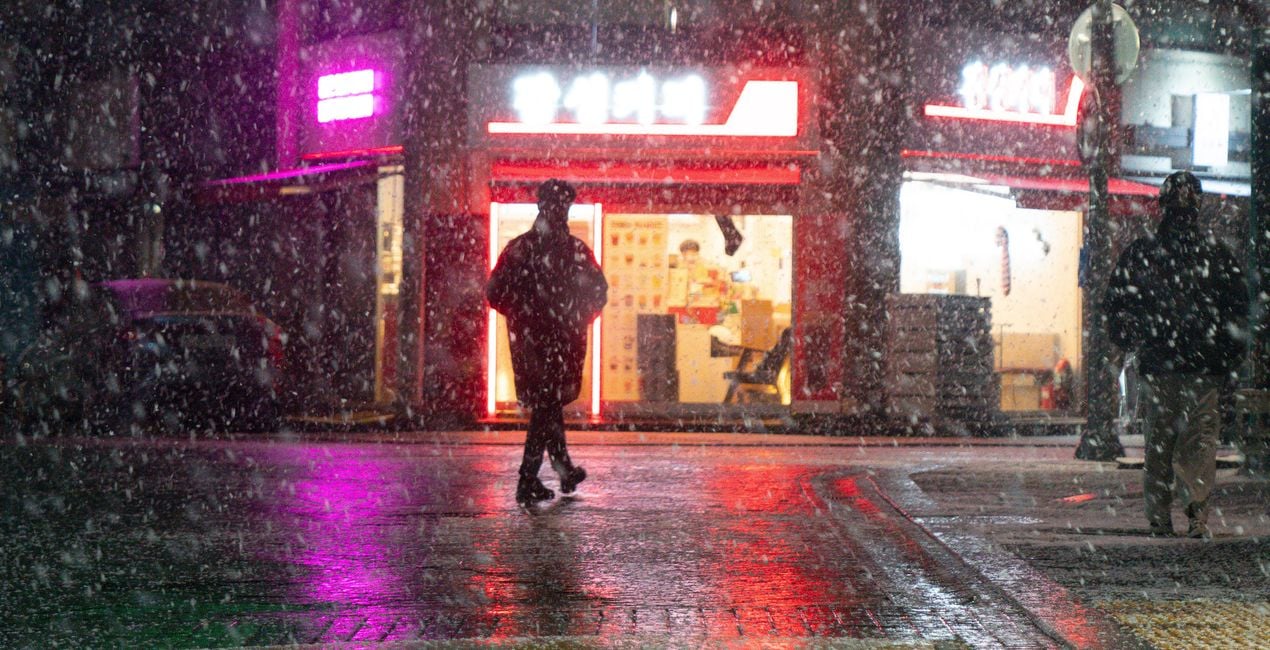
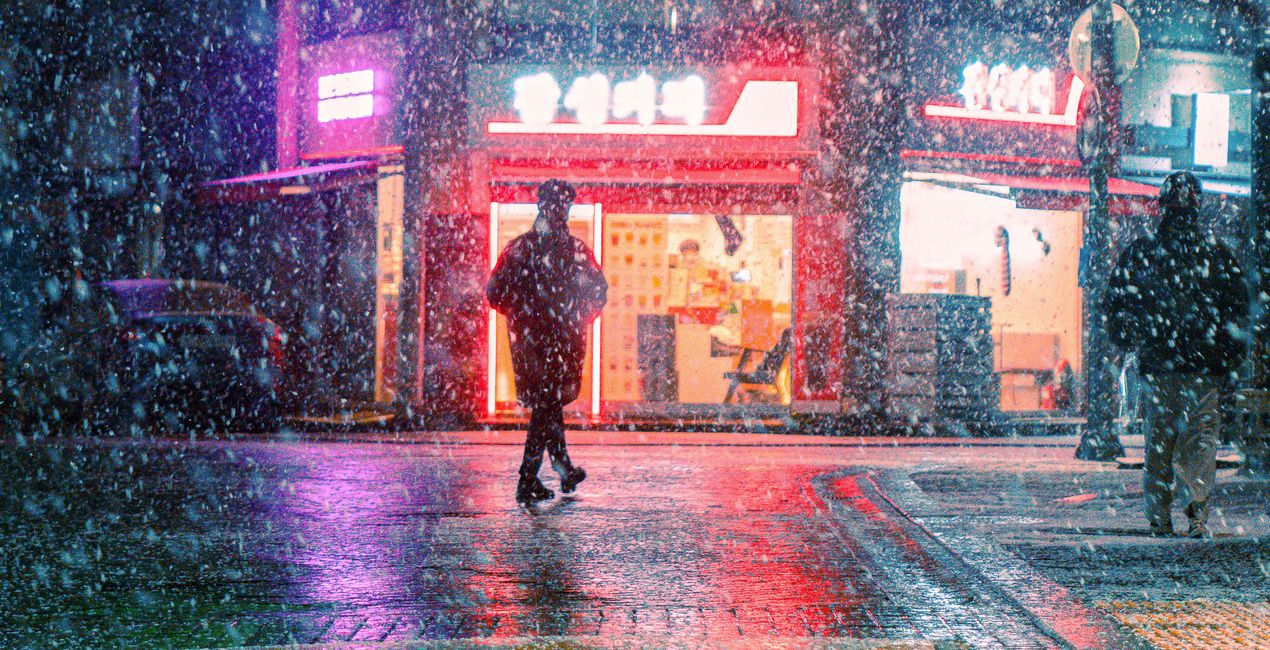
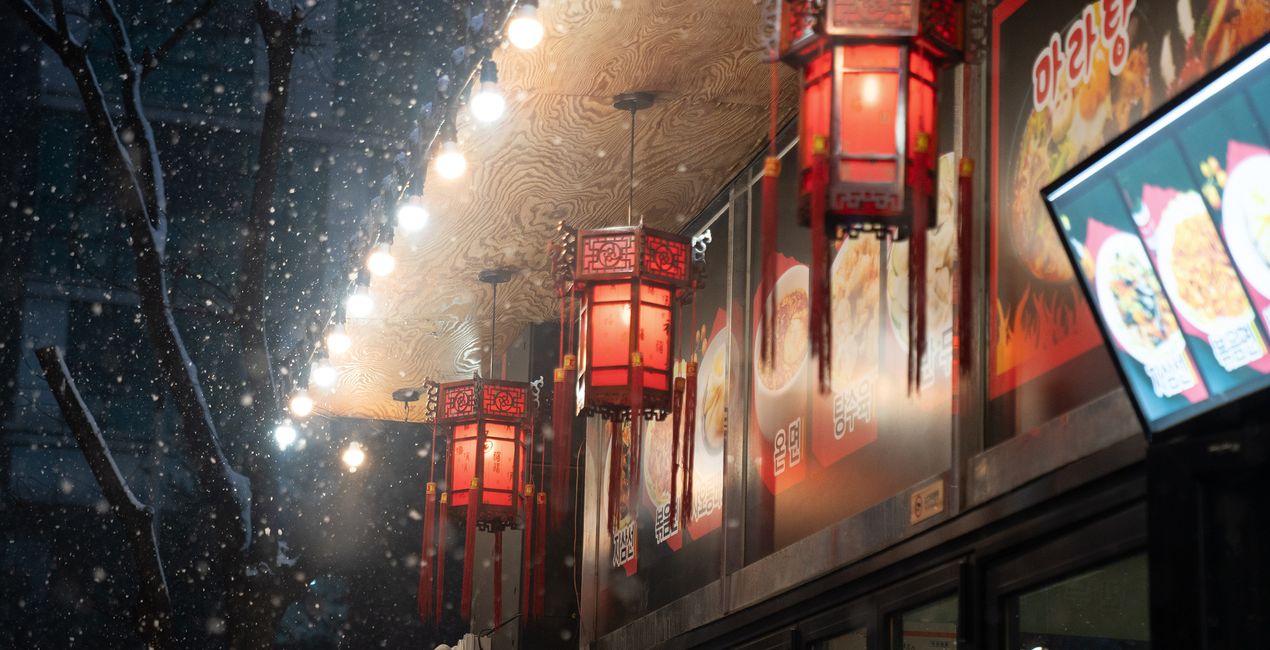
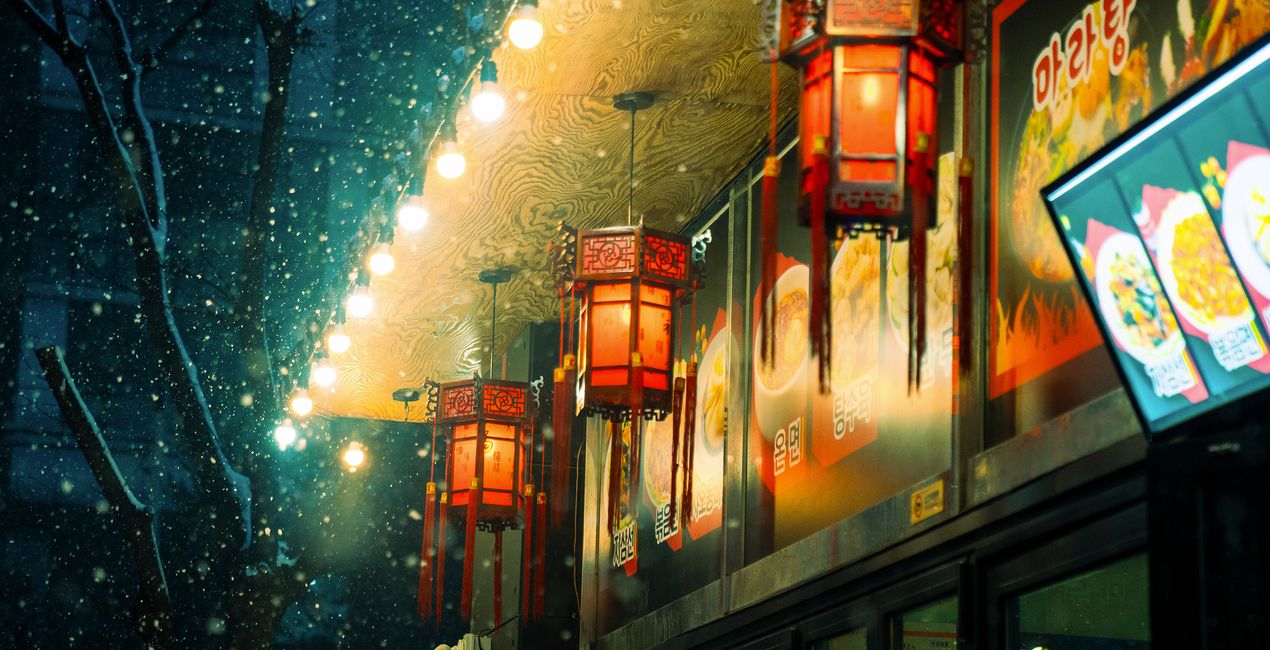
Step into the captivating world of neon winter with this Preset pack that masterfully blends the stark beauty of winter with the vivid allure of neon-infused cyberpunk aesthetics. Designed for the daring night street photographer, this collection is an homage to the chilly, mystical nights of winter, transformed by the pulsating energy of neon cityscapes.
Each Preset in this pack is a tool for storytellers and urban explorers, that turns your shots into a narrative piece that captures the imagination. Whether you’re a professional photographer looking to add a distinct edge to your portfolio or an enthusiast eager to experiment with a new style, this collection offers the perfect blend of fantasy and reality, wrapped in the enigmatic beauty of the night.
You will find 10 Presets in this Pack:
Polar Neon: A vibrant blend of icy blues and bright neon colors, perfect for capturing the polar-like chill of the urban night.
Frost Byte: Offers a crisp, high-contrast look that echoes the sharpness of frost with a hint of digital flair.
Cool Frost: Enhances images with a subtle, cool tone, reminiscent of a fresh, frosty morning.
Misty Chill: Creates a soft, diffused effect, ideal for capturing the mysterious and serene mood of a misty winter evening.
Freezing Fog: Perfect for adding a dense, chilly atmosphere to scenes, simulating the enveloping nature of freezing fog.
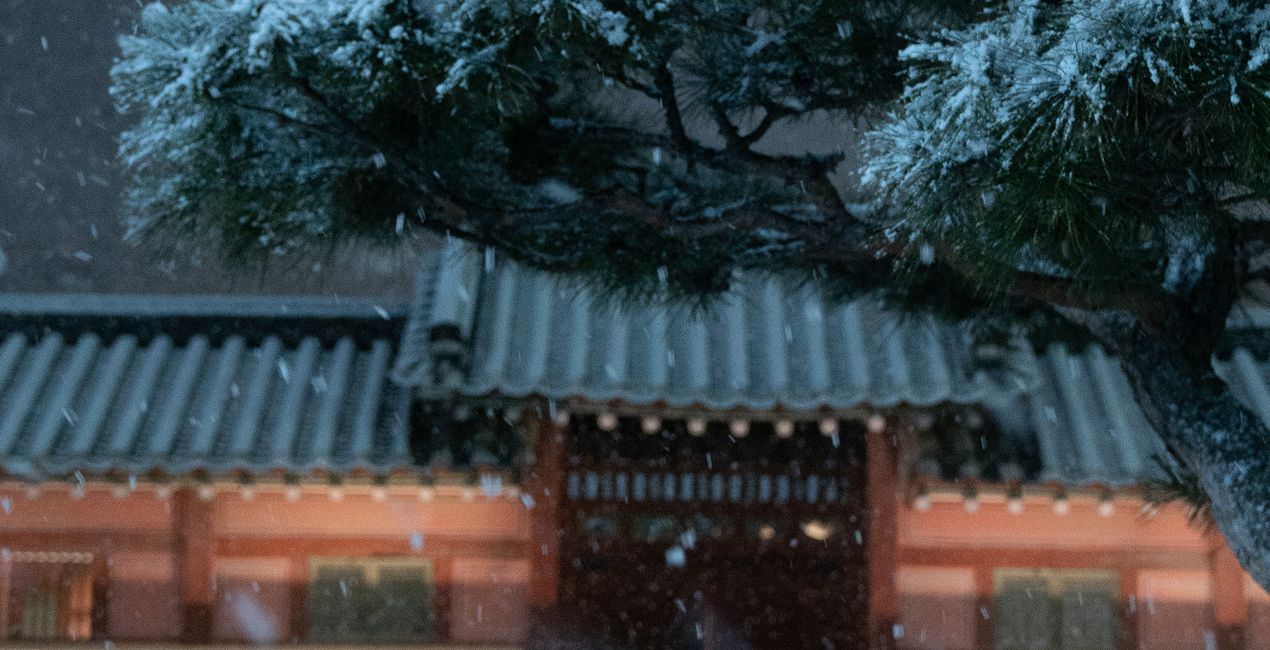
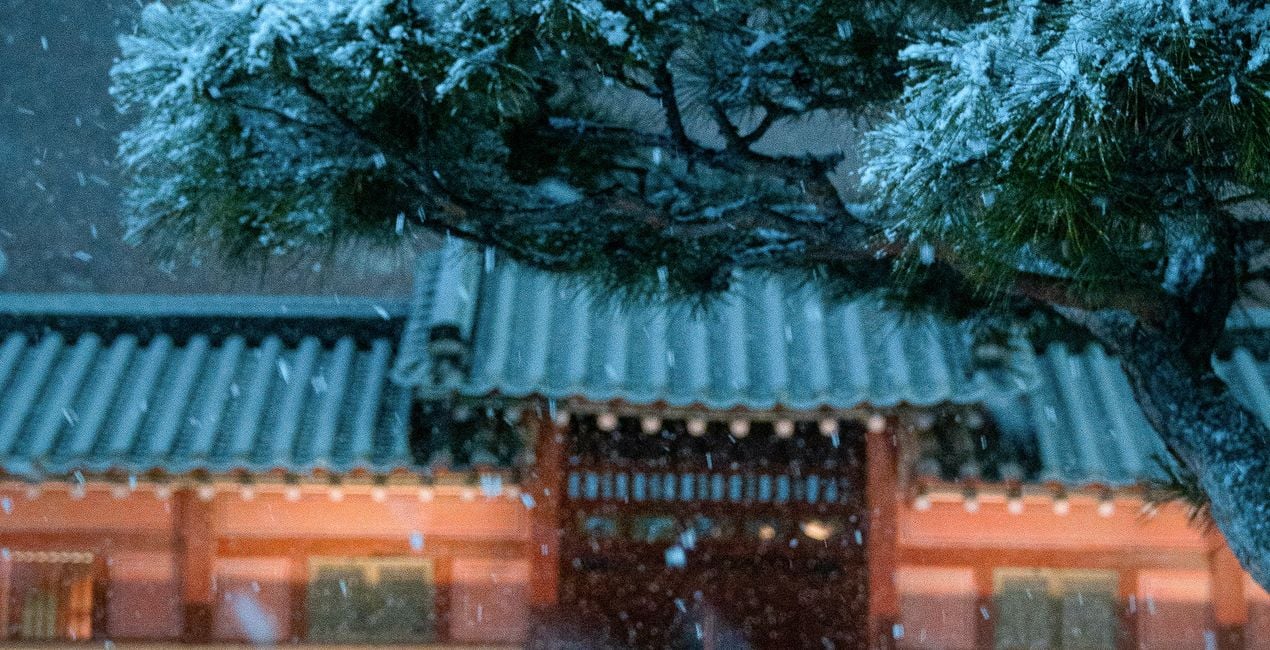
Midnight Snowfall: Captures the quiet, magical essence of snow falling at night with a focus on soft light and gentle shadows.
Futuristic Freeze: Combines stark winter elements with a modern, sci-fi twist, ideal for creating a futuristic frozen landscape.
Neon Nocturne: Infuses night scenes with a mix of deep shadows and vivid neon colors, highlighting the lively night ambiance.
Cybernetic Chill: A cool, tech-inspired Preset that brings a sleek, cybernetic edge to chilly winter scenes.
Neon Freeze: Blends the coldness of winter with the warmth of neon lights, perfect for contrasting elements in night photography.
Street and Fashion photographer
Steve Roe is a photographer based in Seoul, originally from the UK, who has made a name for himself with his neon street photography. He captures the vibrant essence of cyberpunk culture, infusing his work with a futuristic and captivating allure.
He is also known for his experimental approach to portraiture, employing neon lights and fractal lenses to craft imaginative and unique images that transport subjects to a realm of intriguing futurism.
His talents have not gone unnoticed, with notable brands like Apple and Prada seeking his distinctive style for their campaigns. Steve's work has also received recognition from major platforms such as the BBC and National Geographic, while his photographs have graced the covers of iconic cyberpunk novels like The Neuromancer Trilogy by William Gibson.
With an eye for neon aesthetics and a passion for capturing the essence of Asia's neon-lit cities, Steve Roe continues to captivate audiences, blurring the lines between reality and the dazzling realm of neon-lit dreams.
Máte-li jakékoli dotazy týkající se produktu, můžete se obrátit na tým podpory, který je k dispozici 24 hodin denně, 7 dní v týdnu. Stačí kliknout na tento odkaz.
Pro zakoupení Neon Winter postupujte podle těchto kroků:
1. Otevřete tržiště Skylum Marketplace.
2. Přejděte na příslušnou záložku, kde je uveden Neon Winter. Klikněte na něj a přidejte jej do košíku.
3. Přejděte do košíku. Zde dokončete proces nákupu produktu Neon Winter.
4. Po zakoupení obdržíte e-mail s odkazem ke stažení produktu Neon Winter. Nový produkt také najdete ve svém účtu Skylum na kartě Moje doplňky.
Podrobné pokyny k instalaci Neon Winter vám budou zaslány v e-mailu s odkazem ke stažení.
Kromě toho můžete zakoupenou položku nainstalovat přímo v Luminar Neo: přejděte do nabídky Extra > Marketplace, vyberte kategorii Produkt, vyhledejte zakoupenou položku a klikněte na Instalovat.
Je to docela snadné! Nejprve si stáhněte balíček z účtu > Moje doplňky. Poté postupujte podle instalačních pokynů v stažené složce. Každý typ souboru může mít vlastní instalační kroky, proto si nezapomeňte přečíst přiloženého průvodce.
Nebojte se. Všechny zakoupené položky, včetně Neon Winter, jsou uloženy na kartě „Moje doplňky“ ve vašem účtu Skylum, odkud je můžete snadno znovu stáhnout a používat.
Obecně platí, že většina položek je kompatibilní s Luminar Neo. Abyste se však ujistili, že Neon Winter je kompatibilní s vaším softwarem, před stažením nebo zakoupením si zkontrolujte jeho specifikace. V pravé části stránky Neon Winter najdete sekci „Kompatibilita“, kde jsou uvedeny všechny kompatibilní produkty.
Ještě neodcházejte. Máme pro vás exkluzivní slevový kód. Využijte ho do 15 minut a získejte při placení slevu 10 %. Zkopírujte níže uvedený kód a dokončete nákup.
15 m : 00 s





