


 Toegepast




Over
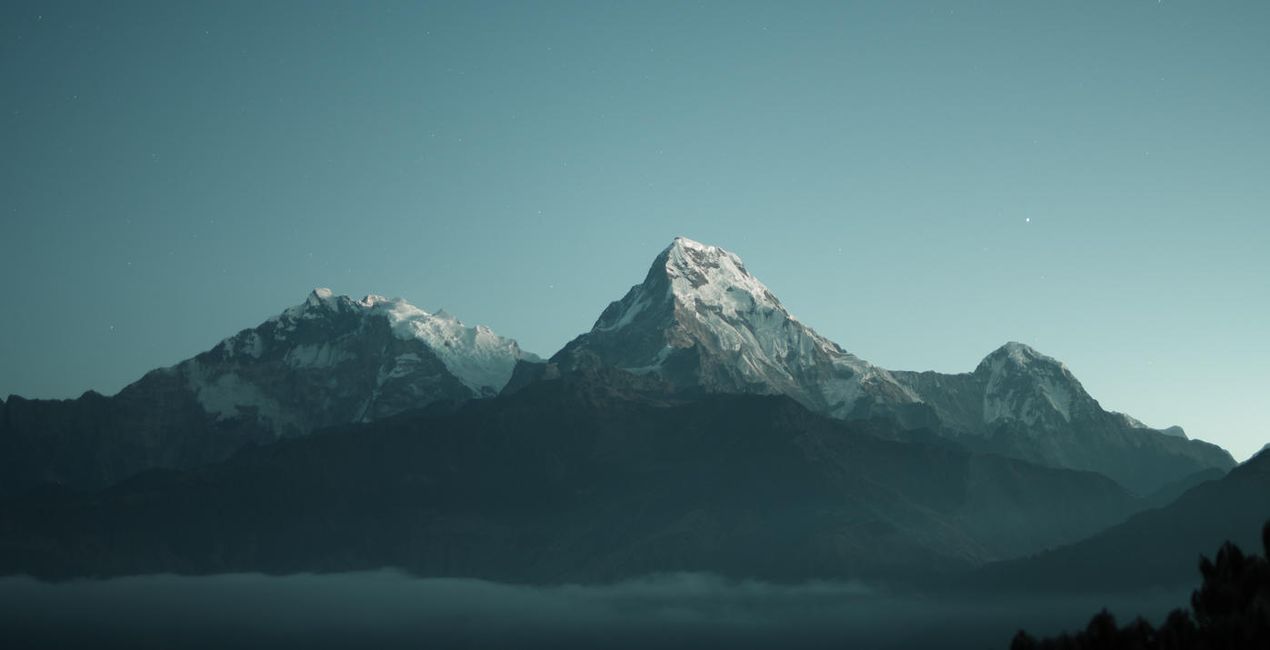
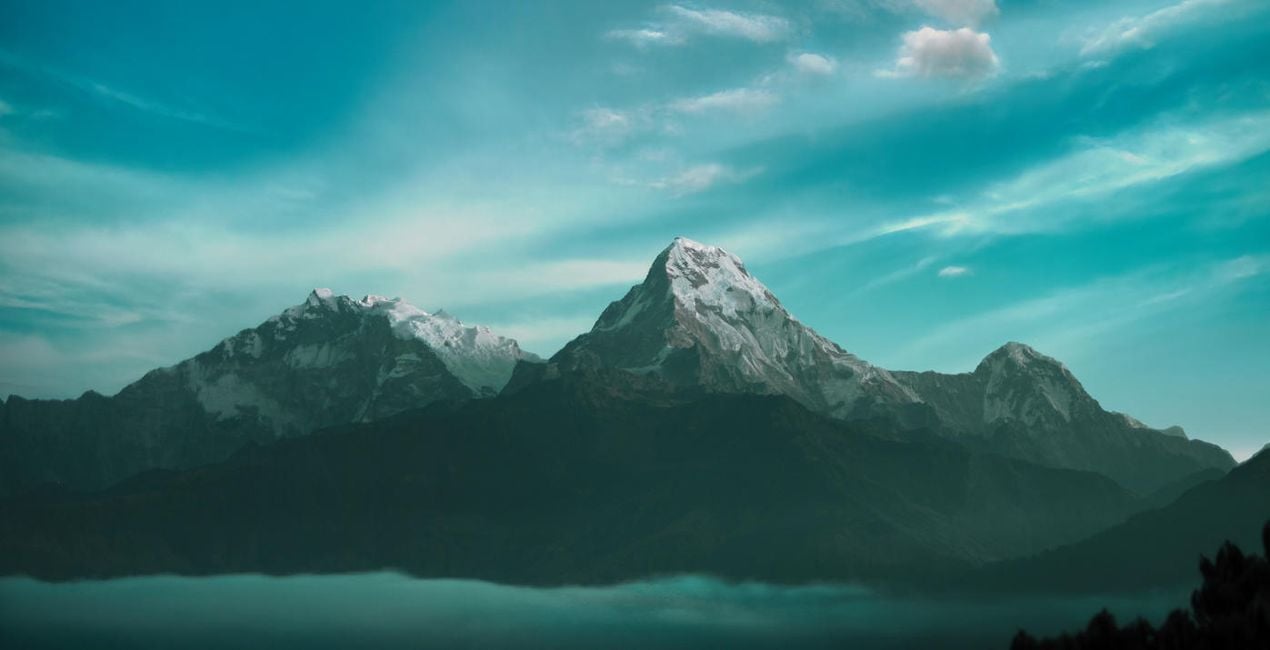
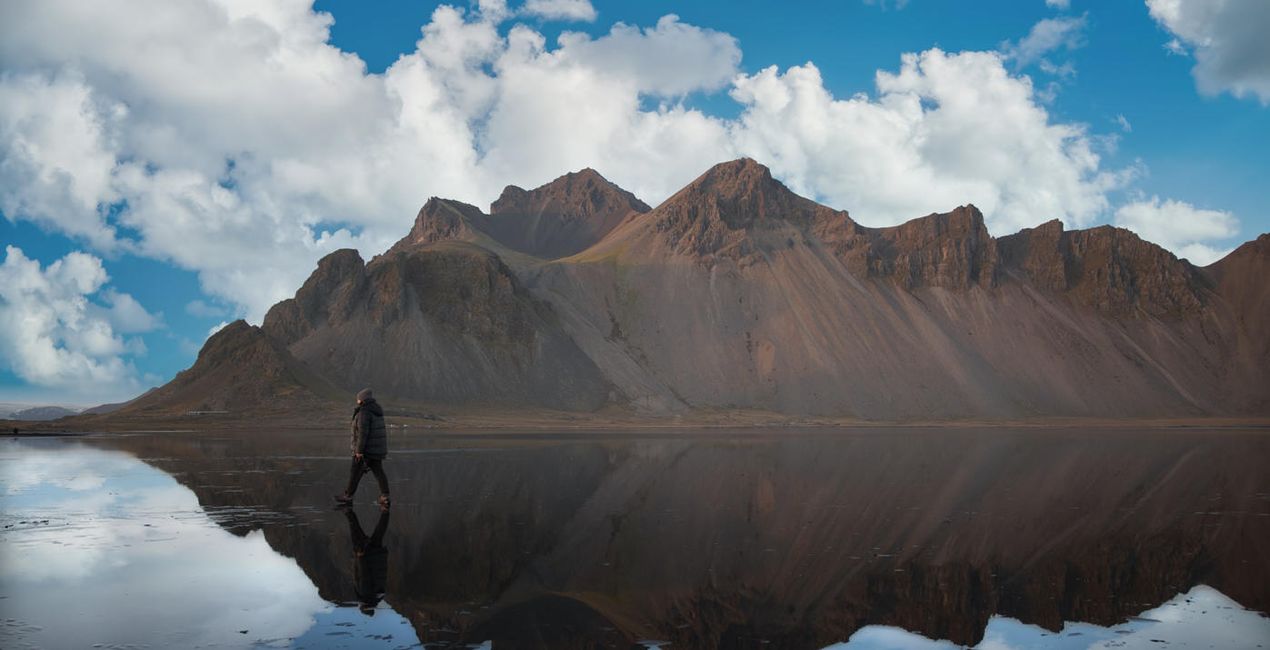
Blue skies with white clouds have always been associated with idyllic weather. Recreate the feeling of peace and calm thanks to these 10 fantastic 8K high-resolution Skies in JPEG format by FAA-certified drone pilot and aerial photographer Rob DelVecchio. The Skies include both plain clouds and curly clouds against a bright blue sky so you can choose between a gentle and mischievous mood in your image.
Wat is inbegrepen
10 Skies in JPEG format
Compatibiliteit


Maak foto's zoals deze
Met behulp van de meegeleverde RAW-bestanden oefent u gemakkelijk retoucheertips en leert u hoe u dergelijke foto's kunt maken.
 >
>

 >
>
 >
>
 >
>
Luchten inbegrepen in het pakket


Gerelateerde Producten


Maker
Robert DelVecchio
Aerial Landscape Travel & Wildlife Photographer
Rob DelVecchio is an FAA-certified drone pilot and acclaimed aerial photographer who finds great inspiration in the beauty of this planet we call home. Rob’s love of photography coupled with his unbridled enthusiasm for technology led him to his true calling: documenting the world through the lenses of high-tech drone cameras.
“The rapid pace of technological innovation and the convergence of the photography and UAS space has made it possible to shoot professional grade aerial photos from unique perspectives that until just a few short years ago were virtually impossible to capture even from helicopters and other types of aircraft. I love what I do and find great joy in leveraging my expertise to be able to share my passion with others!”
Veelgestelde vragen
Heb je nog extra vragen of wil je gewoon wat advies?
neem contact op met ons supportteamHoe neem ik contact op met het supportteam?
Heb je vragen over het product? Neem dan gerust contact op met ons supportteam – 24/7 bereikbaar. Volg gewoon deze link.
Hoe koop ik mijn Shades of Azure Skies?
Volg deze stappen om Shades of Azure Skies te kopen:
1. Open Skylum’s Marketplace.
2. Ga naar het tabblad waar Shades of Azure Skies staat. Klik erop en voeg het toe aan je winkelmandje.
3. Ga naar je winkelmandje. Rond hier het aankoopproces van Shades of Azure Skies af.
4. Na je aankoop ontvang je een bevestigingsmail met de downloadlink voor Shades of Azure Skies. Je vindt het product ook terug in je Skylum-account onder het tabblad ‘Mijn add-ons’.
Hoe installeer ik mijn Shades of Azure Skies?
Uitgebreide instructies voor het installeren van Shades of Azure Skies ontvang je in de bevestigingsmail, samen met de downloadlink.
Daarnaast kun je het gekochte item direct installeren in Luminar Neo: ga naar Extra’s > Marketplace, selecteer de productcategorie, zoek het gekochte item en klik op Installeren.
Waar vind ik mijn Shades of Azure Skies na installatie?
Supermakkelijk! Ga in de menubalk bovenaan naar het tabblad Bewerken. Open het paneel Hulpmiddelen en kies Luchtᴬᴵ > Lucht selecteren > Gekocht. Daar vind je de geïnstalleerde Shades of Azure Skies.
Wat als ik mijn Shades of Azure Skies kwijtraak?
Geen zorgen. Alle gekochte items, waaronder Shades of Azure Skies, staan in het tabblad ‘Mijn add-ons’ van je Skylum-account. Van daaruit kun je ze makkelijk opnieuw downloaden en gebruiken.
Hoe weet ik of Shades of Azure Skies compatibel is met mijn software?
In de meeste gevallen zijn items compatibel met Luminar Neo. Maar om zeker te weten of Shades of Azure Skies werkt met jouw software, check je best even de specificaties vóór je iets downloadt of koopt. Kijk op de pagina van Shades of Azure Skies aan de rechterkant bij het kopje ‘Compatibiliteit’ – daar staan alle compatibele producten vermeld.


