


 Toegepast


Summer Wedding
Save $201 $ 19 .00

An outdoor wedding is a special occasion to capture with your camera. Use this collection of 10 gorgeous Presets to make your wedding photos stand out and create memories that will last forever.

Met behulp van de meegeleverde RAW-bestanden oefent u gemakkelijk retoucheertips en leert u hoe u dergelijke foto's kunt maken.

 >
>

 >
>

 >
>

 >
>
 >
>

 >
>
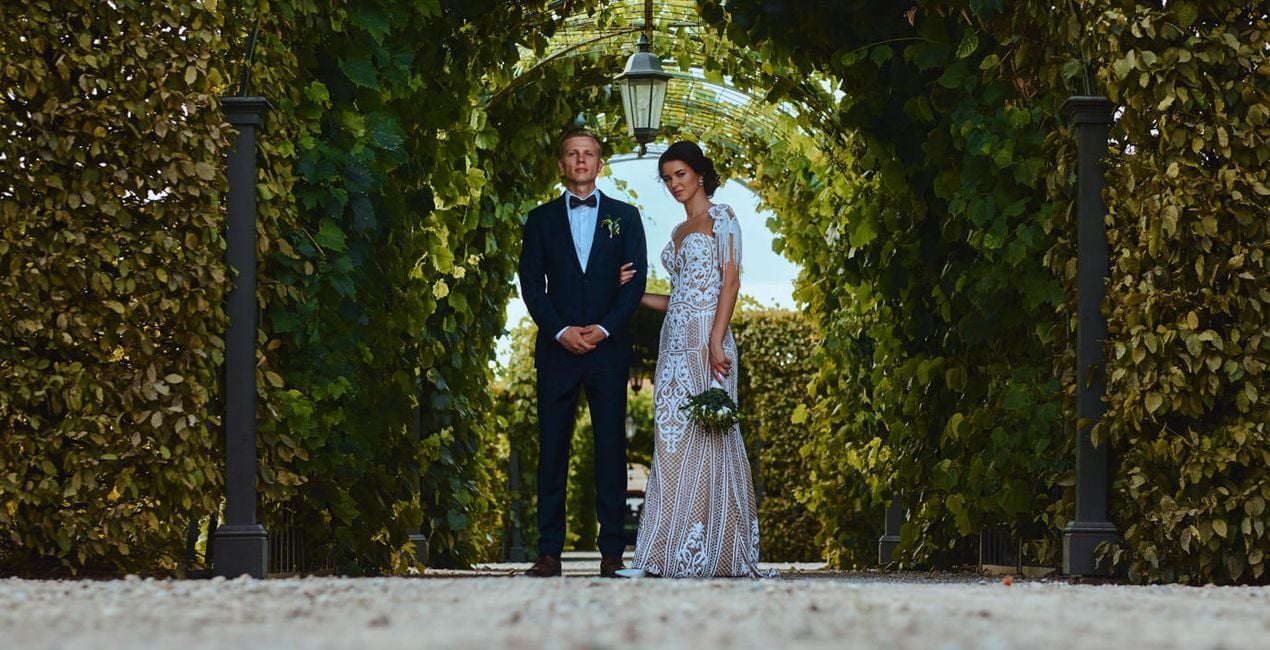
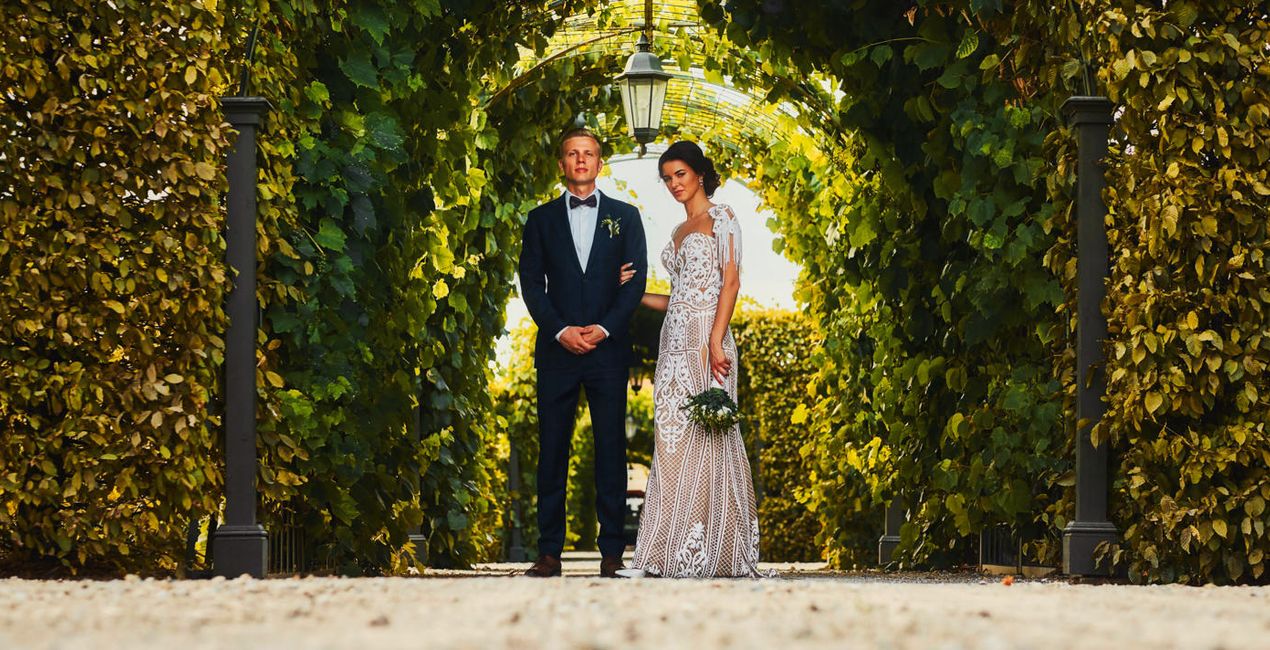
The outdoor wedding is the dream of many engaged couples. So when the plan finally comes true, the wedding photos should reflect the magic. This is where the Summer Wedding Presets collection by Clever Photographer steps in.
The collection offers 10 professional Presets to create everlasting memories full of warmth, glow, and natural colors with a unique cinematic feel. You can start by using a Preset to get your favorite look, then continue editing to add your own unique touch. Although these Presets are designed for wedding captures, they will work well on all kinds of outdoor portrait photography.
You'll find 10 Presets in this Pack:
Marigold – Soft creamy Preset with bright highlights and a warm feel
Camellia – Clean, bright Preset with soft skin tones and minimal colors
Narcissus – Warm Preset with extra glow and a touch of cinematic fade
Acacia – Warm Preset with extra saturation and bright highlights
Daffodil – Bright Preset with extra glow and a touch of tint in the highlights
Myrtle – Minimalist and bright Preset with creative high-key contrast
Primrose – Natural and warm Preset with a focus on pastel colors
Coreopsis – Outdoor Preset with a focus on warm sun glow and crisp details
Ambrosia – Soft and dreamy Preset with creative contrast and natural saturation
Mistletoe – Natural and bright Preset with light saturation and a vintage cinematic vibe
Co-Founder of Clever Photographer
Jakub Bors is a UK-based landscape photographer with over 15 years of experience in digital art and technology. He’s most inspired by the work of Trey Ratcliff and Scott Kelby. Jakub has a large and supportive fanbase on social media, sells prints of fine art photography worldwide, has worked for PX500 and Trivago on their European projects, and has had his work published in several magazines including Practical Photography. His passion for traveling has brought Jakub to almost every corner of the planet and helped him connect with amazing people.
Veelgestelde vragen
Heb je nog extra vragen of wil je gewoon wat advies?
neem contact op met ons supportteamHeb je vragen over het product? Neem dan gerust contact op met ons supportteam – 24/7 bereikbaar. Volg gewoon deze link.
Volg deze stappen om Summer Wedding te kopen:
1. Open Skylum’s Marketplace.
2. Ga naar het tabblad waar Summer Wedding staat. Klik erop en voeg het toe aan je winkelmandje.
3. Ga naar je winkelmandje. Rond hier het aankoopproces van Summer Wedding af.
4. Na je aankoop ontvang je een bevestigingsmail met de downloadlink voor Summer Wedding. Je vindt het product ook terug in je Skylum-account onder het tabblad ‘Mijn add-ons’.
Uitgebreide instructies voor het installeren van Summer Wedding ontvang je in de bevestigingsmail, samen met de downloadlink.
Daarnaast kun je het gekochte item direct installeren in Luminar Neo: ga naar Extra’s > Marketplace, selecteer de productcategorie, zoek het gekochte item en klik op Installeren.
Supermakkelijk! Ga naar het tabblad Presets en kies daar ‘Gekocht’. Je geïnstalleerde preset staat ertussen.
Geen zorgen. Alle gekochte items, waaronder Summer Wedding, staan in het tabblad ‘Mijn add-ons’ van je Skylum-account. Van daaruit kun je ze makkelijk opnieuw downloaden en gebruiken.
In de meeste gevallen zijn items compatibel met Luminar Neo. Maar om zeker te weten of Summer Wedding werkt met jouw software, check je best even de specificaties vóór je iets downloadt of koopt. Kijk op de pagina van Summer Wedding aan de rechterkant bij het kopje ‘Compatibiliteit’ – daar staan alle compatibele producten vermeld.
Ga nog niet weg. Hier is een exclusieve kortingscode voor jou. Gebruik deze binnen 15 minuten om bij het afrekenen 10% extra korting te krijgen. Kopieer de onderstaande code en rond je aankoop af.
15 m : 00 s





