


 Toegepast


HDR LANDSCHAPPEN
Save $201 $ 19 .00

Transformeer uw landschapfotos en bereik prachtige resultaten met 10 krachtige Voorinstellingen ontwerpen door Clever Photography speciaal voor foto's gecreëerd doorde HDR Merge Extensie.

Met behulp van de meegeleverde RAW-bestanden oefent u gemakkelijk retoucheertips en leert u hoe u dergelijke foto's kunt maken.
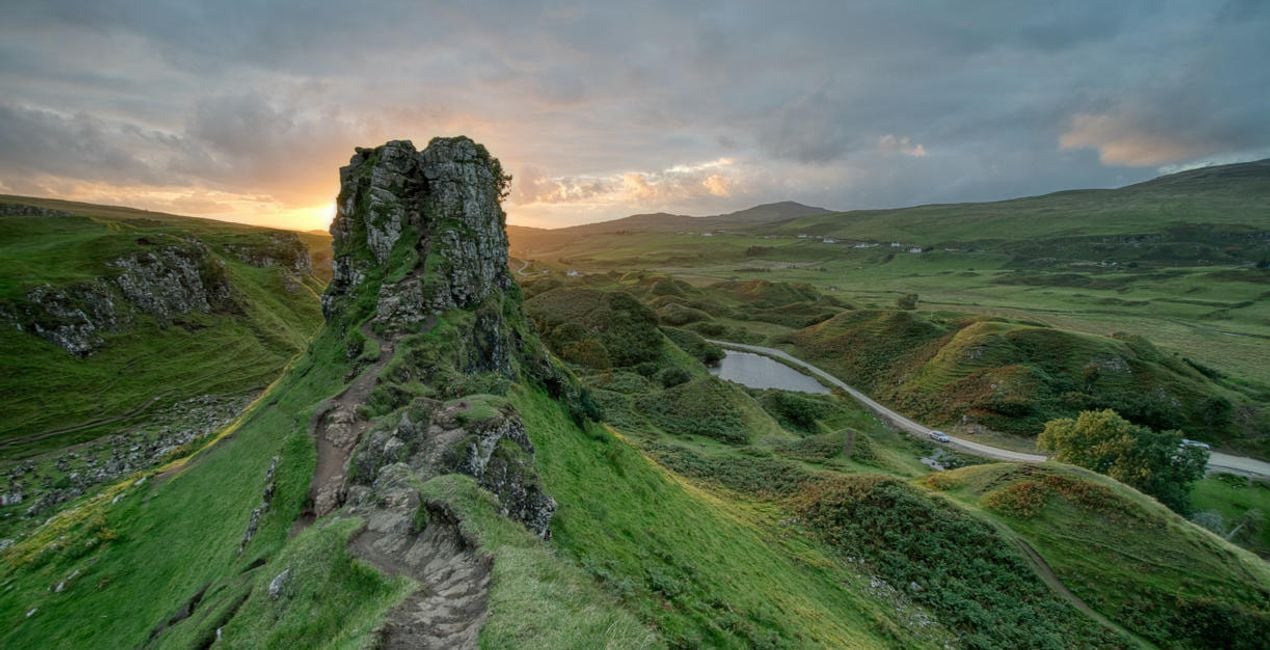
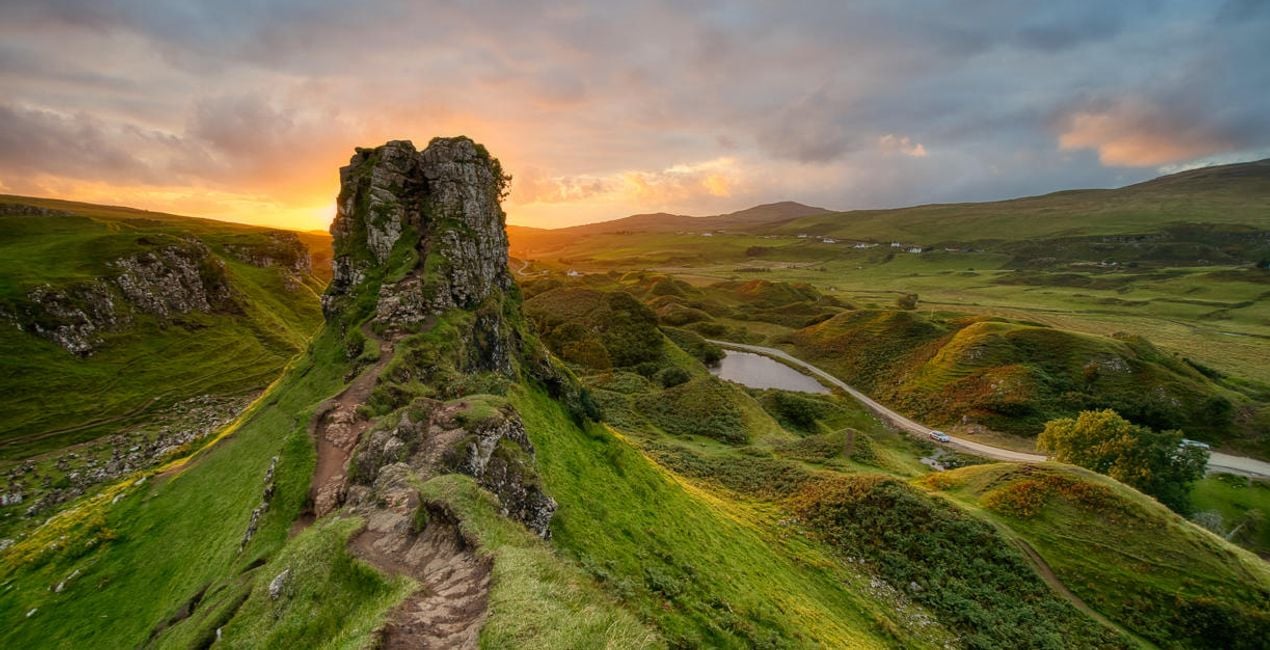 >
>
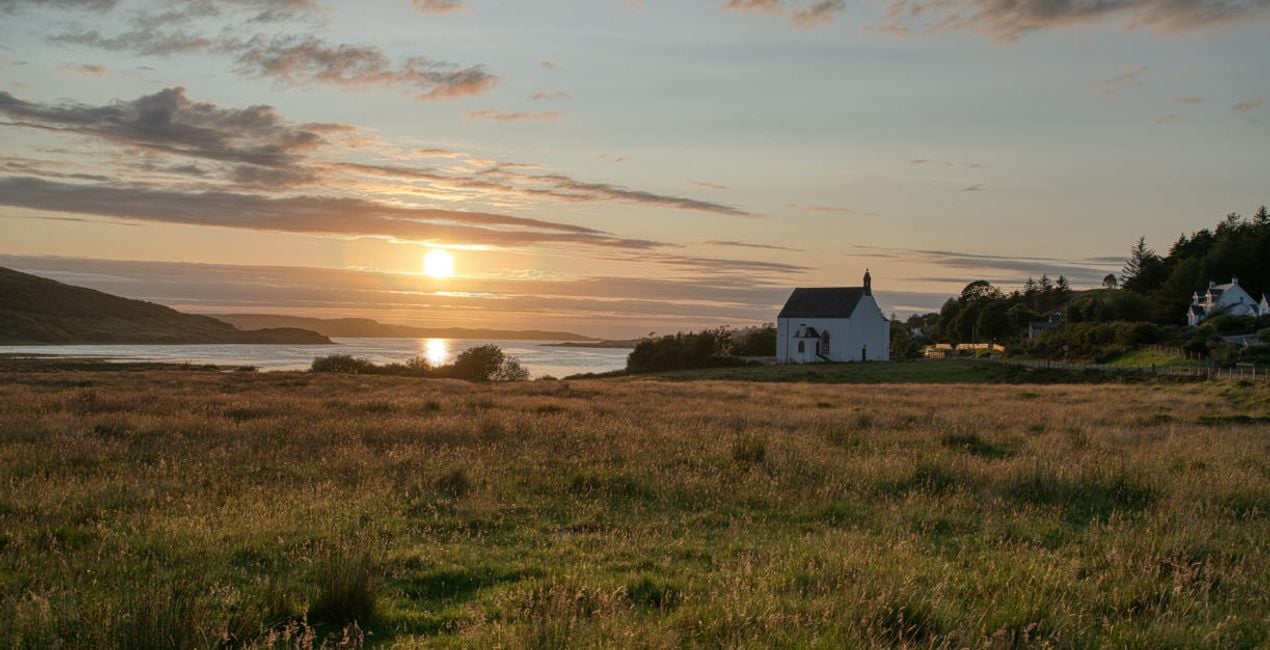
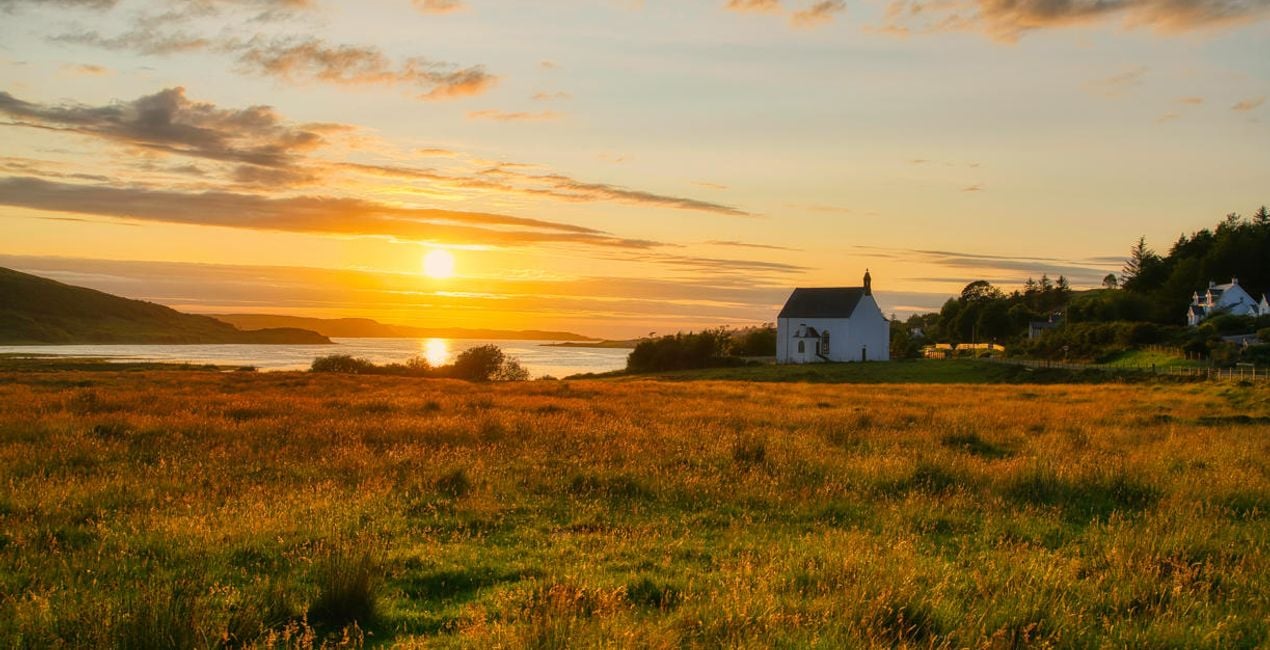 >
>
 >
>
 >
>
 >
>
 >
>
 >
>
 >
>
 >
>
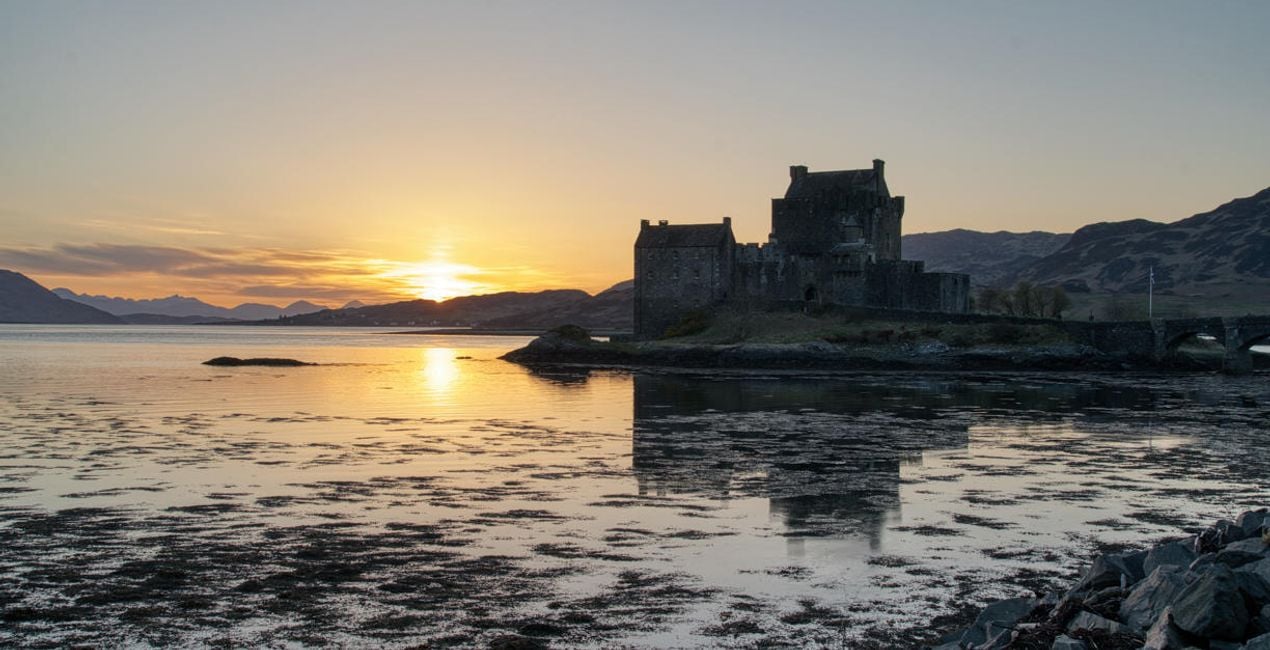
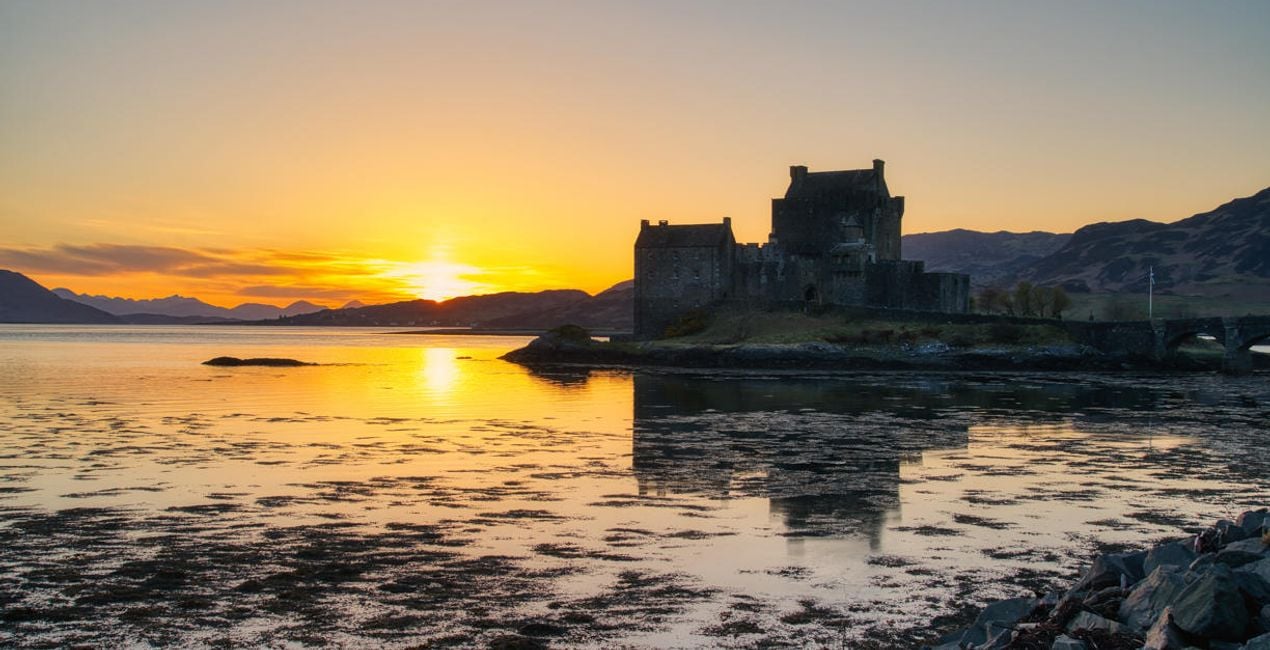
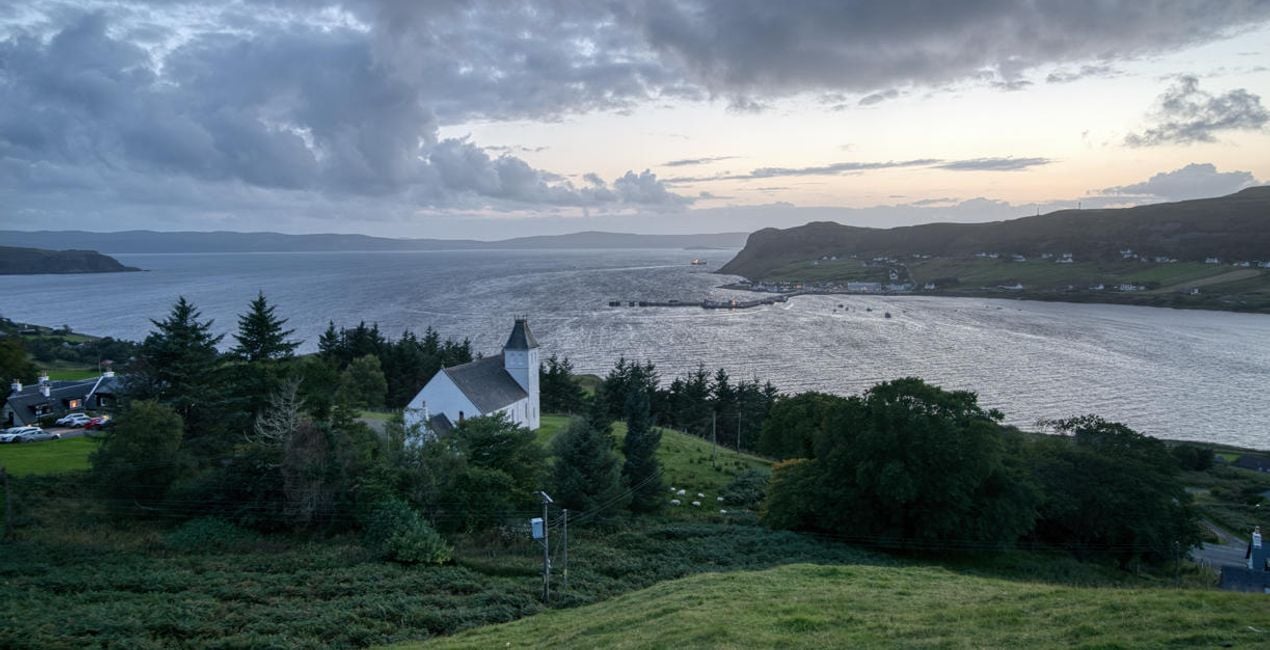
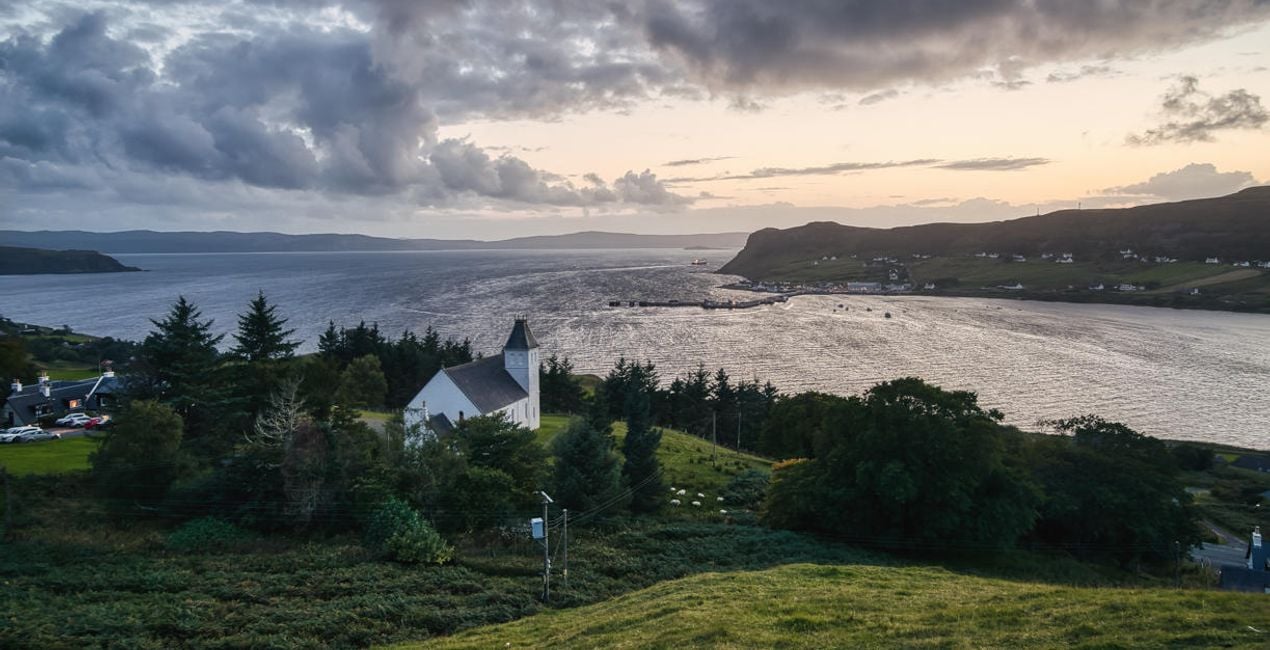
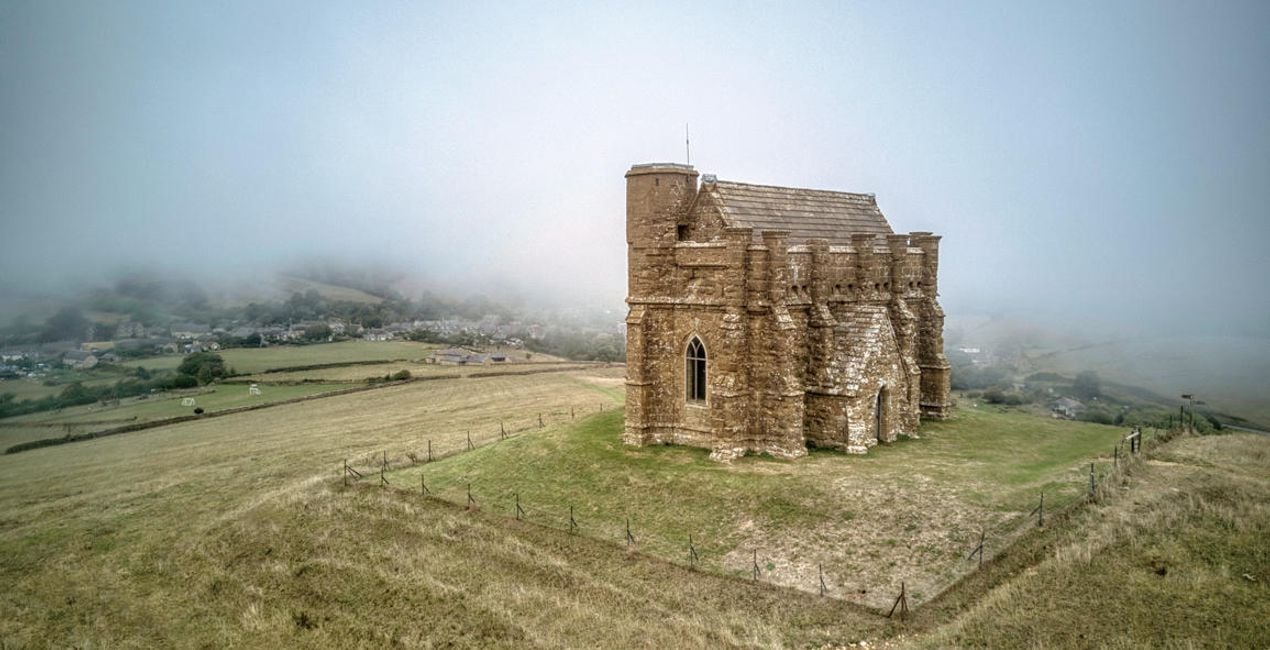
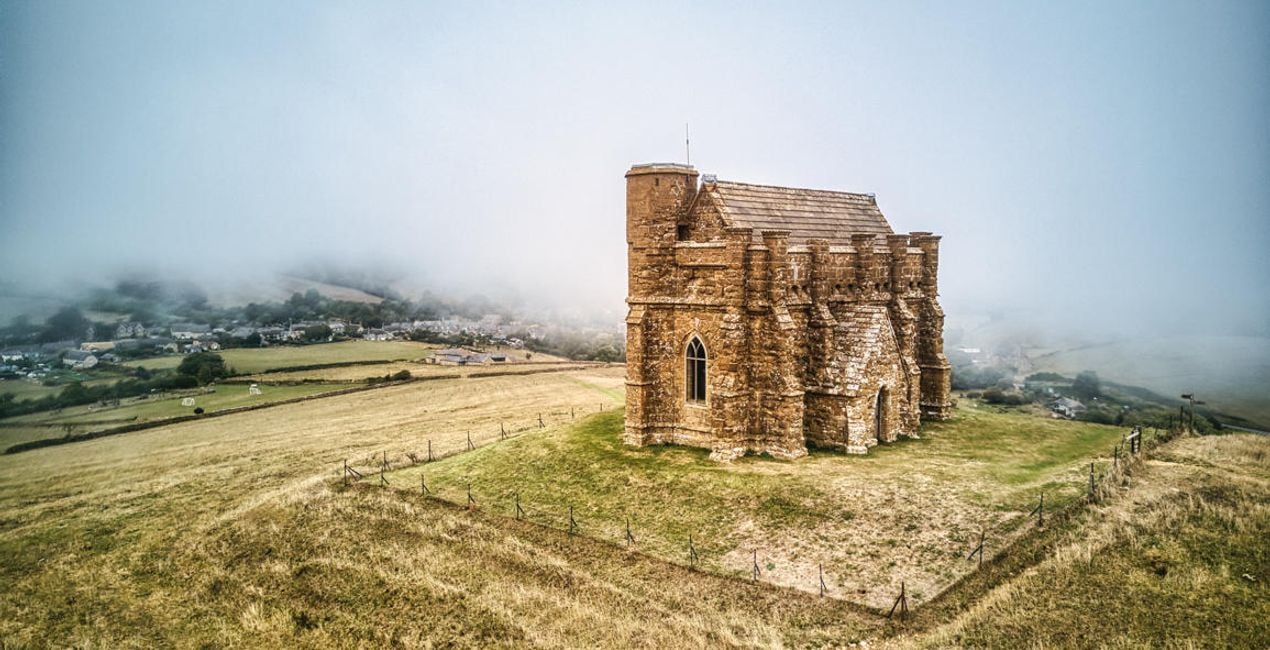
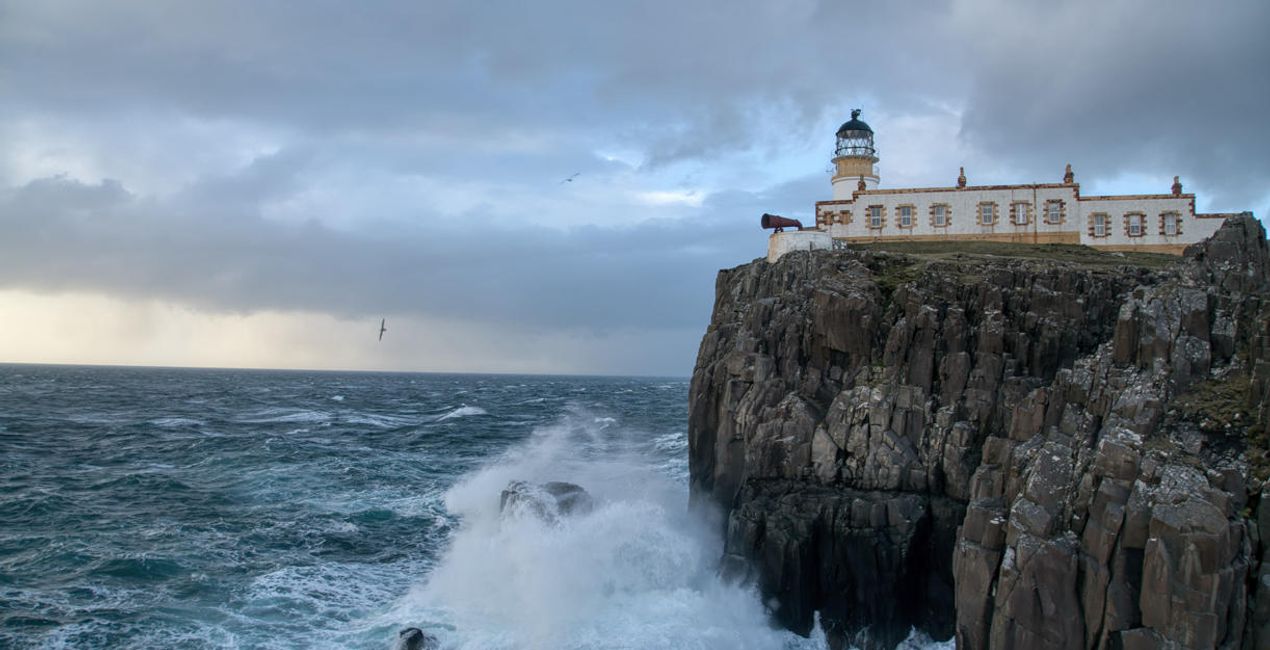
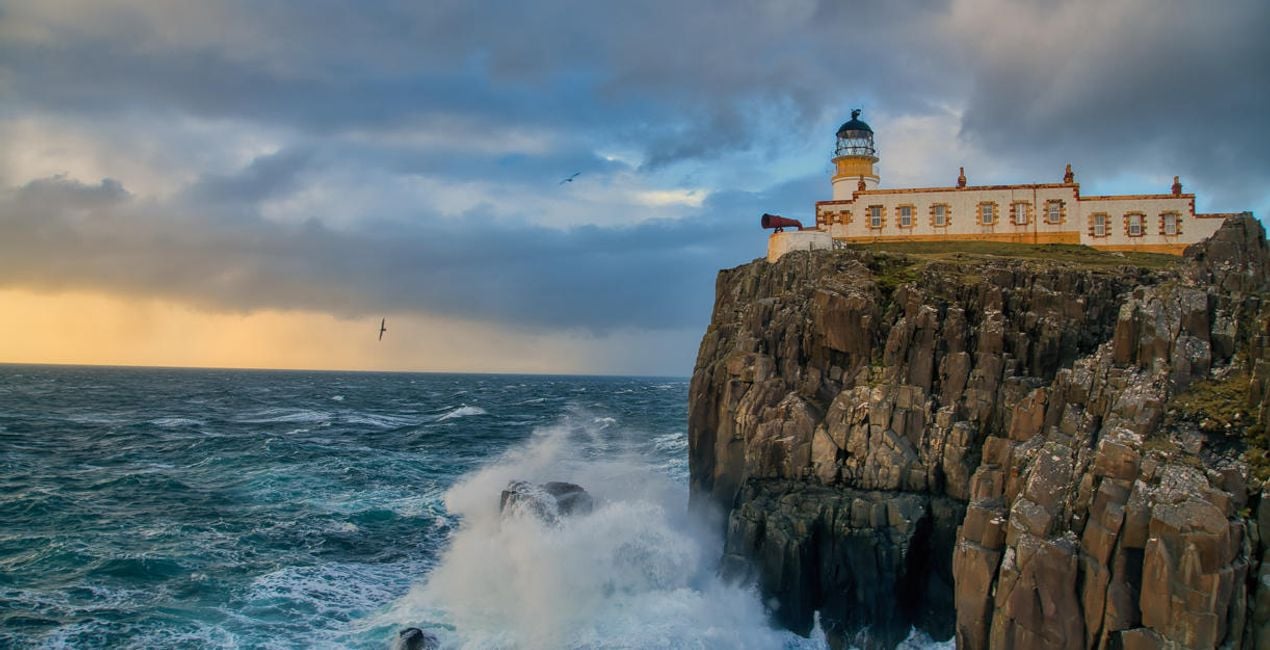
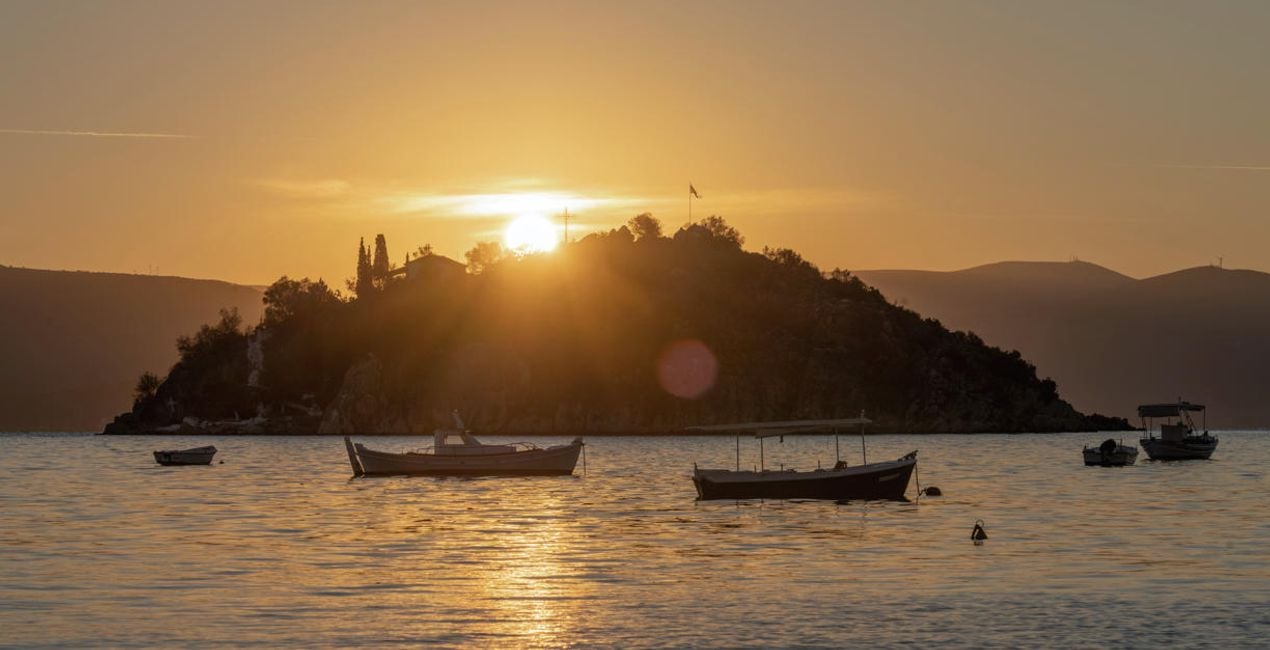
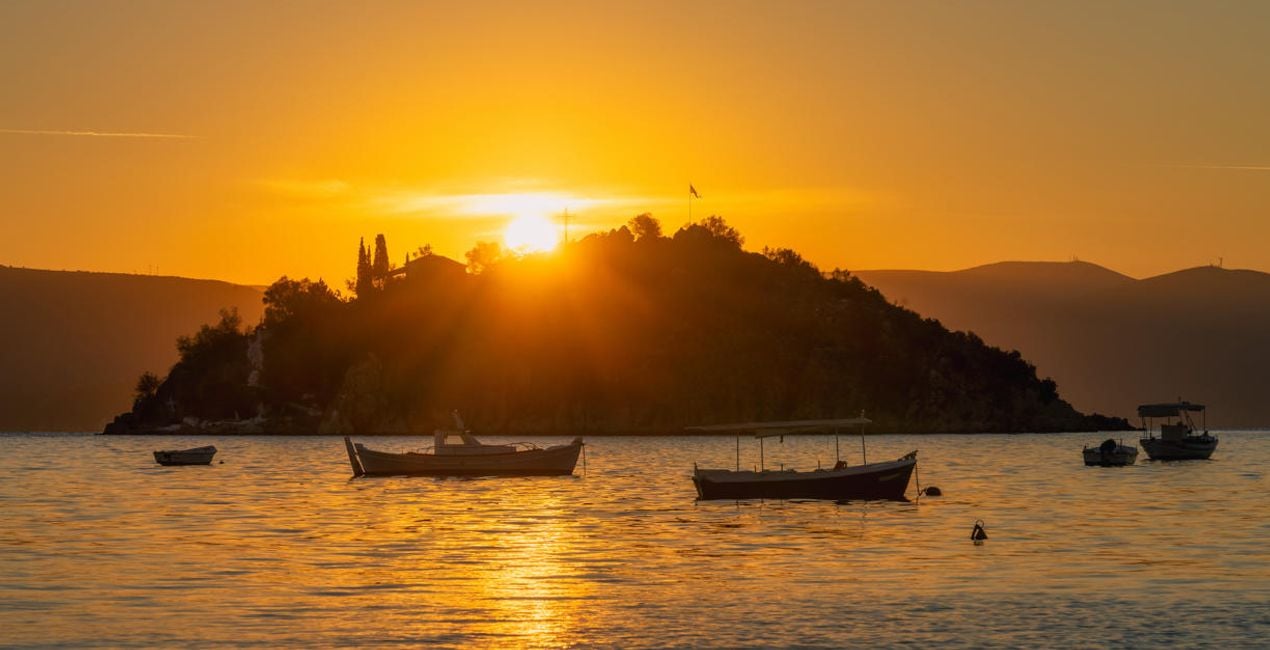
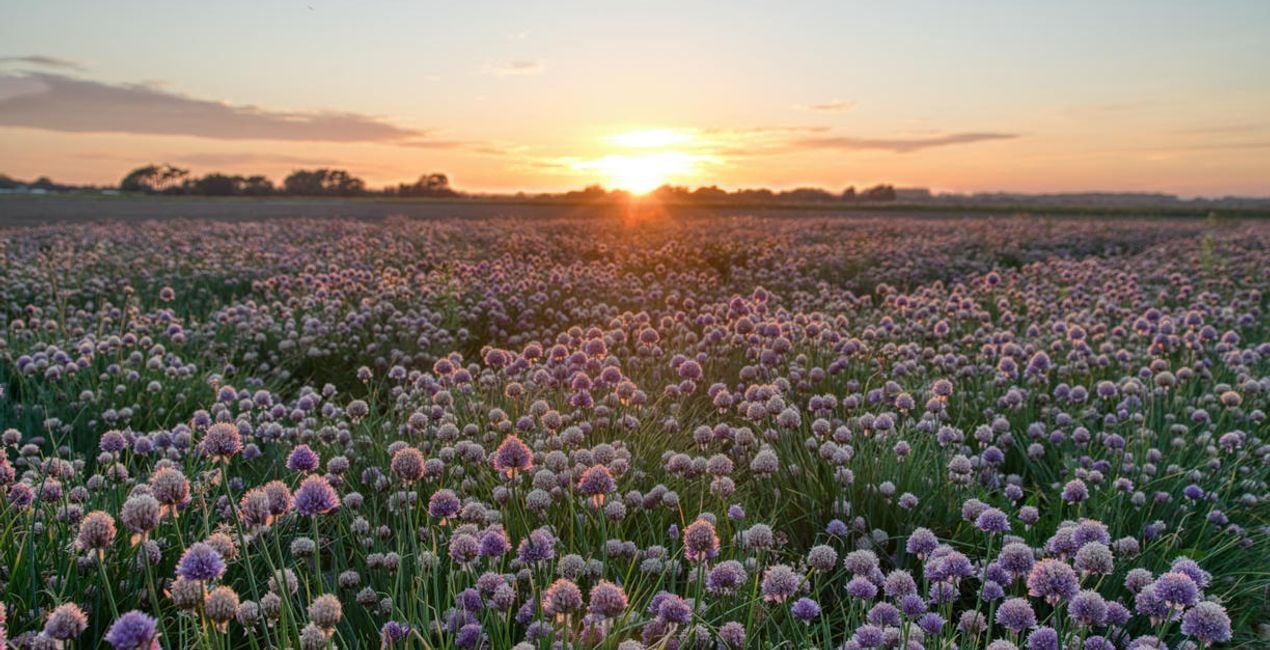
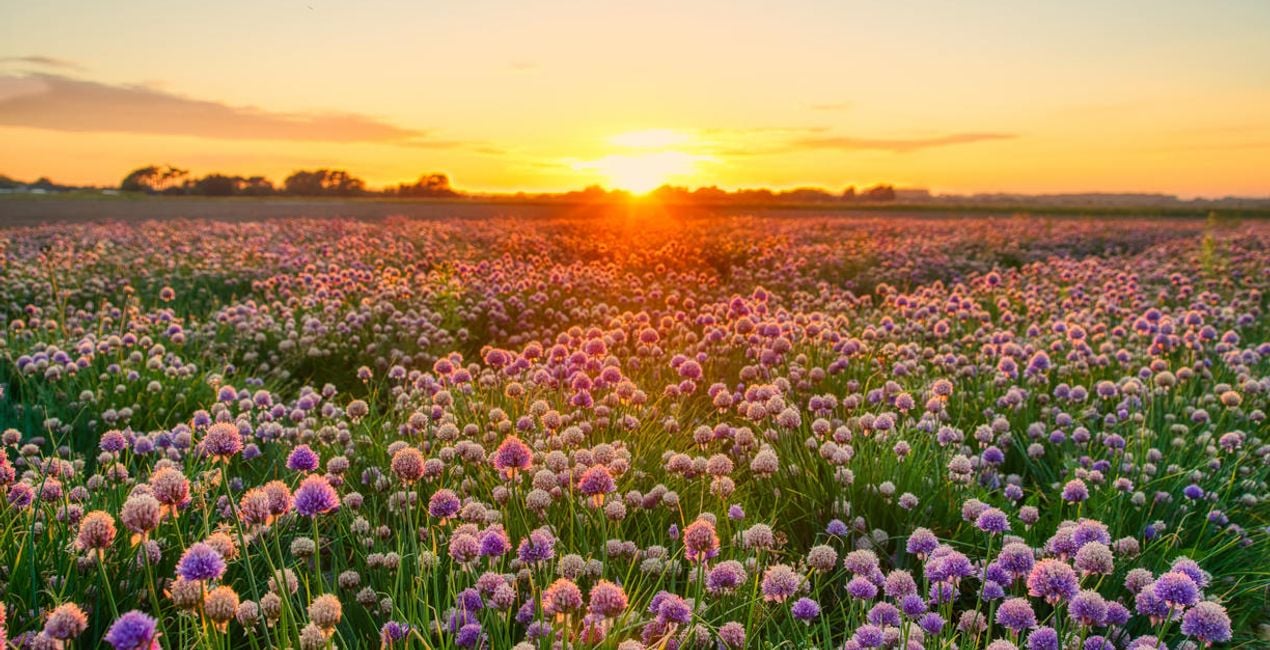
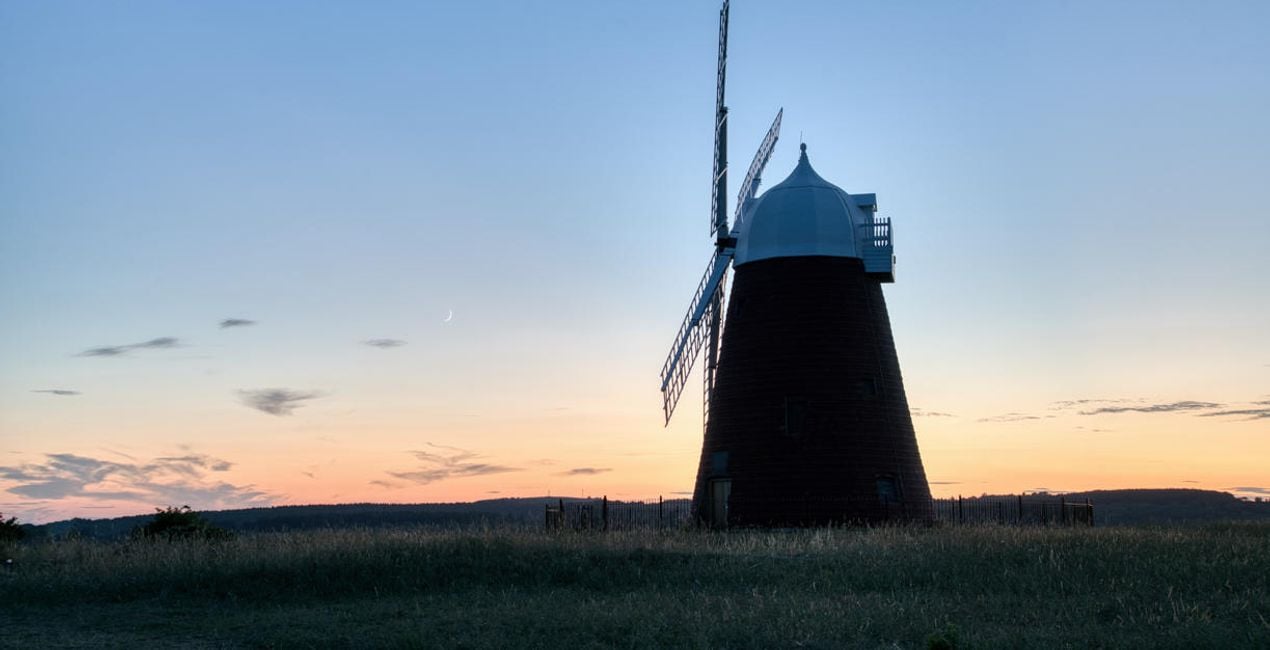
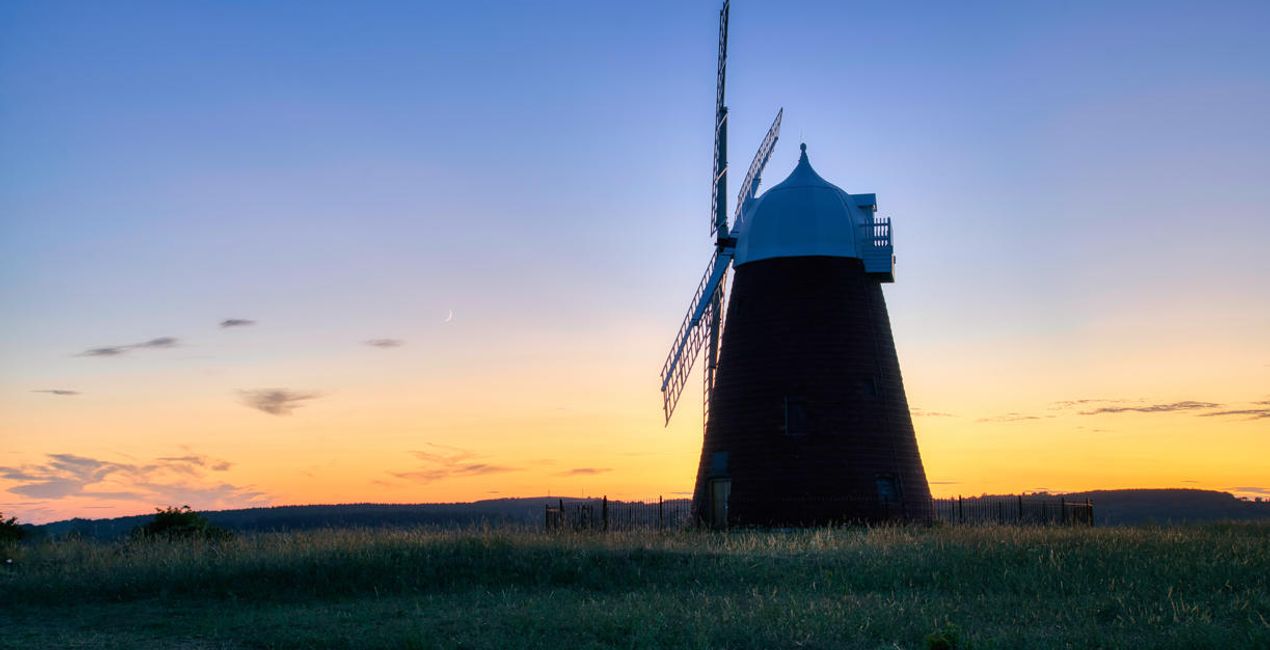
Landscape photography is perfect for experimenting with HDR, as it helps you capture the details of the scene. With this collection of 10 Presets by Clever Photographer, you can get the most out of your landscape images captured at any time of the day. These Presets will help you achieve a natural, dreamy, or powerful look with just one click. Develop your landscape photos in no time with Presets designed for photos created by the HDR Merge Extension in Luminar Neo. You’ll find 10 Presets in this pack:Balanced Edit: A simple, balanced development Preset that’s ideal as a starting point for HDR editingBlue Hour: A warm Preset with balanced contrast and glow designed specifically for blue hour capturesDramatic Landscape: A contrasty Preset with enhanced details and structureDreamy Fields: A warm and dreamy Preset with a touch of glow and fadeEarly Sunset: A balanced and natural Preset ideal for warm captures with enhanced details and structureAiry Forest: A natural Preset with adjustments enhancing foliage and contrast while keeping the scene bright and airyGolden Hour: A warm Preset with a touch of glow and balanced saturation that’s ideal for early evening scenesMoody Landscape: A contrasty and washed Preset full of details and structureStrong Sunrise: A cinematic Preset with an extra touch of warmth and fadeStrong Sunset: A natural Preset designed to boost sunsets with enhanced warmth and glowKeep in mind that a Preset’s default effect might be too strong for your photo. If it is, simply switch to the Edits tab and adjust the tools according to your taste.Don’t forget to share your results! Use the hashtag #madewithluminar on social media so the Skylum Team can take a look at your work.
Co-Founder of Clever Photographer
Jakub Bors is a UK-based landscape photographer with over 15 years of experience in digital art and technology. He’s most inspired by the work of Trey Ratcliff and Scott Kelby. Jakub has a large and supportive fanbase on social media, sells prints of fine art photography worldwide, has worked for PX500 and Trivago on their European projects, and has had his work published in several magazines including Practical Photography. His passion for traveling has brought Jakub to almost every corner of the planet and helped him connect with amazing people.
Veelgestelde vragen
Heb je nog extra vragen of wil je gewoon wat advies?
neem contact op met ons supportteamHeb je vragen over het product? Neem dan gerust contact op met ons supportteam – 24/7 bereikbaar. Volg gewoon deze link.
Volg deze stappen om HDR LANDSCAPES te kopen:
1. Open Skylum’s Marketplace.
2. Ga naar het tabblad waar HDR LANDSCAPES staat. Klik erop en voeg het toe aan je winkelmandje.
3. Ga naar je winkelmandje. Rond hier het aankoopproces van HDR LANDSCAPES af.
4. Na je aankoop ontvang je een bevestigingsmail met de downloadlink voor HDR LANDSCAPES. Je vindt het product ook terug in je Skylum-account onder het tabblad ‘Mijn add-ons’.
Uitgebreide instructies voor het installeren van HDR LANDSCAPES ontvang je in de bevestigingsmail, samen met de downloadlink.
Daarnaast kun je het gekochte item direct installeren in Luminar Neo: ga naar Extra’s > Marketplace, selecteer de productcategorie, zoek het gekochte item en klik op Installeren.
Supermakkelijk! Ga naar het tabblad Presets en kies daar ‘Gekocht’. Je geïnstalleerde preset staat ertussen.
Geen zorgen. Alle gekochte items, waaronder HDR LANDSCAPES, staan in het tabblad ‘Mijn add-ons’ van je Skylum-account. Van daaruit kun je ze makkelijk opnieuw downloaden en gebruiken.
In de meeste gevallen zijn items compatibel met Luminar Neo. Maar om zeker te weten of HDR LANDSCAPES werkt met jouw software, check je best even de specificaties vóór je iets downloadt of koopt. Kijk op de pagina van HDR LANDSCAPES aan de rechterkant bij het kopje ‘Compatibiliteit’ – daar staan alle compatibele producten vermeld.
Ga nog niet weg. Hier is een exclusieve kortingscode voor jou. Gebruik deze binnen 15 minuten om bij het afrekenen 10% extra korting te krijgen. Kopieer de onderstaande code en rond je aankoop af.
15 m : 00 s





