


 Toegepast




Over
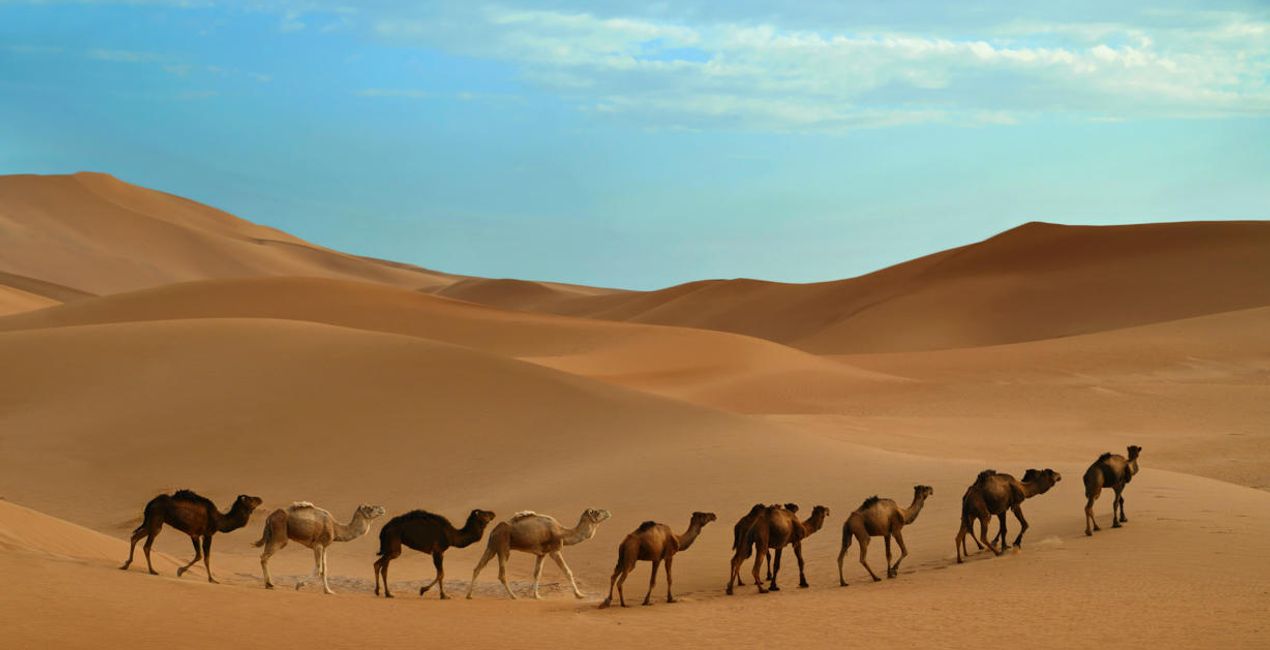
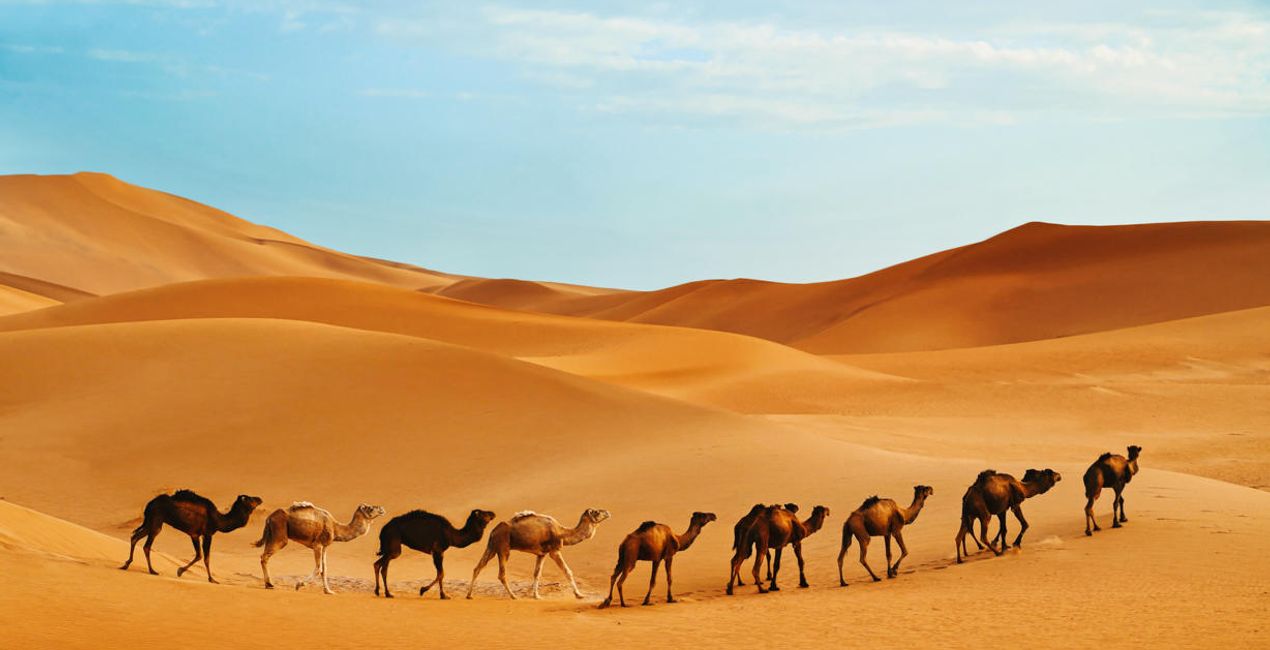
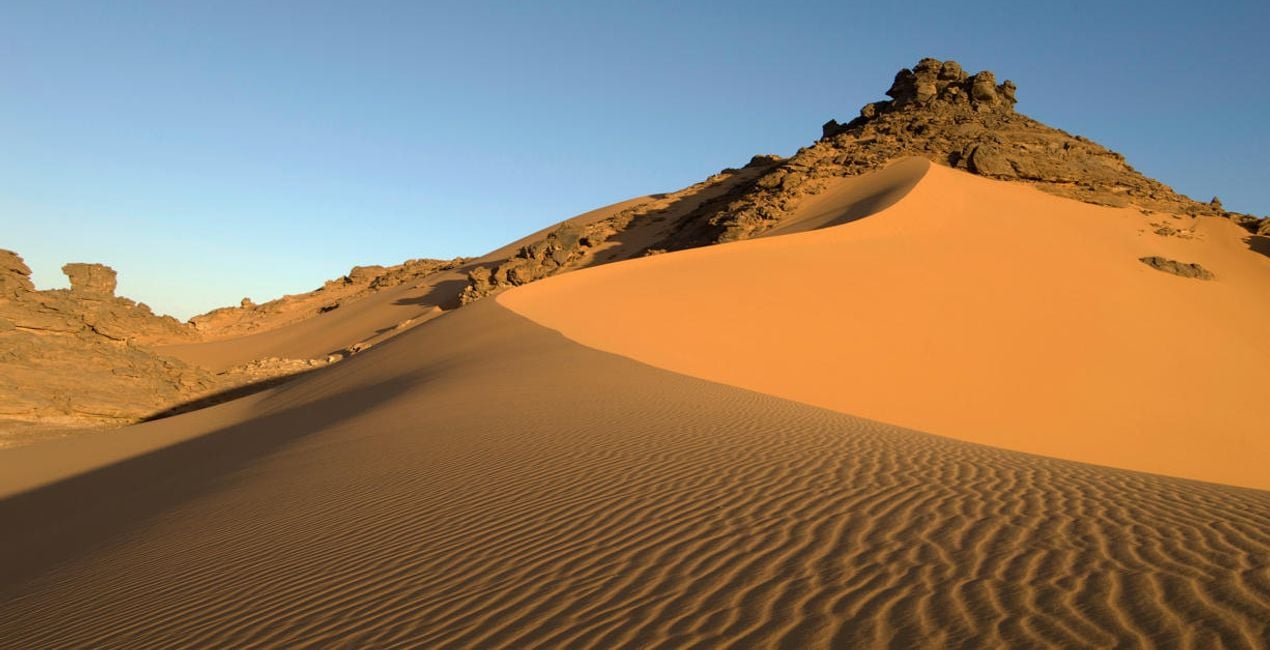
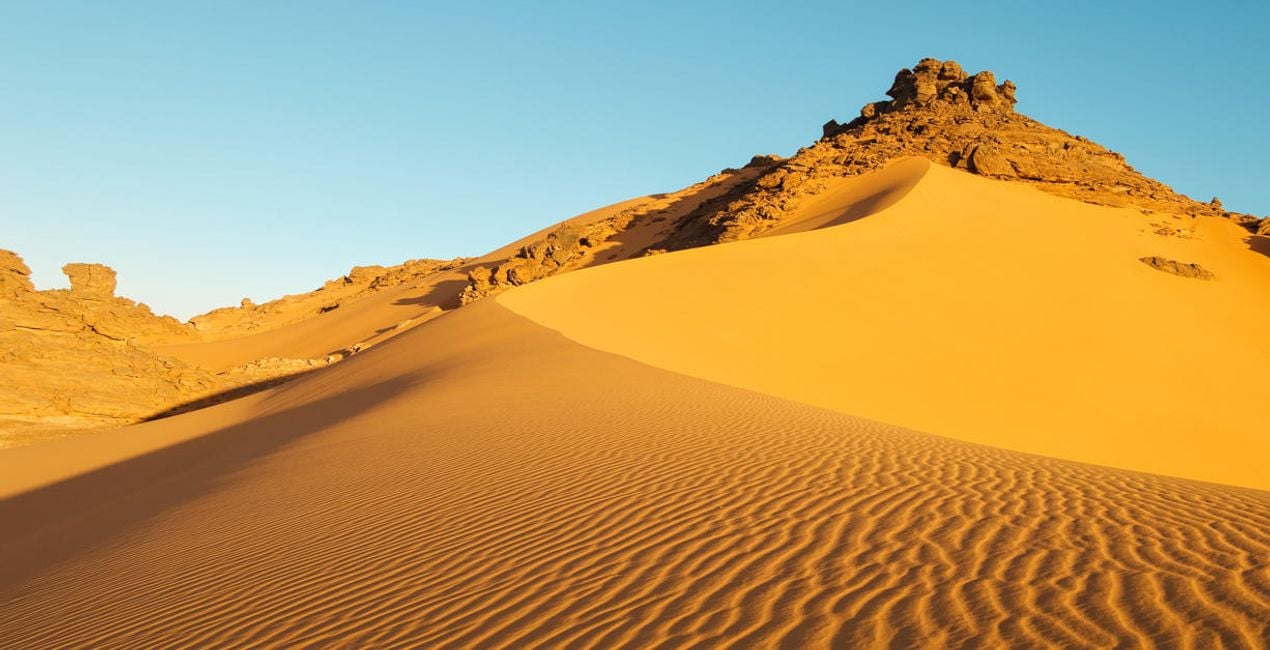
Transform expanses of empty blue sky and sand into dramatic shots. Use this collection of 10 desert Presets as your starting point to easily create a cinematic look full of warm tones and powerful details.
Compatibiliteit

Maak foto's zoals deze
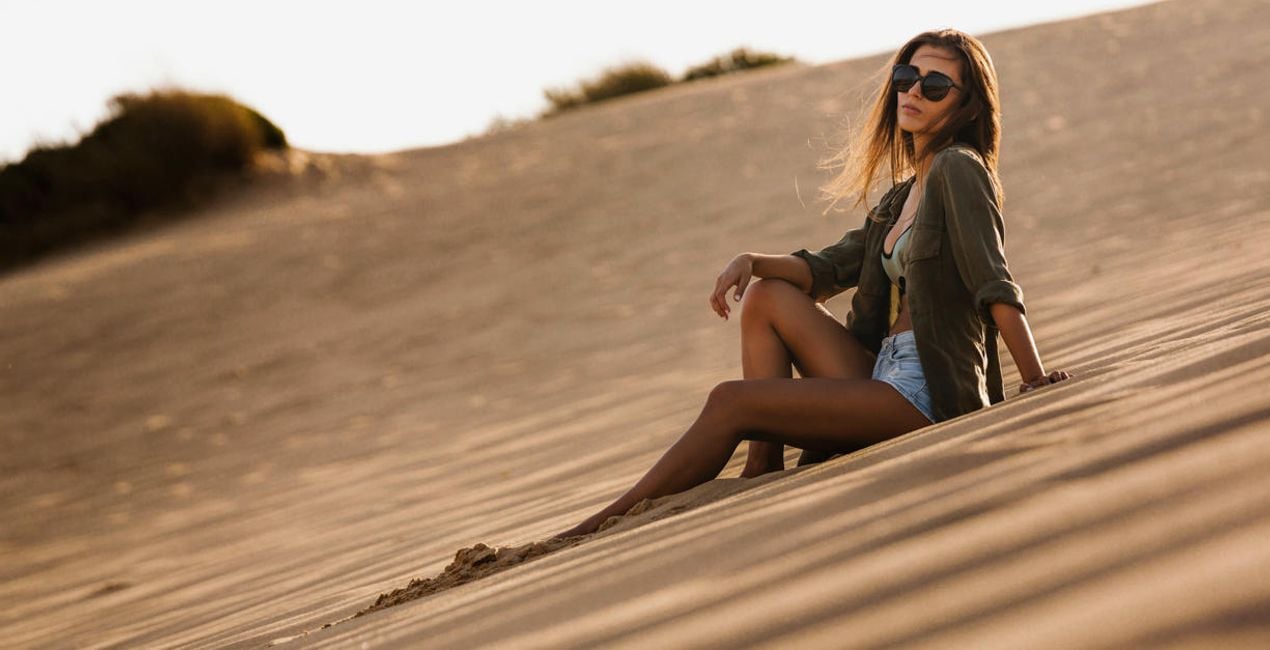
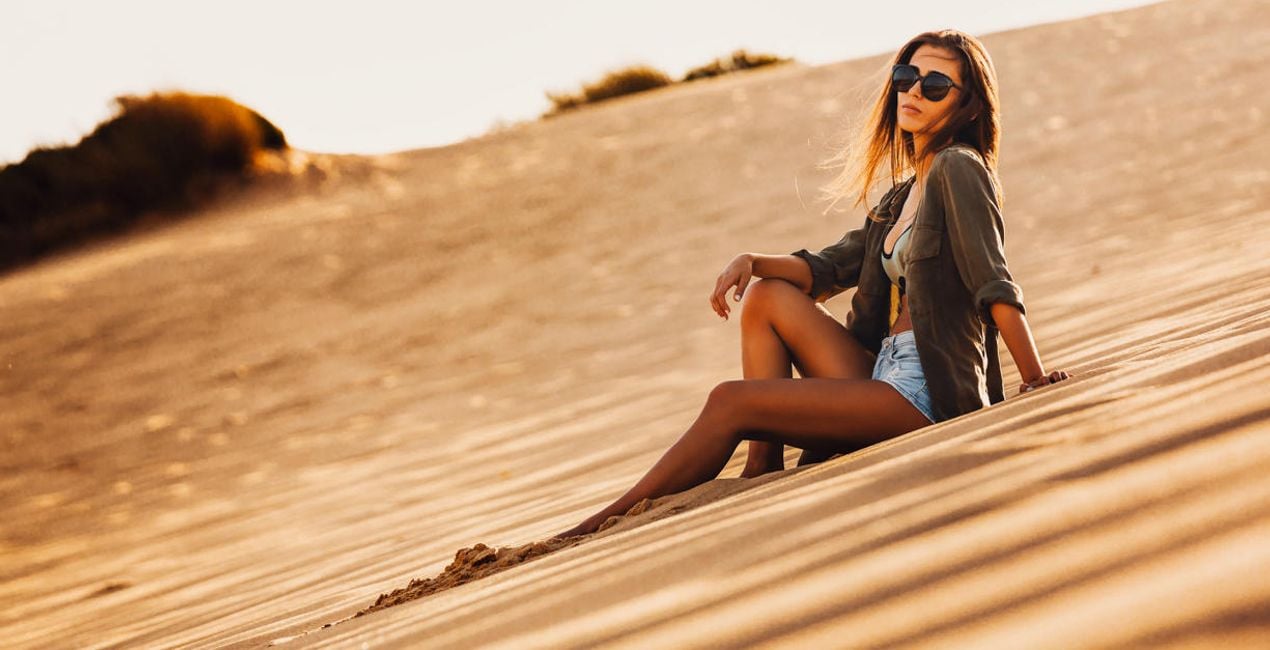
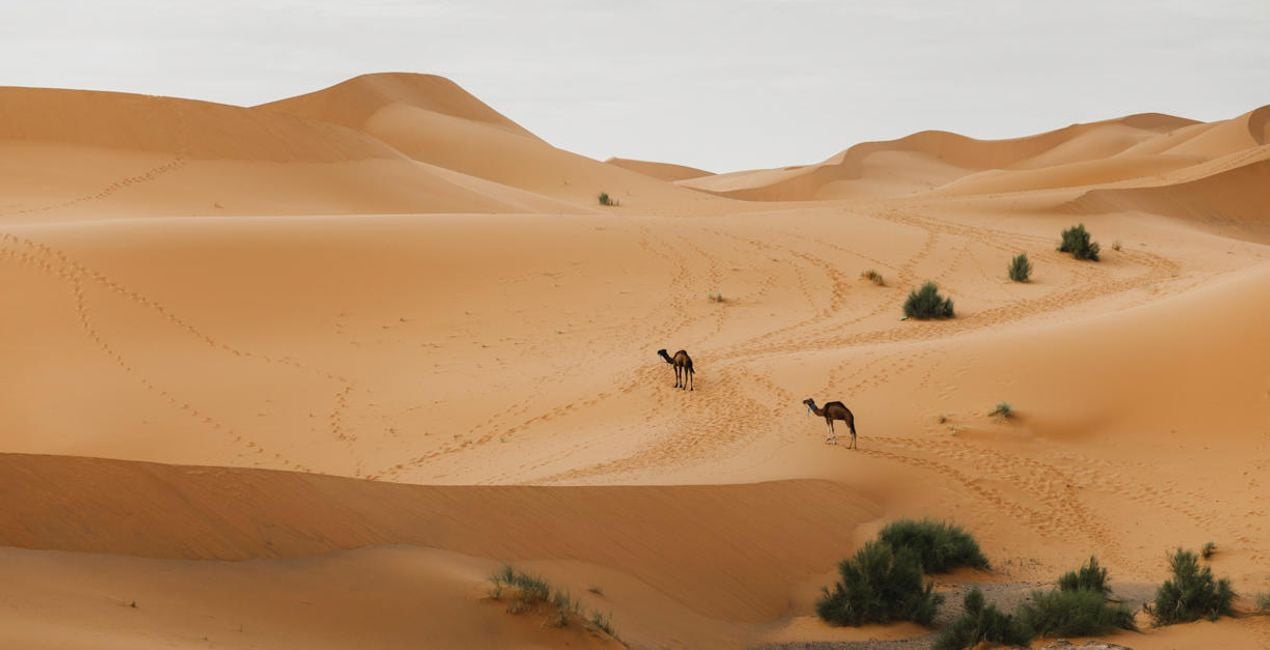
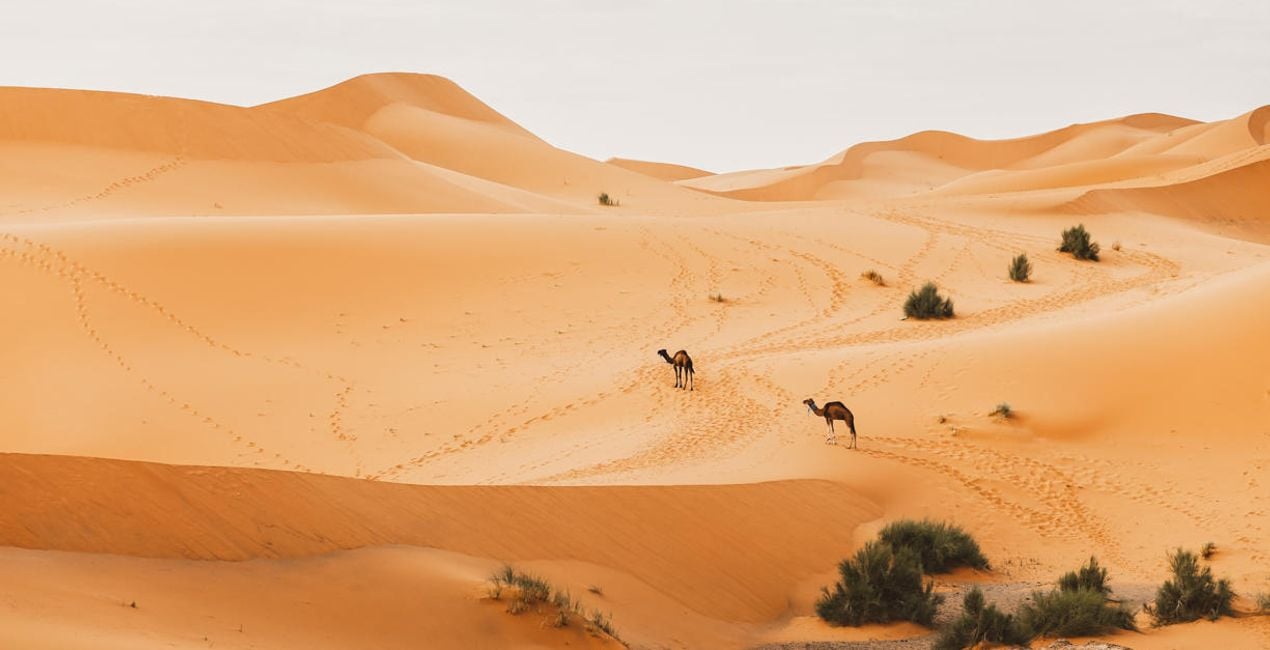
Met behulp van de meegeleverde RAW-bestanden oefent u gemakkelijk retoucheertips en leert u hoe u dergelijke foto's kunt maken.
 >
>
 >
>
 >
>
 >
>
 >
>
 >
>
Het Verhaal
The Sahara Desert Presets collection is designed for all travel photographers looking for inspiration in editing their desert captures. Each of the 10 Presets offers a specific look and solution for one of the many situations photographers can face in the desert or a similar environment.
These Presets can be used for a quick edit on the go or as a starting point for more complex edits. Designed to work with both RAW and JPEG files, this collection designed by Clever Photographer offers non-destructive edits that can be easily adjusted in the Edit panel. So get the collection and create showstopping pictures that everyone will comment on.
You will find 10 Presets in this pack:
Dunes – A classic Preset for desert captures with warm pastel tones and open shadows
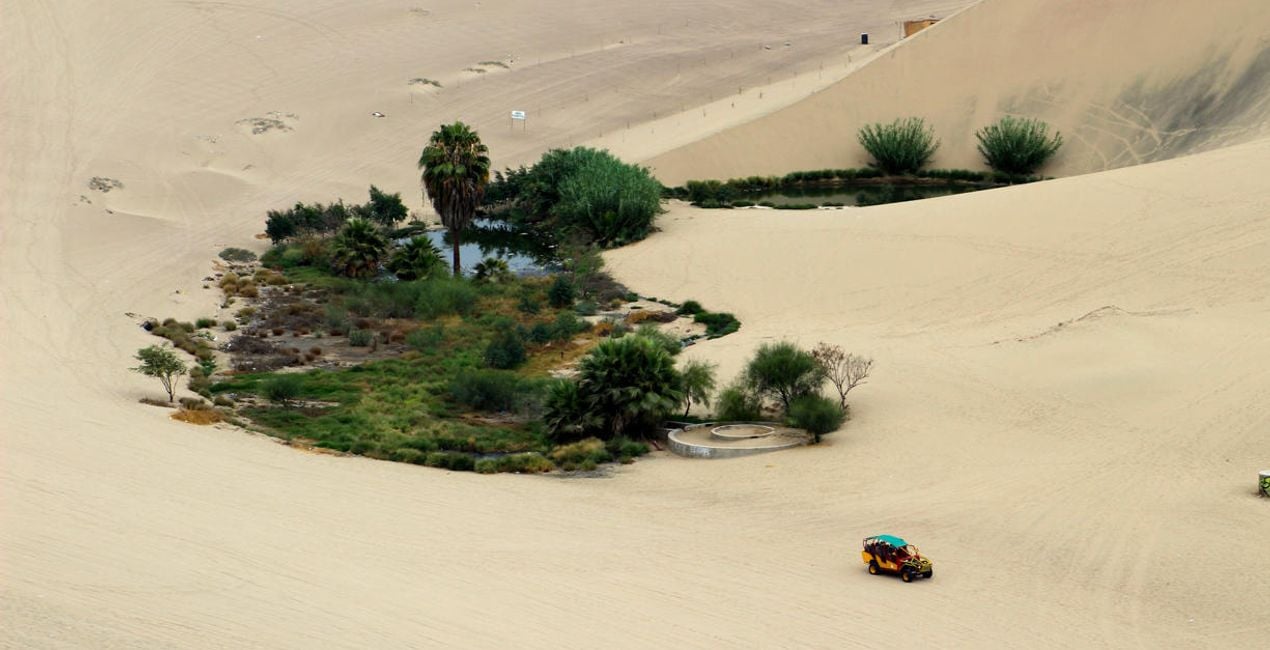
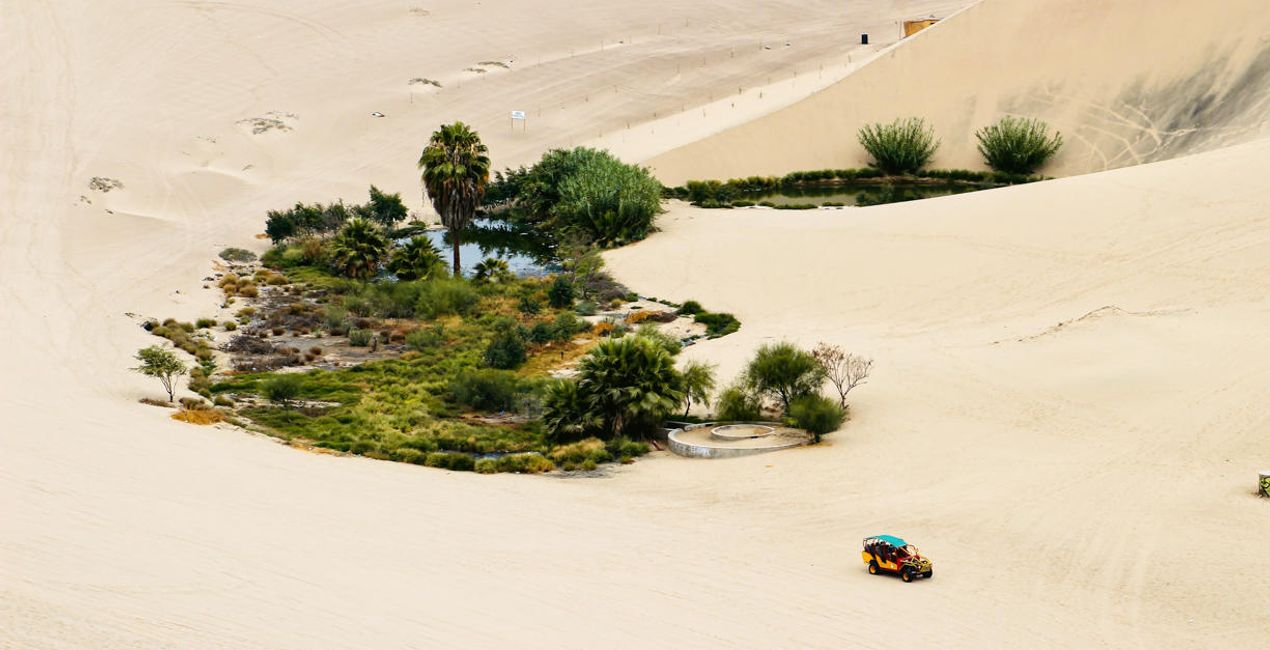
Oasis – A Preset designed to balance green foliage with warm tones
Desert Spirit – A skin-tone-friendly Preset with balanced contrast and beautiful warmth
Golden Tones – A cinematic Preset with a touch of fade and beautiful pastel colors
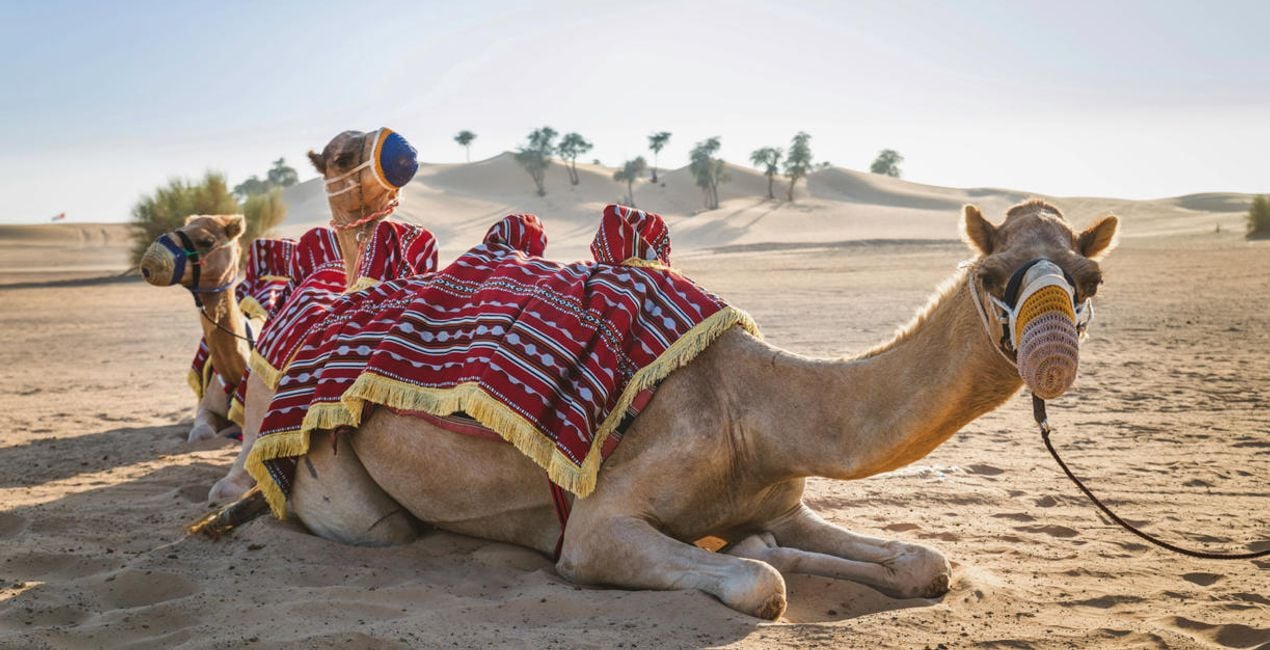
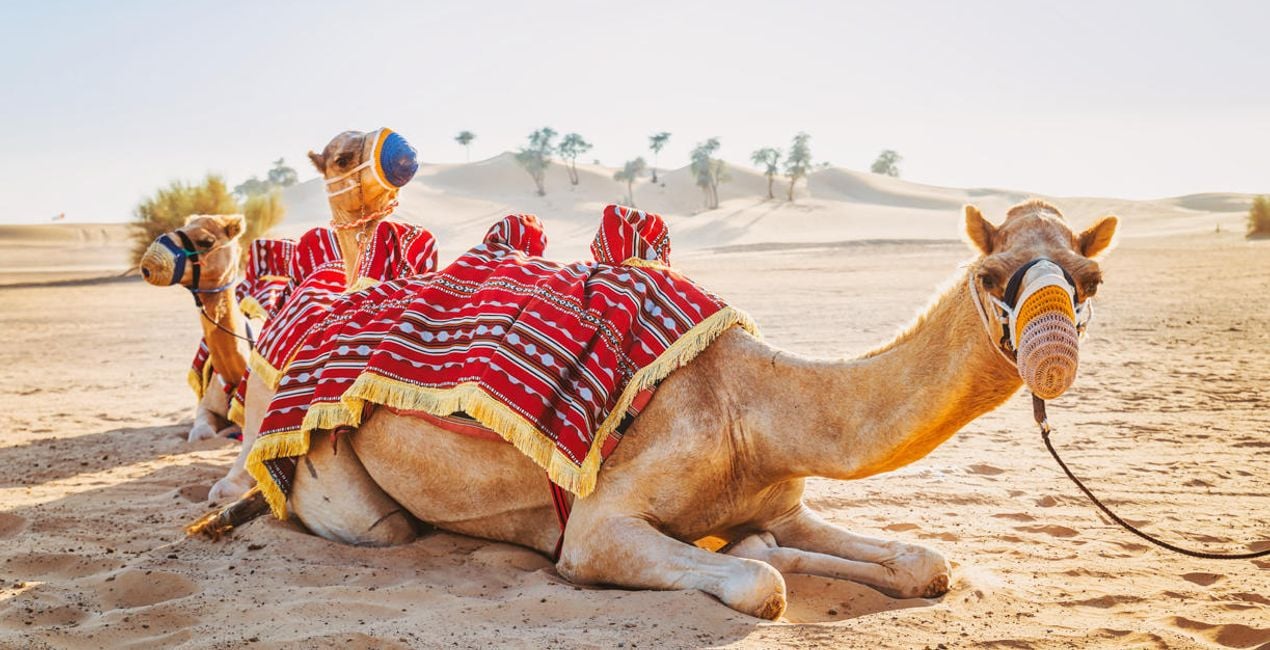
Camel – A simple Preset offering natural colors and gentle contrast that’s ideal for wildlife captures
Adventure – A Preset that offers well-balanced orange and yellow tones combined with texture and details
Desert Portrait – A skin-tone-friendly Preset with warm and bright edits full of balanced contrast
Caravana – A lovely Preset designed to enhance blue sky and warm sand
Sand House – A gentle play on the popular orange and teal style; ideal for a scene with blue sky and orange sand
Sand – A Preset designed specifically for sand, with rich tones and beautiful saturation
Gerelateerde Producten


Maker
Jakub Bors
Co-Founder of Clever Photographer
Jakub Bors is a UK-based landscape photographer with over 15 years of experience in digital art and technology. He’s most inspired by the work of Trey Ratcliff and Scott Kelby. Jakub has a large and supportive fanbase on social media, sells prints of fine art photography worldwide, has worked for PX500 and Trivago on their European projects, and has had his work published in several magazines including Practical Photography. His passion for traveling has brought Jakub to almost every corner of the planet and helped him connect with amazing people.
Veelgestelde vragen
Heb je nog extra vragen of wil je gewoon wat advies?
neem contact op met ons supportteamHoe neem ik contact op met het supportteam?
Heb je vragen over het product? Neem dan gerust contact op met ons supportteam – 24/7 bereikbaar. Volg gewoon deze link.
Hoe koop ik mijn Sahara Desert?
Volg deze stappen om Sahara Desert te kopen:
1. Open Skylum’s Marketplace.
2. Ga naar het tabblad waar Sahara Desert staat. Klik erop en voeg het toe aan je winkelmandje.
3. Ga naar je winkelmandje. Rond hier het aankoopproces van Sahara Desert af.
4. Na je aankoop ontvang je een bevestigingsmail met de downloadlink voor Sahara Desert. Je vindt het product ook terug in je Skylum-account onder het tabblad ‘Mijn add-ons’.
Hoe installeer ik mijn Sahara Desert?
Uitgebreide instructies voor het installeren van Sahara Desert ontvang je in de bevestigingsmail, samen met de downloadlink.
Daarnaast kun je het gekochte item direct installeren in Luminar Neo: ga naar Extra’s > Marketplace, selecteer de productcategorie, zoek het gekochte item en klik op Installeren.
Waar vind ik mijn Sahara Desert na installatie?
Supermakkelijk! Ga naar het tabblad Presets en kies daar ‘Gekocht’. Je geïnstalleerde preset staat ertussen.
Wat als ik mijn Sahara Desert kwijtraak?
Geen zorgen. Alle gekochte items, waaronder Sahara Desert, staan in het tabblad ‘Mijn add-ons’ van je Skylum-account. Van daaruit kun je ze makkelijk opnieuw downloaden en gebruiken.
Hoe weet ik of Sahara Desert compatibel is met mijn software?
In de meeste gevallen zijn items compatibel met Luminar Neo. Maar om zeker te weten of Sahara Desert werkt met jouw software, check je best even de specificaties vóór je iets downloadt of koopt. Kijk op de pagina van Sahara Desert aan de rechterkant bij het kopje ‘Compatibiliteit’ – daar staan alle compatibele producten vermeld.


