

 적용됨
적용됨 



Lush Greens LUTs
Save $201 $ 39 .00
about


RAW 파일을 사용하면 간편하게 리터치 기법을 연습하고 멋진 사진을 편집하는 방법을 배울 수 있습니다.
 >
>
 >
>
 >
>

 >
>
 >
>
 >
>
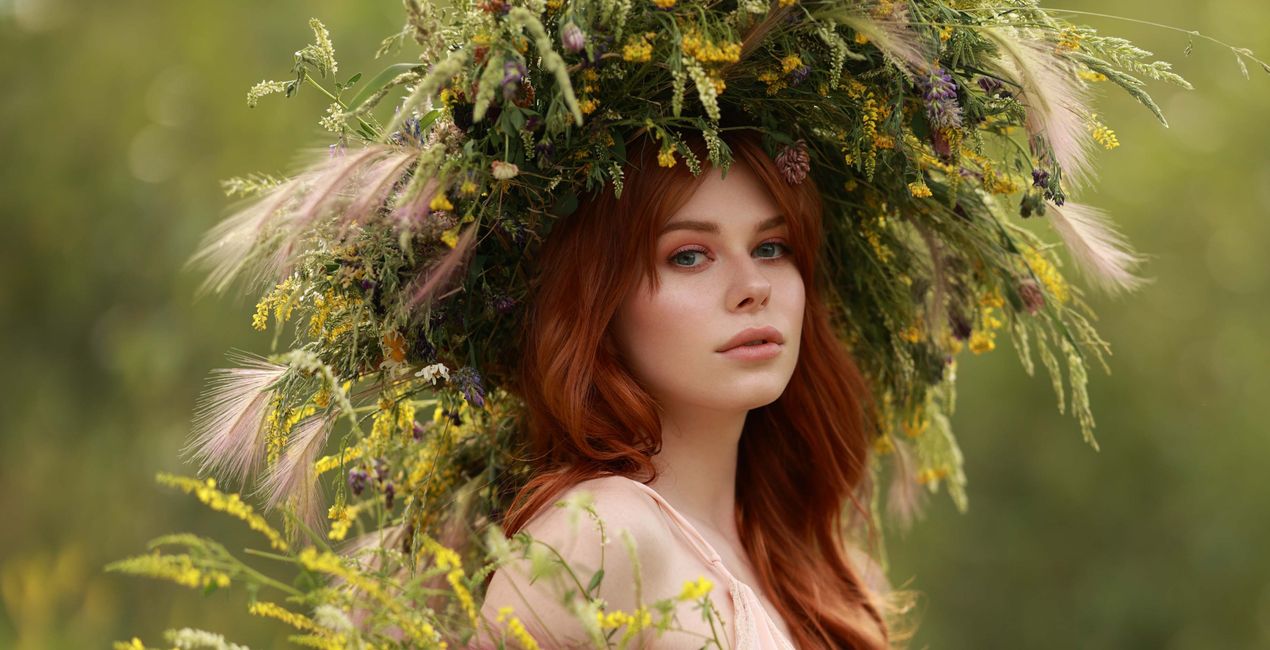
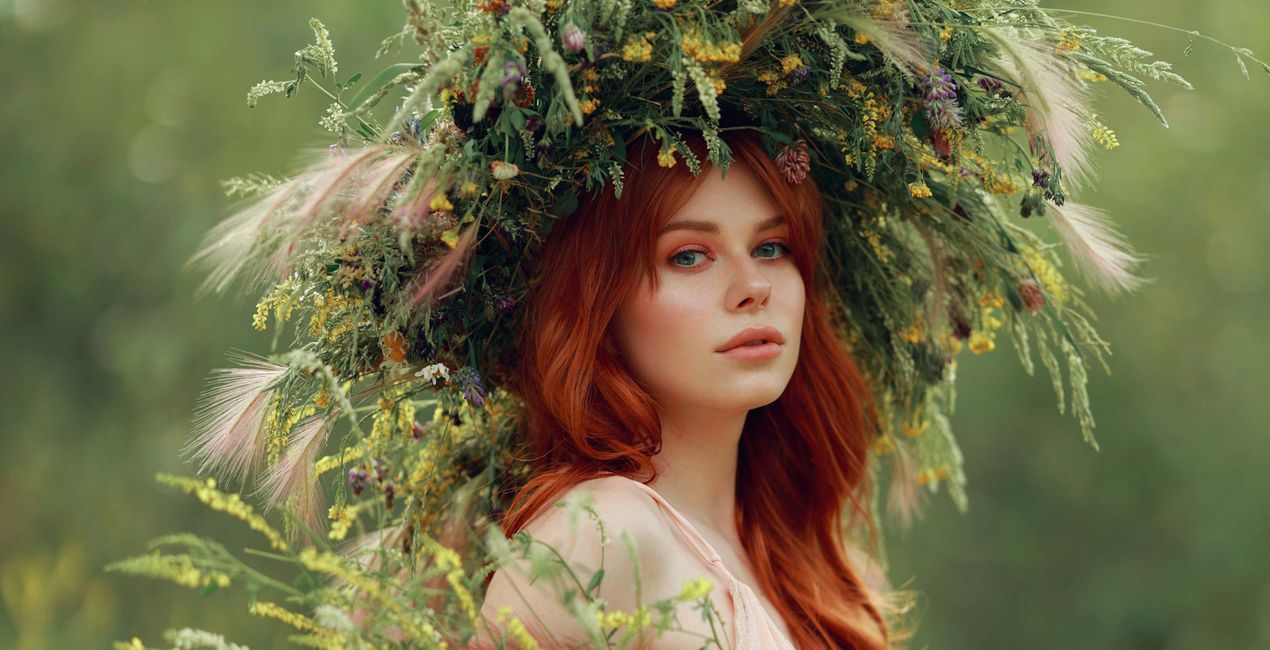
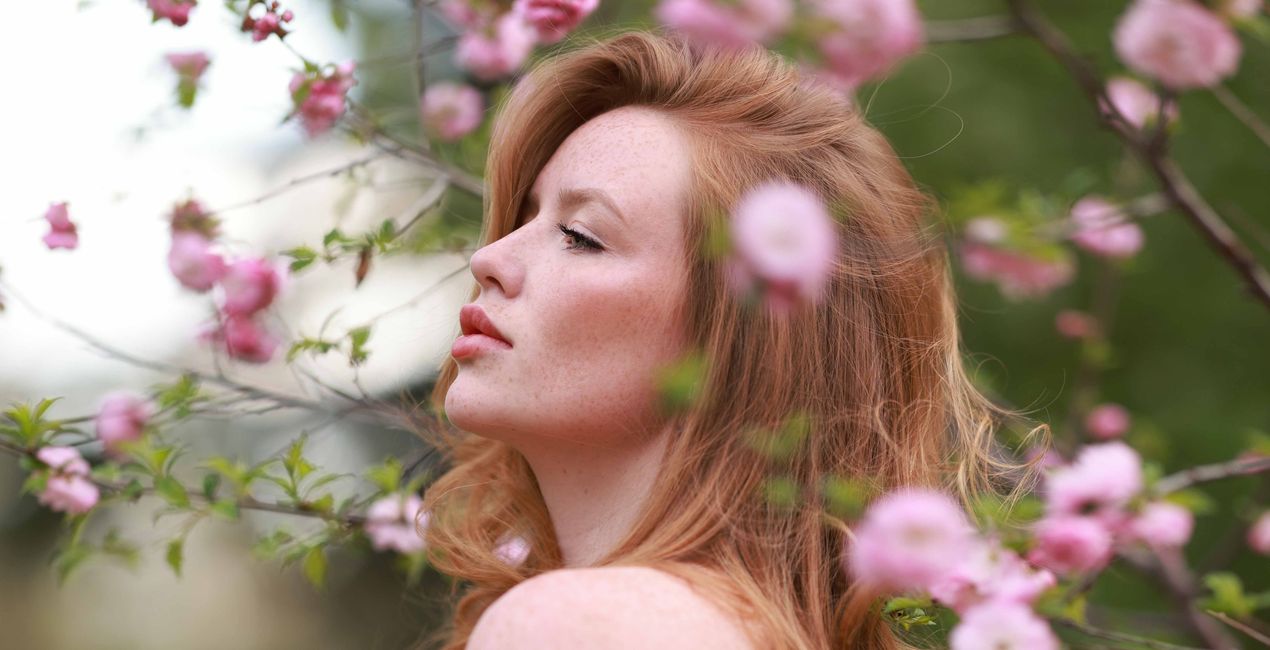
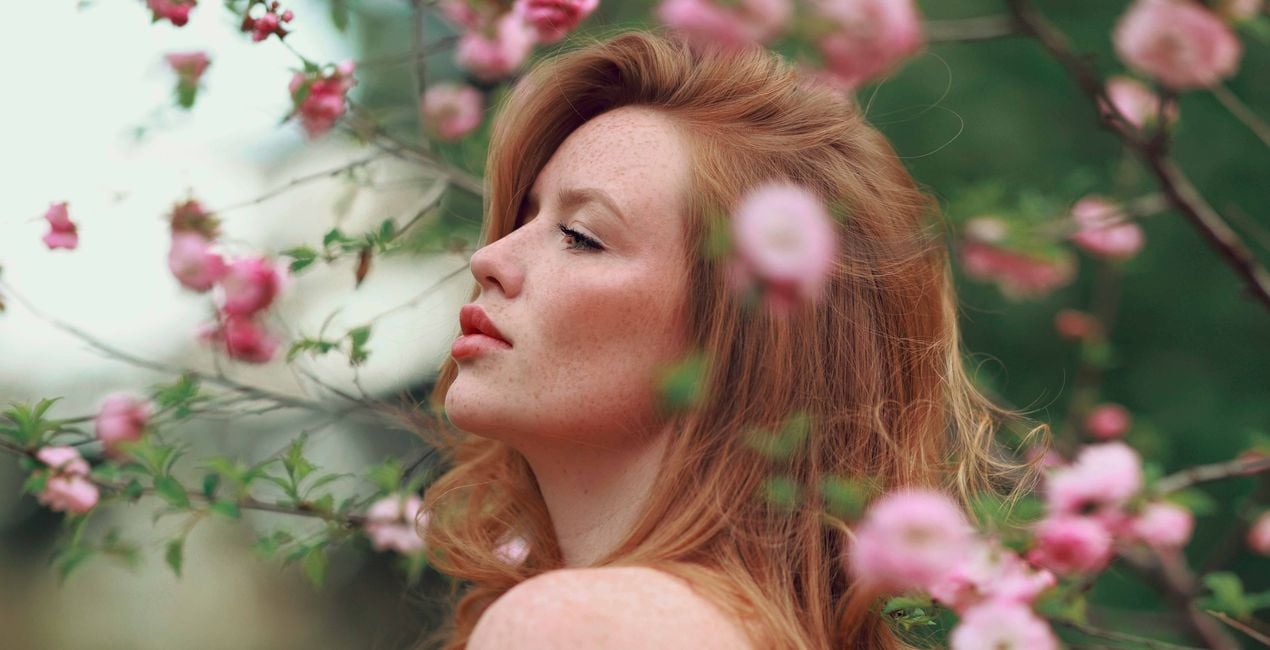
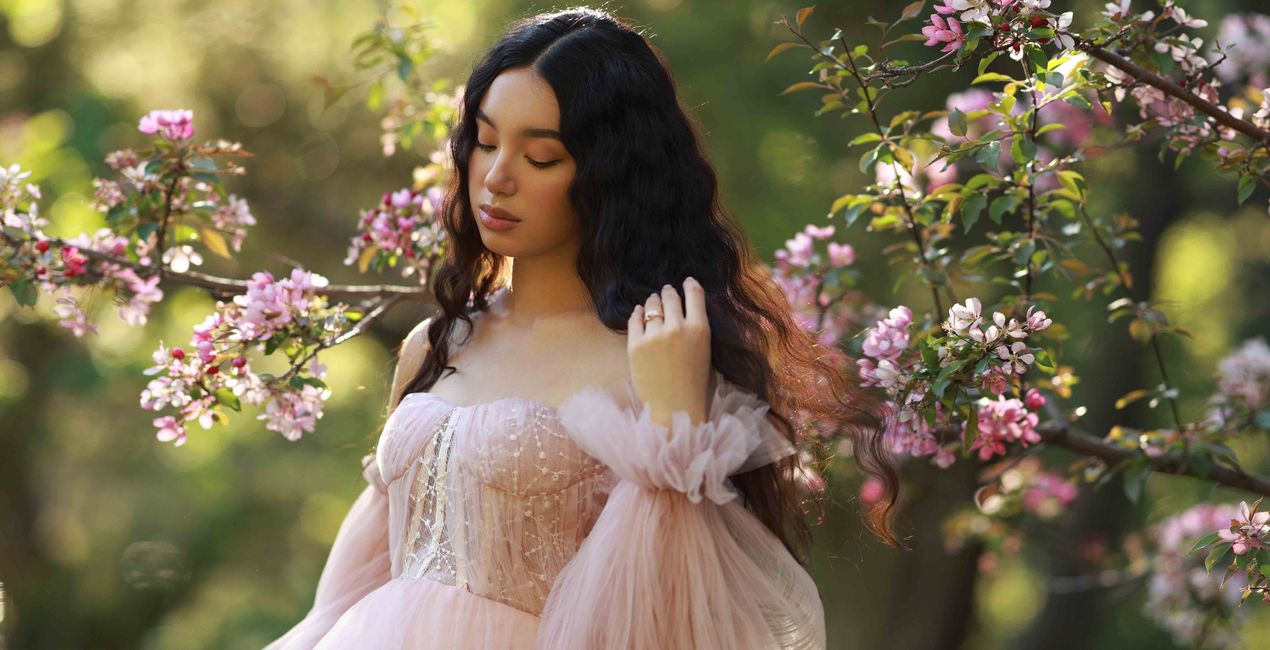
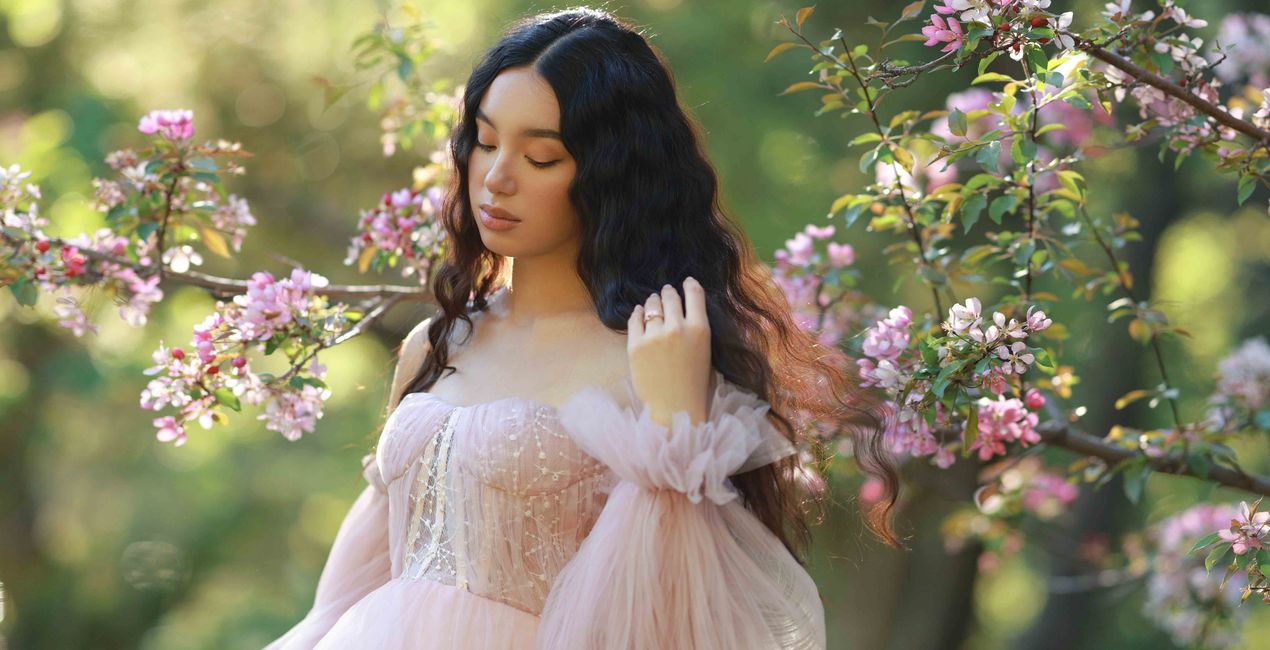
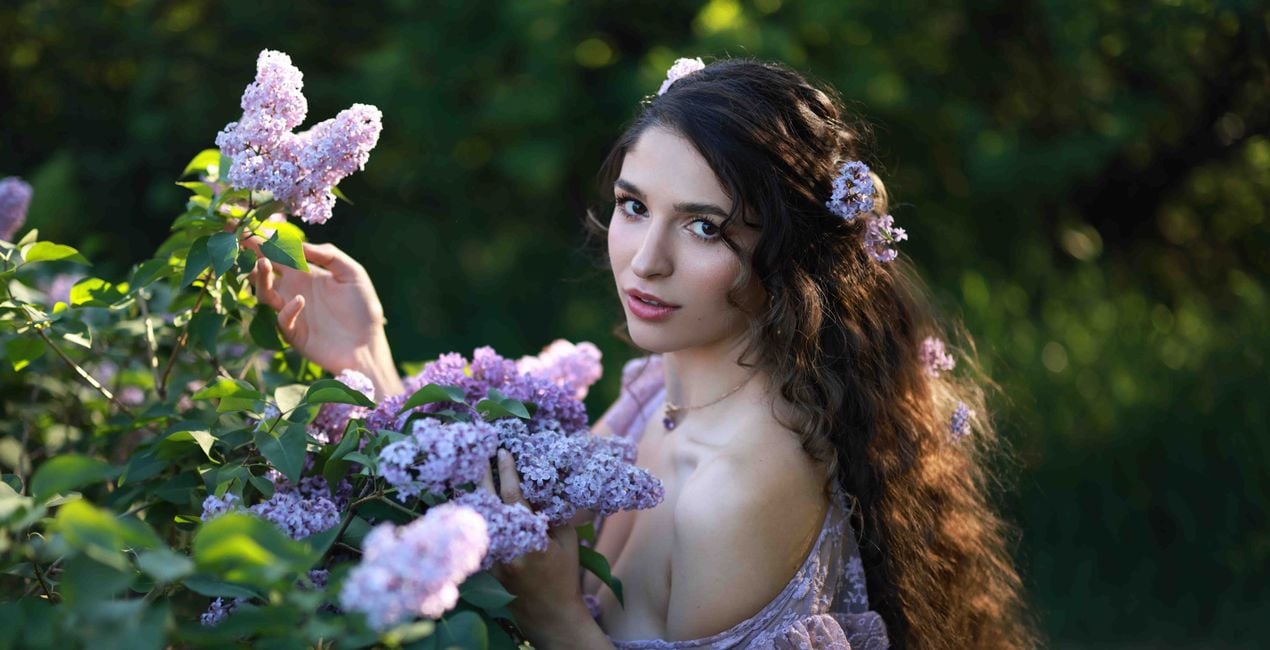
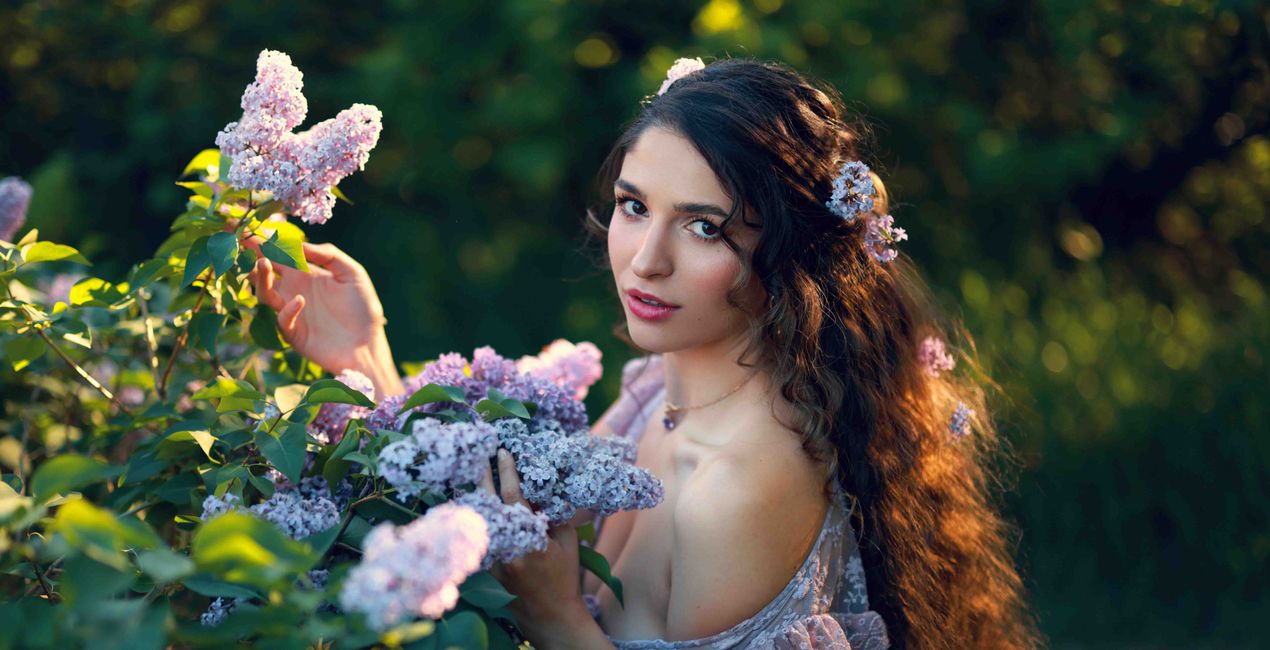
If you love incorporating nature and greenery into your work, this is the LUTs pack for you. It was inspired by the color combinations Irene loves using the most when working on portraits with lots of greenery.
To quote Irene: “One of my favorite colors is green and I love incorporating it into my work. You can find a lot of lush greenery in the backgrounds of my portraits. I absolutely love to play off of those colors in my edits. It’s become one of my signature looks.”
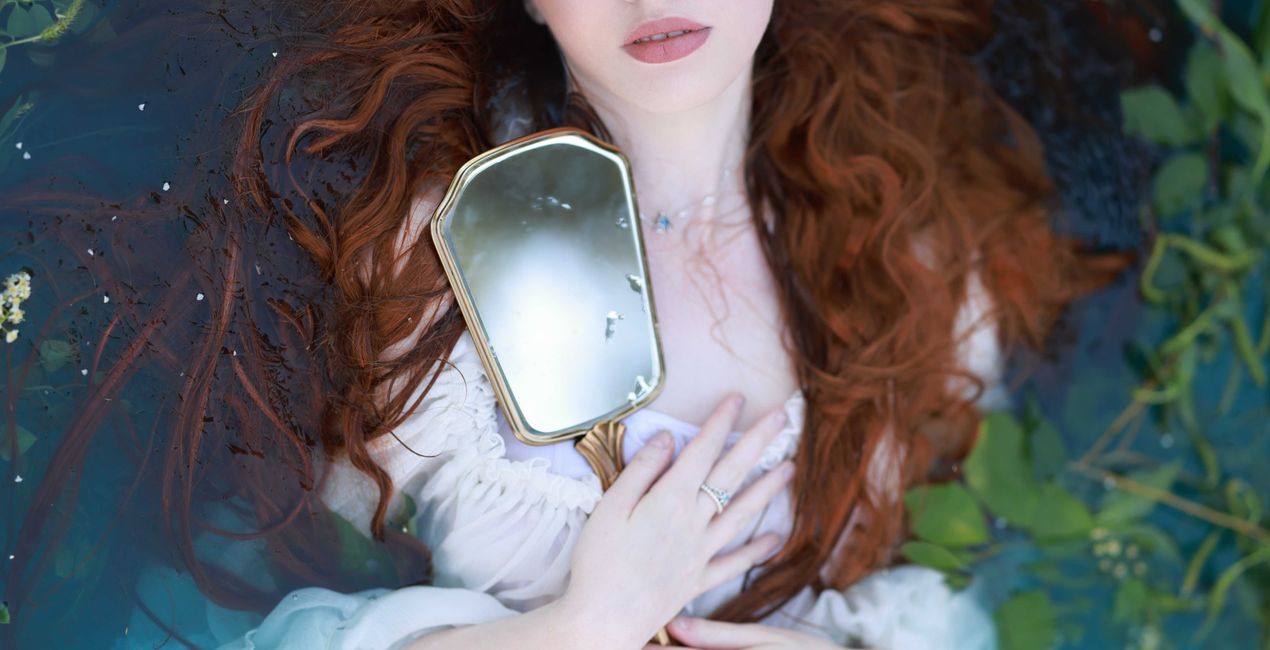
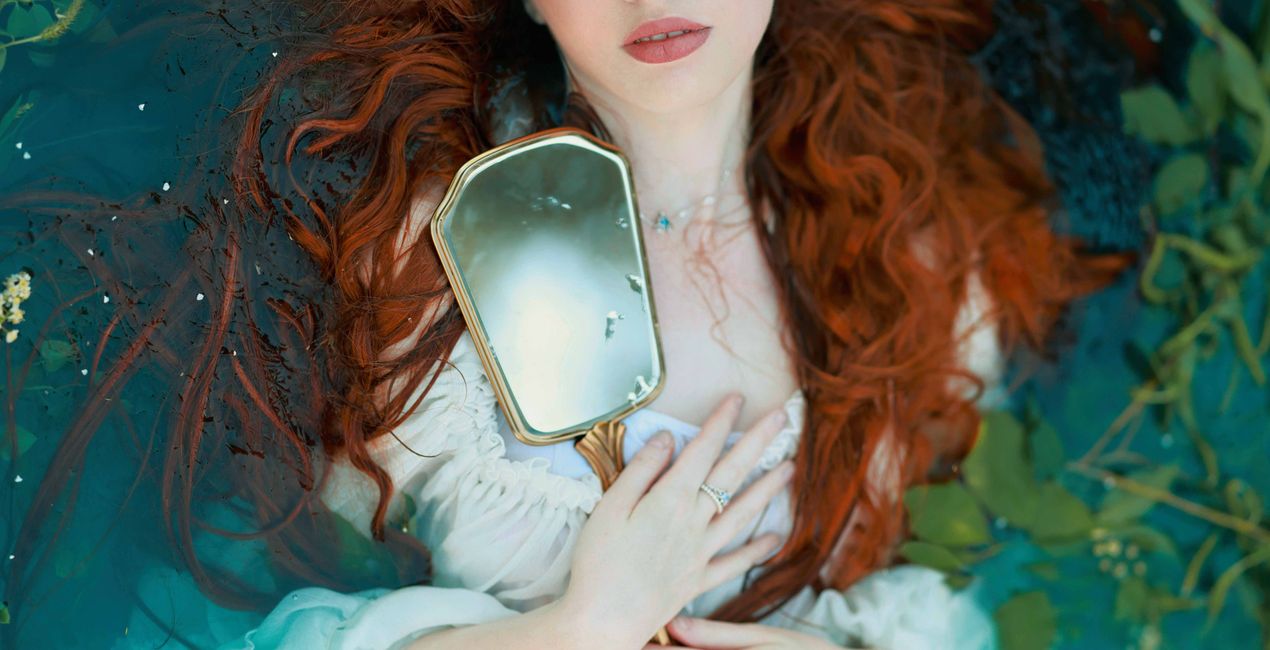
The LUTs range from unique and strong colors to more subtle and airy combinations. The pack has great range, works with a variety of lighting, and is perfect for both raw and JPEG files. It’s best suited for portraits with greenery taken in natural light.
You can find a tutorial on how to incorporate this LUTs pack into your own editing workflow on Irene’s YouTube channel
This pack includes 15 unique LUTs:
Alex, Cyrielle, Diana, Emily, Grace, Katie, Nina — all have variations of complementary green and blue as well as yellow and orange hues.
Morgana, Shiann — similar LUTs with muted greens.
Sophia, Sophie, Maria, Brooke, Peyton — LUTs with greens that lean towards yellow and warm tones.
Angel — a bright and airy LUT with a neutral palette.
Professional Portrait Photographer, YouTube Creator
<p>Irene Rudnyk is a portrait photographer, educator, content creator, and Canon Canada Ambassador residing in Calgary, Canada.</p><p>Irene first picked up a camera around 11 years ago and started regularly photographing her main subject — her sister Orysia. Since then, she has been captivated and inspired by feminine beauty. Irene tries to capture the woman in front of the camera in a creative, romantic manner. She doesn’t strive for realism, but rather a visually pleasing and feminine version of the finished product. While the subject is always the focus of her images, Irene puts a lot of thought into the environment and details of a photo. She likes to have full creative control over the photoshoot, so she often acts as a stylist or creative director and sometimes assumes the role of makeup and hair artist.</p><p>Irene started her own YouTube channel as a place to share creative projects and help other photographers with tutorials, behind-the-scenes views, and DIY videos. She has never considered herself an overly technical photographer, and she loves to show how she achieves her images with simple techniques, simple setups, and natural light. Irene shares her art with subscribers in the hopes of inspiring others and spreading some beauty into the world.</p>
제품에 관한 문의 사항이 있으시면 24시간 지원팀에 연락하세요. 아래 링크를 따라가시면 됩니다.
Lush Greens LUTs을 구매하려면 다음 단계를 따르세요:
1. Skylum 마켓플레이스를 엽니다.
2. Lush Greens LUTs이 표시된 탭으로 이동하세요. 해당 상품을 클릭하여 장바구니에 담으세요.
3. 장바구니로 이동하세요. 여기서 Lush Greens LUTs의 구매 절차를 완료하세요.
4. 구매 후 Lush Greens LUTs의 다운로드 링크가 포함된 주문 완료 이메일을 받게 됩니다. 또한 새로 구매한 항목은 Skylum 계정의 ‘내 애드온’ 탭에서 확인하실 수 있습니다.
Lush Greens LUTs 설치에 대한 자세한 안내는 다운로드 링크와 함께 발송되는 주문 처리 이메일로 보내드립니다.
또한 구매한 항목은 Luminar Neo에서 직접 설치할 수 있습니다: 기타 > 마켓플레이스로 이동한 후, 제품 카테고리를 선택하고 구매한 항목을 찾아 설치를 클릭하세요.
아주 간단합니다! Luminar Neo를 사용 중이라면 상단 바 메뉴에서 ‘편집’ 탭으로 전환하세요. 그런 다음 ‘크리에이티브’ 섹션으로 이동하여 ‘무드’ > ‘LUT 선택’ > '구매한 항목'을 선택하세요. 설치된 LUT 팩이 해당 위치에 표시됩니다.
걱정하지 마세요. Lush Greens LUTs을 포함한 모든 구매 항목은 Skylum 계정의 ‘내 애드온’ 탭에 저장되어 있어 다시 간편하게 다운로드하고 이용할 수 있습니다.
일반적으로 대부분의 항목은 Luminar Neo와 호환됩니다. 그러나 Lush Greens LUTs이 귀하의 소프트웨어와 호환되는지 확인하려면 다운로드 또는 구매 전에 해당 제품의 사양을 검토하십시오. Lush Greens LUTs 페이지 오른쪽의 ‘호환성’ 섹션을 확인하시면 모든 호환 제품이 나열되어 있습니다.
아직 떠나지 마세요. 여러분만을 위한 특별 할인 코드를 준비했습니다. 15분 이내에 이 코드를 사용하시면 결제 시 추가 10% 할인을 받으실 수 있습니다. 아래 코드를 복사하여 구매를 완료해 주세요.
15 m : 00 s





