

 適用する
適用する 




当社について
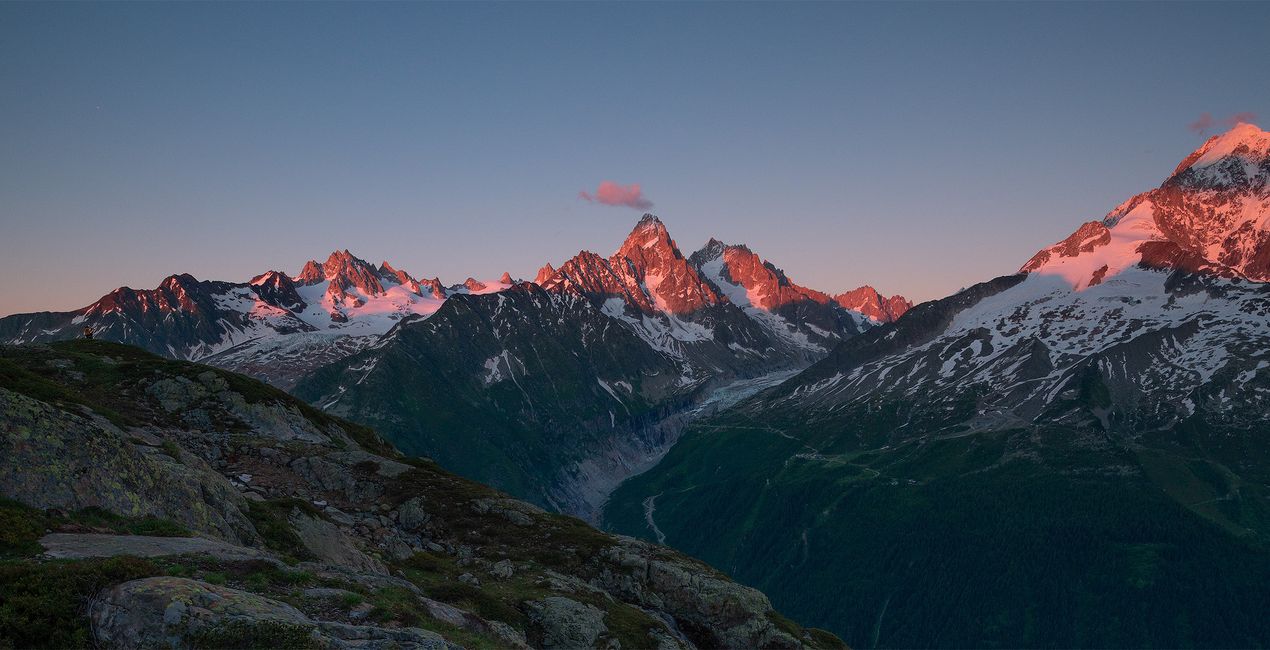
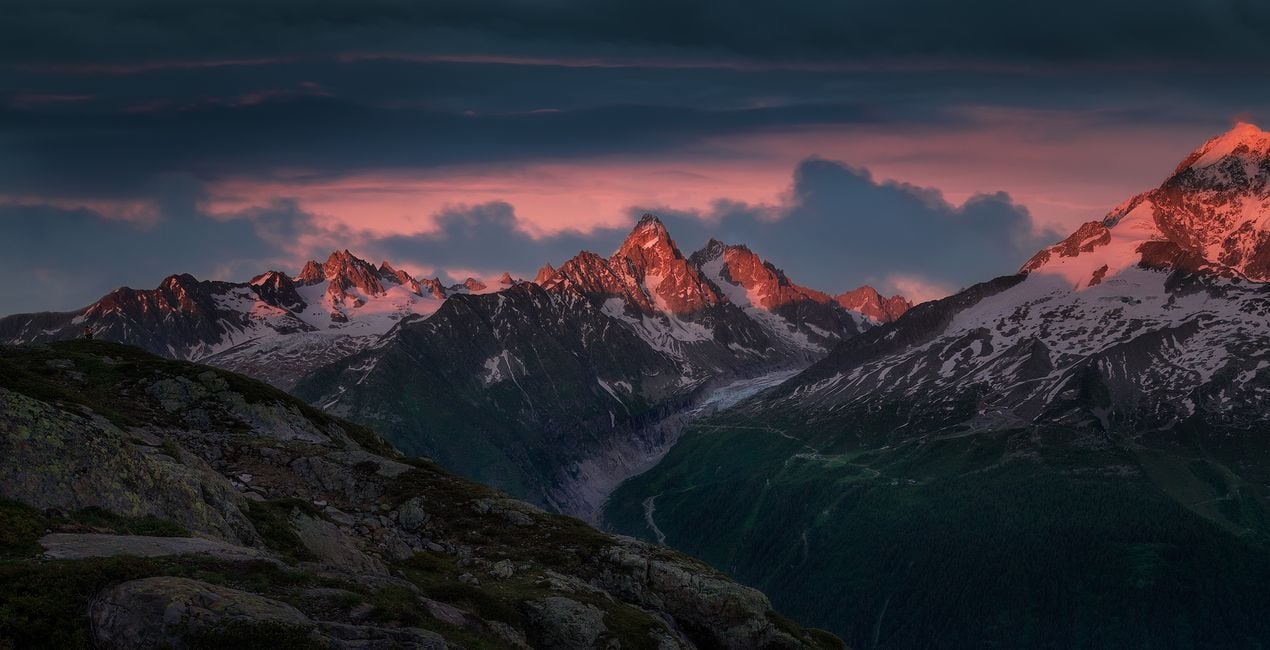
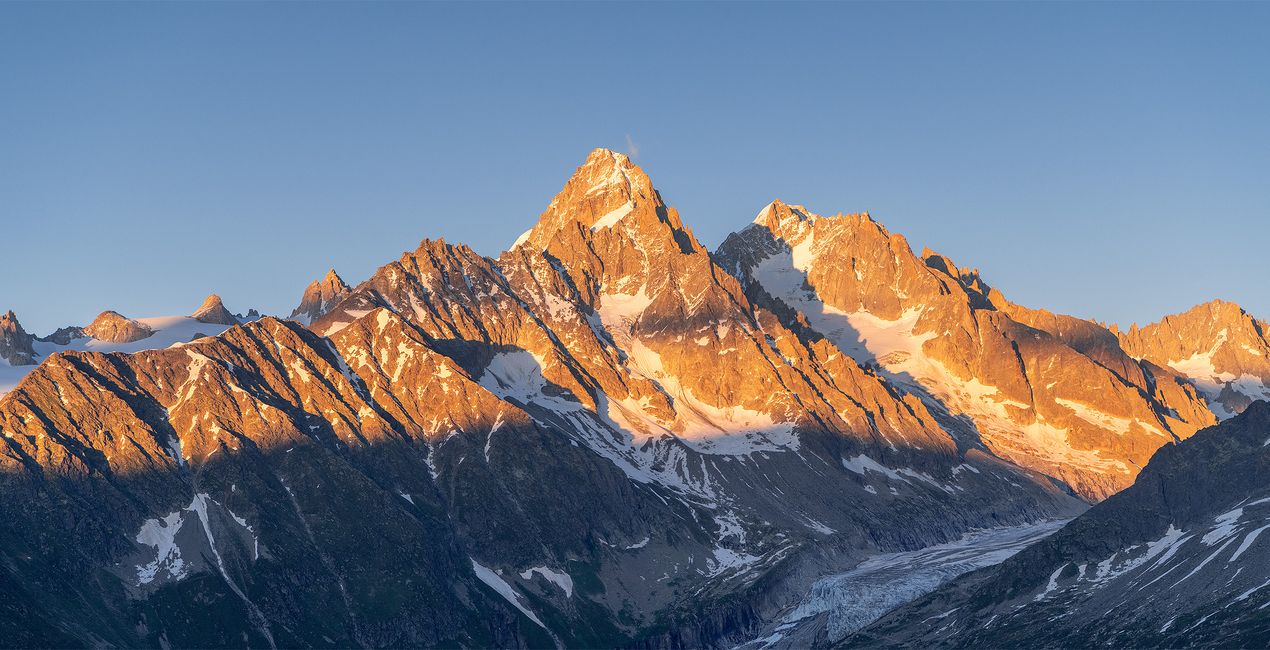
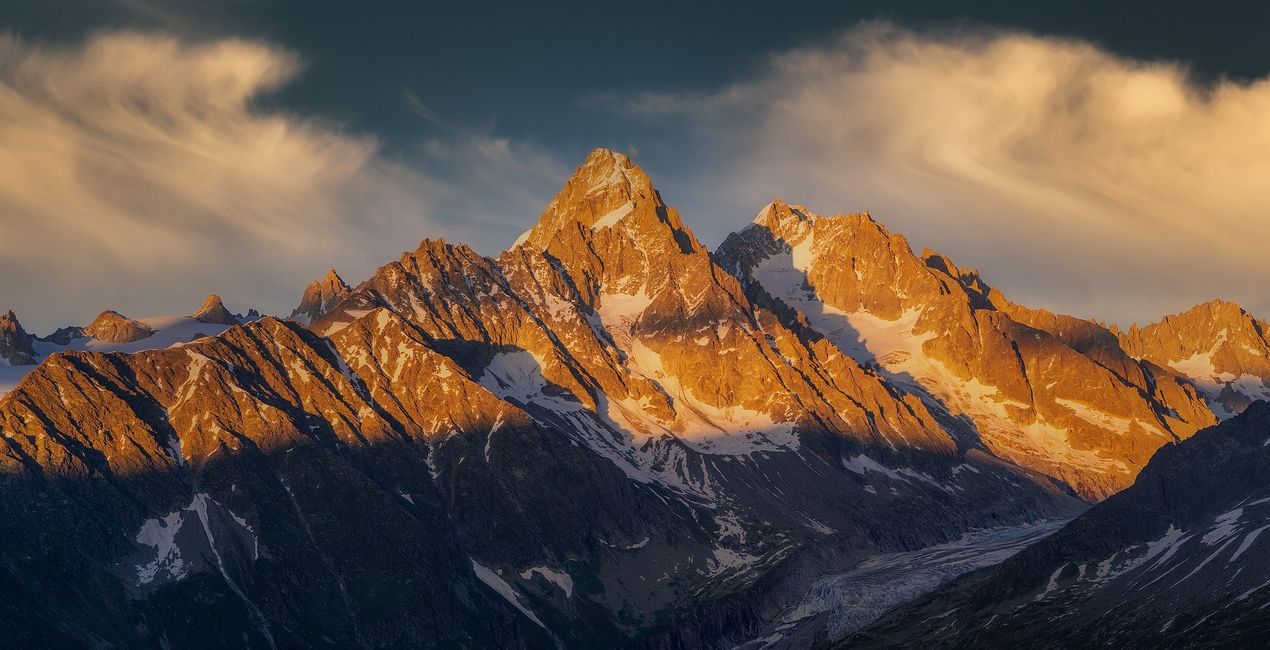
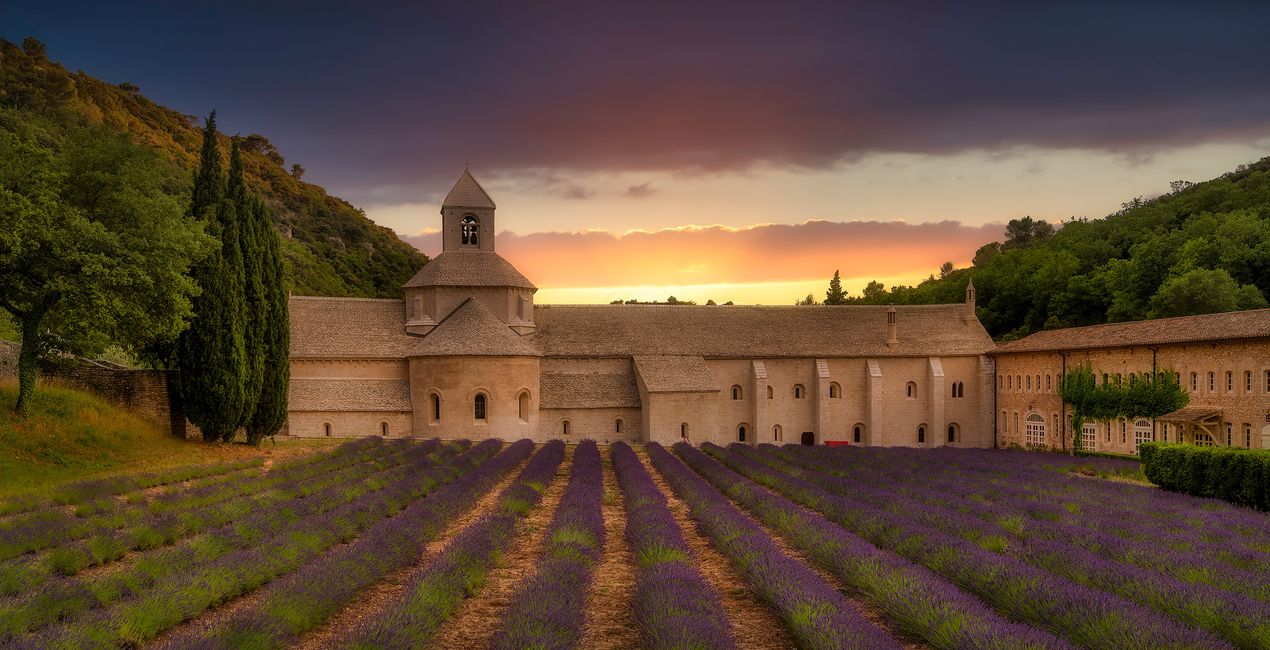
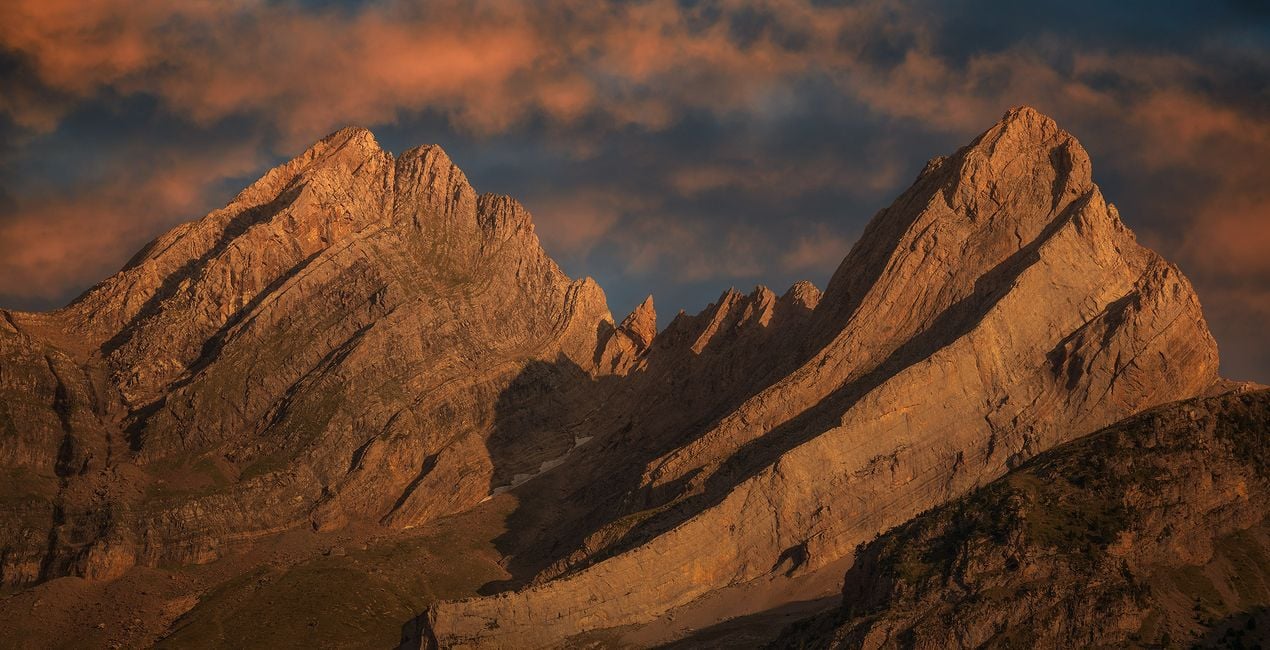
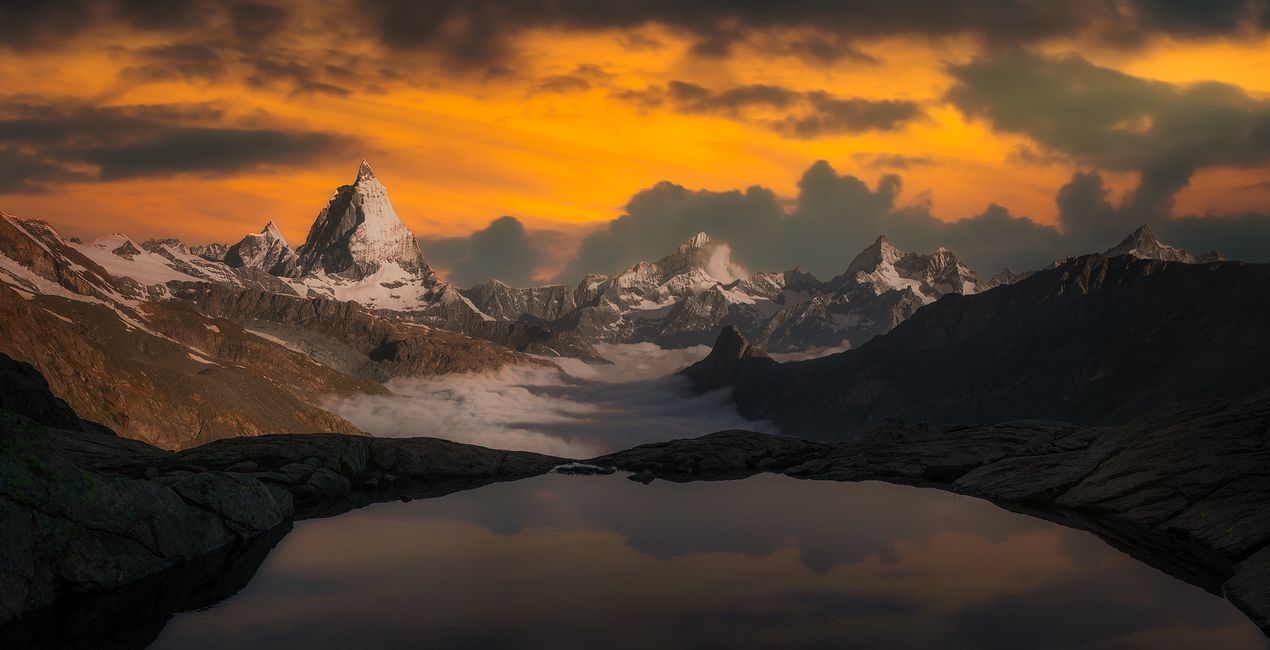
Discover this set of Skies captured during sunset, sunrise, and the golden hour. Each one of these Skies is designed to help you to create beautiful warm scenes, and add a glimpse of magic to your photographs. Whether you're looking for a vibrant sunrise, tranquil sunset, or the perfect golden hour light, these Skies are sure to add that extra touch of magic to your images. Bring life and beauty to any scene with this incredible set of Skies!
含まれているもの
10 Skies in JPEG format
互換性


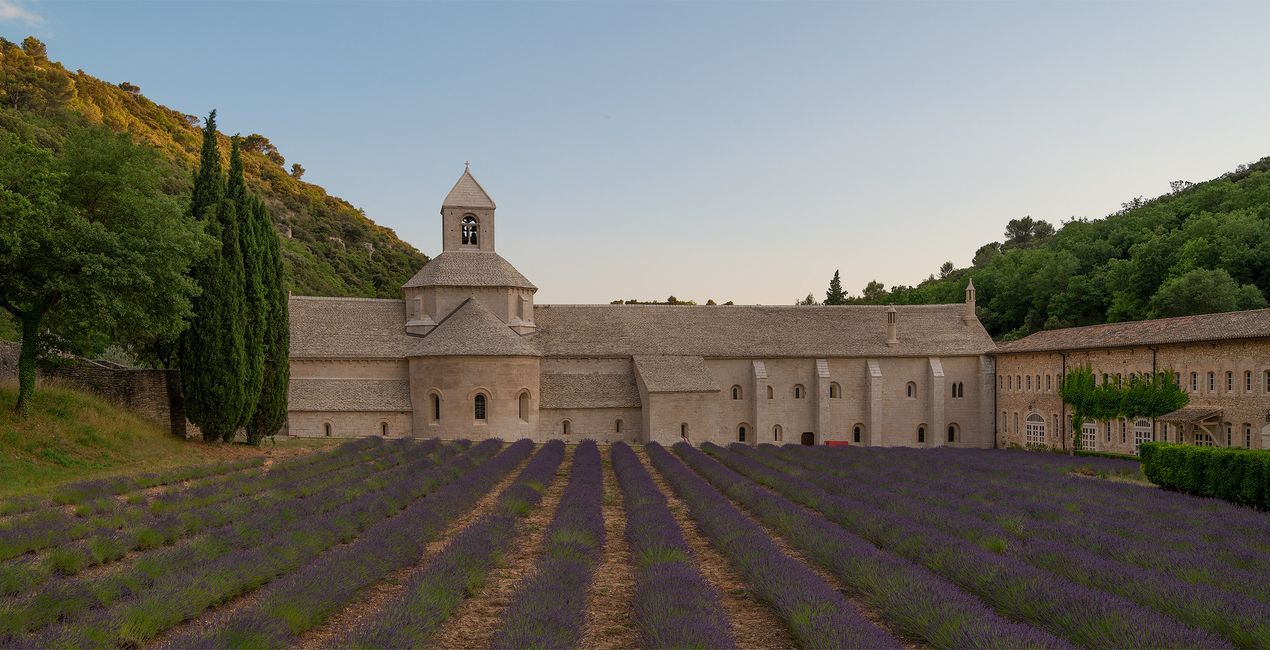
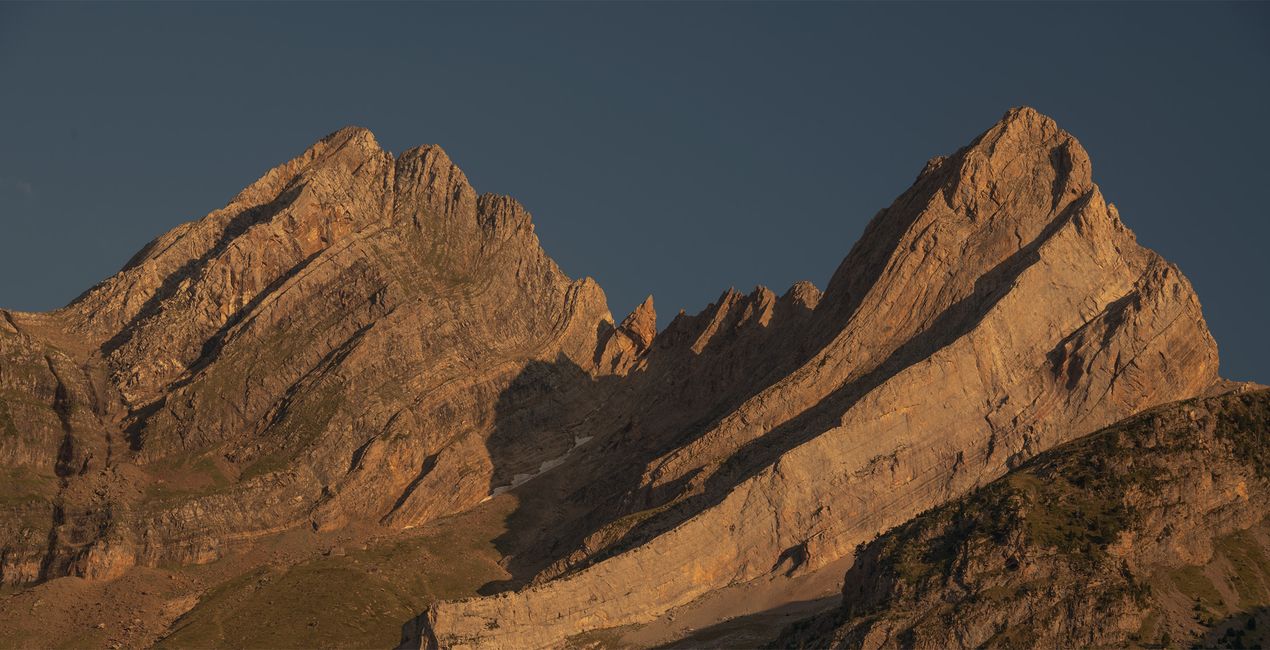
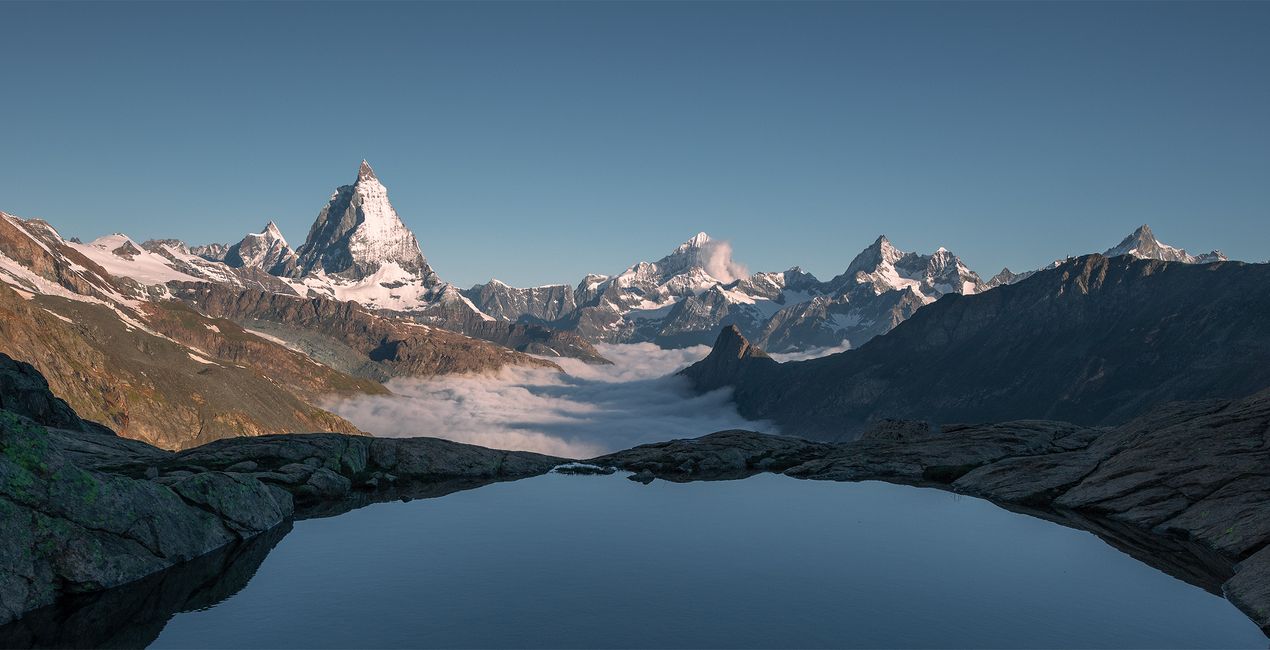
このような写真をゲット
提供されたRAWファイルを使ってレタッチのコツを簡単に練習、こんな写真に仕上げる方法を学ぶことができます。
 >
>
 >
>
 >
>
 >
>
 >
>
物語
Armand Sarlangue shares: “These skies were shot mostly in Spain, during some mountains and coastal photography adventures, but they work perfectly on any landscape or architectural images.”
Creator tips:
- Choose the sky that fits your vision best, and play with the Sky Orientation sliders to find the most suitable display. There are often a lot of possibilities within one single sky.
- Use the Relight Scene slider to fine-tune the ambiance of the foreground and match perfectly the new sky.
- If you have water in your image, experiment with the Reflection sliders. The result can be spectacular!
- Have fun creating!
パックに含まれる空


関連商品


クリエーター
Armand Sarlangue
Photographer. Skylum Ambassador.
Armand Sarlangue has been a professional photographer for 14 years. The son of a photographer, visual art has been Armand’s true passion since childhood, and it’s through nature photography that he really expresses his creativity.
Being alone in the most remote places and translating the feelings of those moments through his images is what motivates Armand. He uses advanced post-production techniques to create ambiances that match his vision of our world.
Armand’s landscape images have been internationally awarded and exhibited in the USA, Spain, Italy, and France. His work has also been published by National Geographic, GEO Magazine, Australian Photography magazine, BBC News, and many other publications.
サポートへの問い合わせ方法は?
製品についてご質問がございましたら、24時間対応のサポートチームまでお問い合わせください。こちらのリンクをご利用ください。
Shine & Glory Skiesを購入する方法は?
Shine & Glory Skiesを購入するには、次の手順に従ってください:
1. Skylumのマーケットプレイスを開きます。
2. Shine & Glory Skiesがリストされているタブに移動し、クリックしてカートに追加します。
3. カートに進み、Shine & Glory Skiesの購入手続きを完了してください。
4. ご購入後、Shine & Glory Skiesのダウンロードリンクが記載された購入完了メールが届きます。また、Skylumアカウントの「マイアドオン」タブからも新しいアイテムをご確認いただけます。
Shine & Glory Skiesをインストールする方法は?
Shine & Glory Skiesのインストール手順の詳細は、ダウンロードリンクと一緒にお送りする「購入完了メール」に記載されています。
また、Luminar Neoから購入されたアイテムを直接インストールすることもできます。エクストラ > マーケットプレイスに進み、商品カテゴリを選択して、購入済みアイテムを見つけてインストールをクリックしてください。
Shine & Glory Skiesのインストール後、どこで見つけられますか?
とても簡単です!トップバーメニューで編集 タブに切り替えます。ツールパネルでスカイᴬᴵ > 空のセクション > 購入済み を選択します。インストールされたShine & Glory Skiesが表示されます。
Shine & Glory Skies を失くしてしまった場合は?
ご安心ください。Shine & Glory Skiesを含むすべての購入済みアイテムは、Skylumアカウントの「マイアドオン」タブ に保存されるため、簡単に再ダウンロードしてご利用いただけます。
Shine & Glory Skiesが自分のソフトに対応しているかどうかを確認するには?
ほとんどのアイテムはLuminar Neoに対応しています。ただし、確実にShine & Glory Skiesがお使いのソフトと互換性があるかを確認するには、ダウンロードや購入前に製品仕様をご確認ください。Shine & Glory Skiesページ右側の「互換性」セクションに対応しているすべての製品が表示されています。


