

 適用する
適用する 




当社について
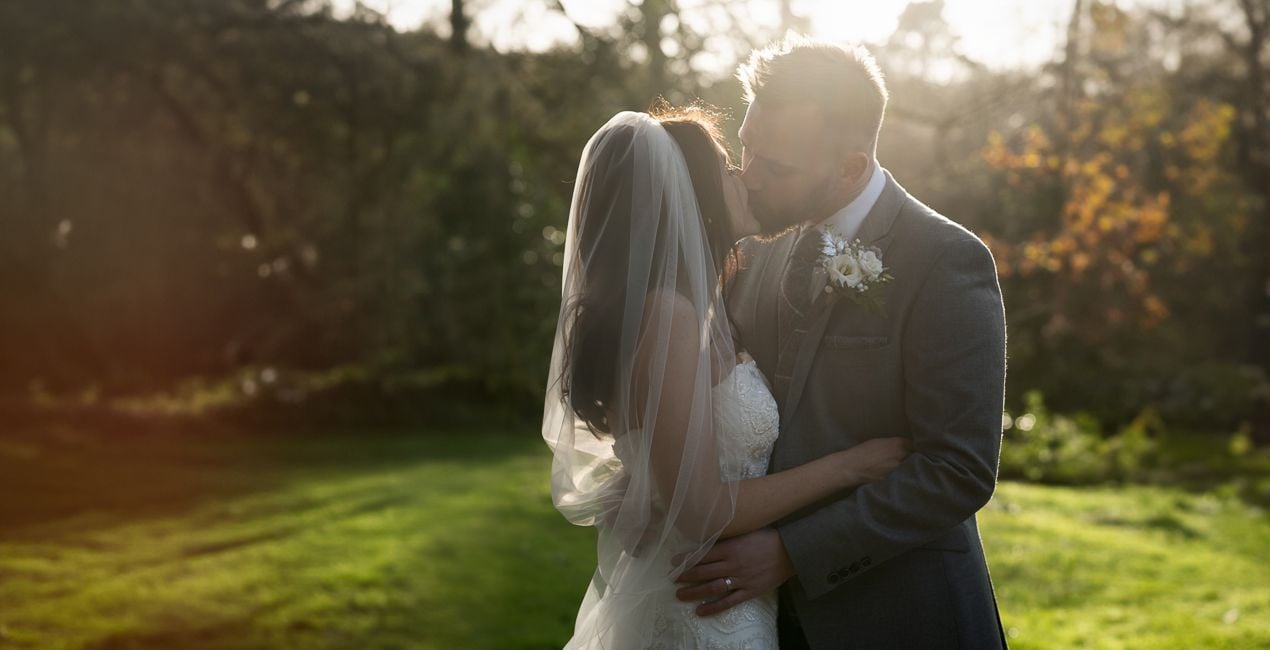
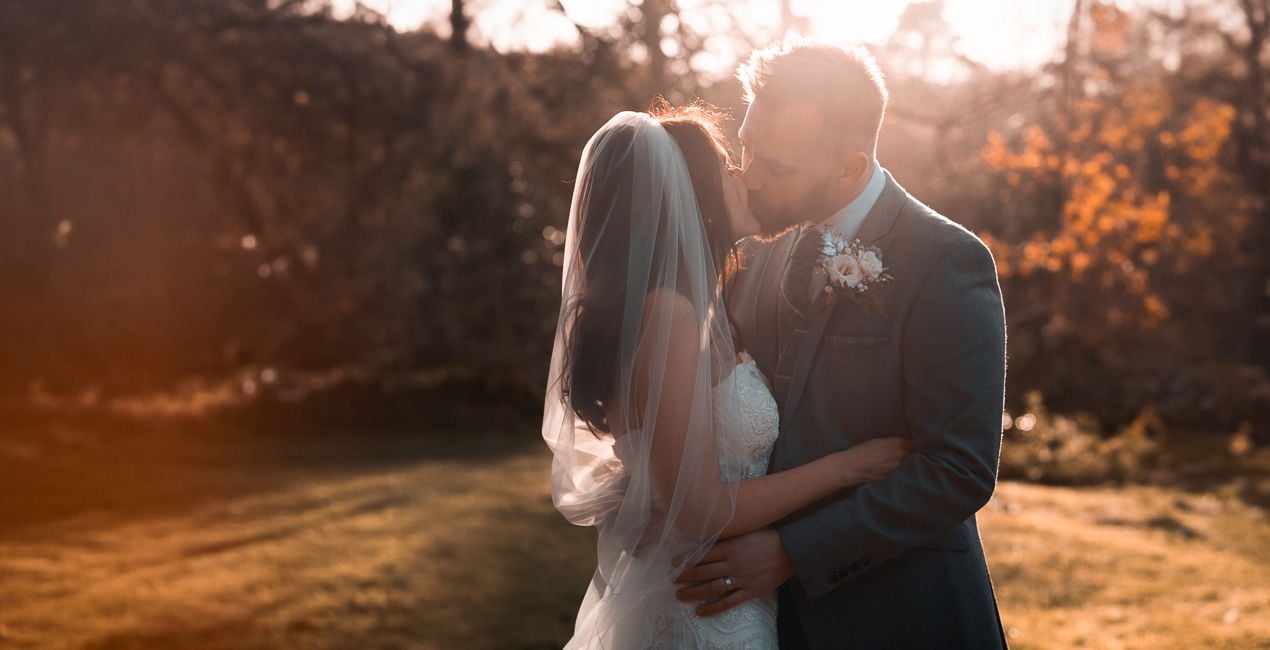
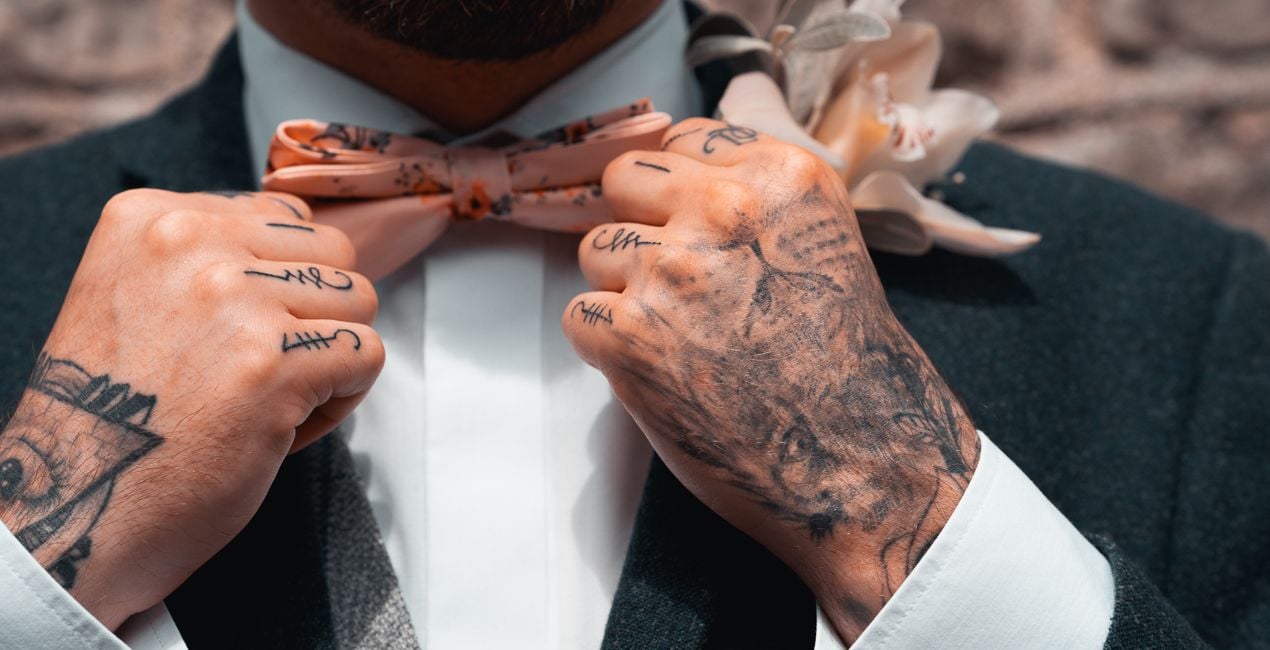
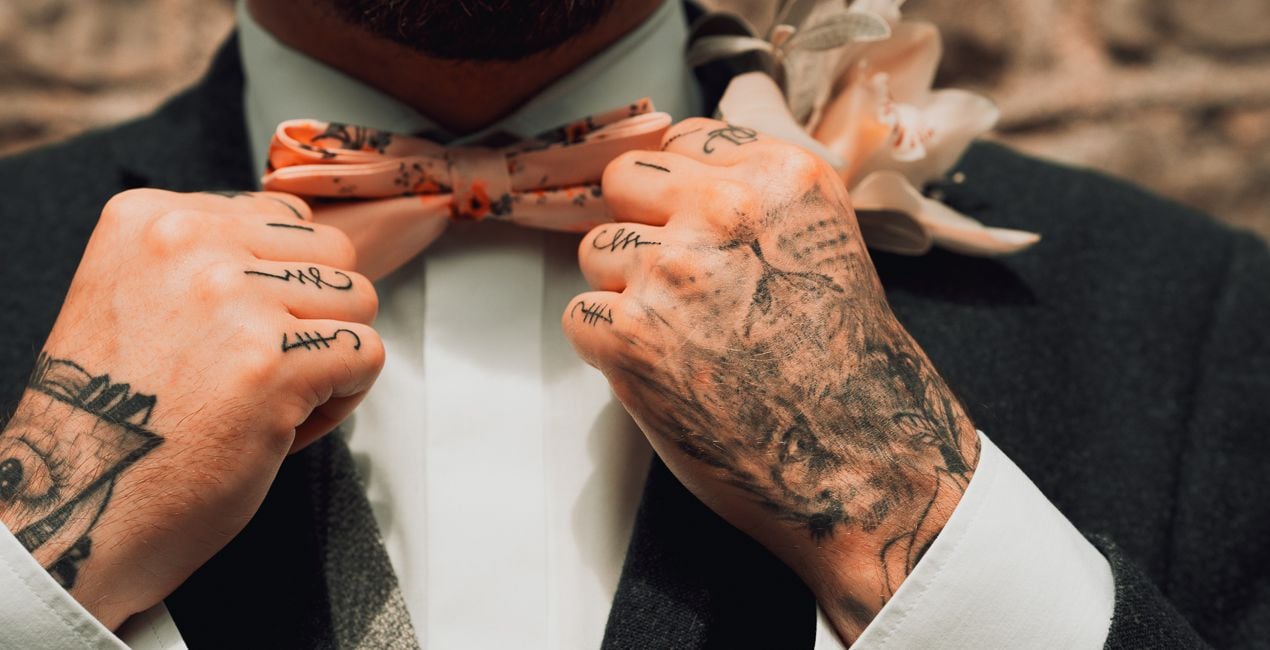
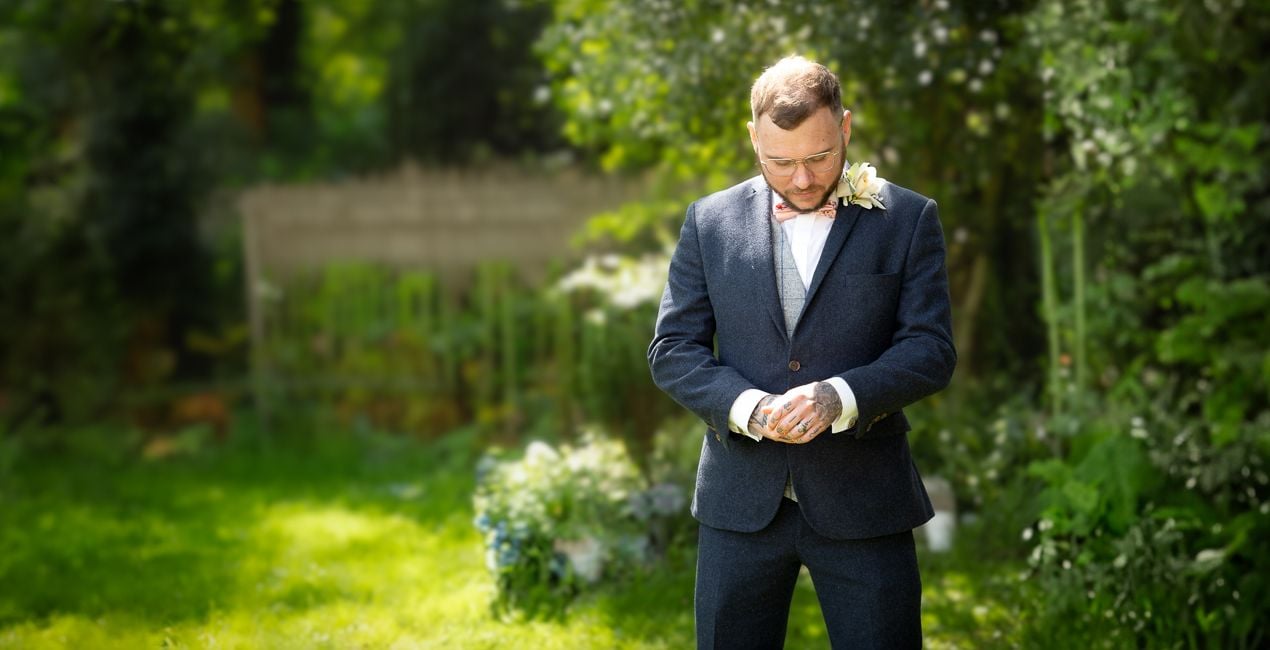
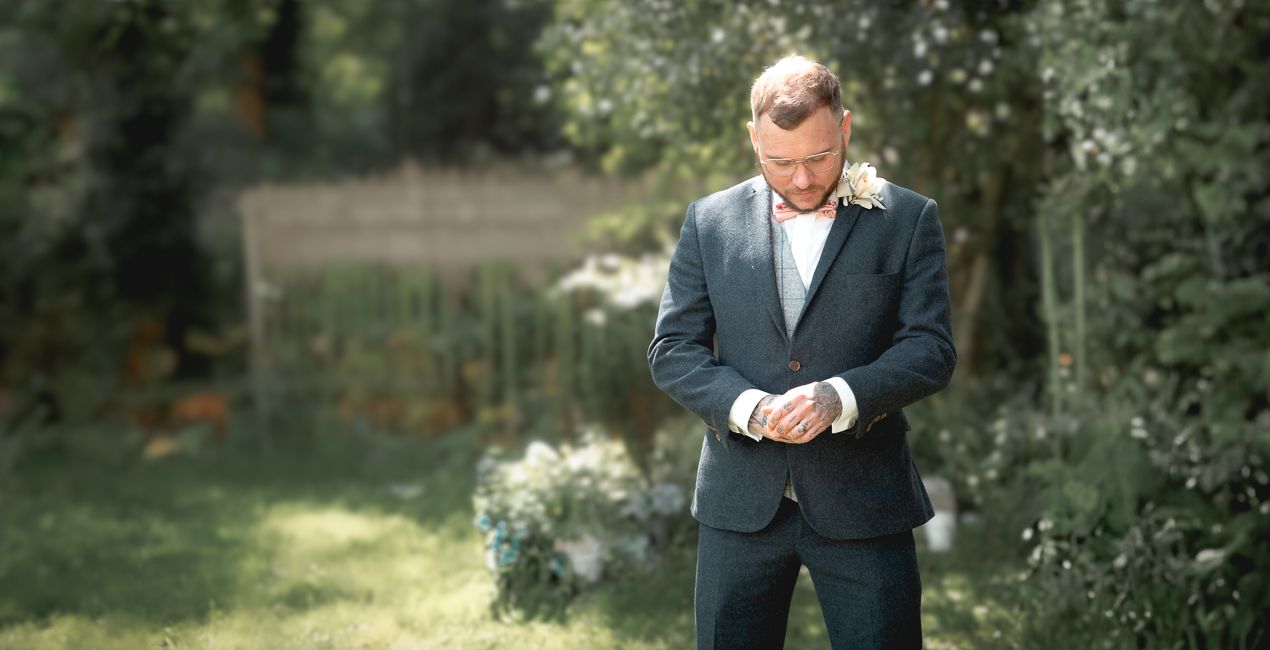
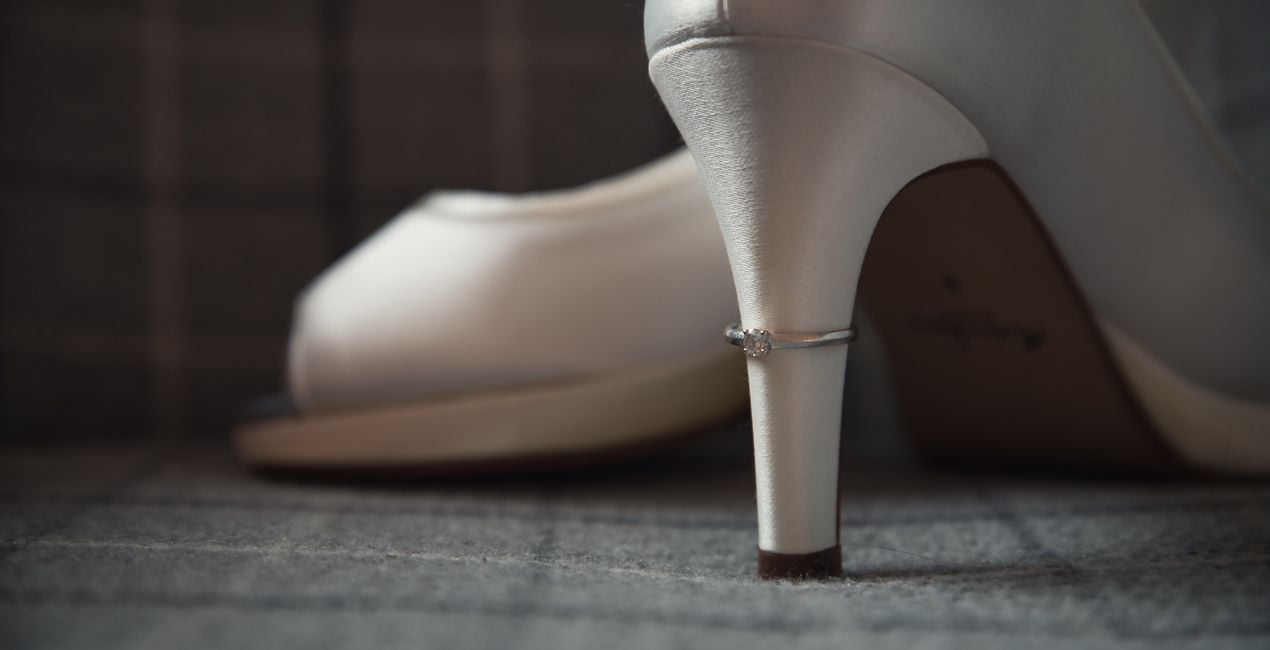
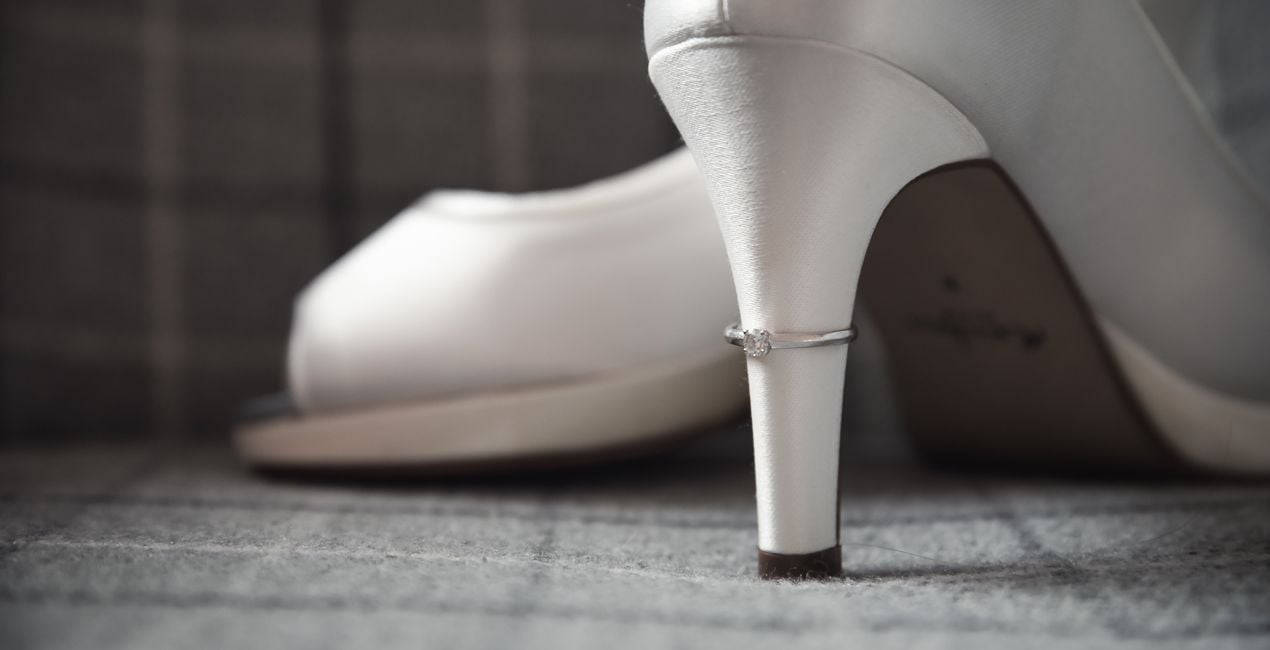
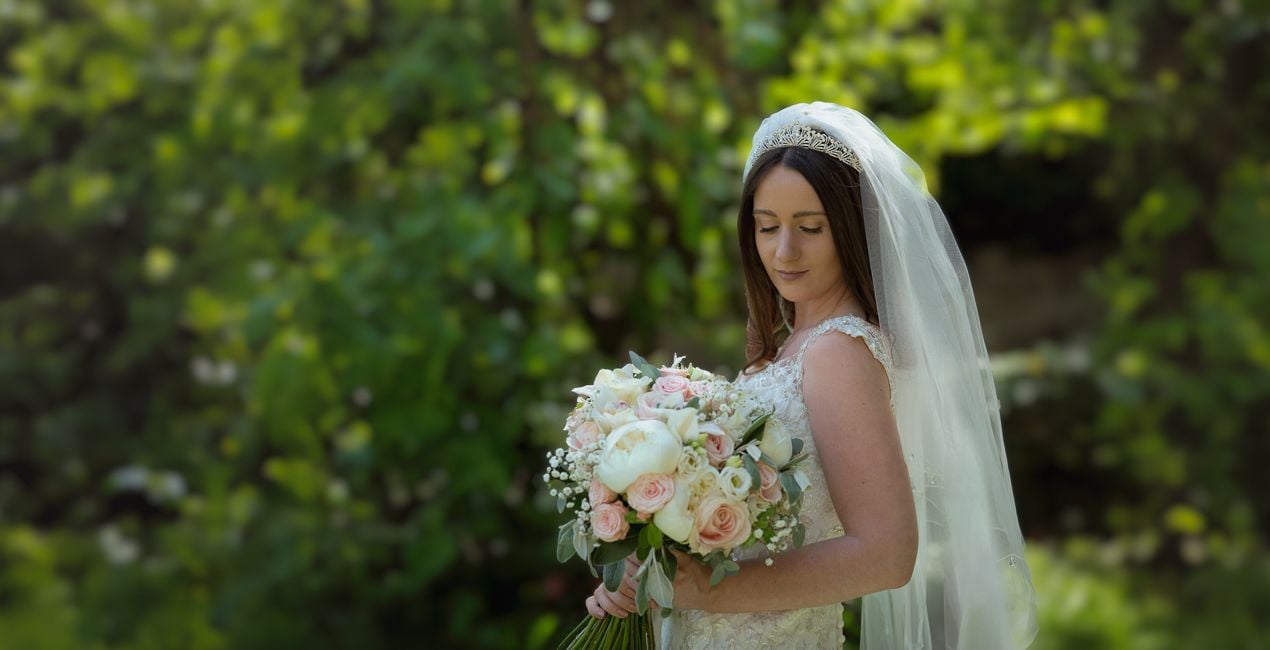
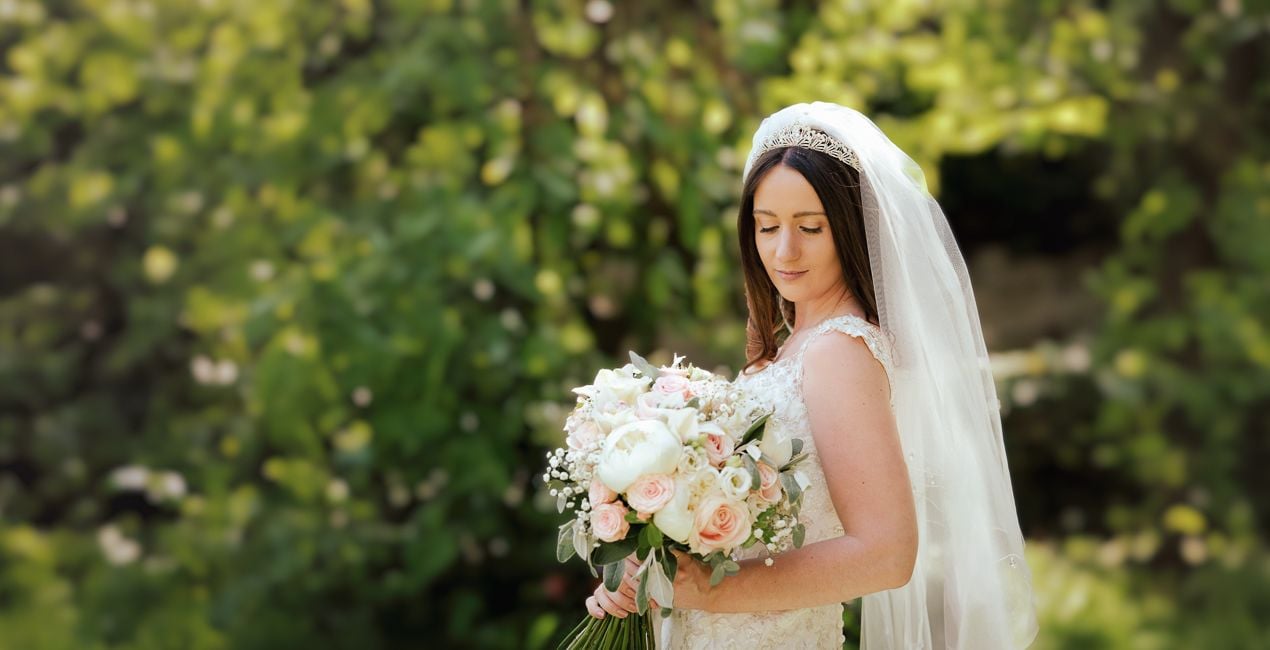
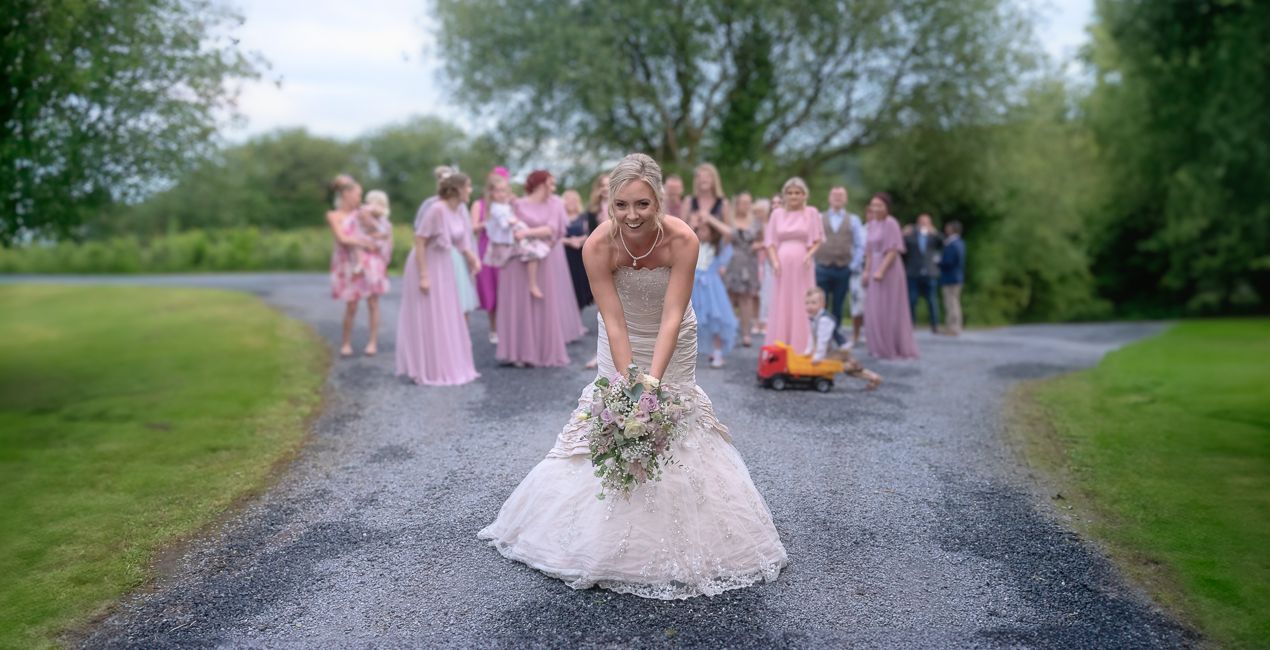
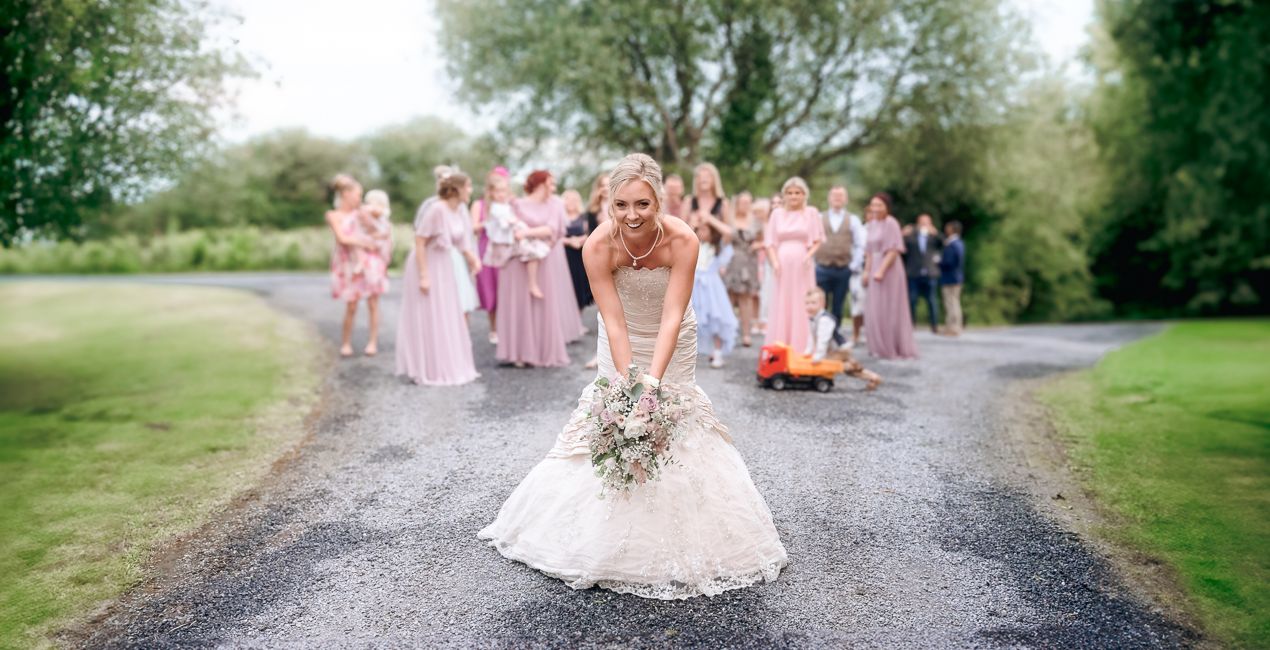
Mathew Browne’s Rustic Wedding LUTs add a warm and nostalgic feeling to portrait photography, especially wedding photos. This collection contains a selection of LUTs designed for indoor and outdoor shoots and ambient conditions. Use them to their fullest or apply them subtly to suit your taste. They are compatible with most photo and video editing apps.
互換性


このような写真をゲット
提供されたRAWファイルを使ってレタッチのコツを簡単に練習、こんな写真に仕上げる方法を学ぶことができます。
 >
>
 >
>
 >
>
 >
>
 >
>
 >
>
物語
In this LUTs pack, you will find 10 color enhancements perfect for wedding photography from dawn to dusk:
Autumnal. High contrast reds and golds.
Calico. A bright and beige look for interior details.
Dixon. A signature color enhancement incorporating rich contrast and warm tones.
Earth Tones. A faded look suitable for woodlands and greenery, or rustic detail.
Lace. A bright, heavily saturated look for highlighting wedding dress detail.
Marine. Enhanced teal and coral tones.
Subtle Teal. Aqua skies and water with warm earth tones.
Sunkissed. Intense warm tones for sunrises and sunsets.
Sunlight. Color punch and vibrance for outdoor shoots.
Vineyard. Bright leaves and warm skin tones.
関連商品


クリエーター
Mathew Browne
Photographer. Skylum Ambassador.
Mathew Browne is a cross-genre photographer who has gained recognition for his vibrant images spanning the spectrum of travel photography. A prolific traveler, Mathew has visited nearly 70 countries and photographs extensively for the photo location sharing platform PhotoHound, which he co-founded in 2018.
These Looks serve as the foundation for much of his wildlife portfolio, often allowing him to achieve his desired result with just one click.
サポートへの問い合わせ方法は?
製品についてご質問がございましたら、24時間対応のサポートチームまでお問い合わせください。こちらのリンクをご利用ください。
Rustic Wedding LUTsを購入する方法は?
Rustic Wedding LUTsを購入するには、次の手順に従ってください:
1. Skylumのマーケットプレイスを開きます。
2. Rustic Wedding LUTsがリストされているタブに移動し、クリックしてカートに追加します。
3. カートに進み、Rustic Wedding LUTsの購入手続きを完了してください。
4. ご購入後、Rustic Wedding LUTsのダウンロードリンクが記載された購入完了メールが届きます。また、Skylumアカウントの「マイアドオン」タブからも新しいアイテムをご確認いただけます。
Rustic Wedding LUTsをインストールする方法は?
Rustic Wedding LUTsのインストール手順の詳細は、ダウンロードリンクと一緒にお送りする「購入完了メール」に記載されています。
また、Luminar Neoから購入されたアイテムを直接インストールすることもできます。エクストラ > マーケットプレイスに進み、商品カテゴリを選択して、購入済みアイテムを見つけてインストールをクリックしてください。
Rustic Wedding LUTsのインストール後、どこで見つけられますか?
とても簡単です!Luminar Neoをお使いの場合は、トップバーメニューの編集 タブに切り替えてください。次に、クリエイティブ セクションに移動し、ムード > LUTを選択 > 購入済み を選択してください。インストールされたLUTパックが表示されます。
Rustic Wedding LUTs を失くしてしまった場合は?
ご安心ください。Rustic Wedding LUTsを含むすべての購入済みアイテムは、Skylumアカウントの「マイアドオン」タブ に保存されるため、簡単に再ダウンロードしてご利用いただけます。
Rustic Wedding LUTsが自分のソフトに対応しているかどうかを確認するには?
ほとんどのアイテムはLuminar Neoに対応しています。ただし、確実にRustic Wedding LUTsがお使いのソフトと互換性があるかを確認するには、ダウンロードや購入前に製品仕様をご確認ください。Rustic Wedding LUTsページ右側の「互換性」セクションに対応しているすべての製品が表示されています。


