

 適用する
適用する 



Halloween Unmasked LUTs
Save $201 $ 10 .00 $ 25 .00
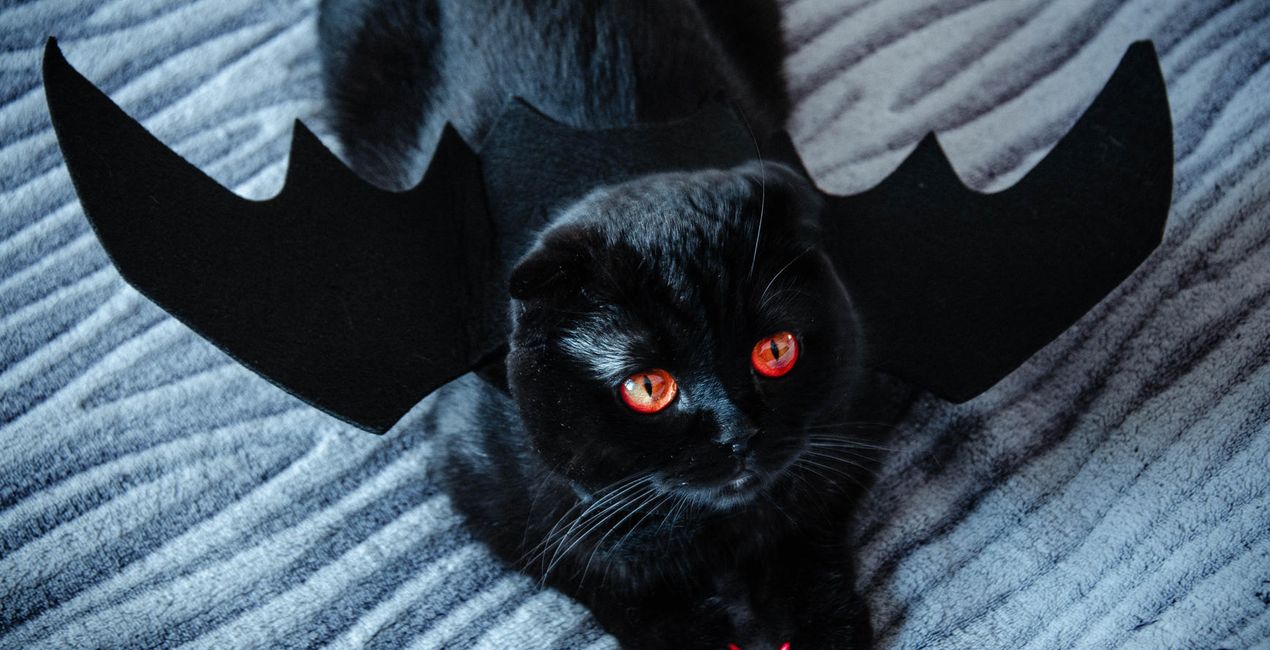
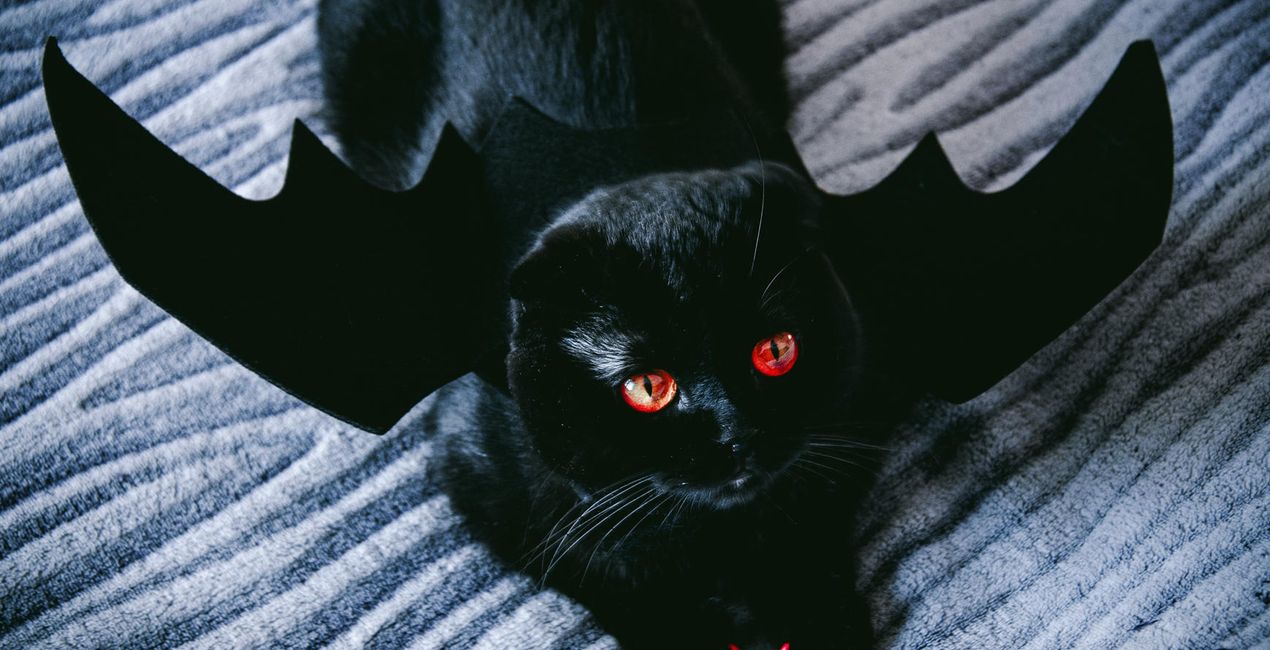
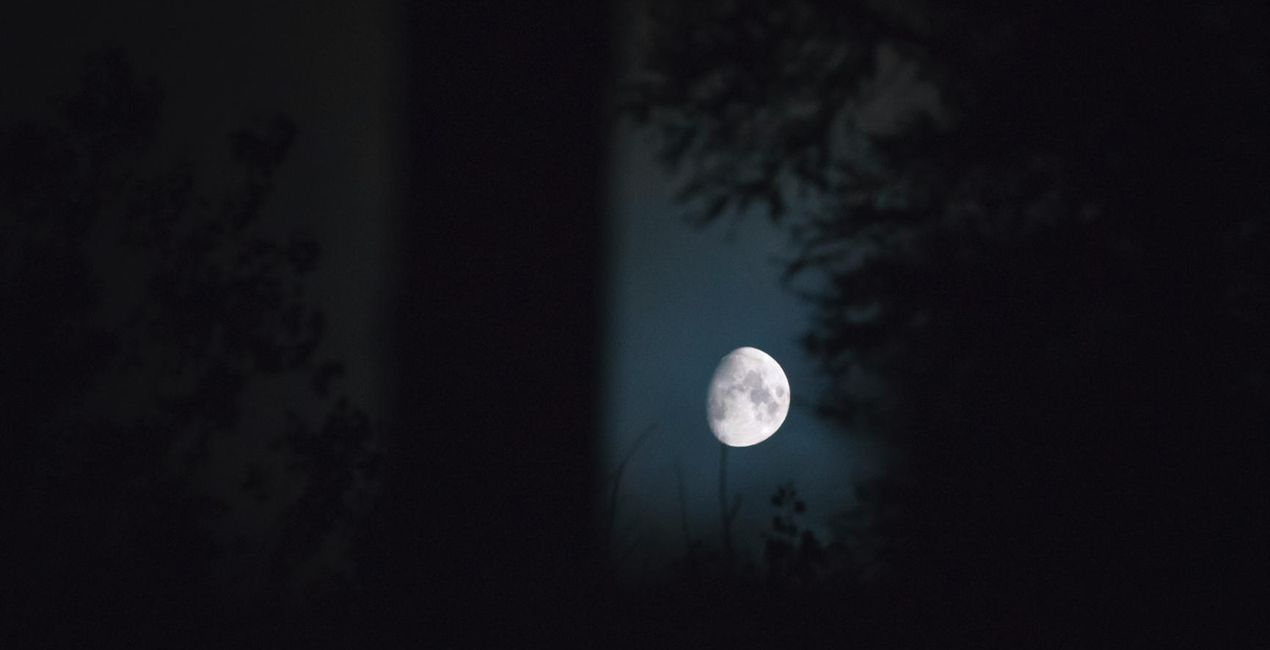
Trick or treat? These LUTs are certainly a treat! Spooky images are guaranteed this Halloween with these 6 LUTs, designed to bring a macabre atmosphere to your photos. Add contrast, shadow, and texture to transform an ordinary photo into a still from a horror movie. Celebrate the spirit of Halloween! These LUTs are not only spooky; they’re also compatible with Luminar 4, Luminar AI, and Luminar Neo as well as Photoshop and Lightroom — and even work in your video editing!


提供されたRAWファイルを使ってレタッチのコツを簡単に練習、こんな写真に仕上げる方法を学ぶことができます。
 >
>

 >
>
 >
>

 >
>

 >
>
製品についてご質問がございましたら、24時間対応のサポートチームまでお問い合わせください。こちらのリンクをご利用ください。
Halloween Unmasked LUTsを購入するには、次の手順に従ってください:
1. Skylumのマーケットプレイスを開きます。
2. Halloween Unmasked LUTsがリストされているタブに移動し、クリックしてカートに追加します。
3. カートに進み、Halloween Unmasked LUTsの購入手続きを完了してください。
4. ご購入後、Halloween Unmasked LUTsのダウンロードリンクが記載された購入完了メールが届きます。また、Skylumアカウントの「マイアドオン」タブからも新しいアイテムをご確認いただけます。
Halloween Unmasked LUTsのインストール手順の詳細は、ダウンロードリンクと一緒にお送りする「購入完了メール」に記載されています。
また、Luminar Neoから購入されたアイテムを直接インストールすることもできます。エクストラ > マーケットプレイスに進み、商品カテゴリを選択して、購入済みアイテムを見つけてインストールをクリックしてください。
とても簡単です!Luminar Neoをお使いの場合は、トップバーメニューの編集 タブに切り替えてください。次に、クリエイティブ セクションに移動し、ムード > LUTを選択 > 購入済み を選択してください。インストールされたLUTパックが表示されます。
ご安心ください。Halloween Unmasked LUTsを含むすべての購入済みアイテムは、Skylumアカウントの「マイアドオン」タブ に保存されるため、簡単に再ダウンロードしてご利用いただけます。
ほとんどのアイテムはLuminar Neoに対応しています。ただし、確実にHalloween Unmasked LUTsがお使いのソフトと互換性があるかを確認するには、ダウンロードや購入前に製品仕様をご確認ください。Halloween Unmasked LUTsページ右側の「互換性」セクションに対応しているすべての製品が表示されています。
まだお帰りにならないでください。あなただけの特別割引コードをご用意しました。今後15分以内にご利用いただくと、お会計時にさらに10%オフになります。以下のコードをコピーして、お買い物を完了してください。
15 m : 00 s





