

 適用する
適用する 



Darkroom LUTs
Save $201 $ 19 .00
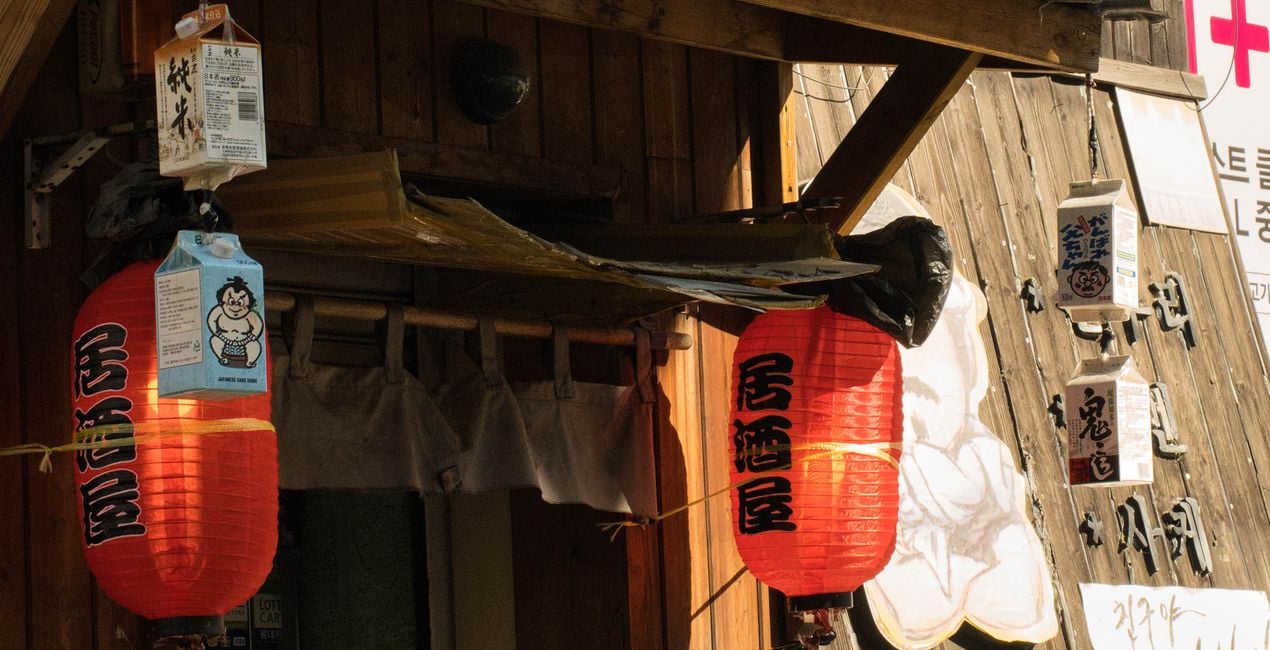
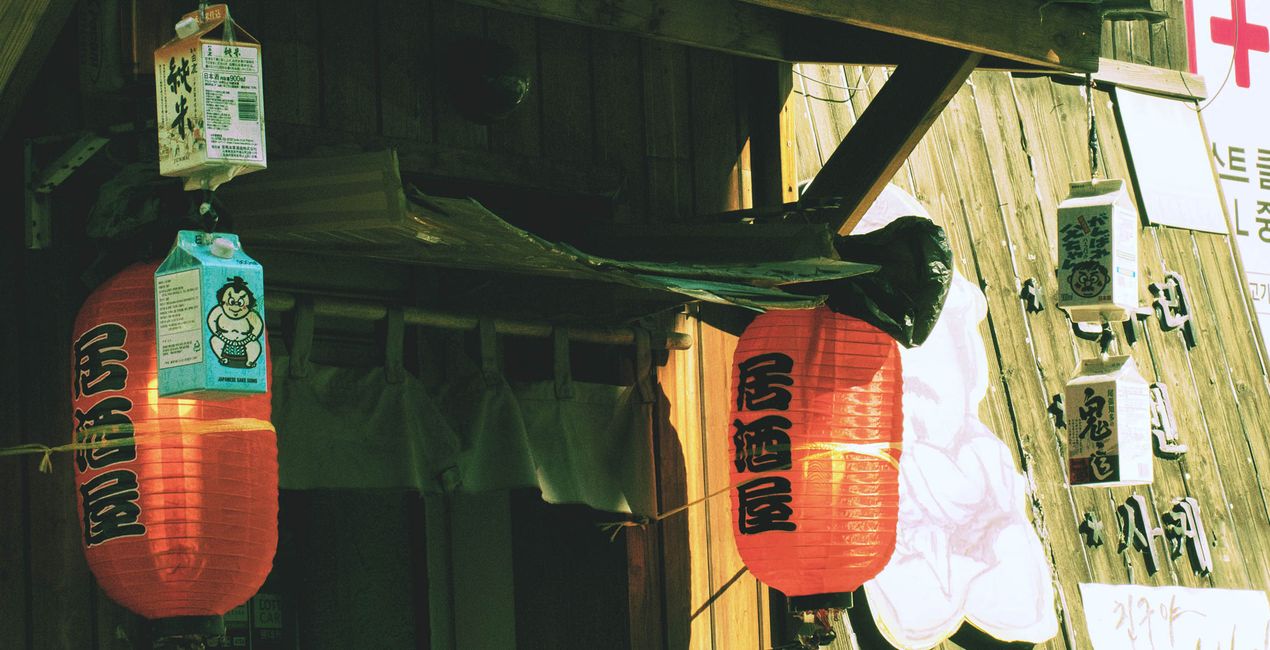
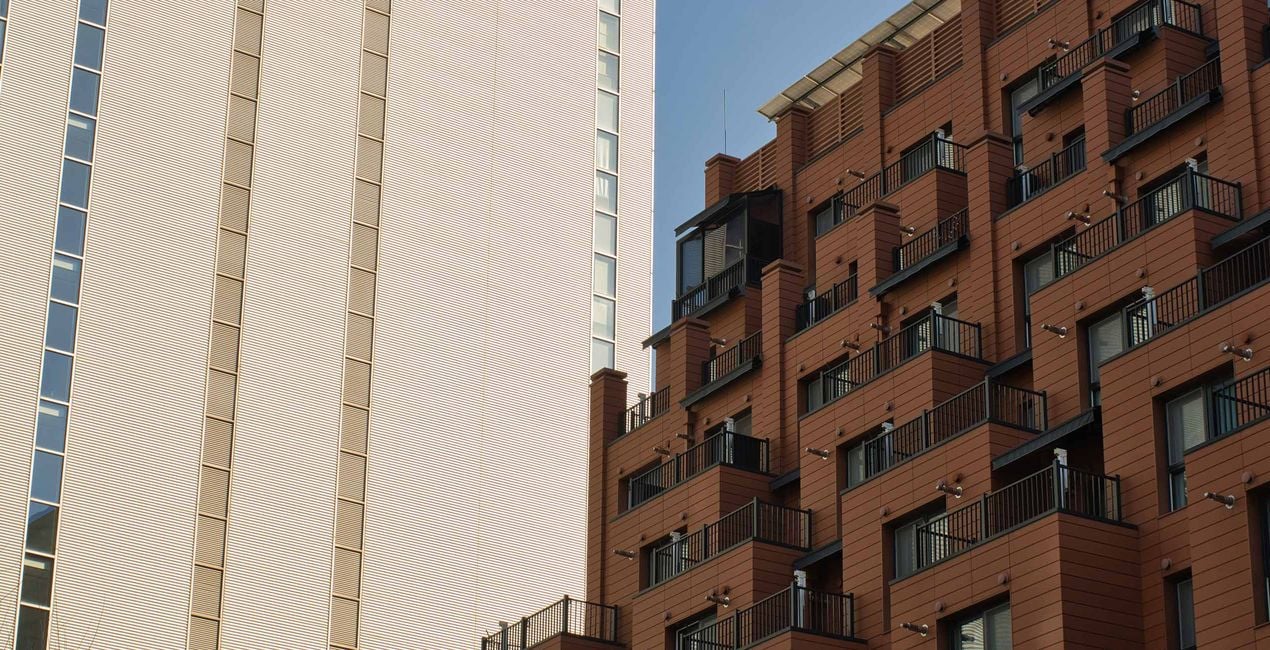
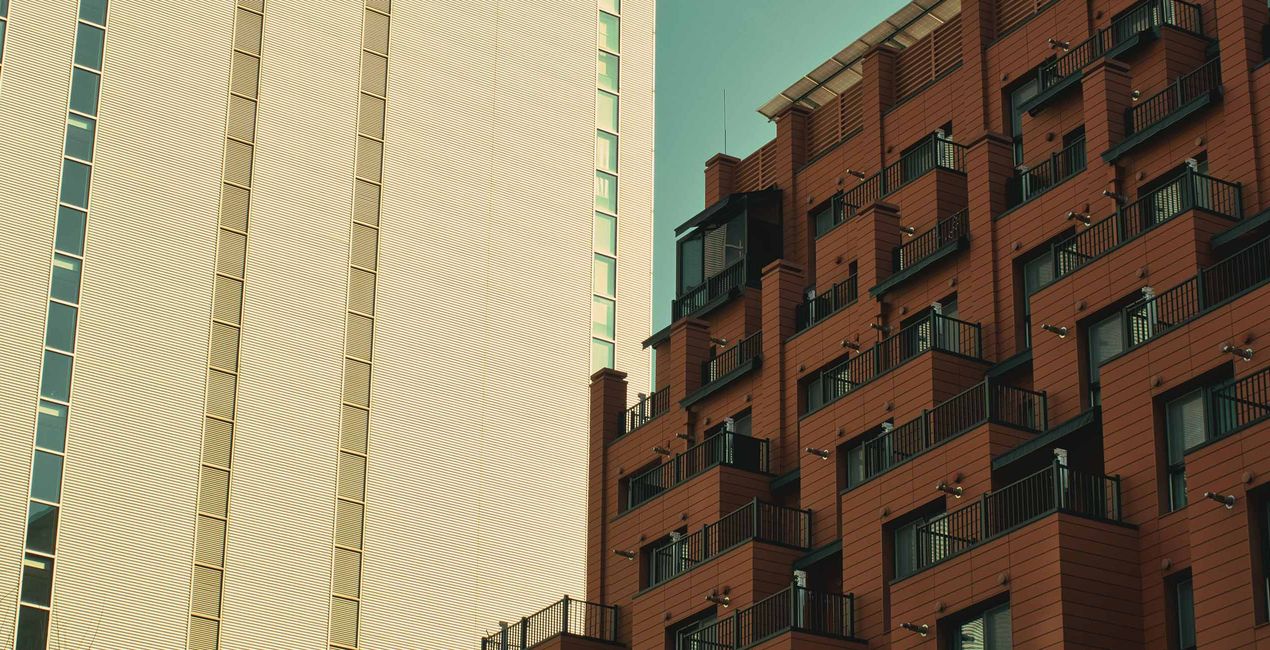
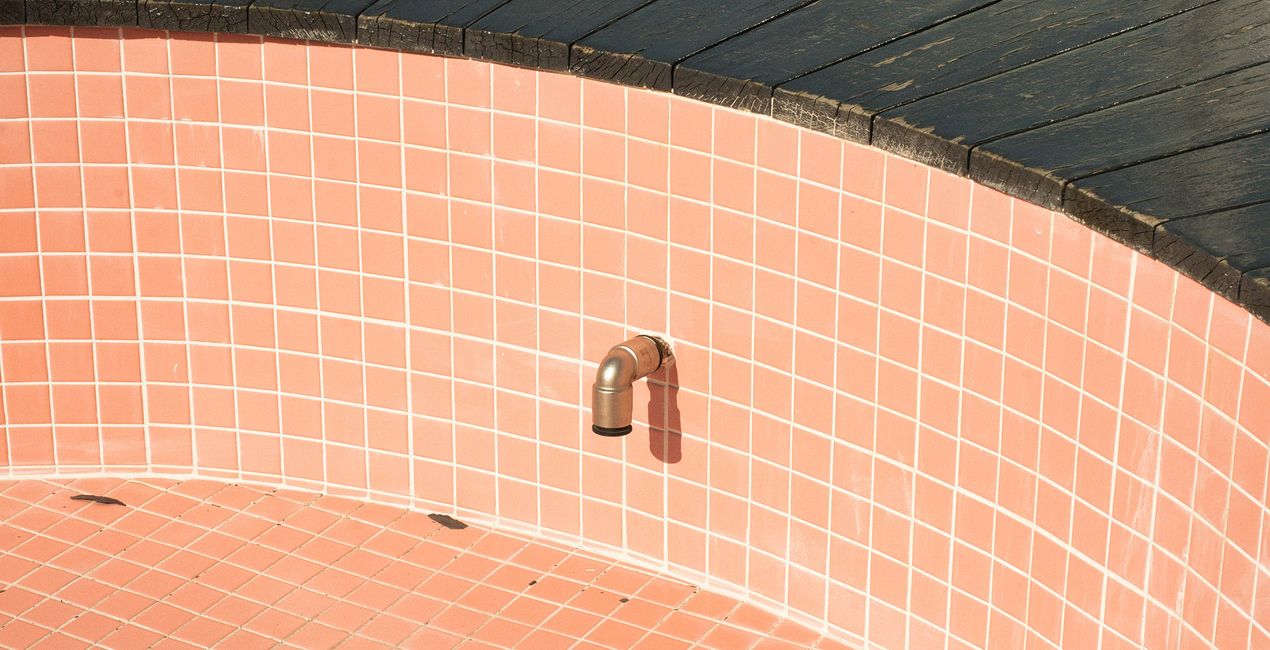
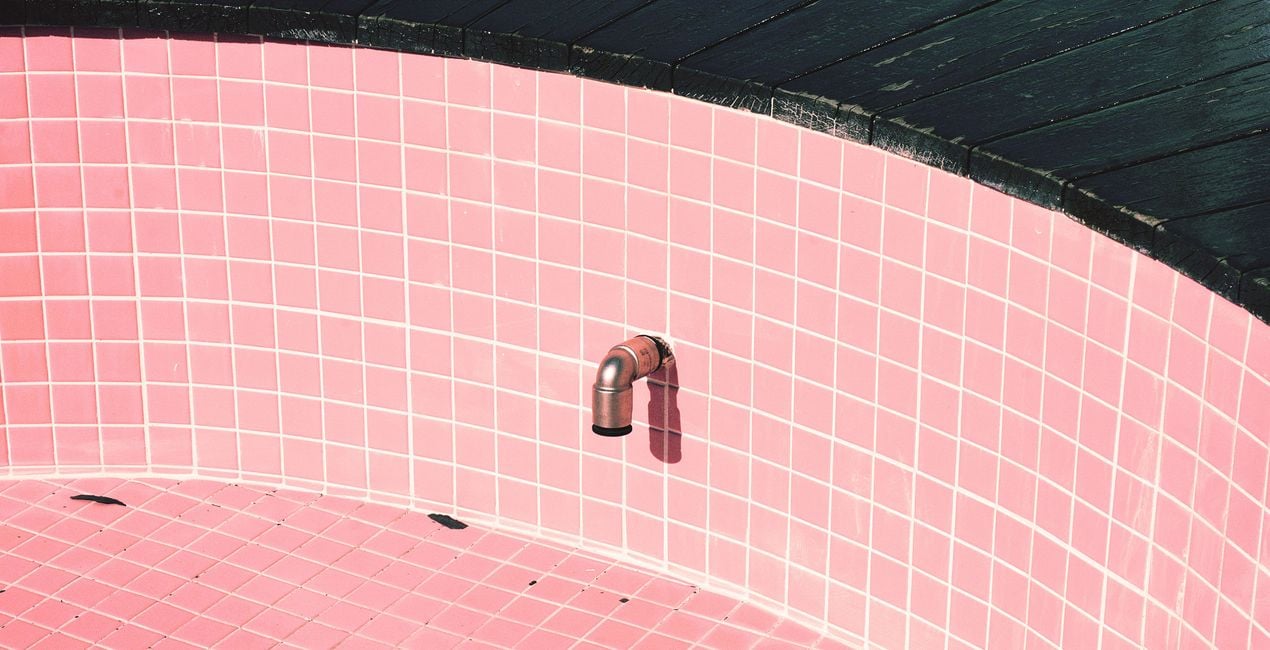
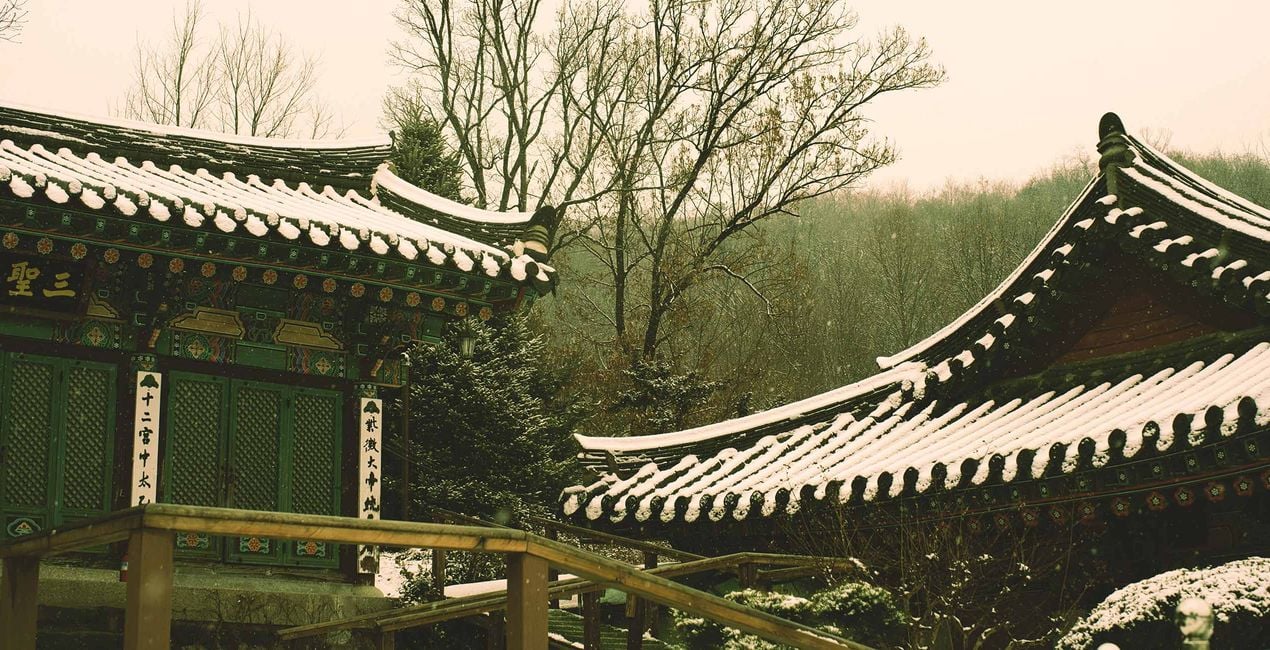
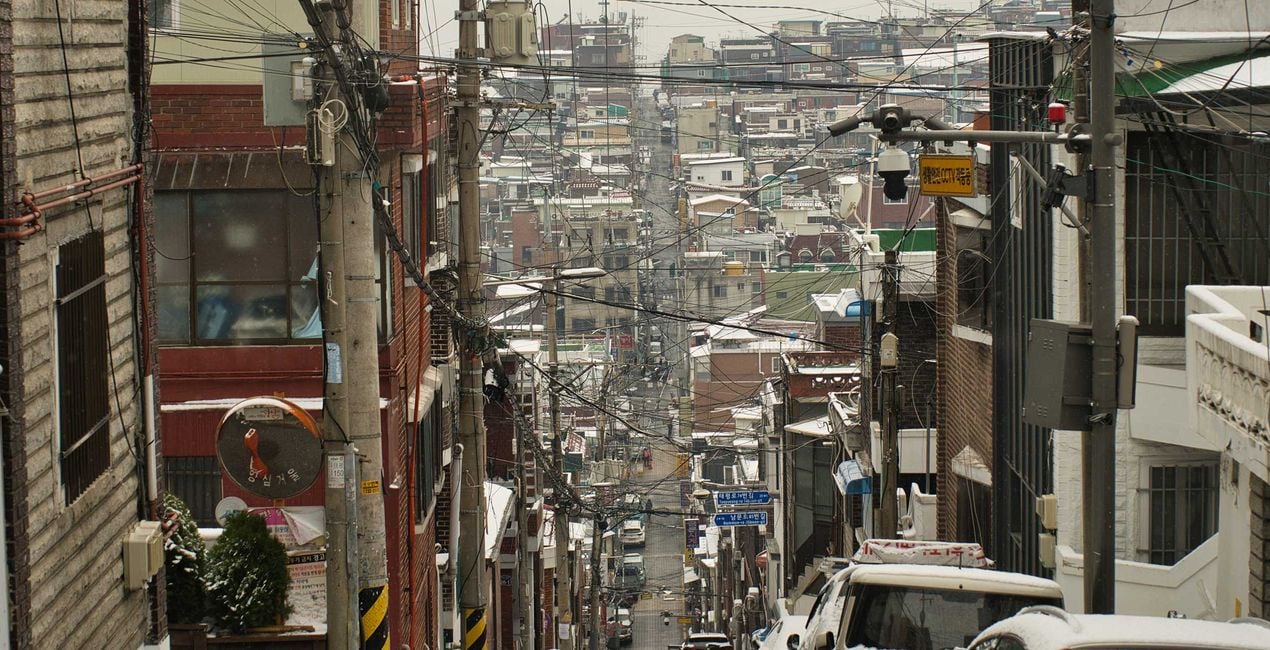
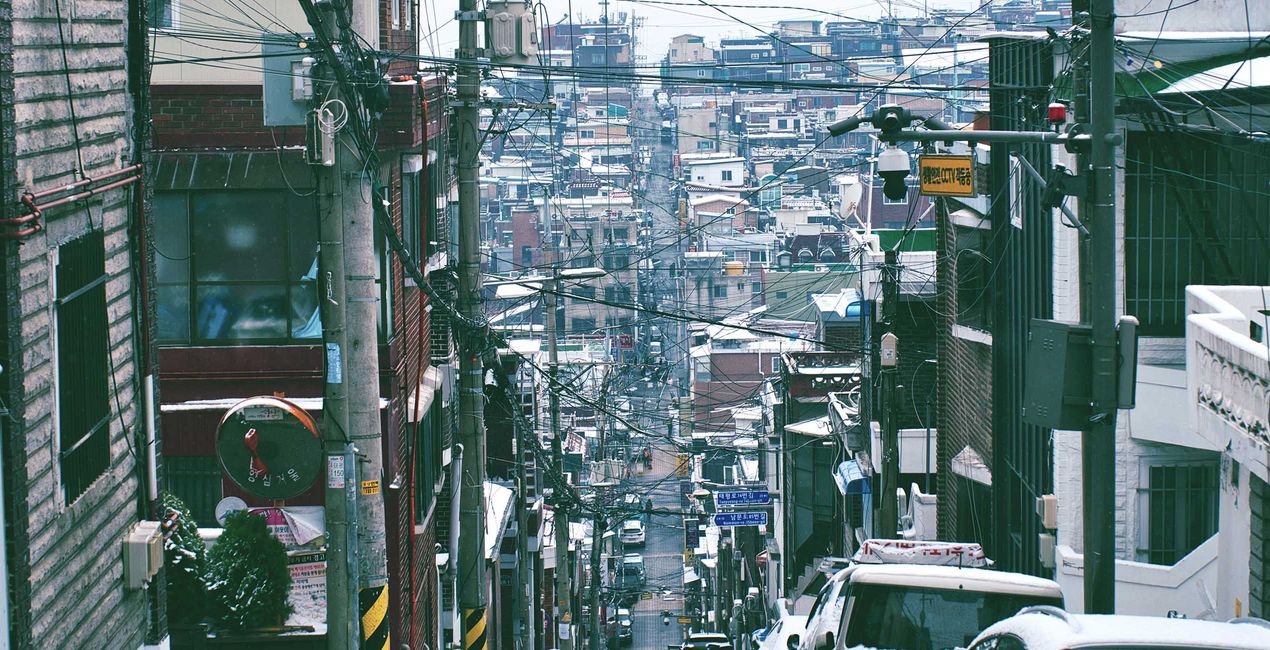
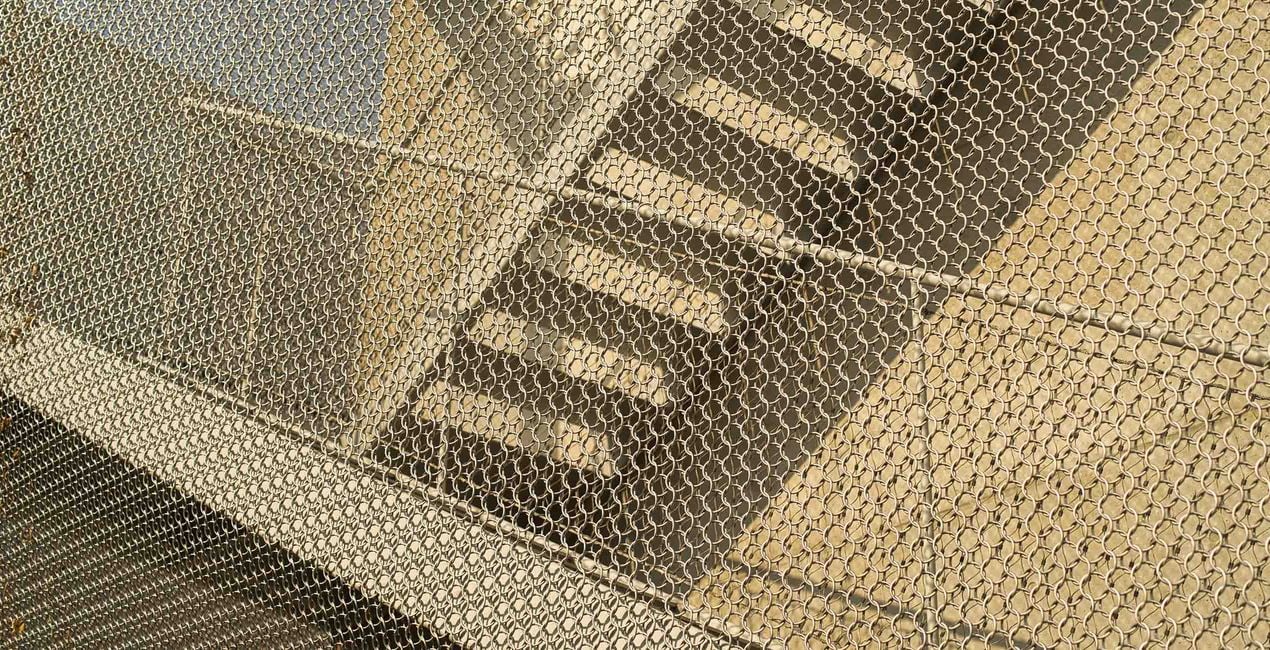
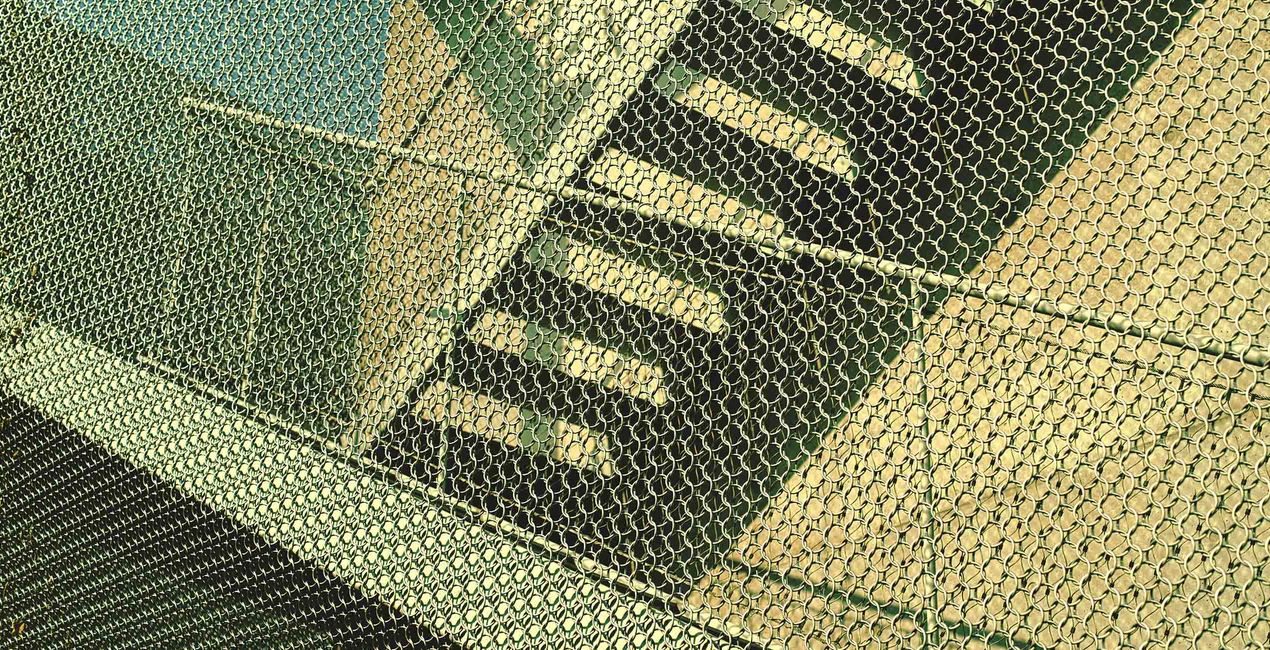
Darkroom LUTs is a versatile collection that brings the timeless quality of film photography into the digital age. Designed to complement any style of photography, these LUTs apply a classic film photography color grade to your images, infusing them with depth, warmth, and the subtle imperfections that make film so beloved. Whether you're capturing landscapes, portraits, or street scenes, Darkroom LUTs offer a simple way to achieve that sought-after analog look with the click of a button.
含まれているもの
10 LUTs


提供されたRAWファイルを使ってレタッチのコツを簡単に練習、こんな写真に仕上げる方法を学ぶことができます。
 >
>
 >
>
 >
>

 >
>
 >
>
 >
>
Street and Fashion photographer
Steve Roe is a photographer based in Seoul, originally from the UK, who has made a name for himself with his neon street photography. He captures the vibrant essence of cyberpunk culture, infusing his work with a futuristic and captivating allure. He is also known for his experimental approach to portraiture, employing neon lights and fractal lenses to craft imaginative and unique images that transport subjects to a realm of intriguing futurism. His talents have not gone unnoticed, with notable brands like Apple and Prada seeking his distinctive style for their campaigns. Steve's work has also received recognition from major platforms such as the BBC and National Geographic, while his photographs have graced the covers of iconic cyberpunk novels like The Neuromancer Trilogy by William Gibson. With an eye for neon aesthetics and a passion for capturing the essence of Asia's neon-lit cities, Steve Roe continues to captivate audiences, blurring the lines between reality and the dazzling realm of neon-lit dreams.
製品についてご質問がございましたら、24時間対応のサポートチームまでお問い合わせください。こちらのリンクをご利用ください。
Darkroom LUTsを購入するには、次の手順に従ってください:
1. Skylumのマーケットプレイスを開きます。
2. Darkroom LUTsがリストされているタブに移動し、クリックしてカートに追加します。
3. カートに進み、Darkroom LUTsの購入手続きを完了してください。
4. ご購入後、Darkroom LUTsのダウンロードリンクが記載された購入完了メールが届きます。また、Skylumアカウントの「マイアドオン」タブからも新しいアイテムをご確認いただけます。
Darkroom LUTsのインストール手順の詳細は、ダウンロードリンクと一緒にお送りする「購入完了メール」に記載されています。
また、Luminar Neoから購入されたアイテムを直接インストールすることもできます。エクストラ > マーケットプレイスに進み、商品カテゴリを選択して、購入済みアイテムを見つけてインストールをクリックしてください。
とても簡単です!Luminar Neoをお使いの場合は、トップバーメニューの編集 タブに切り替えてください。次に、クリエイティブ セクションに移動し、ムード > LUTを選択 > 購入済み を選択してください。インストールされたLUTパックが表示されます。
ご安心ください。Darkroom LUTsを含むすべての購入済みアイテムは、Skylumアカウントの「マイアドオン」タブ に保存されるため、簡単に再ダウンロードしてご利用いただけます。
ほとんどのアイテムはLuminar Neoに対応しています。ただし、確実にDarkroom LUTsがお使いのソフトと互換性があるかを確認するには、ダウンロードや購入前に製品仕様をご確認ください。Darkroom LUTsページ右側の「互換性」セクションに対応しているすべての製品が表示されています。
まだお帰りにならないでください。あなただけの特別割引コードをご用意しました。今後15分以内にご利用いただくと、お会計時にさらに10%オフになります。以下のコードをコピーして、お買い物を完了してください。
15 m : 00 s





