

 適用する
適用する 




当社について
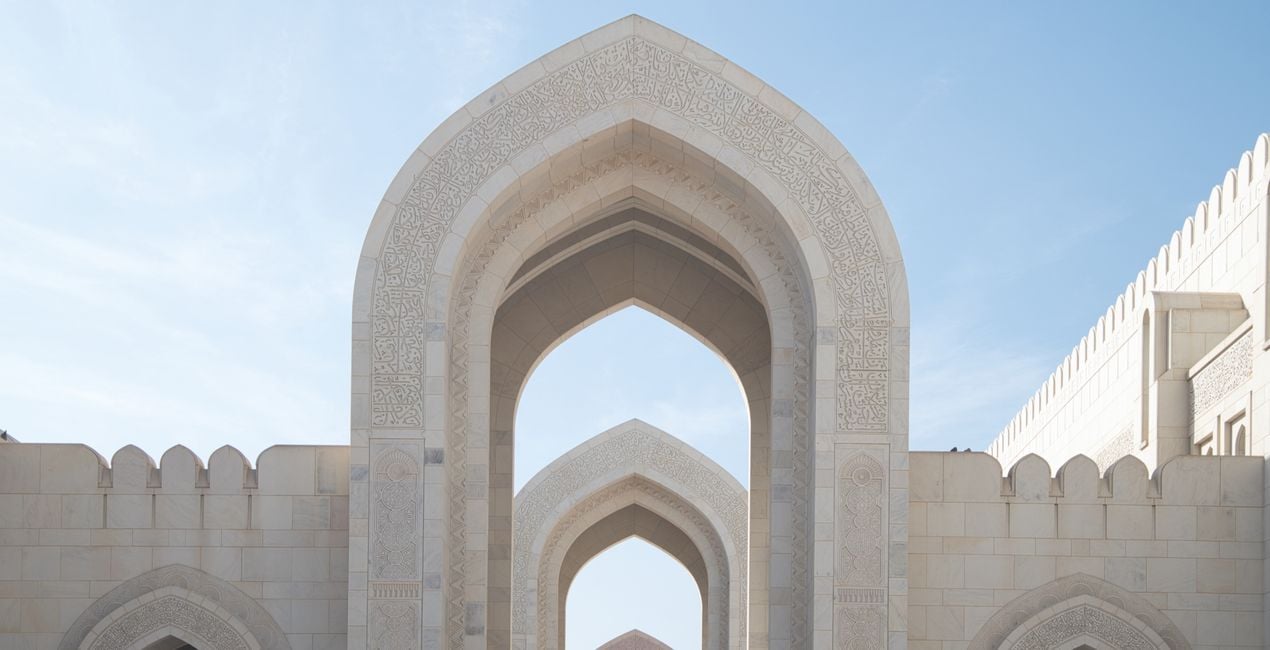
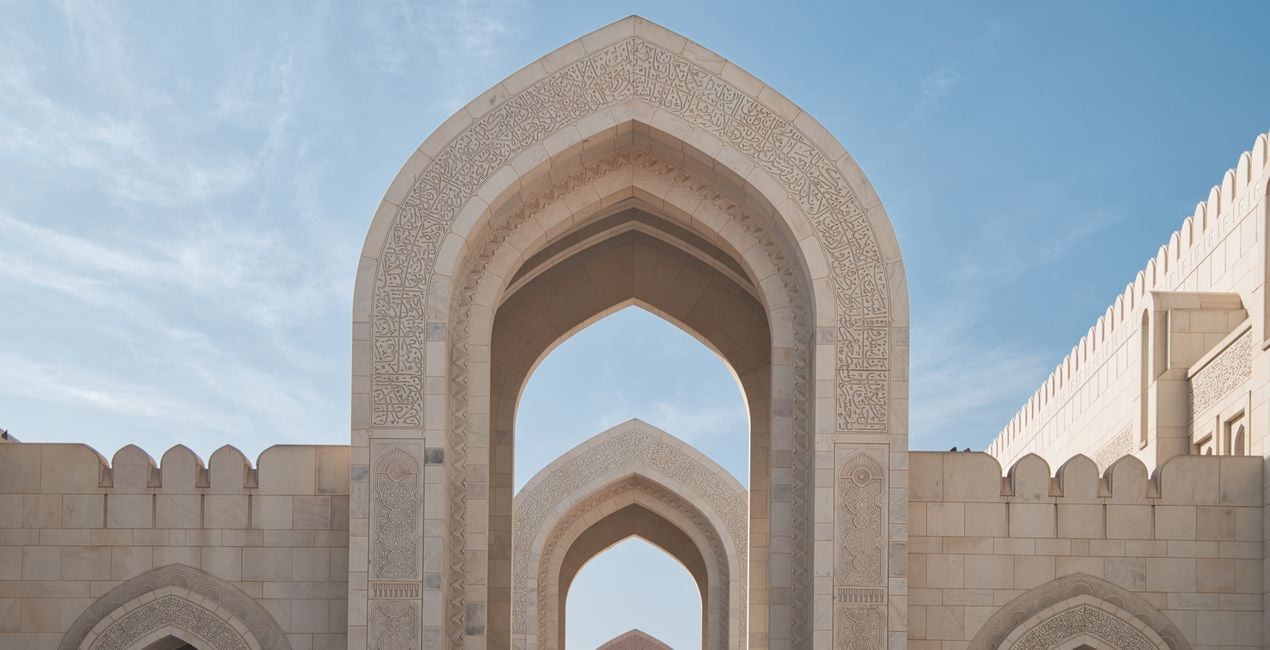
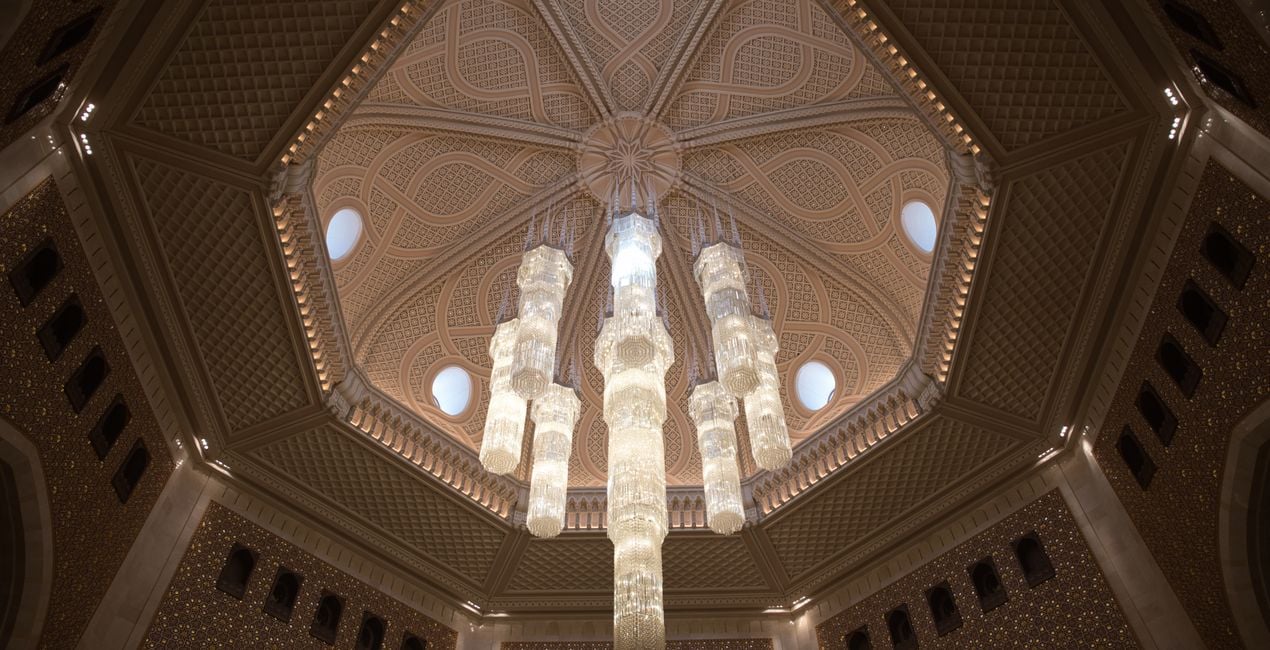
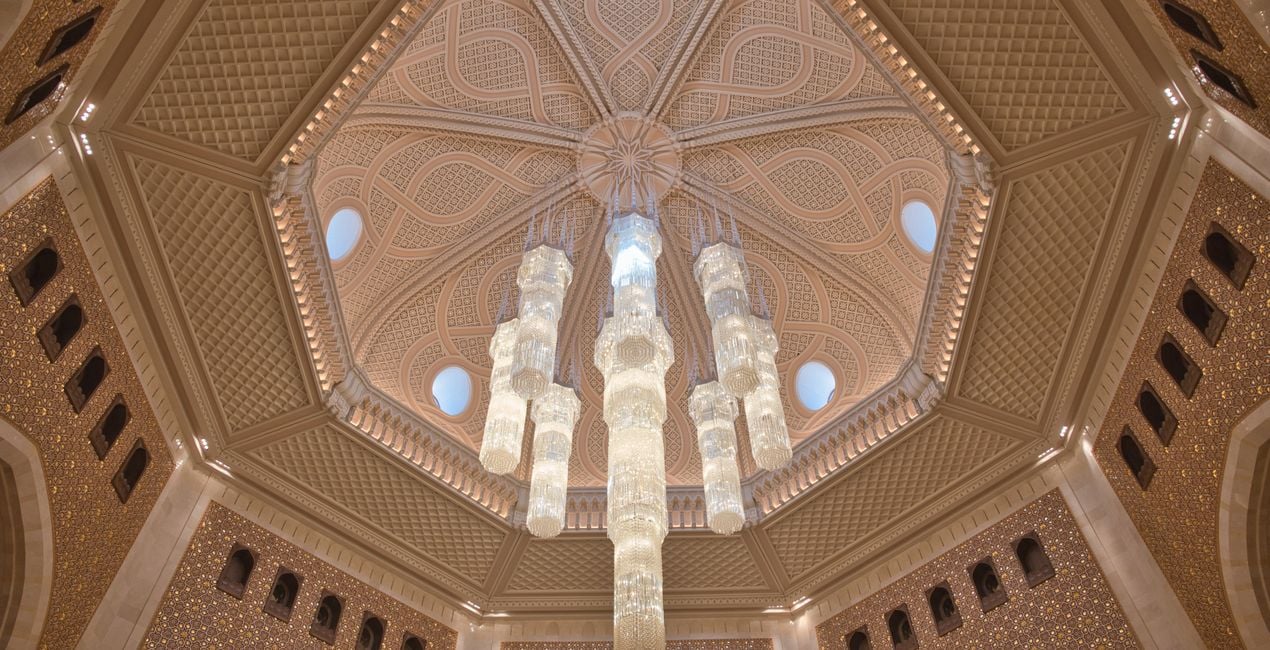
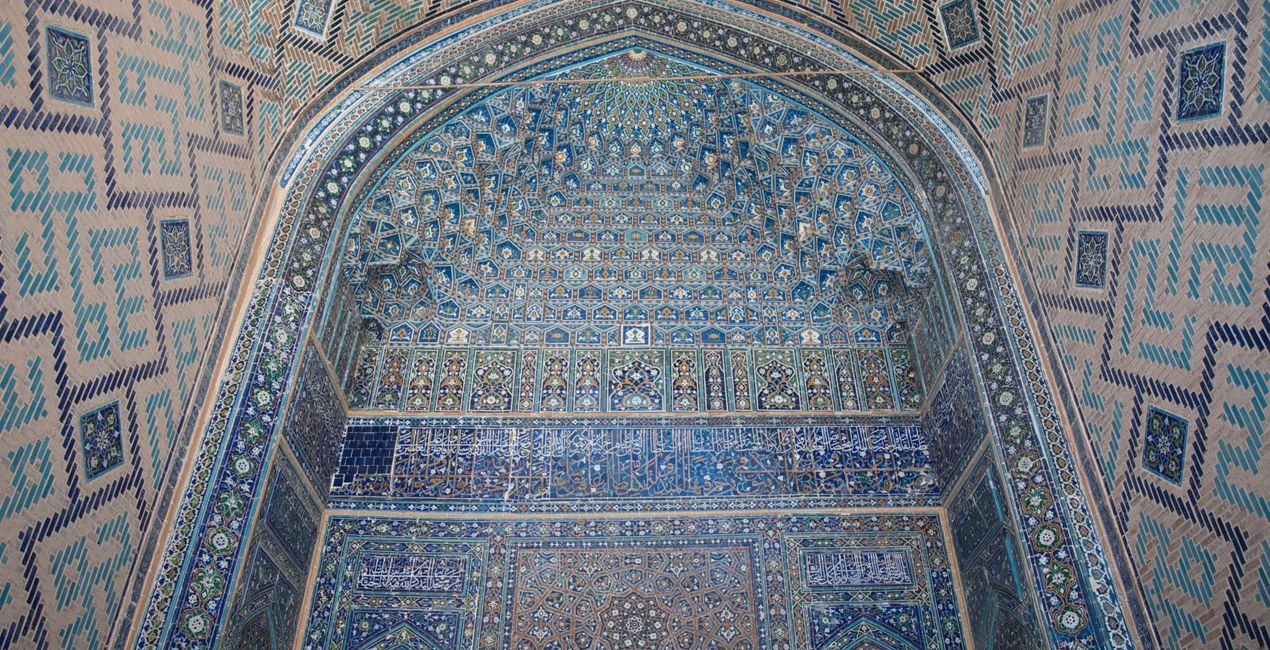
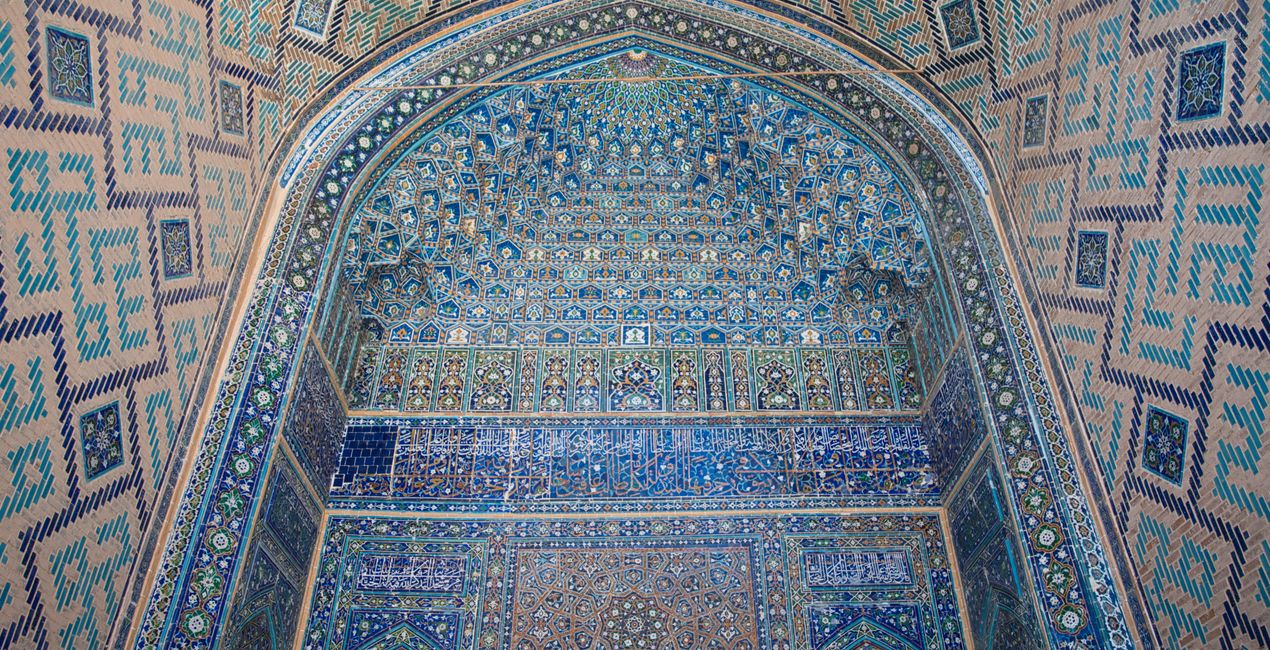
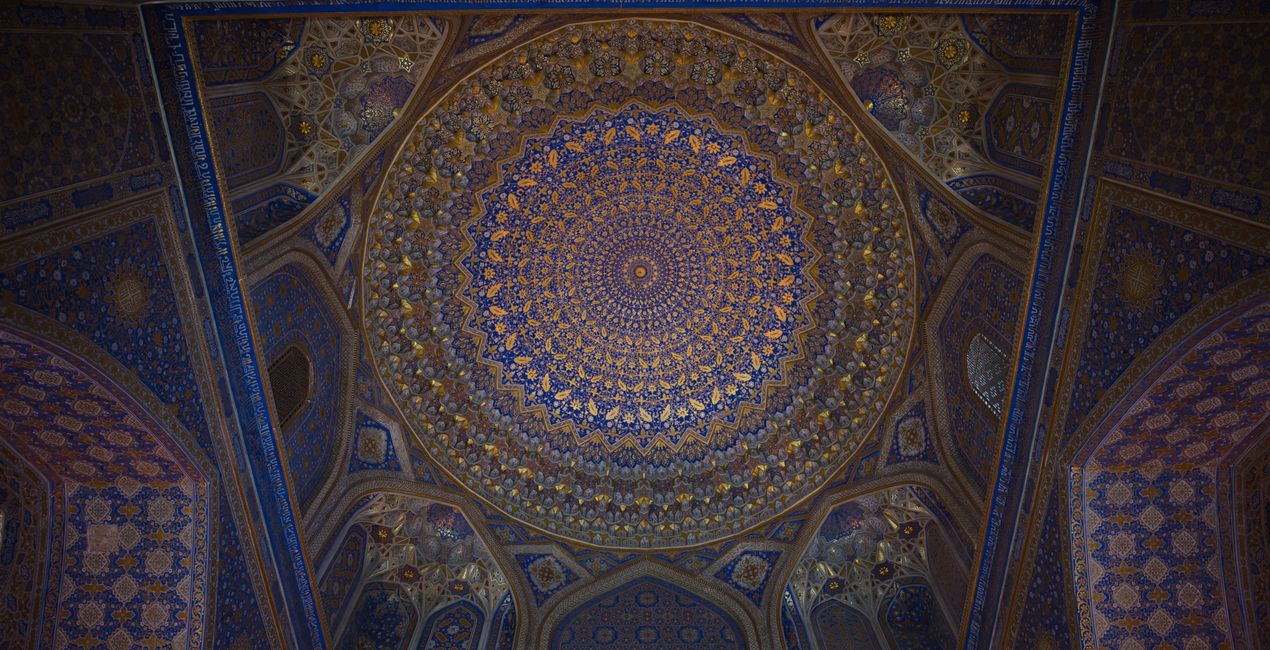
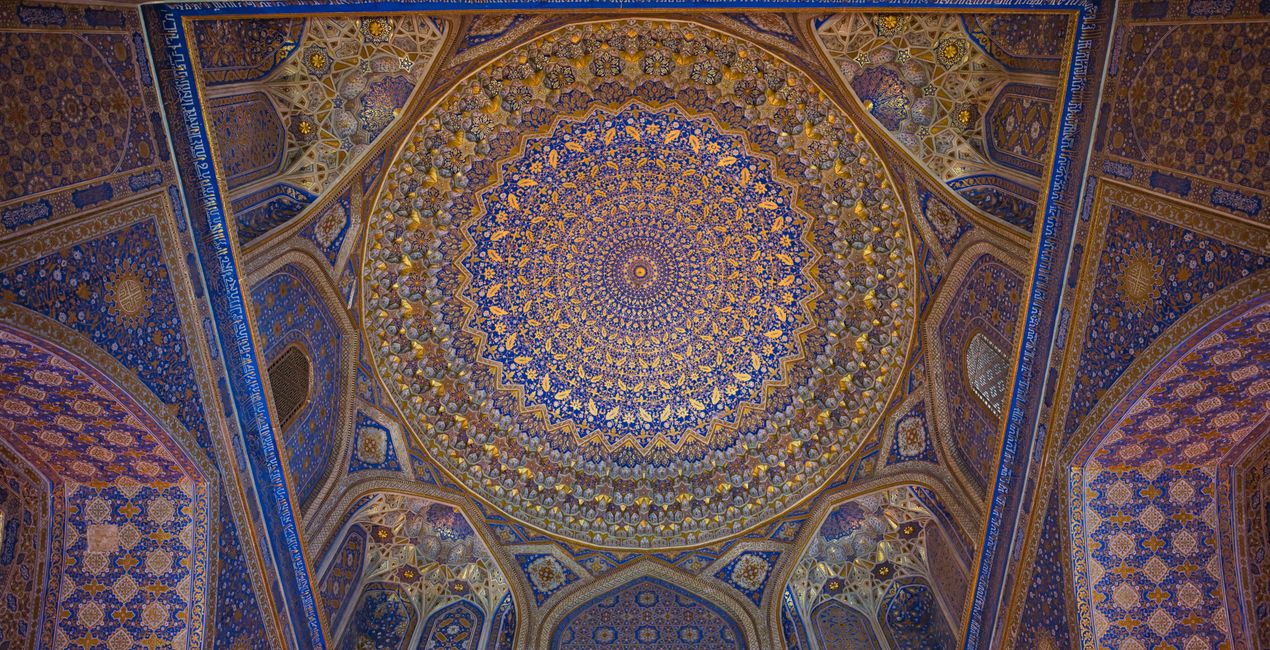
A pack of 10 Presets for Luminar Neo and Luminar AI. Instantly get a warm look for your travel photos shot in the Middle East and other Arab countries. These Presets are specifically created to enhance desert landscapes and oriental cityscapes with golden tones and rich colors.
互換性

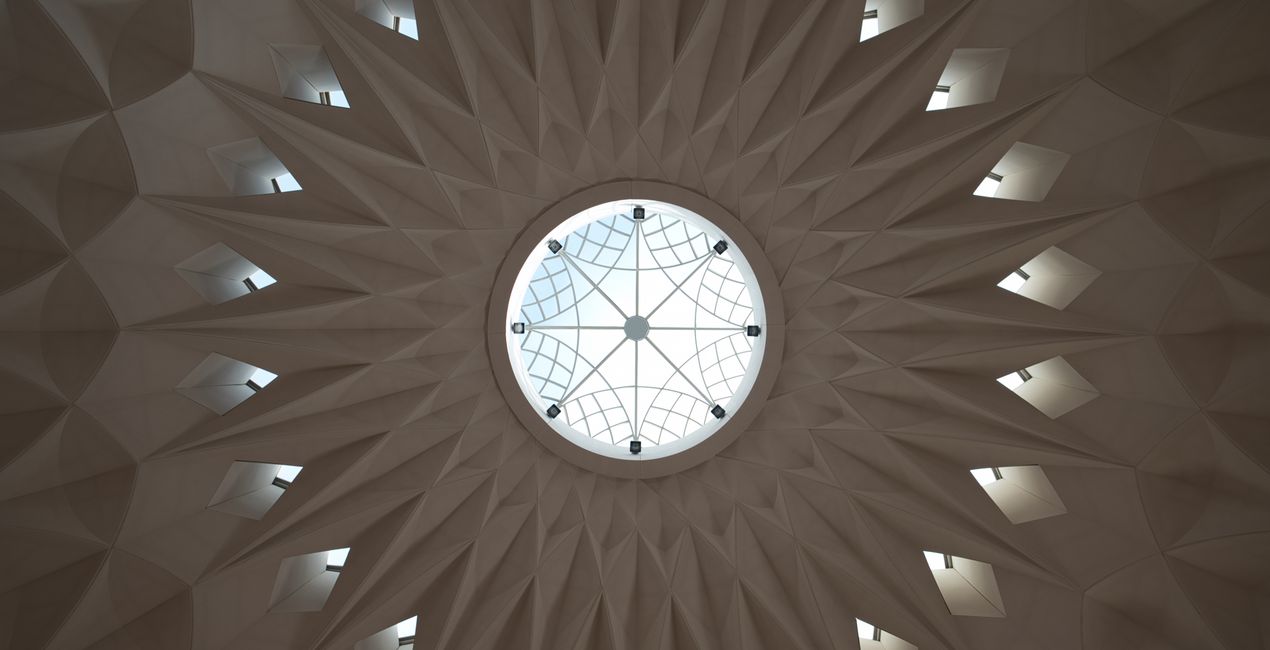
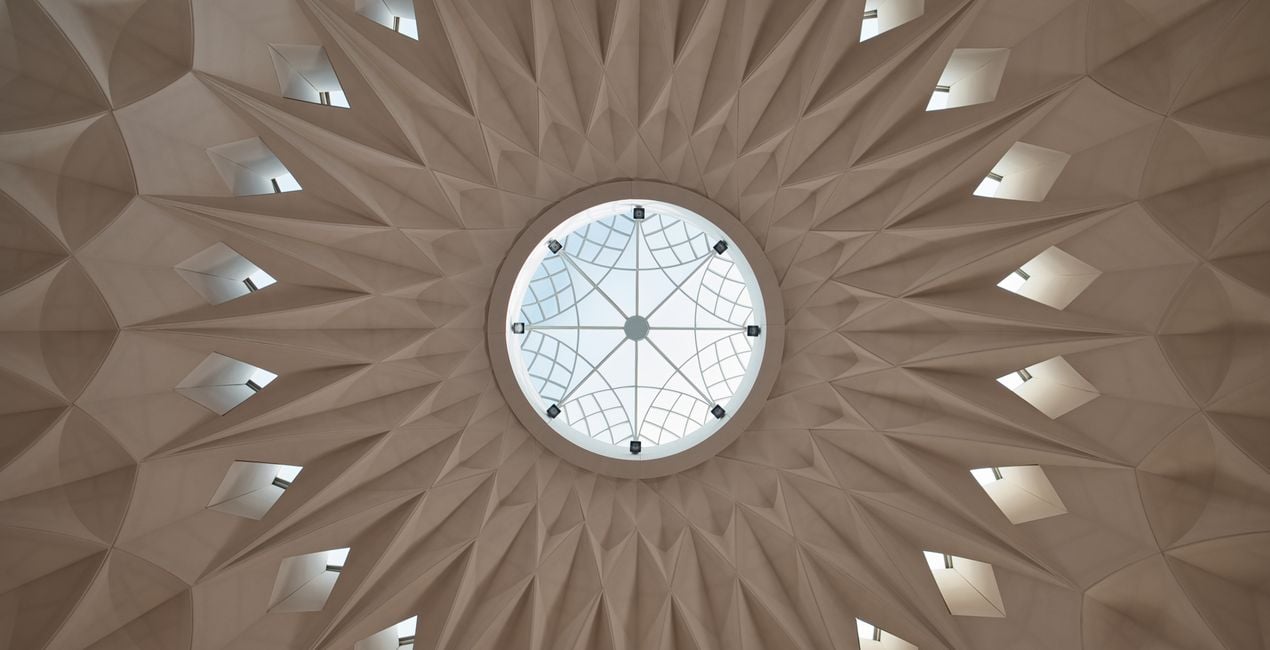
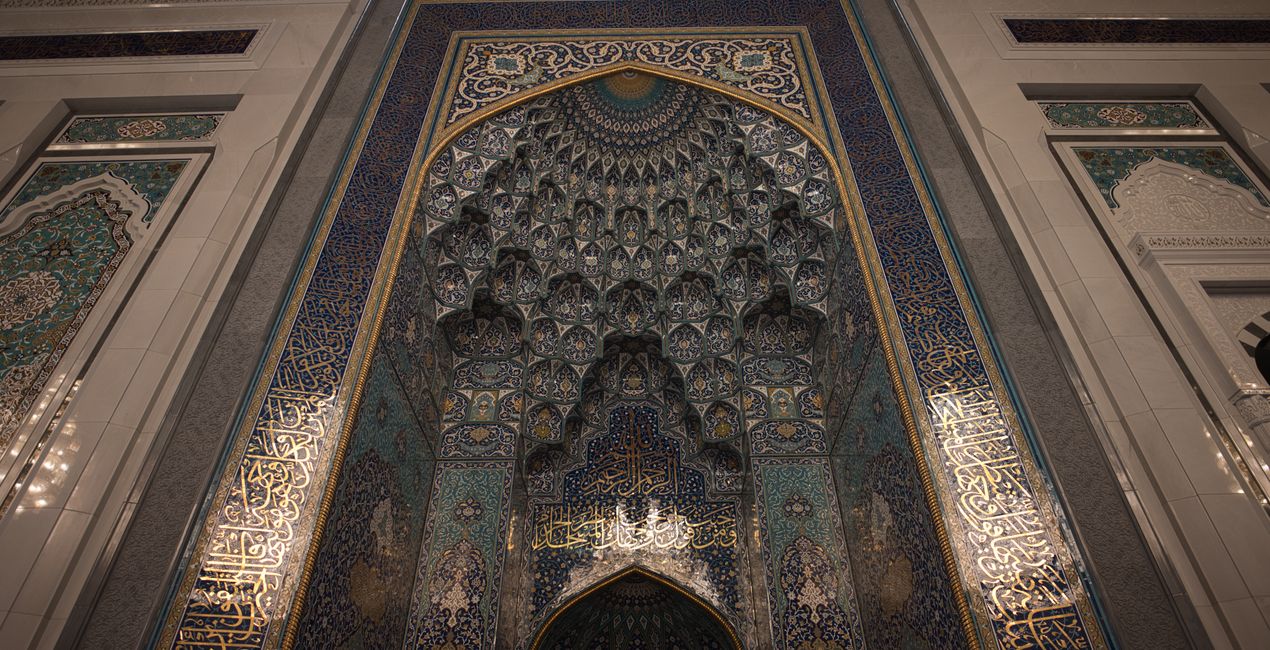
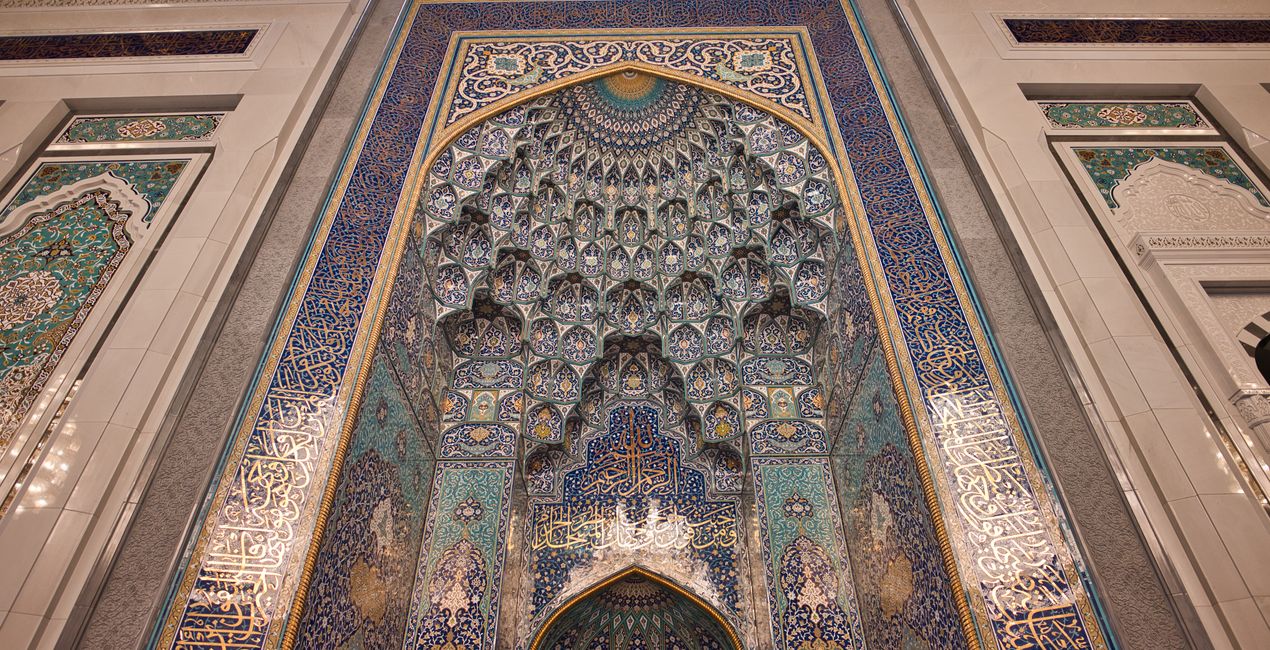
このような写真をゲット
提供されたRAWファイルを使ってレタッチのコツを簡単に練習、こんな写真に仕上げる方法を学ぶことができます。
 >
>
 >
>
 >
>
 >
>
 >
>
 >
>
物語
This collection of 10 one-click Presets for travel and architecture photography is just what you need to enhance your oriental images. These Presets add more detail, color and a sunny look to your photos.
You’ll find 10 Presets in this pack:
Samarkand - Lighten up and give a light saturation to the image.
Bukhara - Improve the colors and give some structure adjusting the contrast.
Amman - Warm the colors, improve the structure and the glow of the picture.
Riyhad - Add colder tones and enhance the structure.
Muscat - Darken the over-exposed areas and improve the gold tones in the image.
Shiraz - Improve the luminosity of the image making it more glowy.
Abu Dhabi - Lower the contrast and mute vibrant colors for a mystical look.
Kuwait - Add a hard contrast and improve the structure of the image.
Dubai - Improve the luminosity of your picture by adding a characteristic glow.
Doha - Perfect for desert landscapes, it adds a bit of a dramatic look.
Pro tip: For the best results, adjust the Amount slider for each Preset to control its impact. Remember that each image is unique, so make sure to adjust each Preset to match your vision and get the best results. Once you’ve applied a Preset, tweak the Exposure, Contrast, Highlights, and Blacks and Whites to your liking.
関連商品


クリエーター
Nancy Da Campo
Architecture photographer and educator
<p>Nancy Da Campo is a freelance architecture and interiors photographer born in Milan, Italy, and currently traveling extensively to discover and capture the beauty of the built environment. <br></p><p>Perspectives and the use of lines are two central pillars of Nancy’s content, and she’s always looking for new and interesting angles to show her interpretation of a building through her camera or drone lens. </p><p></p><p>Nancy regularly works with architectural and cultural institutions, tech brands, and tourism boards. </p>
サポートへの問い合わせ方法は?
製品についてご質問がございましたら、24時間対応のサポートチームまでお問い合わせください。こちらのリンクをご利用ください。
Oriental Feelを購入する方法は?
Oriental Feelを購入するには、次の手順に従ってください:
1. Skylumのマーケットプレイスを開きます。
2. Oriental Feelがリストされているタブに移動し、クリックしてカートに追加します。
3. カートに進み、Oriental Feelの購入手続きを完了してください。
4. ご購入後、Oriental Feelのダウンロードリンクが記載された購入完了メールが届きます。また、Skylumアカウントの「マイアドオン」タブからも新しいアイテムをご確認いただけます。
Oriental Feelをインストールする方法は?
Oriental Feelのインストール手順の詳細は、ダウンロードリンクと一緒にお送りする「購入完了メール」に記載されています。
また、Luminar Neoから購入されたアイテムを直接インストールすることもできます。エクストラ > マーケットプレイスに進み、商品カテゴリを選択して、購入済みアイテムを見つけてインストールをクリックしてください。
Oriental Feelのインストール後、どこで見つけられますか?
とても簡単です!プリセット タブに移動して、購入済みを選択してください。インストールしたプリセットがここに表示されます。
Oriental Feel を失くしてしまった場合は?
ご安心ください。Oriental Feelを含むすべての購入済みアイテムは、Skylumアカウントの「マイアドオン」タブ に保存されるため、簡単に再ダウンロードしてご利用いただけます。
Oriental Feelが自分のソフトに対応しているかどうかを確認するには?
ほとんどのアイテムはLuminar Neoに対応しています。ただし、確実にOriental Feelがお使いのソフトと互換性があるかを確認するには、ダウンロードや購入前に製品仕様をご確認ください。Oriental Feelページ右側の「互換性」セクションに対応しているすべての製品が表示されています。


