

 適用する
適用する 



Interiors Enhancements
Save $201 $ 19 .00
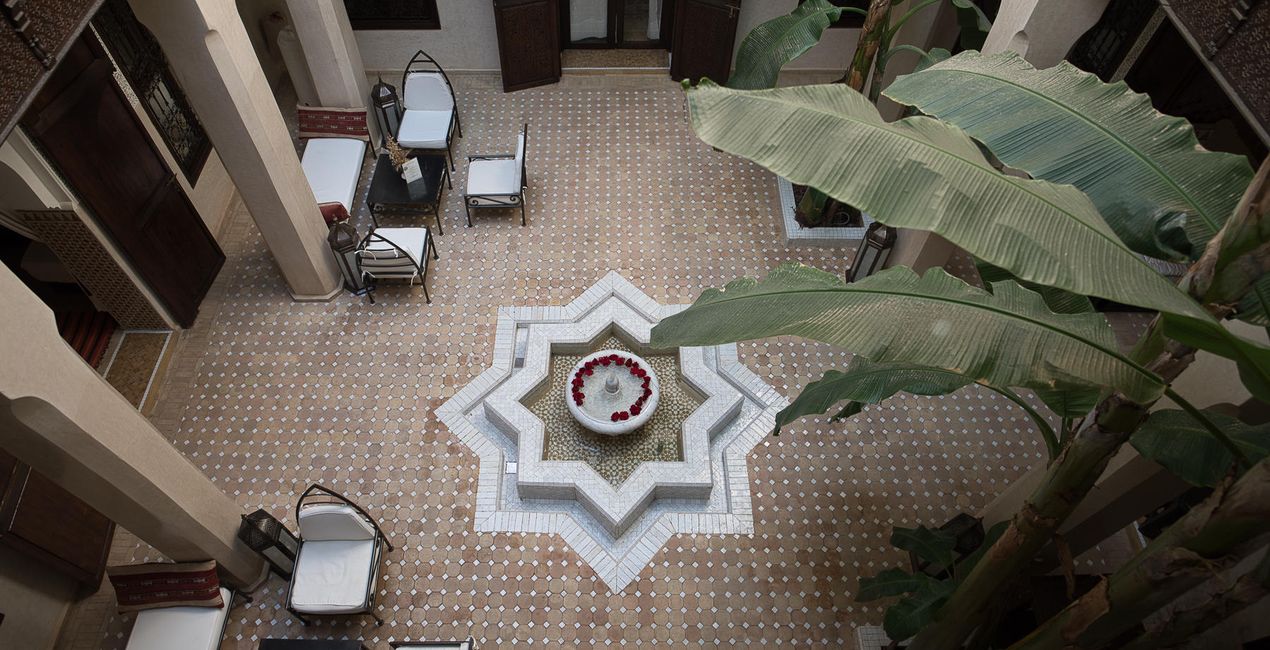
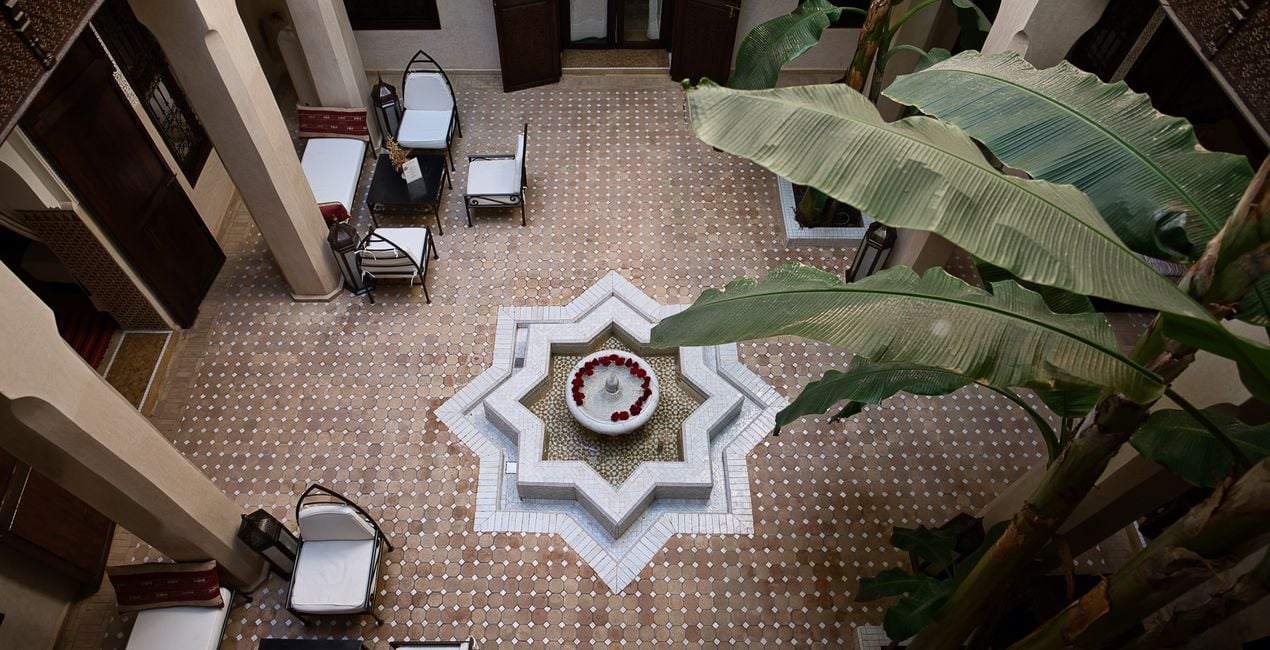
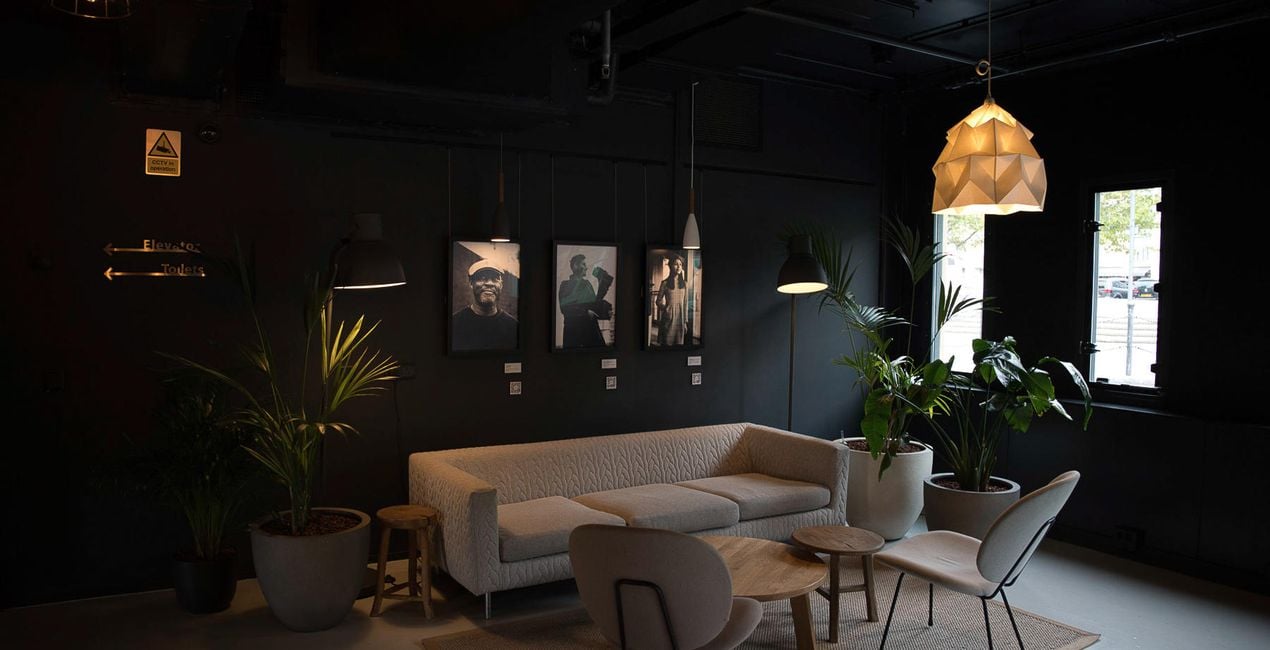
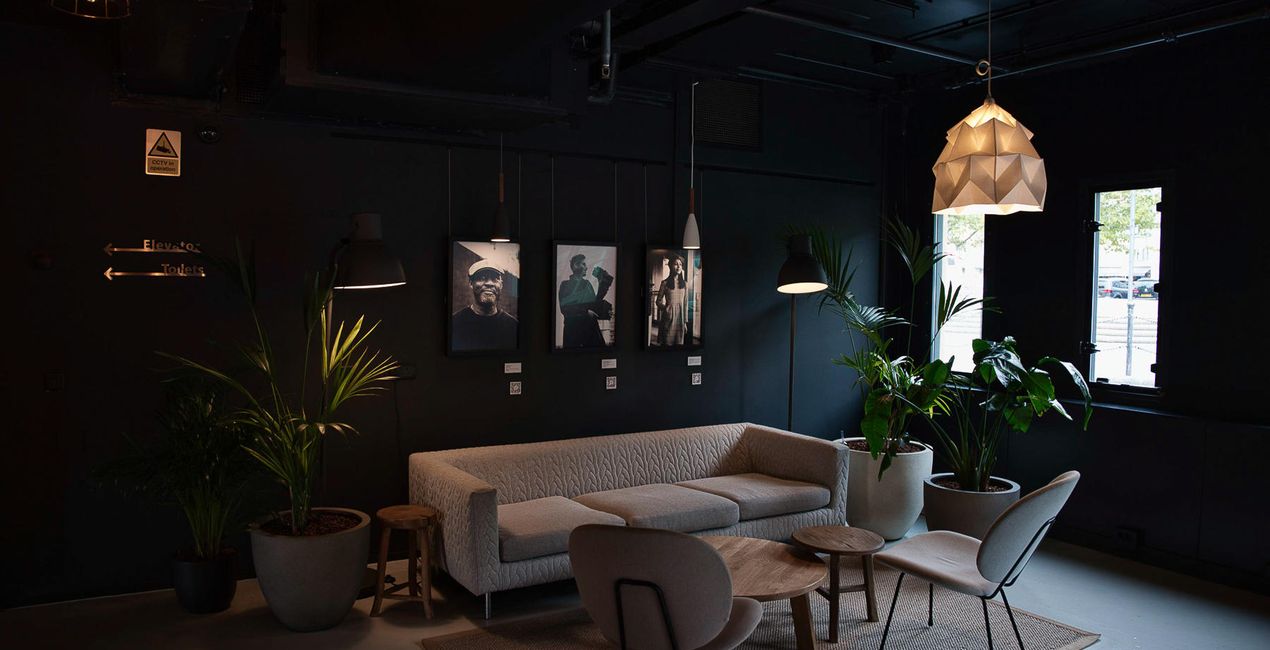
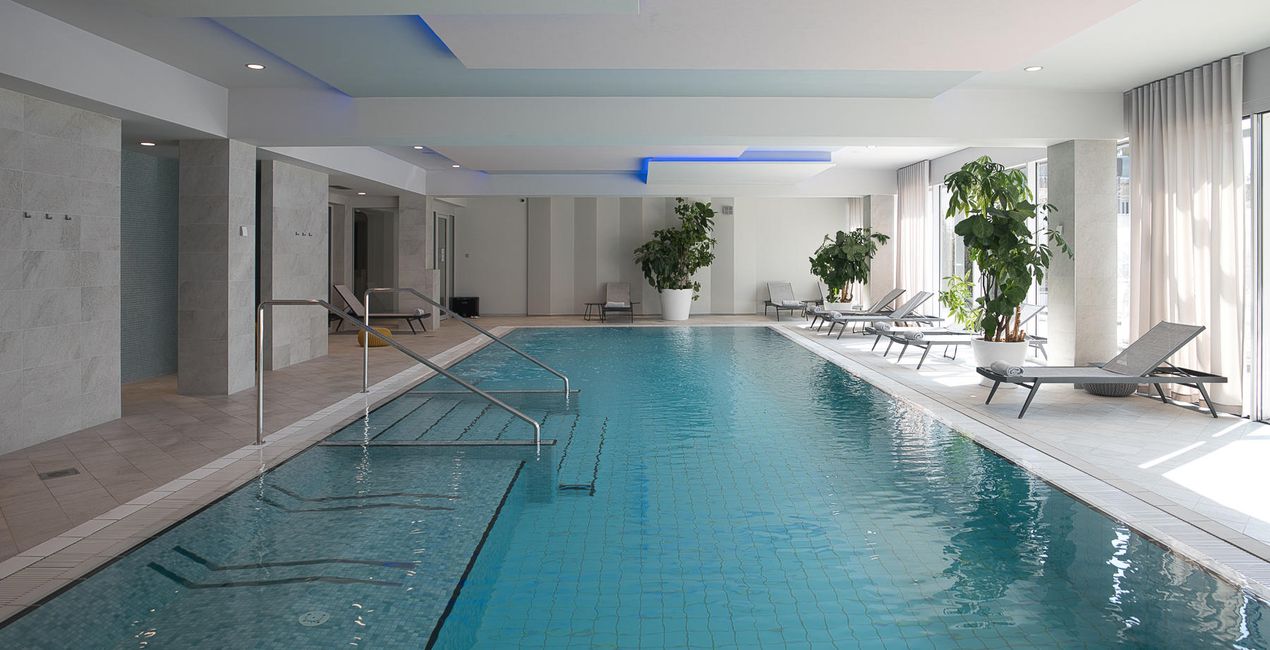
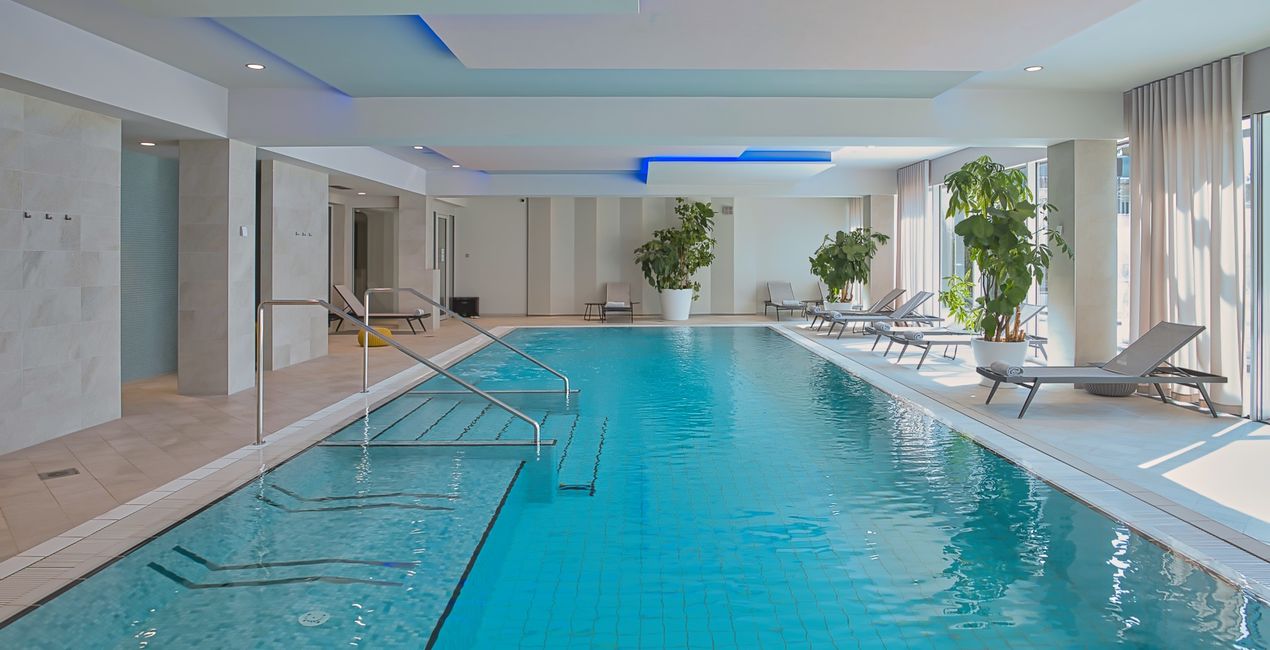
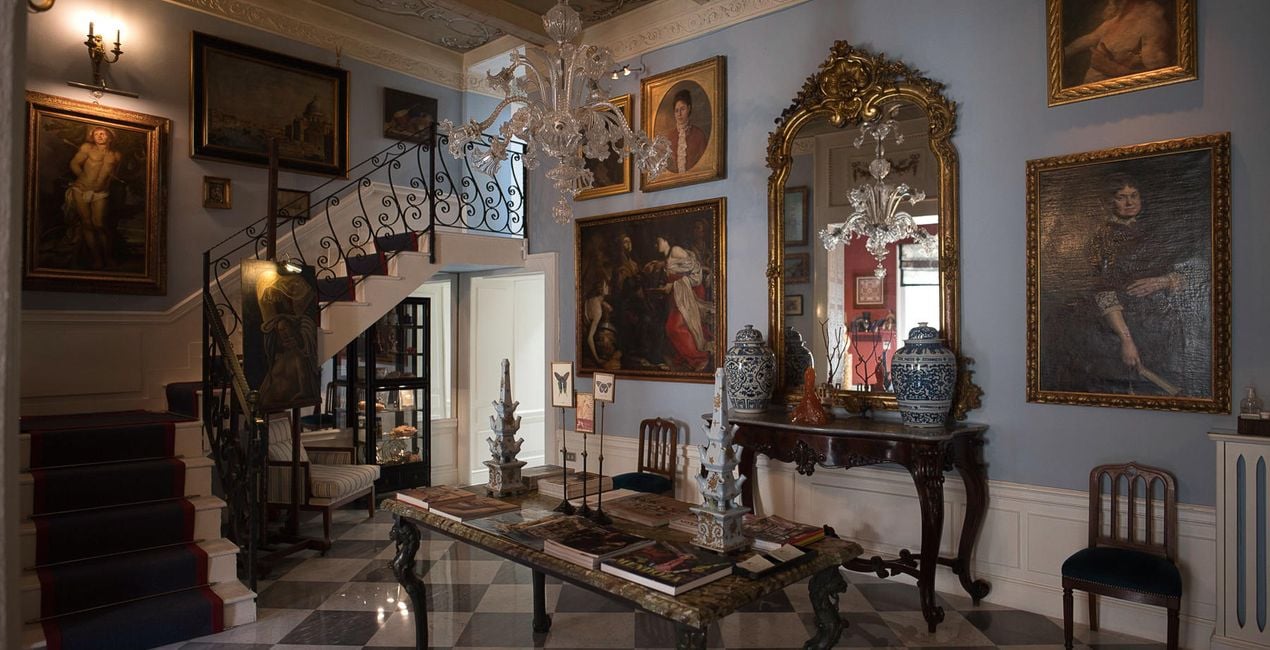
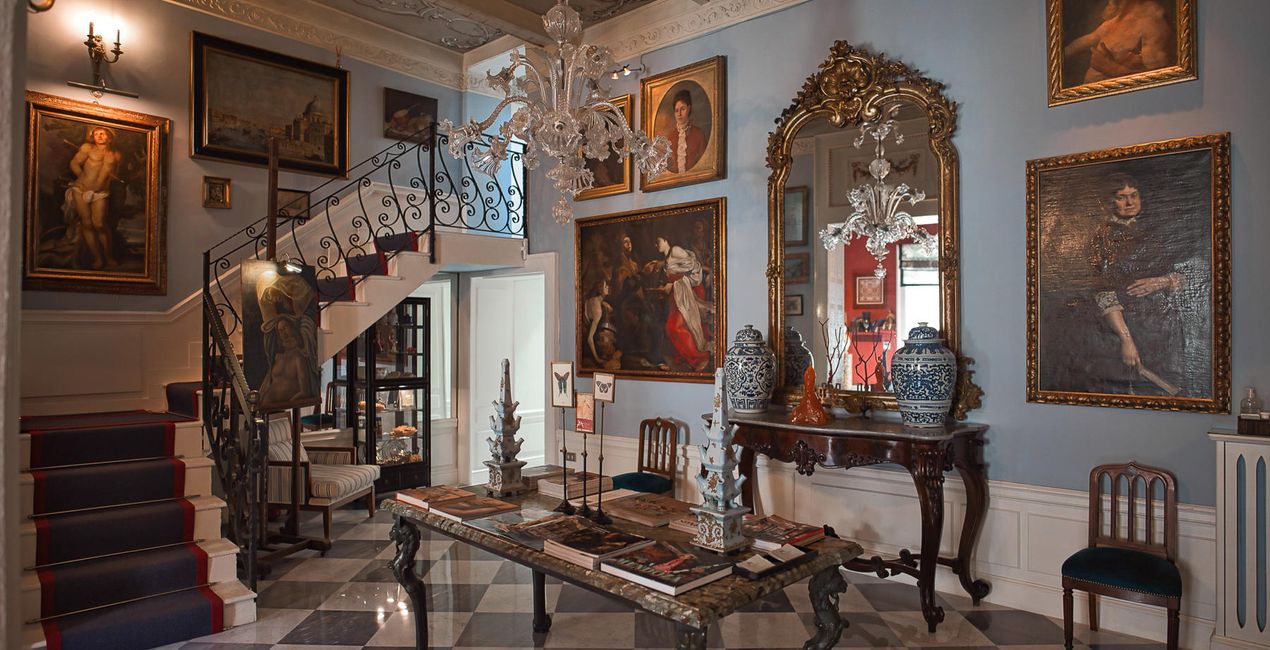
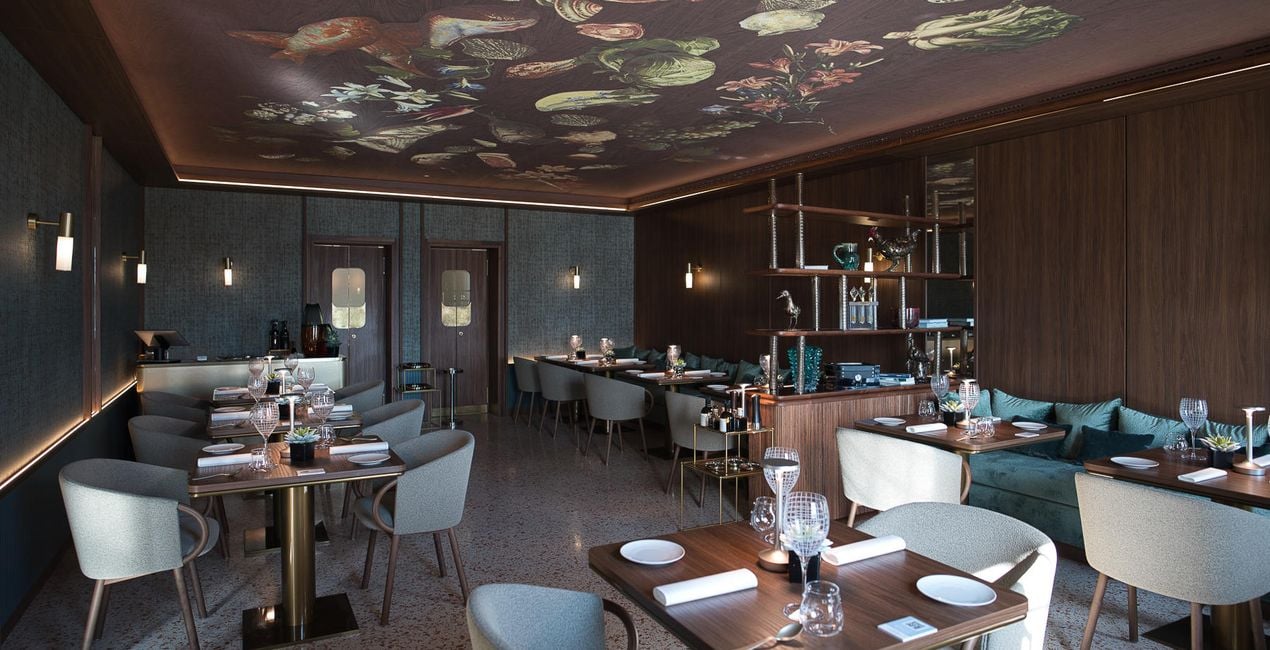
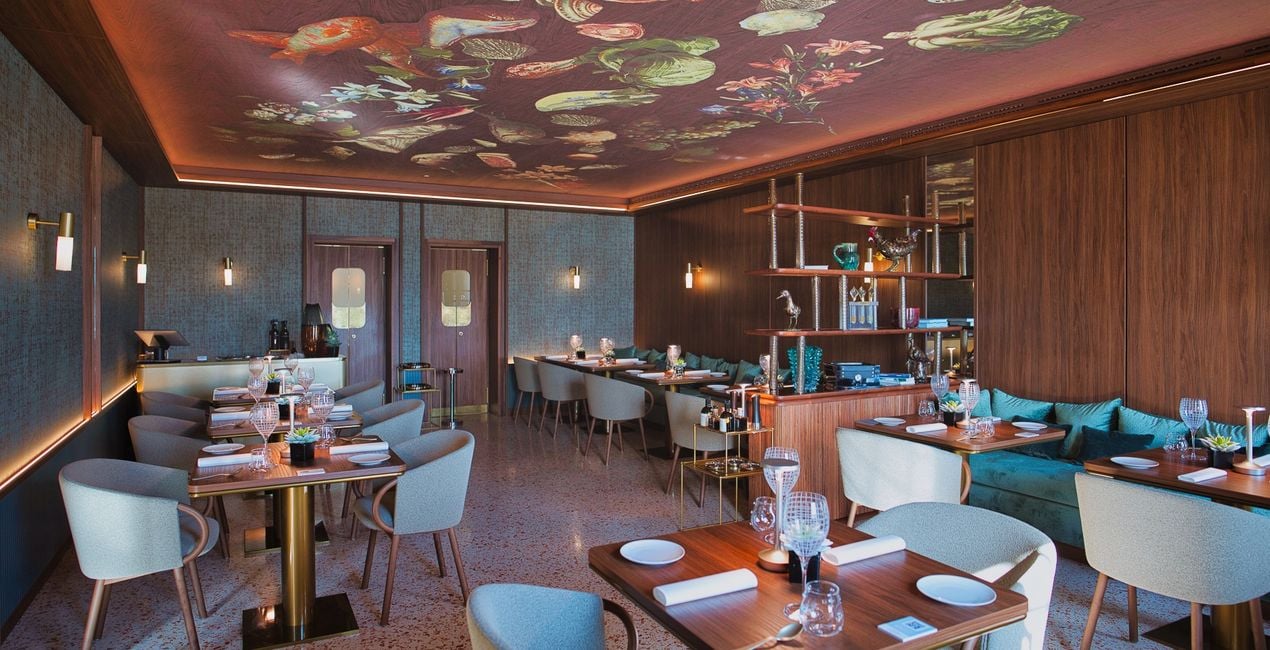
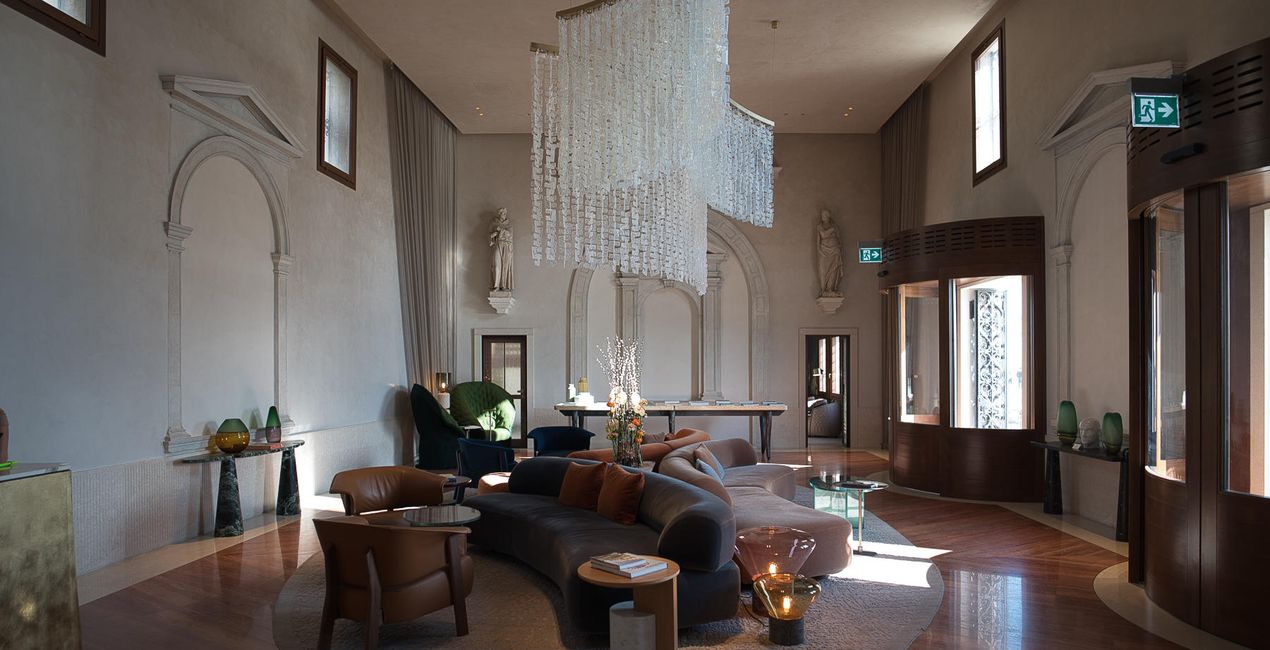
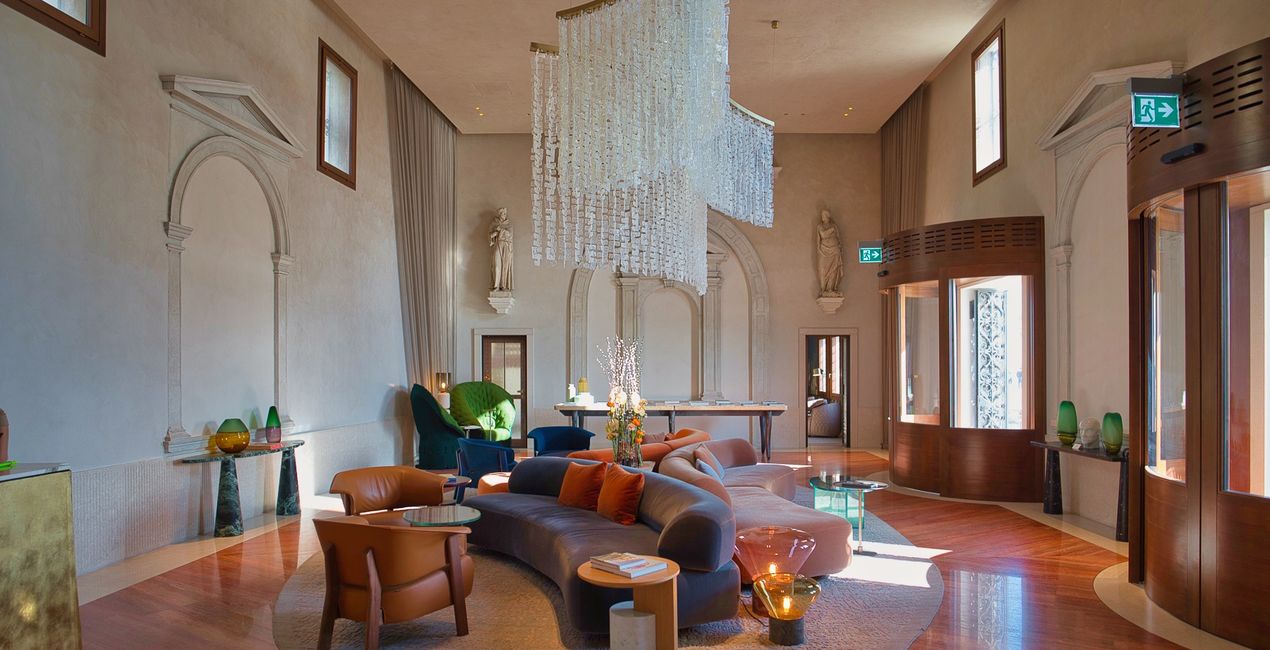
Create breathtaking images of places that look effective and inviting. Use this selection of 10 Presets to make your real estate and interior photos look professional in a few clicks. Perfect results can’t wait!

提供されたRAWファイルを使ってレタッチのコツを簡単に練習、こんな写真に仕上げる方法を学ぶことができます。
 >
>
 >
>
 >
>
 >
>
 >
>
 >
>
This selection of 10 Presets will make your real estate and interior photos look professional in a few clicks. They will help you to improve colors, shadows, and highlights, emphasize textures and surfaces, and correct for the lighting conditions of your interior photos.
Use them for images of home interiors, hotels, restaurants, bars, swimming pools, and gardens. Transform ordinary photos into picture-perfect images.
Note: Every photo is different, so Nancy recommends using these Presets as a starting point and then adjusting the Exposure and White Balance settings to better suit your own creative vision. Bear in mind that sometimes a Preset might be too strong for a certain image. If it is, simply switch to the Edits tab and adjust the tools according to your taste. Adjust the Exposure if you think the image becomes too bright or too dark. Adjust the White Balance and Tint if the image seems too warm or cold.
Architecture photographer and educator
<p>Nancy Da Campo is a freelance architecture and interiors photographer born in Milan, Italy, and currently traveling extensively to discover and capture the beauty of the built environment. <br></p><p>Perspectives and the use of lines are two central pillars of Nancy’s content, and she’s always looking for new and interesting angles to show her interpretation of a building through her camera or drone lens. </p><p></p><p>Nancy regularly works with architectural and cultural institutions, tech brands, and tourism boards. </p>
製品についてご質問がございましたら、24時間対応のサポートチームまでお問い合わせください。こちらのリンクをご利用ください。
Interiors Enhancementsを購入するには、次の手順に従ってください:
1. Skylumのマーケットプレイスを開きます。
2. Interiors Enhancementsがリストされているタブに移動し、クリックしてカートに追加します。
3. カートに進み、Interiors Enhancementsの購入手続きを完了してください。
4. ご購入後、Interiors Enhancementsのダウンロードリンクが記載された購入完了メールが届きます。また、Skylumアカウントの「マイアドオン」タブからも新しいアイテムをご確認いただけます。
Interiors Enhancementsのインストール手順の詳細は、ダウンロードリンクと一緒にお送りする「購入完了メール」に記載されています。
また、Luminar Neoから購入されたアイテムを直接インストールすることもできます。エクストラ > マーケットプレイスに進み、商品カテゴリを選択して、購入済みアイテムを見つけてインストールをクリックしてください。
とても簡単です!プリセット タブに移動して、購入済みを選択してください。インストールしたプリセットがここに表示されます。
ご安心ください。Interiors Enhancementsを含むすべての購入済みアイテムは、Skylumアカウントの「マイアドオン」タブ に保存されるため、簡単に再ダウンロードしてご利用いただけます。
ほとんどのアイテムはLuminar Neoに対応しています。ただし、確実にInteriors Enhancementsがお使いのソフトと互換性があるかを確認するには、ダウンロードや購入前に製品仕様をご確認ください。Interiors Enhancementsページ右側の「互換性」セクションに対応しているすべての製品が表示されています。
まだお帰りにならないでください。あなただけの特別割引コードをご用意しました。今後15分以内にご利用いただくと、お会計時にさらに10%オフになります。以下のコードをコピーして、お買い物を完了してください。
15 m : 00 s





