


 Angewendet


Neon City
Save $201 $ 19 .00

about

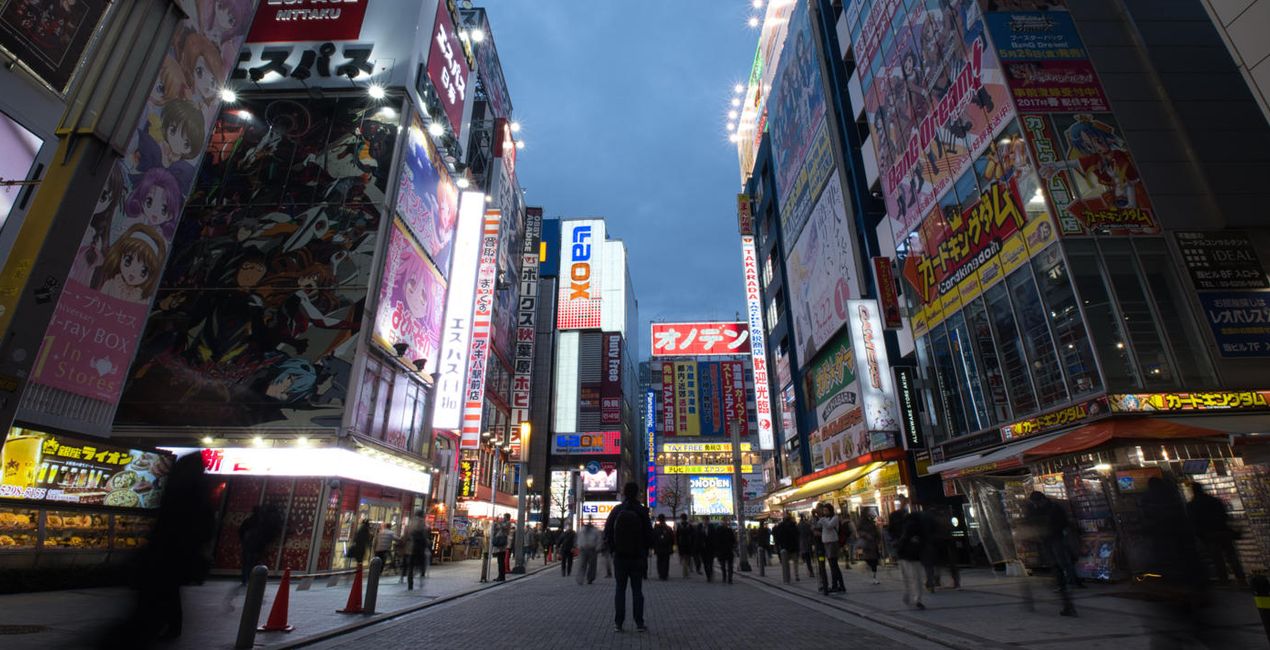
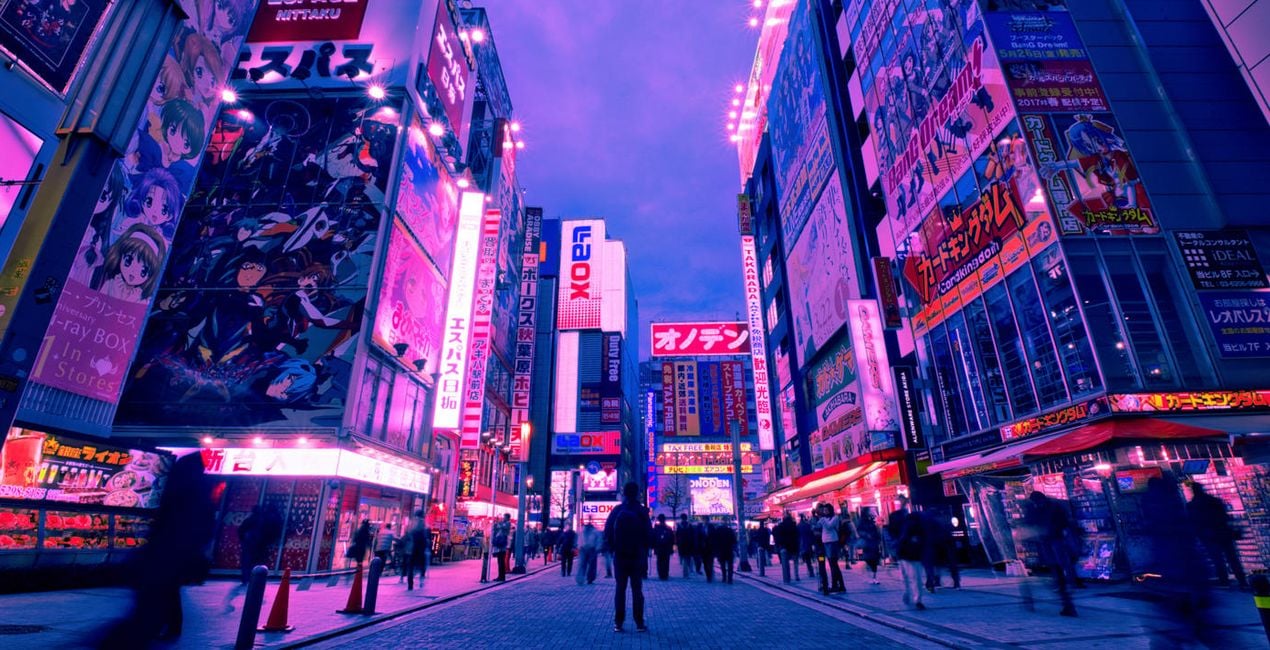
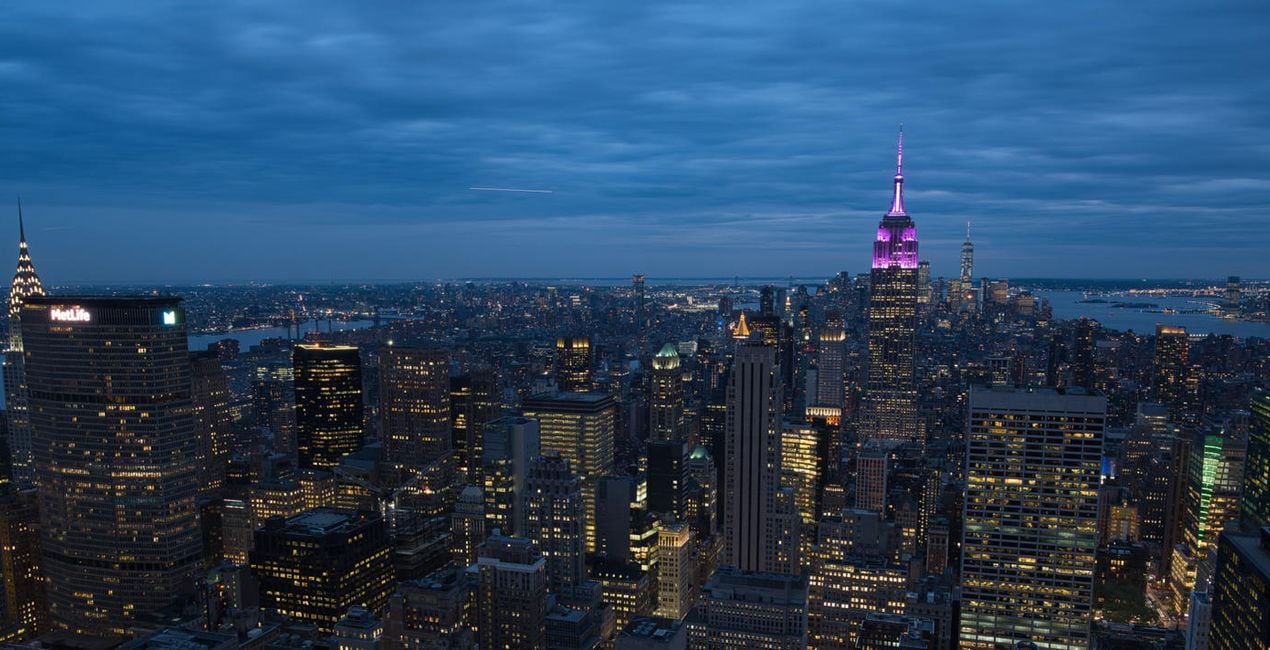
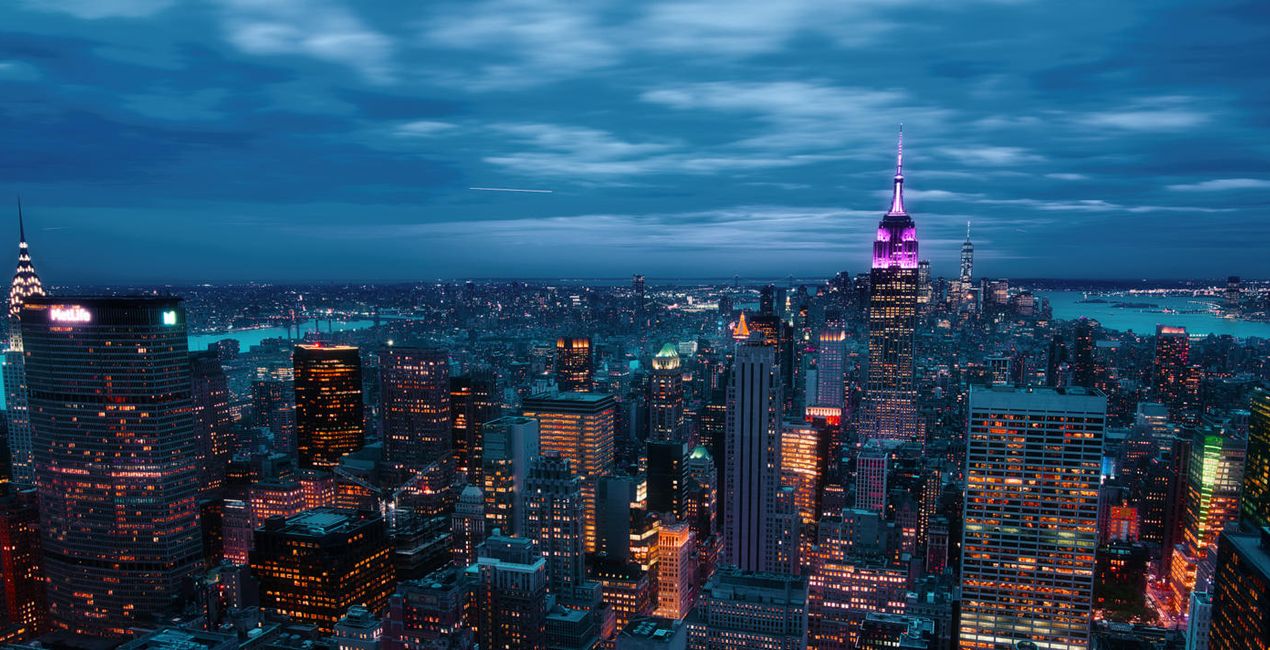
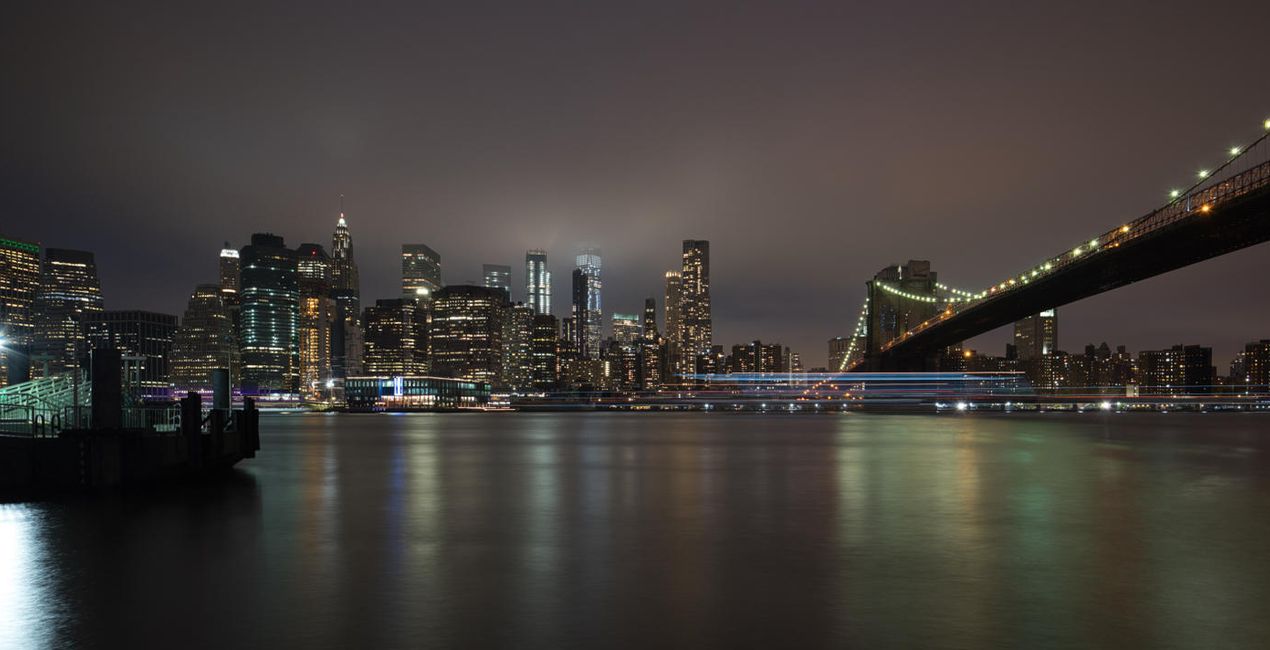
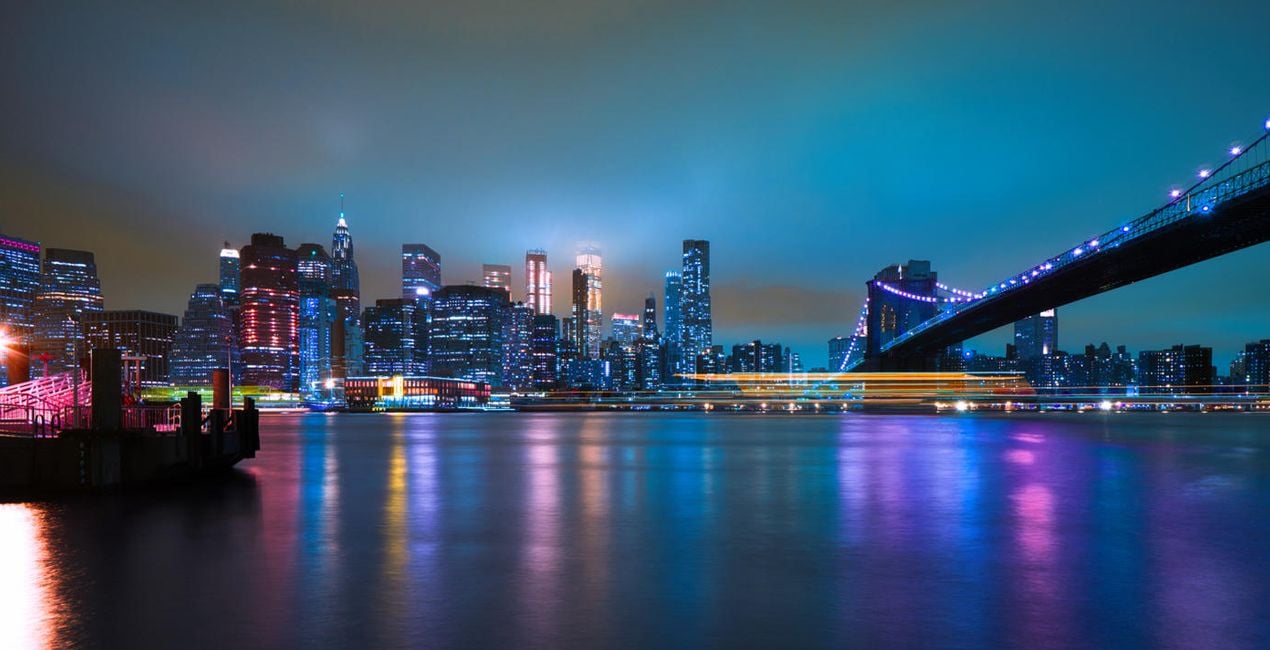
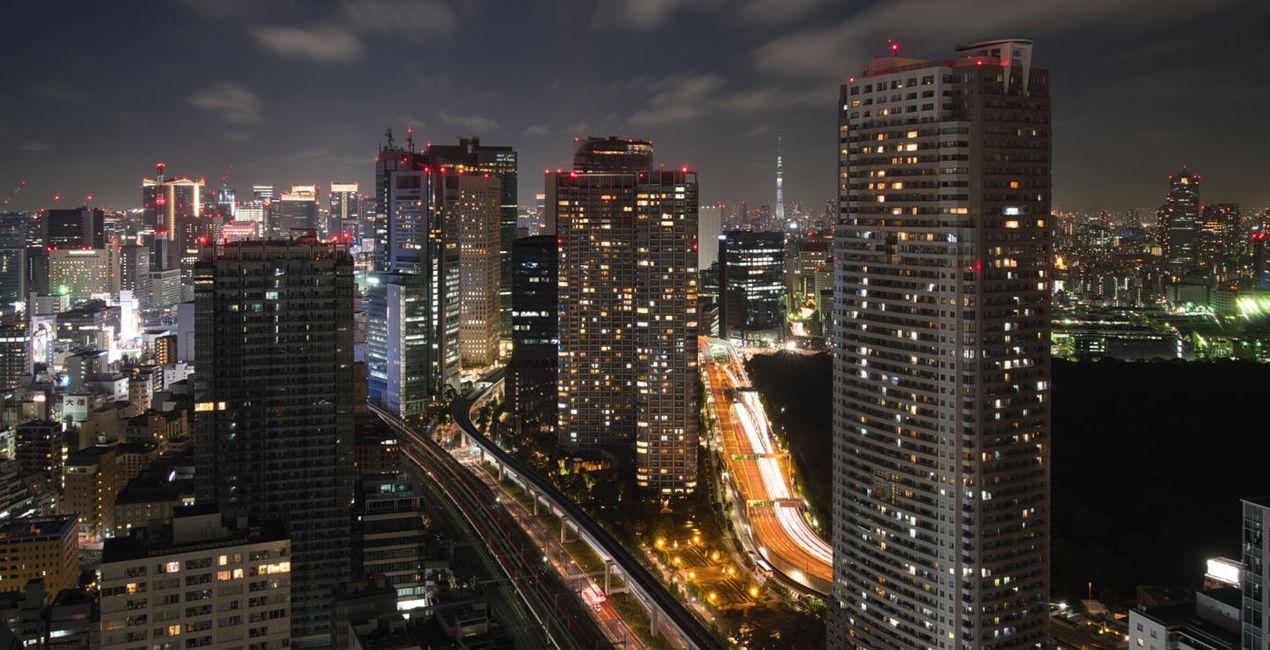
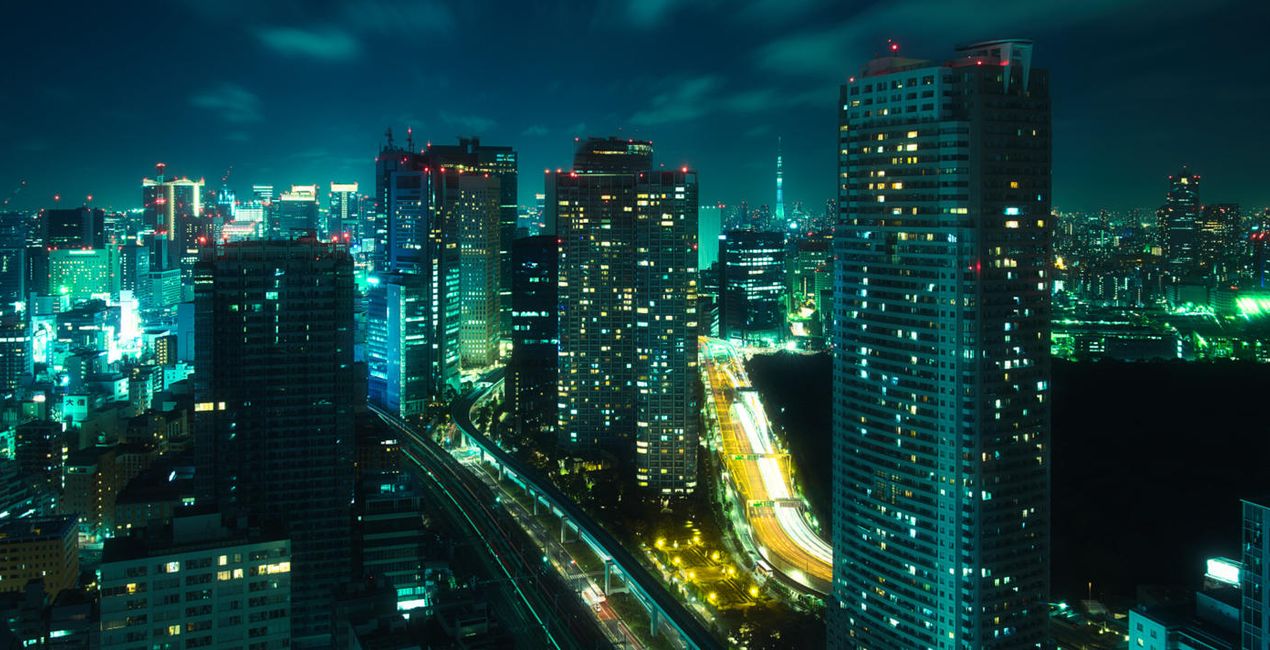
Mit den mitgelieferten RAW-Dateien kannst du ganz einfach Retusche-Tipps ausprobieren und lernen, wie man solche Fotos macht.
 >
>
 >
>
 >
>
 >
>
 >
>
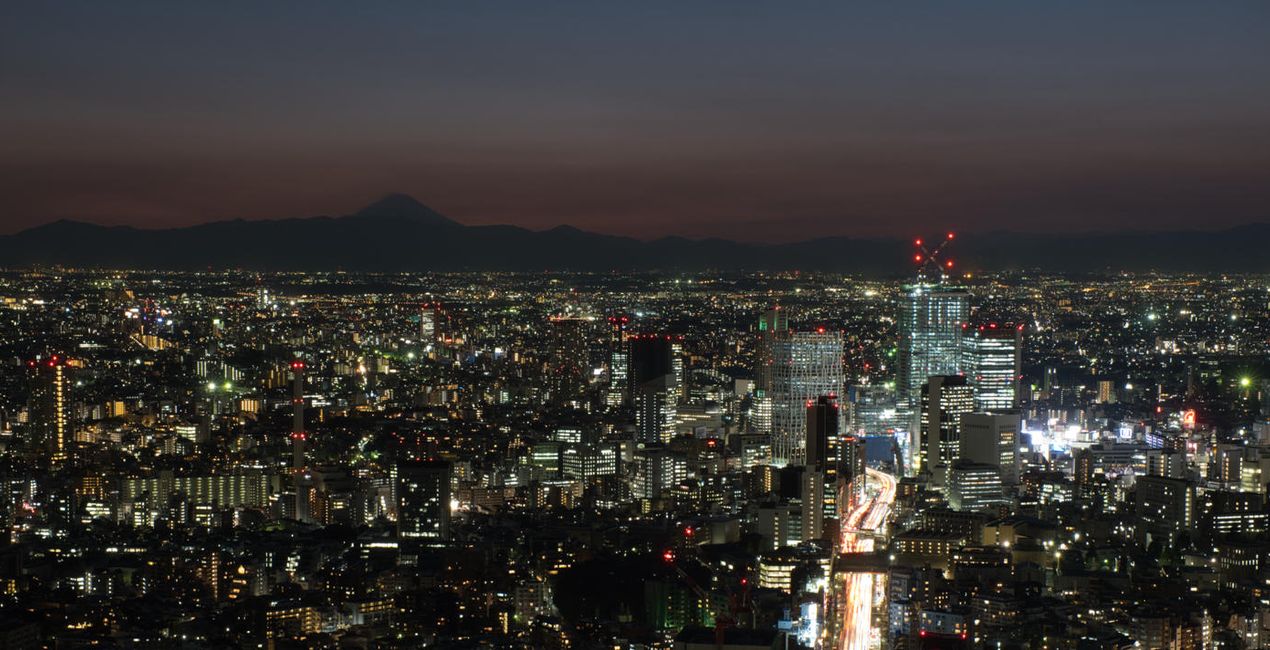
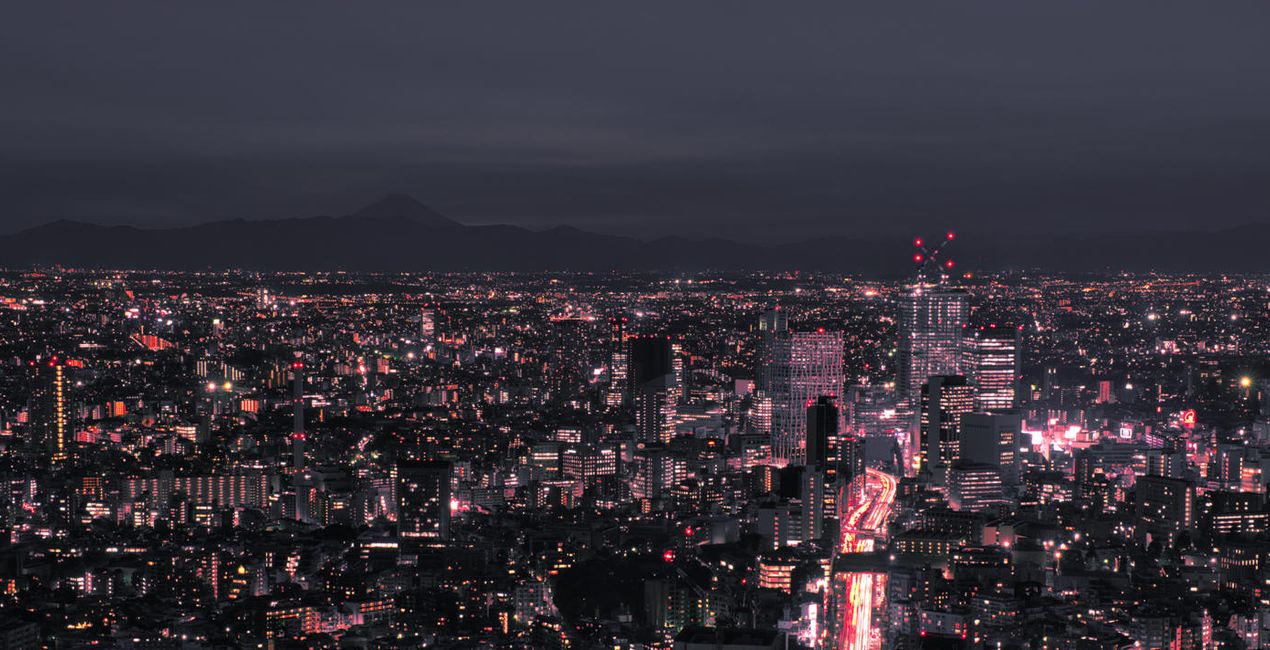
These Neon City Presets will give your photos a completely unique and futuristic look. From bright neon lights to colorful effects, this collection of 10 Presets by Sherwin Magsino is perfect for creating beautiful cyberpunk cityscapes that look like they belong in an alternative reality.
For those looking for a truly original style, this is an ideal collection for creating stunning nighttime photography with a sci-fi vibe. Try out the Presets today and take your photography to the next level!
You’ll find 10 Presets in this pack:
Lava: Add a blueish tone to your shadows and midtones, simultaneously giving your highlights strong warm colors
Matrix: A Preset with dreamy and soft green, yellow, blue, and red lights
Midnight: A Preset with blue and yellow tones along with matte blacks for a cinematic feel
Tokyo: Add trendy bright blue and magenta tones; strong, dark contrast; and a deep matte effect
2069: A moody dark-toned Preset with strong deep blacks and strong highlights, plus green and blue tones
Neo: A dark and moody Preset with blue and magenta hues
Futuristic: A Preset with muted black and midtones and with strong warm colors in the highlights
Punk: Get an edgy effect with a playful blue, orange, and red hues
Dreams: Achieve a dreamy look with a playful pink, blue, cyan, and red hues
Electric: A cinematic blue-tuned Preset
Don’t forget to share your results! Use the hashtag #madewithluminar on social media so the Skylum Team can take a look at your work!
Photographer. Skylum Ambassador.
<p>Unapologetic in brandishing his post-processing skills, Sherwin sees what’s invisible to others and translates his images so they look the way he imagined when taking them. This results in compelling, emotive visual stories for others to appreciate and remember. His style straddles the line between reality and surrealism, resulting in works that almost feel ethereal. </p><p>Sherwin has earned his rightful spot in the world of photography and has been lauded by domestic and international organizations with numerous awards — a testament to his excellence in the field, especially in producing fine art landscape images. </p><p>Manila-born Sherwin Magsino is a self-taught photographer who began his career as an illustrator before dabbling in commercial photography in 2015. His love for travel awakened in him what he considers his life’s passion — landscape photography. This wanderlust leads to uniquely enchanting images of sceneries and moments in the places Sherwin visits.</p><p>Sherwin is currently a Brand Ambassador of <a href="https://fujifilm-x.com/en-us/photographers/win-magsino/" target="_blank">Fujifilm Philippines</a>, <a href="https://skylum.com/ambassadors/win-magsino" target="_self">Skylum Software</a>, <a href="http://gnarbox.com/" target="_blank">Gnarbox</a>, and NiSi Filters Philippines as well as a Your Shot National Geographic Contributor. As a representative of these brands, Sherwin conducts talks and workshops around Manila to share his experiences and inspire fellow artists who share his passion for photography.</p>
Wenn du Fragen zum Produkt hast, kannst du dich rund um die Uhr an den Support wenden. Folge einfach diesem Link.
Um Neon City zu kaufen, gehe wie folgt vor:
1. Öffne den Skylum-Marktplatz.
2. Geh zum gewünschten Tab, auf dem Neon City aufgeführt ist. Klicke darauf und lege es in deinen Warenkorb.
3. Geh zu deinem Warenkorb. Schließe hier den Kaufvorgang für Neon City ab.
4. Nach dem Kauf erhältst du eine Bestätigungs-E-Mail mit dem Download-Link für Neon City. Außerdem findest du den neuen Artikel in deinem Skylum-Konto auf dem Tab „Meine Add-ons”.
Detaillierte Anweisungen zur Installation von Neon City erhältst du in der Bestätigungs-E-Mail zusammen mit dem Download-Link.
Außerdem kannst du den gekauften Artikel direkt in Luminar Neo installieren: Geh zu „Extras“ > „Marktplatz“, wähle die Produktkategorie aus, suche den gekauften Artikel und klicke auf „Installieren“.
Das ist ganz einfach! Geh zum Tab „Presets“ und wähle „Gekauft“. Dort findest du deine installierten Presets.
Keine Sorge. Alle gekauften Artikel, einschließlich Neon City, werden auf dem Tab „Meine Add-ons“ deines Skylum-Kontos gespeichert, sodass du sie einfach erneut herunterladen und verwenden kannst.
Im Allgemeinen sind die meisten Artikel mit Luminar Neo kompatibel. Um jedoch sicherzustellen, dass Neon City mit deiner Software kompatibel ist, überprüfe vor dem Herunterladen oder Kauf die technischen Daten. Suche den Abschnitt „Kompatibilität“ auf der rechten Seite der Neon City-Seite, wo alle kompatiblen Produkte aufgelistet sind.
Geh noch nicht. Hier ist ein exklusiver Rabattcode für dich. Nutze ihn innerhalb der nächsten 15 Minuten, um an der Kasse zusätzliche 10 % Rabatt zu erhalten. Kopiere den unten stehenden Code und schließe deinen Einkauf ab.
15 m : 00 s





