


 Angewendet


Snow Zen
Save $201 $ 19 .00

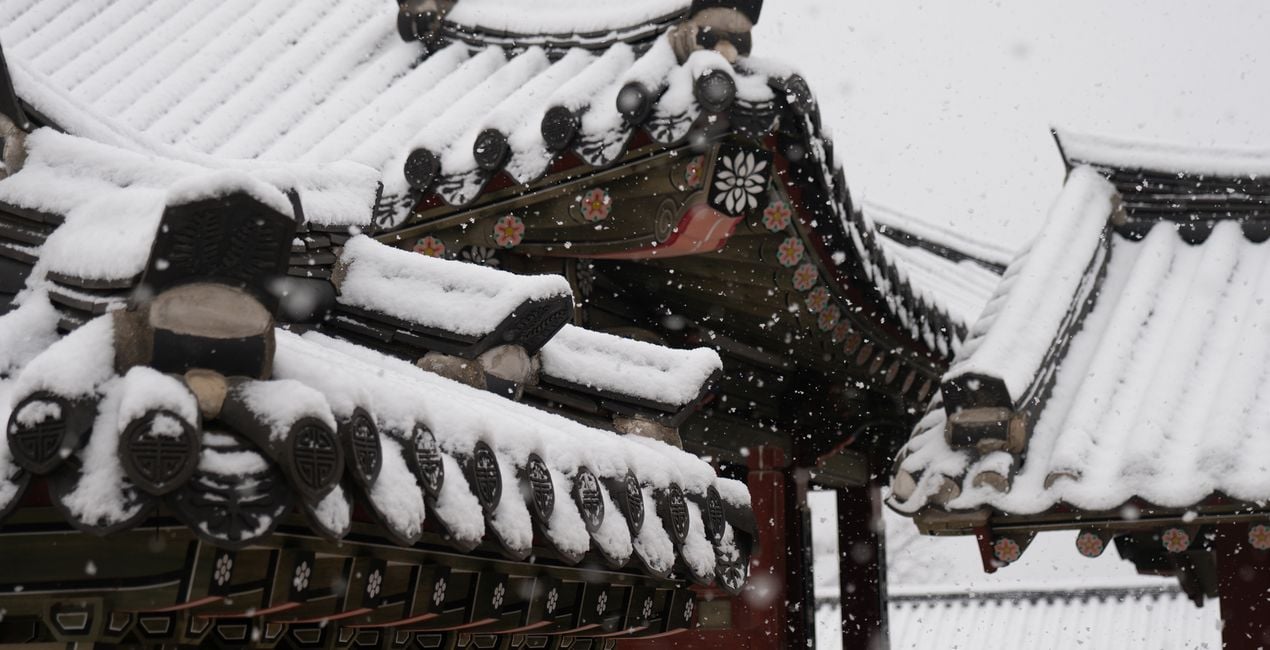
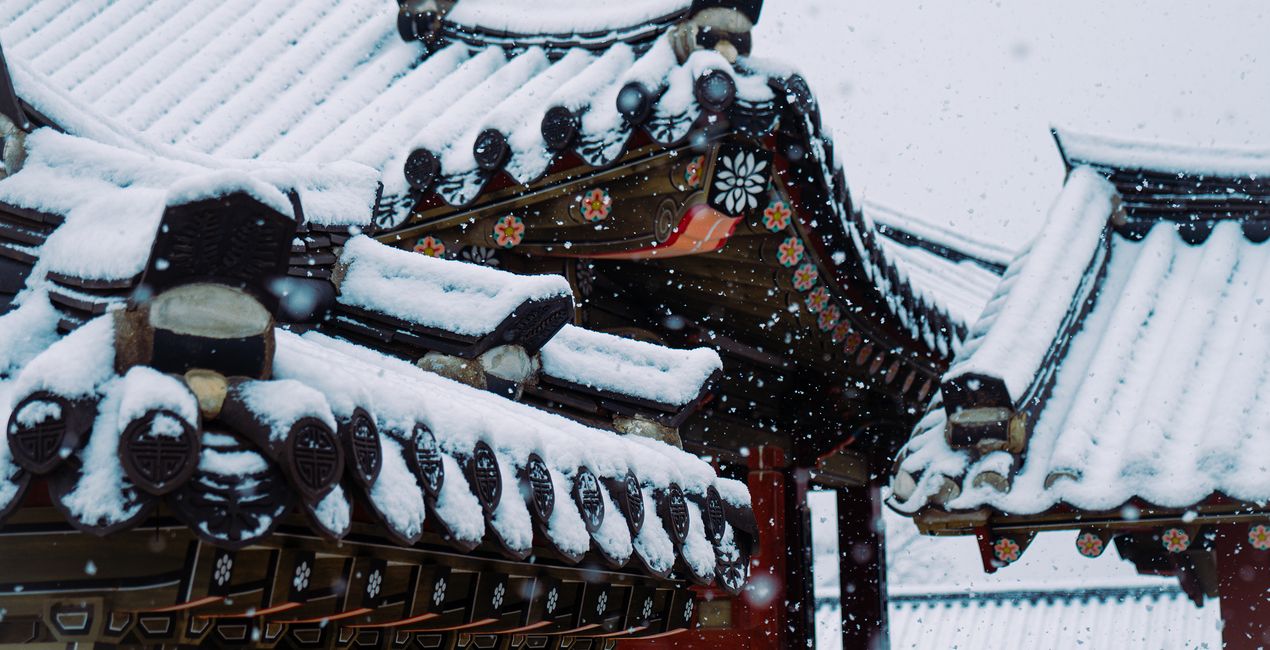
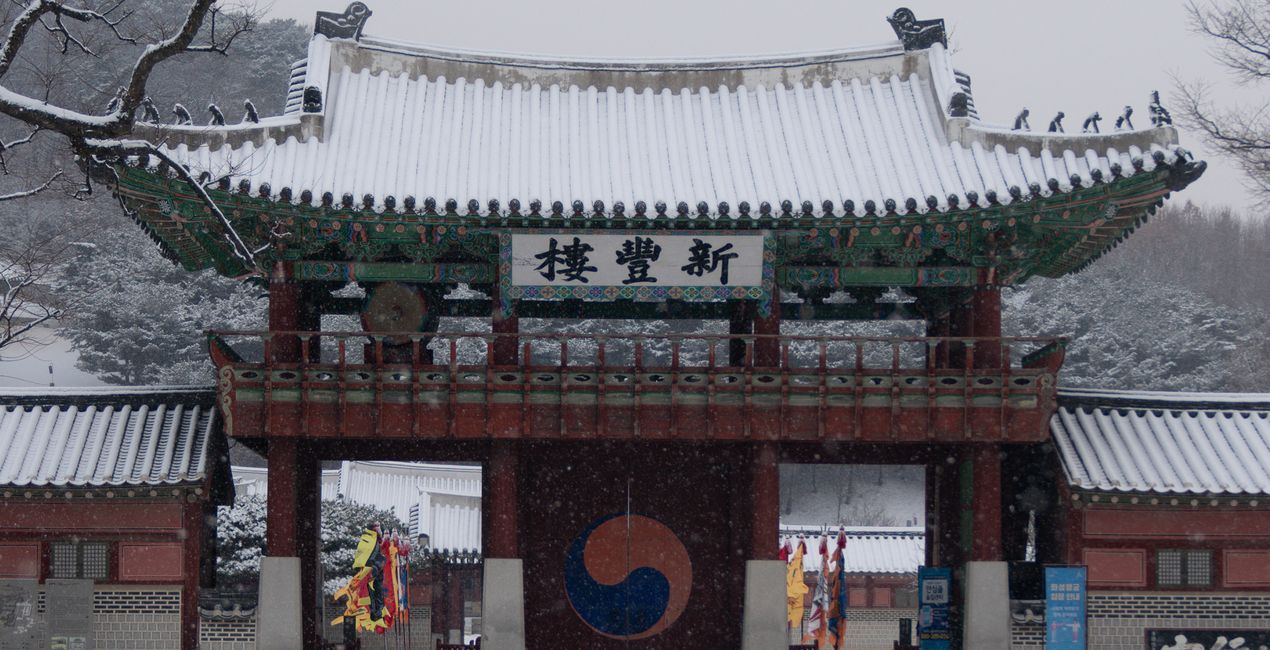
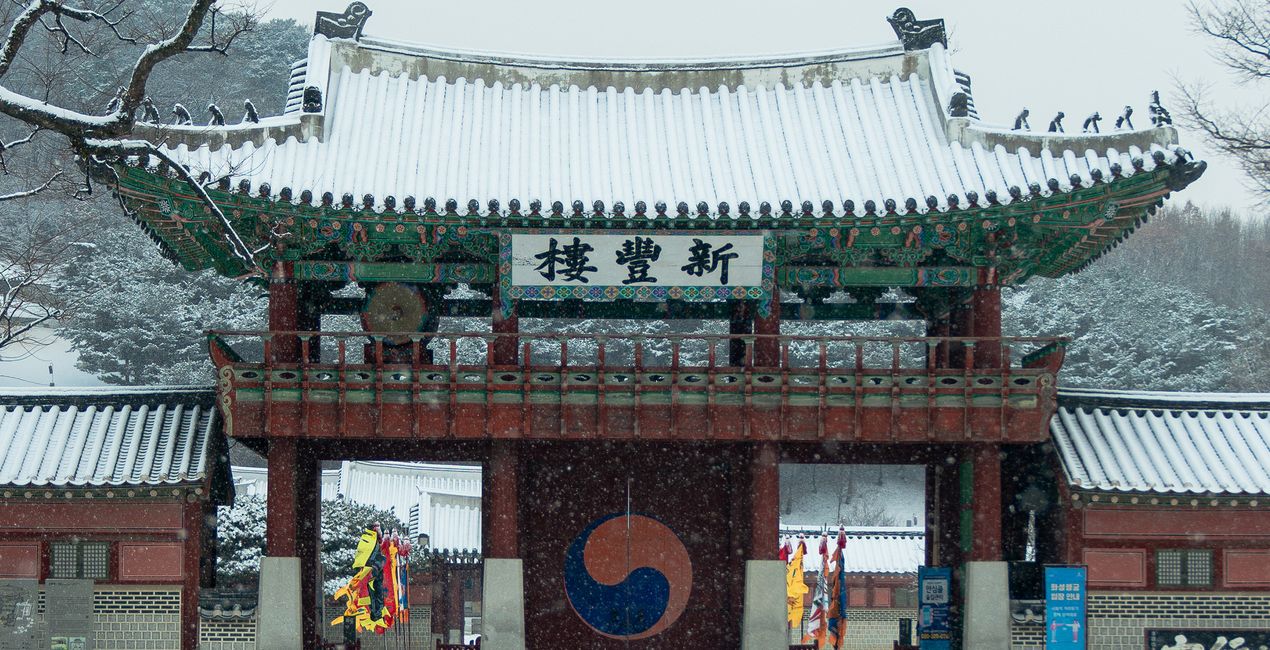
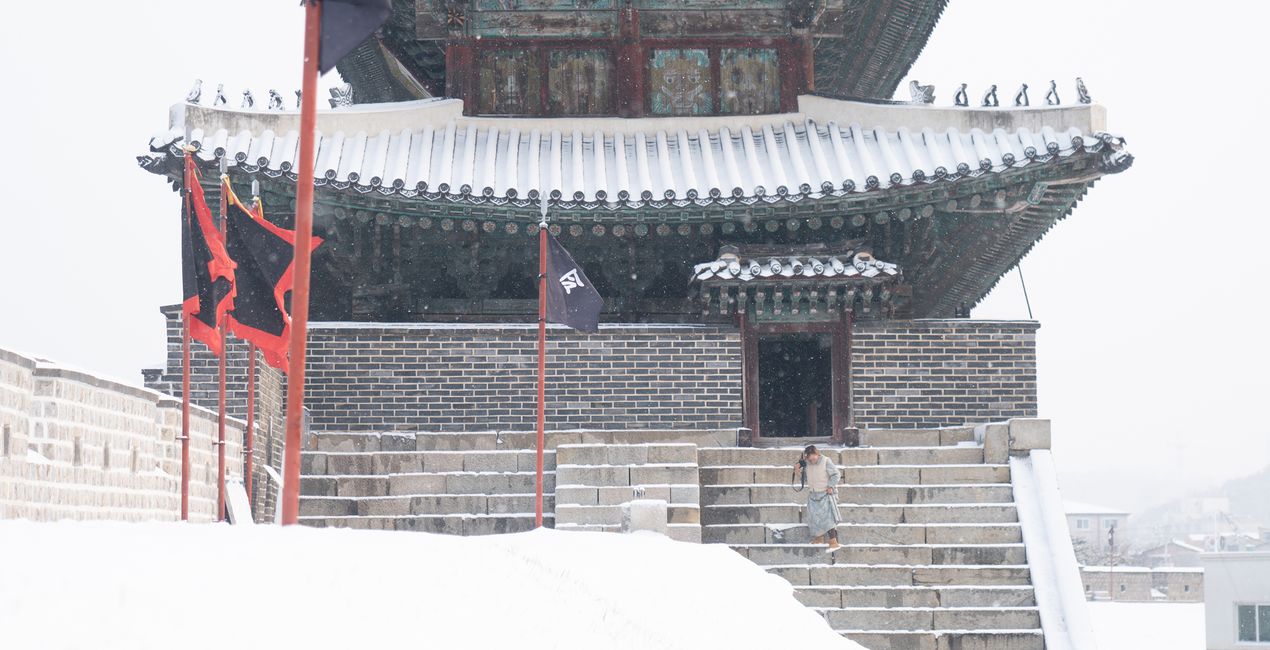
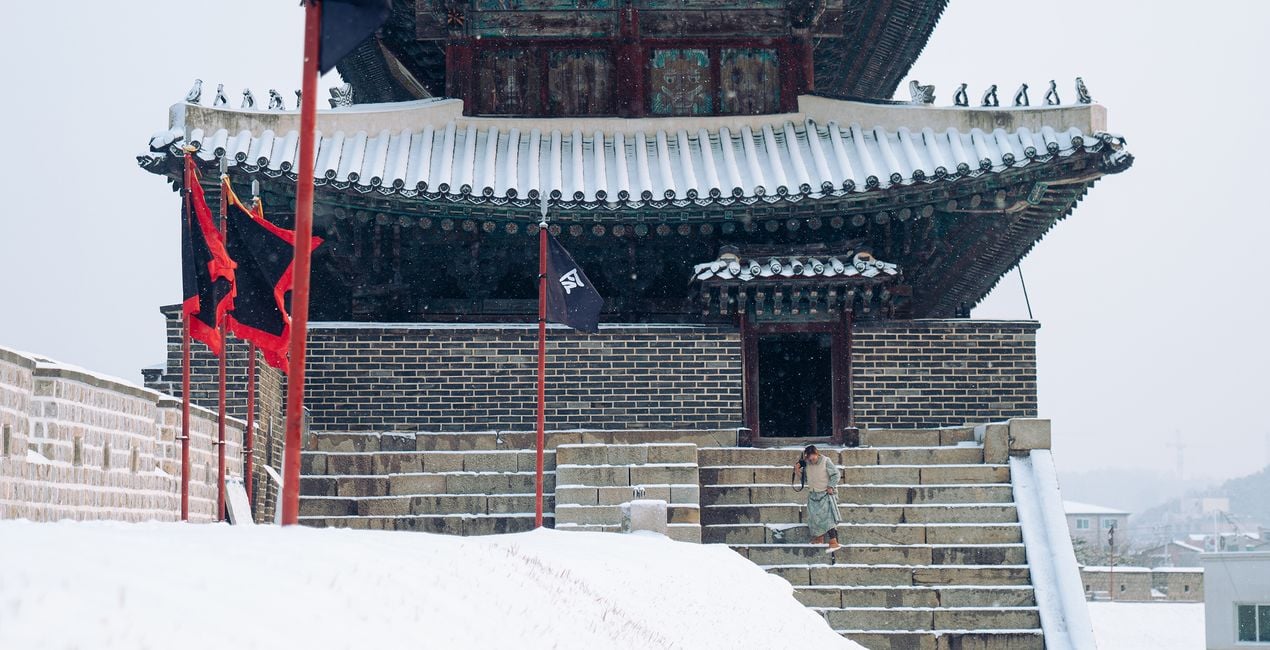
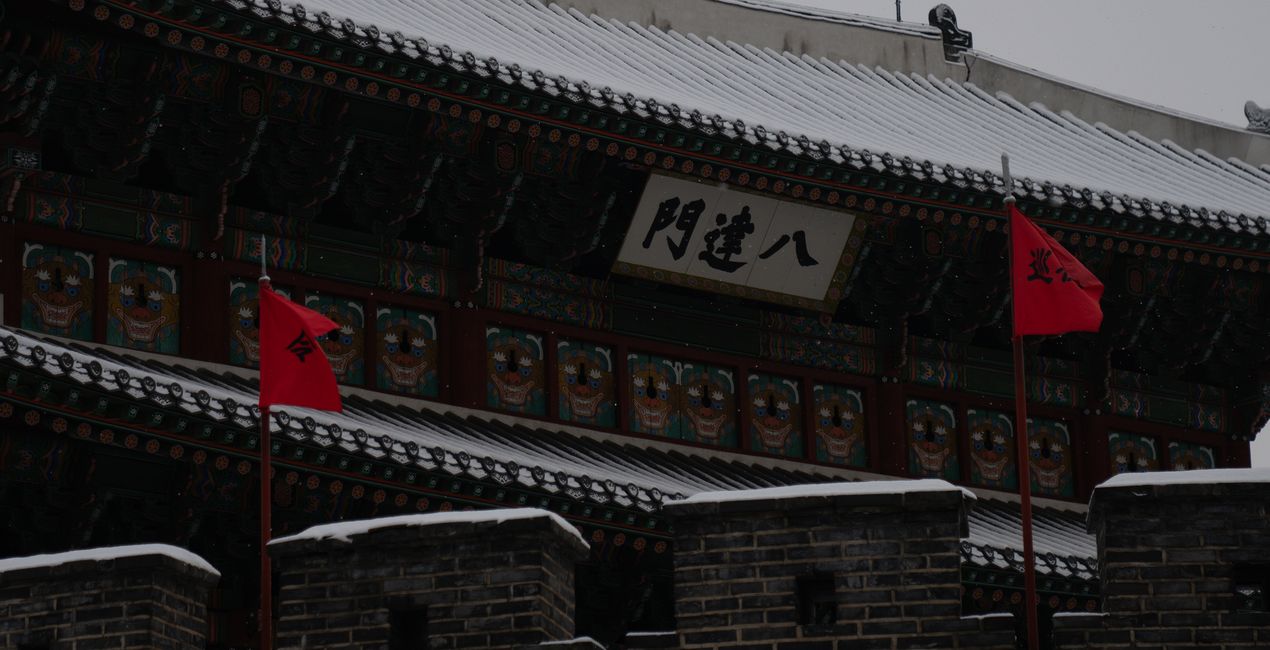
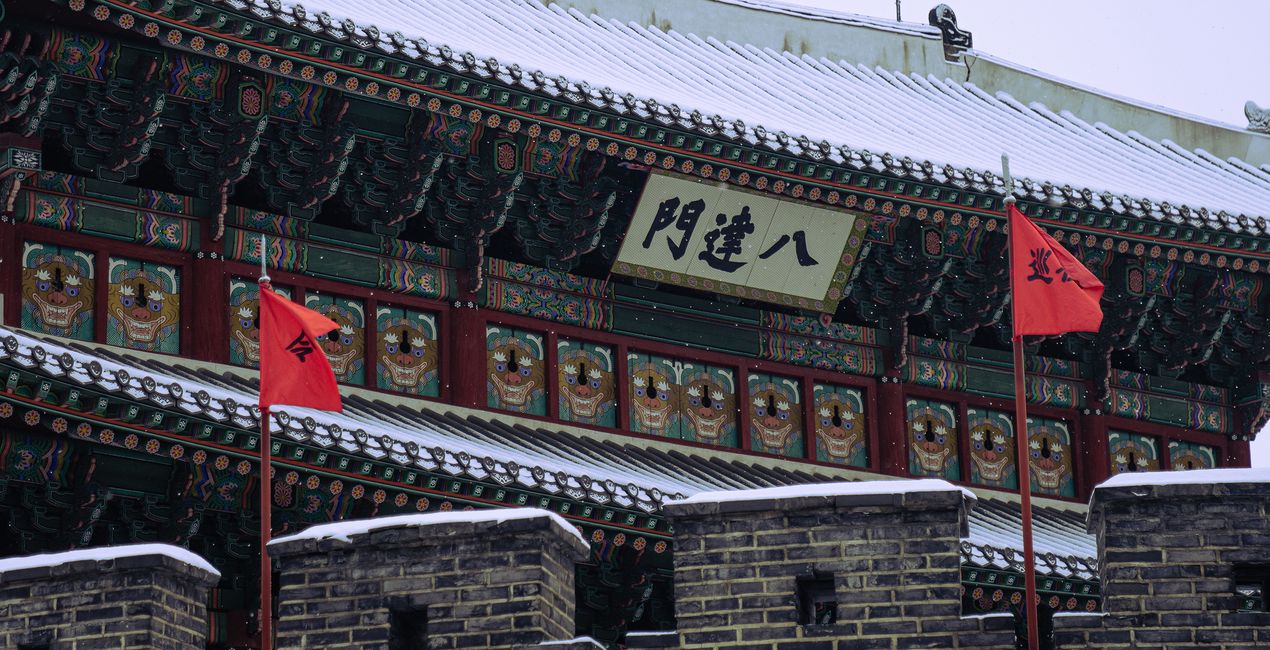
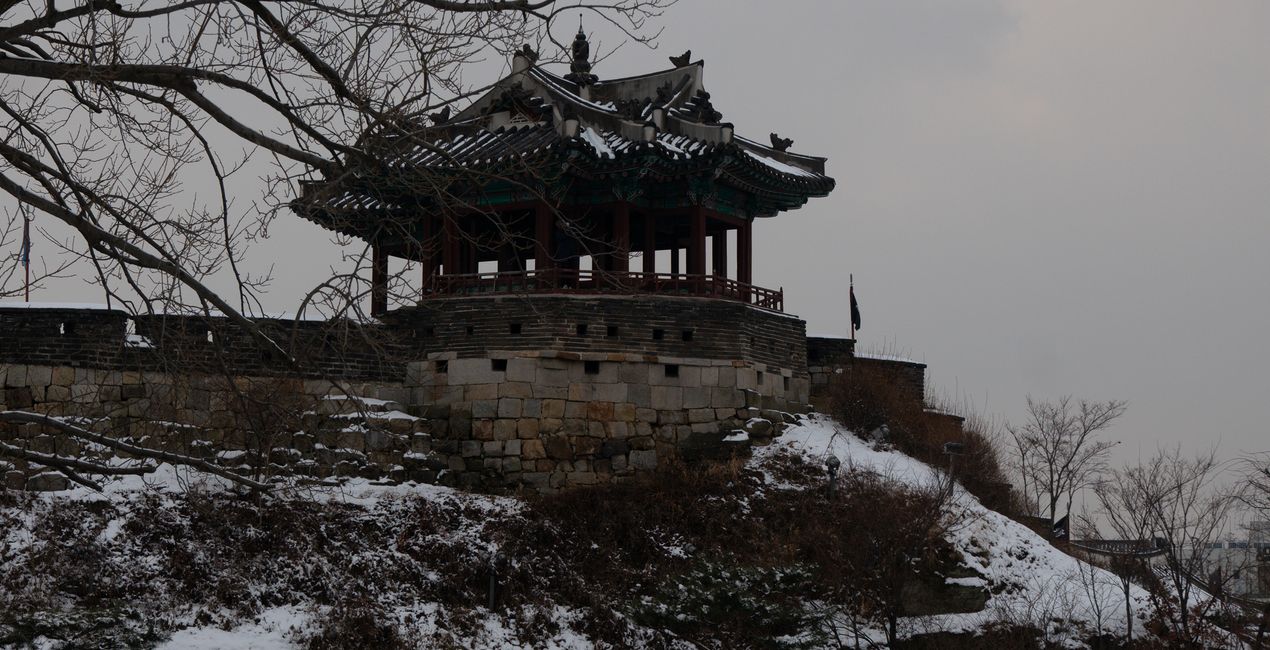
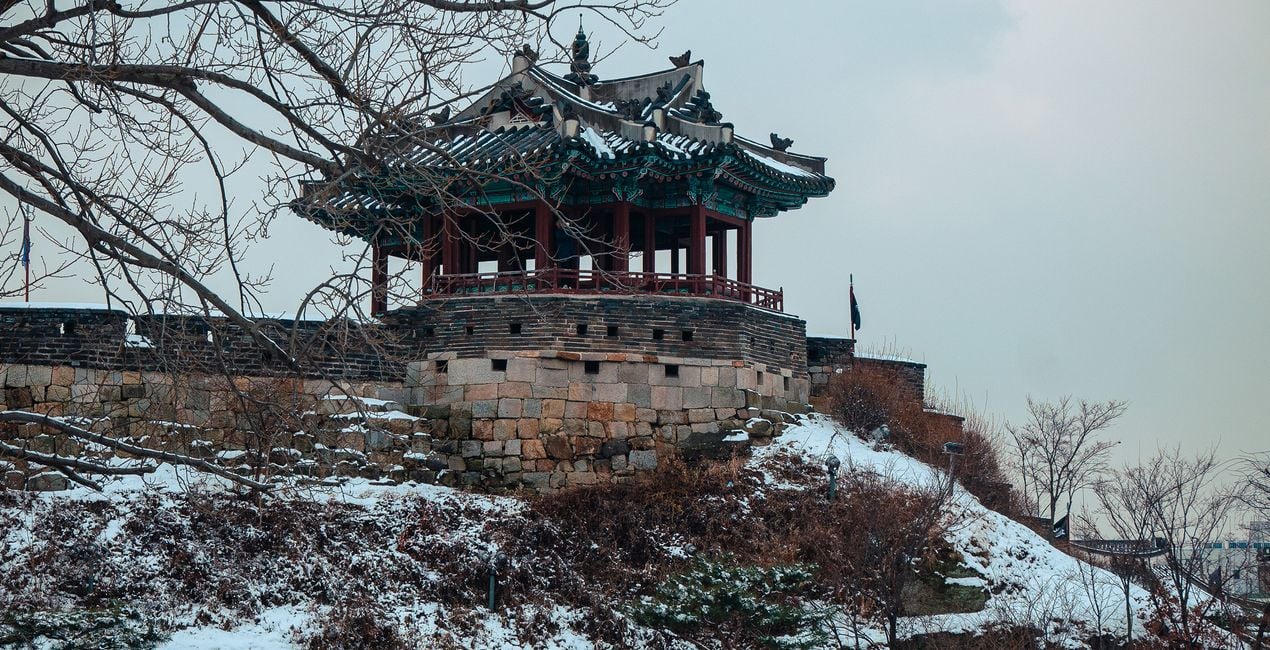
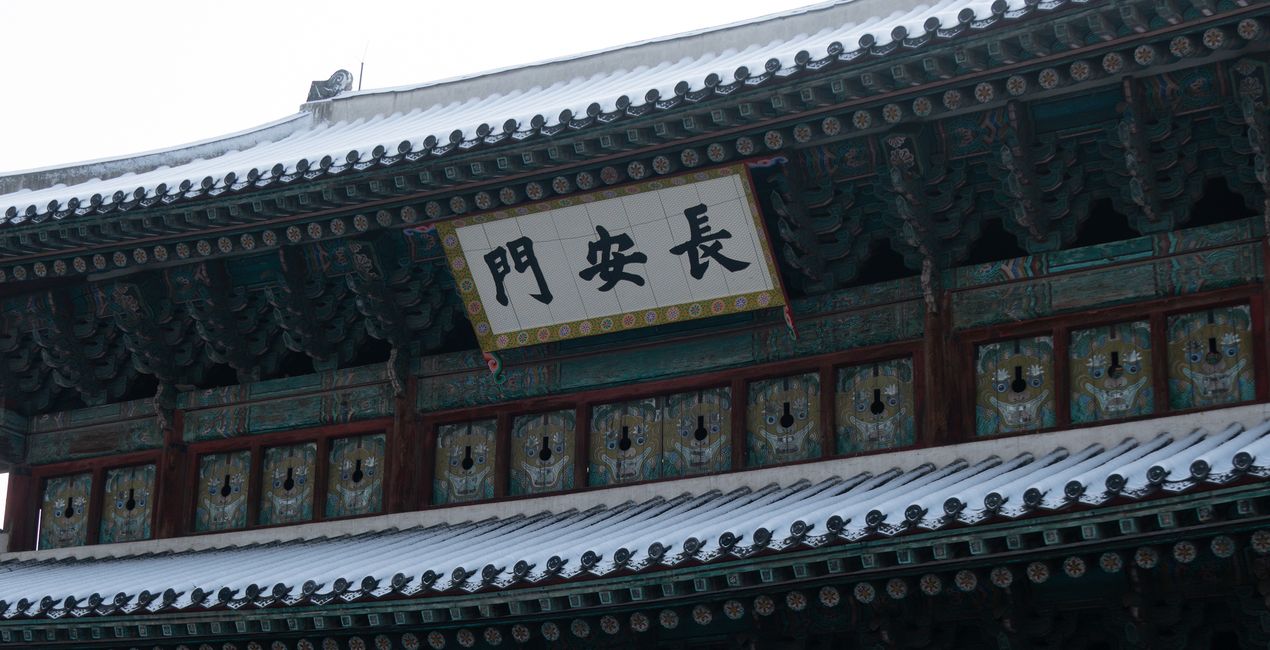
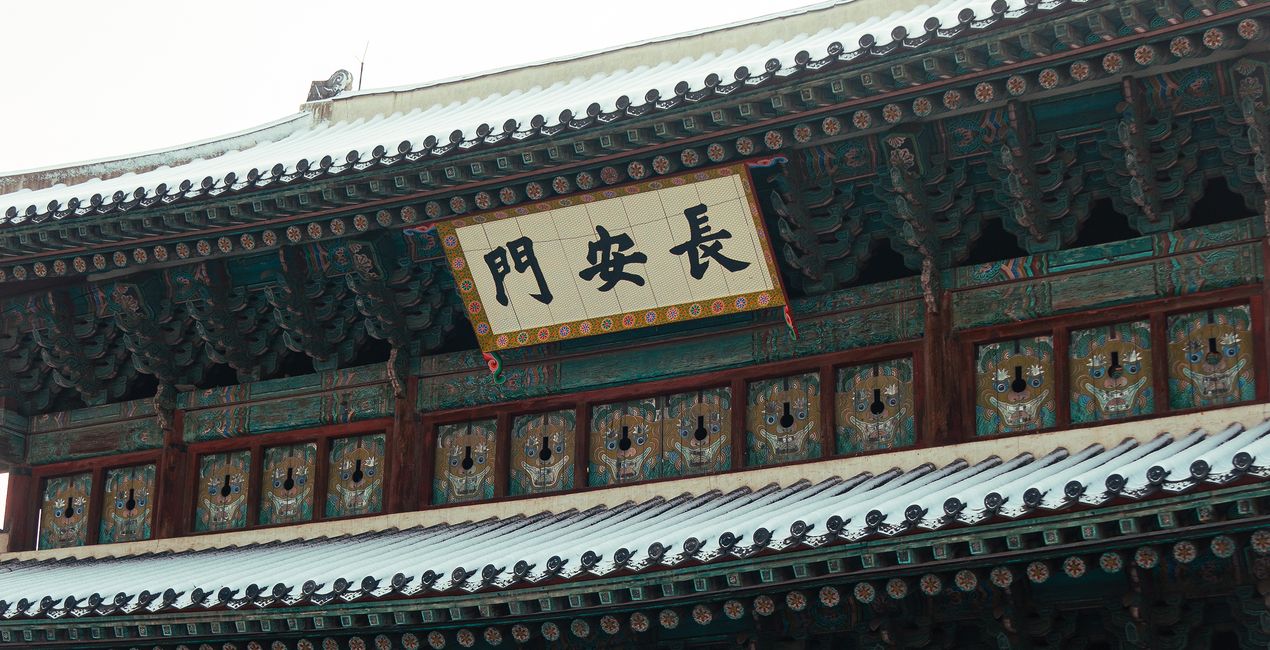
Introducing the ‘Snow Zen’ Preset pack, designed exclusively for capturing the serene beauty of snowy days. This collection is a celebration of the quiet elegance that snow brings to landscapes, transforming ordinary scenes into winter wonderlands. Each Preset has been thoughtfully created to enhance the unique qualities of snow-covered environments, from the soft, diffused light of a snowfall to the crisp, bright clarity of a sunny winter’s day. Take photos of a peaceful snow-blanketed forest or a lively city scene dusted with snow, and these Presets will help you convey the tranquility, purity, and enchantment of winter. ‘Snow Zen’ Presets are your key to unlocking the magical atmosphere of snowy days, rendering every shot with a delicate, wistful charm.


Mit den mitgelieferten RAW-Dateien kannst du ganz einfach Retusche-Tipps ausprobieren und lernen, wie man solche Fotos macht.
 >
>
 >
>
 >
>
 >
>
 >
>
 >
>
The ‘Snow Zen’ pack is not just about adding a touch of winter to your photos; it’s about transforming them into mesmerizing artworks that evoke the true feeling of a winter’s day. With Presets tailored to various lighting conditions and snowscapes, you can effortlessly convey the chilly haze of a snowy morning, the stark contrast of shadows on bright snow, or the warm tones of a winter sunset.
These Presets are designed to enhance the texture and depth of the snow, ensuring your photos capture the full range of winter’s palette. Perfect both for professional photographers and hobbyists, the ‘Snow Zen’ Preset pack will elevate your snowy day photography, making each image a breathtaking depiction of winter’s unique charm.
You'll find 10 Presets in this Pack:
Bleak Chill: Perfect for capturing the stark, moody atmosphere of a cold, overcast winter day.
Crystal Veil: Enhances the delicate, shimmering beauty of ice crystals and frost in the light.
Frosty Blue: Brings out cool, blue tones, emphasizing the icy crispness of a winter scene.
Frosty Dawn: Captures the serene beauty of early winter mornings with soft, muted colors.
Snowy Solace: Portrays the peaceful, solitary aspect of snow-covered landscapes, offering a sense of quiet retreat.
Winter Fortress: Accentuates the strength and majesty of snow-clad structures and rugged landscapes.
Winter Gloom: Ideal for creating a somber, introspective mood in grey, cloudy winter settings.
Winter Glow: Adds a warm, golden hue to winter scenes, mimicking the soft light of a low winter sun.
Winter Hush: Emphasizes the quiet, undisturbed tranquility of a landscape blanketed in snow.
Wintry Calm: Conveys the still, serene ambiance of a calm winter day with gentle light and soft tones.
Street and Fashion photographer
Steve Roe is a photographer based in Seoul, originally from the UK, who has made a name for himself with his neon street photography. He captures the vibrant essence of cyberpunk culture, infusing his work with a futuristic and captivating allure. He is also known for his experimental approach to portraiture, employing neon lights and fractal lenses to craft imaginative and unique images that transport subjects to a realm of intriguing futurism. His talents have not gone unnoticed, with notable brands like Apple and Prada seeking his distinctive style for their campaigns. Steve's work has also received recognition from major platforms such as the BBC and National Geographic, while his photographs have graced the covers of iconic cyberpunk novels like The Neuromancer Trilogy by William Gibson. With an eye for neon aesthetics and a passion for capturing the essence of Asia's neon-lit cities, Steve Roe continues to captivate audiences, blurring the lines between reality and the dazzling realm of neon-lit dreams.
Wenn du Fragen zum Produkt hast, kannst du dich rund um die Uhr an den Support wenden. Folge einfach diesem Link.
Um Snow Zen zu kaufen, gehe wie folgt vor:
1. Öffne den Skylum-Marktplatz.
2. Geh zum gewünschten Tab, auf dem Snow Zen aufgeführt ist. Klicke darauf und lege es in deinen Warenkorb.
3. Geh zu deinem Warenkorb. Schließe hier den Kaufvorgang für Snow Zen ab.
4. Nach dem Kauf erhältst du eine Bestätigungs-E-Mail mit dem Download-Link für Snow Zen. Außerdem findest du den neuen Artikel in deinem Skylum-Konto auf dem Tab „Meine Add-ons”.
Detaillierte Anweisungen zur Installation von Snow Zen erhältst du in der Bestätigungs-E-Mail zusammen mit dem Download-Link.
Außerdem kannst du den gekauften Artikel direkt in Luminar Neo installieren: Geh zu „Extras“ > „Marktplatz“, wähle die Produktkategorie aus, suche den gekauften Artikel und klicke auf „Installieren“.
Das ist ganz einfach! Laden Sie zunächst das Paket unter „Mein Konto > Meine Add-ons“ herunter. Befolgen Sie dann die Installationsanweisungen im heruntergeladenen Ordner. Da für jeden Asset-Typ möglicherweise eigene Installationsschritte gelten, lesen Sie bitte unbedingt die beiliegende Anleitung
Keine Sorge. Alle gekauften Artikel, einschließlich Snow Zen, werden auf dem Tab „Meine Add-ons“ deines Skylum-Kontos gespeichert, sodass du sie einfach erneut herunterladen und verwenden kannst.
Im Allgemeinen sind die meisten Artikel mit Luminar Neo kompatibel. Um jedoch sicherzustellen, dass Snow Zen mit deiner Software kompatibel ist, überprüfe vor dem Herunterladen oder Kauf die technischen Daten. Suche den Abschnitt „Kompatibilität“ auf der rechten Seite der Snow Zen-Seite, wo alle kompatiblen Produkte aufgelistet sind.
Geh noch nicht. Hier ist ein exklusiver Rabattcode für dich. Nutze ihn innerhalb der nächsten 15 Minuten, um an der Kasse zusätzliche 10 % Rabatt zu erhalten. Kopiere den unten stehenden Code und schließe deinen Einkauf ab.
15 m : 00 s





