


 Angewendet


Filmische Unterschriftenlooks
Save $201 $ 25 .00

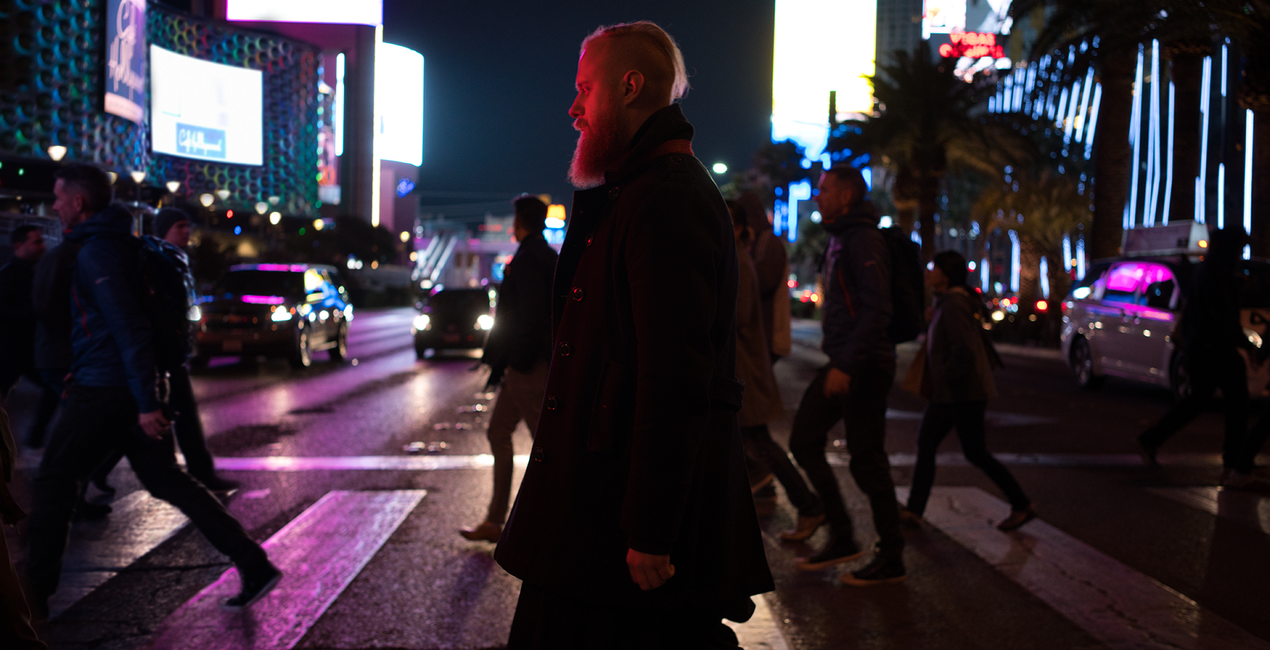
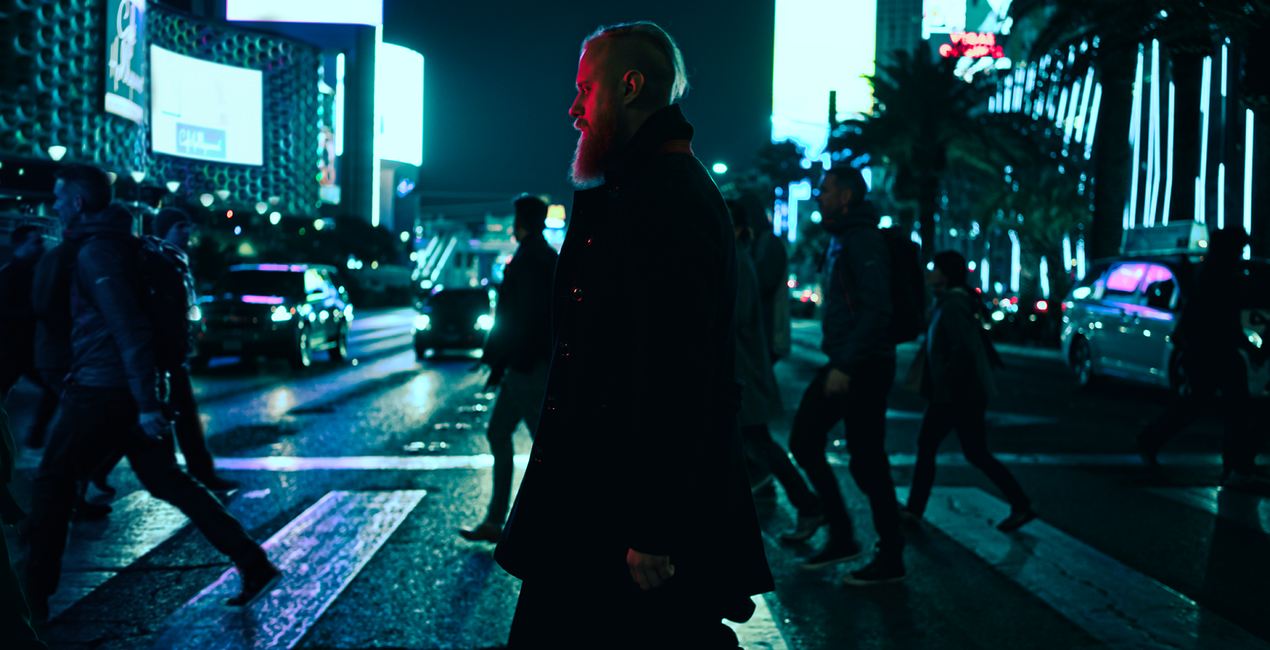
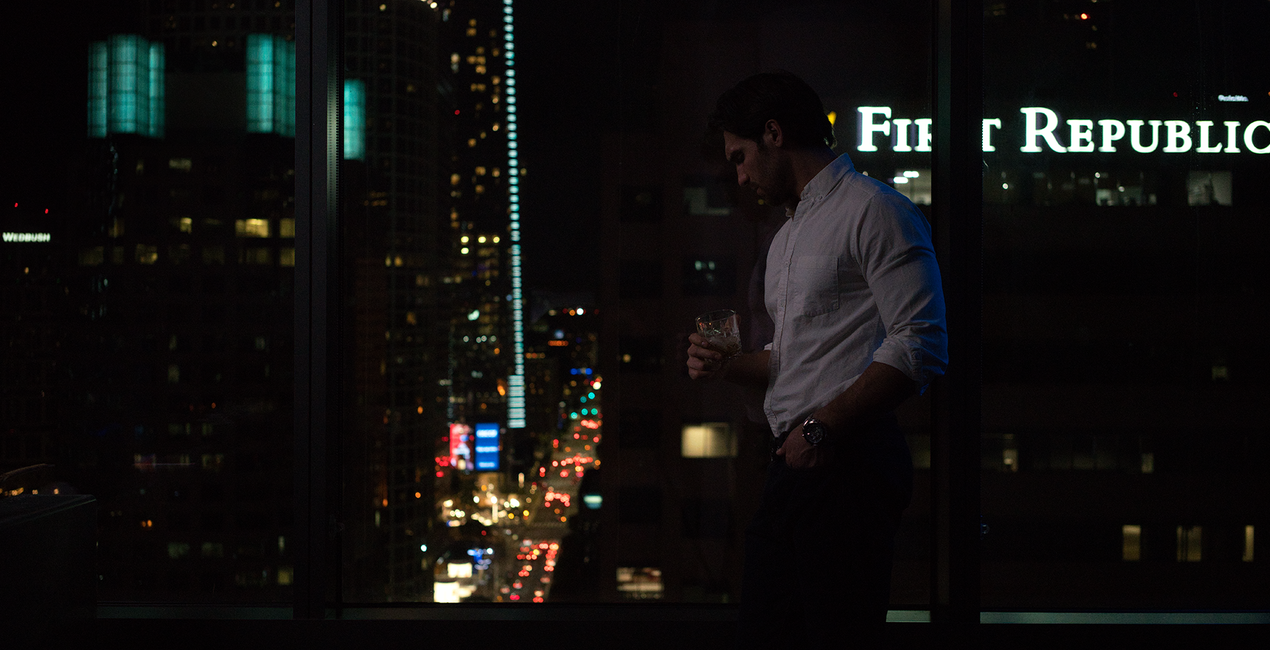
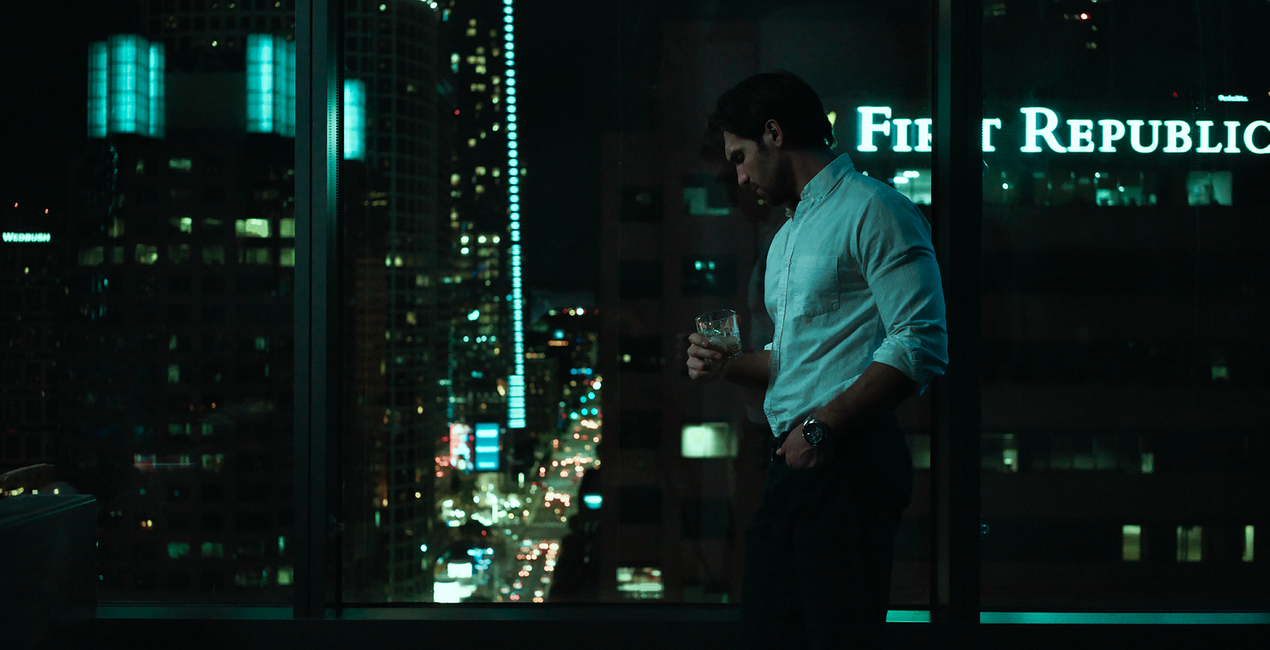
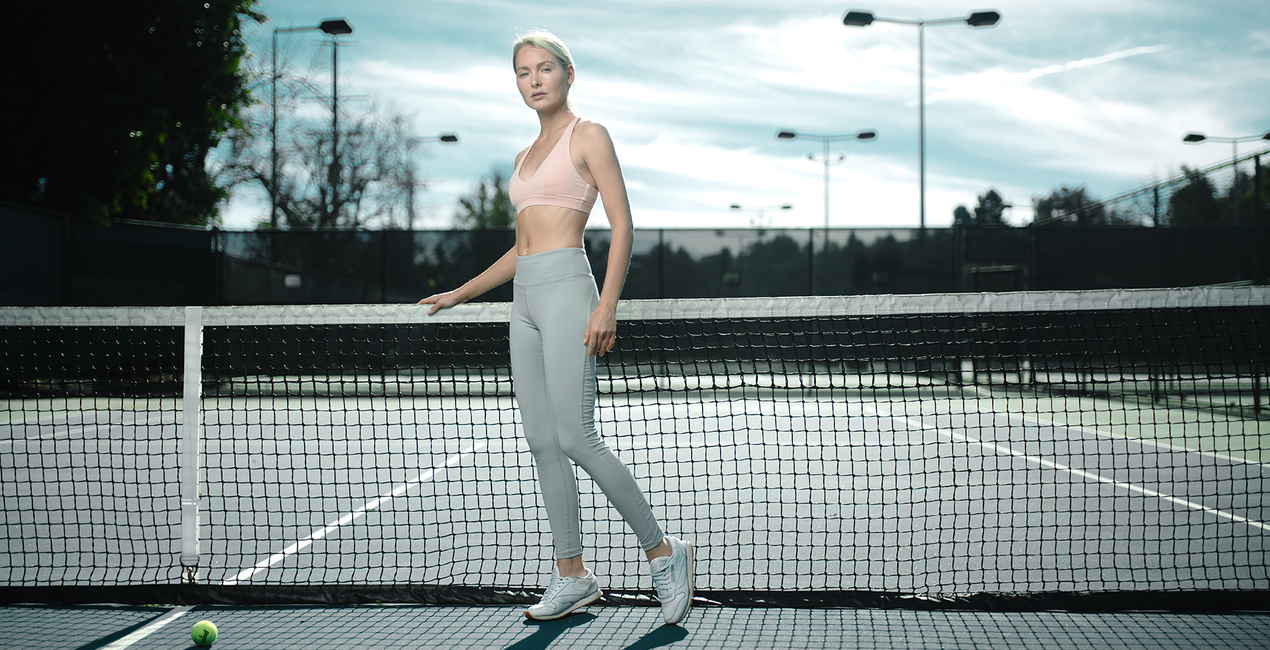
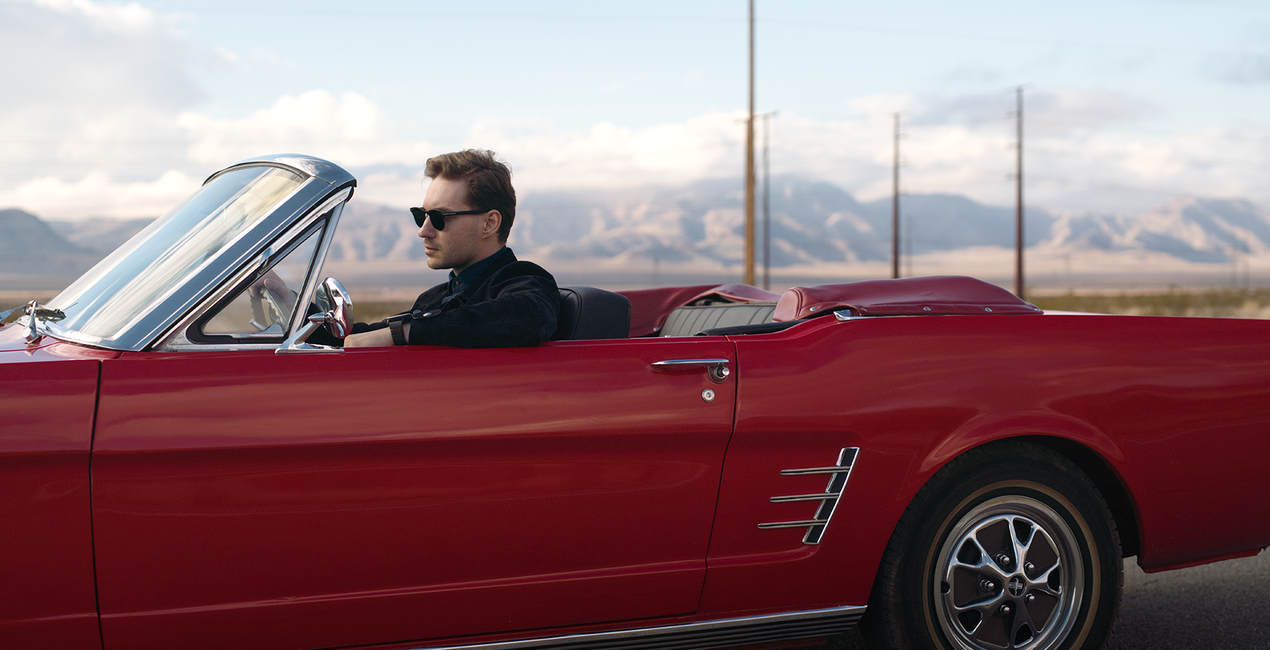
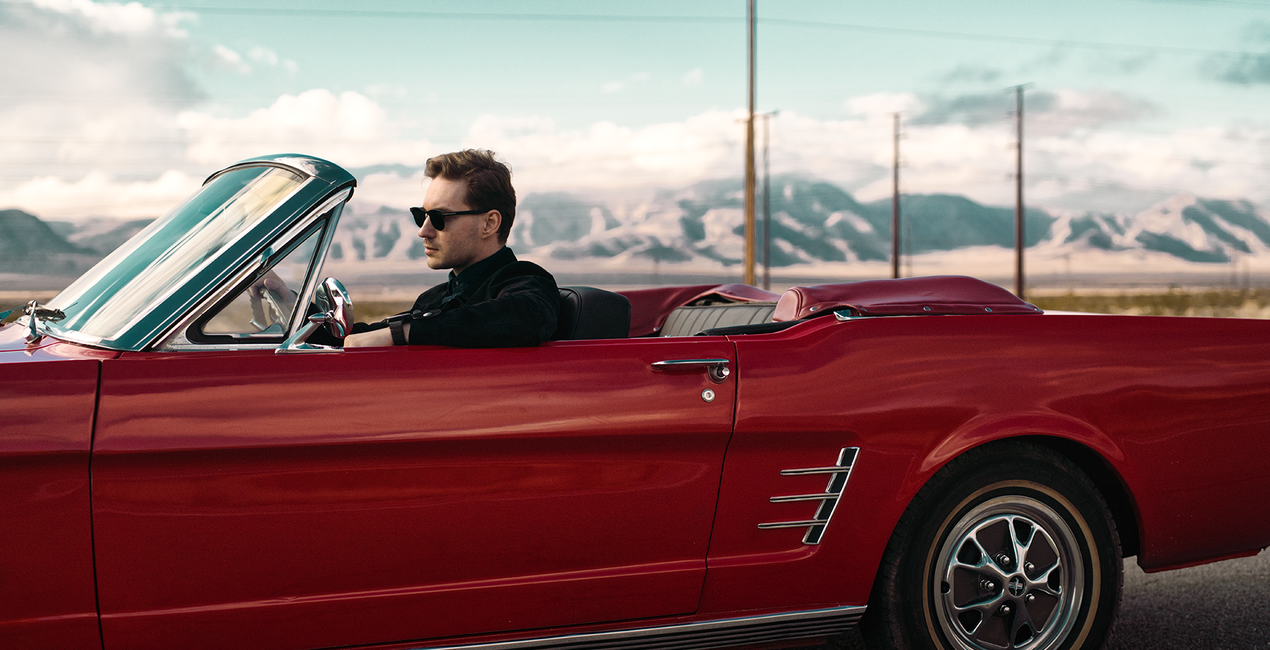
Movies are a source of endless visual and aesthetic inspiration for photographers. New ideas for creating images can come from the cinematography, costume, set design or story. Together with Los-Angeles based commercial photographer, Ilya Nodia, we’ve made a set of red carpet movies inspired looks and presets, which we are releasing in time for this year’s Academy Awards.


Mit den mitgelieferten RAW-Dateien kannst du ganz einfach Retusche-Tipps ausprobieren und lernen, wie man solche Fotos macht.
 >
>

 >
>

 >
>
 >
>

 >
>
 >
>

 >
>
Together with Los-Angeles based commercial photographer, Ilya Nodia, we've recently created a set of Hollywood-inspired looks for Luminar and Lightroom, based around 12 outstanding movies to give the photos those signature cinematic looks we admire in award-winning movies.From the dramatic atmosphere of a post-apocalyptic landscape, through the old-school grainy look, to the subtle vibrancy of road movies, the new looks have it all.“Cinematography is very diverse, and I wanted to show different stories. We have very static ones (where time stands still), like the one with My Name is Max, or super-dynamic, like the shots with a guy in a car and a wrestler. Here we have a set of radically different colors and approach to shooting, but all of them are brought together by this special cinematic style,” Ilya says.He goes on to give a word of caution, however: “The presets alone are not enough to recreate such photos. The shooting style and lighting need to be the same as the movie the Look is meant to replicate. For example, if you want to get a photo with a Bourne Identity style, (cold, with greenish mid-tones, and shot in cloudy weather) you need to plan and style the shoot accordingly. For instance, you might want to have it outdoors, carefully select the heroes for the shoot, and think of all those little details that make it all look consistent.”The pack includes Luminar Looks, Lightroom Presets and Custom Profiles (Lightroom Classic CC and Lightroom CC compatible. They are all inspired by the same movies, though there might be a slight difference in the final looks. 4 out of 12 Looks are free.
Fotografen, Coloristen & Retuscheure
Skylum arbeitet mit hunderten von professionellen Fotografen und Retuscheuren zusammen, um dir einzigartige Vorlagen zu liefern, welche die Top-Fotografen für die Erstellung ihrer Meisterwerke verwenden. Das Skylum AI Lab analysiert die Fotos und die Workflows der Fotografen und erstellt Vorlagen, die für alle einfach anwendbar sind und welche die Vorteile der modernen Technik von Luminar AI nutzen. Wir möchten den Zeit- und Arbeitsaufwand für die Erstellung eines eindrucksvollen Fotos reduzieren und es somit jedem ermöglichen, Spaß an der Fotobearbeitung und Fotografie zu haben.
Wenn du Fragen zum Produkt hast, kannst du dich rund um die Uhr an den Support wenden. Folge einfach diesem Link.
Um Cinematic Color Looks zu kaufen, gehe wie folgt vor:
1. Öffne den Skylum-Marktplatz.
2. Geh zum gewünschten Tab, auf dem Cinematic Color Looks aufgeführt ist. Klicke darauf und lege es in deinen Warenkorb.
3. Geh zu deinem Warenkorb. Schließe hier den Kaufvorgang für Cinematic Color Looks ab.
4. Nach dem Kauf erhältst du eine Bestätigungs-E-Mail mit dem Download-Link für Cinematic Color Looks. Außerdem findest du den neuen Artikel in deinem Skylum-Konto auf dem Tab „Meine Add-ons”.
Detaillierte Anweisungen zur Installation von Cinematic Color Looks erhältst du in der Bestätigungs-E-Mail zusammen mit dem Download-Link.
Außerdem kannst du den gekauften Artikel direkt in Luminar Neo installieren: Geh zu „Extras“ > „Marktplatz“, wähle die Produktkategorie aus, suche den gekauften Artikel und klicke auf „Installieren“.
Das ist ganz einfach! Laden Sie zunächst das Paket unter „Mein Konto > Meine Add-ons“ herunter. Befolgen Sie dann die Installationsanweisungen im heruntergeladenen Ordner. Da für jeden Asset-Typ möglicherweise eigene Installationsschritte gelten, lesen Sie bitte unbedingt die beiliegende Anleitung
Keine Sorge. Alle gekauften Artikel, einschließlich Cinematic Color Looks, werden auf dem Tab „Meine Add-ons“ deines Skylum-Kontos gespeichert, sodass du sie einfach erneut herunterladen und verwenden kannst.
Im Allgemeinen sind die meisten Artikel mit Luminar Neo kompatibel. Um jedoch sicherzustellen, dass Cinematic Color Looks mit deiner Software kompatibel ist, überprüfe vor dem Herunterladen oder Kauf die technischen Daten. Suche den Abschnitt „Kompatibilität“ auf der rechten Seite der Cinematic Color Looks-Seite, wo alle kompatiblen Produkte aufgelistet sind.
Geh noch nicht. Hier ist ein exklusiver Rabattcode für dich. Nutze ihn innerhalb der nächsten 15 Minuten, um an der Kasse zusätzliche 10 % Rabatt zu erhalten. Kopiere den unten stehenden Code und schließe deinen Einkauf ab.
15 m : 00 s





