


 Angewendet


Kunst der Astrofotografie
Save $201 $ 15 .00

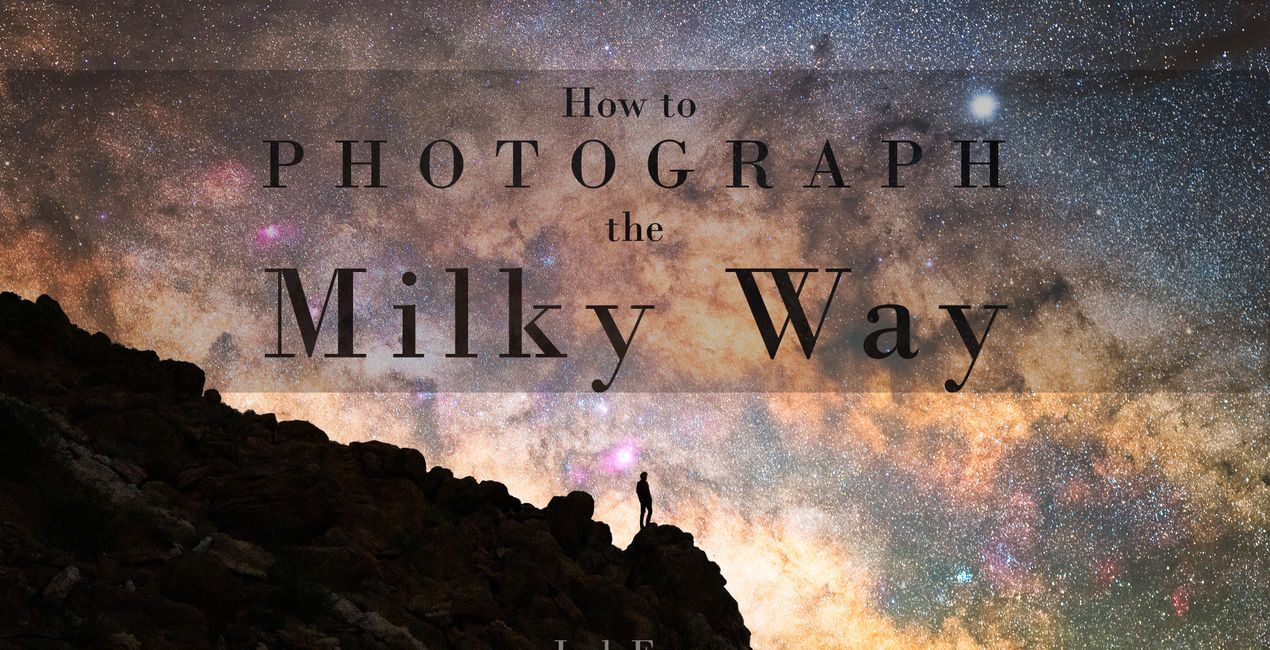
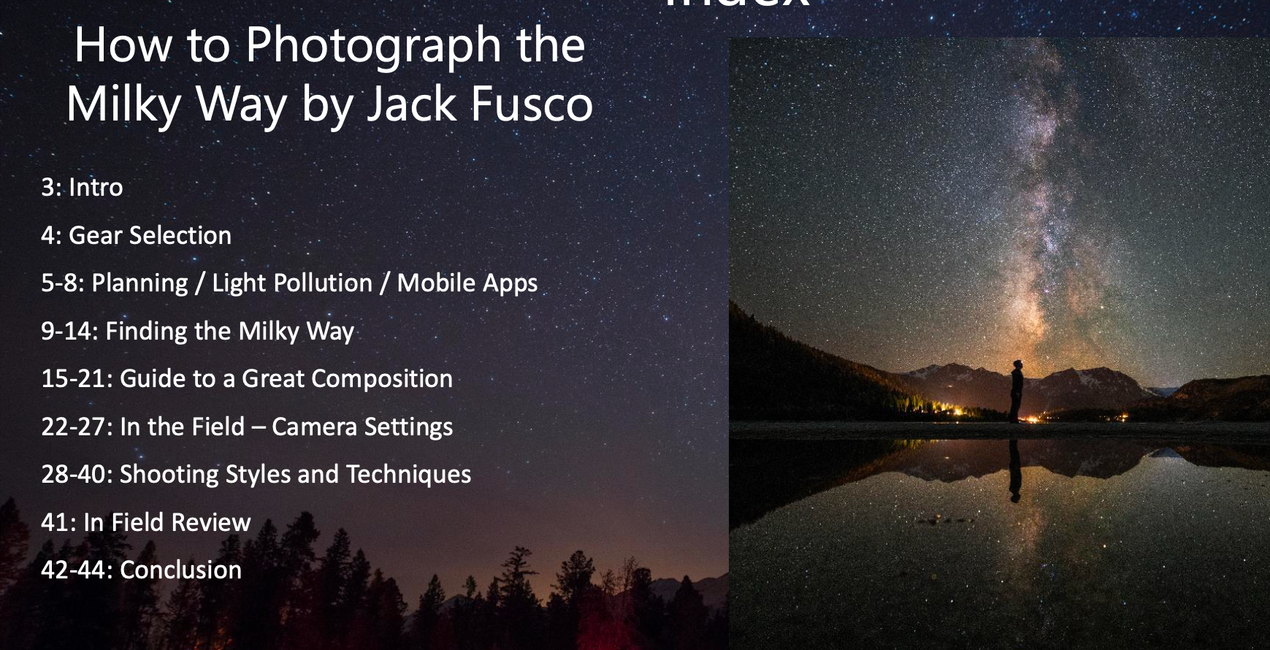
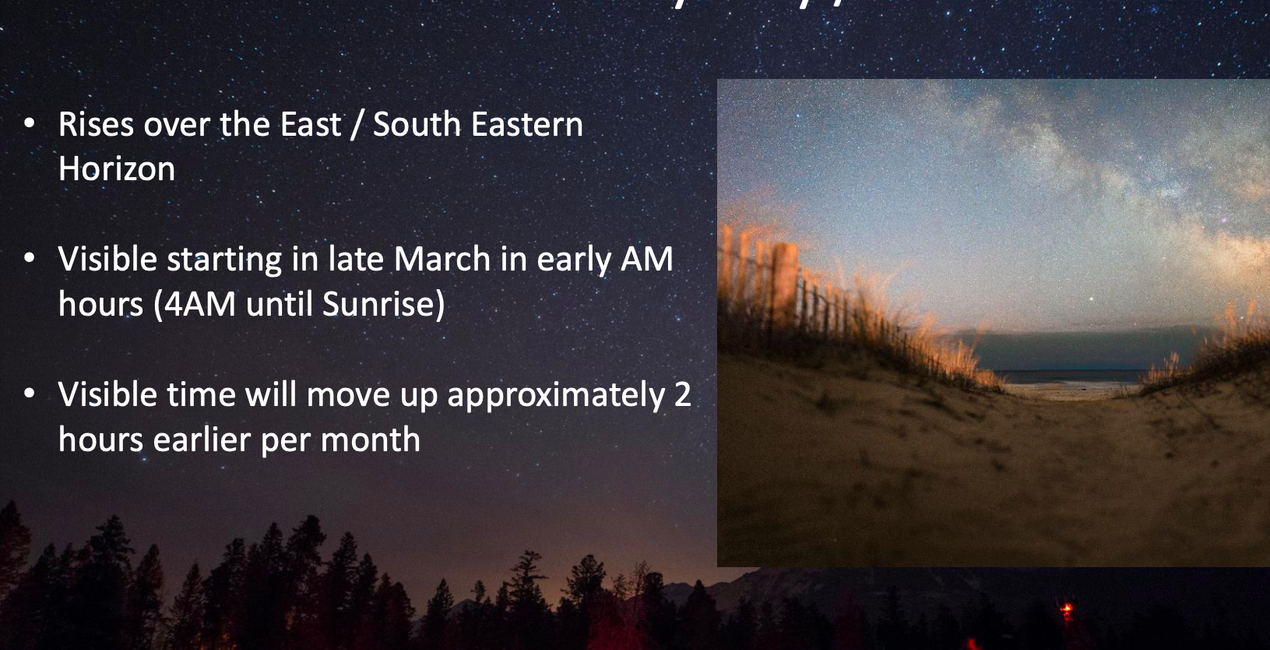
Erstelle mit der Kombination von Jack Fuscos Vorlagen „Auf der Jagd nach der Milchstrasse“ und seinem eBook „Kunst der Astrofotografie“ noch mehr fantastische Nachtaufnahmen. Entdecke die beste Ausrüstung, wie man die besten Orte findet, wie man das Bild am besten aufbaut und wie man Astrofotos, die jeden zum Träumen bringen, aufnimmt und bearbeitet.
Was ist dabei
E-books in the following formats: PDF.


Mit den mitgelieferten RAW-Dateien kannst du ganz einfach Retusche-Tipps ausprobieren und lernen, wie man solche Fotos macht.
Astrophotographer & Timelapser
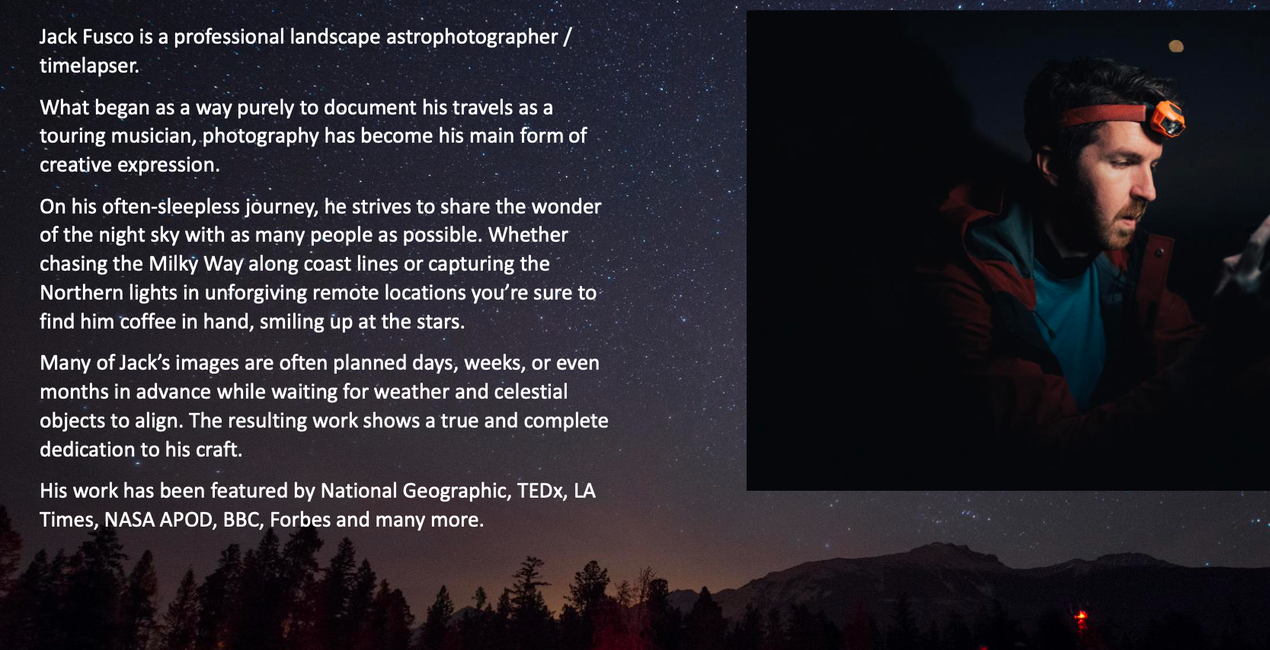
Jack Fusco is a landscape astrophotographer and timelapser based out of San Diego, California. For Jack, photography began as a way to document his travels as a touring musician, but it has become his main form of creative expression.
On his often-sleepless journeys, Jack strives to share the wonder of the night sky with as many people as possible. Whether chasing the Milky Way along coastlines or capturing the northern lights in unforgiving remote locations, he’s sure to have coffee in hand and be smiling up at the stars.
Many of Jack’s images are planned days, weeks, or even months in advance while waiting for weather and celestial objects to align. The resulting work shows a true and complete dedication to his craft.
Jack’s work has been featured by National Geographic, TEDx, the LA Times, NASA APOD, the BBC, Forbes, and many more publications.
Wenn du Fragen zum Produkt hast, kannst du dich rund um die Uhr an den Support wenden. Folge einfach diesem Link.
Unmittelbar nach dem Kauf von Art of Astrophotography erhältst du eine Bestätigungs-E-Mail mit einem Download-Link. Der Artikel ist auch auf dem Tab „Meine Add-ons“ deines Skylum-Kontos verfügbar und kann einfach auf deinen Computer heruntergeladen werden.
Nach dem Herunterladen findest du dein Art of Astrophotography im Ordner „Downloads” deines Computers. Dies ist der Standardspeicherort, an dem heruntergeladene Dateien normalerweise gespeichert werden.
Keine Sorge. Alle gekauften Artikel, einschließlich Art of Astrophotography, werden auf dem Tab „Meine Add-ons” deines Skylum-Kontos gespeichert, sodass du sie einfach erneut herunterladen und verwenden kannst.
Geh noch nicht. Hier ist ein exklusiver Rabattcode für dich. Nutze ihn innerhalb der nächsten 15 Minuten, um an der Kasse zusätzliche 10 % Rabatt zu erhalten. Kopiere den unten stehenden Code und schließe deinen Einkauf ab.
15 m : 00 s





